Rapid Prototyping for XR: Lecture 1 Introduction to Prototyping
Lecture 1 of a course on Rapid Prototyping for XR taught by Mark Billinghurst at Oulu University on June 9th, 2025. This lecture presents an Introduction to Prototyping.
Tom Chi’s PrototypingRules
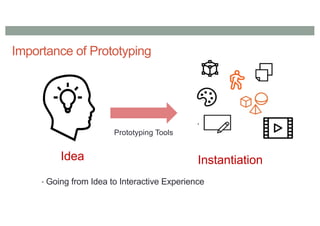
1. Find the quickest path to experience
2. Doing is the best kind of thinking
3. Use materials that move at the speed of
thought to maximize your rate of learning
What to do?
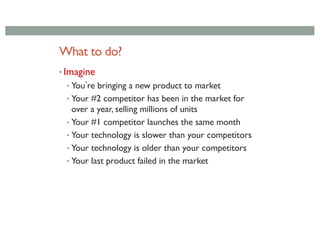
•Imagine
• Youʼre bringing a new product to market
• Your #2 competitor has been in the market for
over a year, selling millions of units
• Your #1 competitor launches the same month
• Your technology is slower than your competitors
• Your technology is older than your competitors
• Your last product failed in the market
27.
• Do youcompete on Price ?
• Do you compete on Technology ?
• Do you compete on Features ?
Wrong: Compete on user experience !
29.
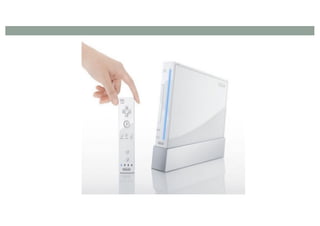
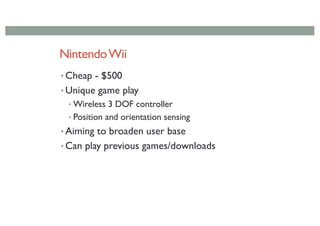
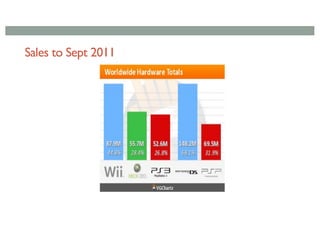
NintendoWii
• Cheap -$500
• Unique game play
• Wireless 3 DOF controller
• Position and orientation sensing
• Aiming to broaden user base
• Can play previous games/downloads
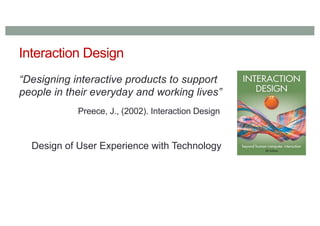
Interaction Design
“Designing interactiveproducts to support
people in their everyday and working lives”
Preece, J., (2002). Interaction Design
Design of User Experience with Technology
38.
Bill Verplank onInteraction Design
https://www.youtube.com/watch?v=Gk6XAmALOWI
39.
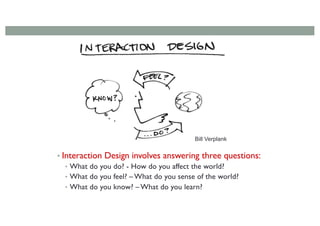
• Interaction Designinvolves answering three questions:
• What do you do? - How do you affect the world?
• What do you feel? – What do you sense of the world?
• What do you know? – What do you learn?
Bill Verplank
40.
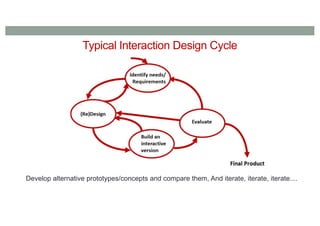
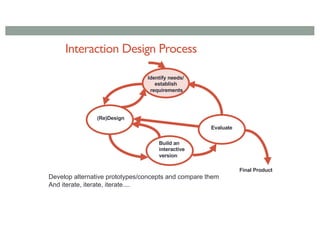
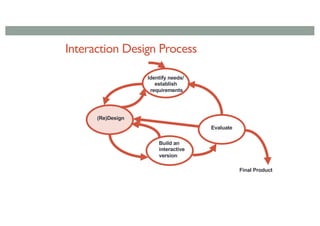
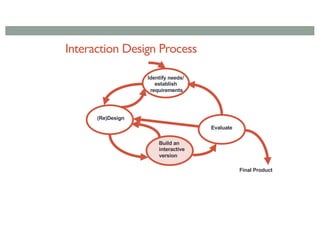
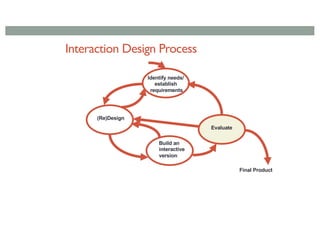
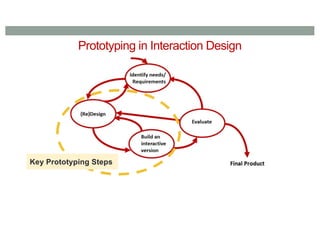
Typical Interaction DesignCycle
Develop alternative prototypes/concepts and compare them, And iterate, iterate, iterate....
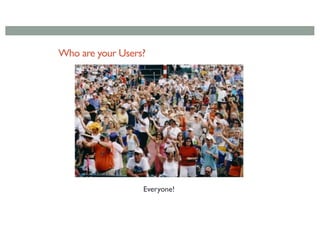
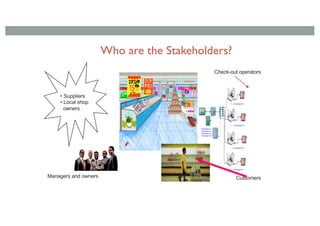
Who REALLY areyour Users/Stakeholders?
•Not as obvious as you think:
— those who interact directly with the product
— those who manage direct users
— those who receive output from the product
— those who make the purchasing decision
— those who use competitor’s products
•Three categories of user (Eason, 1987):
— primary: frequent hands-on
— secondary: occasional or via someone else
— tertiary: affected by its introduction, or will influence its purchase
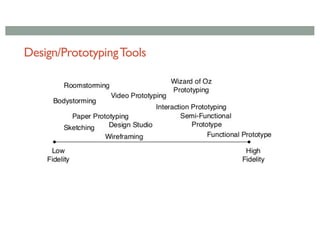
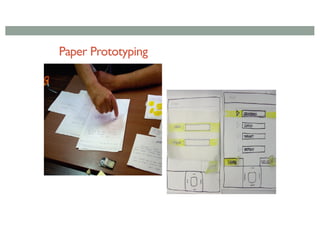
Paper Prototyping (LowFidelity)
Quick and simple means of sketching interfaces
Use office materials
Easier to criticize, quick to change
Creative process (develop in team)
Can also use for usability test (focus on interaction flow)
Used a lot to test out concepts before real design begins.
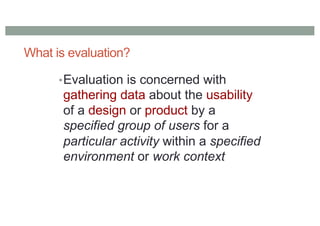
What is evaluation?
•Evaluationis concerned with
gathering data about the usability
of a design or product by a
specified group of users for a
particular activity within a specified
environment or work context
69.
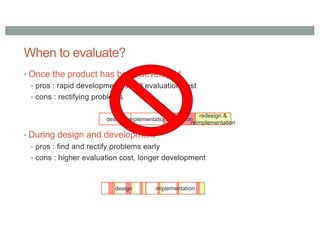
When to evaluate?
•Once the product has been developed
• pros : rapid development, small evaluation cost
• cons : rectifying problems
• During design and development
• pros : find and rectify problems early
• cons : higher evaluation cost, longer development
design implementationevaluation
redesign &
reimplementation
design implementation
Quick and dirty
•‘quick & dirty’ evaluation: informal feedback from
users or consultants to confirm that their ideas are
in-line with users’ needs and are liked.
• Quick & dirty evaluations are done any time.
• Emphasis is on fast input to the design process
rather than carefully documented findings.
72.
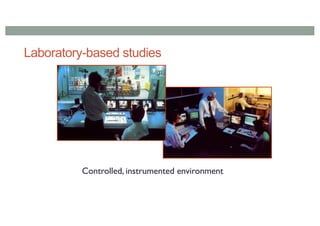
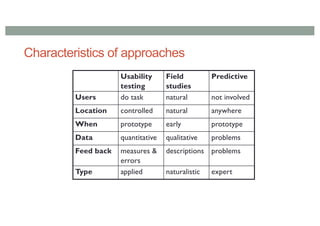
Formal Usability Testing
•Recording typical users’ performance on typical tasks in
controlled settings. Field observations may be used.
• As the users perform these tasks they are watched &
recorded on video & their key presses are logged.
• This data is used to calculate performance times, errors &
help explain why the users did what they did.
• User satisfaction questionnaires & interviews are used to
elicit users’ opinions.
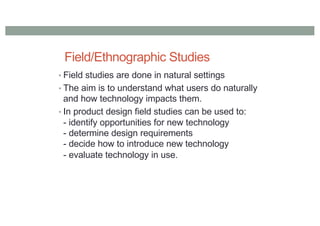
Field/Ethnographic Studies
• Fieldstudies are done in natural settings
• The aim is to understand what users do naturally
and how technology impacts them.
• In product design field studies can be used to:
- identify opportunities for new technology
- determine design requirements
- decide how to introduce new technology
- evaluate technology in use.
75.
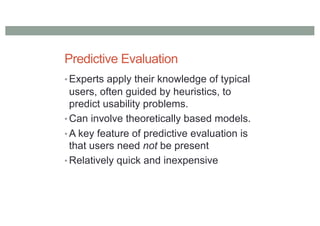
Predictive Evaluation
• Expertsapply their knowledge of typical
users, often guided by heuristics, to
predict usability problems.
• Can involve theoretically based models.
• A key feature of predictive evaluation is
that users need not be present
• Relatively quick and inexpensive
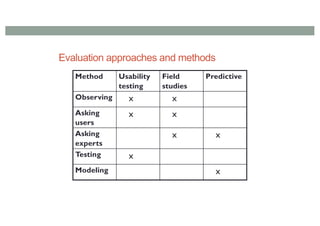
Evaluation approaches andmethods
Method Usability
testing
Field
studies
Predictive
Observing x x
Asking
users
x x
Asking
experts
x x
Testing x
Modeling x
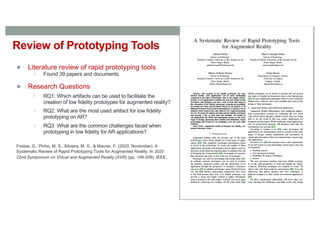
Review of PrototypingTools
● Literature review of rapid prototyping tools
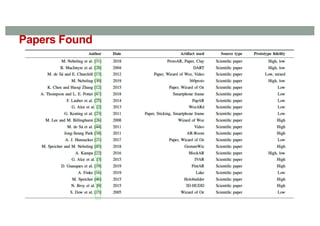
○ Found 39 papers and documents
● Research Questions
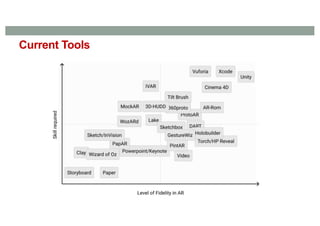
○ RQ1: Which artifacts can be used to facilitate the
creation of low fidelity prototypes for augmented reality?
○ RQ2: What are the most used artifact for low fidelity
prototyping on AR?
○ RQ3: What are the common challenges faced when
prototyping in low fidelity for AR applications?
Freitas, G., Pinho, M. S., Silveira, M. S., & Maurer, F. (2020, November). A
Systematic Review of Rapid Prototyping Tools for Augmented Reality. In 2020
22nd Symposium on Virtual and Augmented Reality (SVR) (pp. 199-209). IEEE.
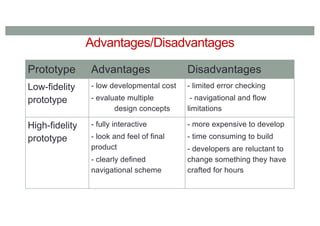
Advantages/Disadvantages
Prototype Advantages Disadvantages
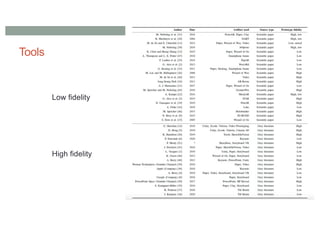
Low-fidelity
prototype
-low developmental cost
- evaluate multiple
design concepts
- limited error checking
- navigational and flow
limitations
High-fidelity
prototype
- fully interactive
- look and feel of final
product
- clearly defined
navigational scheme
- more expensive to develop
- time consuming to build
- developers are reluctant to
change something they have
crafted for hours
91.
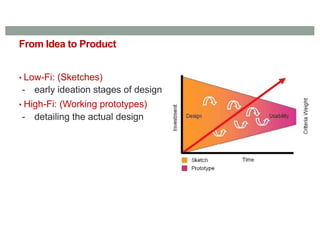
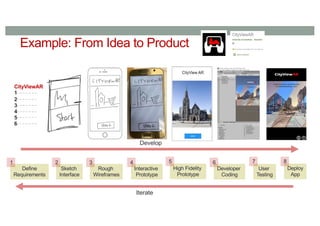
From Idea toProduct
• Low-Fi: (Sketches)
- early ideation stages of design
• High-Fi: (Working prototypes)
- detailing the actual design
92.
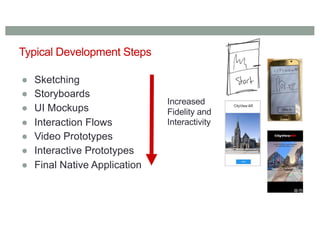
Typical Development Steps
●Sketching
● Storyboards
● UI Mockups
● Interaction Flows
● Video Prototypes
● Interactive Prototypes
● Final Native Application
Increased
Fidelity and
Interactivity
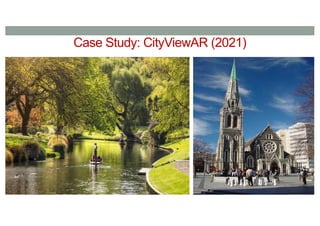
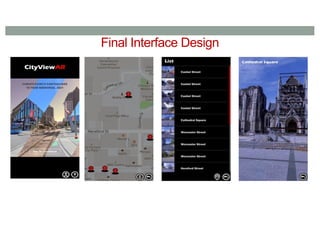
CityViewAR Application
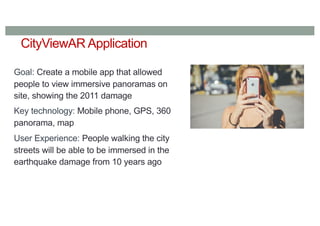
Goal: Createa mobile app that allowed
people to view immersive panoramas on
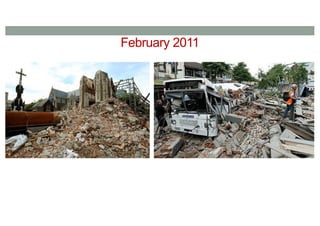
site, showing the 2011 damage
Key technology: Mobile phone, GPS, 360
panorama, map
User Experience: People walking the city
streets will be able to be immersed in the
earthquake damage from 10 years ago
96.
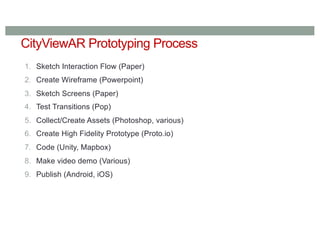
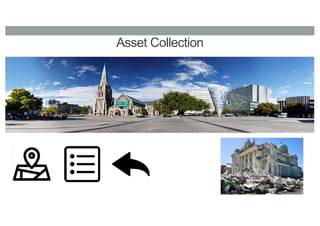
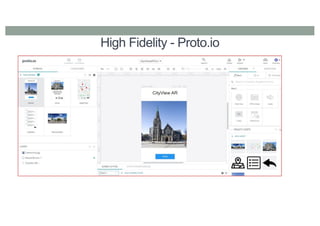
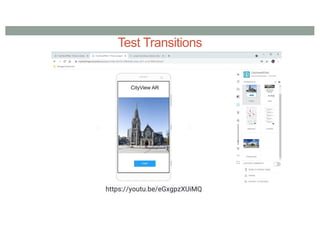
CityViewAR Prototyping Process
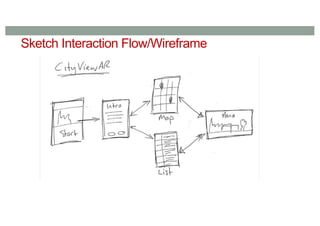
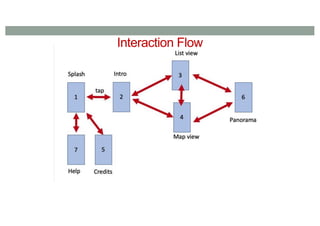
1.Sketch Interaction Flow (Paper)
2. Create Wireframe (Powerpoint)
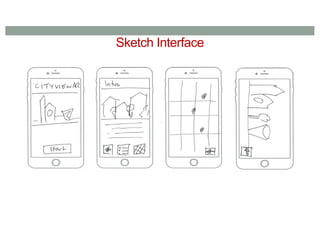
3. Sketch Screens (Paper)
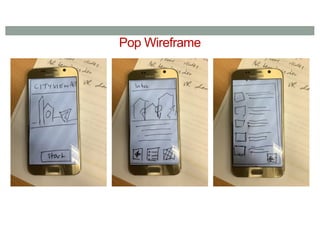
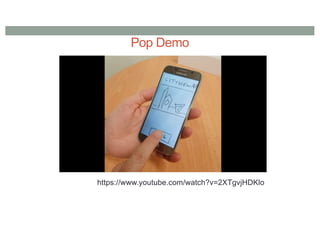
4. Test Transitions (Pop)
5. Collect/Create Assets (Photoshop, various)
6. Create High Fidelity Prototype (Proto.io)
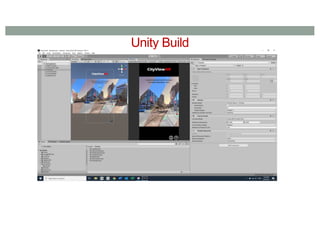
7. Code (Unity, Mapbox)
8. Make video demo (Various)
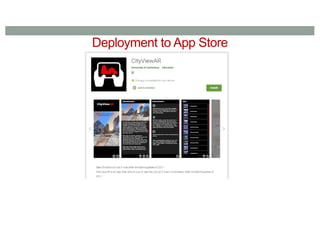
9. Publish (Android, iOS)
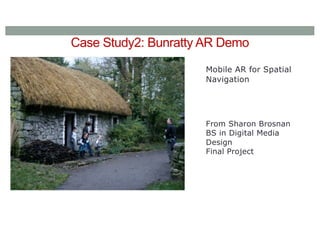
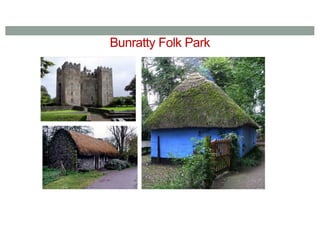
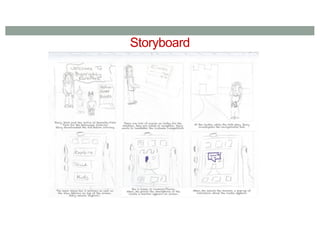
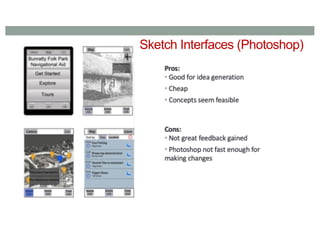
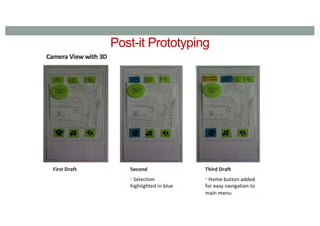
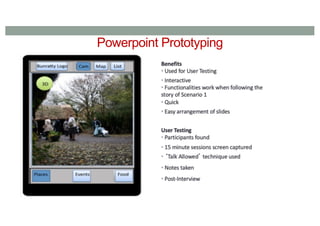
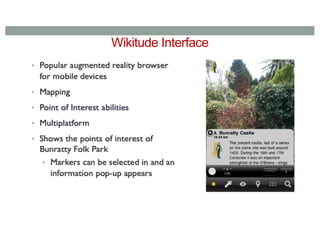
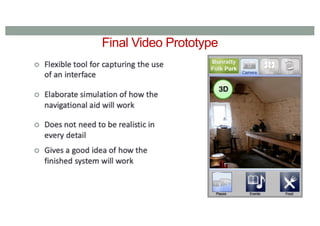
AR Navigational Aidfor Bunratty
Goal of the Navigational Aid
• Easy to use, clear and understandable
• Useful to visitors
• Creating interaction between the visitor and the aid through the user interface
• Engage the visitor
To ensure this…
• It is necessary to understand the visitor of a navigational aid in Bunratty Folk
Park
• Identify visitor motives and goals while going through the Folk Park.