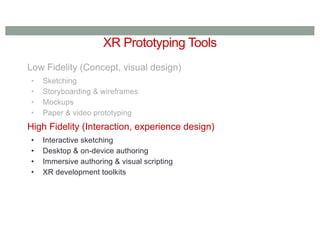
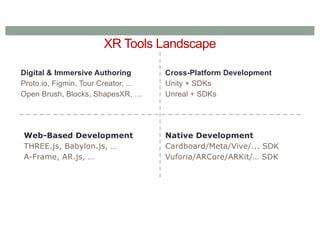
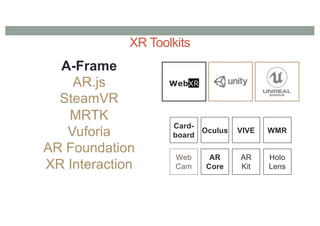
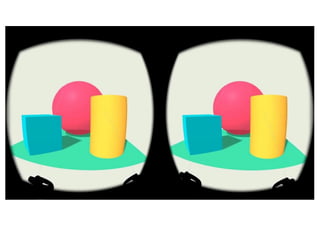
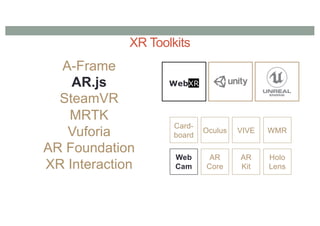
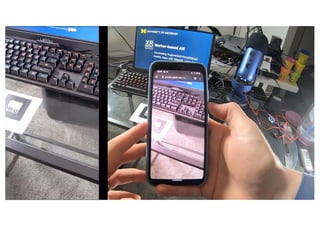
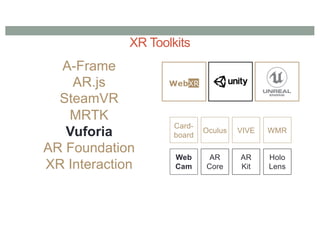
XR Tools Landscape
Digital& Immersive Authoring
Proto.io, Figmin, Tour Creator, ...
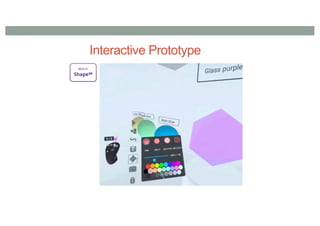
Open Brush, Blocks, ShapesXR, …
Web-Based Development
THREE.js, Babylon.js, …
A-Frame, AR.js, …
Cross-Platform Development
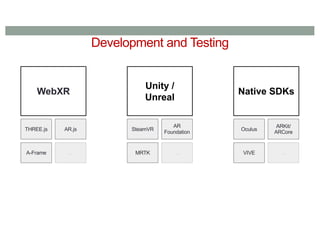
Unity + SDKs
Unreal + SDKs
Native Development
Cardboard/Meta/Vive/... SDK
Vuforia/ARCore/ARKit/… SDK
7.
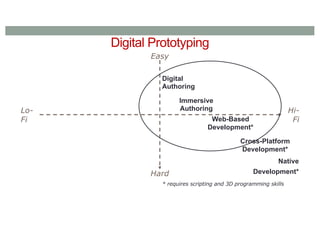
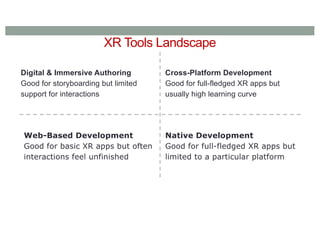
XR Tools Landscape
Digital& Immersive Authoring
Good for storyboarding but limited
support for interactions
Web-Based Development
Good for basic XR apps but often
interactions feel unfinished
Native Development
Good for full-fledged XR apps but
limited to a particular platform
Cross-Platform Development
Good for full-fledged XR apps but
usually high learning curve
8.
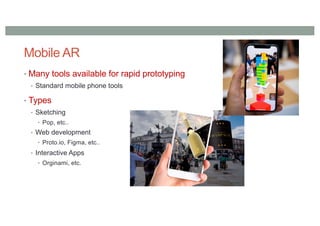
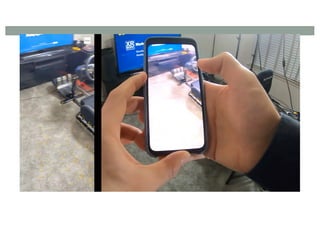
Mobile AR
• Manytools available for rapid prototyping
• Standard mobile phone tools
• Types
• Sketching
• Pop, etc..
• Web development
• Proto.io, Figma, etc..
• Interactive Apps
• Orginami, etc.
9.
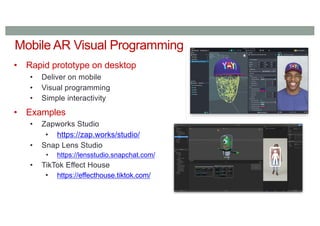
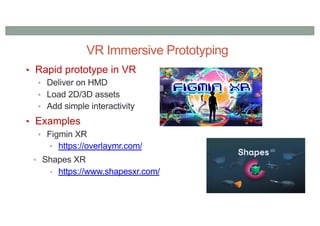
Mobile AR VisualProgramming
• Rapid prototype on desktop
• Deliver on mobile
• Visual programming
• Simple interactivity
• Examples
• Zapworks Studio
• https://zap.works/studio/
• Snap Lens Studio
• https://lensstudio.snapchat.com/
• TikTok Effect House
• https://effecthouse.tiktok.com/
10.
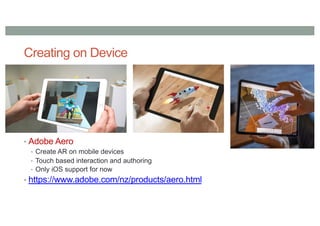
Creating on Device
•Adobe Aero
• Create AR on mobile devices
• Touch based interaction and authoring
• Only iOS support for now
• https://www.adobe.com/nz/products/aero.html
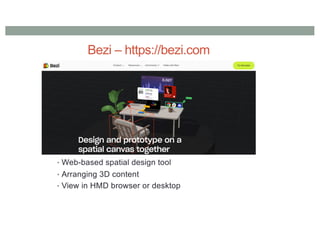
Bezi – https://bezi.com
•Web-based spatial design tool
• Arranging 3D content
• View in HMD browser or desktop
13.
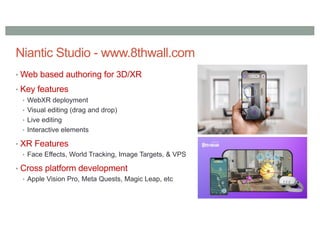
Niantic Studio -www.8thwall.com
• Web based authoring for 3D/XR
• Key features
• WebXR deployment
• Visual editing (drag and drop)
• Live editing
• Interactive elements
• XR Features
• Face Effects, World Tracking, Image Targets, & VPS
• Cross platform development
• Apple Vision Pro, Meta Quests, Magic Leap, etc
14.
Piggyback Prototyping
• Createprototype on top of existing application
• Many applications have creator tools that are geared towards
novices
• Benefit from existing social platform and user base
• Examples
• Snapchat Lens Studio & Snapchat platform
• Minecraft VR/AR & Minecraft platform
• https://www.minecraft.net/en-us/vr
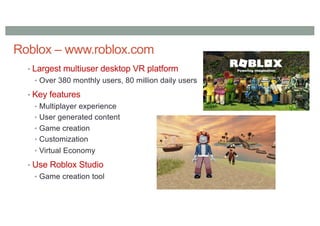
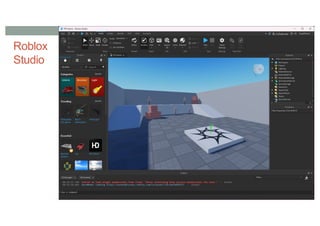
• Roblox Creator Hub/Roblox Studio
• https://create.roblox.com/landing
• Rec Room Creator Kit & Rec Room platform
• https://recroom.com/kit
15.
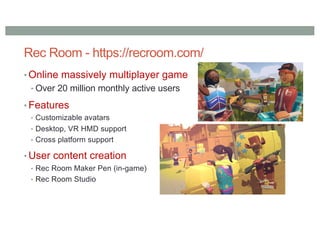
Rec Room -https://recroom.com/
• Online massively multiplayer game
• Over 20 million monthly active users
• Features
• Customizable avatars
• Desktop, VR HMD support
• Cross platform support
• User content creation
• Rec Room Maker Pen (in-game)
• Rec Room Studio
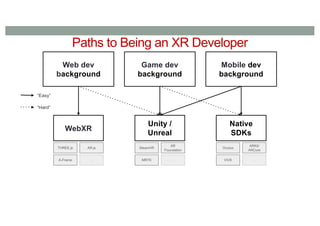
Paths to Beingan XR Developer
Web dev
background
Game dev
background
Mobile dev
background
“Easy”
“Hard”
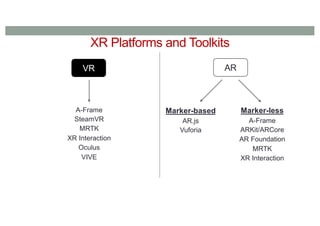
WebXR
THREE.js AR.js
A-Frame ...
Unity /
Unreal
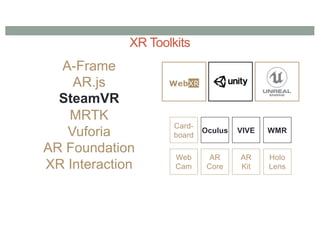
SteamVR
AR
Foundation
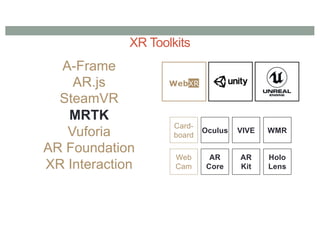
MRTK ...
Native
SDKs
Oculus
ARKit/
ARCore
VIVE ...
24.
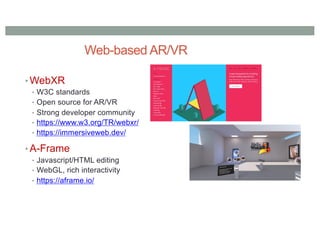
Web-based AR/VR
• WebXR
•W3C standards
• Open source for AR/VR
• Strong developer community
• https://www.w3.org/TR/webxr/
• https://immersiveweb.dev/
• A-Frame
• Javascript/HTML editing
• WebGL, rich interactivity
• https://aframe.io/
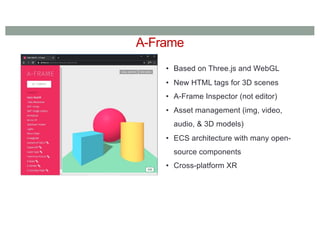
A-Frame
• Based onThree.js and WebGL
• New HTML tags for 3D scenes
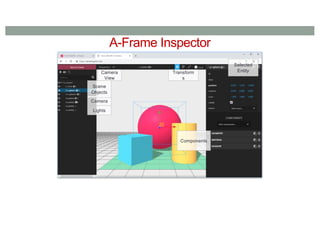
• A-Frame Inspector (not editor)
• Asset management (img, video,
audio, & 3D models)
• ECS architecture with many open-
source components
• Cross-platform XR
27.
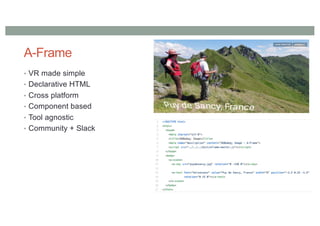
A-Frame
• VR madesimple
• Declarative HTML
• Cross platform
• Component based
• Tool agnostic
• Community + Slack
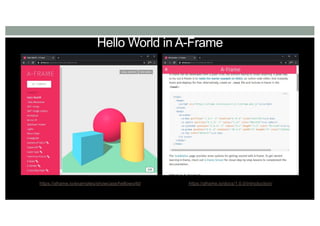
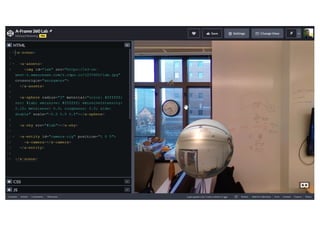
Hello World inA-Frame
https://aframe.io/examples/showcase/helloworld/ https://aframe.io/docs/1.0.0/introduction/
35.
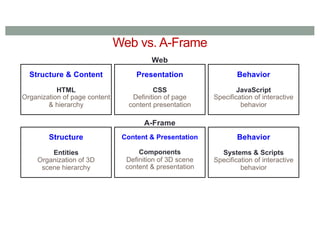
Web vs. A-Frame
Structure& Content
HTML
Organization of page content
& hierarchy
Presentation
CSS
Definition of page
content presentation
Behavior
JavaScript
Specification of interactive
behavior
Web
A-Frame
Structure
Entities
Organization of 3D
scene hierarchy
Content & Presentation
Components
Definition of 3D scene
content & presentation
Behavior
Systems & Scripts
Specification of interactive
behavior
36.
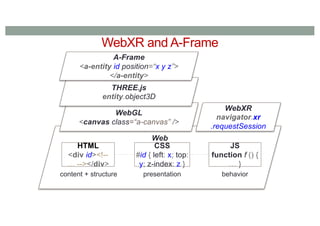
WebXR and A-Frame
Web
HTML
<divid><!--
… --></div>
CSS
#id { left: x; top:
y; z-index: z }
JS
function f () {
… }
content + structure presentation behavior
WebXR
navigator.xr
.requestSession
WebGL
<canvas class=“a-canvas” />
THREE.js
entity.object3D
A-Frame
<a-entity id position=“x y z”>
</a-entity>
37.
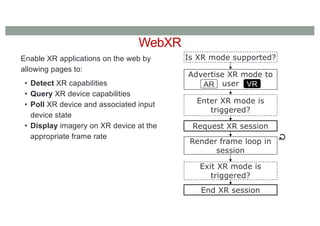
WebXR
Enable XR applicationson the web by
allowing pages to:
• Detect XR capabilities
• Query XR device capabilities
• Poll XR device and associated input
device state
• Display imagery on XR device at the
appropriate frame rate
Is XR mode supported?
Advertise XR mode to
user
AR VR
Enter XR mode is
triggered?
Request XR session
Render frame loop in
session
Exit XR mode is
triggered?
End XR session
↻
38.
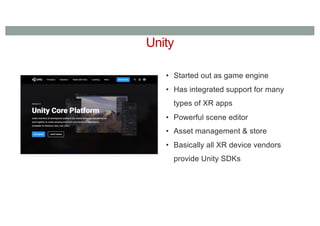
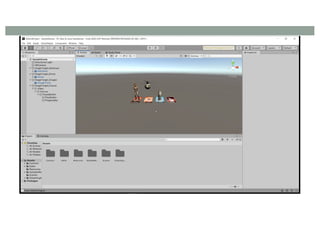
Unity
• Started outas game engine
• Has integrated support for many
types of XR apps
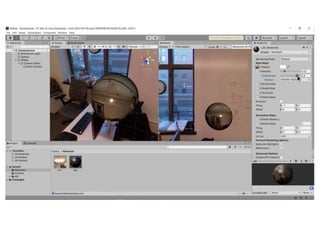
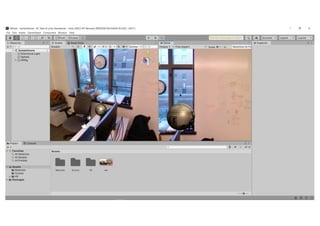
• Powerful scene editor
• Asset management & store
• Basically all XR device vendors
provide Unity SDKs
41.
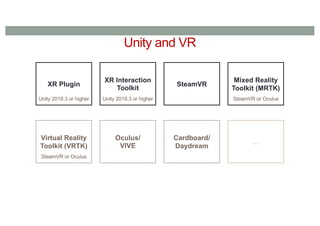
Unity and VR
XRPlugin
Unity 2019.3 or higher
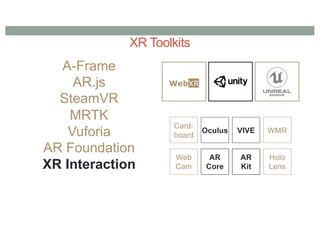
XR Interaction
Toolkit
Unity 2019.3 or higher
SteamVR
Mixed Reality
Toolkit (MRTK)
SteamVR or Oculus
Virtual Reality
Toolkit (VRTK)
SteamVR or Oculus
Oculus/
VIVE
Cardboard/
Daydream
...
42.
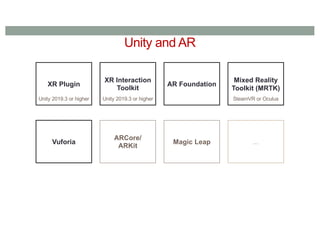
Unity and AR
XRPlugin
Unity 2019.3 or higher
XR Interaction
Toolkit
Unity 2019.3 or higher
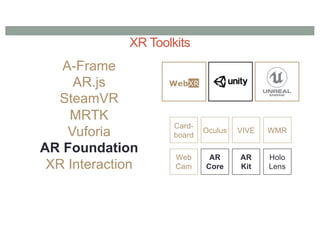
AR Foundation
Mixed Reality
Toolkit (MRTK)
SteamVR or Oculus
Vuforia
ARCore/
ARKit
Magic Leap ...
43.
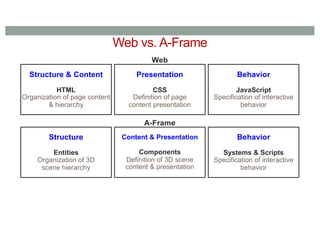
Web vs. A-Frame
Structure& Content
HTML
Organization of page content
& hierarchy
Presentation
CSS
Definition of page
content presentation
Behavior
JavaScript
Specification of interactive
behavior
Web
A-Frame
Structure
Entities
Organization of 3D
scene hierarchy
Content & Presentation
Components
Definition of 3D scene
content & presentation
Behavior
Systems & Scripts
Specification of interactive
behavior
44.
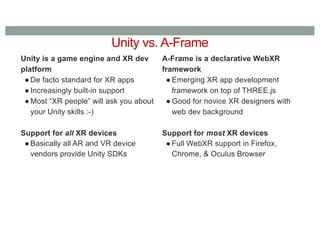
Unity vs. A-Frame
Unityis a game engine and XR dev
platform
● De facto standard for XR apps
● Increasingly built-in support
● Most “XR people” will ask you about
your Unity skills :-)
Support for all XR devices
● Basically all AR and VR device
vendors provide Unity SDKs
A-Frame is a declarative WebXR
framework
● Emerging XR app development
framework on top of THREE.js
● Good for novice XR designers with
web dev background
Support for most XR devices
● Full WebXR support in Firefox,
Chrome, & Oculus Browser
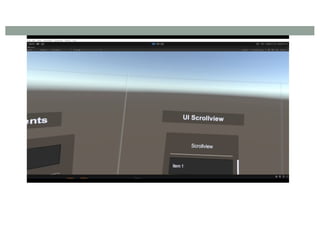
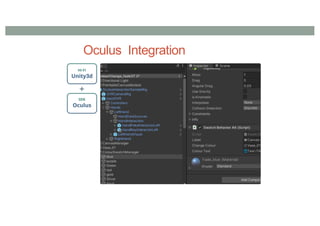
Unity XR InteractionToolkit
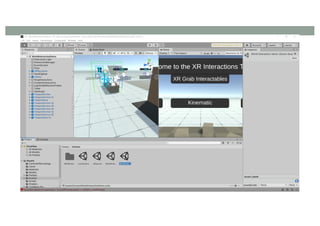
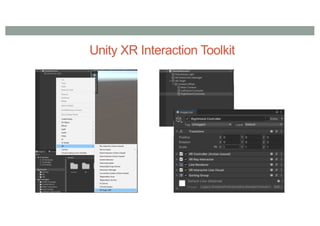
• High level, component-based, interaction system for XR experiences.
• Enables 3D and UI interaction using Unity input events.
• Uses the Unity’s ‘Input System’ package.
• Building upon a sample is the quickest way to start prototyping.
• Prefabs are provided for pre-configured objects/sets of objects.
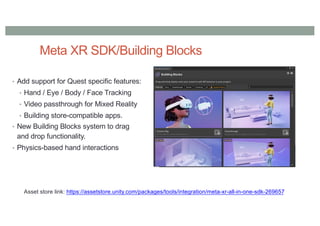
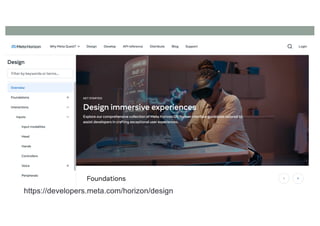
Meta XR SDK/BuildingBlocks
• Add support for Quest specific features:
• Hand / Eye / Body / Face Tracking
• Video passthrough for Mixed Reality
• Building store-compatible apps.
• New Building Blocks system to drag
and drop functionality.
• Physics-based hand interactions
Asset store link: https://assetstore.unity.com/packages/tools/integration/meta-xr-all-in-one-sdk-269657
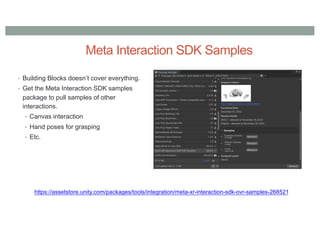
Meta Interaction SDKSamples
• Building Blocks doesn’t cover everything.
• Get the Meta Interaction SDK samples
package to pull samples of other
interactions.
• Canvas interaction
• Hand poses for grasping
• Etc.
https://assetstore.unity.com/packages/tools/integration/meta-xr-interaction-sdk-ovr-samples-268521
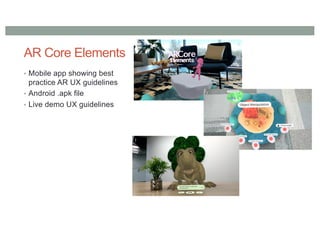
AR Core Elements
•Mobile app showing best
practice AR UX guidelines
• Android .apk file
• Live demo UX guidelines
86.
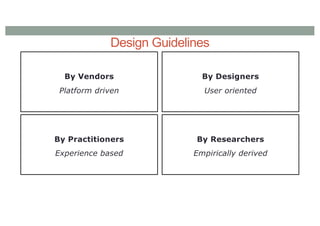
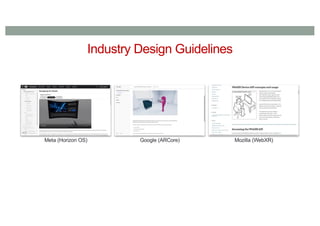
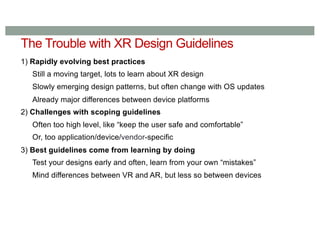
The Trouble withXR Design Guidelines
1) Rapidly evolving best practices
Still a moving target, lots to learn about XR design
Slowly emerging design patterns, but often change with OS updates
Already major differences between device platforms
2) Challenges with scoping guidelines
Often too high level, like “keep the user safe and comfortable”
Or, too application/device/vendor-specific
3) Best guidelines come from learning by doing
Test your designs early and often, learn from your own “mistakes”
Mind differences between VR and AR, but less so between devices
87.
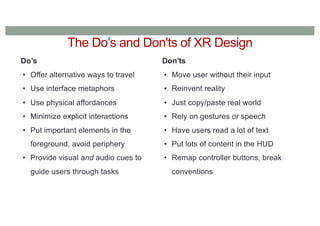
Do’s
• Offer alternativeways to travel
• Use interface metaphors
• Use physical affordances
• Minimize explicit interactions
• Put important elements in the
foreground, avoid periphery
• Provide visual and audio cues to
guide users through tasks
Don'ts
• Move user without their input
• Reinvent reality
• Just copy/paste real world
• Rely on gestures or speech
• Have users read a lot of text
• Put lots of content in the HUD
• Remap controller buttons, break
conventions
The Do’s and Don'ts of XR Design
88.
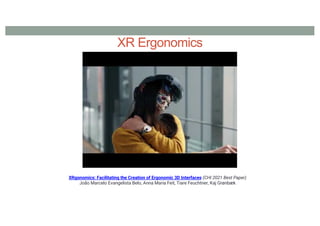
XR Ergonomics
XRgonomics: Facilitatingthe Creation of Ergonomic 3D Interfaces (CHI 2021 Best Paper)
João Marcelo Evangelista Belo, Anna Maria Feit, Tiare Feuchtner, Kaj Grønbæk