1
Presentation
Presented by : Guided by :
ZAKARIA E GHOGHA Madam Shirin
Mechanical Department
SVMIT, BHARUCH.
Roll no.-56
Enrollment no.- 140450119171
2
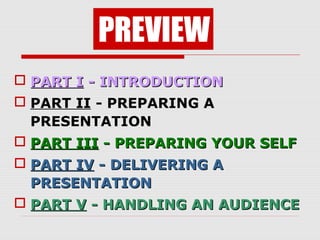
 PART IPART I - INTRODUCTION- INTRODUCTION
 PART II - PREPARING A
PRESENTATION
 PART IIIPART III - PREPARING YOUR SELF- PREPARING YOUR SELF
 PART IVPART IV - DELIVERING A- DELIVERING A
PRESENTATIONPRESENTATION
 PART VPART V - HANDLING AN AUDIENCE- HANDLING AN AUDIENCE
PREVIEW
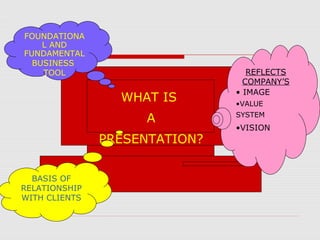
WHAT IS
A
PRESENTATION?
FOUNDATIONA
L AND
FUNDAMENTAL
BUSINESS
TOOL
BASIS OF
RELATIONSHIP
WITH CLIENTS
REFLECTS
COMPANY’S
• IMAGE
•VALUE
SYSTEM
•VISION
What is a presentation?
 It is the process of presenting the
content of a topic to an audience
consisting of one or more persons.
 It utilizes some visual aid.
 It is generally a PowerPoint file
containing all the slides for a given
speech
5
6
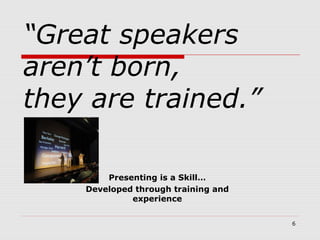
“Great speakers
aren’t born,
they are trained.”
Presenting is a Skill…
Developed through training and
experience
7
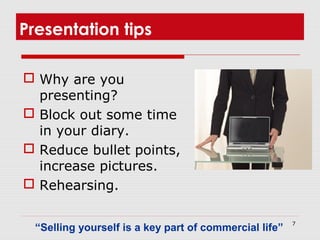
Presentation tips
 Why are you
presenting?
 Block out some time
in your diary.
 Reduce bullet points,
increase pictures.
 Rehearsing.
“Selling yourself is a key part of commercial life”
8
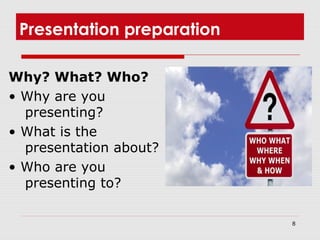
Presentation preparation
Why? What? Who?
• Why are you
presenting?
• What is the
presentation about?
• Who are you
presenting to?
9
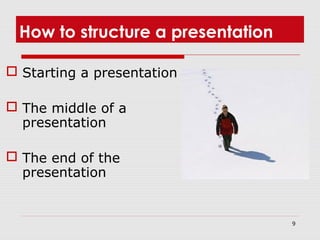
How to structure a presentation
 Starting a presentation
 The middle of a
presentation
 The end of the
presentation
10
Presentation design
 To design a good
presentation you
must start with a
clear plan and use
clear messages.
How to design a
great presentation...
11
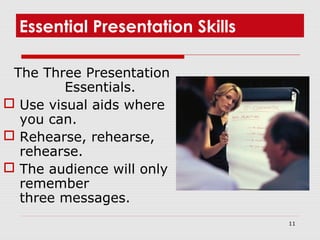
Essential Presentation Skills
The Three Presentation
Essentials.
 Use visual aids where
you can.
 Rehearse, rehearse,
rehearse.
 The audience will only
remember
three messages.
12
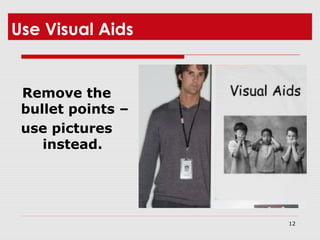
Use Visual Aids
Remove the
bullet points –
use pictures
instead.
Visual Aids
 While using a over head projector face
the audience while talking
 Point with a pen
 Appropriate lighting
 Watch the colours
 Ensure clear visibility
 10 lines, 10 words per line
14
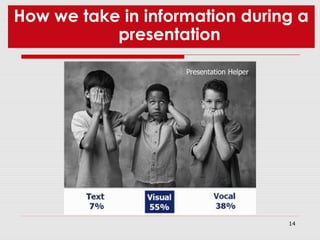
How we take in information during a
presentation
15
 Use visuals (pictures, graphs, tables)
whenever you can
 In a speech you are only using 38% of
the communication medium
 Replace the bullet points
How should you use visual aids?
16
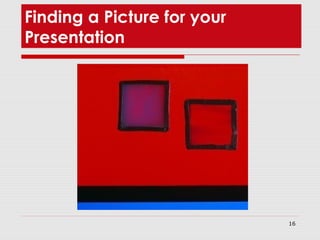
Finding a Picture for your
Presentation
17
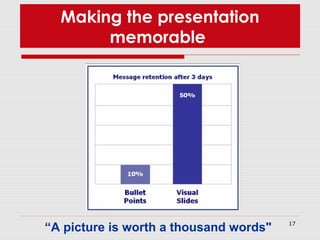
Making the presentation
memorable
“A picture is worth a thousand words"
18
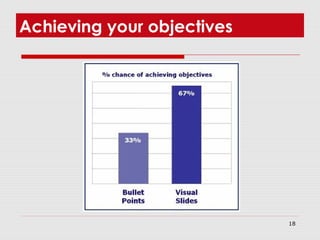
Achieving your objectives
19
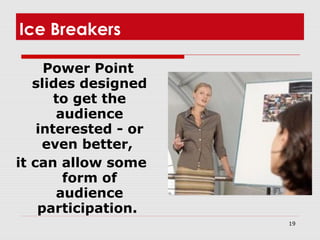
Ice Breakers
Power Point
slides designed
to get the
audience
interested - or
even better,
it can allow some
form of
audience
participation.
20
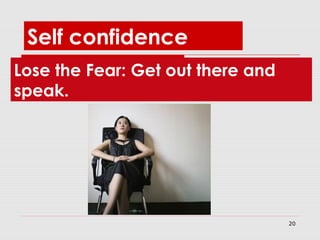
Lose the Fear: Get out there and
speak.
Self confidence
21
Rehearsal
"If you fail to prepare, you are prepared to fail"
22
 Plan to rehearse your presentation
out loud at least 4 times.
 Make sure that one of your
rehearsals is in front of a really
scary audience - family, friends,
partners, colleagues, children.
-They will tell you quite plainly where you
are going wrong - as well as providing
you with the support that you need.
How to Rehearse
23
Rehearse against the clock
24
The Five Minute Presentation
Advertisers can get a complete story
across in less than 30 seconds so five
minutes should be fine.
"It takes five hours to prepare a five minute presentation"
25
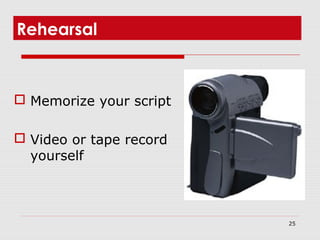
Rehearsal
 Memorize your script
 Video or tape record
yourself
26
The Rule of Three
The audience are
likely to remember
only three things
from your
presentation
plan in advance what
these will be.
27
The Rule of Three
 There are three parts to your
presentation
 The beginning, the middle and the
end.
 Use lists of three wherever you can in
your presentation
 In Presentations "Less is More"
 If you have four points to get across -
cut one out.
28
Presentation Hints and Tips
 Start with a quotation.
 Write it down
 Write down your
speech, but try not to
read from it. If you
have written it down - if
you dry up, you will be
able to pick it back up
again.
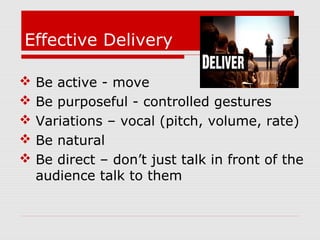
Effective Delivery
 Be active - move
 Be purposeful - controlled gestures
 Variations – vocal (pitch, volume, rate)
 Be natural
 Be direct – don’t just talk in front of the
audience talk to them
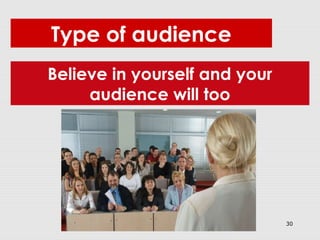
30
Believe in yourself and your
audience will too
Type of audience
31
The other half of a presentation:
your audience
 The importance of good strong starts
 Reading your audience
32
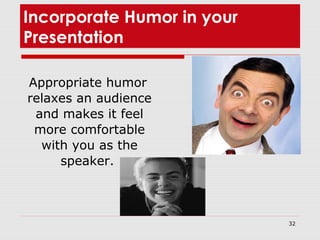
Incorporate Humor in your
Presentation
Appropriate humor
relaxes an audience
and makes it feel
more comfortable
with you as the
speaker.
 What is the audience interested in
 What does the audience want
 What does the audience already know and
needs to know
 What are their needs, expectations from
this presentation
 How will the audience benefit from this
presentation
Preparation: Audience
Analysis
34
Thank you

Communication skills : presentation skill - ppt

  • 1.
    1 Presentation Presented by :Guided by : ZAKARIA E GHOGHA Madam Shirin Mechanical Department SVMIT, BHARUCH. Roll no.-56 Enrollment no.- 140450119171
  • 2.
  • 3.
     PART IPARTI - INTRODUCTION- INTRODUCTION  PART II - PREPARING A PRESENTATION  PART IIIPART III - PREPARING YOUR SELF- PREPARING YOUR SELF  PART IVPART IV - DELIVERING A- DELIVERING A PRESENTATIONPRESENTATION  PART VPART V - HANDLING AN AUDIENCE- HANDLING AN AUDIENCE PREVIEW
  • 4.
    WHAT IS A PRESENTATION? FOUNDATIONA L AND FUNDAMENTAL BUSINESS TOOL BASISOF RELATIONSHIP WITH CLIENTS REFLECTS COMPANY’S • IMAGE •VALUE SYSTEM •VISION
  • 5.
    What is apresentation?  It is the process of presenting the content of a topic to an audience consisting of one or more persons.  It utilizes some visual aid.  It is generally a PowerPoint file containing all the slides for a given speech 5
  • 6.
    6 “Great speakers aren’t born, theyare trained.” Presenting is a Skill… Developed through training and experience
  • 7.
    7 Presentation tips  Whyare you presenting?  Block out some time in your diary.  Reduce bullet points, increase pictures.  Rehearsing. “Selling yourself is a key part of commercial life”
  • 8.
    8 Presentation preparation Why? What?Who? • Why are you presenting? • What is the presentation about? • Who are you presenting to?
  • 9.
    9 How to structurea presentation  Starting a presentation  The middle of a presentation  The end of the presentation
  • 10.
    10 Presentation design  Todesign a good presentation you must start with a clear plan and use clear messages. How to design a great presentation...
  • 11.
    11 Essential Presentation Skills TheThree Presentation Essentials.  Use visual aids where you can.  Rehearse, rehearse, rehearse.  The audience will only remember three messages.
  • 12.
    12 Use Visual Aids Removethe bullet points – use pictures instead.
  • 13.
    Visual Aids  Whileusing a over head projector face the audience while talking  Point with a pen  Appropriate lighting  Watch the colours  Ensure clear visibility  10 lines, 10 words per line
  • 14.
    14 How we takein information during a presentation
  • 15.
    15  Use visuals(pictures, graphs, tables) whenever you can  In a speech you are only using 38% of the communication medium  Replace the bullet points How should you use visual aids?
  • 16.
    16 Finding a Picturefor your Presentation
  • 17.
    17 Making the presentation memorable “Apicture is worth a thousand words"
  • 18.
  • 19.
    19 Ice Breakers Power Point slidesdesigned to get the audience interested - or even better, it can allow some form of audience participation.
  • 20.
    20 Lose the Fear:Get out there and speak. Self confidence
  • 21.
    21 Rehearsal "If you failto prepare, you are prepared to fail"
  • 22.
    22  Plan torehearse your presentation out loud at least 4 times.  Make sure that one of your rehearsals is in front of a really scary audience - family, friends, partners, colleagues, children. -They will tell you quite plainly where you are going wrong - as well as providing you with the support that you need. How to Rehearse
  • 23.
  • 24.
    24 The Five MinutePresentation Advertisers can get a complete story across in less than 30 seconds so five minutes should be fine. "It takes five hours to prepare a five minute presentation"
  • 25.
    25 Rehearsal  Memorize yourscript  Video or tape record yourself
  • 26.
    26 The Rule ofThree The audience are likely to remember only three things from your presentation plan in advance what these will be.
  • 27.
    27 The Rule ofThree  There are three parts to your presentation  The beginning, the middle and the end.  Use lists of three wherever you can in your presentation  In Presentations "Less is More"  If you have four points to get across - cut one out.
  • 28.
    28 Presentation Hints andTips  Start with a quotation.  Write it down  Write down your speech, but try not to read from it. If you have written it down - if you dry up, you will be able to pick it back up again.
  • 29.
    Effective Delivery  Beactive - move  Be purposeful - controlled gestures  Variations – vocal (pitch, volume, rate)  Be natural  Be direct – don’t just talk in front of the audience talk to them
  • 30.
    30 Believe in yourselfand your audience will too Type of audience
  • 31.
    31 The other halfof a presentation: your audience  The importance of good strong starts  Reading your audience
  • 32.
    32 Incorporate Humor inyour Presentation Appropriate humor relaxes an audience and makes it feel more comfortable with you as the speaker.
  • 33.
     What isthe audience interested in  What does the audience want  What does the audience already know and needs to know  What are their needs, expectations from this presentation  How will the audience benefit from this presentation Preparation: Audience Analysis
  • 34.