The Art of Public Speaking and Persuasive Presentations
Presentation Skills It is a myth that great presenters are “born not made”. You can become a competent presenter with no innate ability at all.  …… But you cannot become a great presenter without hard work…. And practise  1
Preparing Yourself What type presenter are you? Avoider Resister Accepter Seeker 2
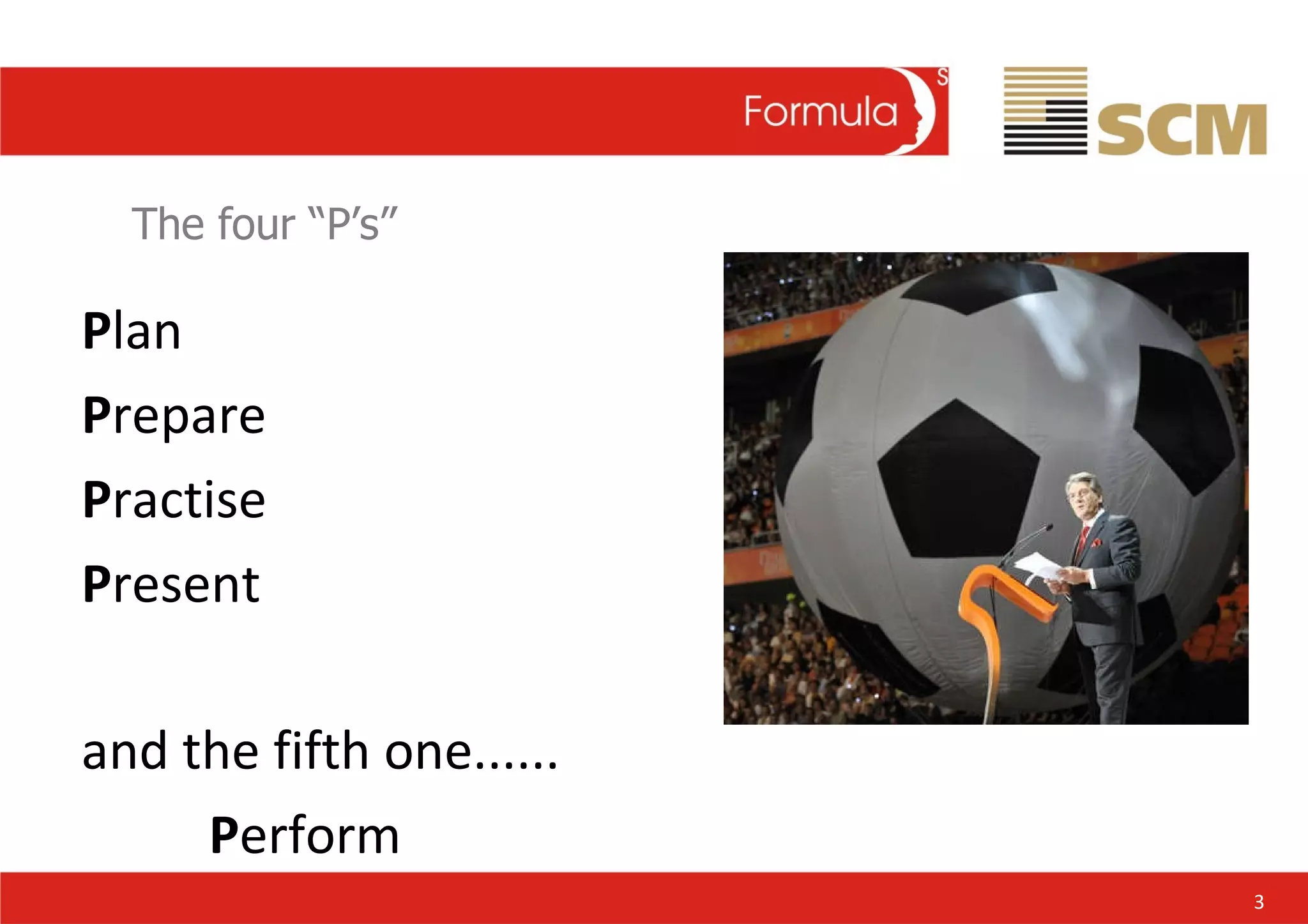
The four “P’s” P lan P repare P ractise P resent  and the fifth one...... P erform 3
4
The Art of Public Speaking Bush 5 Obama
Planning your presentation
Planning Your Presentation The real key to a successful presentation lies in preparation 10% I  = Inspiration 90% P = Preparation 7
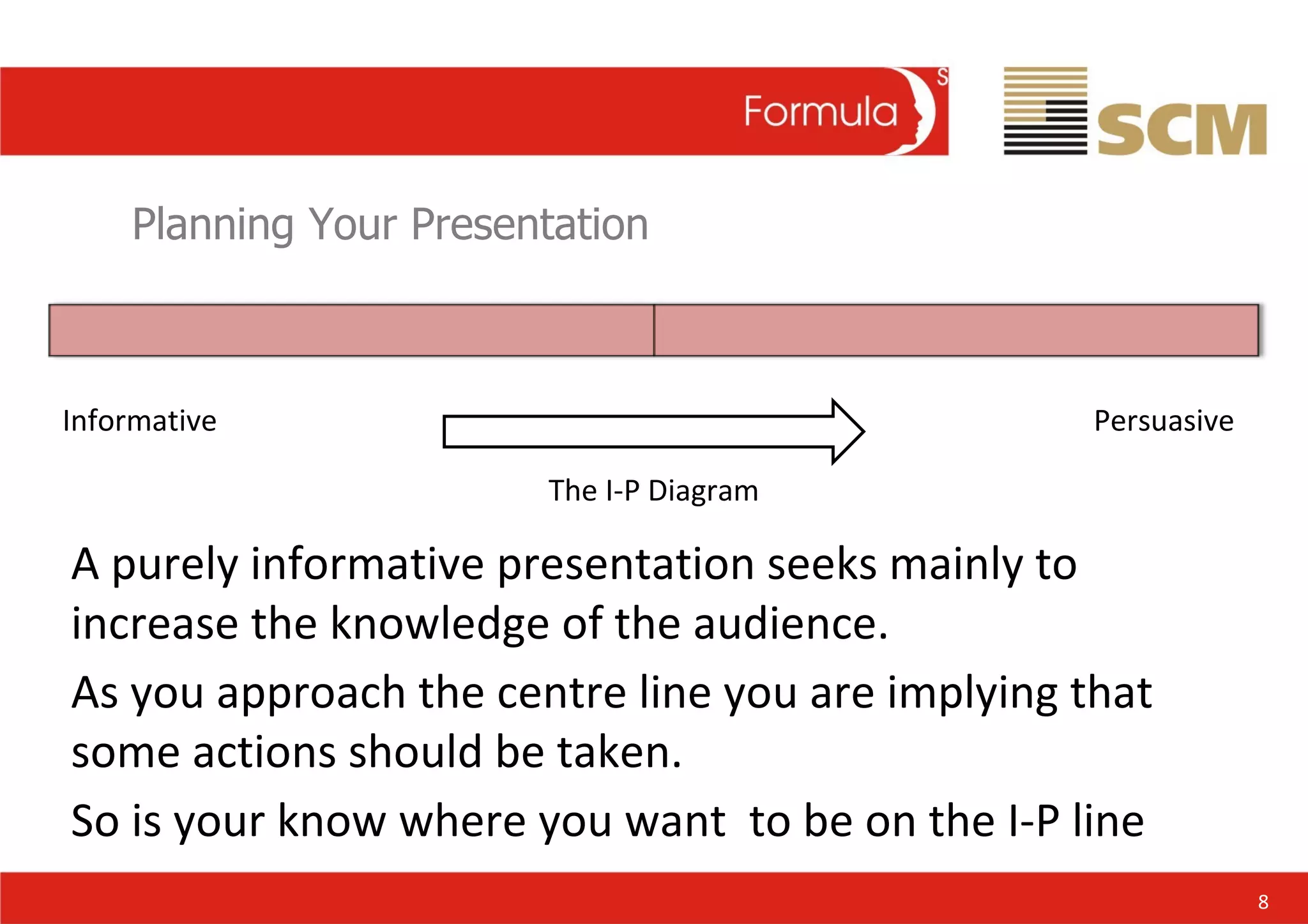
Planning Your Presentation Informative Persuasive The I-P Diagram A purely informative presentation seeks mainly to increase the knowledge of the audience. As you approach the centre line you are implying that some actions should be taken. So is your know where you want  to be on the I-P line 8
Planning Your Presentation Objective Subject/theme Format Key messages Structure Support material  9
Planning Your Presentation Stay Focused Have one clear theme which is supported by your content Support it with maximum 5 key points 3!  IS BEST! 10
Planning Your Presentation Know your audience Who? And what Values? What do they want or need? What is your role? Constraints Political  (P and p) Financial  Knowledge 11
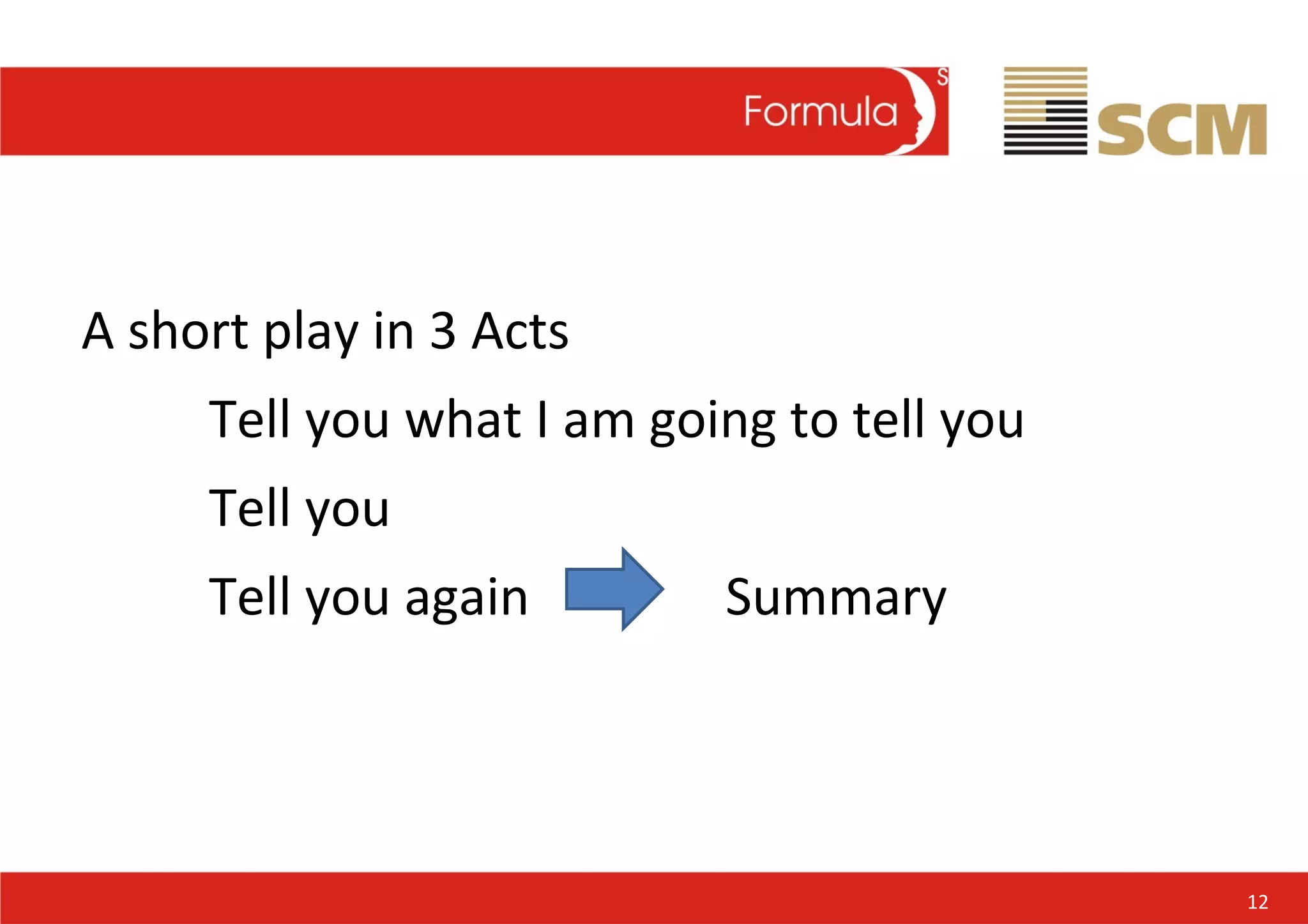
A short play in 3 Acts Tell you what I am going to tell you Tell you Tell you again  Summary 12
Visual Aids and  Supporting Material
Visual Aids 14
Visual Aids Visual aids are needed  to: Focus the attention of your audience Reinforce but not merely restate your verbal message Stimulate interest; or Illustrate factors that are hard to visualise 15
Planning Your Presentation At all costs avoid the dreaded death by power point. 16
Visual Aids Tips for planning successful visual aids: Keep information minimal Make text, number, graphs and charts legible. At least 18pt text Never use tabular information. Replace it with graphs, bar charts. Keep your visual aids simple and attractive. Avoid clutter 17
Planning Your Presentation Handouts  are good if you wish to: reinforce important information summarise actions for audience follow-up supply detailed information to support your visual aids 18
Planning Your Presentation In most cases they should be handed out after to great max impact Advise in advance that you are about to say will be distributed at the end of the presentation 19
Practise
Practise Read and understand Rehearse Add notes Learn ideas not words Let your natural style shine Tape,  mirror,  victim! 21
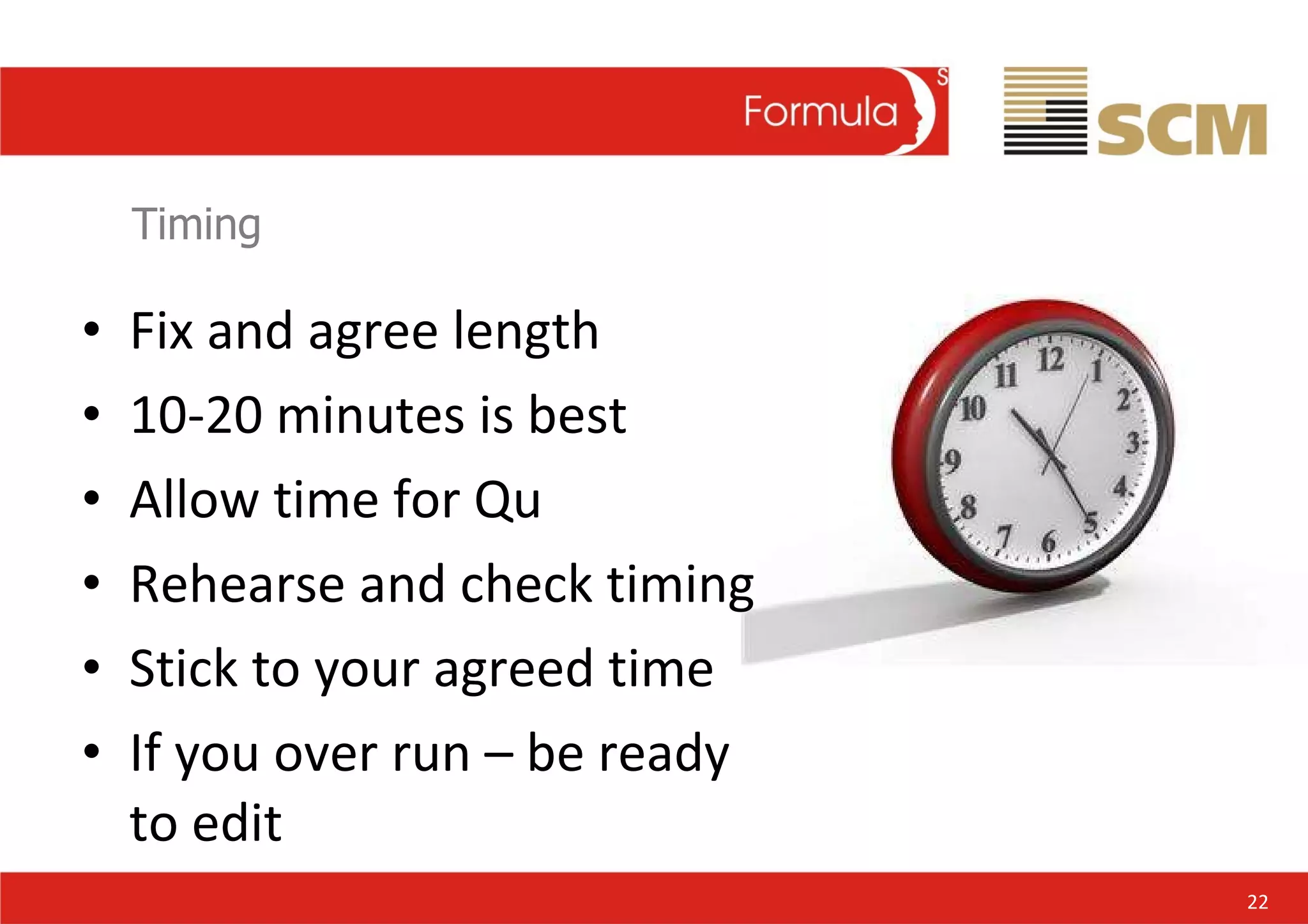
Timing Fix and agree length 10-20 minutes is best Allow time for Qu Rehearse and check timing Stick to your agreed time If you over run – be ready to edit 22
Dealing with nerves
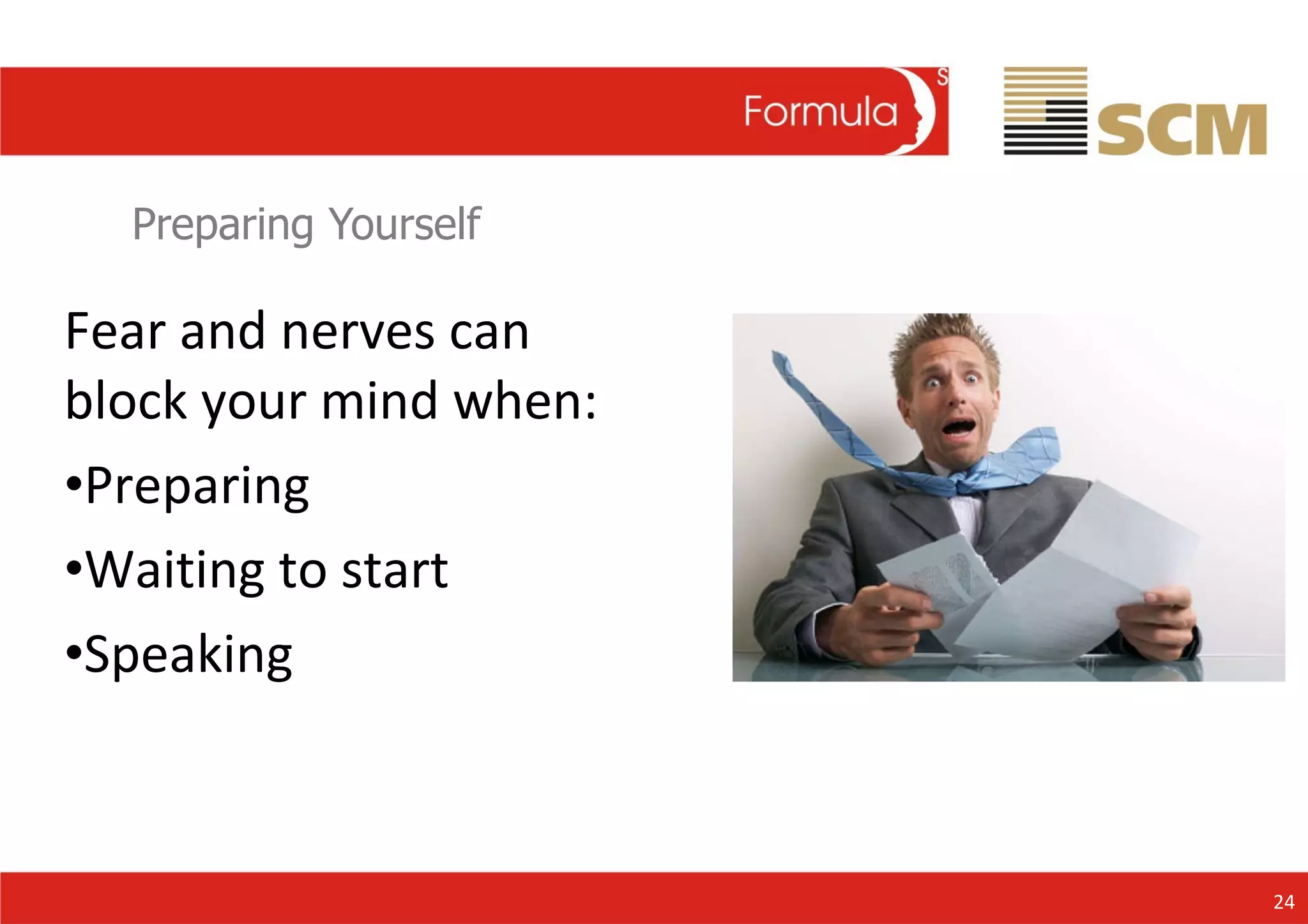
Preparing Yourself Fear and nerves can block your mind when: Preparing Waiting to start Speaking 24
Preparing Yourself Organise Visualise Practise 25 Tips to reduce anxiety when preparing your presentations:
Preparing Yourself Breathe Relax Release 26 Tips to reduce anxiety when preparing your presentations:
Preparing Yourself Move Eye contact 27 Tips to reduce anxiety when preparing your presentations:
Planning Your Presentation Planning Preparing Practise Timing 28
The Presentation
Speaking to an Audience When you stand up to speak to an audience you have a massive pool of goodwill in front of you. 30
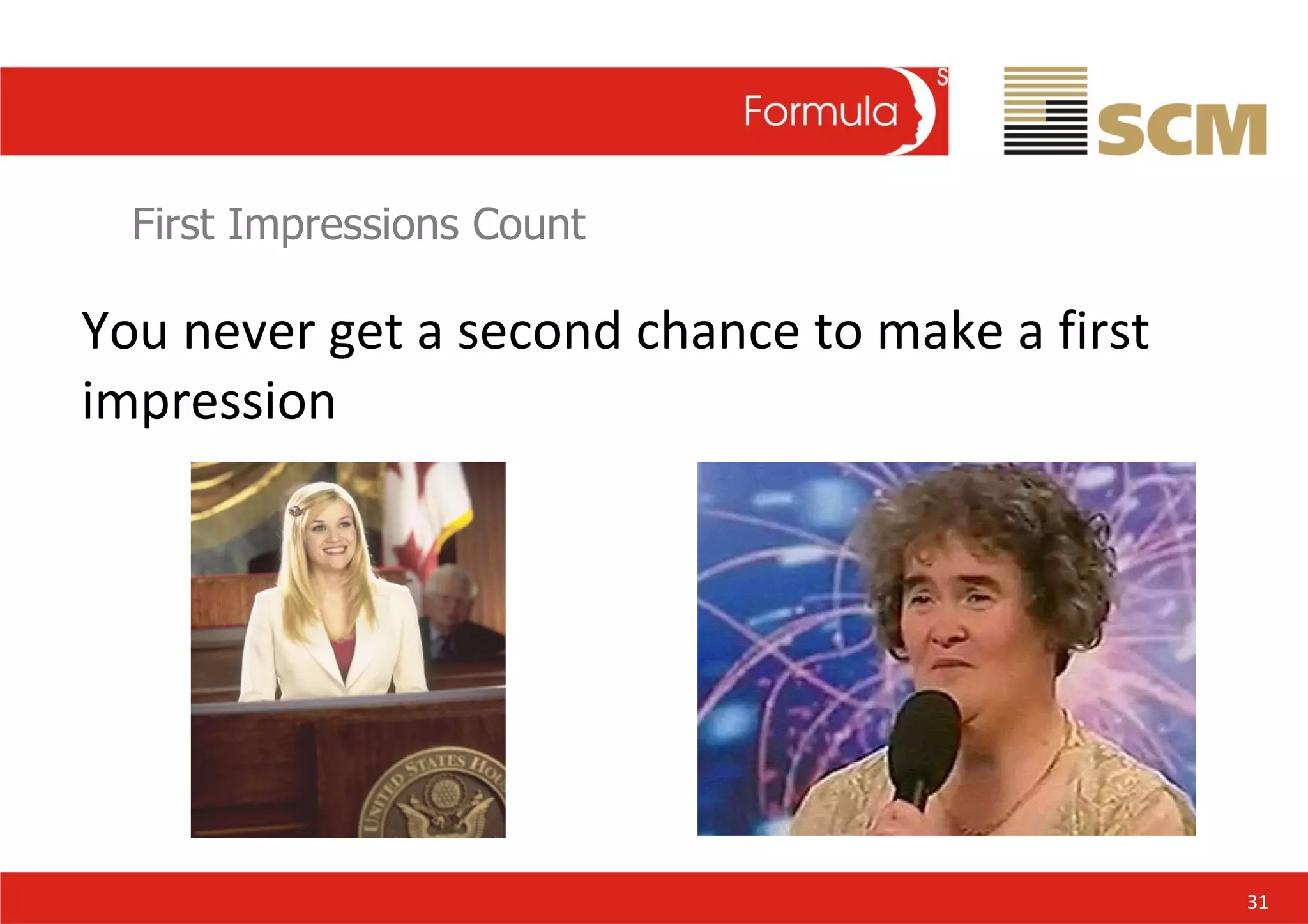
First Impressions Count You never get a second chance to make a first impression 31
Good First Touch Prepared Trained Confident Energy channeled Great first touch 32
Speaking to an Audience The presentation tips fall into five categories: Body Eye Contact Voice Language Questions 33
. Body For great presentations combine verbal and non verbal communications: Comfortable stance Stand tall Use your hands  Lean forward to emphasise Smile..... In the right places! 34
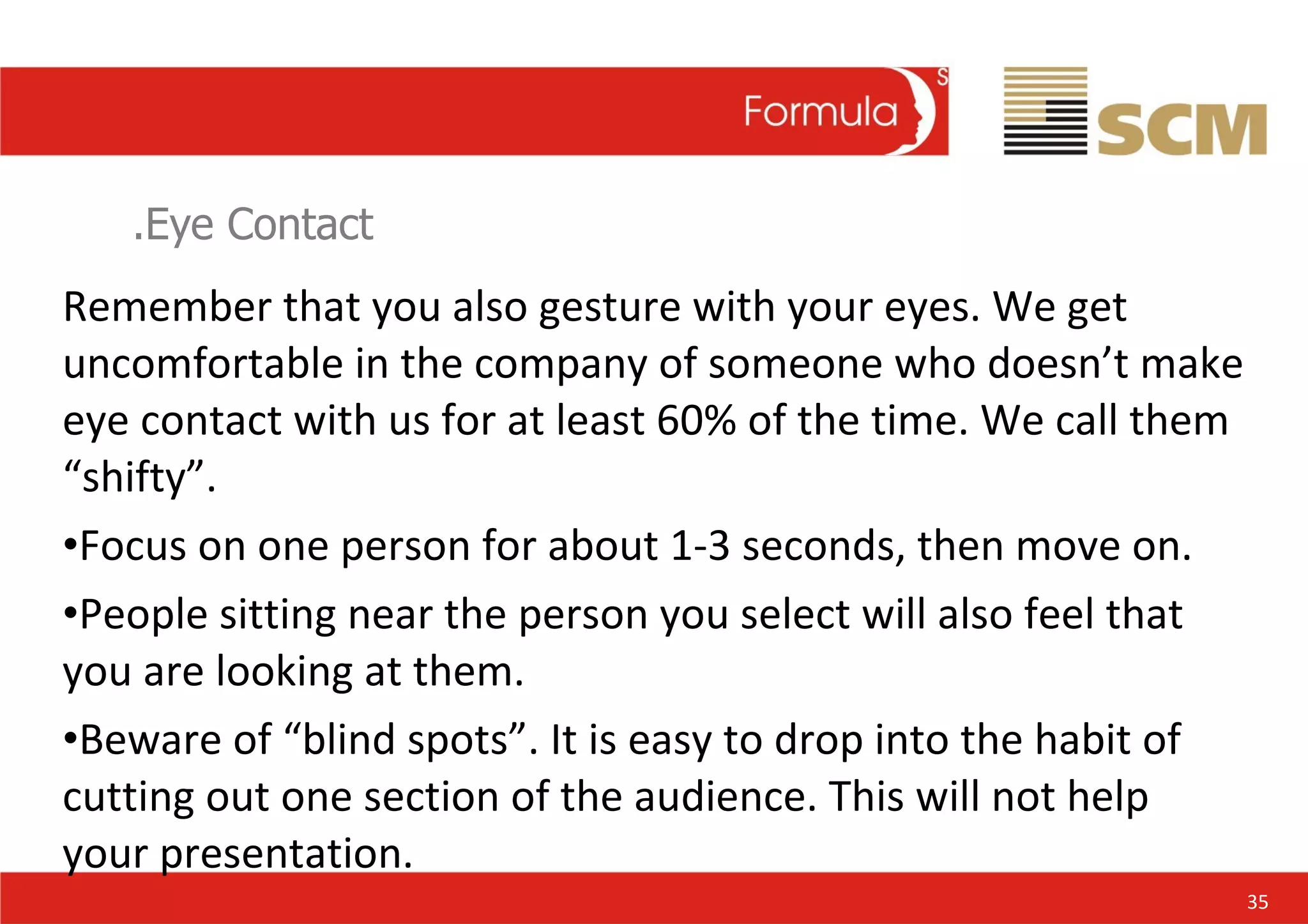
.Eye Contact Remember that you also gesture with your eyes. We get uncomfortable in the company of someone who doesn’t make eye contact with us for at least 60% of the time. We call them “shifty”. Focus on one person for about 1-3 seconds, then move on. People sitting near the person you select will also feel that you are looking at them. Beware of “blind spots”. It is easy to drop into the habit of cutting out one section of the audience. This will not help your presentation. 35
.Voice The are three main problems with voice: Volume Tone Pitch Speed Breathe..... 36
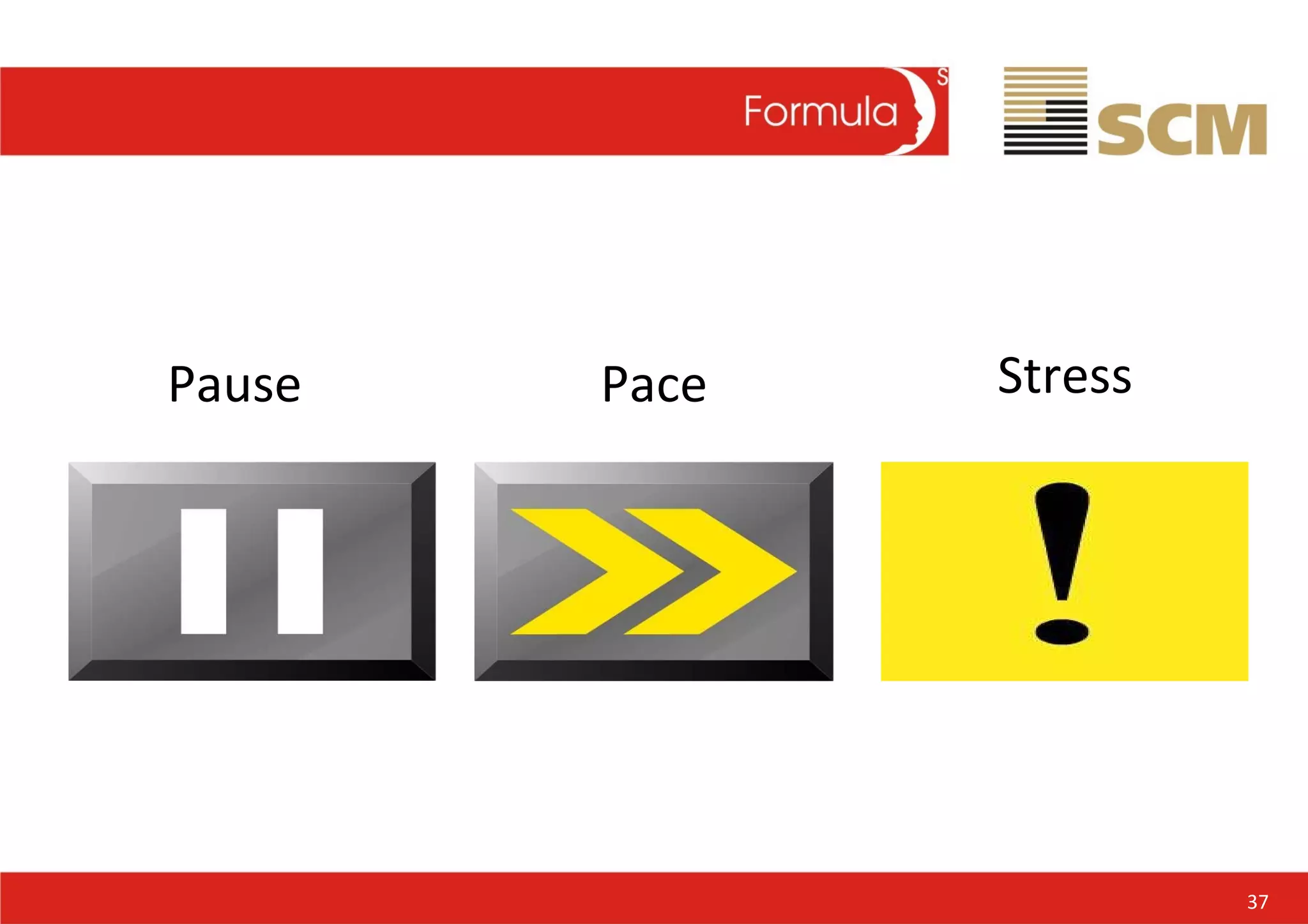
Pause Stress Pace 37
. Language Use short sentences. Use short words. Don’t be afraid to repeat yourself. It can reinforce your message (remember Martin Luther King’s speech “I have a dream”) Politicians repeat Rule of three Otherwise, use “signpost” words or sentences like: “ So, we have said...” “ Next, we shall...” “ Finally, ...” 38
Questions A presentation is a dialogue. The dialogue is more effective if the audience can talk. You need to welcome questions. If you ask for questions, look like you mean it. Step towards the audience. Raise our hand and show your palm.  Listen to the question. Don’t assume that you know what is being asked until the questioner has finished. Before you answer the question, repeat it. In a large room it is often hard for the rest of the audience to hear it. Anticipate questions and practise your answers. If you are asked something you don’t know, admit it. Try and add “But what I do know is..” 39
The four “P’s” P lan P repare P ractice P resent  and the fifth one...... P erform 40
Obama 41
Conclusion “ Fortune favours the brave” Do not take fear into your heart, but take confidence into your presentation. Trust in your preparation, talents and  personality and deliver a winning performance…. 42

Public Speaking by Jock Mendoza=Wilson

  • 1.
    The Art ofPublic Speaking and Persuasive Presentations
  • 2.
    Presentation Skills Itis a myth that great presenters are “born not made”. You can become a competent presenter with no innate ability at all. …… But you cannot become a great presenter without hard work…. And practise 1
  • 3.
    Preparing Yourself Whattype presenter are you? Avoider Resister Accepter Seeker 2
  • 4.
    The four “P’s”P lan P repare P ractise P resent and the fifth one...... P erform 3
  • 5.
  • 6.
    The Art ofPublic Speaking Bush 5 Obama
  • 7.
  • 8.
    Planning Your PresentationThe real key to a successful presentation lies in preparation 10% I = Inspiration 90% P = Preparation 7
  • 9.
    Planning Your PresentationInformative Persuasive The I-P Diagram A purely informative presentation seeks mainly to increase the knowledge of the audience. As you approach the centre line you are implying that some actions should be taken. So is your know where you want to be on the I-P line 8
  • 10.
    Planning Your PresentationObjective Subject/theme Format Key messages Structure Support material 9
  • 11.
    Planning Your PresentationStay Focused Have one clear theme which is supported by your content Support it with maximum 5 key points 3! IS BEST! 10
  • 12.
    Planning Your PresentationKnow your audience Who? And what Values? What do they want or need? What is your role? Constraints Political (P and p) Financial Knowledge 11
  • 13.
    A short playin 3 Acts Tell you what I am going to tell you Tell you Tell you again Summary 12
  • 14.
    Visual Aids and Supporting Material
  • 15.
  • 16.
    Visual Aids Visualaids are needed to: Focus the attention of your audience Reinforce but not merely restate your verbal message Stimulate interest; or Illustrate factors that are hard to visualise 15
  • 17.
    Planning Your PresentationAt all costs avoid the dreaded death by power point. 16
  • 18.
    Visual Aids Tipsfor planning successful visual aids: Keep information minimal Make text, number, graphs and charts legible. At least 18pt text Never use tabular information. Replace it with graphs, bar charts. Keep your visual aids simple and attractive. Avoid clutter 17
  • 19.
    Planning Your PresentationHandouts are good if you wish to: reinforce important information summarise actions for audience follow-up supply detailed information to support your visual aids 18
  • 20.
    Planning Your PresentationIn most cases they should be handed out after to great max impact Advise in advance that you are about to say will be distributed at the end of the presentation 19
  • 21.
  • 22.
    Practise Read andunderstand Rehearse Add notes Learn ideas not words Let your natural style shine Tape, mirror, victim! 21
  • 23.
    Timing Fix andagree length 10-20 minutes is best Allow time for Qu Rehearse and check timing Stick to your agreed time If you over run – be ready to edit 22
  • 24.
  • 25.
    Preparing Yourself Fearand nerves can block your mind when: Preparing Waiting to start Speaking 24
  • 26.
    Preparing Yourself OrganiseVisualise Practise 25 Tips to reduce anxiety when preparing your presentations:
  • 27.
    Preparing Yourself BreatheRelax Release 26 Tips to reduce anxiety when preparing your presentations:
  • 28.
    Preparing Yourself MoveEye contact 27 Tips to reduce anxiety when preparing your presentations:
  • 29.
    Planning Your PresentationPlanning Preparing Practise Timing 28
  • 30.
  • 31.
    Speaking to anAudience When you stand up to speak to an audience you have a massive pool of goodwill in front of you. 30
  • 32.
    First Impressions CountYou never get a second chance to make a first impression 31
  • 33.
    Good First TouchPrepared Trained Confident Energy channeled Great first touch 32
  • 34.
    Speaking to anAudience The presentation tips fall into five categories: Body Eye Contact Voice Language Questions 33
  • 35.
    . Body Forgreat presentations combine verbal and non verbal communications: Comfortable stance Stand tall Use your hands Lean forward to emphasise Smile..... In the right places! 34
  • 36.
    .Eye Contact Rememberthat you also gesture with your eyes. We get uncomfortable in the company of someone who doesn’t make eye contact with us for at least 60% of the time. We call them “shifty”. Focus on one person for about 1-3 seconds, then move on. People sitting near the person you select will also feel that you are looking at them. Beware of “blind spots”. It is easy to drop into the habit of cutting out one section of the audience. This will not help your presentation. 35
  • 37.
    .Voice The arethree main problems with voice: Volume Tone Pitch Speed Breathe..... 36
  • 38.
  • 39.
    . Language Useshort sentences. Use short words. Don’t be afraid to repeat yourself. It can reinforce your message (remember Martin Luther King’s speech “I have a dream”) Politicians repeat Rule of three Otherwise, use “signpost” words or sentences like: “ So, we have said...” “ Next, we shall...” “ Finally, ...” 38
  • 40.
    Questions A presentationis a dialogue. The dialogue is more effective if the audience can talk. You need to welcome questions. If you ask for questions, look like you mean it. Step towards the audience. Raise our hand and show your palm. Listen to the question. Don’t assume that you know what is being asked until the questioner has finished. Before you answer the question, repeat it. In a large room it is often hard for the rest of the audience to hear it. Anticipate questions and practise your answers. If you are asked something you don’t know, admit it. Try and add “But what I do know is..” 39
  • 41.
    The four “P’s”P lan P repare P ractice P resent and the fifth one...... P erform 40
  • 42.
  • 43.
    Conclusion “ Fortunefavours the brave” Do not take fear into your heart, but take confidence into your presentation. Trust in your preparation, talents and personality and deliver a winning performance…. 42