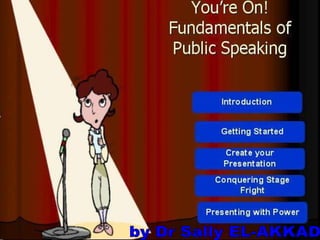
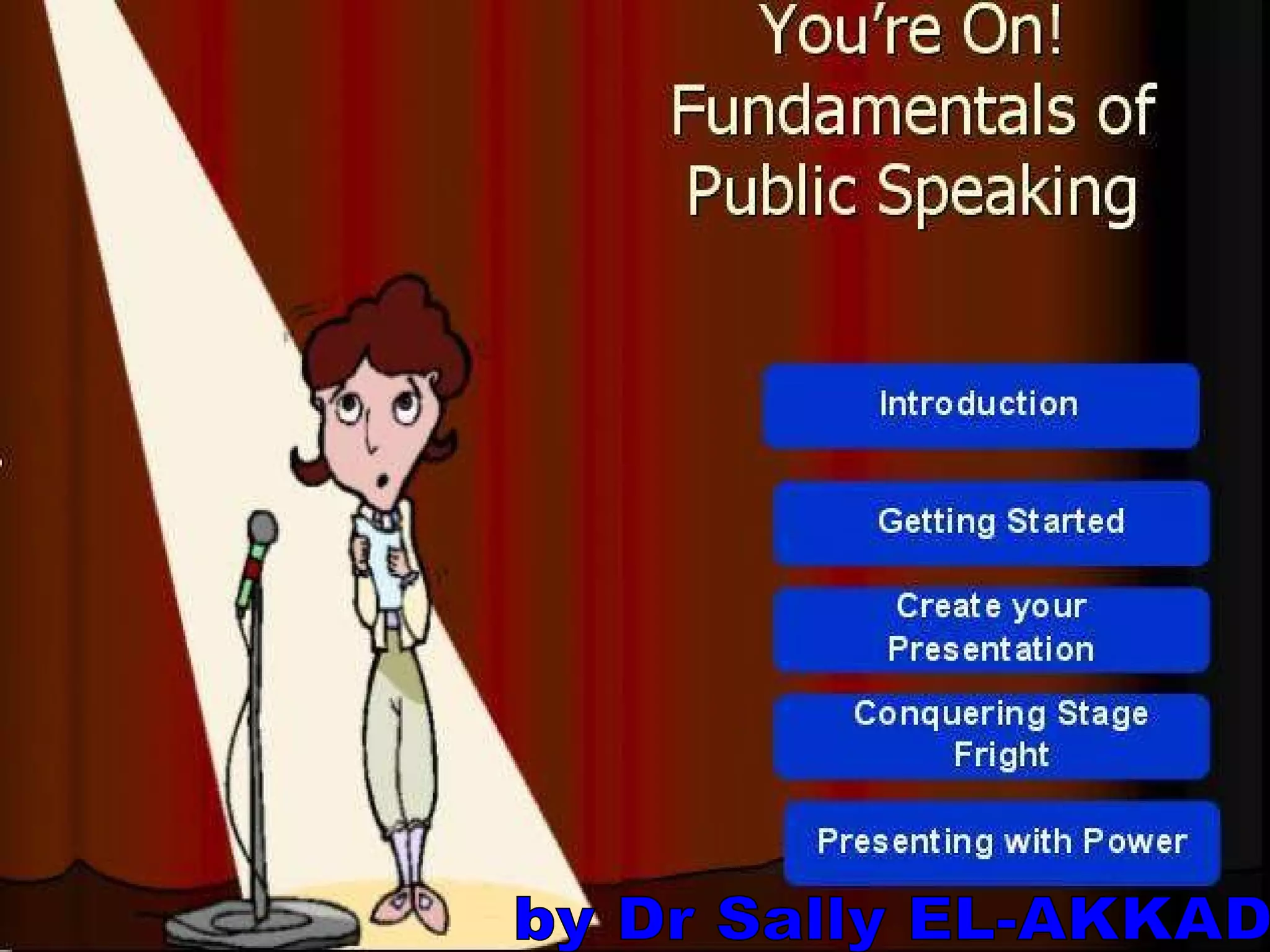
by Dr Sally EL-AKKAD
Exercise   expectations/concerns
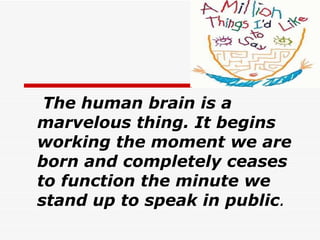
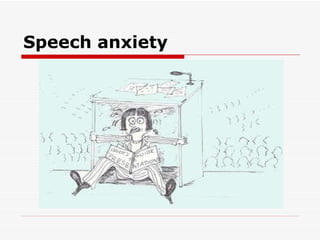
The human brain is a marvelous thing .  It begins working the moment we are born and completely ceases to function the minute we stand up to speak in public .
 
The purpose of presentations 1-Convey something you want the audience to  know 2-Tailor information to meet the needs of a  particular audience 3-Provide a forum for discussion of  controversial or challenging idea 4-Find out how people are reacting to a  situation or an idea 5-gain commitment and alignment 6-provide a call to action
Different types of presentations Information delivery Sales  Persuasion Status report Product demonstration Business plan or strategy
Exercise
Setting up your presentation
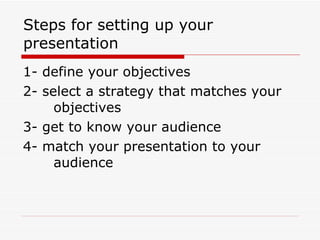
Steps for setting up your presentation 1- define your objectives 2- select a strategy that matches your  objectives 3- get to know your audience 4- match your presentation to your  audience
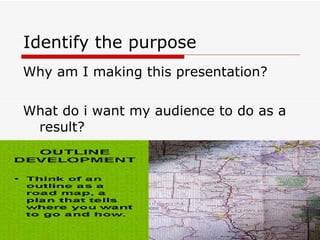
Identify the purpose Why am I making this presentation? What do i want my audience to do as a result?
Your objective helps you determine the following: * Whether to give the presentation at all * Whether to give it to this particular  audience under these particular circumstances * What to say & how to say it * What the follow-up needs to be * Possible objections
Getting started Who? What ? When? Where? Why?
Determine structure 1-define your key message 2-identify the facts that support your  messages 3-identify where it is important to get  audience participation, reactions,  agreement or buy-in
 
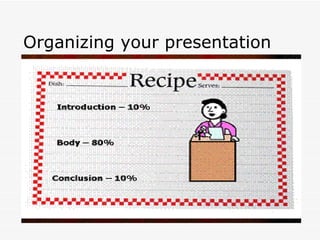
Organizing your presentation
Opening * Preview the main points to be covered * Define the purpose of the presentation * get your audience’s interest, attention * Establish your credibility * What’s in it for me?
Body * Ways to demonstrate your point * Involve the audience by asking for  their suggestions  * Test acceptance by asking for  feedback  * Main points
Close Take home message Conclusion techniques Summary Anecdote Quotation Question Call for action
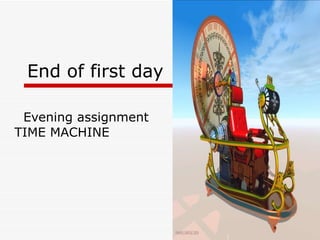
End of first day  Evening assignment  TIME MACHINE
Second day
exercise Evening assignment
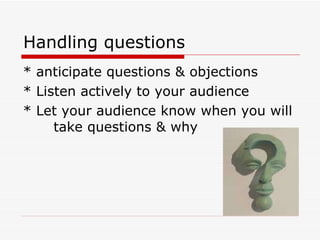
Handling questions * anticipate questions & objections * Listen actively to your audience * Let your audience know when you will  take questions & why
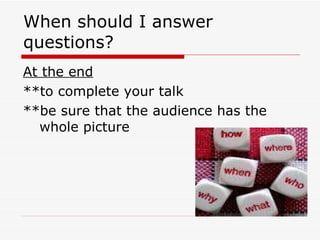
When should I answer questions? At the end **to complete your talk **be sure that the audience has the whole picture
When should I answer questions? During **keeps people engaged **gives you feedback about how well they understand your message But this may cause you to lose control of your talk
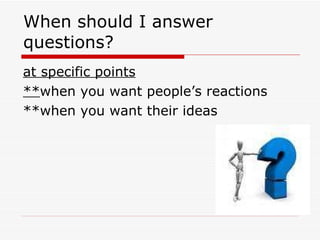
When should I answer questions? at specific points ** when you want people’s reactions **when you want their ideas
 
Exercise  Tell us about a presentation where you were deadly bored
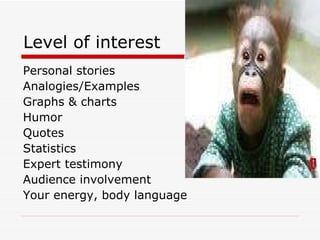
Level of interest Personal stories Analogies/Examples Graphs & charts Humor Quotes Statistics Expert testimony Audience involvement Your energy, body language


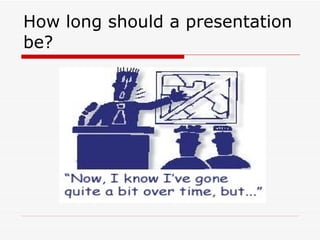
How long should a presentation be?
How long should a presentation be? * As long as it needs to be to convey at least  one message clearly & completely * Better to make fewer points & make them  well * If you don’t have time to make a point clear  or acceptable to your audience, save it for  another presentation  * Ending early is better than not completing the  talk or rushing through the talk at the end * Plan on what to delete if your time is cut  down
Third day We are almost there champions !! Assignment !!
Exercise  Evening assignment  Challenges in business (ppt)
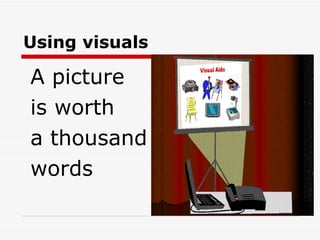
Using visuals A picture is worth a thousand words
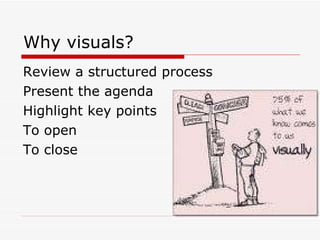
Why visuals? Review a structured process Present the agenda Highlight key points To open To close
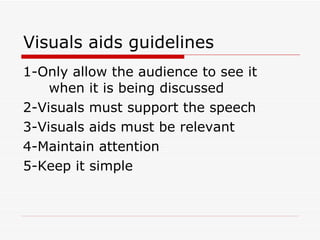
Visuals aids guidelines 1-Only allow the audience to see it  when it is being discussed 2-Visuals must support the speech 3-Visuals aids must be relevant 4-Maintain attention 5-Keep it simple
Visuals aids guidelines 6-Contain only one concept per slide 7-Contain only 3 to 6 ideas on flip chart  sheet 8-Use color when possible but not  excessively  9-Talk to your audience not the visual  aid
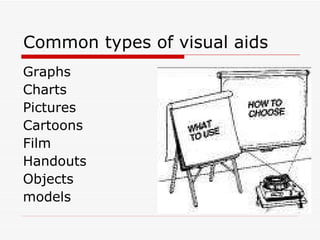
Common types of visual aids Graphs Charts Pictures Cartoons Film Handouts Objects models
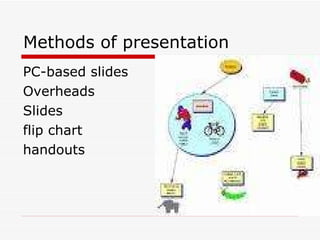
Methods of presentation PC-based slides Overheads Slides flip chart handouts
Speech anxiety
 
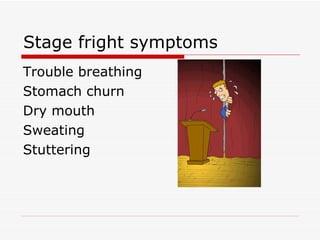
Stage fright symptoms Trouble breathing  Stomach churn  Dry mouth  Sweating Stuttering
Overcoming stage fright 1-admit it 2-arrive early 3-practice,practice,practice 4-know your equipment 5-meet & greet your audience before  you begin 6-take a deep breath
Overcoming stage fright 7-avoid caffeine the day before & the  day of your speech 8-visualize success 9-take care of yourself, eat well & get  plenty of rest 10-Don’t eat a heavy meal just before  you speak 11-put water in front of you
 
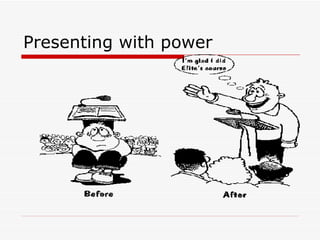
Presenting with power
 
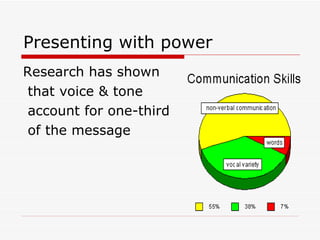
Presenting with power Research has shown that voice & tone account for one-third of the message
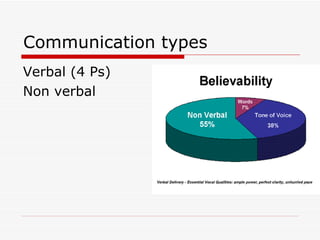
Communication types Verbal (4 Ps) Non verbal
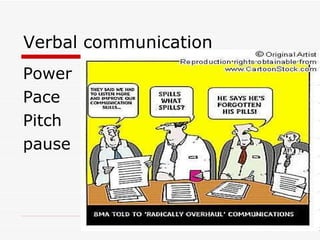
Verbal communication Power Pace Pitch pause
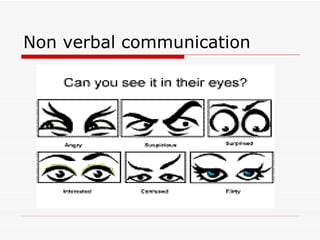
Non verbal communication
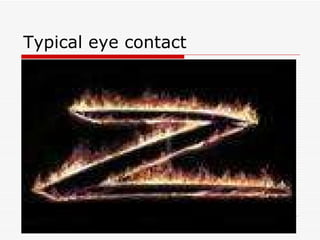
Typical eye contact
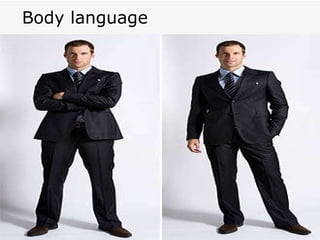
Body language
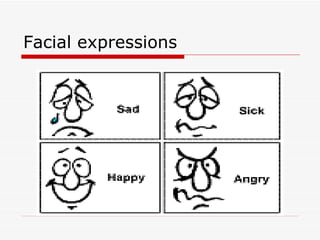
Facial expressions
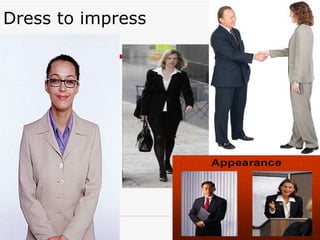
Dress to impress
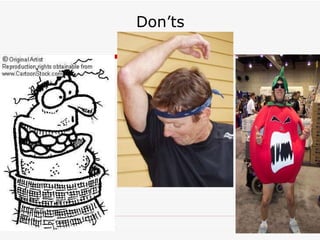
Don’ts
Exercise  It is all about you!!
 

Presentation skills for beginners

  • 1.
    by Dr SallyEL-AKKAD
  • 2.
    Exercise expectations/concerns
  • 3.
    The human brainis a marvelous thing . It begins working the moment we are born and completely ceases to function the minute we stand up to speak in public .
  • 4.
  • 5.
    The purpose ofpresentations 1-Convey something you want the audience to know 2-Tailor information to meet the needs of a particular audience 3-Provide a forum for discussion of controversial or challenging idea 4-Find out how people are reacting to a situation or an idea 5-gain commitment and alignment 6-provide a call to action
  • 6.
    Different types ofpresentations Information delivery Sales Persuasion Status report Product demonstration Business plan or strategy
  • 7.
  • 8.
    Setting up yourpresentation
  • 9.
    Steps for settingup your presentation 1- define your objectives 2- select a strategy that matches your objectives 3- get to know your audience 4- match your presentation to your audience
  • 10.
    Identify the purposeWhy am I making this presentation? What do i want my audience to do as a result?
  • 11.
    Your objective helpsyou determine the following: * Whether to give the presentation at all * Whether to give it to this particular audience under these particular circumstances * What to say & how to say it * What the follow-up needs to be * Possible objections
  • 12.
    Getting started Who?What ? When? Where? Why?
  • 13.
    Determine structure 1-defineyour key message 2-identify the facts that support your messages 3-identify where it is important to get audience participation, reactions, agreement or buy-in
  • 14.
  • 15.
  • 16.
    Opening * Previewthe main points to be covered * Define the purpose of the presentation * get your audience’s interest, attention * Establish your credibility * What’s in it for me?
  • 17.
    Body * Waysto demonstrate your point * Involve the audience by asking for their suggestions * Test acceptance by asking for feedback * Main points
  • 18.
    Close Take homemessage Conclusion techniques Summary Anecdote Quotation Question Call for action
  • 19.
    End of firstday Evening assignment TIME MACHINE
  • 20.
  • 21.
  • 22.
    Handling questions *anticipate questions & objections * Listen actively to your audience * Let your audience know when you will take questions & why
  • 23.
    When should Ianswer questions? At the end **to complete your talk **be sure that the audience has the whole picture
  • 24.
    When should Ianswer questions? During **keeps people engaged **gives you feedback about how well they understand your message But this may cause you to lose control of your talk
  • 25.
    When should Ianswer questions? at specific points ** when you want people’s reactions **when you want their ideas
  • 26.
  • 27.
    Exercise Tellus about a presentation where you were deadly bored
  • 28.
    Level of interestPersonal stories Analogies/Examples Graphs & charts Humor Quotes Statistics Expert testimony Audience involvement Your energy, body language
  • 29.
  • 30.
  • 31.
  • 32.
    How long shoulda presentation be?
  • 33.
    How long shoulda presentation be? * As long as it needs to be to convey at least one message clearly & completely * Better to make fewer points & make them well * If you don’t have time to make a point clear or acceptable to your audience, save it for another presentation * Ending early is better than not completing the talk or rushing through the talk at the end * Plan on what to delete if your time is cut down
  • 34.
    Third day Weare almost there champions !! Assignment !!
  • 35.
    Exercise Eveningassignment Challenges in business (ppt)
  • 36.
    Using visuals Apicture is worth a thousand words
  • 37.
    Why visuals? Reviewa structured process Present the agenda Highlight key points To open To close
  • 38.
    Visuals aids guidelines1-Only allow the audience to see it when it is being discussed 2-Visuals must support the speech 3-Visuals aids must be relevant 4-Maintain attention 5-Keep it simple
  • 39.
    Visuals aids guidelines6-Contain only one concept per slide 7-Contain only 3 to 6 ideas on flip chart sheet 8-Use color when possible but not excessively 9-Talk to your audience not the visual aid
  • 40.
    Common types ofvisual aids Graphs Charts Pictures Cartoons Film Handouts Objects models
  • 41.
    Methods of presentationPC-based slides Overheads Slides flip chart handouts
  • 42.
  • 43.
  • 44.
    Stage fright symptomsTrouble breathing Stomach churn Dry mouth Sweating Stuttering
  • 45.
    Overcoming stage fright1-admit it 2-arrive early 3-practice,practice,practice 4-know your equipment 5-meet & greet your audience before you begin 6-take a deep breath
  • 46.
    Overcoming stage fright7-avoid caffeine the day before & the day of your speech 8-visualize success 9-take care of yourself, eat well & get plenty of rest 10-Don’t eat a heavy meal just before you speak 11-put water in front of you
  • 47.
  • 48.
  • 49.
  • 50.
    Presenting with powerResearch has shown that voice & tone account for one-third of the message
  • 51.
    Communication types Verbal(4 Ps) Non verbal
  • 52.
  • 53.
  • 54.
  • 55.
  • 56.
  • 57.
  • 58.
  • 59.
    Exercise Itis all about you!!
  • 60.