sydneytafe.edu.au real skills, endless possibilities
Presentation
Skills
sydneytafe.edu.au
Planning a presentation
• Research
• Writing
• Structure
• Practice
sydneytafe.edu.au
Presenting
• Introduce the general topic
• Have the attention of the audience
• Order your points logically
• Organise your material and Link your points
• Conclusion ­­ Sum up your points
sydneytafe.edu.au
Presenting
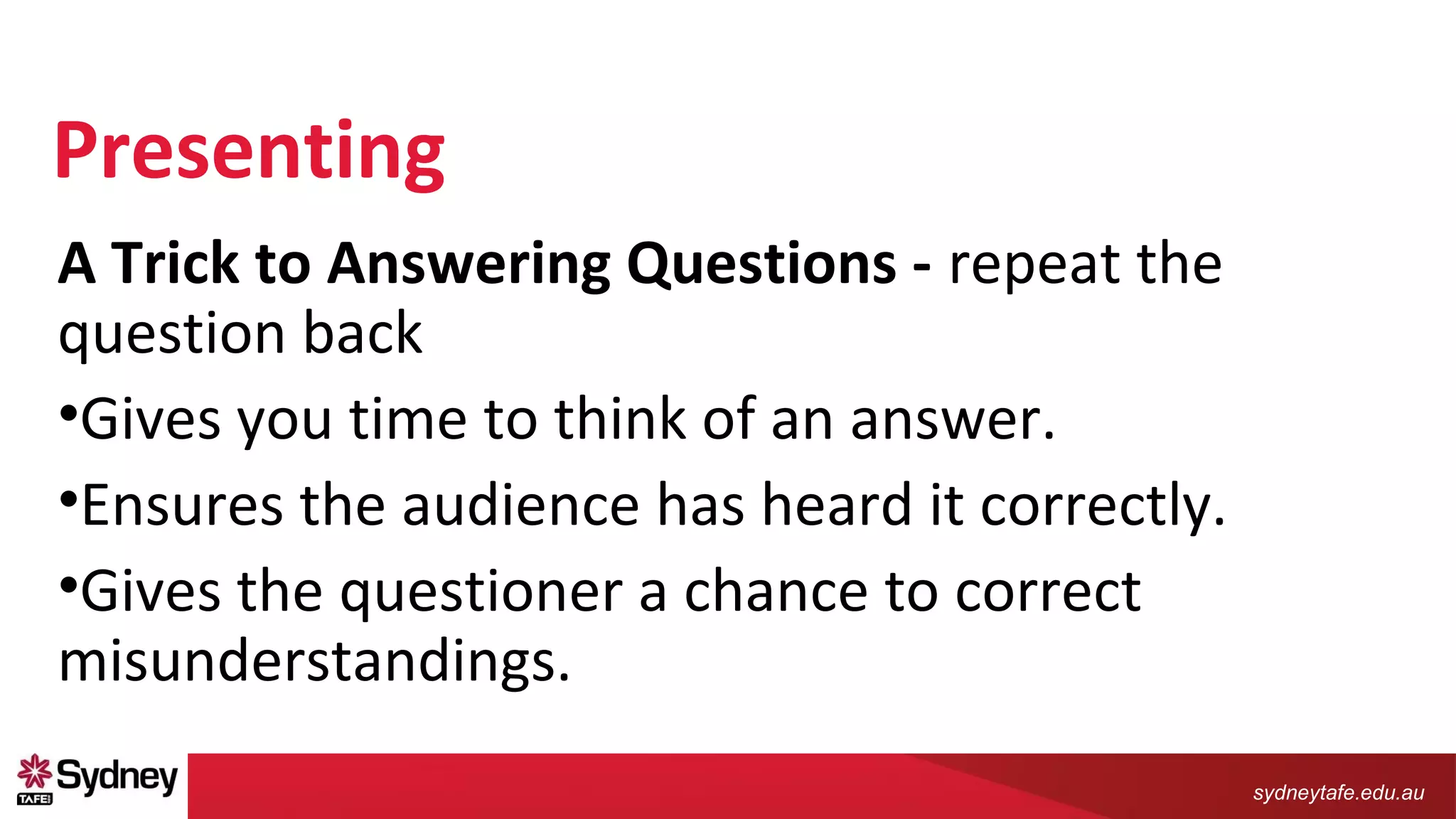
A Trick to Answering Questions - repeat the
question back
•Gives you time to think of an answer.
•Ensures the audience has heard it correctly.
•Gives the questioner a chance to correct
misunderstandings.
sydneytafe.edu.au
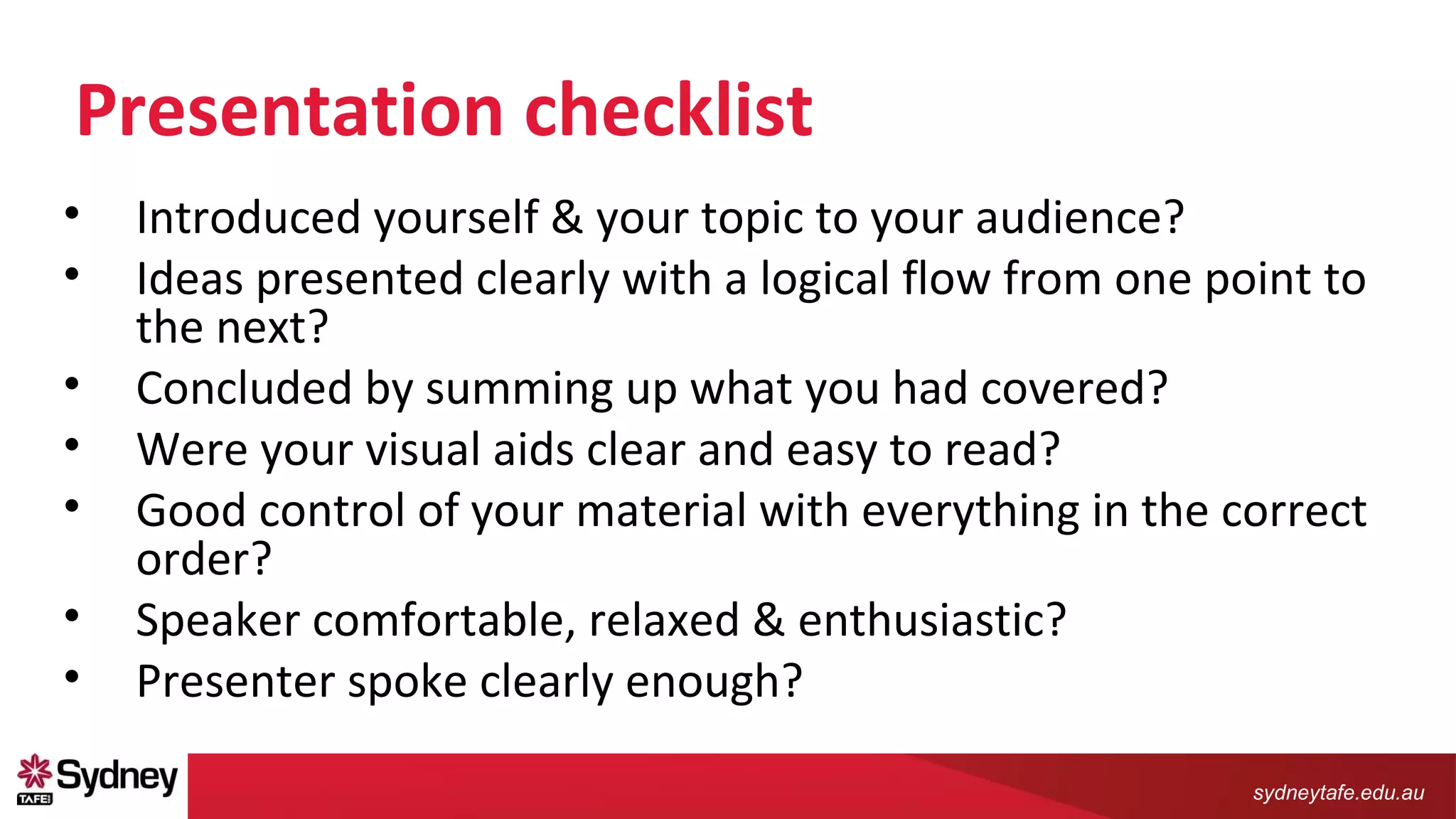
Presentation checklist
• Introduced yourself & your topic to your audience?
• Ideas presented clearly with a logical flow from one point to
the next?
• Concluded by summing up what you had covered?
• Were your visual aids clear and easy to read?
• Good control of your material with everything in the correct
order?
• Speaker comfortable, relaxed & enthusiastic?
• Presenter spoke clearly enough?
sydneytafe.edu.au
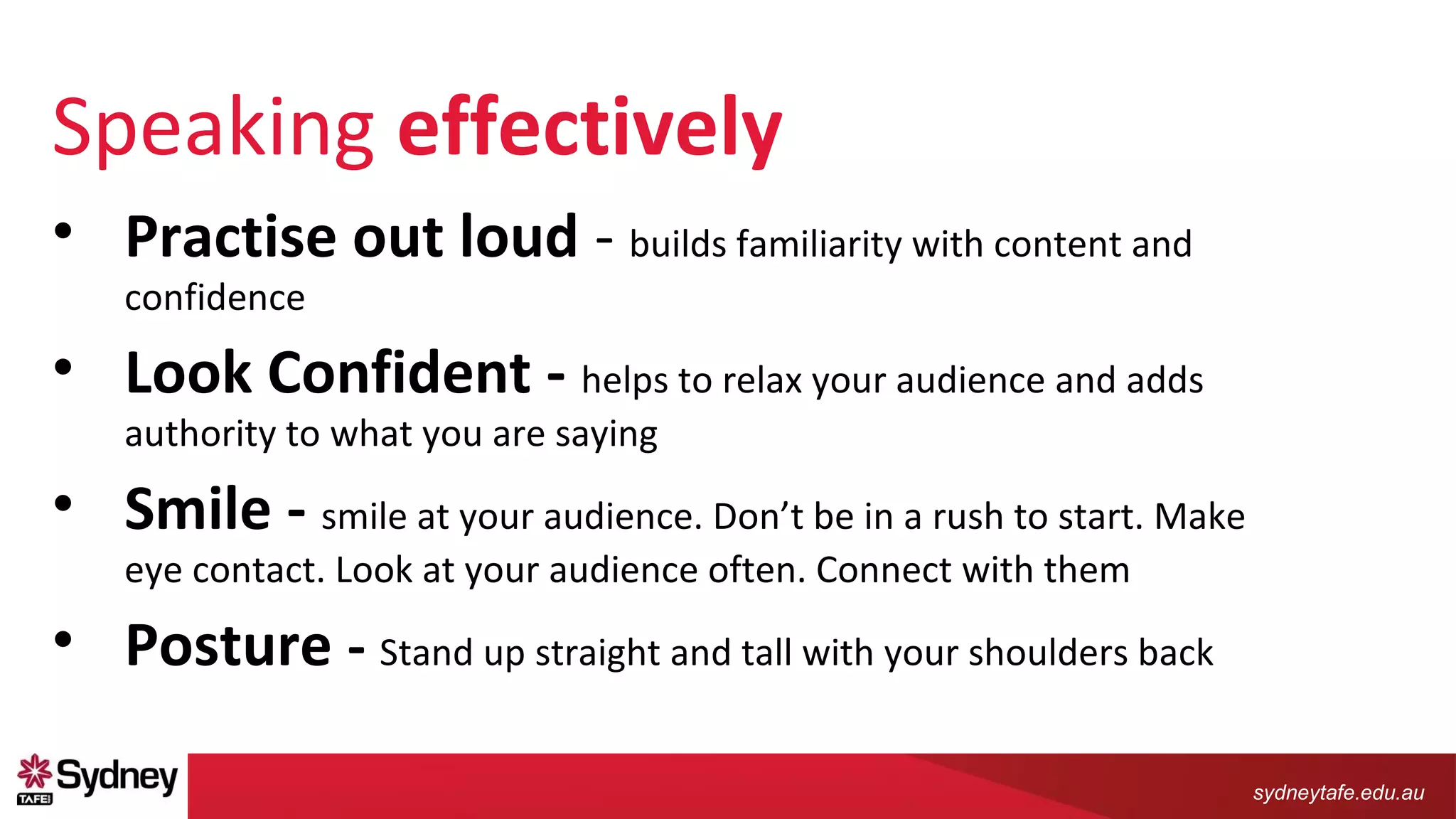
Speaking effectively
• Practise out loud - builds familiarity with content and
confidence
• Look Confident - helps to relax your audience and adds
authority to what you are saying
• Smile - smile at your audience. Don’t be in a rush to start. Make
eye contact. Look at your audience often. Connect with them
• Posture - Stand up straight and tall with your shoulders back
sydneytafe.edu.au
Speaking effectively
• Speech - Speak naturally, use simple language and short sentences.
• Emphasis - Use your voice to emphasise the main points you want to
make.
• Mannerisms – try NOT to touch your face, swaying, tap a pen, say
um or ah or keep your hands in your pockets.
• Equipment - Organise and check the equipment beforehand.

Presentation skills

  • 1.
    sydneytafe.edu.au real skills,endless possibilities Presentation Skills
  • 2.
    sydneytafe.edu.au Planning a presentation •Research • Writing • Structure • Practice
  • 3.
    sydneytafe.edu.au Presenting • Introduce thegeneral topic • Have the attention of the audience • Order your points logically • Organise your material and Link your points • Conclusion ­­ Sum up your points
  • 4.
    sydneytafe.edu.au Presenting A Trick toAnswering Questions - repeat the question back •Gives you time to think of an answer. •Ensures the audience has heard it correctly. •Gives the questioner a chance to correct misunderstandings.
  • 5.
    sydneytafe.edu.au Presentation checklist • Introducedyourself & your topic to your audience? • Ideas presented clearly with a logical flow from one point to the next? • Concluded by summing up what you had covered? • Were your visual aids clear and easy to read? • Good control of your material with everything in the correct order? • Speaker comfortable, relaxed & enthusiastic? • Presenter spoke clearly enough?
  • 6.
    sydneytafe.edu.au Speaking effectively • Practiseout loud - builds familiarity with content and confidence • Look Confident - helps to relax your audience and adds authority to what you are saying • Smile - smile at your audience. Don’t be in a rush to start. Make eye contact. Look at your audience often. Connect with them • Posture - Stand up straight and tall with your shoulders back
  • 7.
    sydneytafe.edu.au Speaking effectively • Speech- Speak naturally, use simple language and short sentences. • Emphasis - Use your voice to emphasise the main points you want to make. • Mannerisms – try NOT to touch your face, swaying, tap a pen, say um or ah or keep your hands in your pockets. • Equipment - Organise and check the equipment beforehand.

Editor's Notes

  • #4 introduce the general topic and set the context for your presentation grab the attention of the audience - joke, cartoon, story or an interesting quote (relevant) outline the main point Structure each point Order your points logically, build a sequence or ‘story’ for your audience Organise your material Chronological order, by theme, or in the order of importance. When presenting an argument, strongest points should go at the beginning and end and leave your weaker points to the middle of the presentation. This way, people are more likely to hear and remember your stronger points and will be more convinced by the argument you put forward. So that your presentation moves smoothly from one point to the next. Use words like ‘furthermore … likewise … however … on the other hand”. Also, sequencing your points by using words like ‘firstly … secondly … finally’ signals to your audience that you are starting another point and where they are up to in the presentation. Conclusion ­- Sum up your points Leave your audience with a clear summary of everything you have covered. Restate each point and explain its connection to the other points made and to the main point of your presenta
  • #5 Strong statement to finish with Prepare before you get up to speak. It may be a quote or a joke or even just restating your main point in a different way. Leave your audience satisfied with a strong conclusion. A Trick to Answering Questions Try to repeat the question back to the audience member –Gives you time to think of an answer. – Ensures the audience has heard it correctly. – Gives the questioner a chance to correct misunderstandings.
  • #7 Practise out loud again and again – builds familiarity with content and confidence   Look Confident helps to relax your audience and adds authority to what you are saying.   Smile Before your start speaking, smile at your audience. Don’t be in a rush to start. Make eye contact. Look at your audience often. Connect with them   Posture Stand up straight and tall with your shoulders back. This gives the impression of confidence and authority. Speak purposefully and sound as if you believe what you are saying.   Speech Speak naturally, use simple language and short sentences. Try to avoid reading if you can. Modulate the tone of your voice and vary the pace of speech. Talk slightly more slowly than normal. Speaking to an audience needs a slower pace than informal conversation so that they can take in what you are saying.   Emphasis Use your voice to emphasise the main points you want to make. Slow down and increase the volume a little when you are making a point and then speed up and go a little quieter when explaining or giving examples. Also, pause between points as it signals to your audience that you are moving to a new topic.   Mannerisms It can be distracting when someone repeats a gesture over and over. People often do this when they are nervous and they are not always aware that they do it. Examples include wringing hands, touching your face, swaying, tapping a pen, saying um or ah or keeping your hands in your pockets. Practice your speech beforehand.   Equipment Organise the equipment as nothing stops the flow of a good presentation like having to stop and fiddle with a computer or DVD player. Practise with your PowerPoint slides so that you can change them smoothly as you talk.   http://studywell.library.qut.edu.au/pdf_files/PRESENTING__SpeakingEffectively.pdf
  • #8 Speech Speak naturally, use simple language and short sentences. Try to avoid reading if you can. Modulate the tone of your voice and vary the pace of speech. Talk slightly more slowly than normal. Speaking to an audience needs a slower pace than informal conversation so that they can take in what you are saying.   Emphasis Use your voice to emphasise the main points you want to make. Slow down and increase the volume a little when you are making a point and then speed up and go a little quieter when explaining or giving examples. Also, pause between points as it signals to your audience that you are moving to a new topic.   Mannerisms It can be distracting when someone repeats a gesture over and over. People often do this when they are nervous and they are not always aware that they do it. Examples include wringing hands, touching your face, swaying, tapping a pen, saying um or ah or keeping your hands in your pockets. Practice your speech beforehand.   Equipment Organise the equipment as nothing stops the flow of a good presentation like having to stop and fiddle with a computer or DVD player. Practise with your PowerPoint slides so that you can change them smoothly as you talk.   http://studywell.library.qut.edu.au/pdf_files/PRESENTING__SpeakingEffectively.pdf