



That: </h1>
t
ode This, No
<h1> C

10 

Do’s & Don’ts

For Learning HTML.
When you’re a marketer,
coding can feel like a
foreign language …
… but a language that’s
essential to your job.
That’s why we want to share …
10 

Do’s &
Don’ts

For Marketers

HACKING HTML.
Ready to learn?
Let’s go …
Don’t

Build your own email
templates from scratch.

1
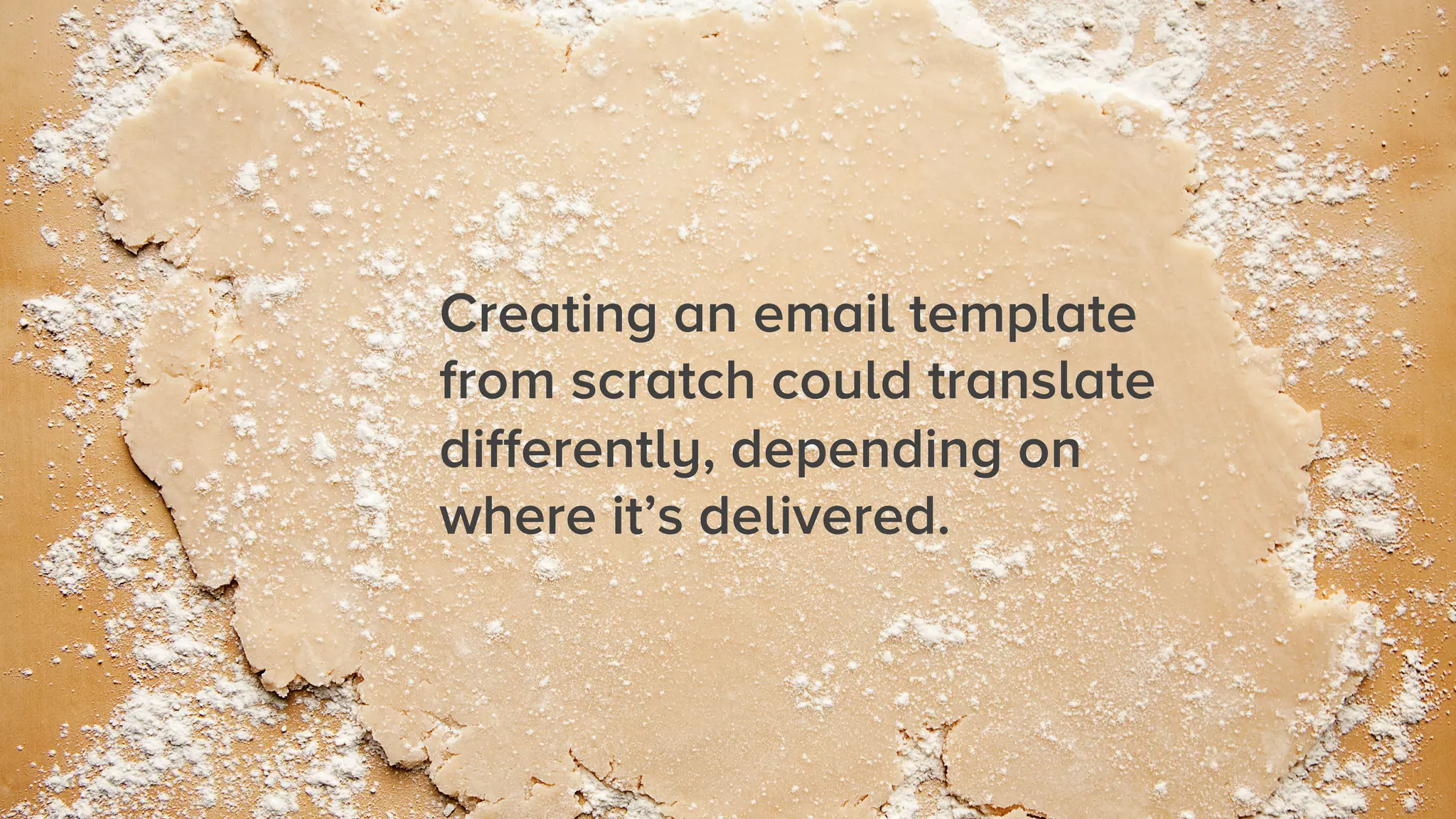
Creating an email template
from scratch could translate
differently, depending on
where it’s delivered.
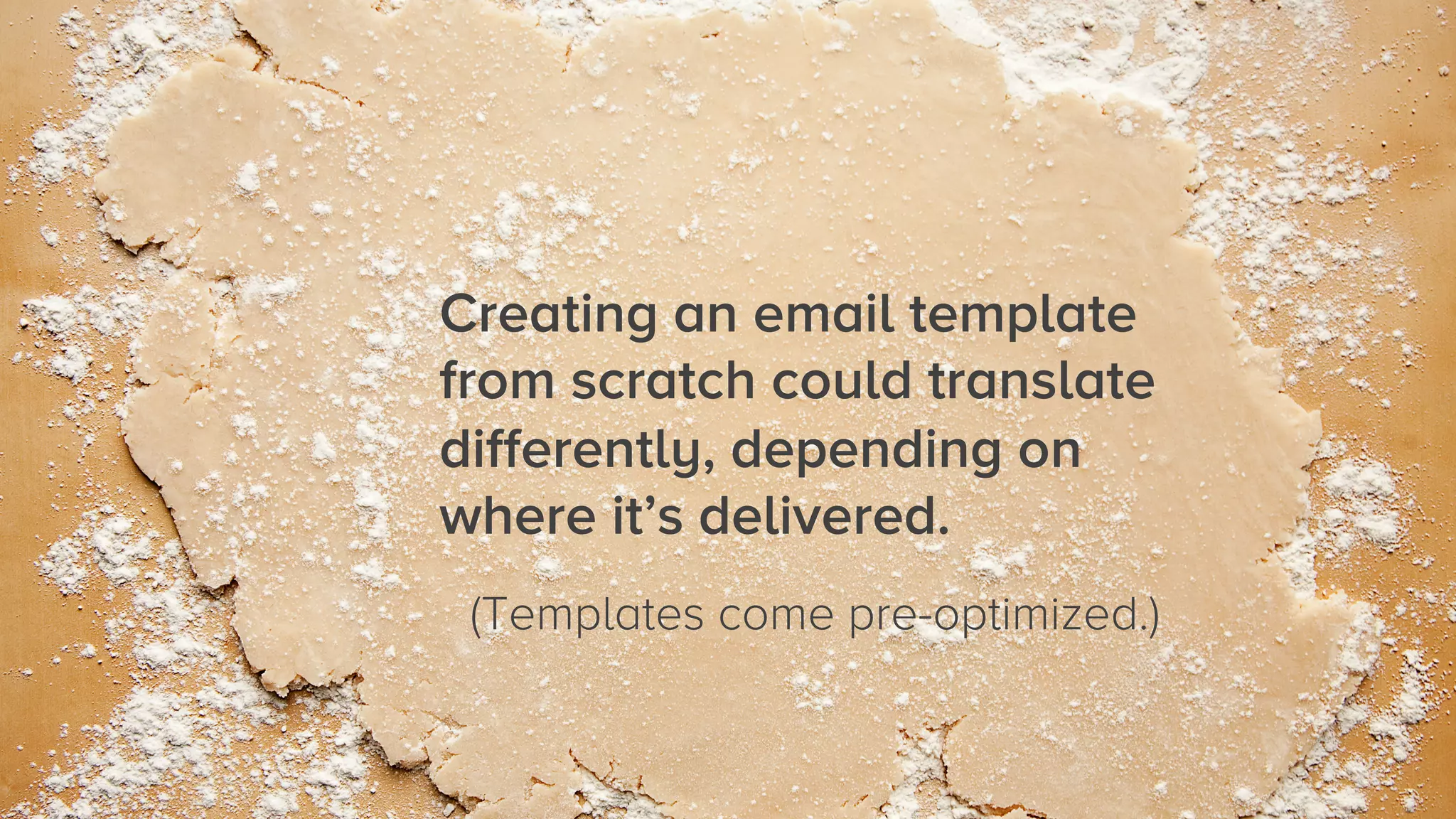
Creating an email template
from scratch could translate
differently, depending on
where it’s delivered.
(Templates come pre-optimized.)
1 
 Do

Use default templates and
customize them.
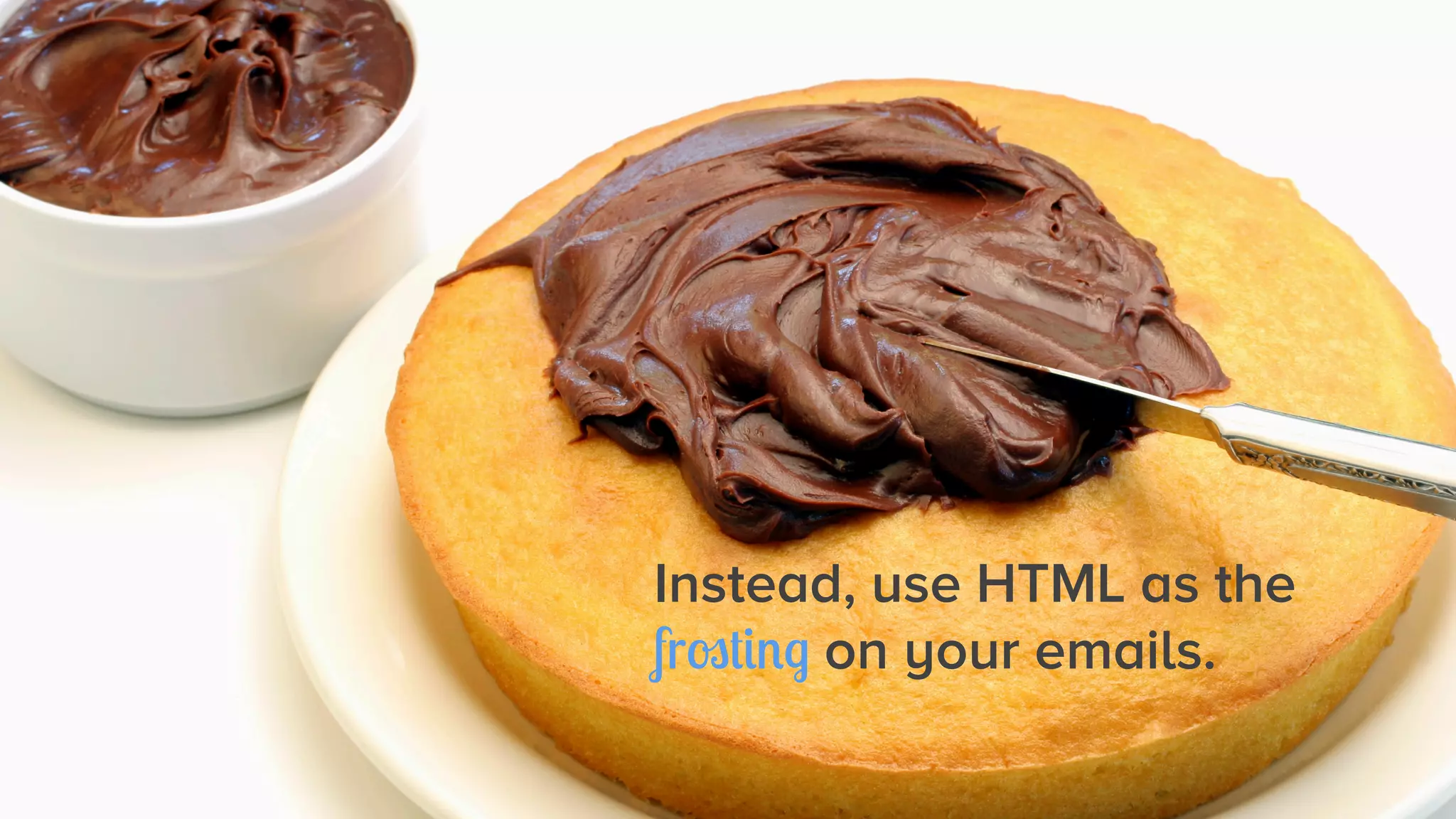
Instead, use HTML as the
frosting on your emails.
Don’t

Feel like you need to
design it all yourself.

2
Don’t

Feel like you need to
design it all yourself.
(That’s a lot of work.)

2
2 
 Do

Focus on the content and
enhance with simple hacks.
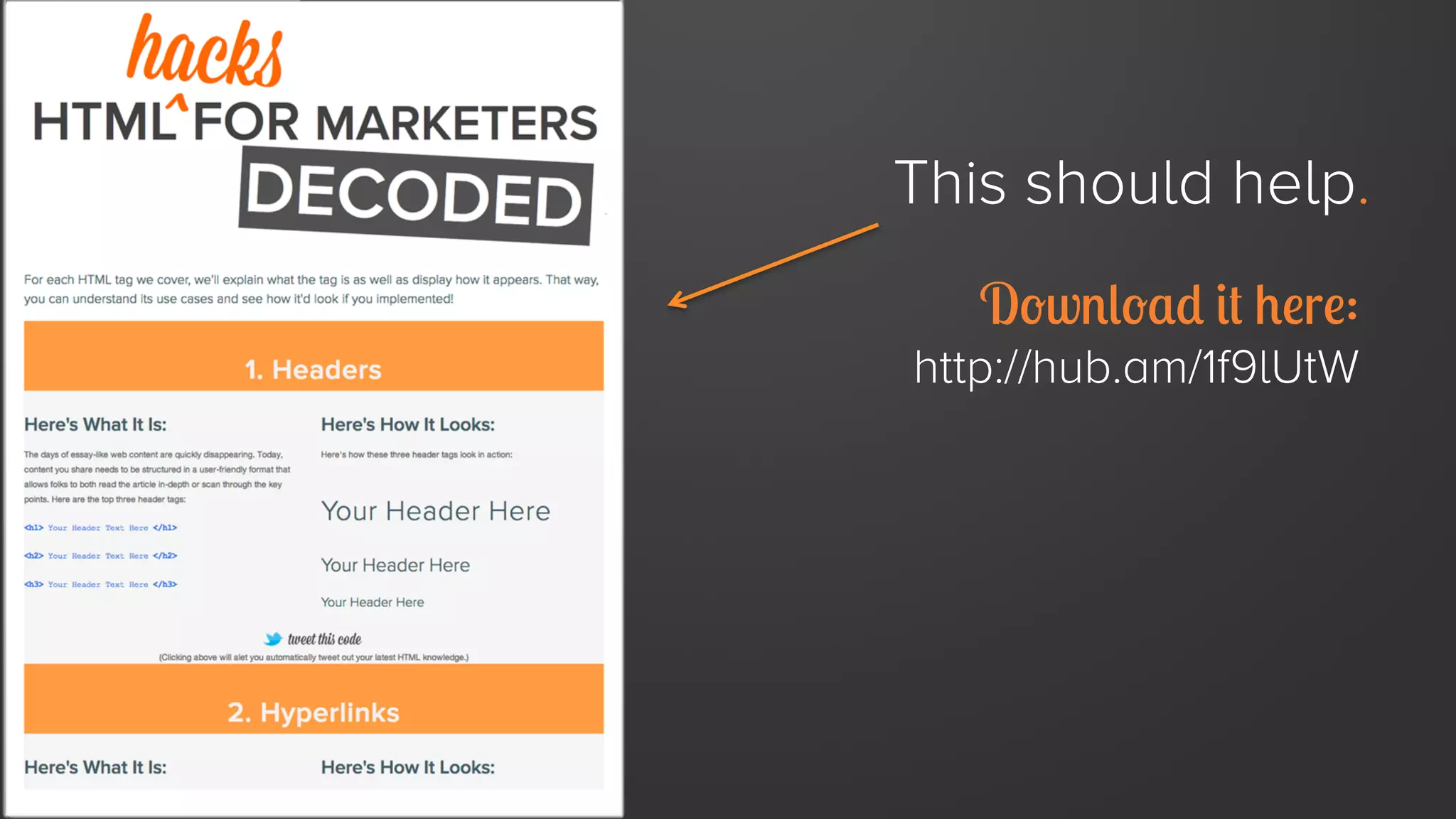
This should help.
Download it here:

http://hub.am/1f9lUtW
Don’t

Send an email if you
haven’t tested it first.

3
Don’t

Send an email if you
haven’t tested it first.
(There’s no ‘undo’ button.)

3
3 
 Do

Test your emails out on as
many clients as possible.
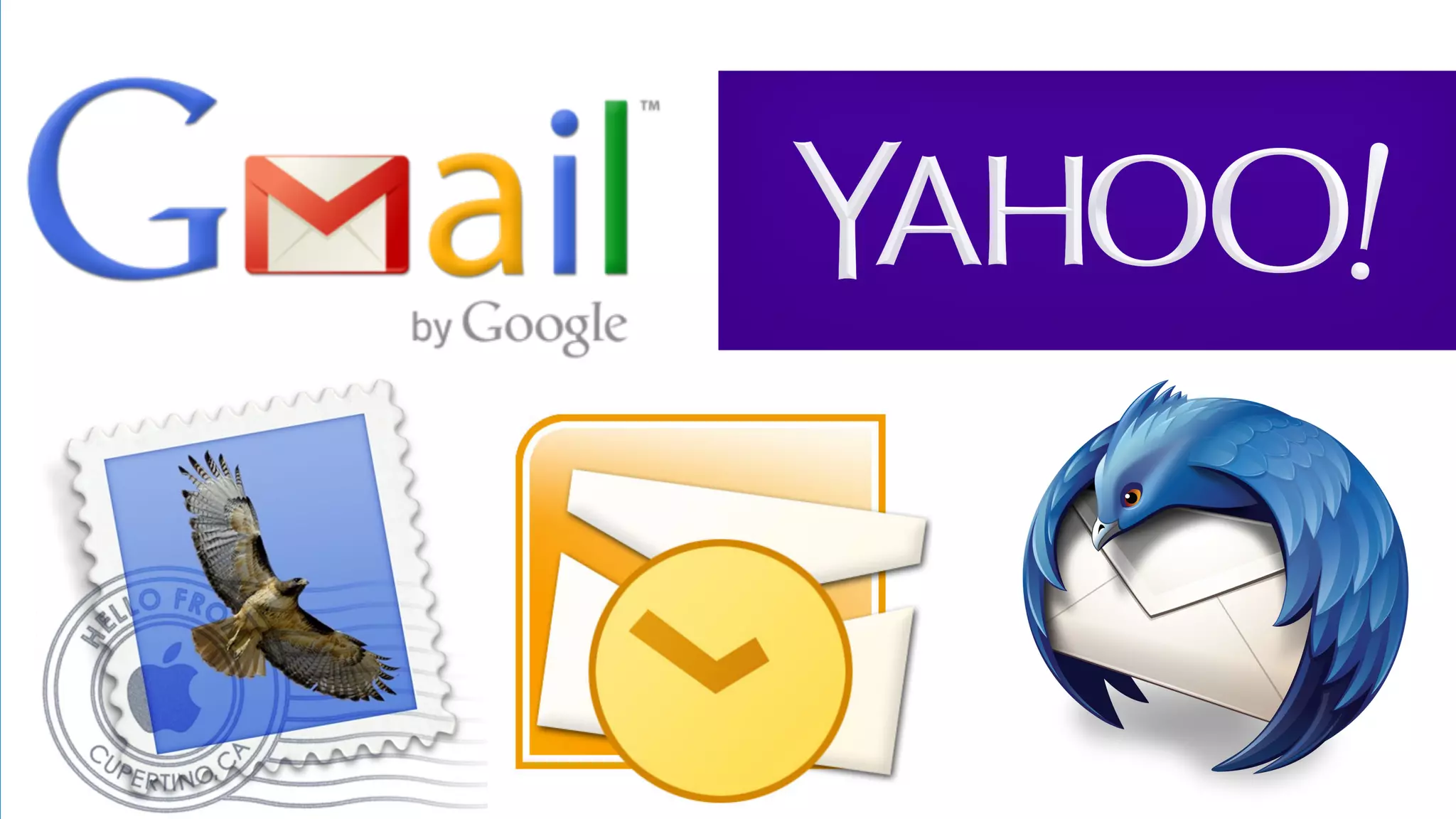
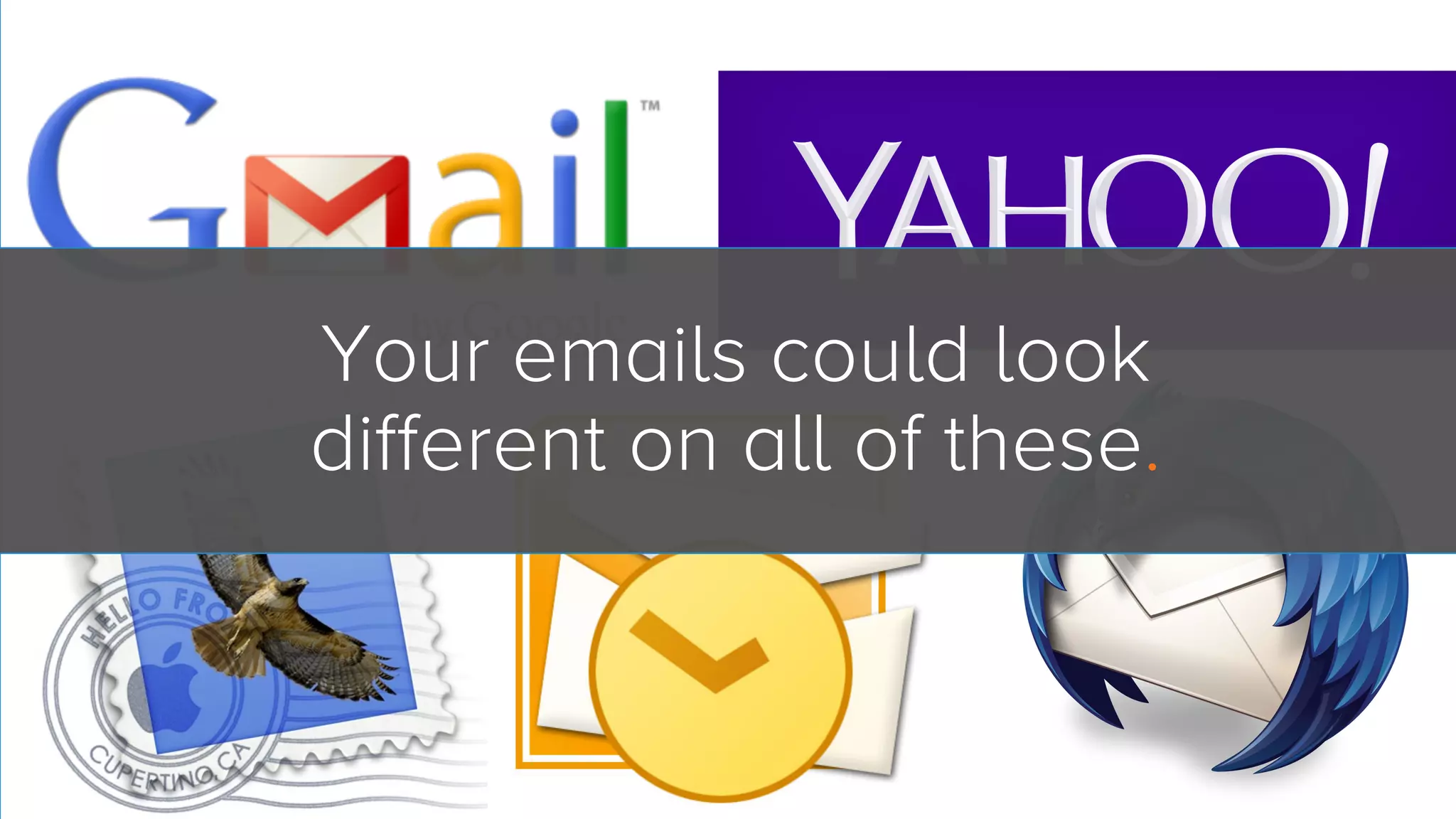
Your emails could look
different on all of these.
Don’t

Copy/paste HTML from
Microsoft Word.

4
Don’t

Copy/paste HTML from
Microsoft Word.
(It won’t render correctly.)

4
4 
 Do

Copy/paste from TextEdit
or Notepad.
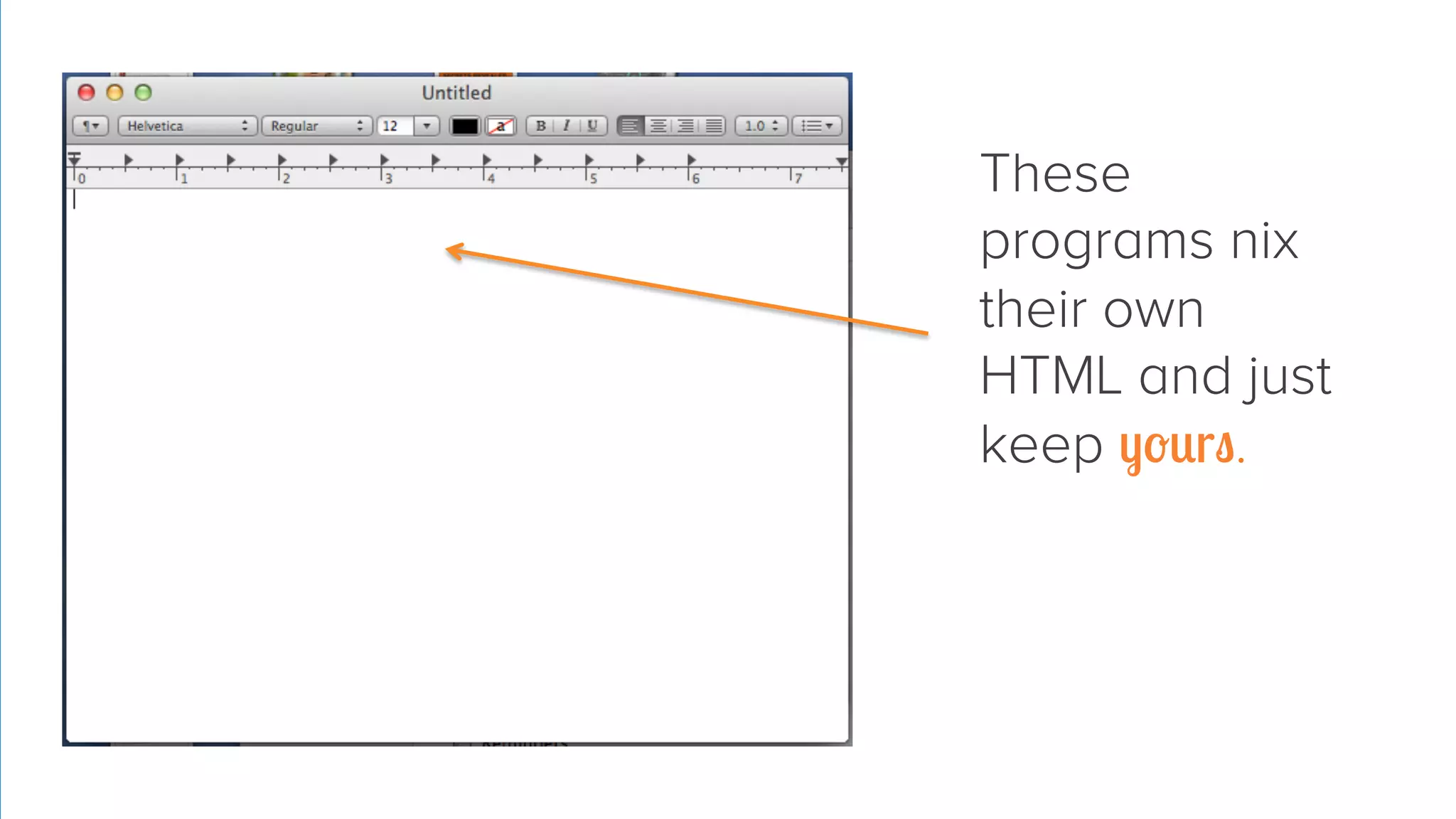
These
programs nix
their own
HTML and just
keep yours.
Don’t

Embed JavaScript in an
email.

5
Don’t

Embed JavaScript in an
email.
(It won’t work.)

5
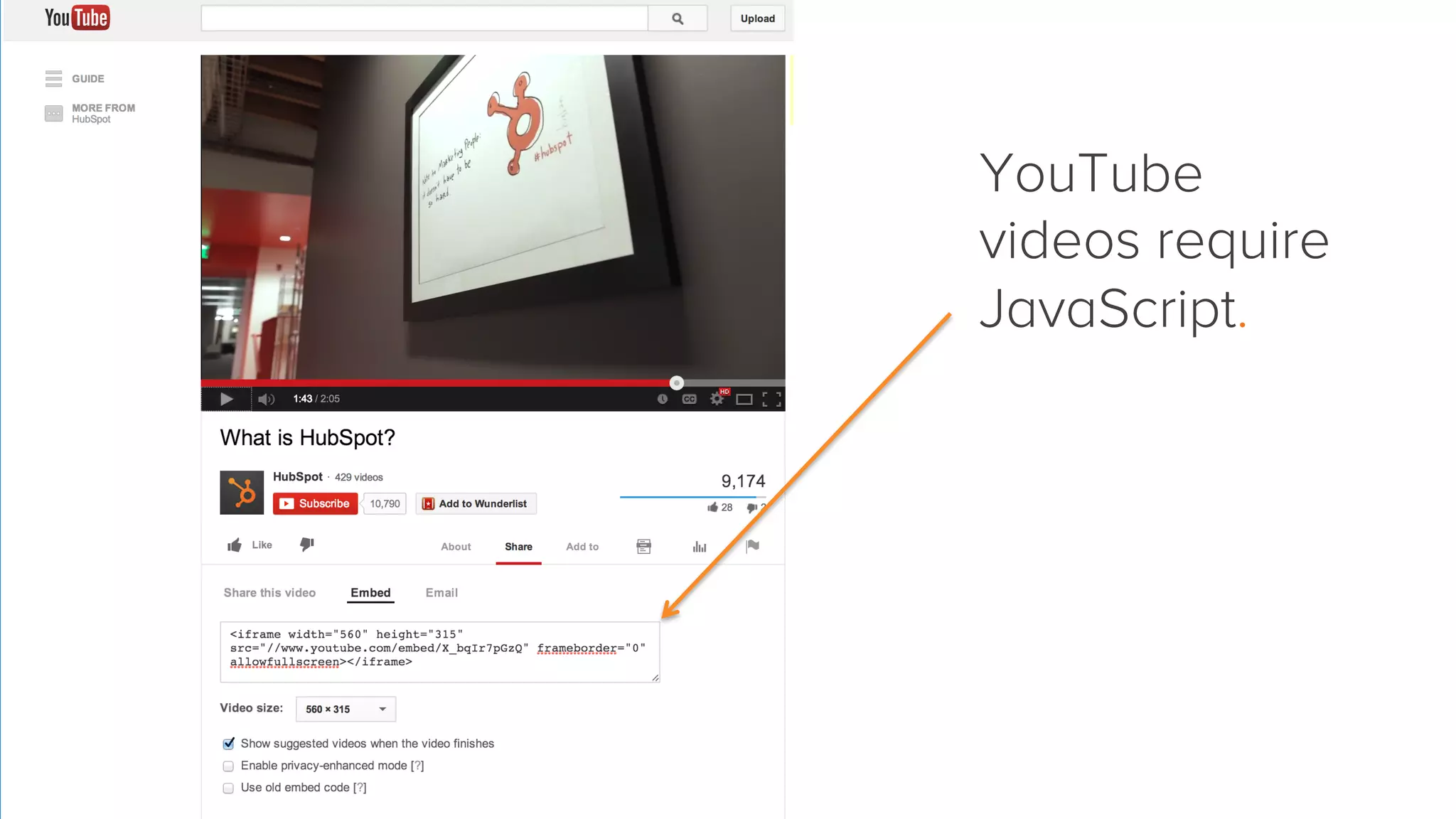
YouTube
videos require
JavaScript.
5 
 Do

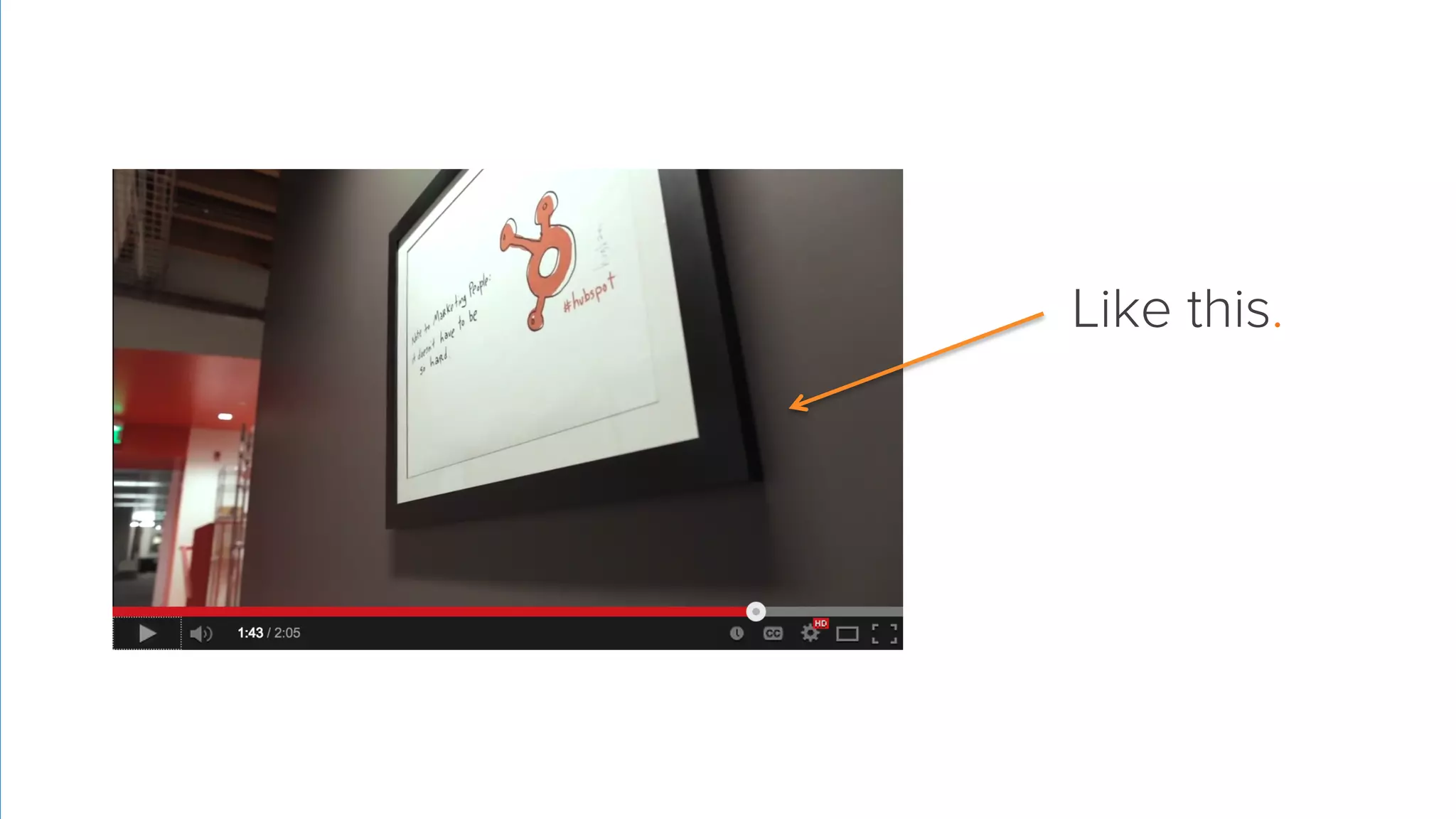
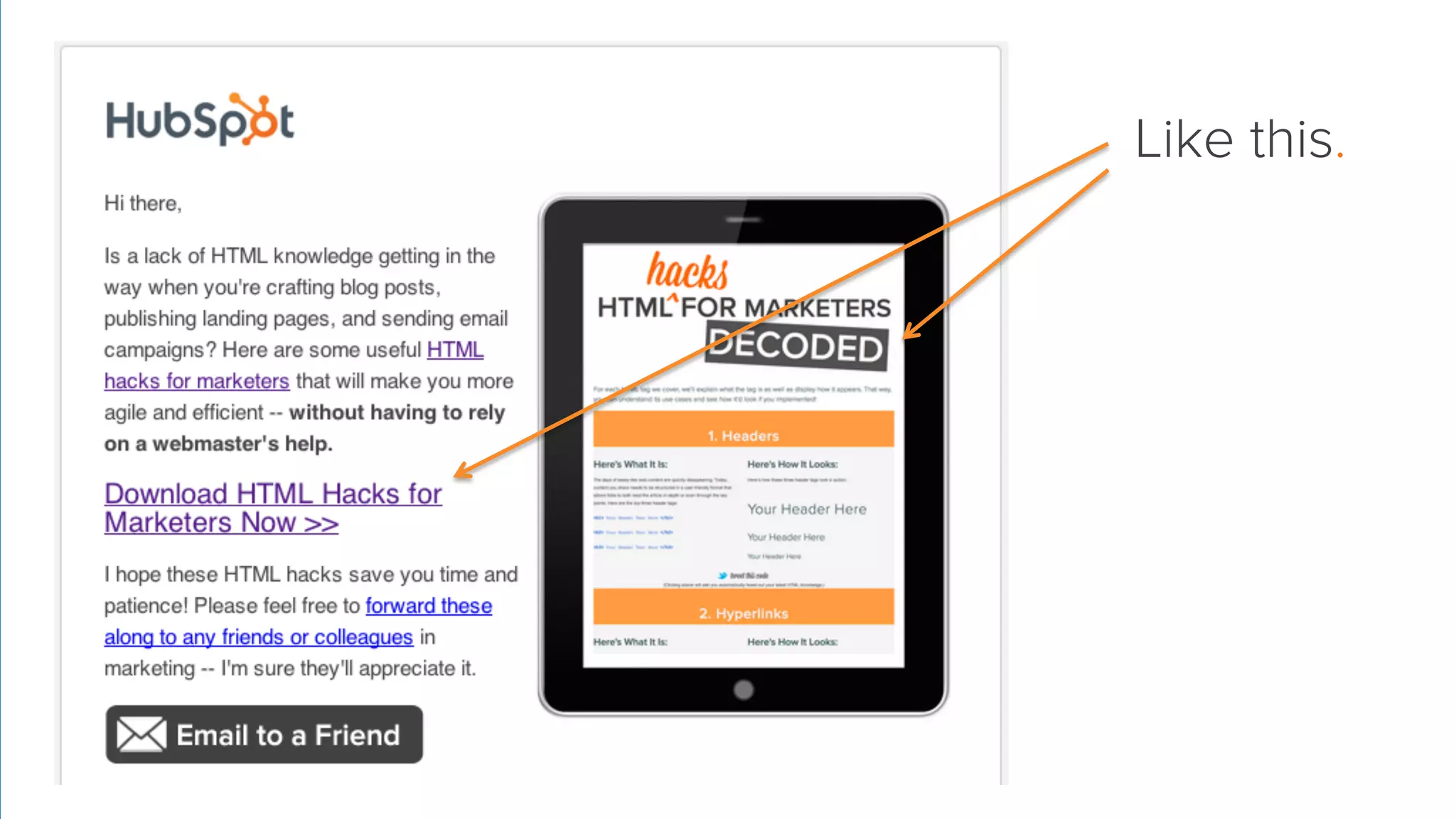
Take a screenshot and
hyperlink the image.
Like this.
Don’t
Put a form in an email.

6
Don’t
Put a form in an email.
(Like YouTube videos, it won’t work.)

6
6 
 Do

Send traffic to landing pages
using CTAs & hyperlinks.
Like this.
Don’t

Work directly off your
original copy.

7
Don’t

Work directly off your
original copy.
(There’s no ‘undo’ button.)

7
7 
 Do

Make a backup copy of
anything you’re changing.
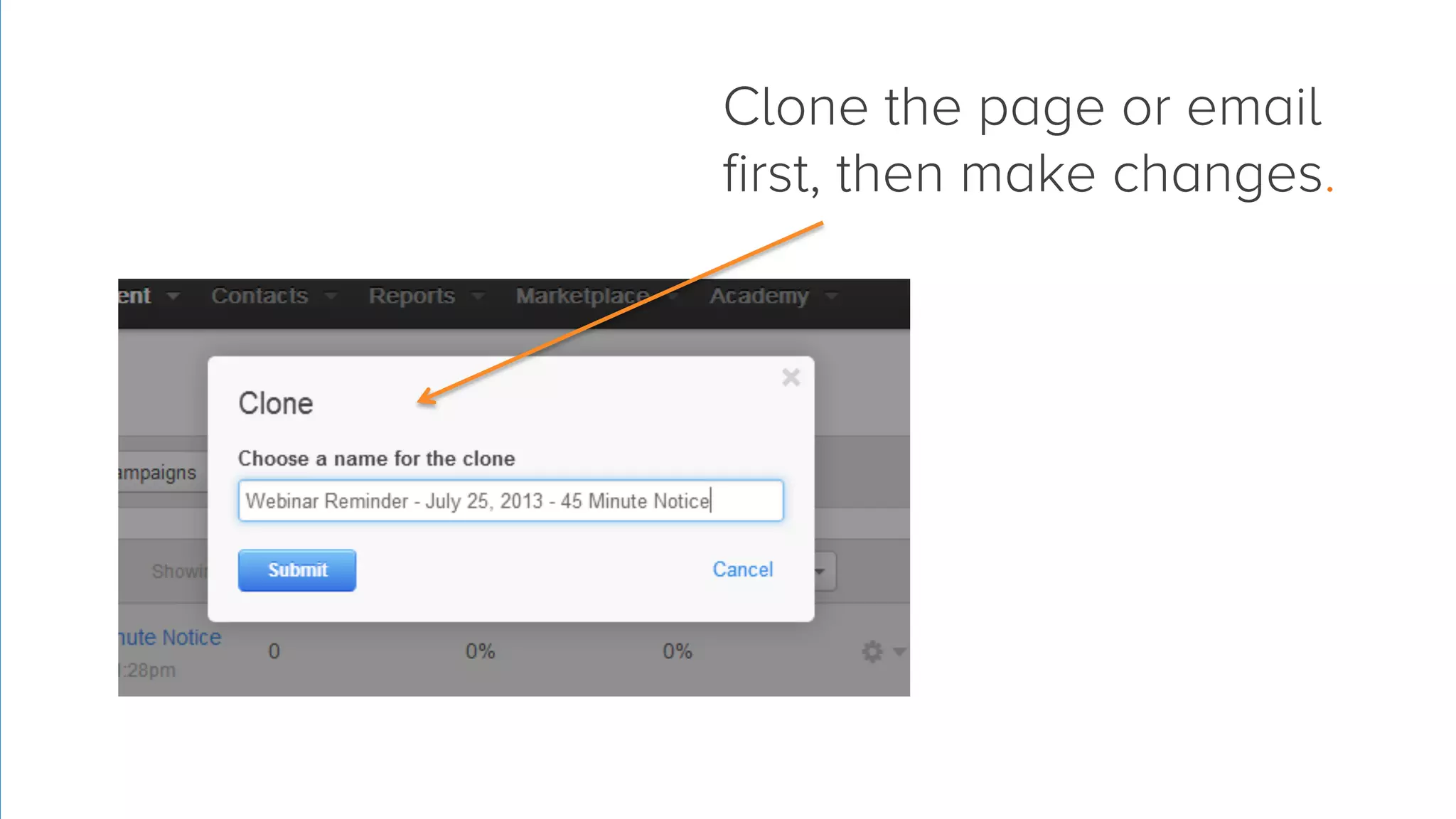
Clone the page or email
first, then make changes.
Don’t

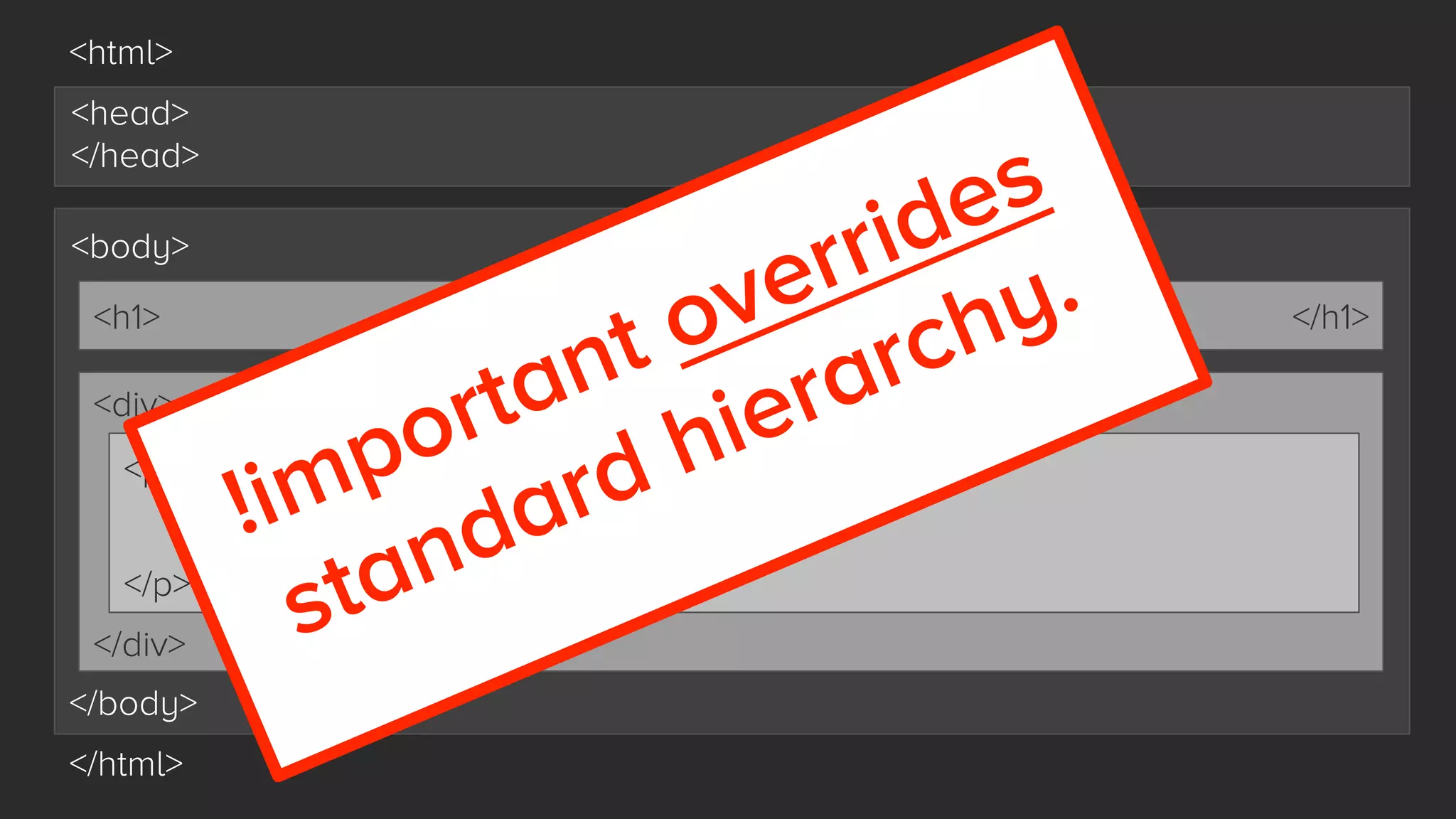
Break the rules of
HTML hierarchy.

8
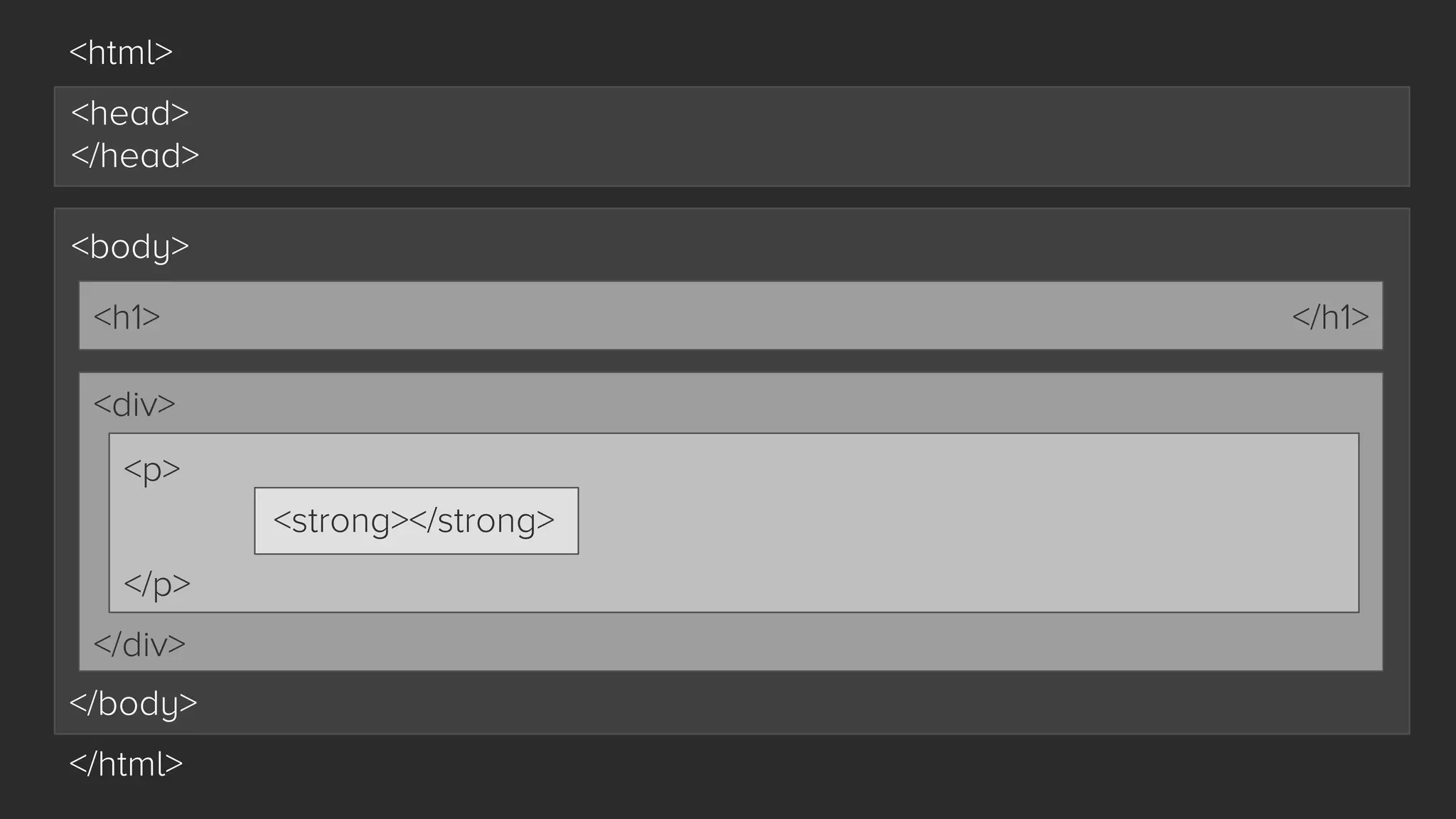
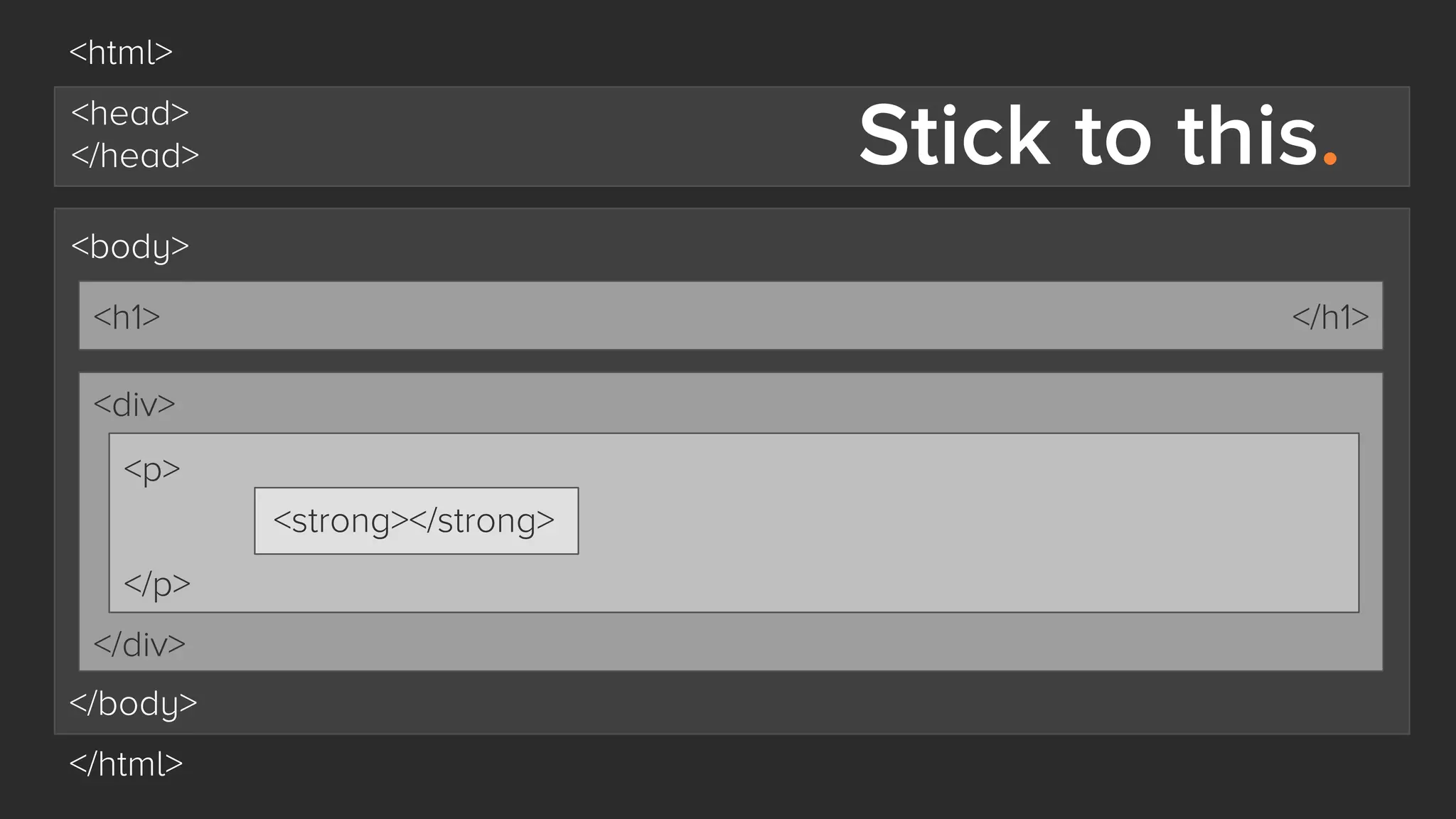
<html>
<head>
</head>
<body>
<h1>

</h1>

<div>
<p>
<strong></strong>
</p>
</div>
</body>
</html>
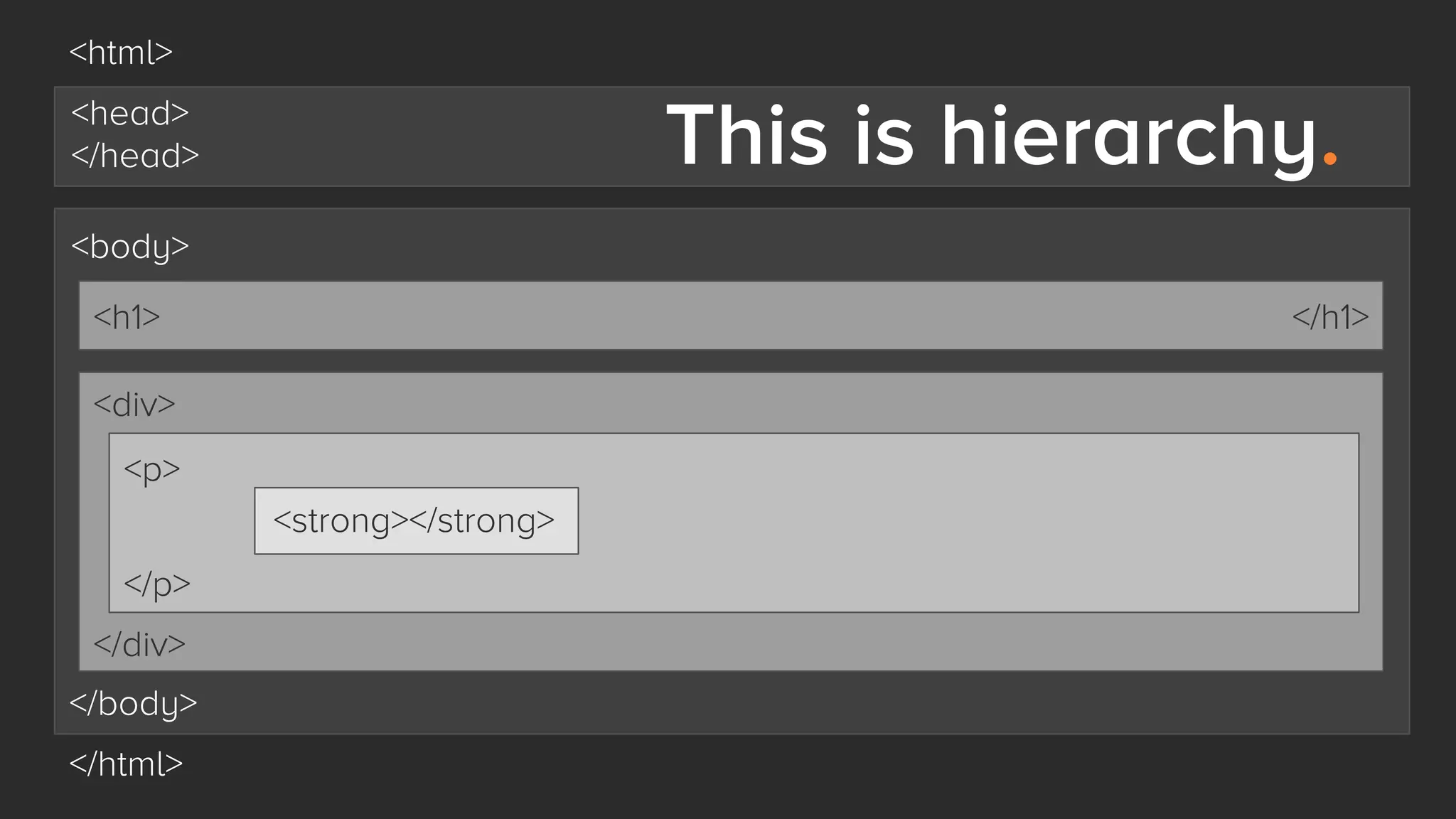
<html>

This is hierarchy.

<head>
</head>
<body>
<h1>

</h1>

<div>
<p>
<strong></strong>
</p>
</div>
</body>
</html>
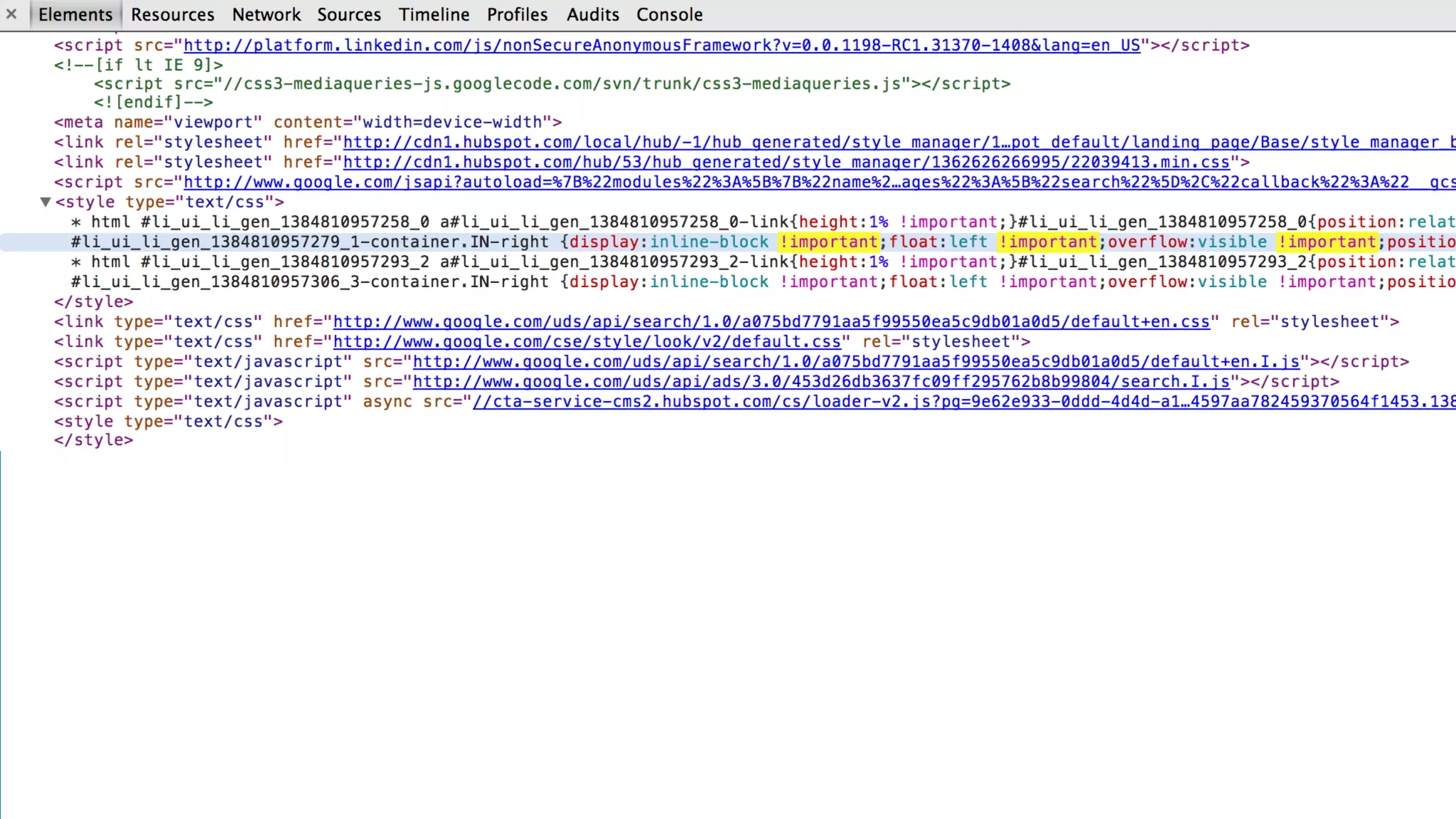
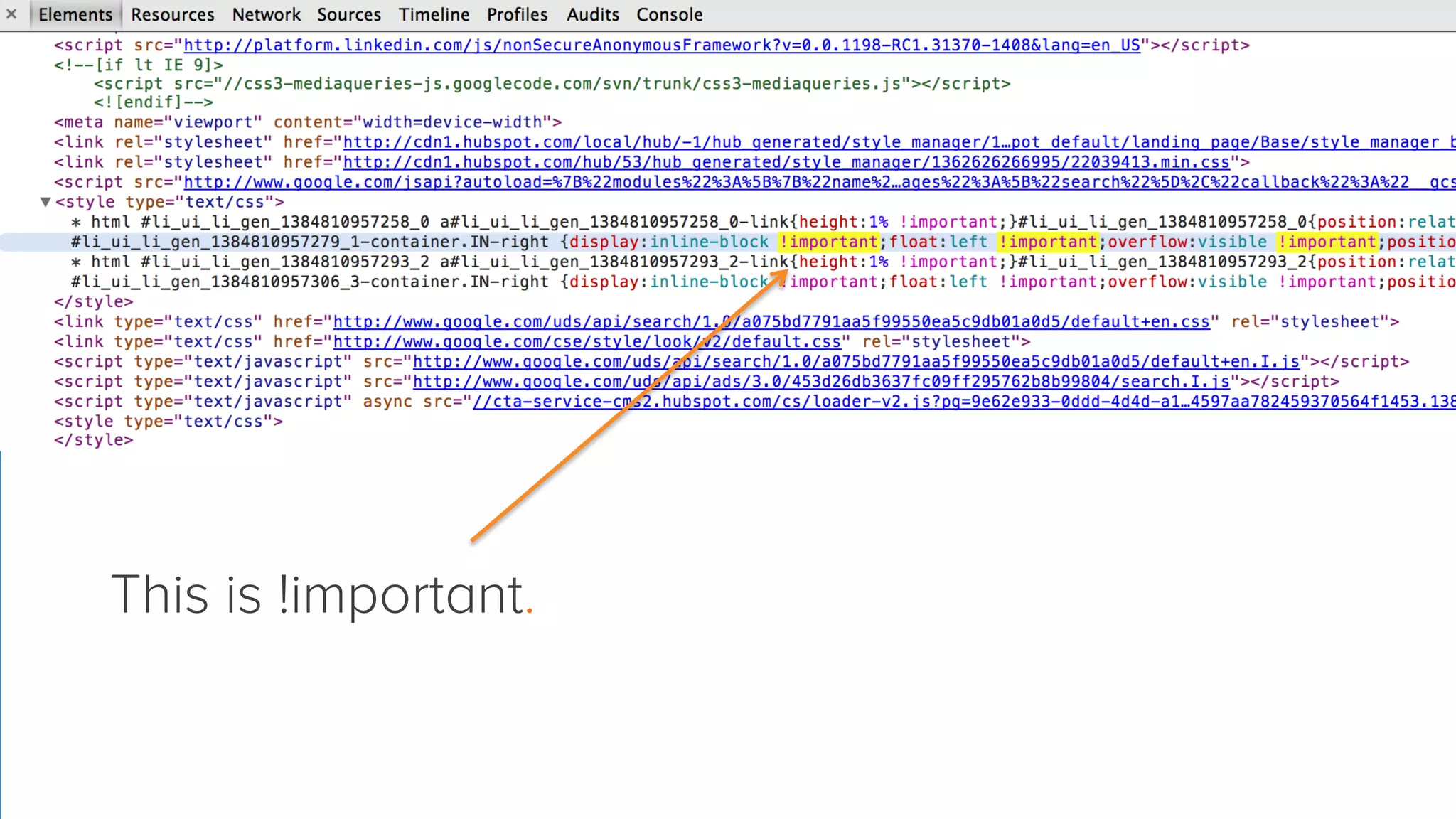
This is !important.
<html>
<head>
</head>
<body>
<h1>

</h1>

<div>
<p>
<strong></strong>
</p>
</div>
</body>
</html>
This could cause
long-term problems.
This could cause
long-term problems.
(Seriously. Don’t do it.)
8 
 Do

Give everything the
appropriate hierarchy.
<html>

Stick to this.

<head>
</head>
<body>
<h1>

</h1>

<div>
<p>
<strong></strong>
</p>
</div>
</body>
</html>
Don’t

Make changes without
knowing how many
pages it affects.

9
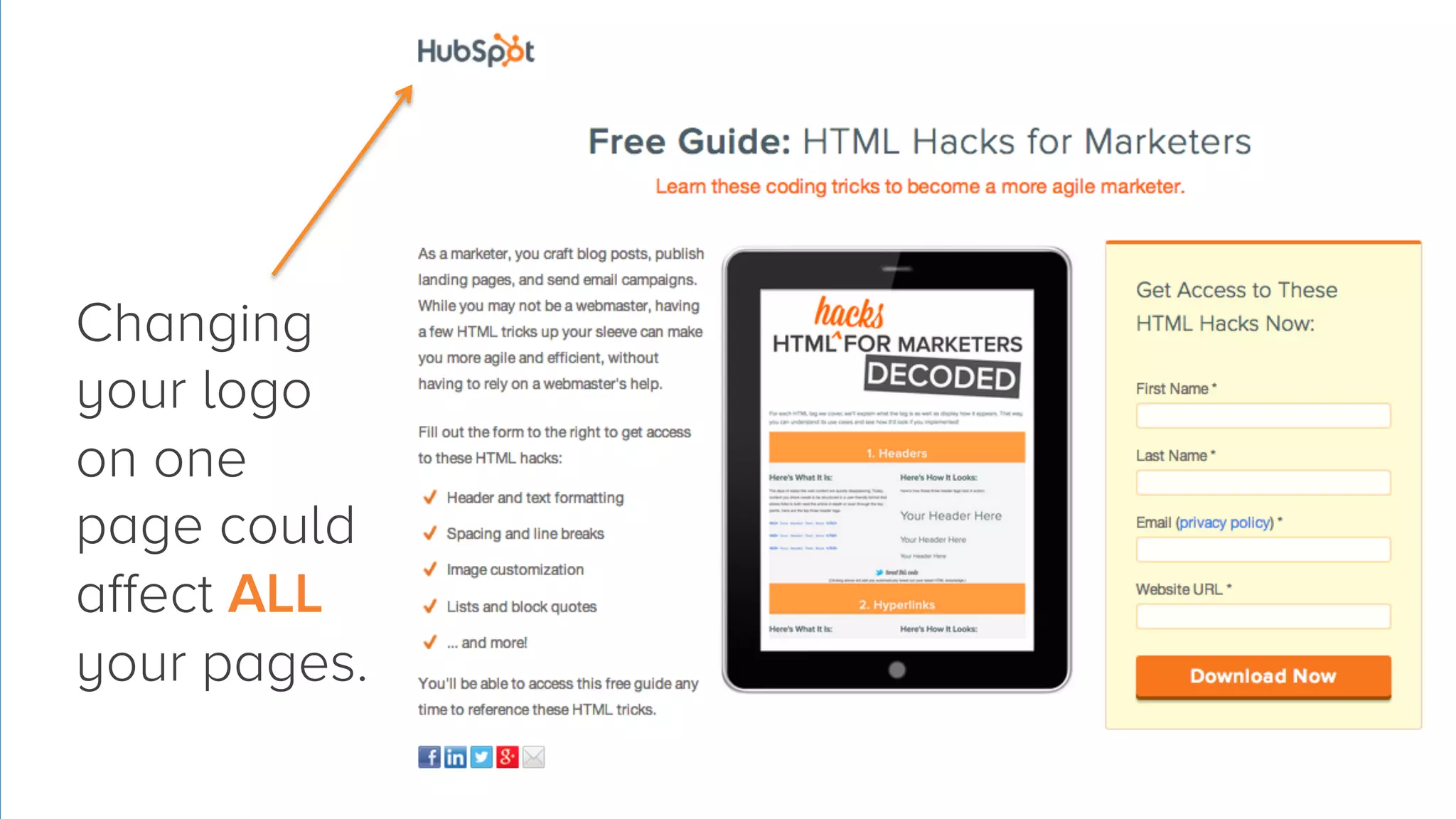
Changing
your logo
on one
page could
affect ALL
your pages.
9 
 Do

Consult a designer before
making big changes.
9 
 Do

Consult a designer before
making big changes.
(If you don’t know what a “big
change” is, ask a designer first.)
Don’t

Delete code if you’re
not sure what it does.

10
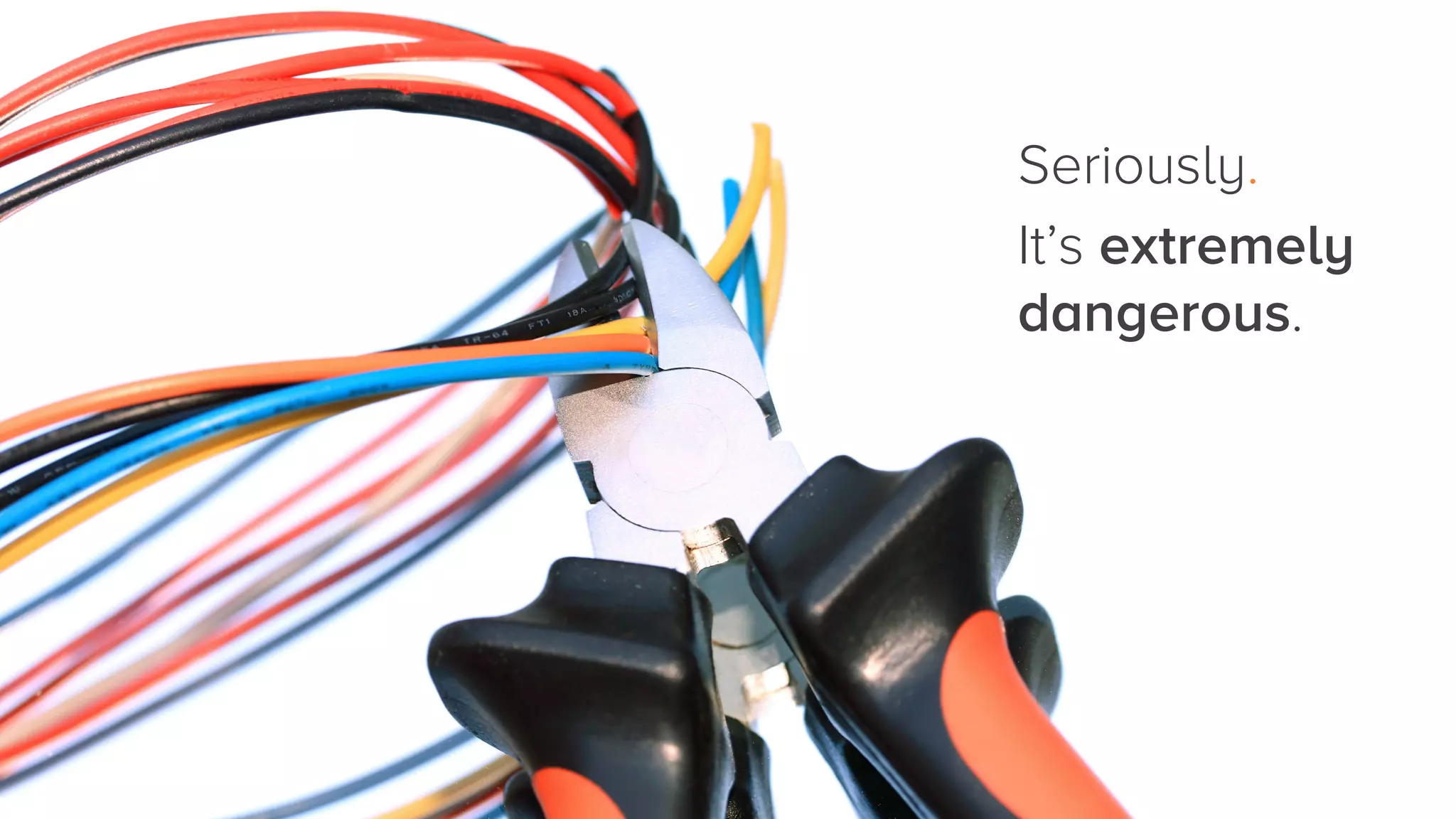
Seriously. 
It’s extremely
dangerous.
10 
 Do

Learn your HTML basics
before diving in head first.
HTML Hacks for
Marketers: Decoded
Click to download:

http://hub.am/1f9lUtW
Thanks.

Code This, Not That: 10 Do's and Don'ts For Learning HTML