This document summarizes an overview presentation on SQL Server basics for non-database administrators. It covers SQL Server 2005 platform features, managing databases, database maintenance and protection, securing SQL Server, and managing database objects. The document provides high-level information on these SQL Server administration topics in less than 3 sentences.
Speaker Information AnilDesai Independent consultant (Austin, TX) Author of several SQL Server books Instructor, “Implementing and Managing SQL Server 2005” (Keystone Learning) Info: http://AnilDesai.net or [email_address]
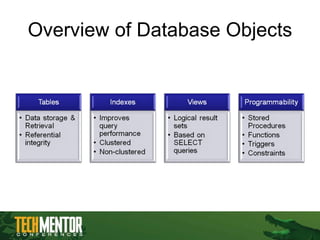
3.
Overview and AgendaSQL Server 2005 Platform Overview Managing Databases Database Maintenance and Data Protection Securing SQL Server Managing Database Objects / Best Practices
4.
SQL Server 2005Platform Overview Understanding SQL Server’s features, services, and administrative tools
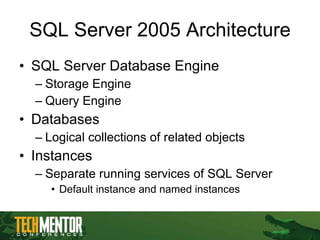
SQL Server 2005Architecture SQL Server Database Engine Storage Engine Query Engine Databases Logical collections of related objects Instances Separate running services of SQL Server Default instance and named instances
7.
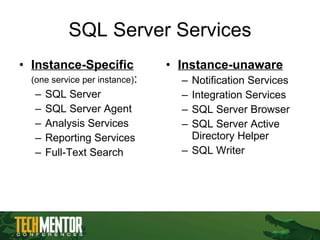
SQL Server ServicesInstance-Specific (one service per instance) : SQL Server SQL Server Agent Analysis Services Reporting Services Full-Text Search Instance-unaware Notification Services Integration Services SQL Server Browser SQL Server Active Directory Helper SQL Writer
8.
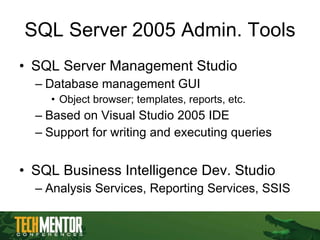
SQL Server 2005Admin. Tools SQL Server Management Studio Database management GUI Object browser; templates, reports, etc. Based on Visual Studio 2005 IDE Support for writing and executing queries SQL Business Intelligence Dev. Studio Analysis Services, Reporting Services, SSIS
9.
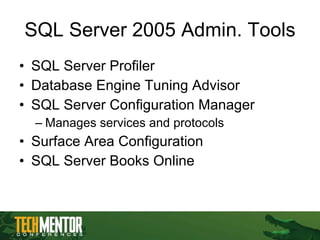
SQL Server 2005Admin. Tools SQL Server Profiler Database Engine Tuning Advisor SQL Server Configuration Manager Manages services and protocols Surface Area Configuration SQL Server Books Online
10.
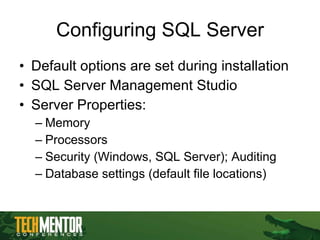
Configuring SQL ServerDefault options are set during installation SQL Server Management Studio Server Properties: Memory Processors Security (Windows, SQL Server); Auditing Database settings (default file locations)
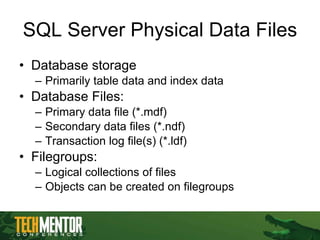
SQL Server PhysicalData Files Database storage Primarily table data and index data Database Files: Primary data file (*.mdf) Secondary data files (*.ndf) Transaction log file(s) (*.ldf) Filegroups: Logical collections of files Objects can be created on filegroups
13.
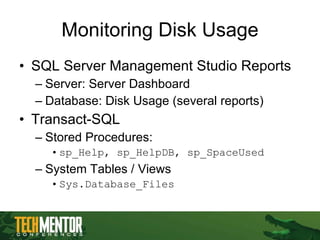
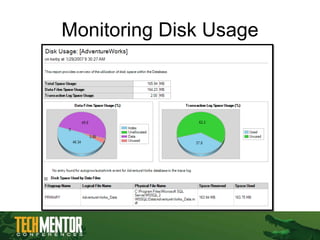
Monitoring Disk UsageSQL Server Management Studio Reports Server: Server Dashboard Database: Disk Usage (several reports) Transact-SQL Stored Procedures: sp_Help, sp_HelpDB, sp_SpaceUsed System Tables / Views Sys.Database_Files
14.
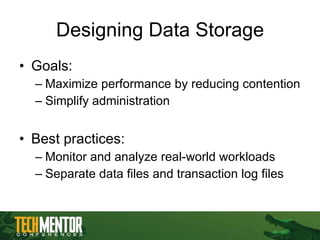
Designing Data StorageGoals: Maximize performance by reducing contention Simplify administration Best practices: Monitor and analyze real-world workloads Separate data files and transaction log files
15.
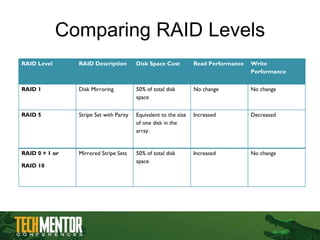
Comparing RAID LevelsRAID Level RAID Description Disk Space Cost Read Performance Write Performance RAID 1 Disk Mirroring 50% of total disk space No change No change RAID 5 Stripe Set with Parity Equivalent to the size of one disk in the array. Increased Decreased RAID 0 + 1 or RAID 10 Mirrored Stripe Sets 50% of total disk space Increased No change
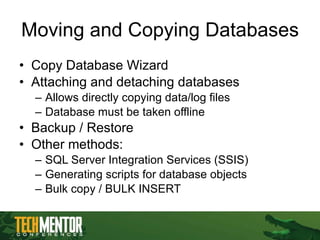
Moving and CopyingDatabases Copy Database Wizard Attaching and detaching databases Allows directly copying data/log files Database must be taken offline Backup / Restore Other methods: SQL Server Integration Services (SSIS) Generating scripts for database objects Bulk copy / BULK INSERT
18.
Database Maintenance &Data Protection Methods for maintaining, backing up, and restoring databases
19.
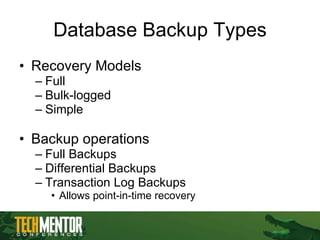
Database Backup TypesRecovery Models Full Bulk-logged Simple Backup operations Full Backups Differential Backups Transaction Log Backups Allows point-in-time recovery
20.
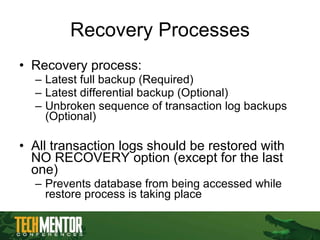
Recovery Processes Recoveryprocess: Latest full backup (Required) Latest differential backup (Optional) Unbroken sequence of transaction log backups (Optional) All transaction logs should be restored with NO RECOVERY option (except for the last one) Prevents database from being accessed while restore process is taking place
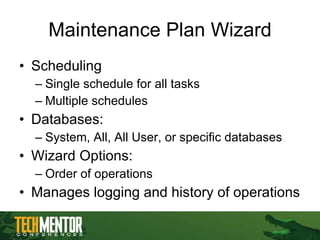
Maintenance Plan WizardScheduling Single schedule for all tasks Multiple schedules Databases: System, All, All User, or specific databases Wizard Options: Order of operations Manages logging and history of operations
23.
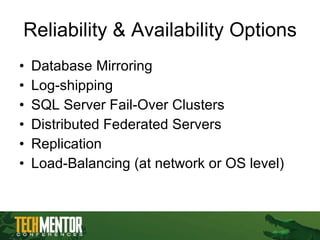
Reliability & AvailabilityOptions Database Mirroring Log-shipping SQL Server Fail-Over Clusters Distributed Federated Servers Replication Load-Balancing (at network or OS level)
24.
Securing SQL ServerUnderstanding SQL Server 2005’s security architecture and objects
25.
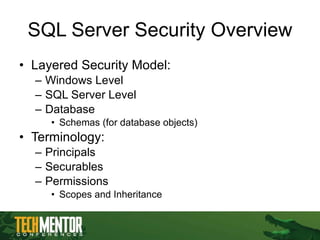
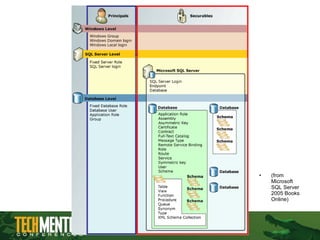
SQL Server SecurityOverview Layered Security Model: Windows Level SQL Server Level Database Schemas (for database objects) Terminology: Principals Securables Permissions Scopes and Inheritance
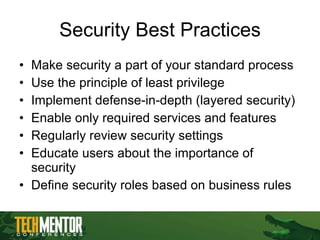
Security Best PracticesMake security a part of your standard process Use the principle of least privilege Implement defense-in-depth (layered security) Enable only required services and features Regularly review security settings Educate users about the importance of security Define security roles based on business rules
28.
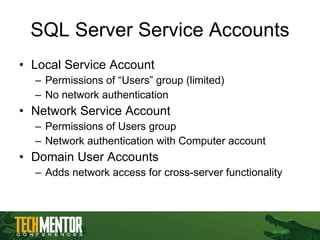
SQL Server ServiceAccounts Local Service Account Permissions of “Users” group (limited) No network authentication Network Service Account Permissions of Users group Network authentication with Computer account Domain User Accounts Adds network access for cross-server functionality
29.
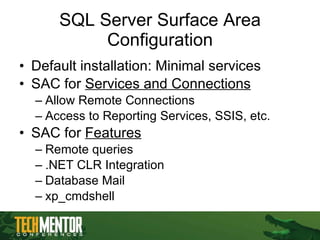
SQL Server SurfaceArea Configuration Default installation: Minimal services SAC for Services and Connections Allow Remote Connections Access to Reporting Services, SSIS, etc. SAC for Features Remote queries .NET CLR Integration Database Mail xp_cmdshell
30.
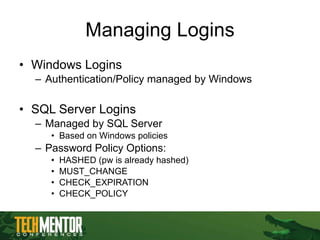
Managing Logins WindowsLogins Authentication/Policy managed by Windows SQL Server Logins Managed by SQL Server Based on Windows policies Password Policy Options: HASHED (pw is already hashed) MUST_CHANGE CHECK_EXPIRATION CHECK_POLICY
31.
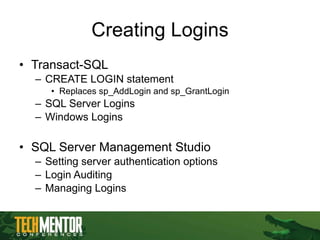
Creating Logins Transact-SQL CREATE LOGIN statement Replaces sp_AddLogin and sp_GrantLogin SQL Server Logins Windows Logins SQL Server Management Studio Setting server authentication options Login Auditing Managing Logins
32.
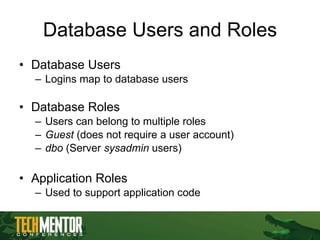
Database Users andRoles Database Users Logins map to database users Database Roles Users can belong to multiple roles Guest (does not require a user account) dbo (Server sysadmin users) Application Roles Used to support application code
33.
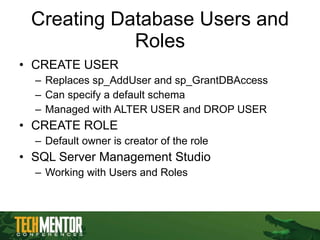
Creating Database Usersand Roles CREATE USER Replaces sp_AddUser and sp_GrantDBAccess Can specify a default schema Managed with ALTER USER and DROP USER CREATE ROLE Default owner is creator of the role SQL Server Management Studio Working with Users and Roles
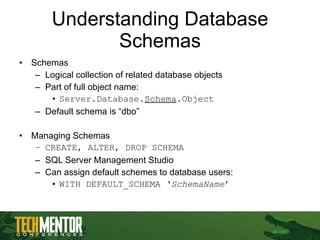
Understanding Database SchemasSchemas Logical collection of related database objects Part of full object name: Server.Database. Schema .Object Default schema is “dbo” Managing Schemas CREATE, ALTER, DROP SCHEMA SQL Server Management Studio Can assign default schemes to database users: WITH DEFAULT_SCHEMA ‘ SchemaName ’
36.
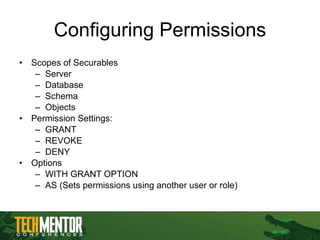
Configuring Permissions Scopesof Securables Server Database Schema Objects Permission Settings: GRANT REVOKE DENY Options WITH GRANT OPTION AS (Sets permissions using another user or role)
37.
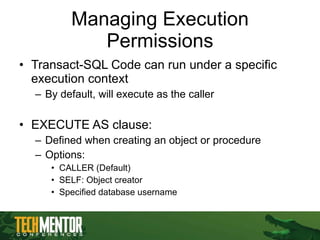
Managing Execution PermissionsTransact-SQL Code can run under a specific execution context By default, will execute as the caller EXECUTE AS clause: Defined when creating an object or procedure Options: CALLER (Default) SELF: Object creator Specified database username
38.
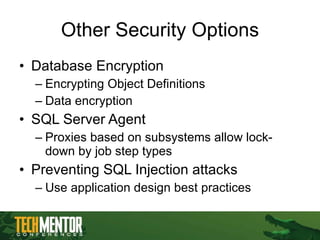
Other Security OptionsDatabase Encryption Encrypting Object Definitions Data encryption SQL Server Agent Proxies based on subsystems allow lock-down by job step types Preventing SQL Injection attacks Use application design best practices
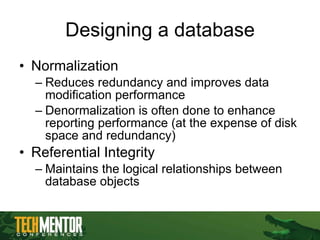
Designing a databaseNormalization Reduces redundancy and improves data modification performance Denormalization is often done to enhance reporting performance (at the expense of disk space and redundancy) Referential Integrity Maintains the logical relationships between database objects
42.
The 1-Minute * SQL Overview The Structured Query Language (SQL) defines a standard for interacting with relational databases Most platforms support ANSI-SQL 92 Most platforms provide many non-ANSI-SQL additions Most important data modification SQL statements: SELECT: Returning rows UPDATE: Modifying existing rows INSERT: Creating new rows DELETE: Removing existing rows * Presenter makes no guarantee about the time spent on this slide
43.
Indexing Overview IndexConsiderations Can dramatically increase query performance Adds overhead for index maintenance Best Practices Base design on real-world workloads SQL Profiler; Execution Plans Scenarios: Retrieving ranges of data Retrieving specific values
44.
Index Types Clusteredindex Controls the physical order of rows Does not require disk space One per table (may inc. multiple columns) Created by default on tables’ Primary Key column Non-Clustered Index Physical data structures that facilitate data retrieval Can have many indexes Indexes may include many columns
45.
Database Management Best Practices Maintenance and optimization of SQL Server 2005
46.
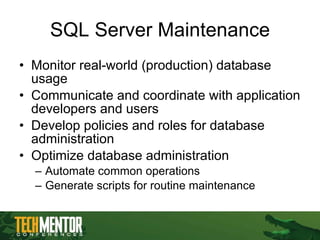
SQL Server MaintenanceMonitor real-world (production) database usage Communicate and coordinate with application developers and users Develop policies and roles for database administration Optimize database administration Automate common operations Generate scripts for routine maintenance
47.
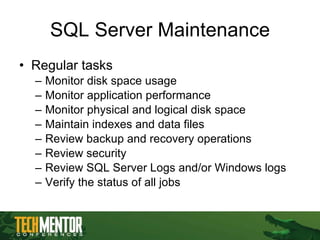
SQL Server MaintenanceRegular tasks Monitor disk space usage Monitor application performance Monitor physical and logical disk space Maintain indexes and data files Review backup and recovery operations Review security Review SQL Server Logs and/or Windows logs Verify the status of all jobs
48.
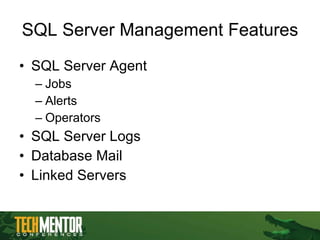
SQL Server ManagementFeatures SQL Server Agent Jobs Alerts Operators SQL Server Logs Database Mail Linked Servers
49.
For More Informationwww.microsoft.com/sql Resources from Anil Desai Web Site ( http://AnilDesai.net ) E-Mail: [email_address] Keystone Learning Course: “ Microsoft SQL Server 2005: Implementation and Maintenance (Exam 70-431) ” The Rational Guide to Managing Microsoft Virtual Server 2005 The Rational Guide to Scripting Microsoft Virtual Server 2005