Stored Procedures CIS-282
Scripts v. Stored Procedures Script: Text file of SQL commands Stored Procedure: SQL commands stored in database itself SPROC’s have more capabilities than a script
BATCH Batch is a logical group of SQL statements Run-time error will halt execution only of FURTHER steps Can break up multiple steps using GO Not available in all tools GO causes editing tool to send statements to that point for execution GO isn’t sent to SQL Server
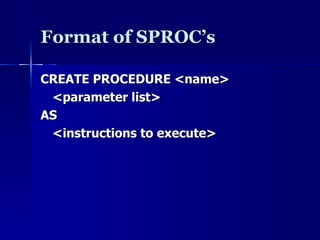
Format of SPROC’s CREATE PROCEDURE <name>  <parameter list> AS <instructions to execute>
EXECUTE EXEC(cute)  statement OR EXEC(cute)  stored procedure name Statement or sproc runs in it’s own scope Can’t ‘share’ variables directly User’s security rules apply Can’t be used in User Defined Function (UDF)
Uses of Stored Procedures For returning data (select) For editing data For calculations
Parameters Method for sending data into and from a stored procedure INPUT parameters are values sent in OUTPUT parameters are values returned Must have a holding space (variable) for the returned data Defined before start of procedure (AS)
Declaring Parameters Include name and datatype Default value is optional Without a default value, parameter is required Direction is optional (input is default) An output parameter must have direction specified
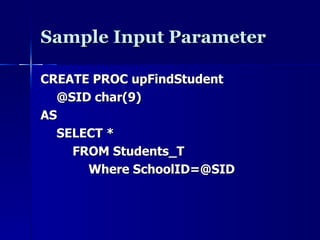
Sample Input Parameter CREATE PROC upFindStudent @SID char(9) AS SELECT *  FROM Students_T Where SchoolID=@SID
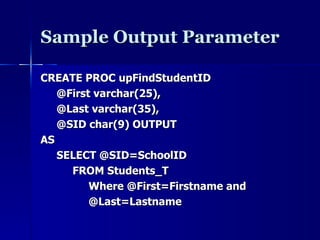
Sample Output Parameter CREATE PROC upFindStudentID @First varchar(25), @Last varchar(35), @SID char(9) OUTPUT AS SELECT @SID=SchoolID FROM Students_T Where @First=Firstname and  @Last=Lastname
Return Values Result of stored procedure indicates success or failure Non-zero value indicates a problem Must be an integer Different from an output parameter Output parameter is about  data RETURN <value> Causes immediate exit
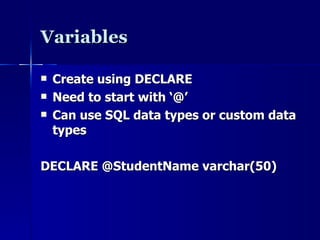
Variables Create using DECLARE Need to start with ‘@’ Can use SQL data types or custom data types DECLARE @StudentName varchar(50)
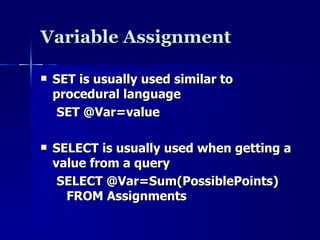
Variable Assignment SET is usually used similar to procedural language SET @Var=value SELECT is usually used when getting a value from a query SELECT @Var=Sum(PossiblePoints) FROM Assignments
Decision Making SQL supports two structures for branching: IF CASE Both structures are similar to other languages (IF … THEN, SELECT CASE)  Both structures tend to have specific places where used
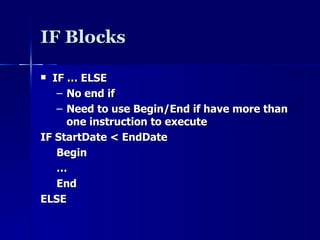
IF Blocks IF … ELSE No end if Need to use Begin/End if have more than one instruction to execute IF StartDate < EndDate Begin … End ELSE
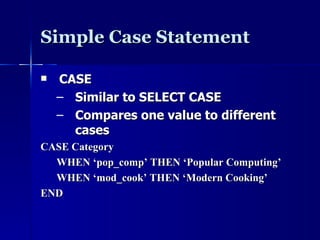
Simple Case Statement CASE Similar to SELECT CASE Compares one value to different cases CASE Category WHEN ‘pop_comp’ THEN ‘Popular Computing’ WHEN ‘mod_cook’ THEN ‘Modern Cooking’ END
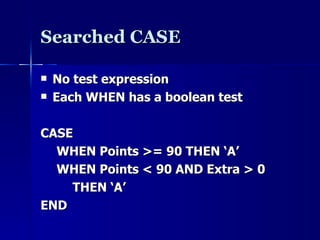
Searched CASE No test expression Each WHEN has a boolean test CASE WHEN Points >= 90 THEN ‘A’ WHEN Points < 90 AND Extra > 0 THEN ‘A’ END
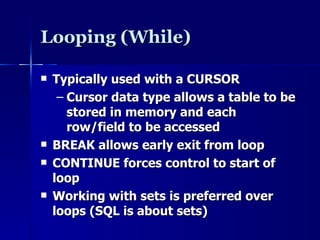
Looping (While) Typically used with a CURSOR Cursor data type allows a table to be stored in memory and each row/field to be accessed BREAK allows early exit from loop CONTINUE forces control to start of loop Working with sets is preferred over loops (SQL is about sets)
Finding Identity Values When need to find the value used to identify the last row added @@Identity Scope_Identity Ident_Current
@@Identity –  System Variable Returns the last identity value used as a result of INSERT or SELECT INTO Not limited to current scope; may not get correct value Returns Null if operation failed or a value wasn’t generated Returns last number created if multiple inserts occur (i.e. SELECT INTO)
Scope_Identity() Return the last identity values generated in any table in the current session.  Returns values inserted only within the current scope Not affected by other operations.
Ident_Current() Not limited by scope and session; Limited to a specified table (table name specified as an argument value).
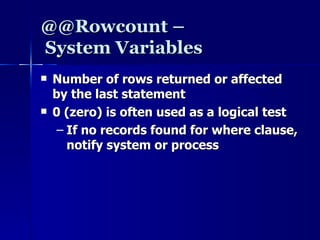
@@Rowcount –  System Variables Number of rows returned or affected by the last statement 0 (zero) is often used as a logical test If no records found for where clause, notify system or process
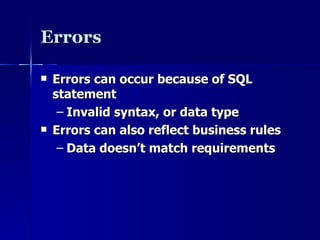
Errors Errors can occur because of SQL statement Invalid syntax, or data type Errors can also reflect business rules Data doesn’t match requirements
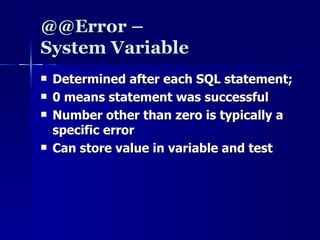
@@Error –  System Variable Determined after each SQL statement; 0 means statement was successful Number other than zero is typically a specific error Can store value in variable and test
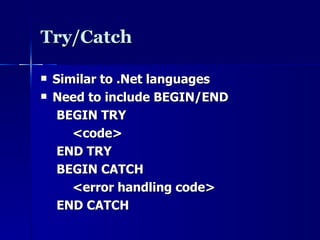
Try/Catch Similar to .Net languages Need to include BEGIN/END BEGIN TRY <code> END TRY BEGIN CATCH <error handling code> END CATCH
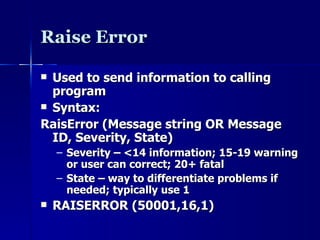
Raise Error Used to send information to calling program Syntax: RaisError (Message string OR Message ID, Severity, State) Severity – <14 information; 15-19 warning or user can correct; 20+ fatal State – way to differentiate problems if needed; typically use 1 RAISERROR (50001,16,1)
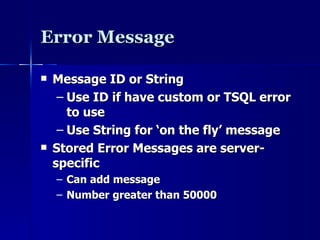
Error Message  Message ID or String Use ID if have custom or TSQL error to use Use String for ‘on the fly’ message Stored Error Messages are server-specific Can add message Number greater than 50000
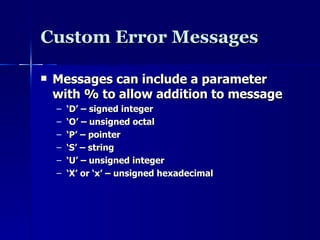
Custom Error Messages Messages can include a parameter with % to allow addition to message ‘ D’ – signed integer ‘ O’ – unsigned octal ‘ P’ – pointer ‘ S’ – string ‘ U’ – unsigned integer ‘ X’ or ‘x’ – unsigned hexadecimal
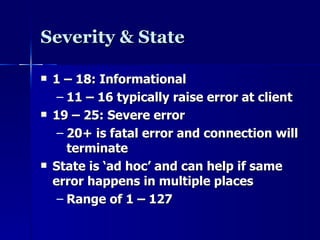
Severity & State 1 – 18: Informational 11 – 16 typically raise error at client 19 – 25: Severe error 20+ is fatal error and connection will terminate State is ‘ad hoc’ and can help if same error happens in multiple places Range of 1 – 127
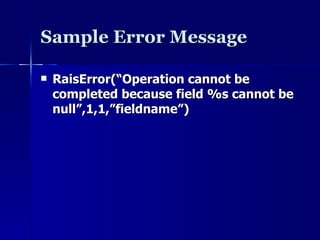
Sample Error Message RaisError(“Operation cannot be completed because field %s cannot be null”,1,1,”fieldname”)
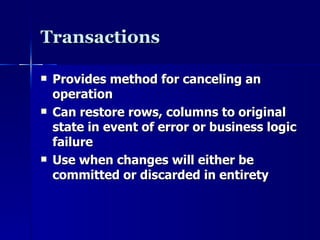
Transactions Provides method for canceling an operation Can restore rows, columns to original state in event of error or business logic failure Use when changes will either be committed or discarded in entirety
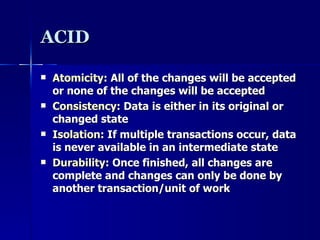
ACID Atomicity : All of the changes will be accepted or none of the changes will be accepted Consistency : Data is either in its original or changed state Isolation : If multiple transactions occur, data is never available in an intermediate state Durability : Once finished, all changes are complete and changes can only be done by another transaction/unit of work
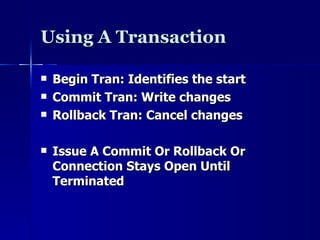
Using A Transaction Begin Tran: Identifies the start Commit Tran: Write changes Rollback Tran: Cancel changes Issue A Commit Or Rollback Or Connection Stays Open Until Terminated
Locking & Concurrency Locking allows a transaction to ensure that it can rollback Prevents other operations from changing that data Concurrency refers to multiple actions running against database at the same time What happens if you want to change data I’m working with?
Sample Locking Levels Database Table Extent (memory) Page (subset of extent) Key Row
Cursors Processing based on each row not set operations Declare @Cursor Cursor Set @Cursor = Cursor For (select statement) Open @Cursor Fetch Next From @Cursor into (variables matching field list in select)
Using a Cursor Declare @Students Cursor Set @Cursor = Cursor For (Select FirstName, LastName From Students) Open @Students While @@Fetch_Status = 0 Begin Fetch Next From @Students Into @First, @Last Print @First + ‘ ‘+ @Last  End Close @Students Deallocate @Students
@@Fetch_Status 0 success; -1 failed (read record outside recordset); -2 missing record (eg. someone else deleted)

SQL Server Stored procedures

  • 1.
  • 2.
    Scripts v. StoredProcedures Script: Text file of SQL commands Stored Procedure: SQL commands stored in database itself SPROC’s have more capabilities than a script
  • 3.
    BATCH Batch isa logical group of SQL statements Run-time error will halt execution only of FURTHER steps Can break up multiple steps using GO Not available in all tools GO causes editing tool to send statements to that point for execution GO isn’t sent to SQL Server
  • 4.
    Format of SPROC’sCREATE PROCEDURE <name> <parameter list> AS <instructions to execute>
  • 5.
    EXECUTE EXEC(cute) statement OR EXEC(cute) stored procedure name Statement or sproc runs in it’s own scope Can’t ‘share’ variables directly User’s security rules apply Can’t be used in User Defined Function (UDF)
  • 6.
    Uses of StoredProcedures For returning data (select) For editing data For calculations
  • 7.
    Parameters Method forsending data into and from a stored procedure INPUT parameters are values sent in OUTPUT parameters are values returned Must have a holding space (variable) for the returned data Defined before start of procedure (AS)
  • 8.
    Declaring Parameters Includename and datatype Default value is optional Without a default value, parameter is required Direction is optional (input is default) An output parameter must have direction specified
  • 9.
    Sample Input ParameterCREATE PROC upFindStudent @SID char(9) AS SELECT * FROM Students_T Where SchoolID=@SID
  • 10.
    Sample Output ParameterCREATE PROC upFindStudentID @First varchar(25), @Last varchar(35), @SID char(9) OUTPUT AS SELECT @SID=SchoolID FROM Students_T Where @First=Firstname and @Last=Lastname
  • 11.
    Return Values Resultof stored procedure indicates success or failure Non-zero value indicates a problem Must be an integer Different from an output parameter Output parameter is about data RETURN <value> Causes immediate exit
  • 12.
    Variables Create usingDECLARE Need to start with ‘@’ Can use SQL data types or custom data types DECLARE @StudentName varchar(50)
  • 13.
    Variable Assignment SETis usually used similar to procedural language SET @Var=value SELECT is usually used when getting a value from a query SELECT @Var=Sum(PossiblePoints) FROM Assignments
  • 14.
    Decision Making SQLsupports two structures for branching: IF CASE Both structures are similar to other languages (IF … THEN, SELECT CASE) Both structures tend to have specific places where used
  • 15.
    IF Blocks IF… ELSE No end if Need to use Begin/End if have more than one instruction to execute IF StartDate < EndDate Begin … End ELSE
  • 16.
    Simple Case StatementCASE Similar to SELECT CASE Compares one value to different cases CASE Category WHEN ‘pop_comp’ THEN ‘Popular Computing’ WHEN ‘mod_cook’ THEN ‘Modern Cooking’ END
  • 17.
    Searched CASE Notest expression Each WHEN has a boolean test CASE WHEN Points >= 90 THEN ‘A’ WHEN Points < 90 AND Extra > 0 THEN ‘A’ END
  • 18.
    Looping (While) Typicallyused with a CURSOR Cursor data type allows a table to be stored in memory and each row/field to be accessed BREAK allows early exit from loop CONTINUE forces control to start of loop Working with sets is preferred over loops (SQL is about sets)
  • 19.
    Finding Identity ValuesWhen need to find the value used to identify the last row added @@Identity Scope_Identity Ident_Current
  • 20.
    @@Identity – System Variable Returns the last identity value used as a result of INSERT or SELECT INTO Not limited to current scope; may not get correct value Returns Null if operation failed or a value wasn’t generated Returns last number created if multiple inserts occur (i.e. SELECT INTO)
  • 21.
    Scope_Identity() Return thelast identity values generated in any table in the current session. Returns values inserted only within the current scope Not affected by other operations.
  • 22.
    Ident_Current() Not limitedby scope and session; Limited to a specified table (table name specified as an argument value).
  • 23.
    @@Rowcount – System Variables Number of rows returned or affected by the last statement 0 (zero) is often used as a logical test If no records found for where clause, notify system or process
  • 24.
    Errors Errors canoccur because of SQL statement Invalid syntax, or data type Errors can also reflect business rules Data doesn’t match requirements
  • 25.
    @@Error – System Variable Determined after each SQL statement; 0 means statement was successful Number other than zero is typically a specific error Can store value in variable and test
  • 26.
    Try/Catch Similar to.Net languages Need to include BEGIN/END BEGIN TRY <code> END TRY BEGIN CATCH <error handling code> END CATCH
  • 27.
    Raise Error Usedto send information to calling program Syntax: RaisError (Message string OR Message ID, Severity, State) Severity – <14 information; 15-19 warning or user can correct; 20+ fatal State – way to differentiate problems if needed; typically use 1 RAISERROR (50001,16,1)
  • 28.
    Error Message Message ID or String Use ID if have custom or TSQL error to use Use String for ‘on the fly’ message Stored Error Messages are server-specific Can add message Number greater than 50000
  • 29.
    Custom Error MessagesMessages can include a parameter with % to allow addition to message ‘ D’ – signed integer ‘ O’ – unsigned octal ‘ P’ – pointer ‘ S’ – string ‘ U’ – unsigned integer ‘ X’ or ‘x’ – unsigned hexadecimal
  • 30.
    Severity & State1 – 18: Informational 11 – 16 typically raise error at client 19 – 25: Severe error 20+ is fatal error and connection will terminate State is ‘ad hoc’ and can help if same error happens in multiple places Range of 1 – 127
  • 31.
    Sample Error MessageRaisError(“Operation cannot be completed because field %s cannot be null”,1,1,”fieldname”)
  • 32.
    Transactions Provides methodfor canceling an operation Can restore rows, columns to original state in event of error or business logic failure Use when changes will either be committed or discarded in entirety
  • 33.
    ACID Atomicity :All of the changes will be accepted or none of the changes will be accepted Consistency : Data is either in its original or changed state Isolation : If multiple transactions occur, data is never available in an intermediate state Durability : Once finished, all changes are complete and changes can only be done by another transaction/unit of work
  • 34.
    Using A TransactionBegin Tran: Identifies the start Commit Tran: Write changes Rollback Tran: Cancel changes Issue A Commit Or Rollback Or Connection Stays Open Until Terminated
  • 35.
    Locking & ConcurrencyLocking allows a transaction to ensure that it can rollback Prevents other operations from changing that data Concurrency refers to multiple actions running against database at the same time What happens if you want to change data I’m working with?
  • 36.
    Sample Locking LevelsDatabase Table Extent (memory) Page (subset of extent) Key Row
  • 37.
    Cursors Processing basedon each row not set operations Declare @Cursor Cursor Set @Cursor = Cursor For (select statement) Open @Cursor Fetch Next From @Cursor into (variables matching field list in select)
  • 38.
    Using a CursorDeclare @Students Cursor Set @Cursor = Cursor For (Select FirstName, LastName From Students) Open @Students While @@Fetch_Status = 0 Begin Fetch Next From @Students Into @First, @Last Print @First + ‘ ‘+ @Last End Close @Students Deallocate @Students
  • 39.
    @@Fetch_Status 0 success;-1 failed (read record outside recordset); -2 missing record (eg. someone else deleted)

Editor's Notes

  • #2 Stored Procedures 11/04/11
  • #16 Stored Procedures 11/04/11
  • #26 Stored Procedures 11/04/11