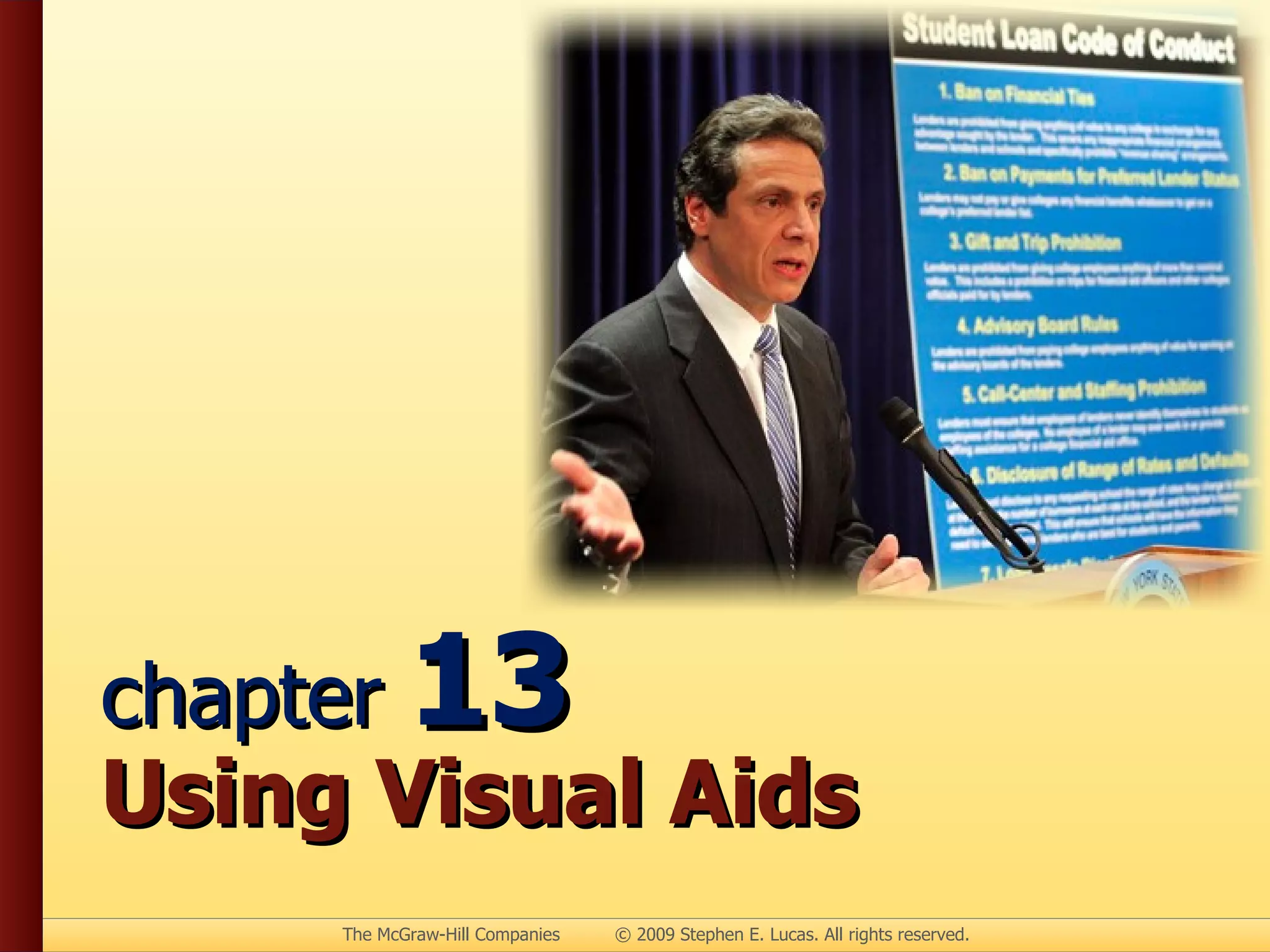
chapter  13 Using Visual Aids
Advantages of Visual Aids Clarity Interest Retention Credibility Persuasiveness
Kinds of Visual Aids Objects Models Photos Drawings Graphs
Kinds of Visual Aids Charts Transparencies Video Multimedia presentations Speaker
Models Represent other objects in detail
Tips for Photographs Enlarge to be seen clearly Convert to transparencies for projection Show with multimedia program
Tips for Drawings Alternatives to photos Must be large enough
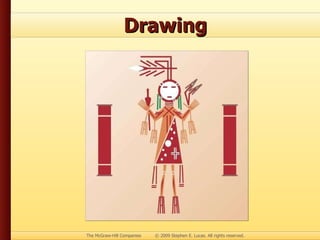
Drawing
Drawing
Graphs Show statistical trends & patterns
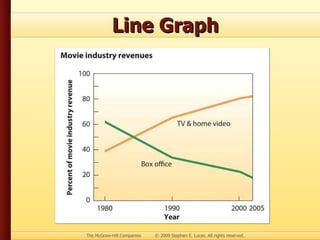
Line Graph Uses one or more lines to show changes in statistics over time or space
Line Graph
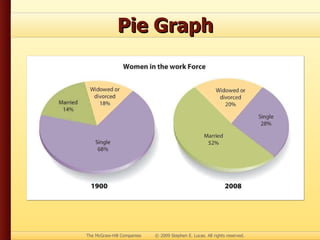
Pie Graph Highlights segments of circle to show distribution patterns
Pie Graph
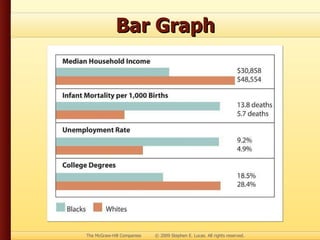
Bar Graph Uses vertical or horizontal bars to show comparisons among items
Bar Graph
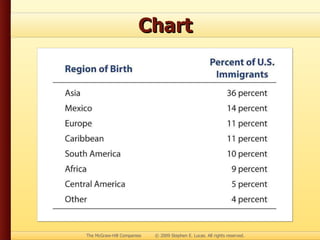
Chart Summarizes large block of information, usually in list form
Chart
Tips for Charts Help listeners visualize information Show steps of process Keep simple & clear
Tips for Transparencies Prepare in advance Make large enough Check projector ahead of time
Tips for Video Use only when essential Keep short Integrate into speech Avoid low-resolution
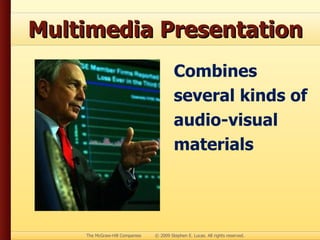
Multimedia Presentation Combines several kinds of audio-visual materials
Speaker as a Visual Aid Use body to demonstrate procedure Practice to coordinate words & actions
Preparing Visual Aids Prepare in advance Keep simple Make large enough
Preparing Visual Aids Use easy-to-read fonts Use limited number  of fonts Use color effectively
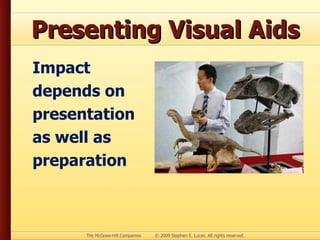
Presenting Visual Aids Impact depends on presentation as well as preparation
Presenting Visual Aids Avoid using chalkboard Display where listeners can see Avoid passing visual aids during speech
Presenting Visual Aids Display only while discussing Talk to audience, not to visual aid Explain clearly, concisely Practice with visual aids

Chapter 13 - Using Visual Aids