VISUAL AIDS IN BUSINESS COMMUNICATION. 
 ANKIT JAIN 
 ARPAN SHROFF 
 CHIRAG ZALA 
 JAYANT RAJPUT 
 RAHUL JAIN 
 ER.MEHUL SINH RAJPUT
COVERAGE OF THE REPORT 
 Definition of visual aids 
 Appropriate formality 
 Necessary function 
Charts 
Graph 
Audio 
Lettering etc. 
Techniques used 
Check list of effective visual 
Advantages & Disadvantages 
Conclusion
VISUAL AIDS 
 Visual aids are an important tool because different 
people respond to different learning modalities. Visual 
aids also add interest to a discussion. 
 Basically Visual Aids develop an interest of audience 
in the topic, maintain their retention because audience 
have limited span of interest and immediately, 
bored.
APPROPRIATE FORMALITY 
 Before starting to set visual aids about presentation 
we must have to concentrate about the occasion in 
which you have to communicate. 
 Formal 
 Semiformal 
 Informal.
FORMAL TONE 
• Person may use either slides overheads transparency 
or flipchart. 
SEMIFORMAL TONE 
• Person may use either charts or dramatics effects or 
written materials.
INFORMAL TONE 
 Person may used writing boards flipcharts even 
whatever want to use illustrate.
NECESSORY FUNCTIONS 
 When tone of presentation has been specified , even after 
that the material should crowded in the modalities of 
visual aids. In these circumstances presenter started 
slapping up selected modality . 
 These are few modalities of visual aids. 
 Charts 
 Graphs 
 Projections 
 Slides 
 Films 
 Handout
GRAPH 
 It’s a true visual aid. It makes the demonstration of 
calculations , very easier to understand, even 
nontechnical person can easily understand the 
calculations. 
 Pie charts It illustrates parts of one item contribution, 
percentages, shares, proportions.
GRAPHS 
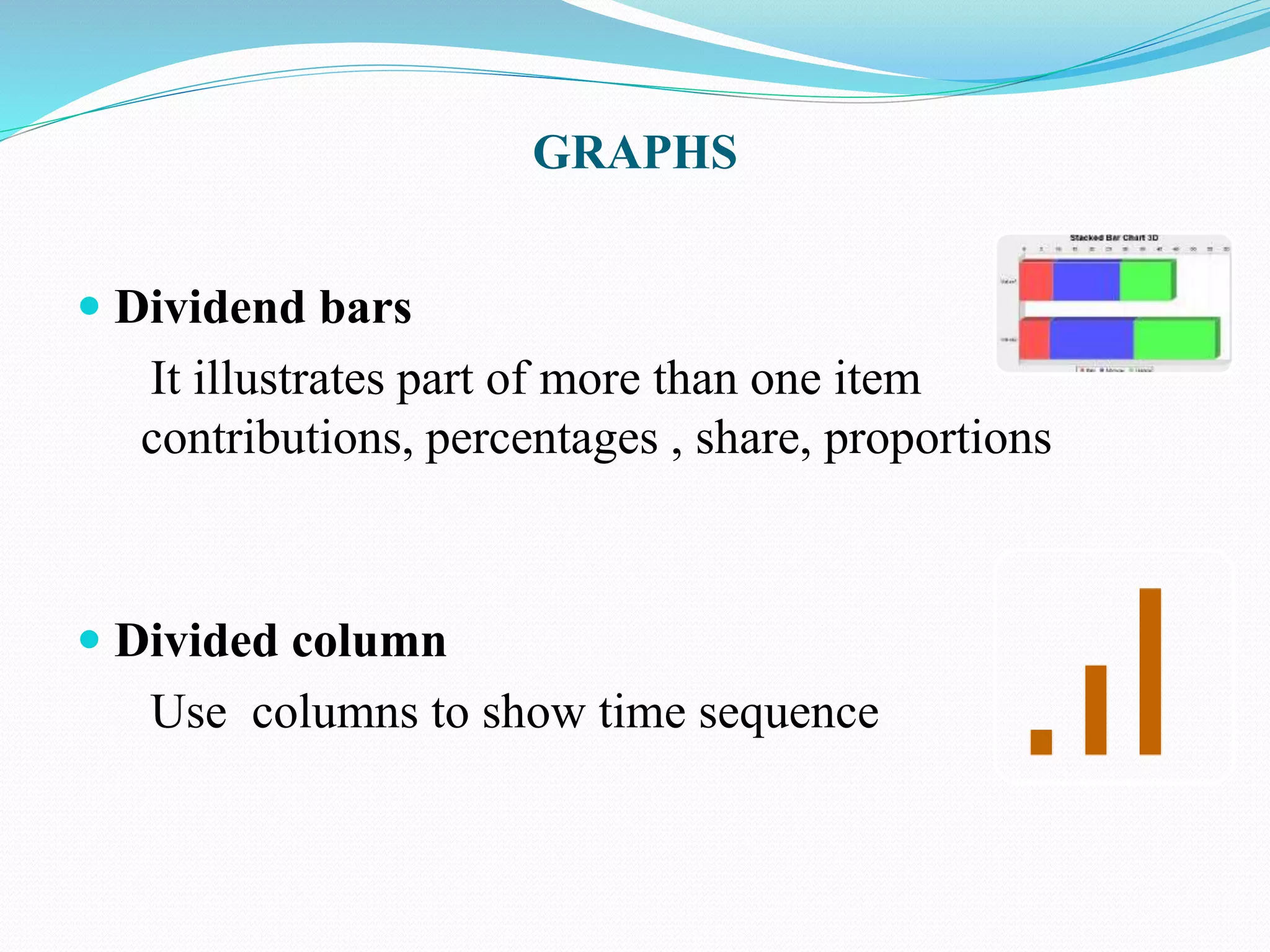
 Dividend bars 
It illustrates part of more than one item 
contributions, percentages , share, proportions 
 Divided column 
Use columns to show time sequence
GRAPH 
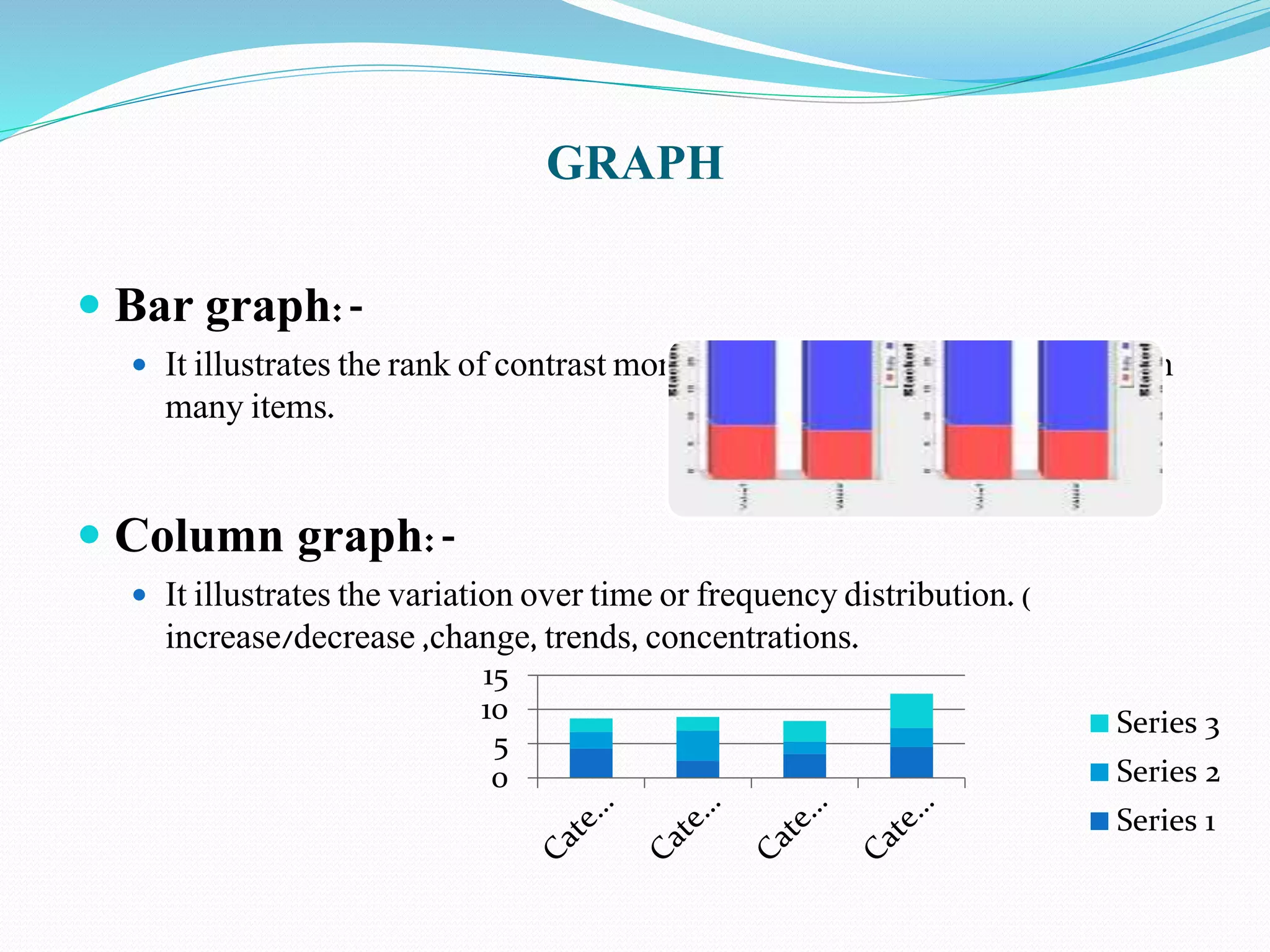
 Bar graph:- 
 It illustrates the rank of contrast more/less, variation, difference between 
many items. 
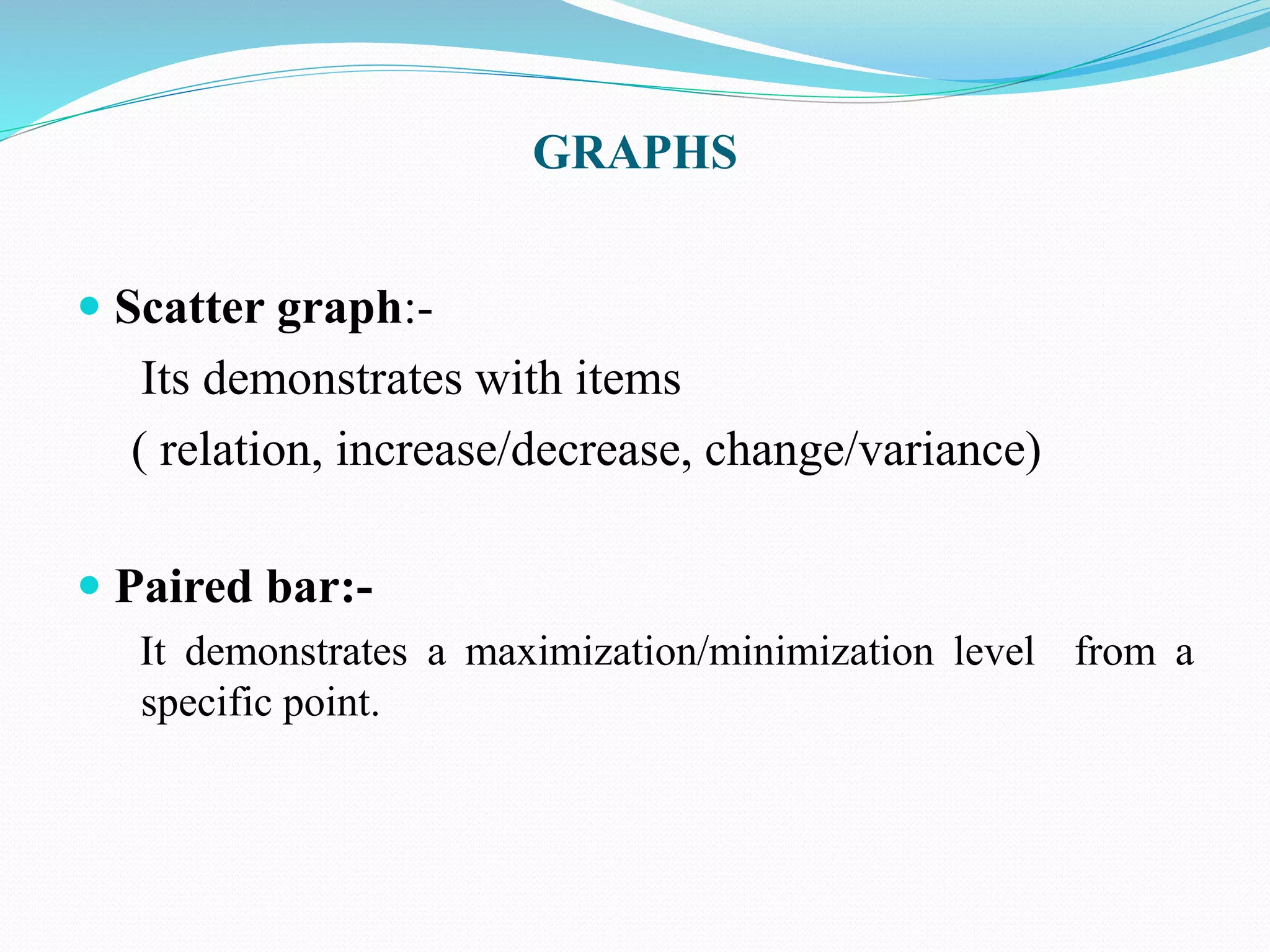
 Column graph:- 
 It illustrates the variation over time or frequency distribution. ( 
increase/decrease ,change, trends, concentrations. 
15 
10 
5 
0 
Series 3 
Series 2 
Series 1
GRAPHS 
 Scatter graph:- 
Its demonstrates with items 
( relation, increase/decrease, change/variance) 
 Paired bar:- 
It demonstrates a maximization/minimization level from a 
specific point.
GRAPHS 
 Easy readability:- 
The message of visual aid should be easy to read, and 
built interest of audience. 
 Uncluttered design:- 
The material shouldn’t be so much over designed or 
crowded.
WORD CHARTS 
 Obviously word chart is about words. Seldom word 
chart also known as agenda chart. 
 It contains material which is about to communicate in 
couples of word rather than any diagram or picture. 
 Whether it’s on flipchart, slide , board , or even a 
handout
CHARTS 
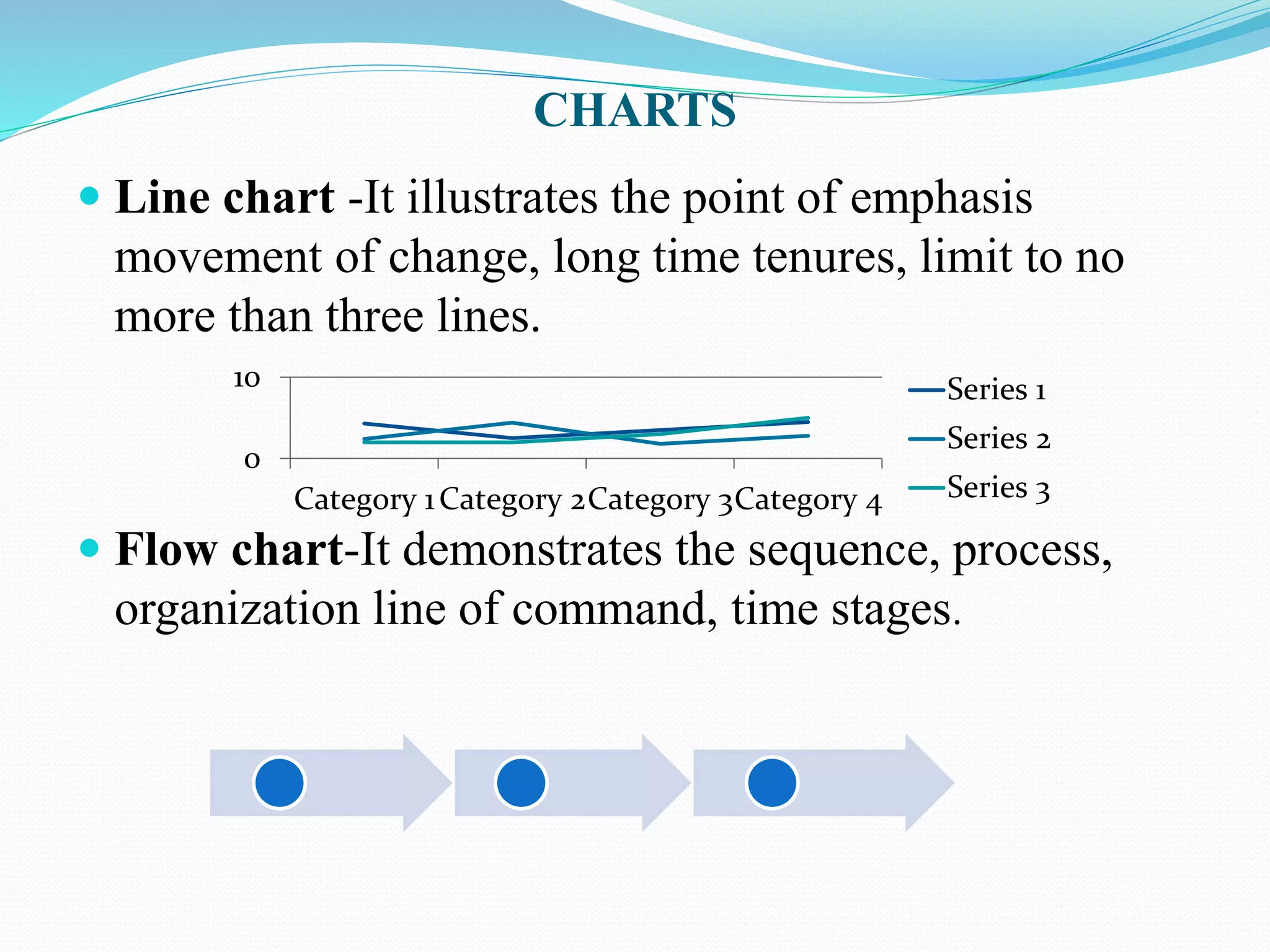
 Line chart -It illustrates the point of emphasis 
movement of change, long time tenures, limit to no 
more than three lines. 
10 
0 
Category 1Category 2Category 3Category 4 
Series 1 
Series 2 
Series 3 
 Flow chart-It demonstrates the sequence, process, 
organization line of command, time stages.
CHARTS 
 Clear message title and supporting 
Effective visual aids have two characteristics , 
message should be clear and relevant to the context . 
 Example: 
Market share in 1983 was 21%. 
Market share has decreased.
 Chart Junk 
This sort of chart is usually gets overdesigned or 
crowded material in it which could be difficult to 
understand. 
 Clear words and clear letters 
Its not needed to write a complete script in visual 
aids., but the necessity is just put the important 
points of context.
Lettering: 
The message should be clear and précised which 
reveals the complete meaning. 
Choose Your Visual Aid Equipment: 
At different occasions people choose different 
modalities as a example in brainstorming probably 
person choose a chalk-board or a flip chart which 
are easy to use.
• Animated Projection:- 
A first modality of equipment , animated projection 
gets film and video clip. This source is very effective 
to demonstrate any thing in motion. 
• Film :- 
A kind of animated projection . There are two 
common formats 
• 1: 16 mm plays only on 16mm projector. 
• 2: 8mm plays only on 8 mm projector 
• 16mm format is more common ,but 8 mm format 
is compact, travels more easily and has a good 
quality.
Still Projections:- 
•If person haven’t need to show motivation , person can 
choose three different kinds of still projection. 
Slides:- 
• Slides are more useful when a presenter about to to 
represent on multimedia . for the sake of slides presenter 
represents either on projectors or screens. 
Overhead Transparencies :- 
• Overhead transparencies also known as acetates and 
common in business presentation. The equipment consist 
of the transparencies and projector
No Projection Visuals 
Other visual aids do not involve projection as chart, 
board , and handout 
Chart :- 
A large piece of paper used to make some piece of art 
diagram , or to write some material by hand. Chart 
equipment is so much cheaper and less complicated. 
Example : Flip chart , cardboard chart , desk-top charts. 
Boards :- 
Board is like a chart , have the advantage of being used in 
bright light. They often elicit the most audience 
interaction and spontaneous to prepare.
NO PROJECTION VISUALS 
 Handouts:- 
Handouts are the final kind of visual aid. Handouts 
have no enormous advantage over the other kind of 
of visual aids , but its easy to create and it could be 
created in a little bit time
GENERAL TECHNIQUES FOR ALL VISUALS: 
•Become familiar with the nature of equipment . 
• Sometime good speakers got failed to properly 
demonstrate their material in presentation 
because they haven’t a proper 
•Information to use their selected visual aid. 
•once you know about equipment ,Practice 
integration every visual smoothly in to your 
presentation. 
•It’s hard to believe how often presentation puts 
up a visual aid and continues 
•Talking with the faintest reference to it.
SPECIFIC TECHNIQUES FOR A CERTAIN 
KINDS OF VISUAL AIDS: 
 It would be better for presenter to concentrate on these 
techniques to control their visual aids in better way.
Writing : 
In visual aids , the sentences should not be so longer as 
these just loose their importance and become waste. In 
these circumstances audience get bore. 
Projecting: 
In the presentation by slides or transparencies 
presenter should concentrate on time limit , because 
slides or transparencies are running like a stream. 
Pointing : 
Presenter should concentrate that material of visual 
aid should not hide behind the speaker.
CHECK LIST OF EFFECTIVE VISUALS 
 Placement:-when completing a written report, put the 
visual as close to the paragraph in which the subject is 
discussed. 
 Introduction and interpretation:-introducing the 
visual is usually brief, unless you wish to build a little 
suspense's by withholding the visual for another page 
or later in your speech. 
 Simplicity:-avoid more than eight lines on an outlines 
chart, six to eight categories in bar chart and pie chart, 
and three to four lines on a line graph.
CHECK LIST OF EFFECTIVE VISUALS 
 Emphasis:-Graphics package allow an unlimited 
verity of visual techniques: use them sparingly, but 
with planned effect. select consistency in 
colors,scales,pattern and titles or logos for all your 
visuals. 
 Humor:-Clips art also enhances visual. 
 Expression of figure:-Round off figures. 
 Graphic choices:-Outlines gives prose overview: bar 
charts compare two or more variables: pie chart often 
view a singe category broken down into various parts, 
often totaling 100%.
ADVANTAGES 
 Effectiveness 
 Importance 
 Less time 
 Prompt decision 
 complimental
DISADVANTAGES 
 Problem of presentation 
 Brevity 
 Need for effectiveness 
 More cost involment 
Wrong decision
CONCLUSION 
 At last visual aids is the one form of communication 
 Its gives different types of fundas. 
 Gives easily explanation.

Presentation slights on mc

  • 2.
    VISUAL AIDS INBUSINESS COMMUNICATION.  ANKIT JAIN  ARPAN SHROFF  CHIRAG ZALA  JAYANT RAJPUT  RAHUL JAIN  ER.MEHUL SINH RAJPUT
  • 3.
    COVERAGE OF THEREPORT  Definition of visual aids  Appropriate formality  Necessary function Charts Graph Audio Lettering etc. Techniques used Check list of effective visual Advantages & Disadvantages Conclusion
  • 4.
    VISUAL AIDS Visual aids are an important tool because different people respond to different learning modalities. Visual aids also add interest to a discussion.  Basically Visual Aids develop an interest of audience in the topic, maintain their retention because audience have limited span of interest and immediately, bored.
  • 5.
    APPROPRIATE FORMALITY Before starting to set visual aids about presentation we must have to concentrate about the occasion in which you have to communicate.  Formal  Semiformal  Informal.
  • 6.
    FORMAL TONE •Person may use either slides overheads transparency or flipchart. SEMIFORMAL TONE • Person may use either charts or dramatics effects or written materials.
  • 7.
    INFORMAL TONE Person may used writing boards flipcharts even whatever want to use illustrate.
  • 8.
    NECESSORY FUNCTIONS When tone of presentation has been specified , even after that the material should crowded in the modalities of visual aids. In these circumstances presenter started slapping up selected modality .  These are few modalities of visual aids.  Charts  Graphs  Projections  Slides  Films  Handout
  • 9.
    GRAPH  It’sa true visual aid. It makes the demonstration of calculations , very easier to understand, even nontechnical person can easily understand the calculations.  Pie charts It illustrates parts of one item contribution, percentages, shares, proportions.
  • 10.
    GRAPHS  Dividendbars It illustrates part of more than one item contributions, percentages , share, proportions  Divided column Use columns to show time sequence
  • 11.
    GRAPH  Bargraph:-  It illustrates the rank of contrast more/less, variation, difference between many items.  Column graph:-  It illustrates the variation over time or frequency distribution. ( increase/decrease ,change, trends, concentrations. 15 10 5 0 Series 3 Series 2 Series 1
  • 12.
    GRAPHS  Scattergraph:- Its demonstrates with items ( relation, increase/decrease, change/variance)  Paired bar:- It demonstrates a maximization/minimization level from a specific point.
  • 13.
    GRAPHS  Easyreadability:- The message of visual aid should be easy to read, and built interest of audience.  Uncluttered design:- The material shouldn’t be so much over designed or crowded.
  • 14.
    WORD CHARTS Obviously word chart is about words. Seldom word chart also known as agenda chart.  It contains material which is about to communicate in couples of word rather than any diagram or picture.  Whether it’s on flipchart, slide , board , or even a handout
  • 15.
    CHARTS  Linechart -It illustrates the point of emphasis movement of change, long time tenures, limit to no more than three lines. 10 0 Category 1Category 2Category 3Category 4 Series 1 Series 2 Series 3  Flow chart-It demonstrates the sequence, process, organization line of command, time stages.
  • 16.
    CHARTS  Clearmessage title and supporting Effective visual aids have two characteristics , message should be clear and relevant to the context .  Example: Market share in 1983 was 21%. Market share has decreased.
  • 17.
     Chart Junk This sort of chart is usually gets overdesigned or crowded material in it which could be difficult to understand.  Clear words and clear letters Its not needed to write a complete script in visual aids., but the necessity is just put the important points of context.
  • 18.
    Lettering: The messageshould be clear and précised which reveals the complete meaning. Choose Your Visual Aid Equipment: At different occasions people choose different modalities as a example in brainstorming probably person choose a chalk-board or a flip chart which are easy to use.
  • 19.
    • Animated Projection:- A first modality of equipment , animated projection gets film and video clip. This source is very effective to demonstrate any thing in motion. • Film :- A kind of animated projection . There are two common formats • 1: 16 mm plays only on 16mm projector. • 2: 8mm plays only on 8 mm projector • 16mm format is more common ,but 8 mm format is compact, travels more easily and has a good quality.
  • 20.
    Still Projections:- •Ifperson haven’t need to show motivation , person can choose three different kinds of still projection. Slides:- • Slides are more useful when a presenter about to to represent on multimedia . for the sake of slides presenter represents either on projectors or screens. Overhead Transparencies :- • Overhead transparencies also known as acetates and common in business presentation. The equipment consist of the transparencies and projector
  • 21.
    No Projection Visuals Other visual aids do not involve projection as chart, board , and handout Chart :- A large piece of paper used to make some piece of art diagram , or to write some material by hand. Chart equipment is so much cheaper and less complicated. Example : Flip chart , cardboard chart , desk-top charts. Boards :- Board is like a chart , have the advantage of being used in bright light. They often elicit the most audience interaction and spontaneous to prepare.
  • 22.
    NO PROJECTION VISUALS  Handouts:- Handouts are the final kind of visual aid. Handouts have no enormous advantage over the other kind of of visual aids , but its easy to create and it could be created in a little bit time
  • 23.
    GENERAL TECHNIQUES FORALL VISUALS: •Become familiar with the nature of equipment . • Sometime good speakers got failed to properly demonstrate their material in presentation because they haven’t a proper •Information to use their selected visual aid. •once you know about equipment ,Practice integration every visual smoothly in to your presentation. •It’s hard to believe how often presentation puts up a visual aid and continues •Talking with the faintest reference to it.
  • 24.
    SPECIFIC TECHNIQUES FORA CERTAIN KINDS OF VISUAL AIDS:  It would be better for presenter to concentrate on these techniques to control their visual aids in better way.
  • 25.
    Writing : Invisual aids , the sentences should not be so longer as these just loose their importance and become waste. In these circumstances audience get bore. Projecting: In the presentation by slides or transparencies presenter should concentrate on time limit , because slides or transparencies are running like a stream. Pointing : Presenter should concentrate that material of visual aid should not hide behind the speaker.
  • 26.
    CHECK LIST OFEFFECTIVE VISUALS  Placement:-when completing a written report, put the visual as close to the paragraph in which the subject is discussed.  Introduction and interpretation:-introducing the visual is usually brief, unless you wish to build a little suspense's by withholding the visual for another page or later in your speech.  Simplicity:-avoid more than eight lines on an outlines chart, six to eight categories in bar chart and pie chart, and three to four lines on a line graph.
  • 27.
    CHECK LIST OFEFFECTIVE VISUALS  Emphasis:-Graphics package allow an unlimited verity of visual techniques: use them sparingly, but with planned effect. select consistency in colors,scales,pattern and titles or logos for all your visuals.  Humor:-Clips art also enhances visual.  Expression of figure:-Round off figures.  Graphic choices:-Outlines gives prose overview: bar charts compare two or more variables: pie chart often view a singe category broken down into various parts, often totaling 100%.
  • 28.
    ADVANTAGES  Effectiveness  Importance  Less time  Prompt decision  complimental
  • 29.
    DISADVANTAGES  Problemof presentation  Brevity  Need for effectiveness  More cost involment Wrong decision
  • 30.
    CONCLUSION  Atlast visual aids is the one form of communication  Its gives different types of fundas.  Gives easily explanation.