









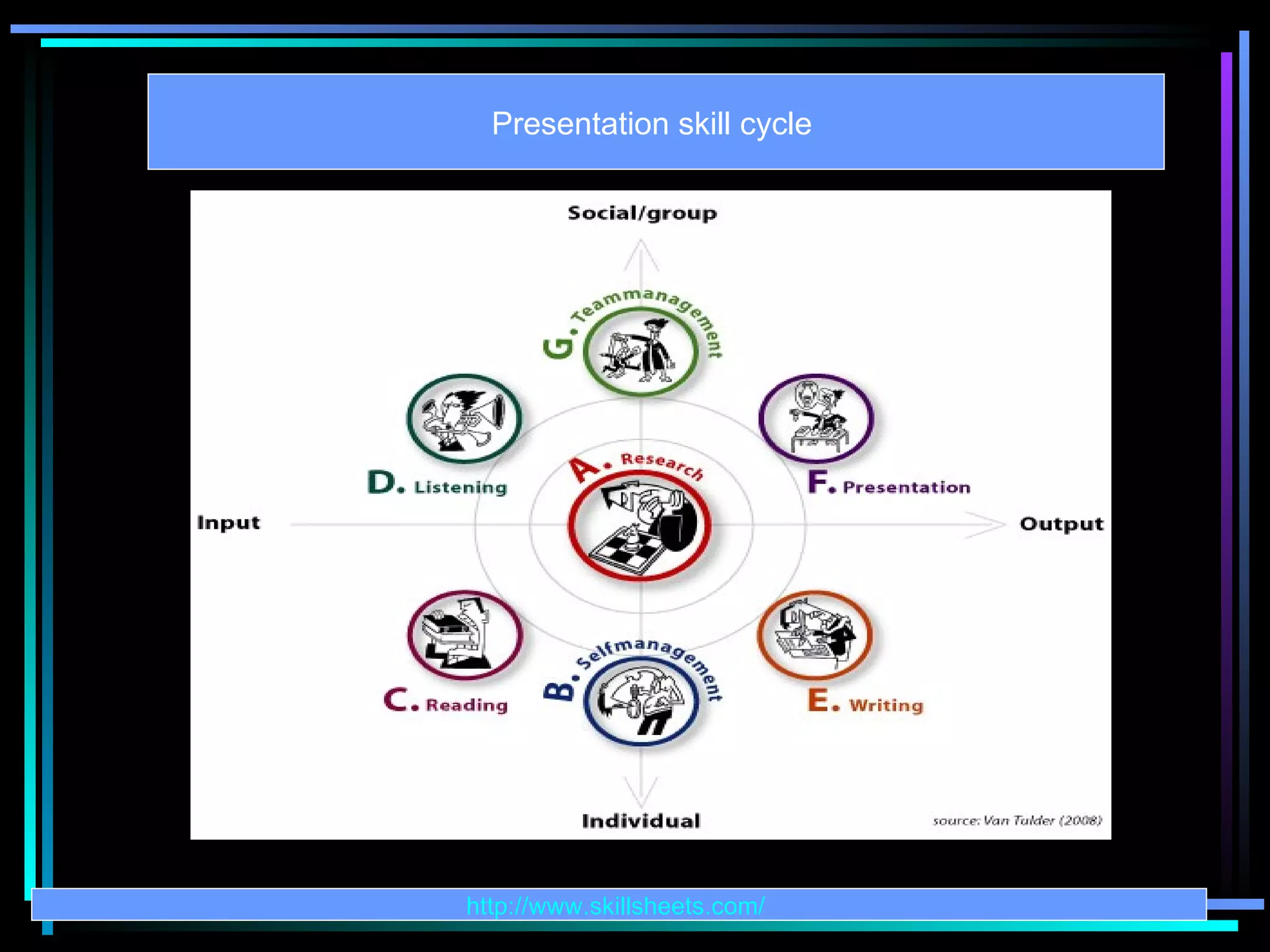

This document outlines the fundamentals of effective presentation skills, emphasizing the importance of preparation, understanding the audience, and the strategic use of visual aids. It provides practical tips on content delivery, design elements such as font and color choices, and the use of microphones. Additionally, it highlights common mistakes presenters make and strategies to improve confidence and engagement during presentations.
Introduction and contact details of the presenter, Md. Aminul Islam Shahin.
Indicators (5, 4, 3) possibly marking parts or slides in the presentation.
Initiating the presentation with a warm welcome to the audience.
Defining presentations as speeches or written works aimed at an audience.
Discusses various motives for presentations including informative, persuasive, and motivational agendas.
Listing different contexts for presentations: sales training, political settings, workshops, and discussions.
Emphasizes personal skill enhancement and audience engagement as key benefits of effective presentations.
Strategies for connecting with the audience personally, ensuring communication clarity and retention.
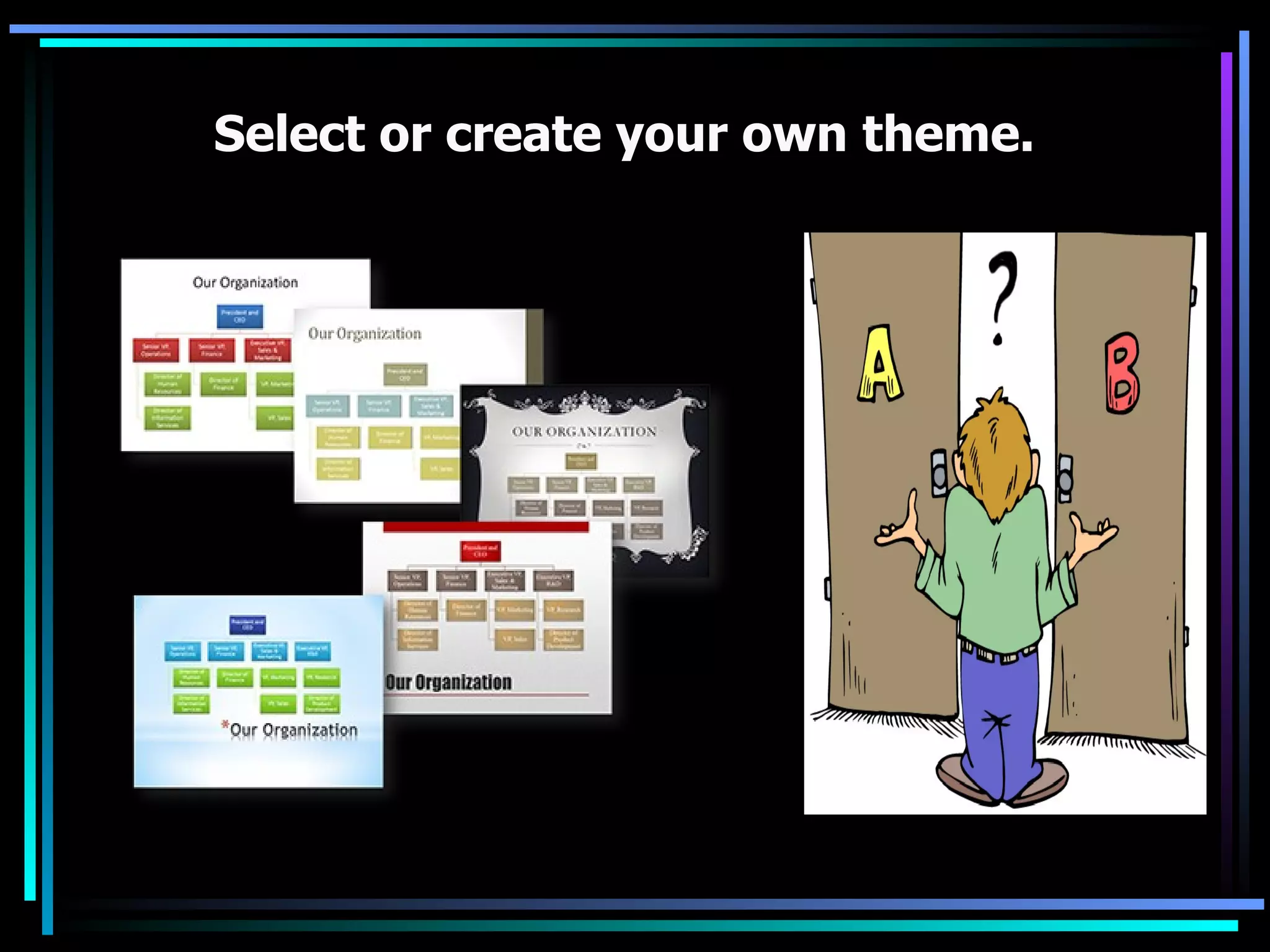
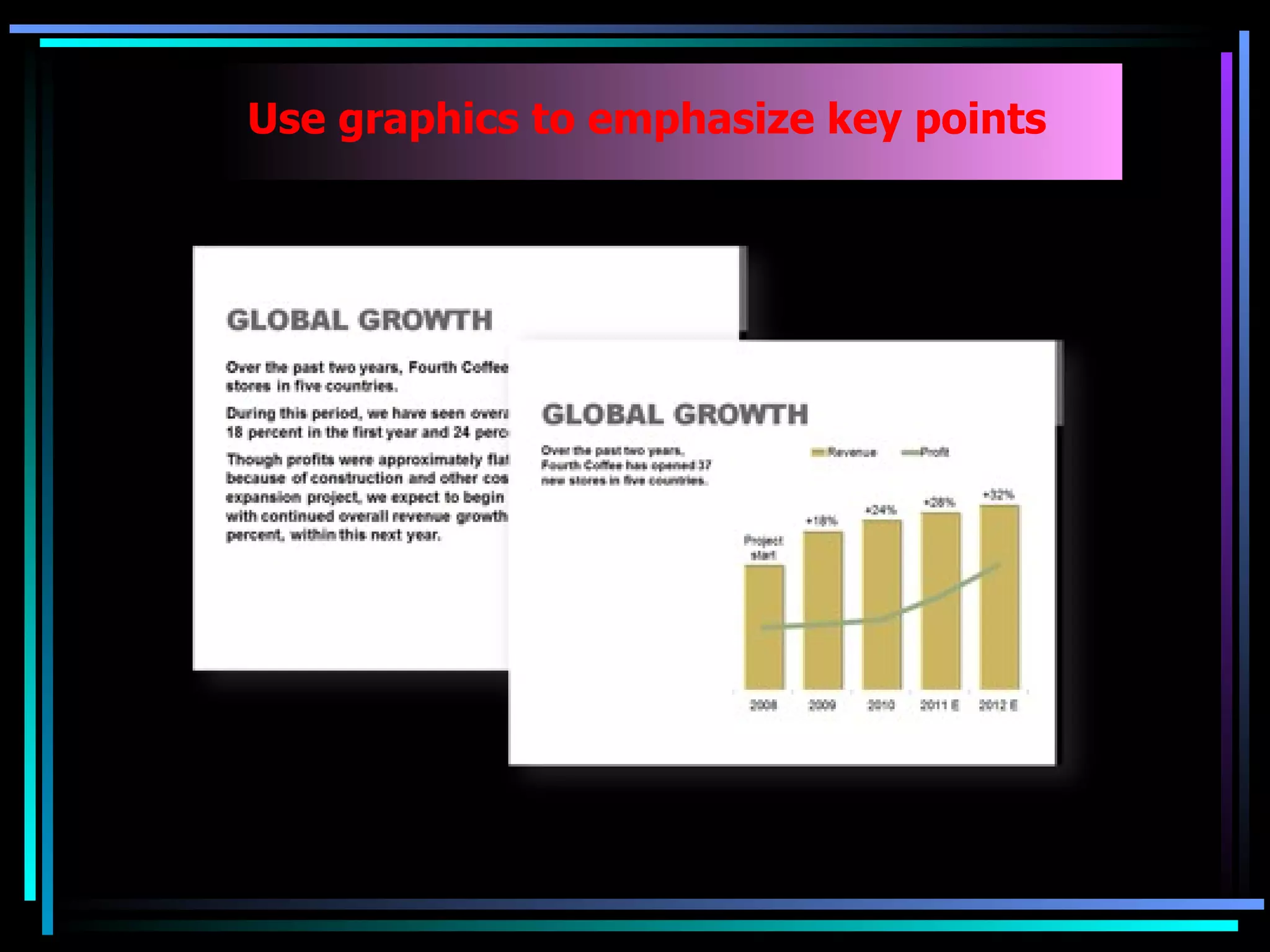
Best practices in using visuals, themes, audio/visual elements, and graphics to convey messages.
Guidelines for selecting readable fonts, font sizes, and styles to enhance visual communication.
Advice on using contrasting colors for better readability and relevant color application.
Tips for choosing simple, consistent backgrounds that support message clarity and visual appeal. Classifying different educational approaches: formal, non-formal, and informal education.
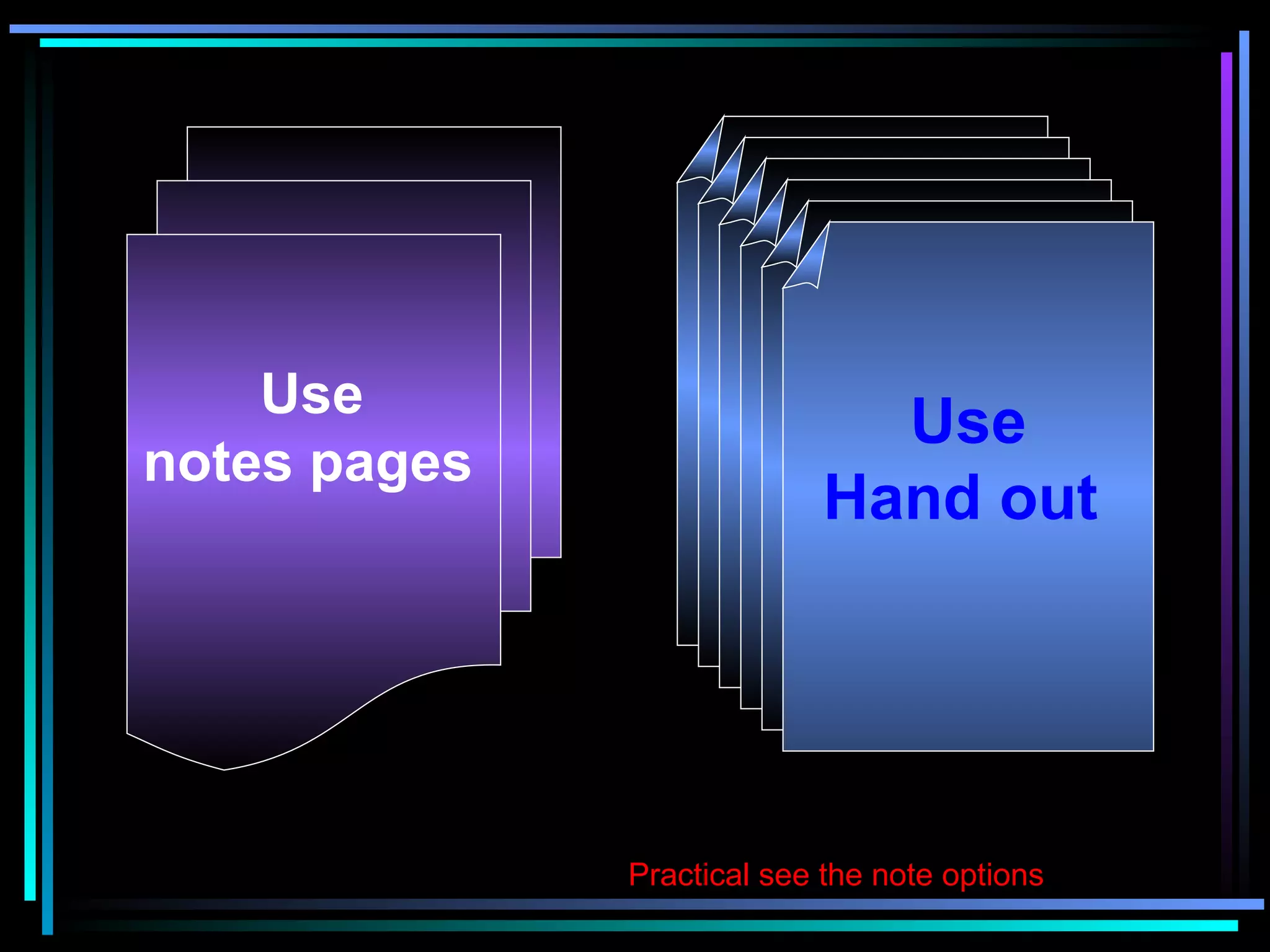
Strategies for balancing time, managing file sizes, and utilizing practical notes effectively.
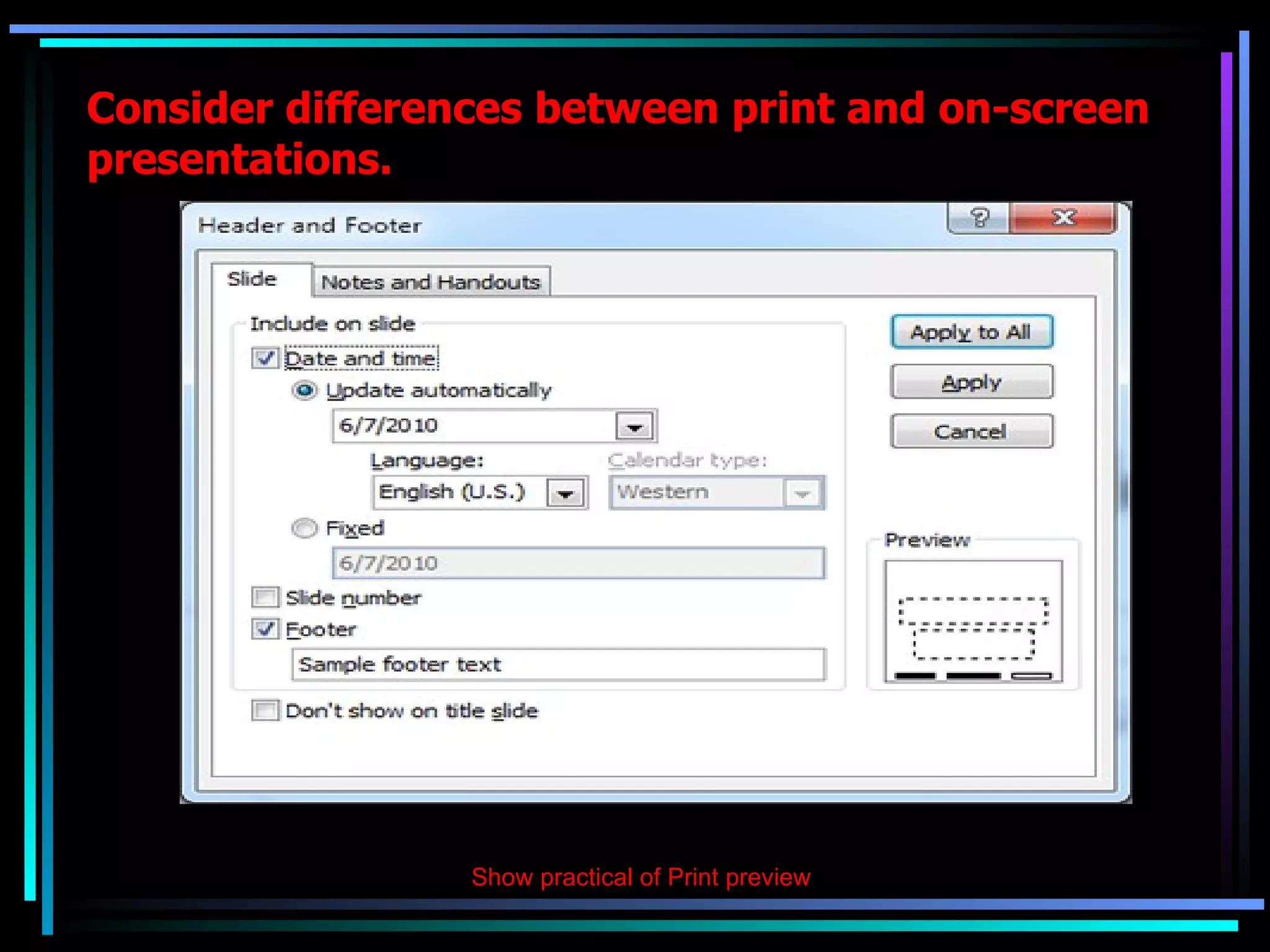
Recommendations for using tools and materials such as printouts to enhance effectiveness.
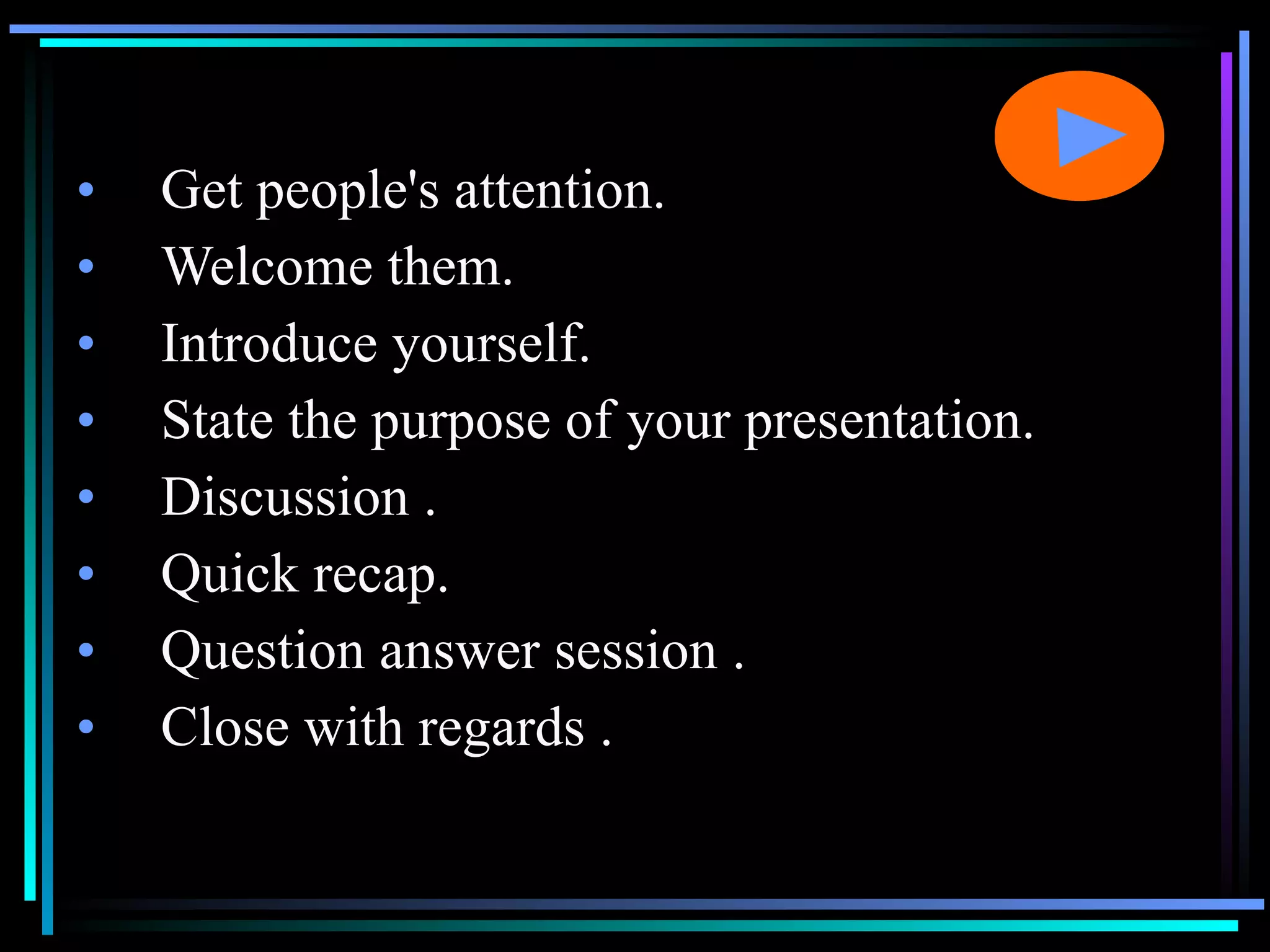
Key elements for initiating presentations, including attention grabbing and microphone use.
Identifying frequent pitfalls in presentations, such as poor preparations and communication issues.
Tips for gaining confidence, knowing material, practicing, and connecting with the audience.
Links to self-assessment tools and resources for evaluating presentation skills.
Concluding the presentation with a thank you note to the audience.
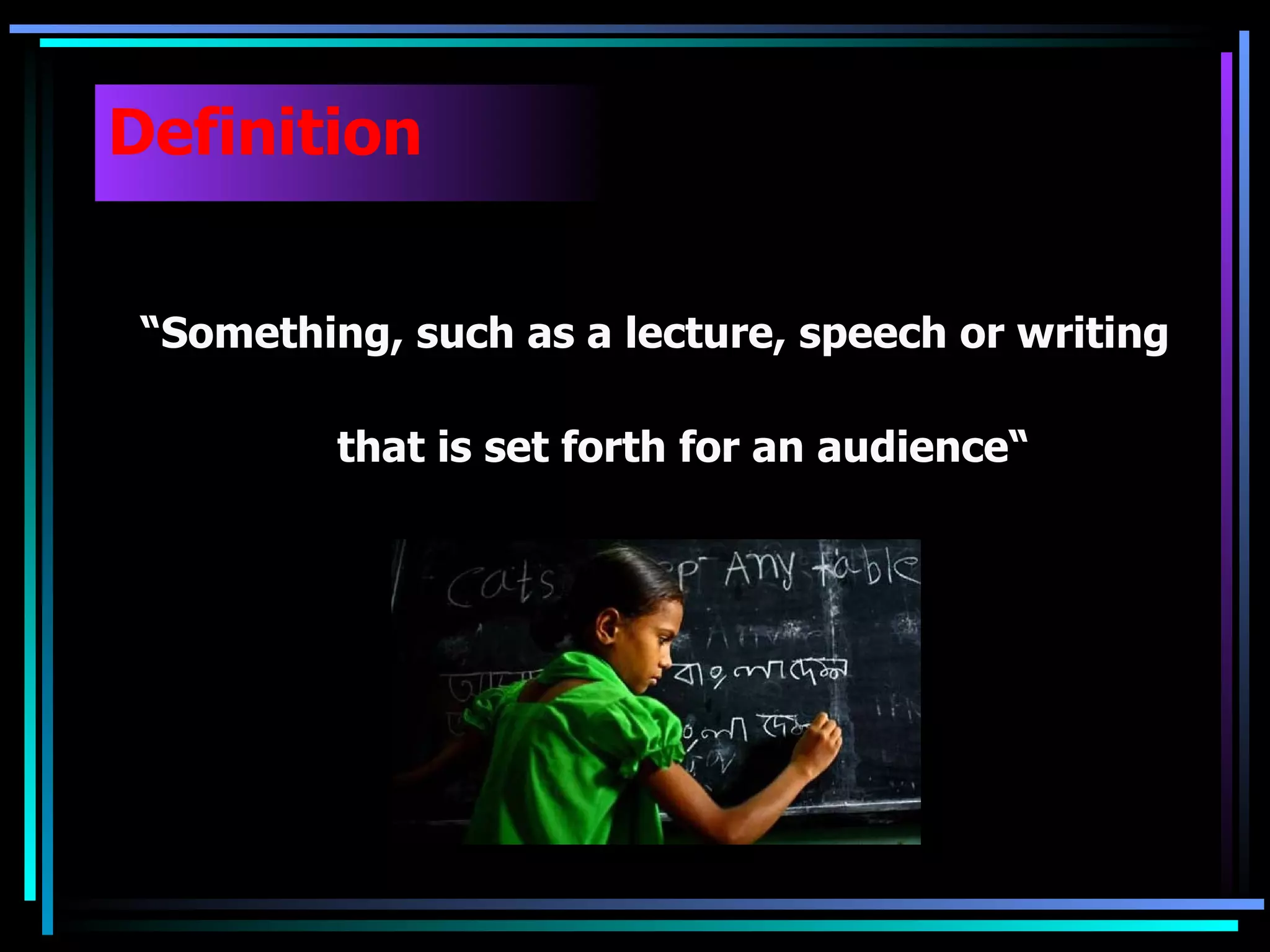
Definition â Something, such as a lecture, speech or writing that is set forth for an audienceâ
10.
Objective of PresentationsInformative; Instructional; Arousing; Persuasive; Decision-making; Multipurpose; Motivation; Image Building; Etc.
11.
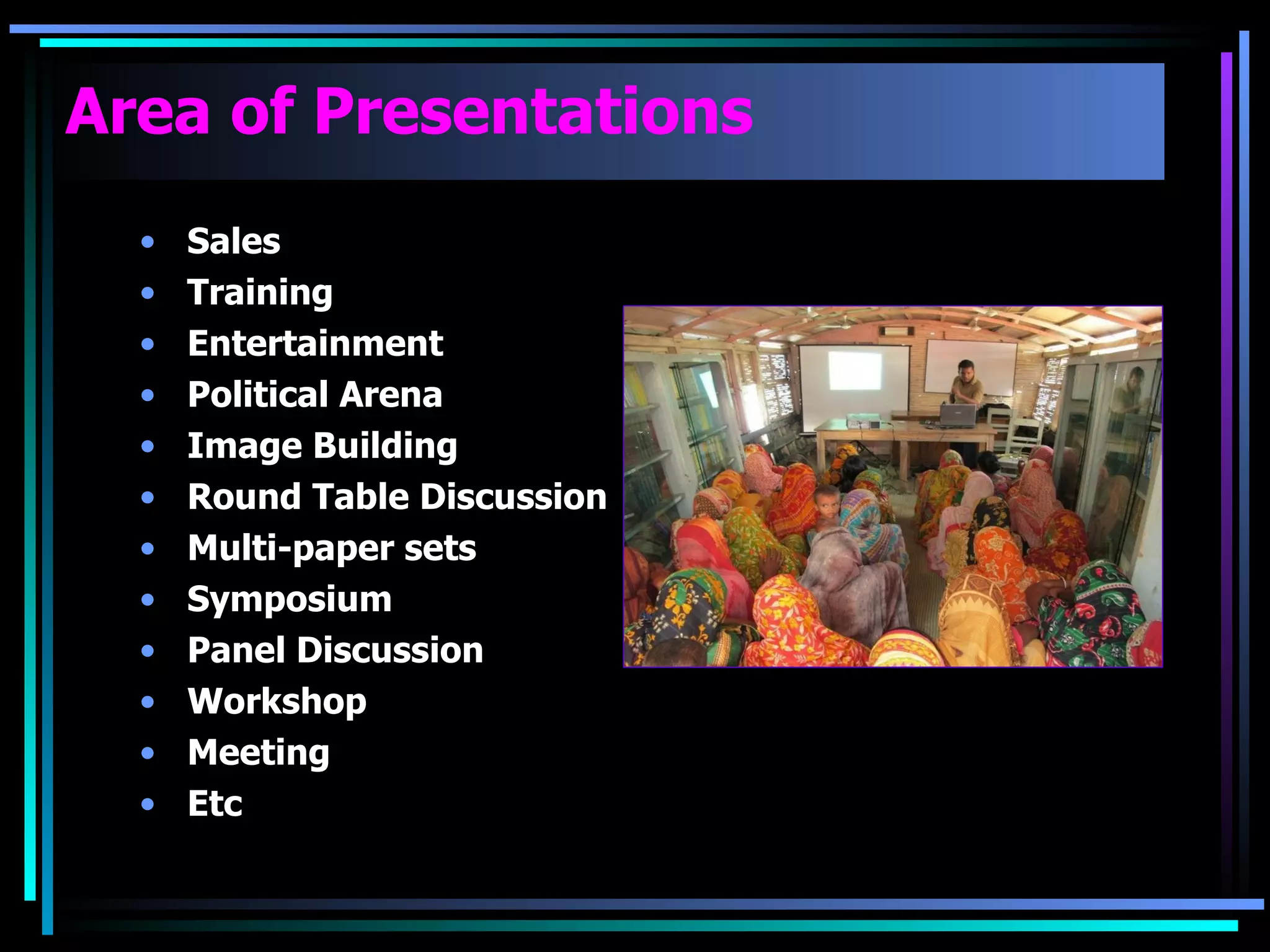
Area of PresentationsSales Training Entertainment Political Arena Image Building Round Table Discussion Multi-paper sets Symposium Panel Discussion Workshop Meeting Etc
12.
Why Presentation isImportant Because it leads 02 things Improve personal Skill Importance of Audience
13.
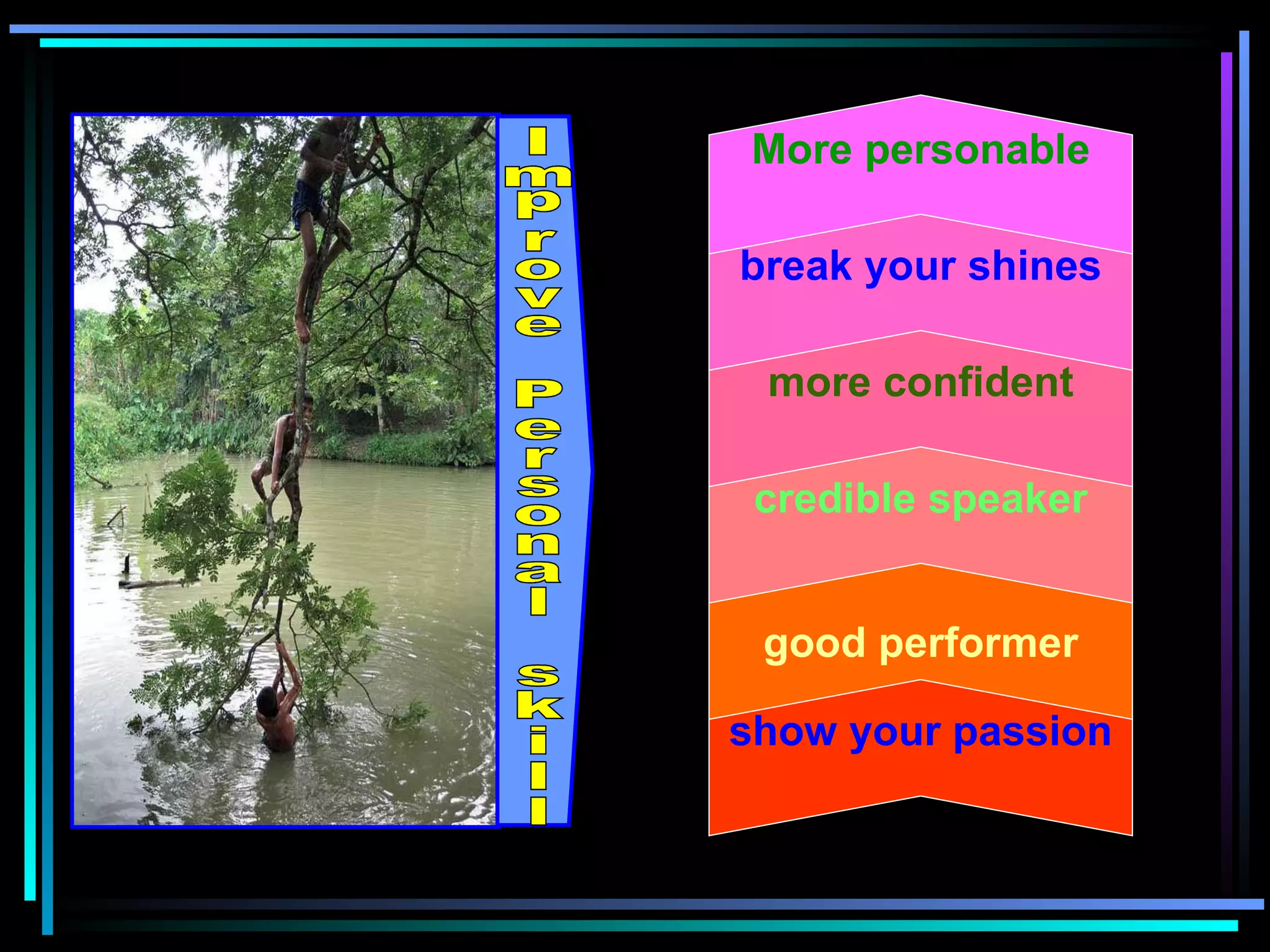
show your passiongood performer credible speaker more confident break your shines More personable Improve Personal skill
14.
Audience feels thatyou are personally talking to them Your previous presentation helps the audience to stay with you Easy to communicated with audiences Familiar & comfortable Audience not will remember your presentation they will remember you
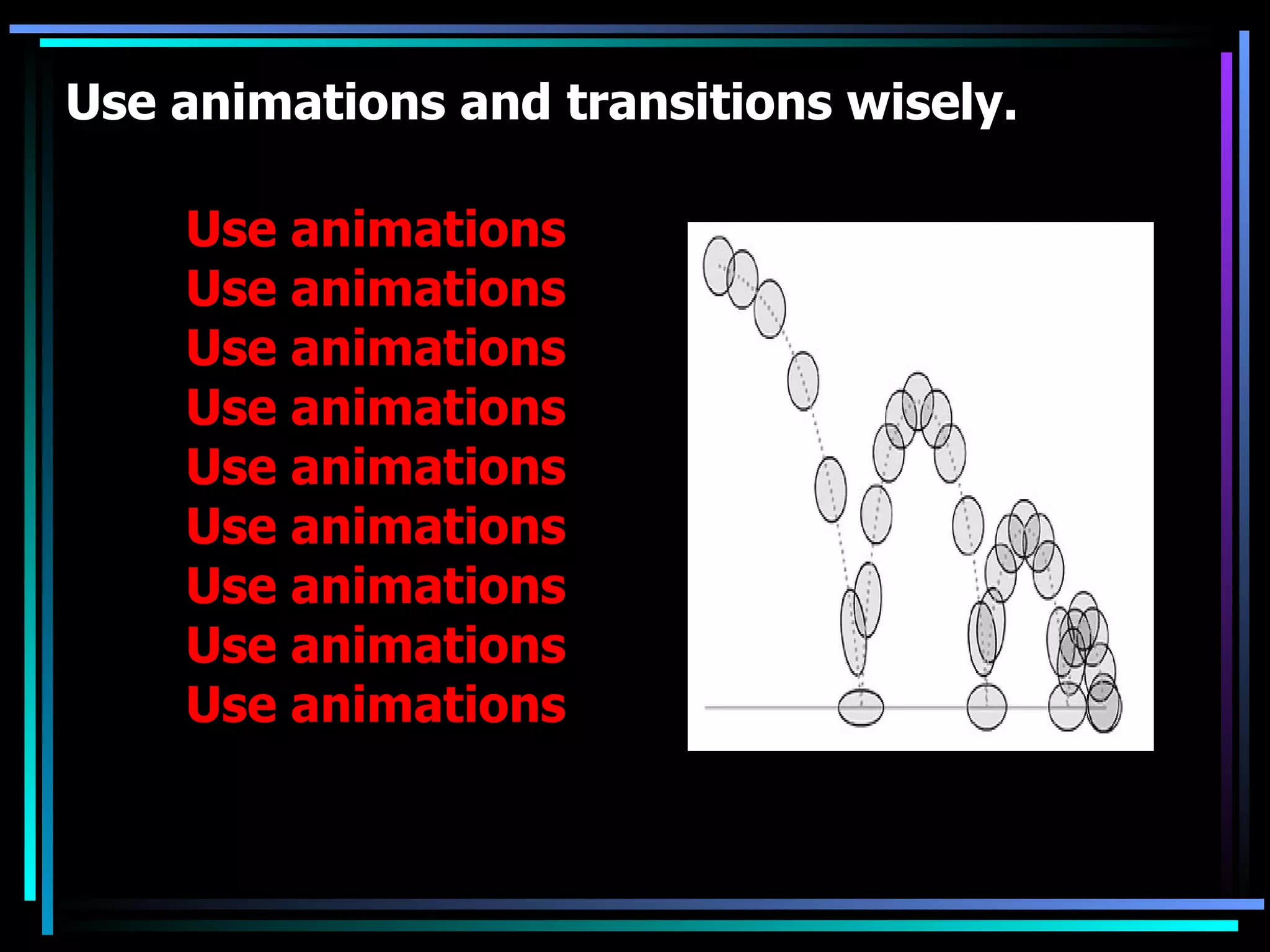
Use animations andtransitions wisely. Use animations Use animations Use animations Use animations Use animations Use animations Use animations Use animations Use animations
22.
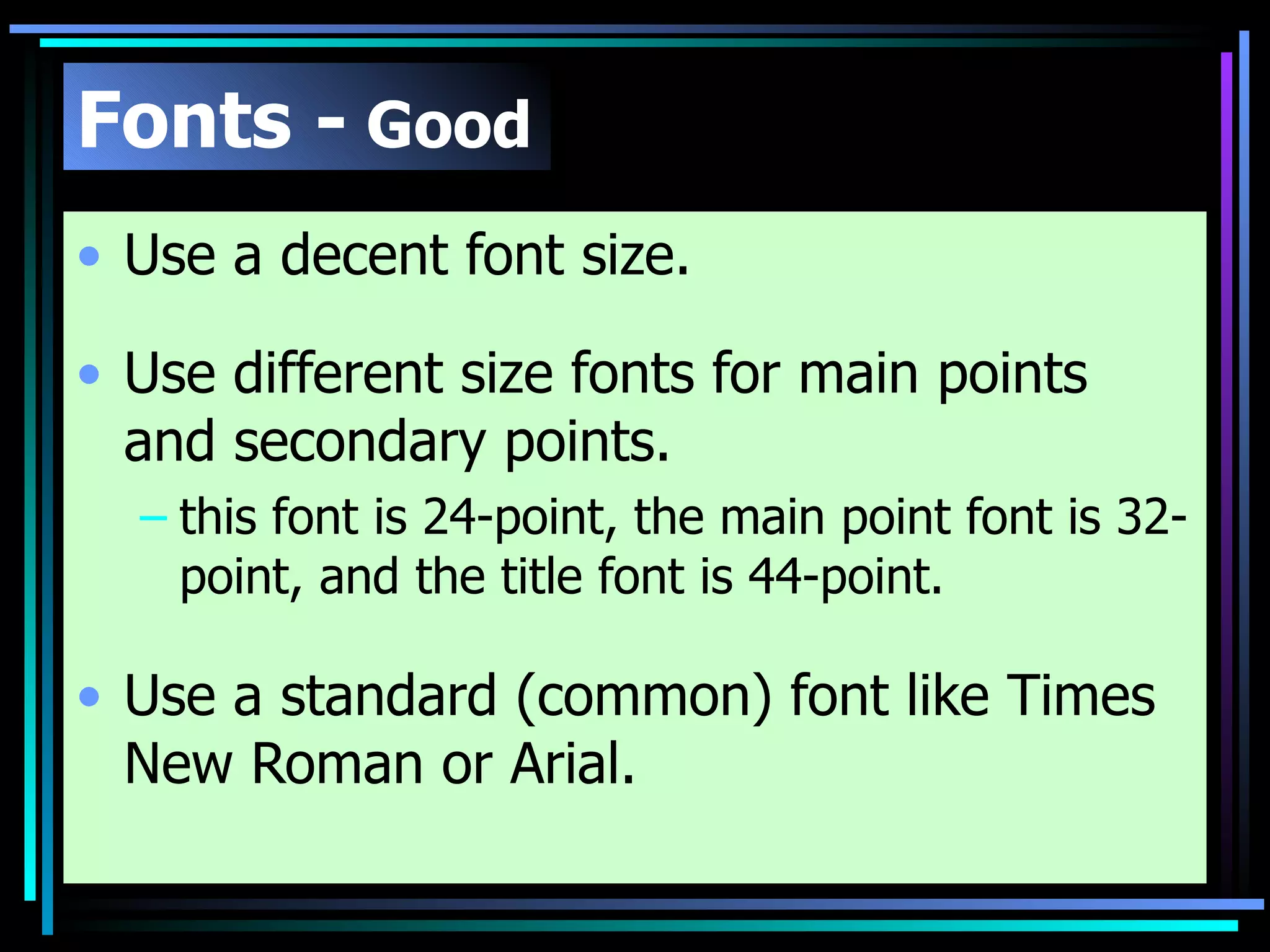
Fonts - Good Use a decent font size. Use different size fonts for main points and secondary points. this font is 24-point, the main point font is 32-point, and the title font is 44-point. Use a standard (common) font like Times New Roman or Arial.
23.
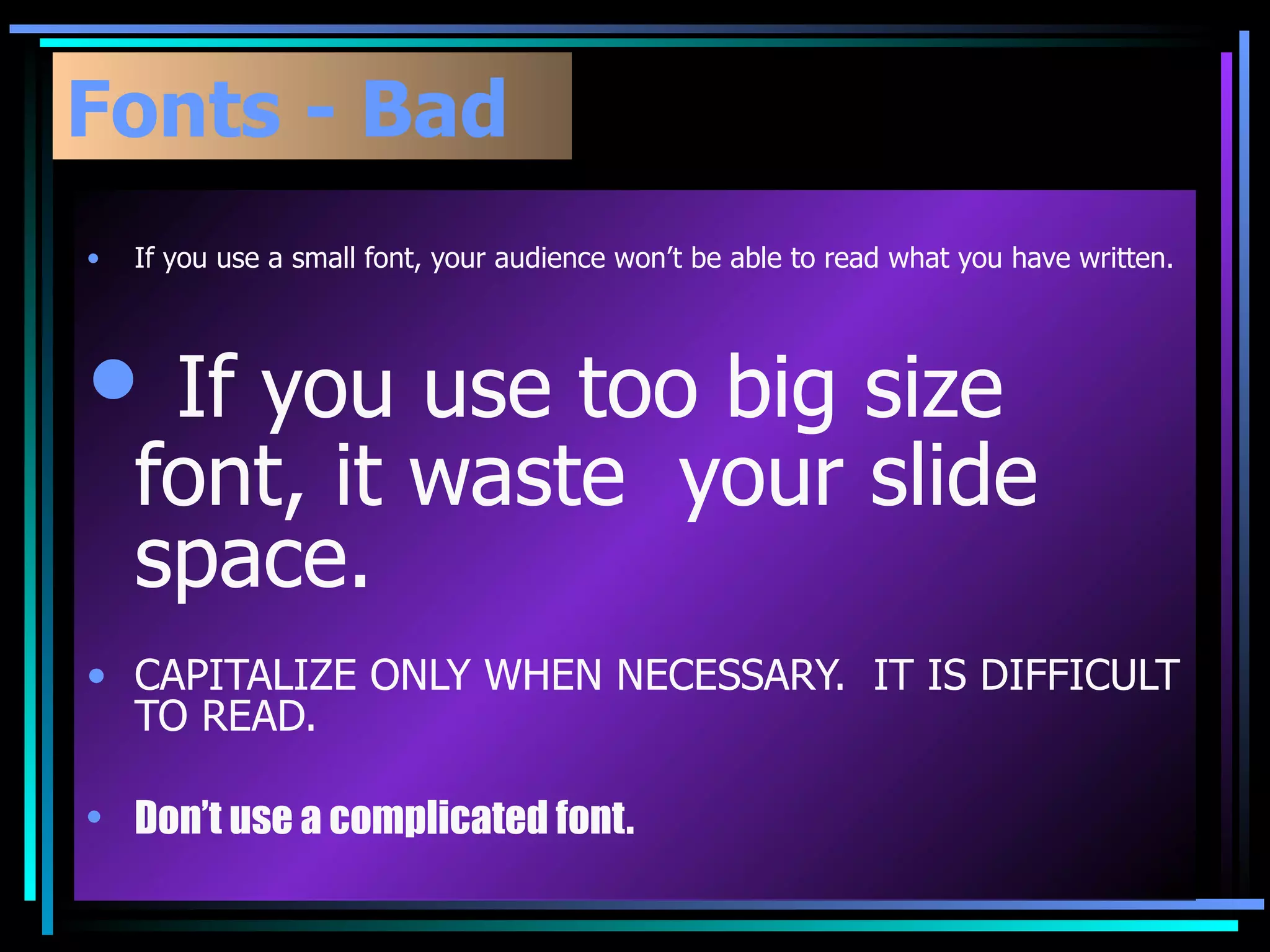
Fonts - BadIf you use a small font, your audience wonât be able to read what you have written. If you use too big size font, it waste your slide space. CAPITALIZE ONLY WHEN NECESSARY. IT IS DIFFICULT TO READ. Donât use a complicated font.
24.
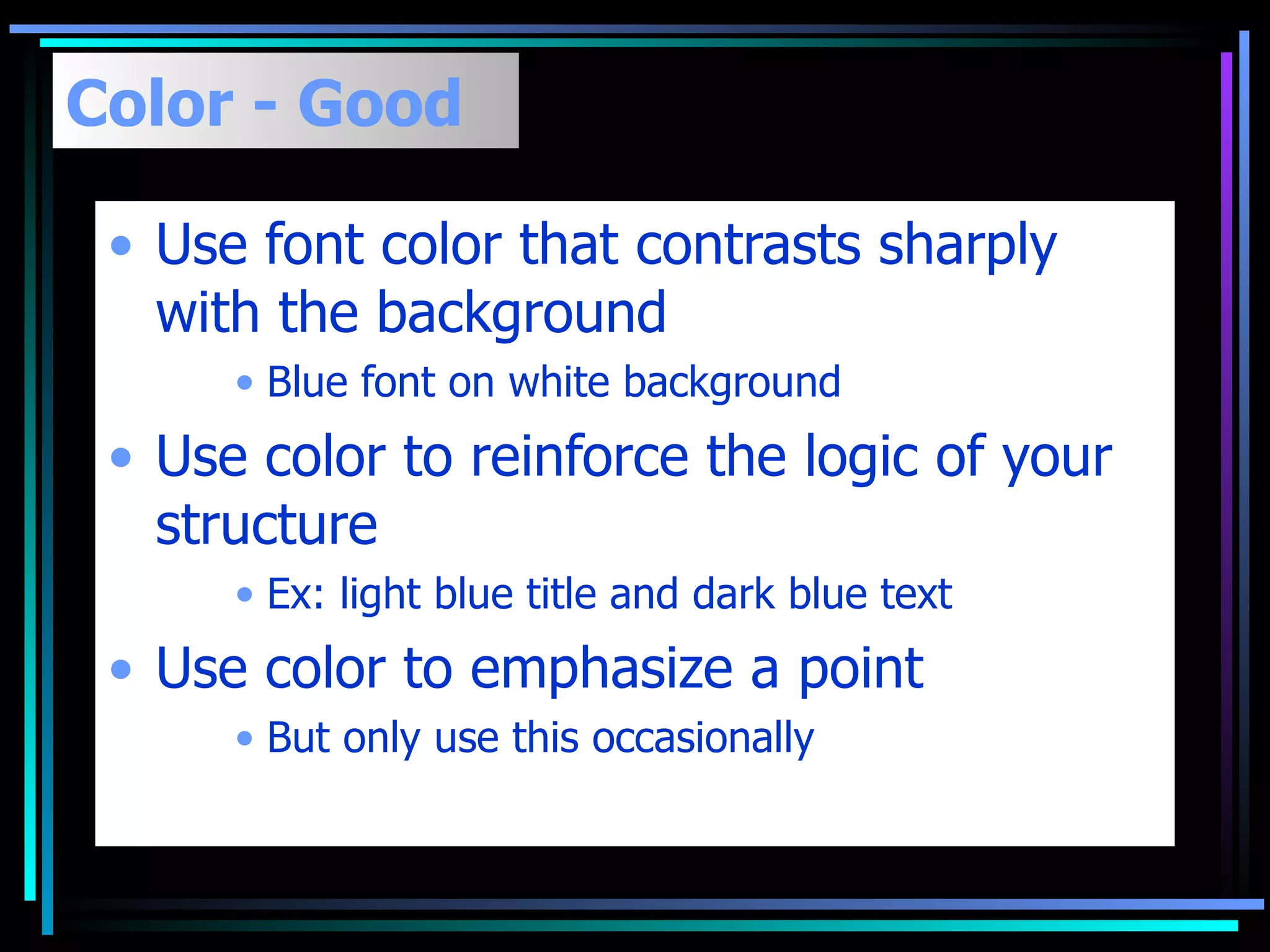
Color - GoodUse font color that contrasts sharply with the background Blue font on white background Use color to reinforce the logic of your structure Ex: light blue title and dark blue text Use color to emphasize a point But only use this occasionally
25.
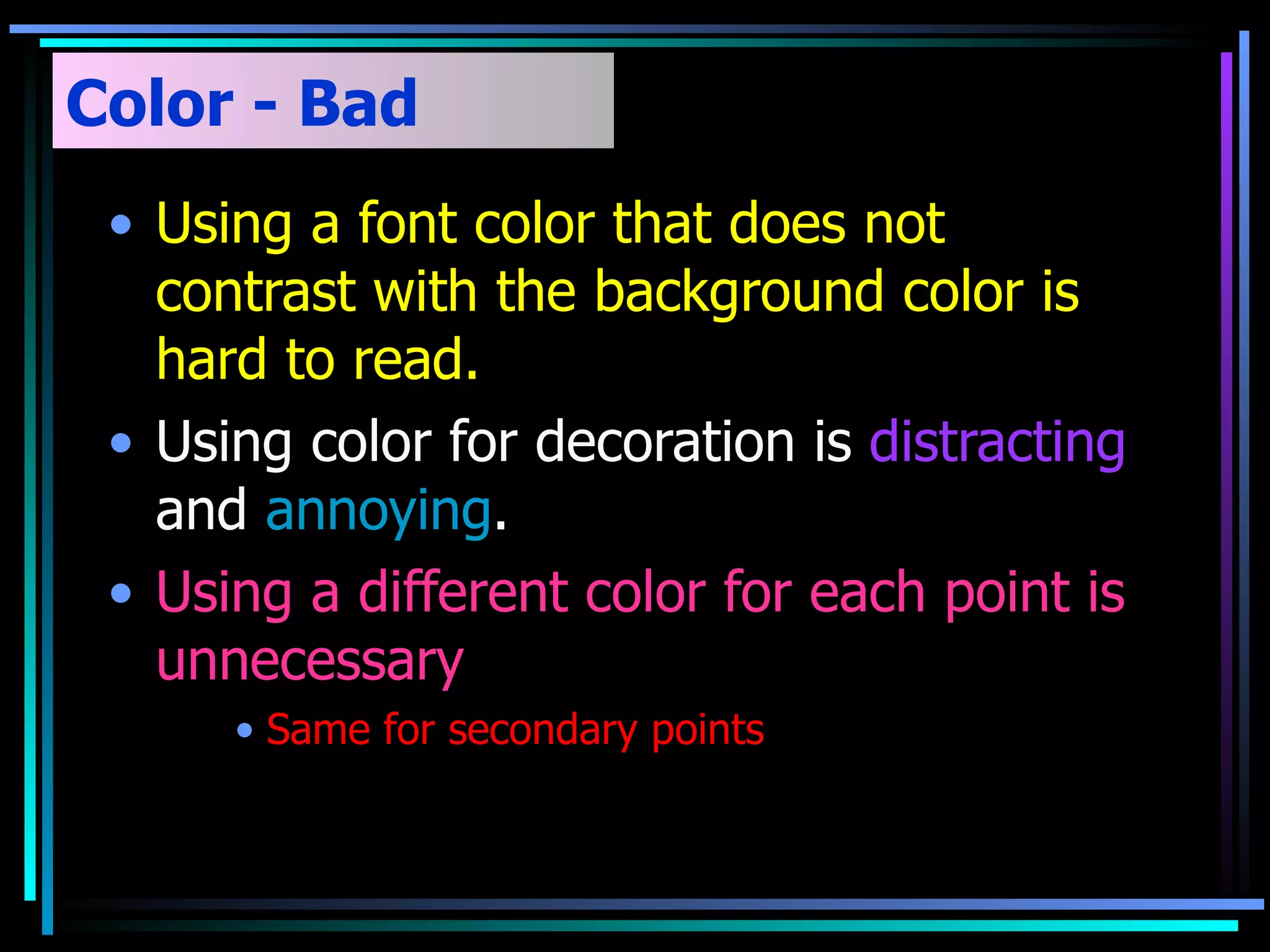
Color - BadUsing a font color that does not contrast with the background color is hard to read. Using color for decoration is distracting and annoying . Using a different color for each point is unnecessary Same for secondary points
26.
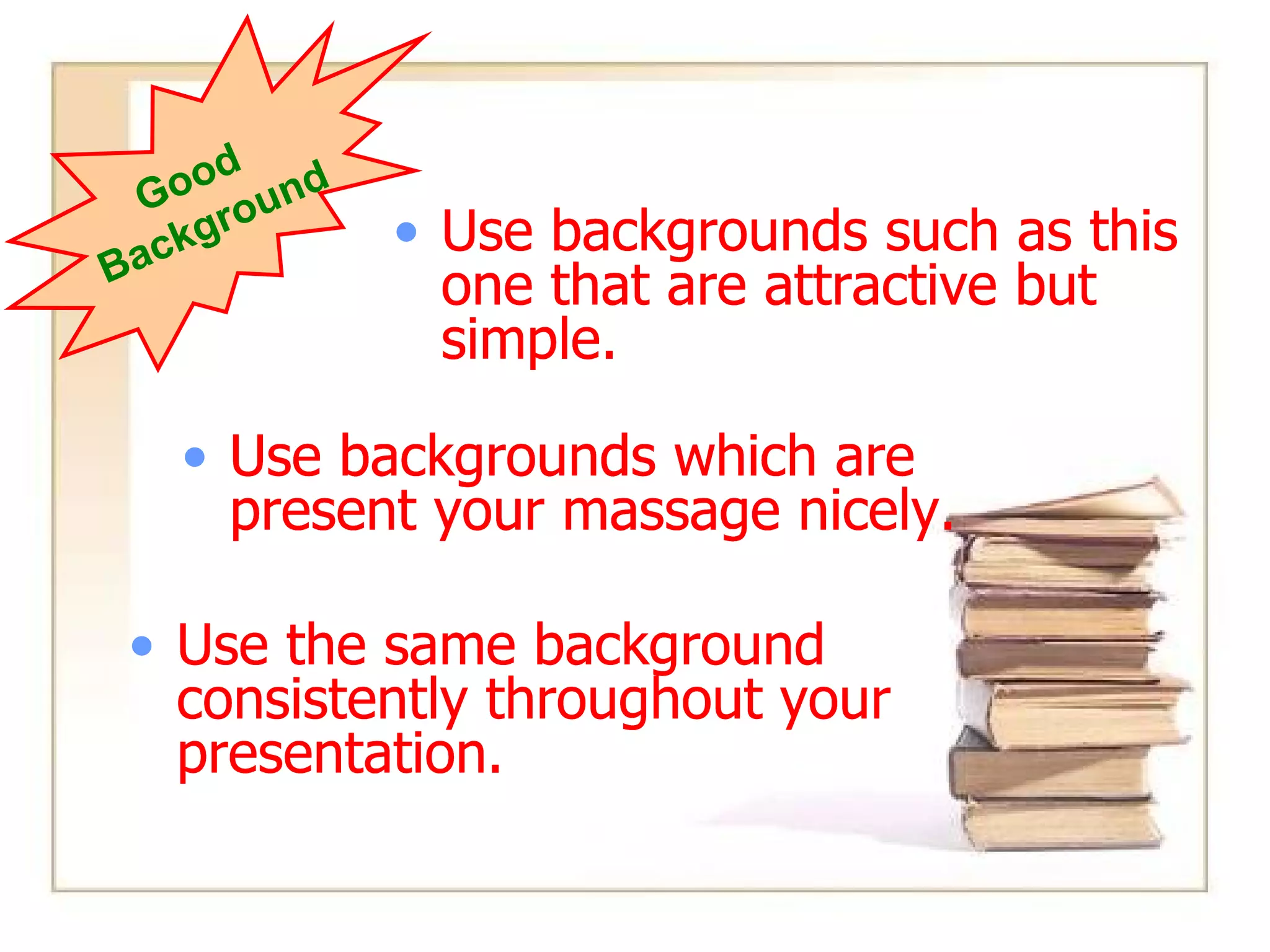
Background - GoodUse backgrounds such as this one that are attractive but simple Use backgrounds which are light Use the same background consistently throughout your presentation Use the same background consistently throughout your presentation. Good Background Use backgrounds such as this one that are attractive but simple. Use backgrounds which are present your massage nicely. Use backgrounds such as this one that are attractive but simple. Use backgrounds which are present your massage nicely. Use backgrounds such as this one that are attractive but simple. Use backgrounds which are present your massage nicely. Use the same background consistently throughout your presentation. Use backgrounds which are present your massage nicely. Use backgrounds such as this one that are attractive but simple. Use the same background consistently throughout your presentation. Use backgrounds which are present your massage nicely.
27.
Types of EducationFormal Education. Non-formal Education. In formal Education.
28.
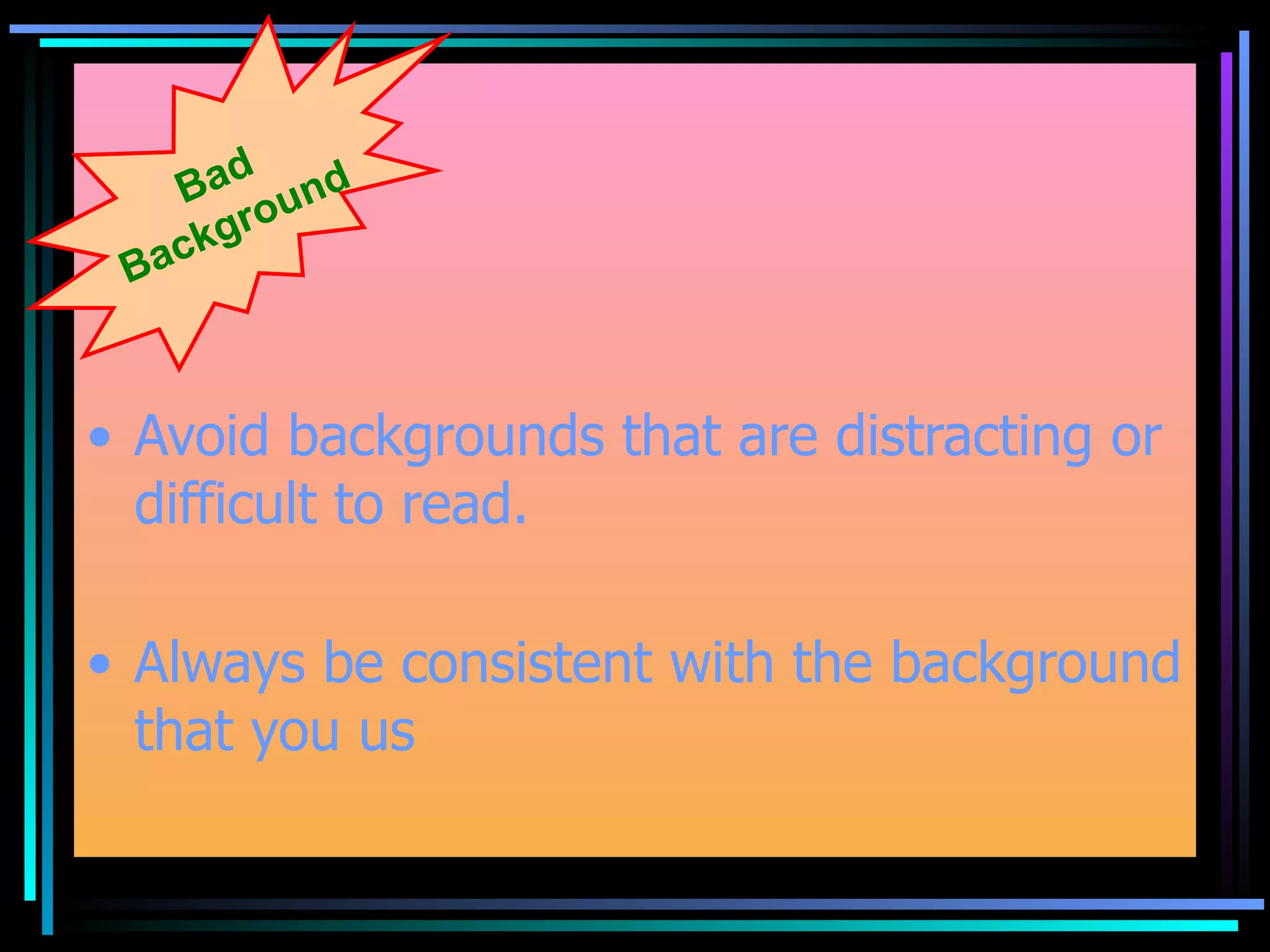
Avoid backgrounds thatare distracting or difficult to read. Always be consistent with the background that you us Bad Background
29.
Types of EducationFormal Education. Non-formal Education. In formal Education.
Get people's attention.Welcome them. Introduce yourself. State the purpose of your presentation. Discussion . Quick recap. Question answer session . Close with regards .
38.
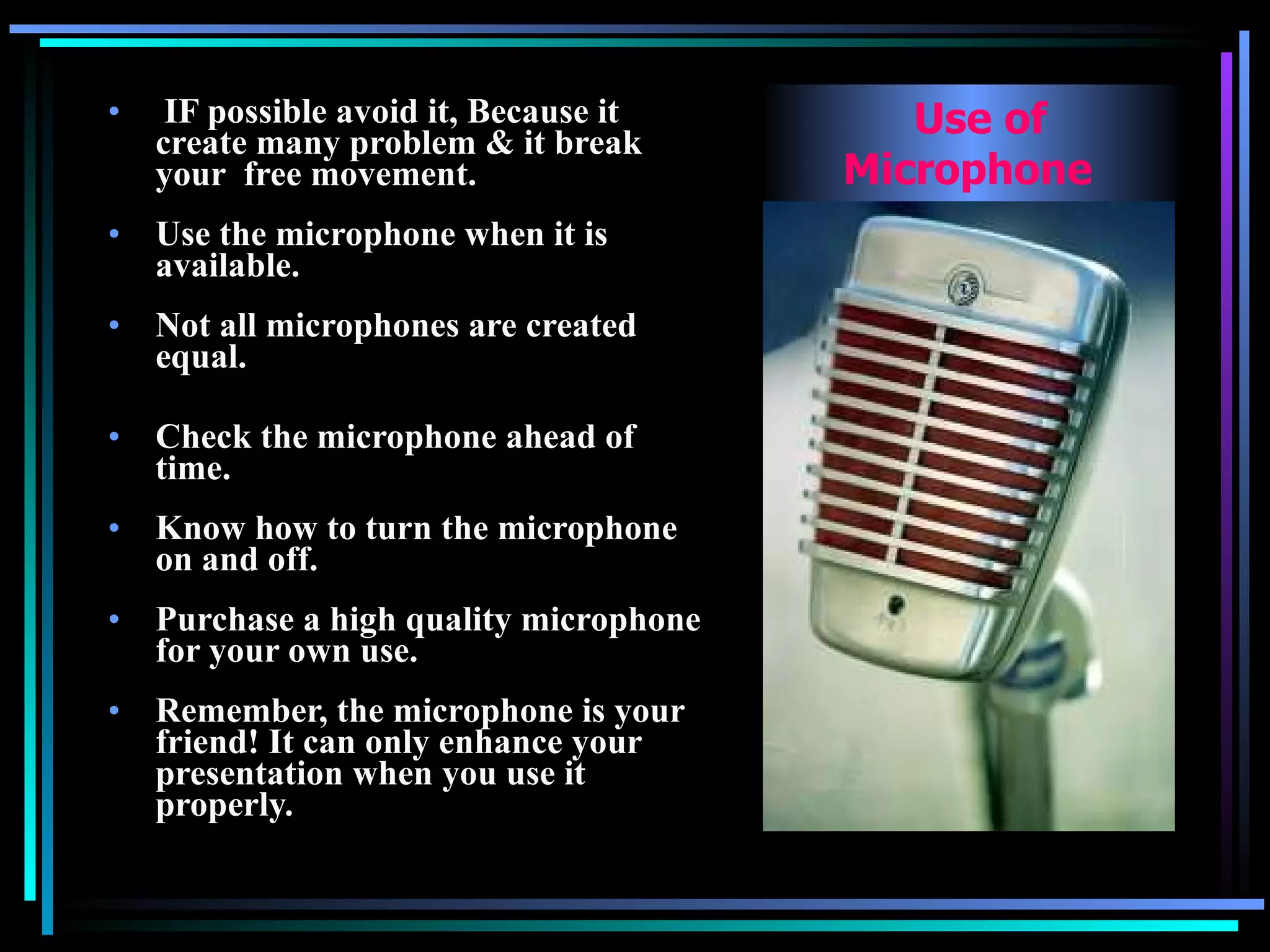
IF possible avoidit, Because it create many problem & it break your free movement. Use the microphone when it is available. Â Not all microphones are created equal. Â Check the microphone ahead of time. Â Know how to turn the microphone on and off. Â Purchase a high quality microphone for your own use. Â Remember, the microphone is your friend! It can only enhance your presentation when you use it properly. Use of Microphone
39.
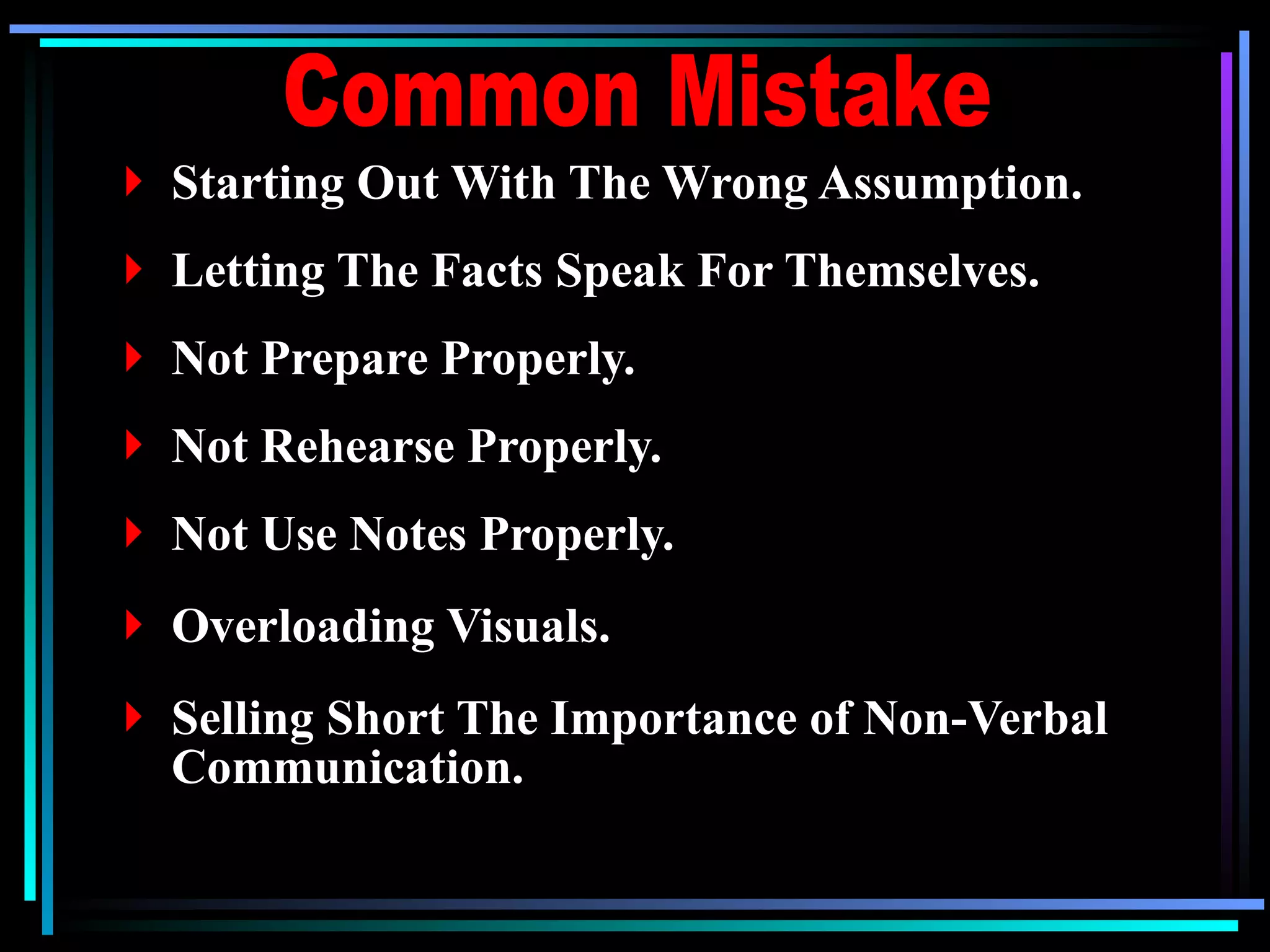
Starting Out WithThe Wrong Assumption. Letting The Facts Speak For Themselves. Not Prepare Properly. Not Rehearse Properly. Not Use Notes Properly. Overloading Visuals. Selling Short The Importance of Non-Verbal Communication. Common Mistake
40.
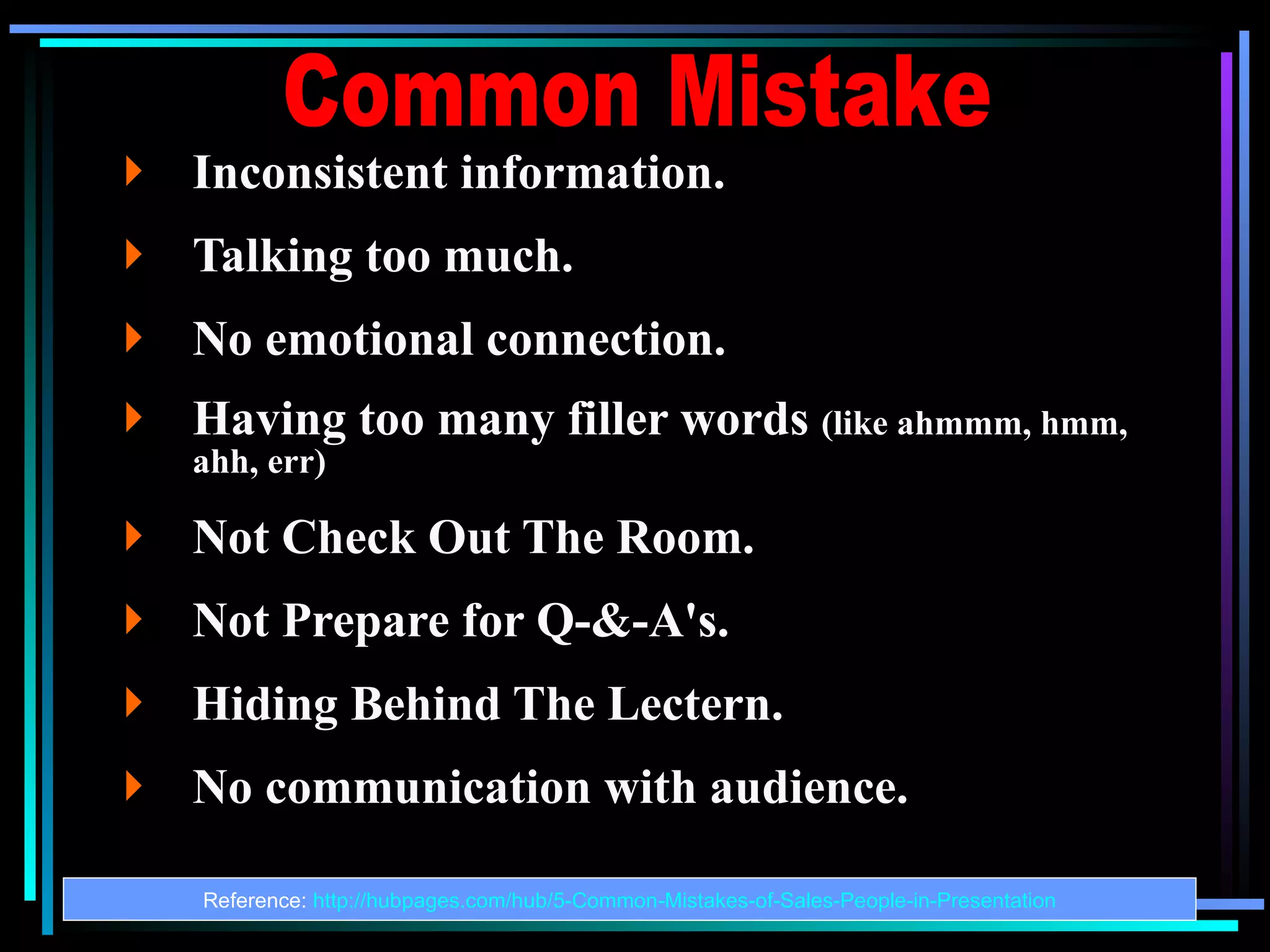
Inconsistent information. Talking too much. No emotional connection. Having too many filler words (like ahmmm, hmm, ahh, err) Not Check Out The Room. Not Prepare for Q-&-A's. Hiding Behind The Lectern. No communication with audience. Reference: http://hubpages.com/hub/5-Common-Mistakes-of-Sales-People-in-Presentation Common Mistake
41.
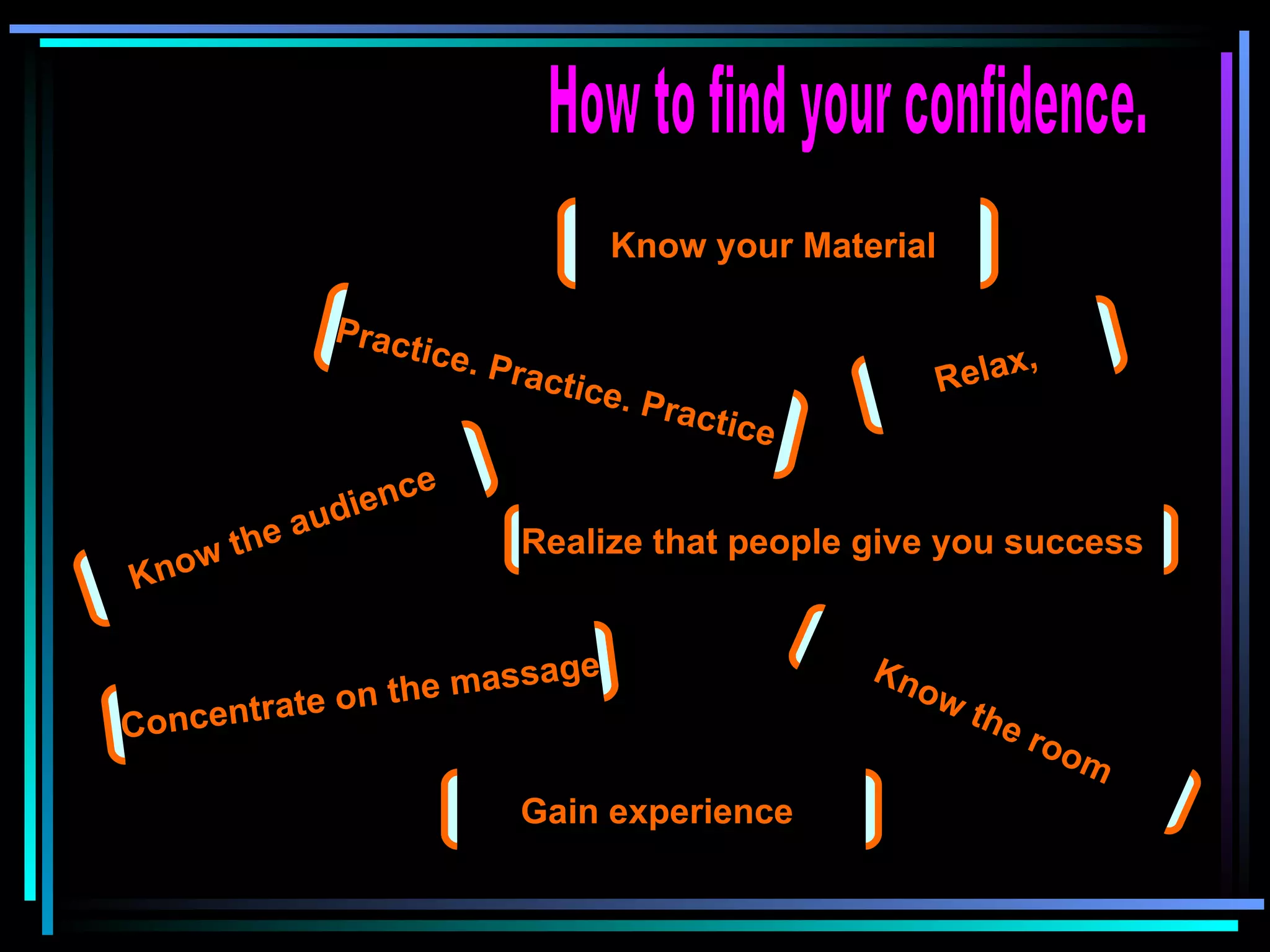
How to findyour confidence. Know your Material Practice. Practice. Practice Know the audience Know the room Relax, Realize that people give you success Concentrate on the massage Gain experience
42.
What Is yourscore? http://www4.caes.hku.hk/epc/presentation/self_evaluation.htm