Presentation 1
Exploring
21st
Century
Learning
Exploring
21st Century Learning
Learn about the uses of technology and media to
ensure appropriate student learning in the 21st
century.
Presentation 1
Framework for 21st
Century
Learning
 Education must keep pace
 Technology and Media used for
 Creativity
 Innovation
 Learning Themes
 Global awareness
 Entrepreneurship
 Life-long learning
Presentation 1
Technology
 Instructional Technology- the integration of
teacher and student use and knowledge of tools
and techniques to improve student learning.
 Technologies do not automatically make
teachers more capable.
 Benefits for teachers
 Store and access information
 Meet diverse needs of students
 Education is expanded beyond the walls of the
classroom
 Technology Gap
Presentation 1
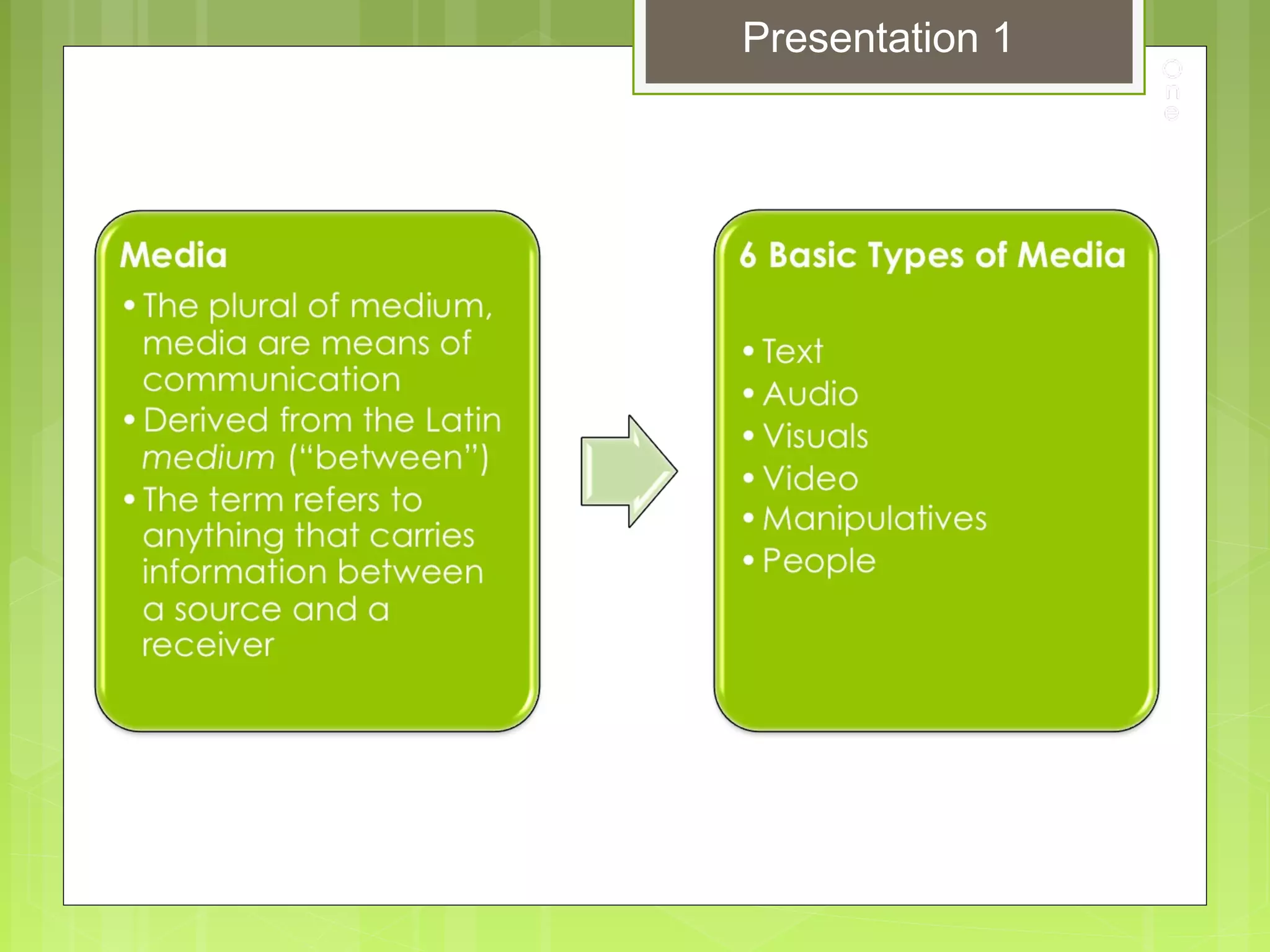
Media
Presentation 1
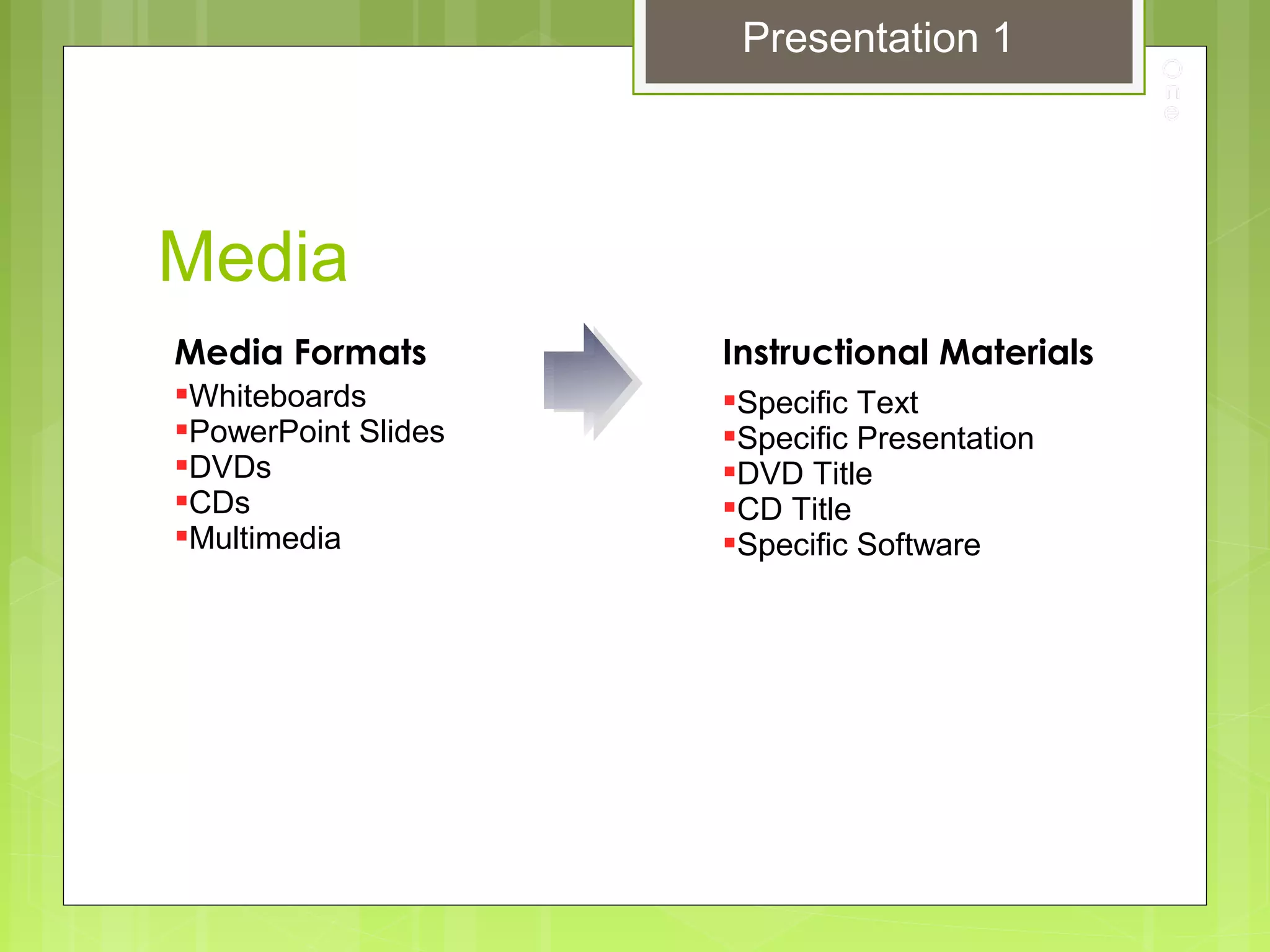
Media
Media Formats
Whiteboards
PowerPoint Slides
DVDs
CDs
Multimedia
Instructional Materials
Specific Text
Specific Presentation
DVD Title
CD Title
Specific Software
Presentation 1
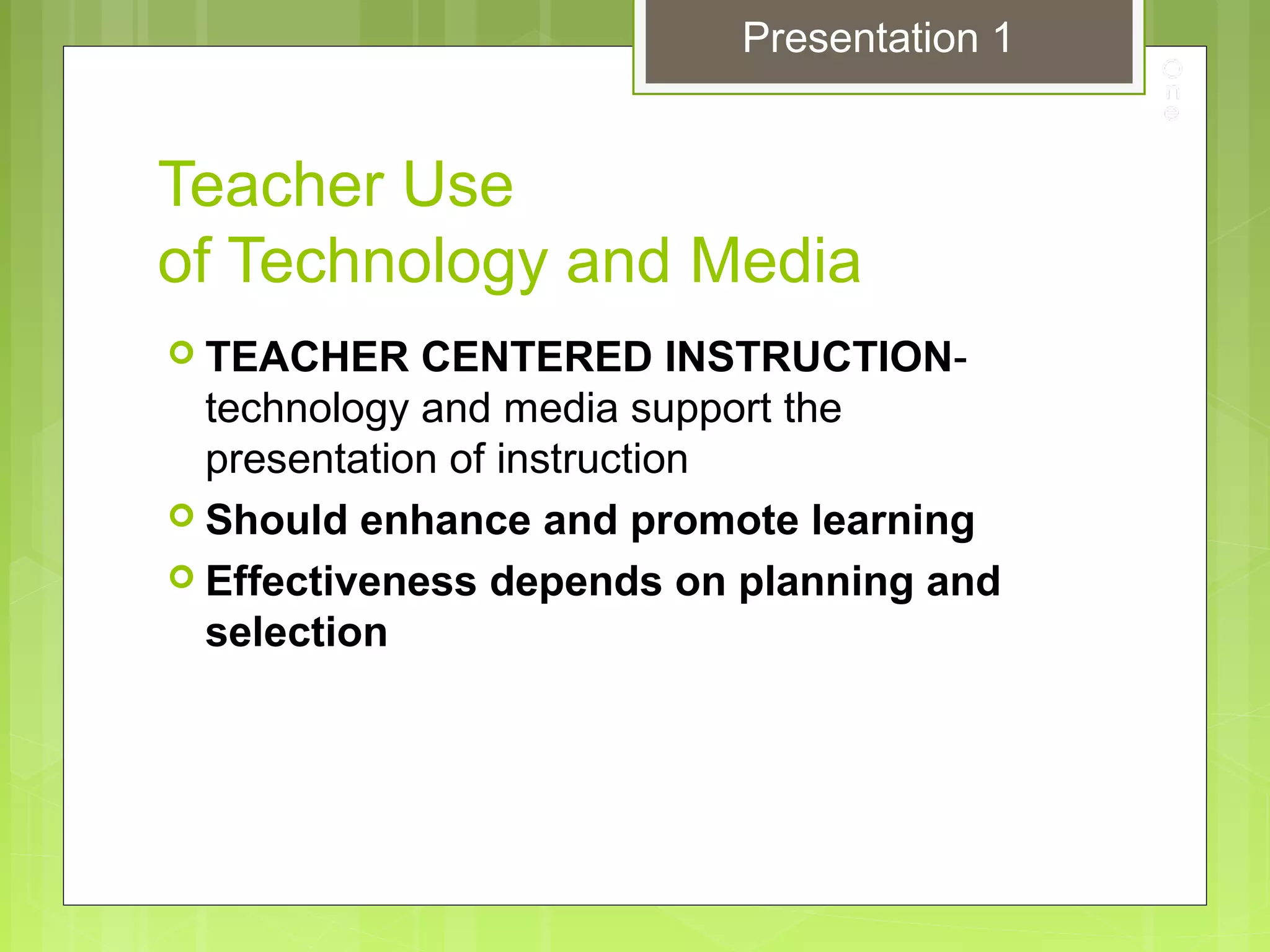
Teacher Use
of Technology and Media
 TEACHER CENTERED INSTRUCTION-
technology and media support the
presentation of instruction
 Should enhance and promote learning
 Effectiveness depends on planning and
selection
Presentation 1
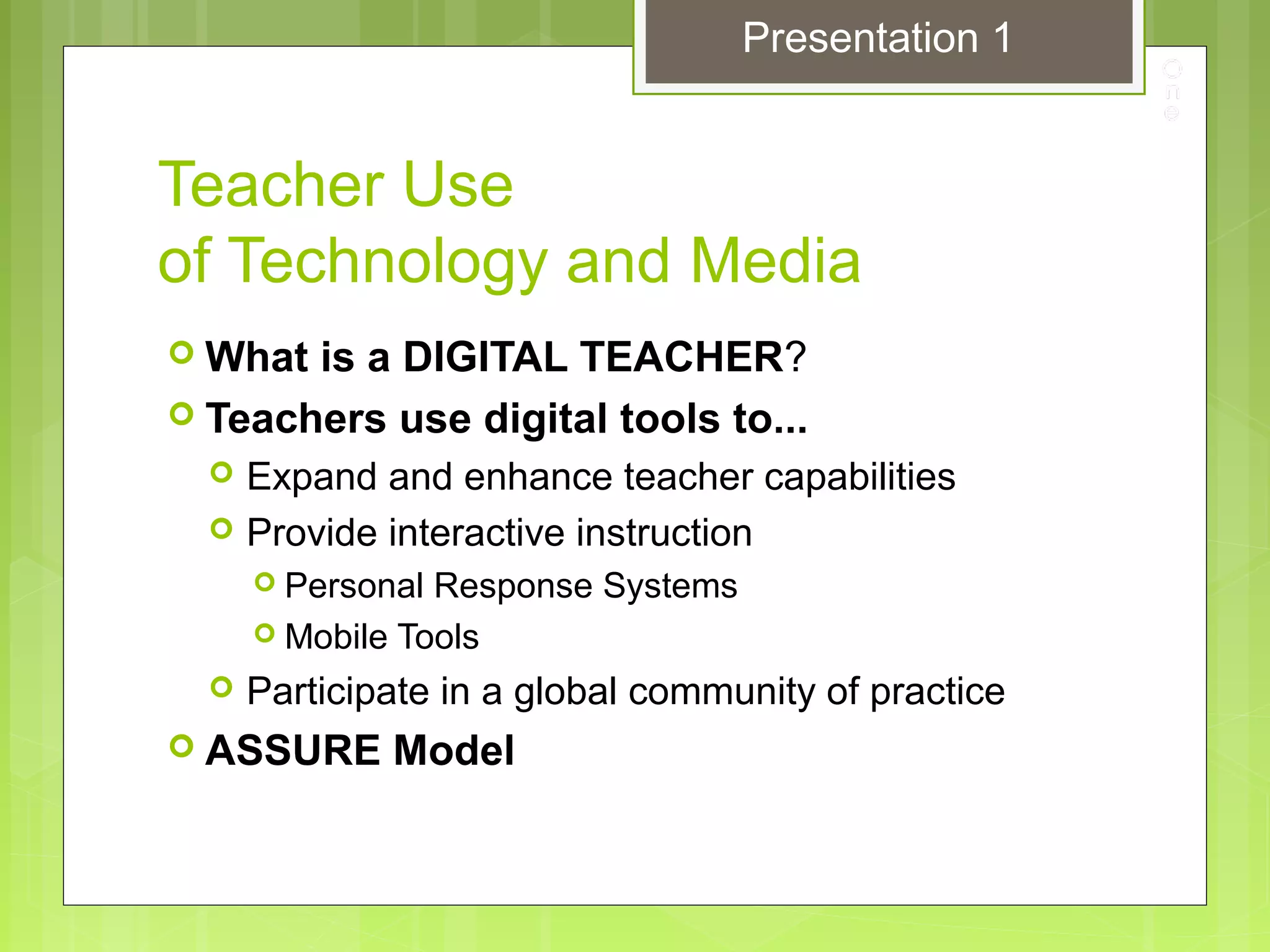
Teacher Use
of Technology and Media
 What is a DIGITAL TEACHER?
 Teachers use digital tools to...
 Expand and enhance teacher capabilities
 Provide interactive instruction
 Personal Response Systems
 Mobile Tools
 Participate in a global community of practice
 ASSURE Model
Presentation 1
Student Use
of Technology and Media
 STUDENT CENTERED INSTRUCTION- the
primary users are the students
 What is the role of technology and media?
 To teach part of or the entire instructional task
 Help the teacher be a manager of learning
 What is a DIGITAL STUDENT?
 Technology is a seamless component of learning
 Interactive tools
 Interact with others
Presentation 1
The Changing Role
of Media Centers
 Traditional library reading
 Information technology assets
 Internet-connected computers
 Education online resources
 digital books
 reference materials
 educational software
 Classroom support materials
 Expanding role of the Library Media Specialist
and Instructional Designer
Presentation 1
Copyright Concerns
THE COPYRIGHT LAW
 Legal rights to an original work
 Protects the financial interests of the creators,
producers, and distributors of original works of
information and art
 The Internet
 Ease of illegal copying
 All material is copyrighted (unless stated
otherwise)
 Teachers are the role models
Presentation 1
Copyright Concerns
THE COPYRIGHT LAW
 Educators and the Copyright Law
 Hefty Fines & Jail time
 FAIR USE
 Copyright exceptions for teachers and students
 Purpose and character of the use
 Nature of the copyrighted work
 Amount and substantiality of the portion used in relation
to the copyrighted work as a whole
 Effect of the use on the potential market for or value of
the copyrighted work
 Seek permission
 Changing formats
 Students with disabilities
Presentation 1
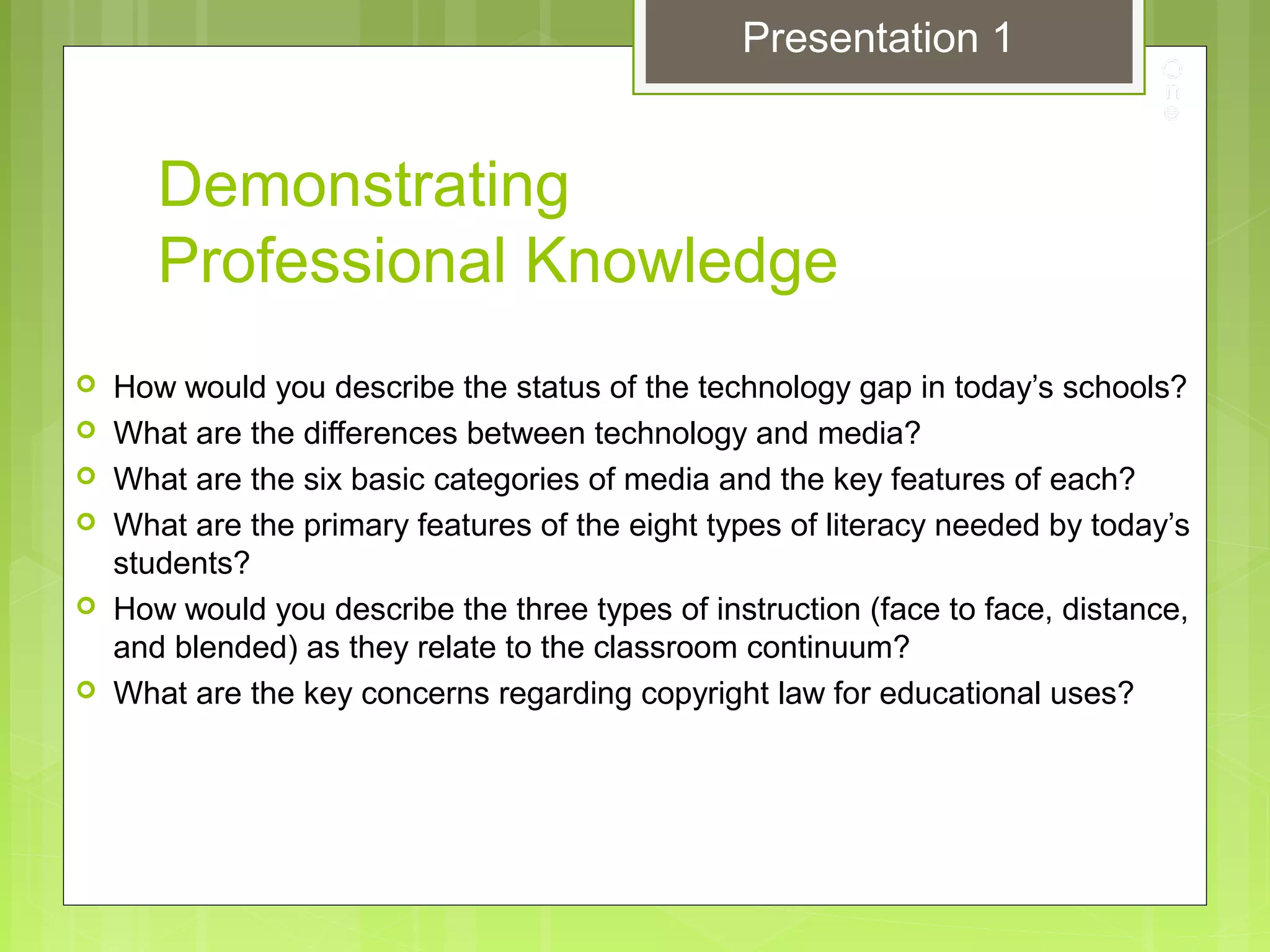
Demonstrating
Professional Knowledge
 How would you describe the status of the technology gap in today’s schools?
 What are the differences between technology and media?
 What are the six basic categories of media and the key features of each?
 What are the primary features of the eight types of literacy needed by today’s
students?
 How would you describe the three types of instruction (face to face, distance,
and blended) as they relate to the classroom continuum?
 What are the key concerns regarding copyright law for educational uses?
Presentation 1

1 nur642exploring and assessing pp1

  • 1.
  • 2.
    Exploring 21st Century Learning Learnabout the uses of technology and media to ensure appropriate student learning in the 21st century. Presentation 1
  • 3.
    Framework for 21st Century Learning Education must keep pace  Technology and Media used for  Creativity  Innovation  Learning Themes  Global awareness  Entrepreneurship  Life-long learning Presentation 1
  • 4.
    Technology  Instructional Technology-the integration of teacher and student use and knowledge of tools and techniques to improve student learning.  Technologies do not automatically make teachers more capable.  Benefits for teachers  Store and access information  Meet diverse needs of students  Education is expanded beyond the walls of the classroom  Technology Gap Presentation 1
  • 5.
  • 6.
    Media Media Formats Whiteboards PowerPoint Slides DVDs CDs Multimedia InstructionalMaterials Specific Text Specific Presentation DVD Title CD Title Specific Software Presentation 1
  • 7.
    Teacher Use of Technologyand Media  TEACHER CENTERED INSTRUCTION- technology and media support the presentation of instruction  Should enhance and promote learning  Effectiveness depends on planning and selection Presentation 1
  • 8.
    Teacher Use of Technologyand Media  What is a DIGITAL TEACHER?  Teachers use digital tools to...  Expand and enhance teacher capabilities  Provide interactive instruction  Personal Response Systems  Mobile Tools  Participate in a global community of practice  ASSURE Model Presentation 1
  • 9.
    Student Use of Technologyand Media  STUDENT CENTERED INSTRUCTION- the primary users are the students  What is the role of technology and media?  To teach part of or the entire instructional task  Help the teacher be a manager of learning  What is a DIGITAL STUDENT?  Technology is a seamless component of learning  Interactive tools  Interact with others Presentation 1
  • 10.
    The Changing Role ofMedia Centers  Traditional library reading  Information technology assets  Internet-connected computers  Education online resources  digital books  reference materials  educational software  Classroom support materials  Expanding role of the Library Media Specialist and Instructional Designer Presentation 1
  • 11.
    Copyright Concerns THE COPYRIGHTLAW  Legal rights to an original work  Protects the financial interests of the creators, producers, and distributors of original works of information and art  The Internet  Ease of illegal copying  All material is copyrighted (unless stated otherwise)  Teachers are the role models Presentation 1
  • 12.
    Copyright Concerns THE COPYRIGHTLAW  Educators and the Copyright Law  Hefty Fines & Jail time  FAIR USE  Copyright exceptions for teachers and students  Purpose and character of the use  Nature of the copyrighted work  Amount and substantiality of the portion used in relation to the copyrighted work as a whole  Effect of the use on the potential market for or value of the copyrighted work  Seek permission  Changing formats  Students with disabilities Presentation 1
  • 13.
    Demonstrating Professional Knowledge  Howwould you describe the status of the technology gap in today’s schools?  What are the differences between technology and media?  What are the six basic categories of media and the key features of each?  What are the primary features of the eight types of literacy needed by today’s students?  How would you describe the three types of instruction (face to face, distance, and blended) as they relate to the classroom continuum?  What are the key concerns regarding copyright law for educational uses? Presentation 1

Editor's Notes

  • #6 The design and use of instructional materials are critical, because it is the interaction of the students with those materials that generates and reinforces actual learning (p.5).
  • #7 The design and use of instructional materials are critical, because it is the interaction of the students with those materials that generates and reinforces actual learning (p.5).