Downloaded 24 times
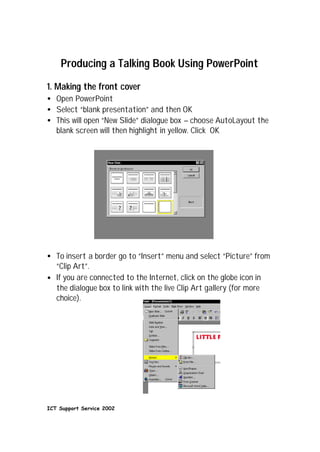

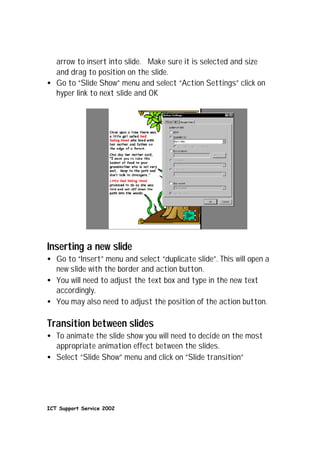

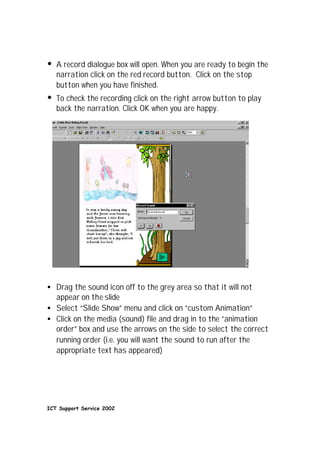


This document provides instructions for producing a talking book using Microsoft PowerPoint. It describes how to add slides with borders, insert text boxes to add titles and body text, include action buttons to navigate between slides, record narration and sync it to play with slide transitions, and save the completed talking book. The process involves opening PowerPoint, adding slides, formatting text, inserting graphics, recording audio, and setting slide transition and animation timing.


