The document provides directions for creating animated PowerPoint presentations and talking books using PowerPoint. It describes how to:
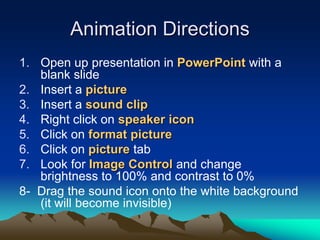
1. Insert pictures and sound clips on slides and format them so the picture brightness/contrast can be animated.
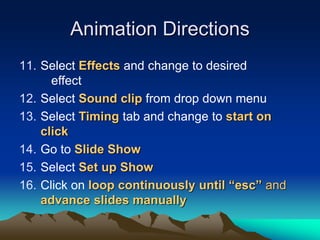
2. Add custom animations to pictures using effects and timing to start on click.
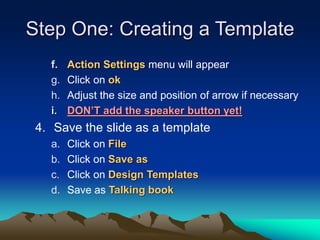
3. Create a template for talking books with a page turning arrow and instructions for adding pictures and recording narration for each slide/page.
4. Use the template to create talking book presentations, record narration for each slide, and position speaker icons to play the audio.