MOTION
MEDIA AND
INFORMATION
By: Mark Jhon C. Oxillo
What is a Motion Media?
 is visual media that gives the
appearance of a movement
 can be a collection of
graphics, footage, videos. It is
combined with audio, text and
/or interactive content to
create multimedia
2 Forms of Motion Media:
1. Informal - created by
individuals often for personal
use
2. Formal – created by
professionals who follow
industry standards in
creating, editing and
producing motion media
Steps in Formal Production of
Animations:
 Writing the Story
 Script is written and dialogue is
recorded
 Animators sketch major scenes,
inbetweeners fill in the gaps
 background music and
background details are added
 drawings are rendered
TYPES OF MOTION
MEDIA
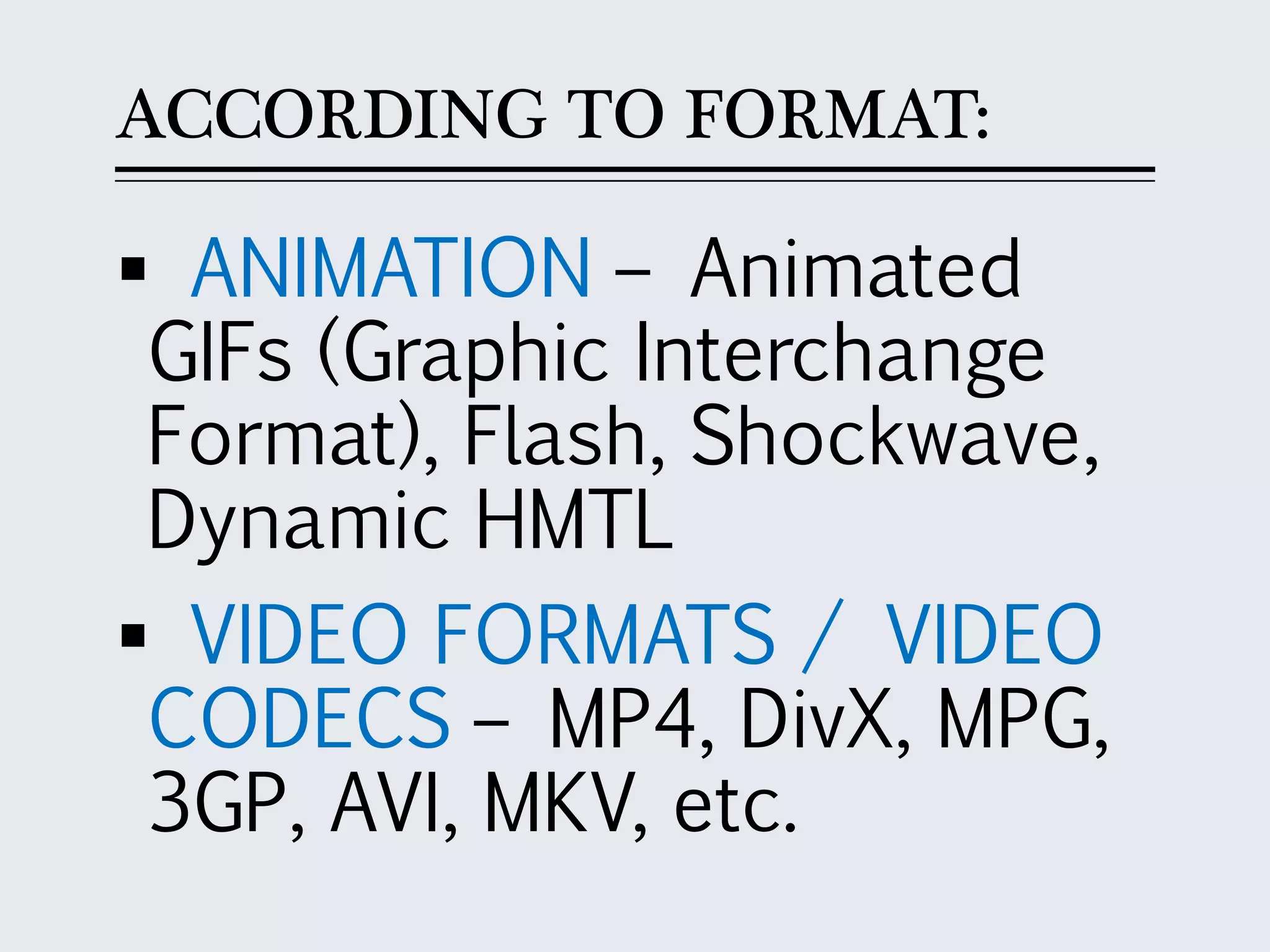
ACCORDING TO FORMAT:
 ANIMATION – Animated
GIFs (Graphic Interchange
Format), Flash, Shockwave,
Dynamic HMTL
 VIDEO FORMATS / VIDEO
CODECS – MP4, DivX, MPG,
3GP, AVI, MKV, etc.
ACCORDING TO PURPOSE:
 Education
 Entertainment
 Advertising
ACCORDING TO SOURCE:
 Personal
 Social Media
 Media Companies
ACCORDING TO AUDIENCE:
 Private / Public
 General / Directed
CREDIBILITY OF
MOTION MEDIA
Determining the Credibility
of Motion Media:
 Validity of Information
 Source
 Relationship of the
Author to the event
Technical Methods to Detect
Fake/Tampered Video:
1. Smoothness of the Video -
This is often detected when
movements are not smooth;
when action seems to jump
from one position to another,
as if some action was
missing
Technical Methods to Detect
Fake/Tampered Video:
2. Lighting Coverage Matches -
One way to detect lighting
matches is to look at the
shadows; the source of light
determines the size and
direction of the shadow
Technical Methods to Detect
Fake/Tampered Video:
3. Scale and Size Consistent -
scale refers to how the size of
the objects in reference to one
another are near the real
thing.
If the picture is reduced or
enlarged by a certain percent
then all of the objects should
be resized by that percent.
Objects that are far away are
usually smaller than objects
that are nearer.
Advantages of Motion Media:
It captures motion in a
manner that can be viewed
repeatedly
It can show processes in
detail and in sequence
It enables learning with
emotions
Advantages of Motion Media:
It can cut across different
cultures and groups
It allows scenes, history,
events and phenomenon to
be recreated
Limitations of Motion Media:
Compared to other forms of visual
media the viewer cannot always
interrupt the presentation.
It is often times more costly than
other forms of visual media.
Other data may be presented best
using still images. Examples are
graphs, diagrams, maps.
It is subject to misinterpretation
ELEMENTS OF
MOTION MEDIA
Do you remember the
different design principles
and elements you learned in
previous lessons on different
media and information (text,
visual, audio)? Can you
identify them?
Can you apply these
design principles and
elements to motion
media and
information? Why or
why not?
Elements of Motion Media:
1. Speed - A fast
movement gives vigor and
vitality, intensifying
emotions. A slow
movement connotes
lethargy, solemnity or
sadness.
Elements of Motion Media:
2. Direction - indicates a
movement from one
direction to another. It can
also refer to the growing or
shrinking of an object.
Elements of Motion Media:
3. Timing - can be objective
or subjective. Objective
timing can be measured in
minutes, seconds, days, etc.
Subjective timing is
psychological or felt.
Timing can be used
to clarify or intensify
the message or the
event. Using a pause
can help time the
events.
Elements of Motion Media:
4. Transition – used to
switch between scenes
Elements of Motion Media:
5. Sound and Color –
adds meaning to the
motion
Elements of Motion Media:
6. Blurring – In animation,
blurring can provide the
illusion of fast movement.
In videos, it is often used
to censor information for
security or decency
END

Motion Media and Information - Media and Information Literacy (MIL)

  • 1.
  • 2.
    What is aMotion Media?  is visual media that gives the appearance of a movement  can be a collection of graphics, footage, videos. It is combined with audio, text and /or interactive content to create multimedia
  • 3.
    2 Forms ofMotion Media: 1. Informal - created by individuals often for personal use 2. Formal – created by professionals who follow industry standards in creating, editing and producing motion media
  • 4.
    Steps in FormalProduction of Animations:  Writing the Story  Script is written and dialogue is recorded  Animators sketch major scenes, inbetweeners fill in the gaps  background music and background details are added  drawings are rendered
  • 5.
  • 6.
    ACCORDING TO FORMAT: ANIMATION – Animated GIFs (Graphic Interchange Format), Flash, Shockwave, Dynamic HMTL  VIDEO FORMATS / VIDEO CODECS – MP4, DivX, MPG, 3GP, AVI, MKV, etc.
  • 7.
    ACCORDING TO PURPOSE: Education  Entertainment  Advertising
  • 8.
    ACCORDING TO SOURCE: Personal  Social Media  Media Companies
  • 9.
    ACCORDING TO AUDIENCE: Private / Public  General / Directed
  • 10.
  • 11.
    Determining the Credibility ofMotion Media:  Validity of Information  Source  Relationship of the Author to the event
  • 12.
    Technical Methods toDetect Fake/Tampered Video: 1. Smoothness of the Video - This is often detected when movements are not smooth; when action seems to jump from one position to another, as if some action was missing
  • 13.
    Technical Methods toDetect Fake/Tampered Video: 2. Lighting Coverage Matches - One way to detect lighting matches is to look at the shadows; the source of light determines the size and direction of the shadow
  • 14.
    Technical Methods toDetect Fake/Tampered Video: 3. Scale and Size Consistent - scale refers to how the size of the objects in reference to one another are near the real thing.
  • 15.
    If the pictureis reduced or enlarged by a certain percent then all of the objects should be resized by that percent. Objects that are far away are usually smaller than objects that are nearer.
  • 16.
    Advantages of MotionMedia: It captures motion in a manner that can be viewed repeatedly It can show processes in detail and in sequence It enables learning with emotions
  • 17.
    Advantages of MotionMedia: It can cut across different cultures and groups It allows scenes, history, events and phenomenon to be recreated
  • 18.
    Limitations of MotionMedia: Compared to other forms of visual media the viewer cannot always interrupt the presentation. It is often times more costly than other forms of visual media. Other data may be presented best using still images. Examples are graphs, diagrams, maps. It is subject to misinterpretation
  • 19.
  • 20.
    Do you rememberthe different design principles and elements you learned in previous lessons on different media and information (text, visual, audio)? Can you identify them?
  • 21.
    Can you applythese design principles and elements to motion media and information? Why or why not?
  • 22.
    Elements of MotionMedia: 1. Speed - A fast movement gives vigor and vitality, intensifying emotions. A slow movement connotes lethargy, solemnity or sadness.
  • 23.
    Elements of MotionMedia: 2. Direction - indicates a movement from one direction to another. It can also refer to the growing or shrinking of an object.
  • 24.
    Elements of MotionMedia: 3. Timing - can be objective or subjective. Objective timing can be measured in minutes, seconds, days, etc. Subjective timing is psychological or felt.
  • 25.
    Timing can beused to clarify or intensify the message or the event. Using a pause can help time the events.
  • 26.
    Elements of MotionMedia: 4. Transition – used to switch between scenes
  • 27.
    Elements of MotionMedia: 5. Sound and Color – adds meaning to the motion
  • 28.
    Elements of MotionMedia: 6. Blurring – In animation, blurring can provide the illusion of fast movement. In videos, it is often used to censor information for security or decency
  • 29.