An Introduction to Online Learning
LEARNING TECHNOLOGIES
WORKSHOP
Format
 Session I: Presentation &
Project
Presentation (45 min)
Q&A (15 min)
Begin workshop
assignment (30 min)
Session II: Working Session
Share assignments (25 min)
Continue working on
assignments (50 min)
Make a personal plan (15
min)
Goals
1. Learn what makes online teaching unique from face-to-face teaching.
2. Discuss best practices in:
a) Online instruction
b) Course design
c) Student engagement
d) Assessment
3. Develop ideas of how you will succeed as an online instructor.
4. Begin developing practical skills in Blackboard.
Elements of Online Learning
I. INSTRUCTION
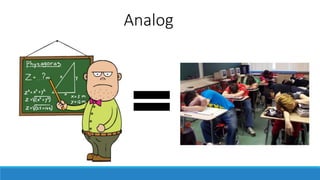
“Sage on the Stage”
Analog
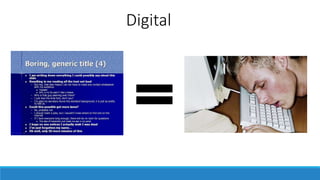
Digital
“Sage on the Stage”
“Guide on the Side”
?
Engaging Online Instruction
1. Make online learning active
2. Use a variety of resources
and activities
3. Be a regular, visible presence
4. Aim for andragogy, not pedagogy
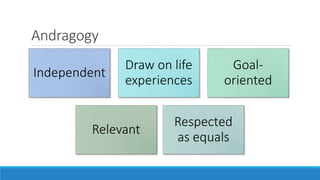
Andragogy
Independent
Draw on life
experiences
Goal-
oriented
Relevant
Respected
as equals
Elements of Online Learning
II. COURSE DESIGN
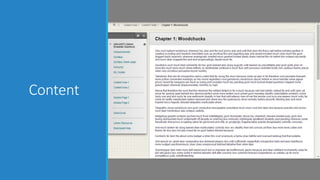
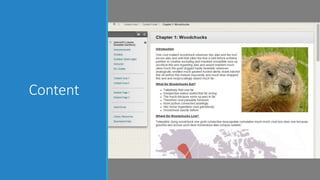
Content
Content
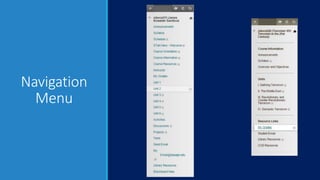
Navigation
Menu
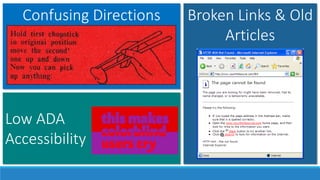
Confusing Directions
Low ADA
Accessibility
Broken Links & Old
Articles
Elements of Online Learning
III. STUDENT ENGAGEMENT
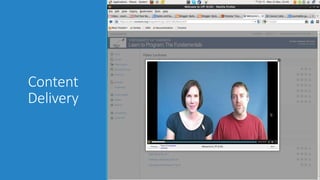
Content
Delivery
Content
Delivery
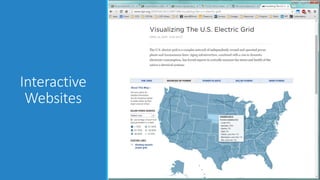
Interactive
Websites
Elements of Online Learning
IV. ASSESSMENT
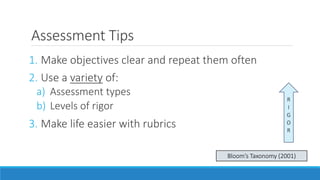
Assessment Tips
1. Make objectives clear and repeat them often
2. Use a variety of:
a) Assessment types
b) Levels of rigor
3. Make life easier with rubrics
R
I
G
O
R
Bloom’s Taxonomy (2001)
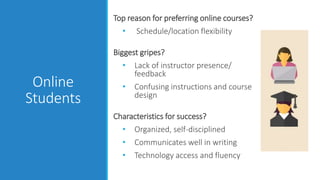
Online Student Profile
Online
Students
Top reason for preferring online courses?
• Schedule/location flexibility
Biggest gripes?
• Lack of instructor presence/
feedback
• Confusing instructions and course
design
Characteristics for success?
• Organized, self-disciplined
• Communicates well in writing
• Technology access and fluency
Seven Myths of Online Learning
Seven
Myths
1. The more information I provide, the
more my students will know what to
do.
2. The more content I provide, the more
my students will learn.
3. All discussion forums have the same
learning potential.
4. Students don’t want to see/hear
recordings of me.
5. Students are all tech whizzes.
6. If my course is pretty, then it is user-
friendly.
7. Successful f2f activities will be
successful online activities.
Questions?
Next Steps
1. Review assignment instructions
2. Review planning handouts
a) Design Document
b) Master Online Course Checklist
c) Goal Plan
3. Log in to Blackboard and find
course shell
4. Begin workshop assignment

Intro to Online Teaching PPT