iPads – Ushering A New Era in The Corporate Training World
iPads – Ushering A New Era in The Corporate
Training World
I’ve always thought it
would be really wonderful
to have a little box, a sort
of slate that you could
carry along with you.
– Steve Jobs in 1984
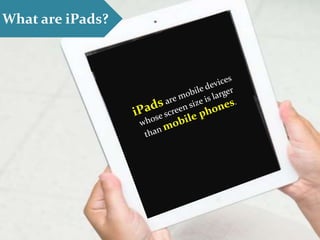
What are iPads?
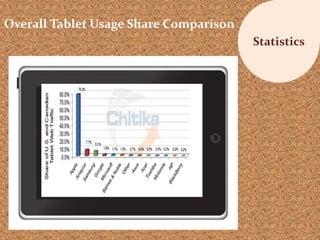
Statistics
Overall Tablet Usage Share Comparison
Statistics
eBooks Presentations Games
Simulations Videos Apps
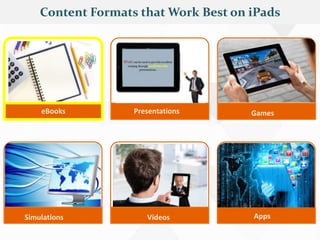
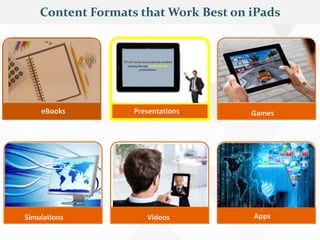
Content Formats that Work Best on iPads
Presentations Games
Simulations Videos Apps
Content Formats that Work Best on iPads
eBooks
Presentations
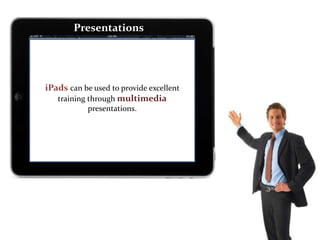
iPads can be used to provide excellent
training through multimedia
presentations.
Presentations Games
Simulations Videos Apps
Content Formats that Work Best on iPads
GameseBooks
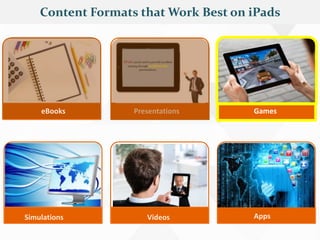
IPads are the right device to deliver anytime, anywhere training through
online courses containing games, because of their multi-touch screens.
Presentations Games
Simulations Videos Apps
Content Formats that Work Best on iPads
eBooks
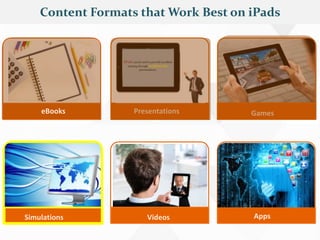
Simulations
The hardware features of iPads make them the most appropriate
device to train your people using simulations.
Presentations Games
Simulations Videos Apps
Content Formats that Work Best on iPads
eBooks
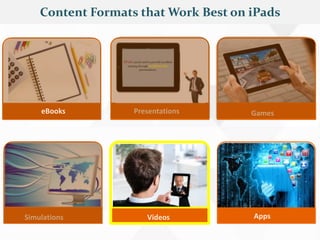
This medium is used by organizations to train their staff on
products and for induction trainings through iPads.
Videos
Presentations Games
Simulations Videos Apps
Content Formats that Work Best on iPads
eBooks
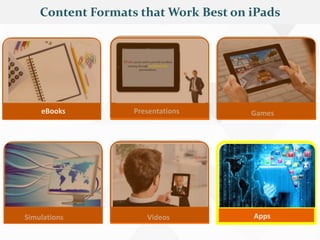
Various organizations are using iPad applications to deliver
training to their workforce and provide JIT support.
Apps
Questions to be
Answered before
Designing a Course for
iPads
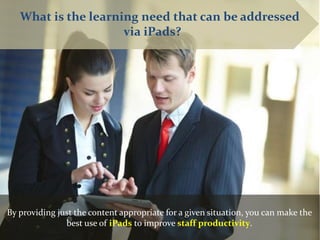
By providing just the content appropriate for a given situation, you can make the
best use of iPads to improve staff productivity.
What is the learning need that can be addressed
via iPads?
Can organizations use the capabilities of iPads to deliver
contextual learning?
The iPad has a plethora of
networking and other
features which help provide
effective contextual
learning.
What Security Measures need to be in place, to
deal with theft or loss of these devices?
• Screen locks
• Auto-timeouts
• Access restricted by passwords
• Device management and application
management features of iPads to
protect information
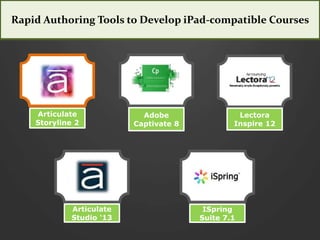
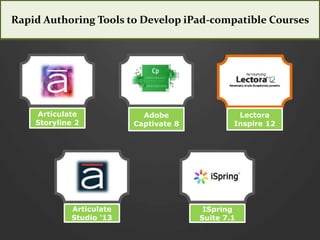
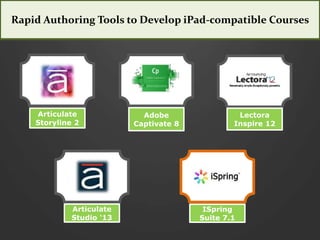
Rapid Authoring Tools to Develop iPad-Compatible
Courses
Articulate
Storyline 2
Adobe
Captivate 8
Lectora
Inspire 12
Articulate
Studio ‘13
ISpring
Suite 7.1
Rapid Authoring Tools to Develop iPad-compatible Courses
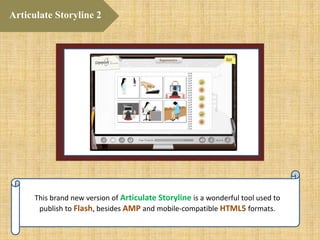
This brand new version of Articulate Storyline is a wonderful tool used to
publish to Flash, besides AMP and mobile-compatible HTML5 formats.
Articulate Storyline 2
Rapid Authoring Tools to Develop iPad-Compatible
Courses
Articulate
Storyline 2
Adobe
Captivate 8
Lectora
Inspire 12
Articulate
Studio ‘13
ISpring
Suite 7.1
Rapid Authoring Tools to Develop iPad-compatible Courses
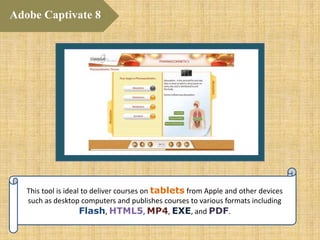
This tool is ideal to deliver courses on tablets from Apple and other devices
such as desktop computers and publishes courses to various formats including
Flash, HTML5, MP4, EXE, and PDF.
Adobe Captivate 8
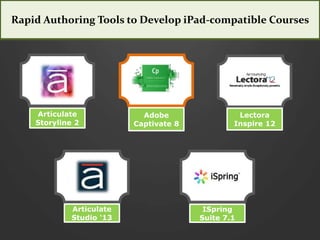
Rapid Authoring Tools to Develop iPad-Compatible
Courses
Articulate
Storyline 2
Adobe
Captivate 8
Lectora
Inspire 12
Articulate
Studio ‘13
ISpring
Suite 7.1
Rapid Authoring Tools to Develop iPad-compatible Courses
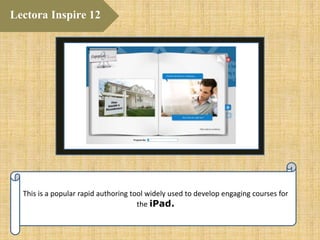
This is a popular rapid authoring tool widely used to develop engaging courses for
the iPad.
Lectora Inspire 12
Rapid Authoring Tools to Develop iPad-Compatible
Courses
Articulate
Storyline 2
Adobe
Captivate 8
Lectora
Inspire 12
Articulate
Studio ‘13
ISpring
Suite 7.1
Rapid Authoring Tools to Develop iPad-compatible Courses
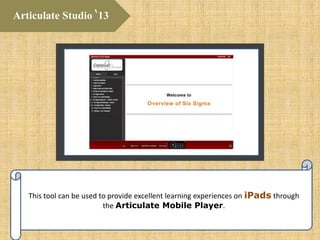
This tool can be used to provide excellent learning experiences on iPads through
the Articulate Mobile Player.
Articulate Studio ‘13
Rapid Authoring Tools to Develop iPad-Compatible
Courses
Articulate
Storyline 2
Adobe
Captivate 8
Lectora
Inspire 12
Articulate
Studio ‘13
ISpring
Suite 7.1
Rapid Authoring Tools to Develop iPad-compatible Courses
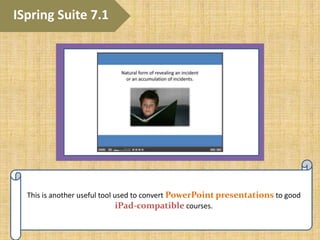
This is another useful tool used to convert PowerPoint presentations to good
iPad-compatible courses.
ISpring Suite 7.1
Utilizing iPads for Better Productivity
iPads are used by healthcare and manufacturing organizations to
equip their personnel with the needed knowledge and skills.
iPads provide good training and Just-in-Time (JIT) support to service technicians and
enable organizations deliver high quality training, anytime, anywhere.
iPads – Ushering A New Era in The Corporate Training World

iPads – Ushering A New Era in The Corporate Training World

  • 1.
    iPads – UsheringA New Era in The Corporate Training World
  • 2.
    iPads – UsheringA New Era in The Corporate Training World I’ve always thought it would be really wonderful to have a little box, a sort of slate that you could carry along with you. – Steve Jobs in 1984
  • 3.
  • 4.
    Statistics Overall Tablet UsageShare Comparison Statistics
  • 5.
    eBooks Presentations Games SimulationsVideos Apps Content Formats that Work Best on iPads
  • 7.
    Presentations Games Simulations VideosApps Content Formats that Work Best on iPads eBooks
  • 8.
    Presentations iPads can beused to provide excellent training through multimedia presentations.
  • 9.
    Presentations Games Simulations VideosApps Content Formats that Work Best on iPads GameseBooks
  • 10.
    IPads are theright device to deliver anytime, anywhere training through online courses containing games, because of their multi-touch screens.
  • 11.
    Presentations Games Simulations VideosApps Content Formats that Work Best on iPads eBooks
  • 12.
    Simulations The hardware featuresof iPads make them the most appropriate device to train your people using simulations.
  • 13.
    Presentations Games Simulations VideosApps Content Formats that Work Best on iPads eBooks
  • 14.
    This medium isused by organizations to train their staff on products and for induction trainings through iPads. Videos
  • 15.
    Presentations Games Simulations VideosApps Content Formats that Work Best on iPads eBooks
  • 16.
    Various organizations areusing iPad applications to deliver training to their workforce and provide JIT support. Apps
  • 17.
    Questions to be Answeredbefore Designing a Course for iPads
  • 18.
    By providing justthe content appropriate for a given situation, you can make the best use of iPads to improve staff productivity. What is the learning need that can be addressed via iPads?
  • 19.
    Can organizations usethe capabilities of iPads to deliver contextual learning? The iPad has a plethora of networking and other features which help provide effective contextual learning.
  • 20.
    What Security Measuresneed to be in place, to deal with theft or loss of these devices? • Screen locks • Auto-timeouts • Access restricted by passwords • Device management and application management features of iPads to protect information
  • 21.
    Rapid Authoring Toolsto Develop iPad-Compatible Courses Articulate Storyline 2 Adobe Captivate 8 Lectora Inspire 12 Articulate Studio ‘13 ISpring Suite 7.1 Rapid Authoring Tools to Develop iPad-compatible Courses
  • 22.
    This brand newversion of Articulate Storyline is a wonderful tool used to publish to Flash, besides AMP and mobile-compatible HTML5 formats. Articulate Storyline 2
  • 23.
    Rapid Authoring Toolsto Develop iPad-Compatible Courses Articulate Storyline 2 Adobe Captivate 8 Lectora Inspire 12 Articulate Studio ‘13 ISpring Suite 7.1 Rapid Authoring Tools to Develop iPad-compatible Courses
  • 24.
    This tool isideal to deliver courses on tablets from Apple and other devices such as desktop computers and publishes courses to various formats including Flash, HTML5, MP4, EXE, and PDF. Adobe Captivate 8
  • 25.
    Rapid Authoring Toolsto Develop iPad-Compatible Courses Articulate Storyline 2 Adobe Captivate 8 Lectora Inspire 12 Articulate Studio ‘13 ISpring Suite 7.1 Rapid Authoring Tools to Develop iPad-compatible Courses
  • 26.
    This is apopular rapid authoring tool widely used to develop engaging courses for the iPad. Lectora Inspire 12
  • 27.
    Rapid Authoring Toolsto Develop iPad-Compatible Courses Articulate Storyline 2 Adobe Captivate 8 Lectora Inspire 12 Articulate Studio ‘13 ISpring Suite 7.1 Rapid Authoring Tools to Develop iPad-compatible Courses
  • 28.
    This tool canbe used to provide excellent learning experiences on iPads through the Articulate Mobile Player. Articulate Studio ‘13
  • 29.
    Rapid Authoring Toolsto Develop iPad-Compatible Courses Articulate Storyline 2 Adobe Captivate 8 Lectora Inspire 12 Articulate Studio ‘13 ISpring Suite 7.1 Rapid Authoring Tools to Develop iPad-compatible Courses
  • 30.
    This is anotheruseful tool used to convert PowerPoint presentations to good iPad-compatible courses. ISpring Suite 7.1
  • 31.
    Utilizing iPads forBetter Productivity iPads are used by healthcare and manufacturing organizations to equip their personnel with the needed knowledge and skills.
  • 32.
    iPads provide goodtraining and Just-in-Time (JIT) support to service technicians and enable organizations deliver high quality training, anytime, anywhere.