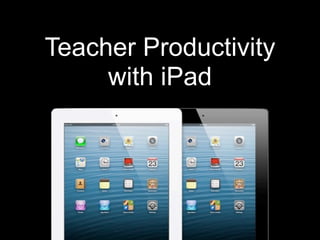
Teacher Productivity
     with iPad
Mike Amante
mamante@me.com
twitter.com/mamante
Getting Started


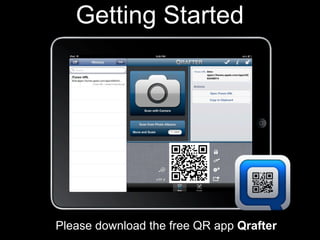
Please download the free QR app Qrafter
Getting Started


todaysmeet.com/ipadsyr


 Join the backchannel to ask questions, etc.
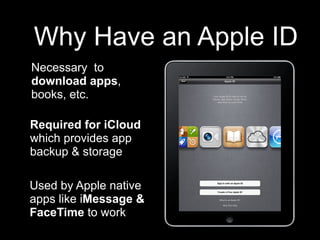
Why Have an Apple ID
Necessary to
download apps,
books, etc.

Required for iCloud
which provides app
backup & storage

Used by Apple native
apps like iMessage &
FaceTime to work
Native Apps
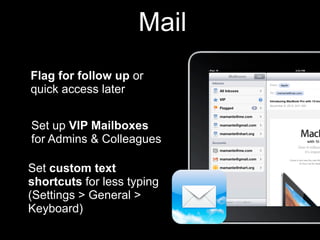
Mail
Flag for follow up or
quick access later


Set up VIP Mailboxes
for Admins & Colleagues

Set custom text
shortcuts for less typing
(Settings > General >
Keyboard)
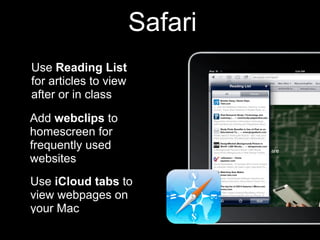
Safari
Use Reading List
for articles to view
after or in class

Add webclips to
homescreen for
frequently used
websites
Use iCloud tabs to
view webpages on
your Mac
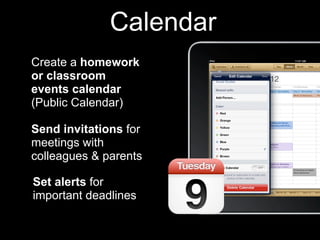
Calendar
Create a homework
or classroom
events calendar
(Public Calendar)

Send invitations for
meetings with
colleagues & parents

Set alerts for
important deadlines
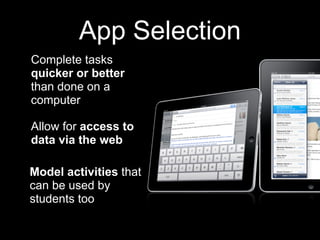
App Selection
Complete tasks
quicker or better
than done on a
computer

Allow for access to
data via the web

Model activities that
can be used by
students too
Teaching Tasks with iPad

Communicating
Creating
Instructing
Collecting
Communicating
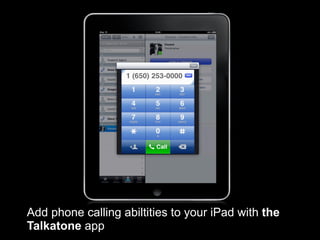
Add phone calling abiltities to your iPad with the
Talkatone app
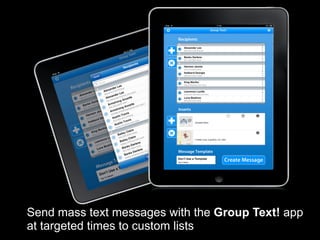
Send mass text messages with the Group Text! app
at targeted times to custom lists
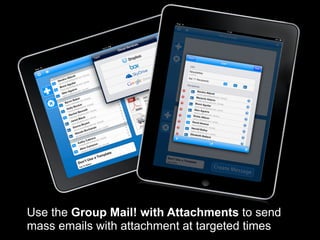
Use the Group Mail! with Attachments to send
mass emails with attachment at targeted times
Communicating
Creating
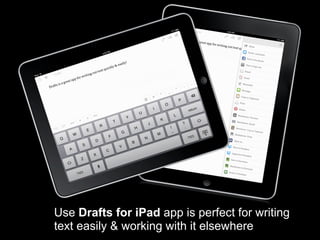
Use Drafts for iPad app is perfect for writing
text easily & working with it elsewhere
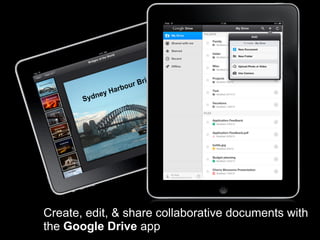
Create, edit, & share collaborative documents with
the Google Drive app
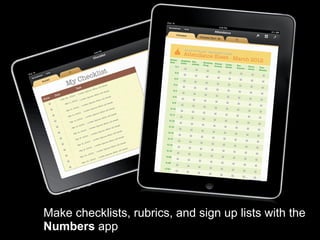
Make checklists, rubrics, and sign up lists with the
Numbers app
Creating
Instructing
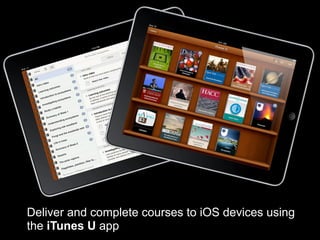
Deliver and complete courses to iOS devices using
the iTunes U app
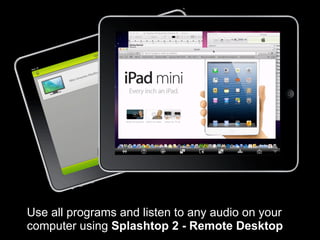
Use all programs and listen to any audio on your
computer using Splashtop 2 - Remote Desktop
Use and interact with your computer from across the
room with the Mobile Mouse app
Instructing
Collecting
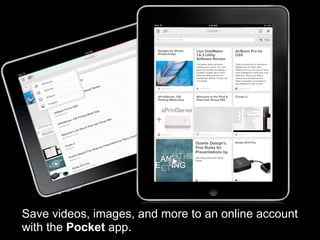
Save videos, images, and more to an online account
with the Pocket app.
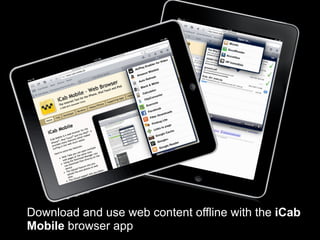
Download and use web content offline with the iCab
Mobile browser app
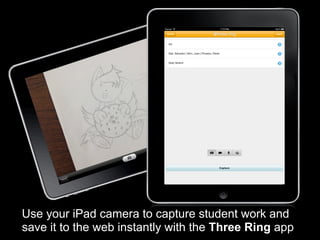
Use your iPad camera to capture student work and
save it to the web instantly with the Three Ring app
Collecting
My Favorite App?
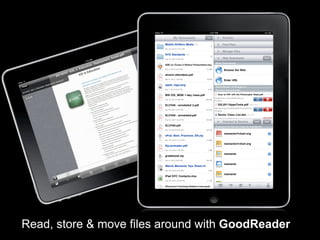
Read, store & move files around with GoodReader
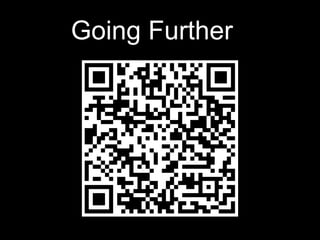
Going Further


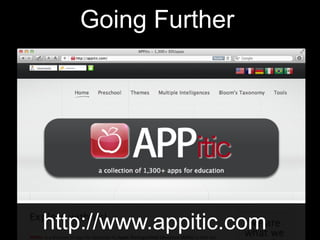
http://www.appitic.com
Going Further


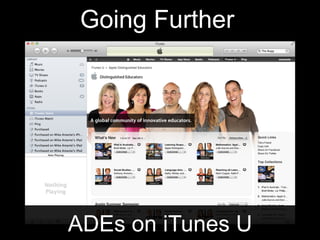
ADEs on iTunes U
Going Further
Thank you for attending!!
Please stay connected.

Mike Amante
mamante@me.com
twitter.com/mamante

Teacher Productivity with iPad