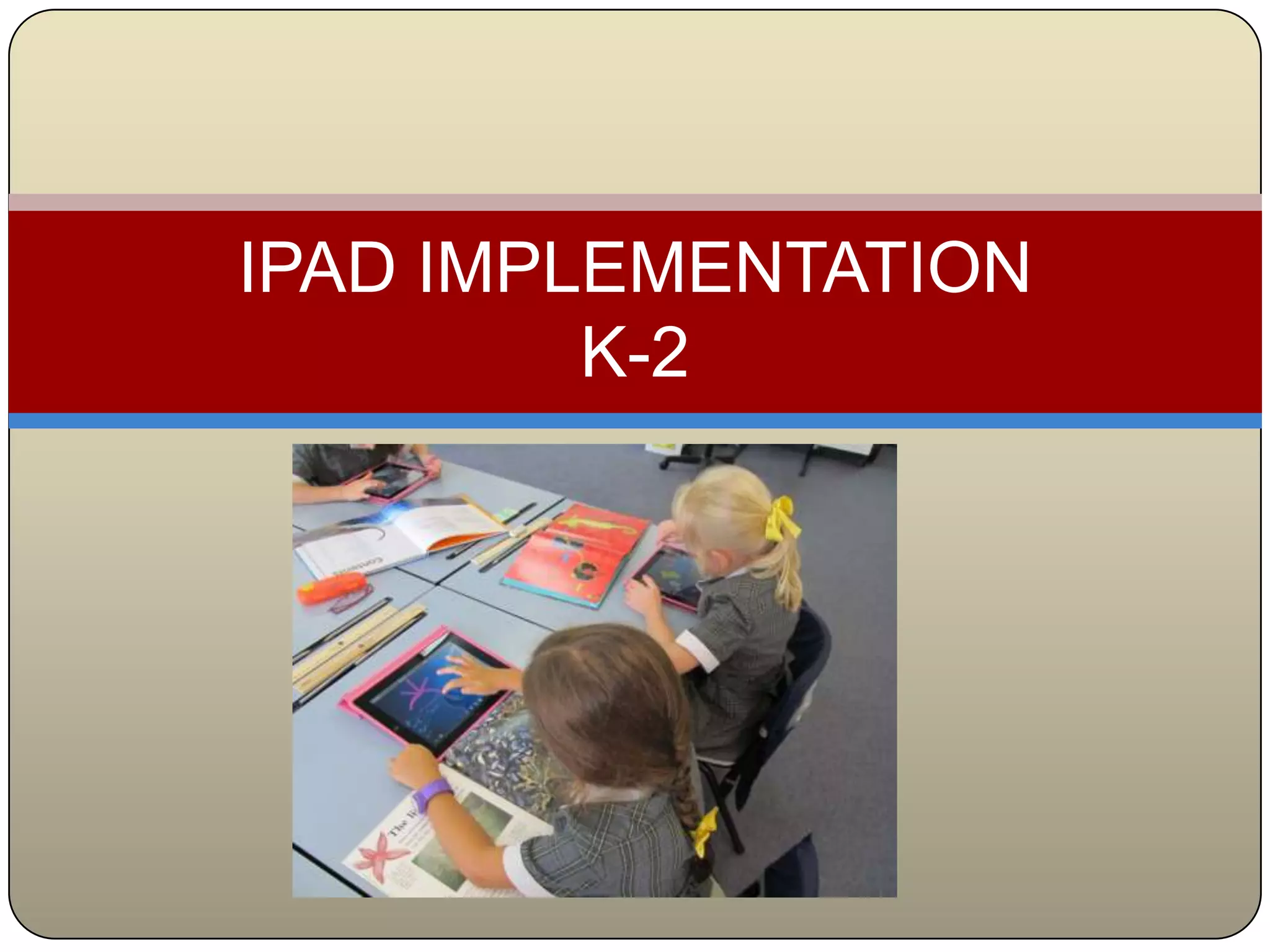
IPAD IMPLEMENTATION
         K-2
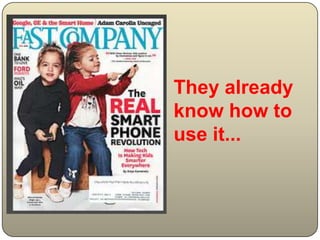
They already
know how to
use it...
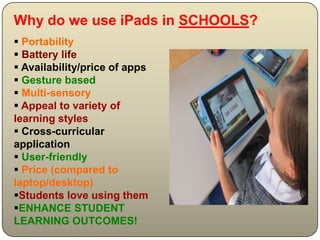
Why do we use iPads in SCHOOLS?
 Portability
 Battery life
 Availability/price of apps
 Gesture based
 Multi-sensory
 Appeal to variety of
learning styles
 Cross-curricular
application
 User-friendly
 Price (compared to
laptop/desktop)
Students love using them
ENHANCE STUDENT
LEARNING OUTCOMES!
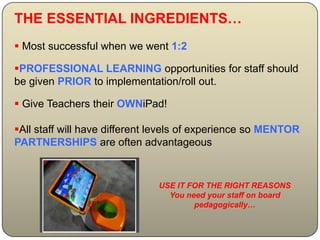
THE ESSENTIAL INGREDIENTS…
 Most successful when we went 1:2

PROFESSIONAL LEARNING opportunities for staff should
be given PRIOR to implementation/roll out.

 Give Teachers their OWNiPad!

All staff will have different levels of experience so MENTOR
PARTNERSHIPS are often advantageous


                              USE IT FOR THE RIGHT REASONS
                                You need your staff on board
                                      pedagogically…
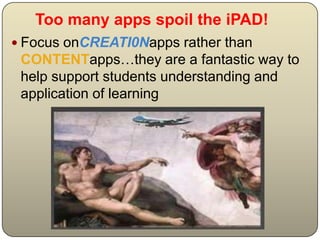
Too many apps spoil the iPAD!
 Focus onCREATI0Napps rather than
 CONTENTapps…they are a fantastic way to
 help support students understanding and
 application of learning
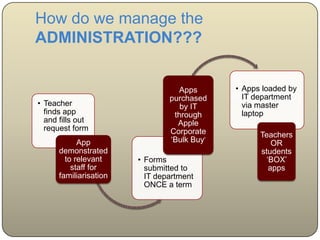
How do we manage the
ADMINISTRATION???


                                  Apps       • Apps loaded by
                                purchased      IT department
• Teacher                          by IT       via master
  finds app                      through       laptop
  and fills out                   Apple
  request form                  Corporate          Teachers
            App                 ‘Bulk Buy’            OR
      demonstrated                                 students
        to relevant     • Forms                     ‘BOX’
          staff for       submitted to               apps
      familiarisation     IT department
                          ONCE a term
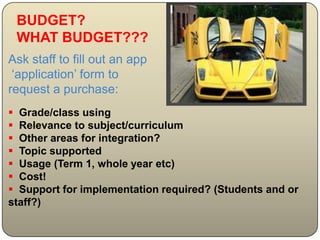
BUDGET?
 WHAT BUDGET???
Ask staff to fill out an app
 ‘application’ form to
request a purchase:
 Grade/class using
 Relevance to subject/curriculum
 Other areas for integration?
 Topic supported
 Usage (Term 1, whole year etc)
 Cost!
 Support for implementation required? (Students and or
staff?)
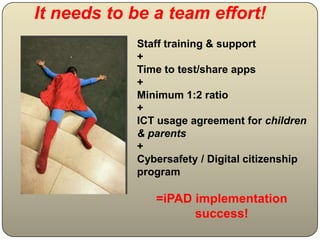
It needs to be a team effort!
            Staff training & support
            +
            Time to test/share apps
            +
            Minimum 1:2 ratio
            +
            ICT usage agreement for children
            & parents
            +
            Cybersafety / Digital citizenship
            program

               =iPAD implementation
                     success!
What the future holds…
• 1: 1 Years 3 and 4 (rolled out 2013)
  (Years 5 and 6 have 1:1 laptop inplace currently)

•iPads on a 2 year lease

• Self-insured (so far so good…)
Sources:
SLIDE 2
FLICKR Image: 'Fast Company magazine cover: April 2010'
http://www.flickr.com/photos/8790226@N06/4456570454
Found on flickrcc.net
SLIDE 4
FLICKR Image: '#Crazyisgood†” †œiPotty for iPad = high-tech toilet
training†•+/+SML.20130110.SC.PublicMedia.CNET.News.8301-17938_105-57563056-1.ipotty-for-
ipad-aims-for-high-tech-toilet-training.Crazyisgood.Kids.Edu.Opinions'
http://www.flickr.com/photos/48973657@N00/8367628276
Found on flickrcc.net
SLIDE 6
Image: 'Take a look! ("Adamo, guarda lassù!")'
http://www.flickr.com/photos/18583731@N07/3488201179
Found on flickrcc.net
SLIDE 8
FLICKRImage: 'Enzo’ http://www.flickr.com/photos/25489182@N04/4691256308
Found on flickrcc.net
SLIDE 10
‘superman is dead' http://www.flickr.com/photos/84547986@N00/279883605
Found on flickrcc.net
SLIDE 12
Image: 'Apocalyptic Lovers (fantasy remix)'
http://www.flickr.com/photos/18583731@N07/3400133610
Found on flickrcc.net

Ipad implementation presentation

  • 1.
  • 2.
  • 3.
    Why do weuse iPads in SCHOOLS?  Portability  Battery life  Availability/price of apps  Gesture based  Multi-sensory  Appeal to variety of learning styles  Cross-curricular application  User-friendly  Price (compared to laptop/desktop) Students love using them ENHANCE STUDENT LEARNING OUTCOMES!
  • 4.
    THE ESSENTIAL INGREDIENTS… Most successful when we went 1:2 PROFESSIONAL LEARNING opportunities for staff should be given PRIOR to implementation/roll out.  Give Teachers their OWNiPad! All staff will have different levels of experience so MENTOR PARTNERSHIPS are often advantageous USE IT FOR THE RIGHT REASONS You need your staff on board pedagogically…
  • 7.
    Too many appsspoil the iPAD!  Focus onCREATI0Napps rather than CONTENTapps…they are a fantastic way to help support students understanding and application of learning
  • 8.
    How do wemanage the ADMINISTRATION??? Apps • Apps loaded by purchased IT department • Teacher by IT via master finds app through laptop and fills out Apple request form Corporate Teachers App ‘Bulk Buy’ OR demonstrated students to relevant • Forms ‘BOX’ staff for submitted to apps familiarisation IT department ONCE a term
  • 9.
    BUDGET? WHAT BUDGET??? Askstaff to fill out an app ‘application’ form to request a purchase:  Grade/class using  Relevance to subject/curriculum  Other areas for integration?  Topic supported  Usage (Term 1, whole year etc)  Cost!  Support for implementation required? (Students and or staff?)
  • 11.
    It needs tobe a team effort! Staff training & support + Time to test/share apps + Minimum 1:2 ratio + ICT usage agreement for children & parents + Cybersafety / Digital citizenship program =iPAD implementation success!
  • 12.
    What the futureholds… • 1: 1 Years 3 and 4 (rolled out 2013) (Years 5 and 6 have 1:1 laptop inplace currently) •iPads on a 2 year lease • Self-insured (so far so good…)
  • 13.
    Sources: SLIDE 2 FLICKR Image:'Fast Company magazine cover: April 2010' http://www.flickr.com/photos/8790226@N06/4456570454 Found on flickrcc.net SLIDE 4 FLICKR Image: '#Crazyisgood†” †œiPotty for iPad = high-tech toilet training†•+/+SML.20130110.SC.PublicMedia.CNET.News.8301-17938_105-57563056-1.ipotty-for- ipad-aims-for-high-tech-toilet-training.Crazyisgood.Kids.Edu.Opinions' http://www.flickr.com/photos/48973657@N00/8367628276 Found on flickrcc.net SLIDE 6 Image: 'Take a look! ("Adamo, guarda lassù!")' http://www.flickr.com/photos/18583731@N07/3488201179 Found on flickrcc.net SLIDE 8 FLICKRImage: 'Enzo’ http://www.flickr.com/photos/25489182@N04/4691256308 Found on flickrcc.net SLIDE 10 ‘superman is dead' http://www.flickr.com/photos/84547986@N00/279883605 Found on flickrcc.net SLIDE 12 Image: 'Apocalyptic Lovers (fantasy remix)' http://www.flickr.com/photos/18583731@N07/3400133610 Found on flickrcc.net