Shift from the
Physical to the
Virtual Space
VILT is a synchronous online
training format that offers learners
the benefits of the human
interaction of a brick-n-mortar
classroom without the associated
costs and logistic headaches.
VILT isn’t a webinar or conducting an ILT
using a conferencing facility.
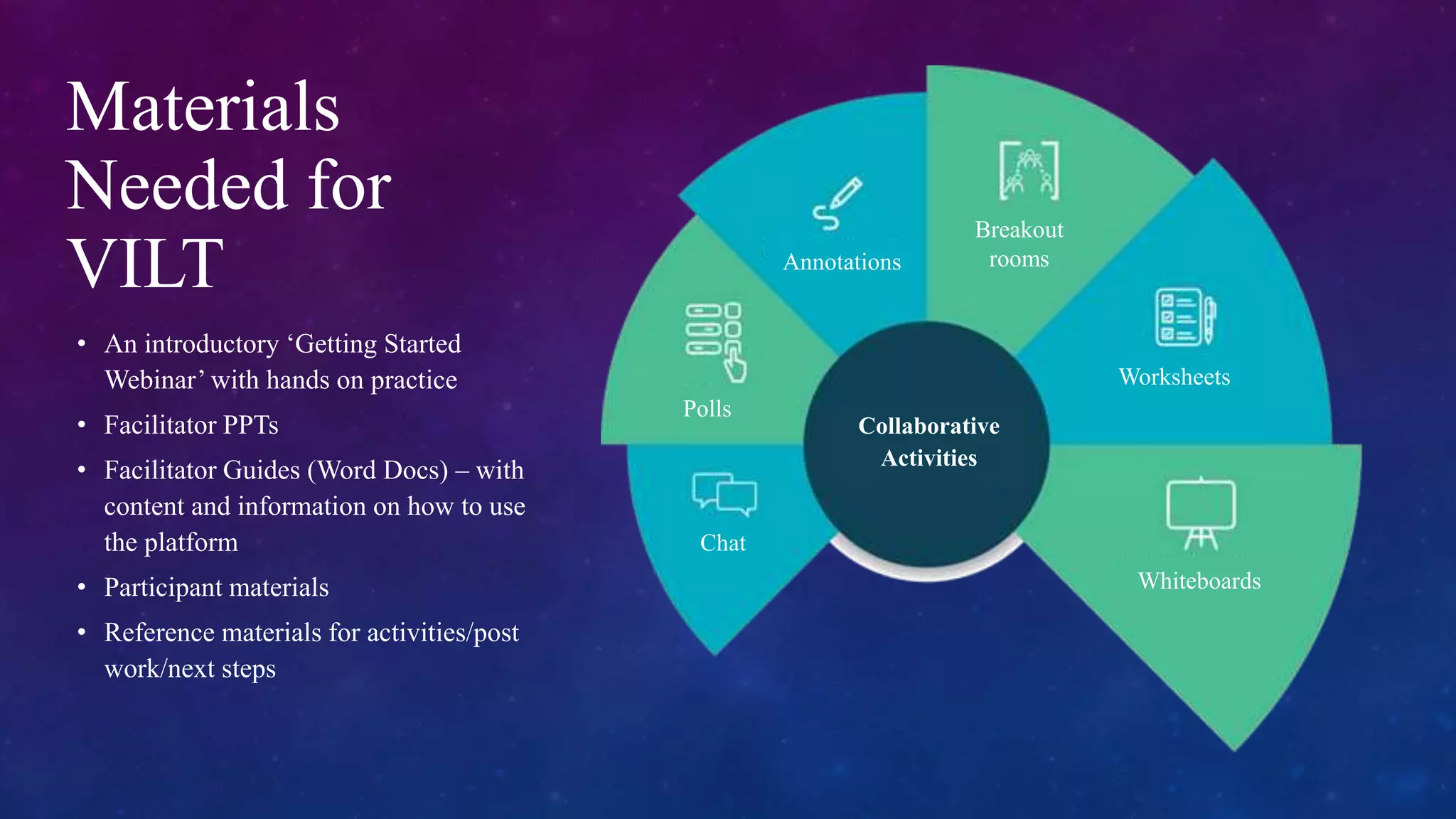
Materials
Needed for
VILT
• An introductory ‘Getting Started
Webinar’ with hands on practice
• Facilitator PPTs
• Facilitator Guides (Word Docs) – with
content and information on how to use
the platform
• Participant materials
• Reference materials for activities/post
work/next steps
Chat
Polls
Annotations
Breakout
rooms
Worksheets
Whiteboards
Collaborative
Activities
4
Advantages of Virtual Training
Immersive eLearning Experience
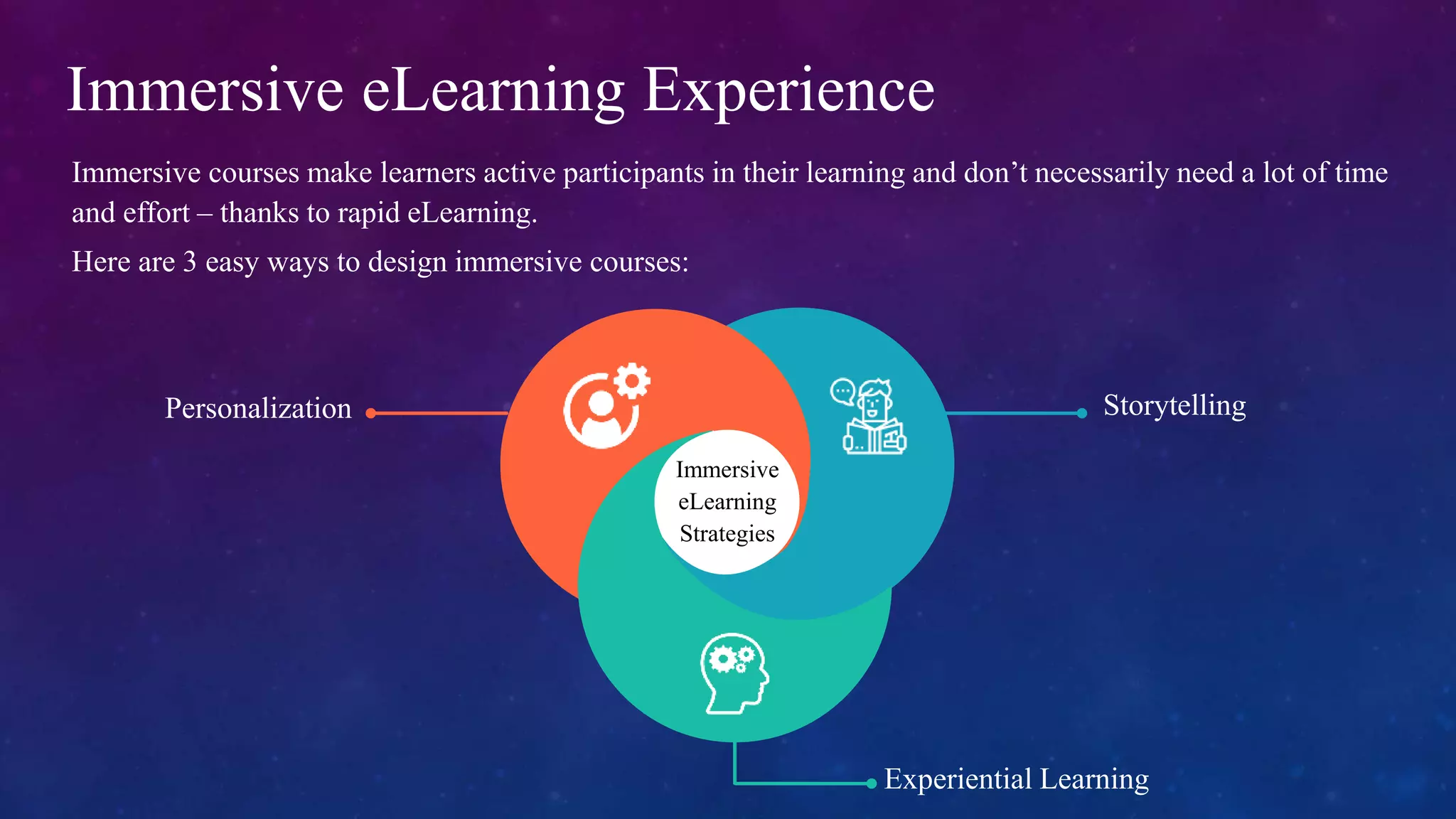
Immersive courses make learners active participants in their learning and don’t necessarily need a lot of time
and effort – thanks to rapid eLearning.
Here are 3 easy ways to design immersive courses:
Immersive
eLearning
Strategies
Personalization Storytelling
Experiential Learning
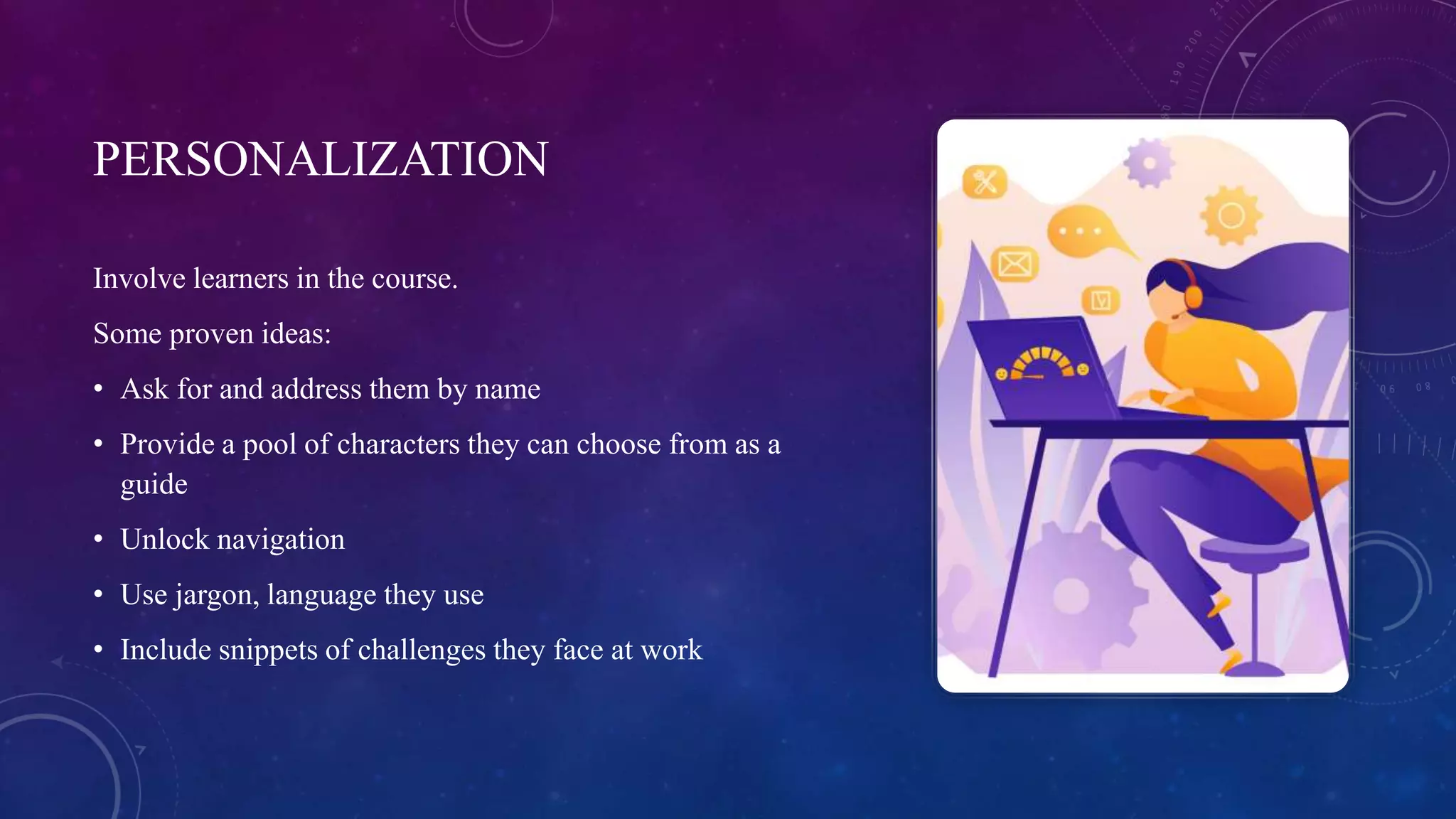
PERSONALIZATION
Involve learners in the course.
Some proven ideas:
• Ask for and address them by name
• Provide a pool of characters they can choose from as a
guide
• Unlock navigation
• Use jargon, language they use
• Include snippets of challenges they face at work
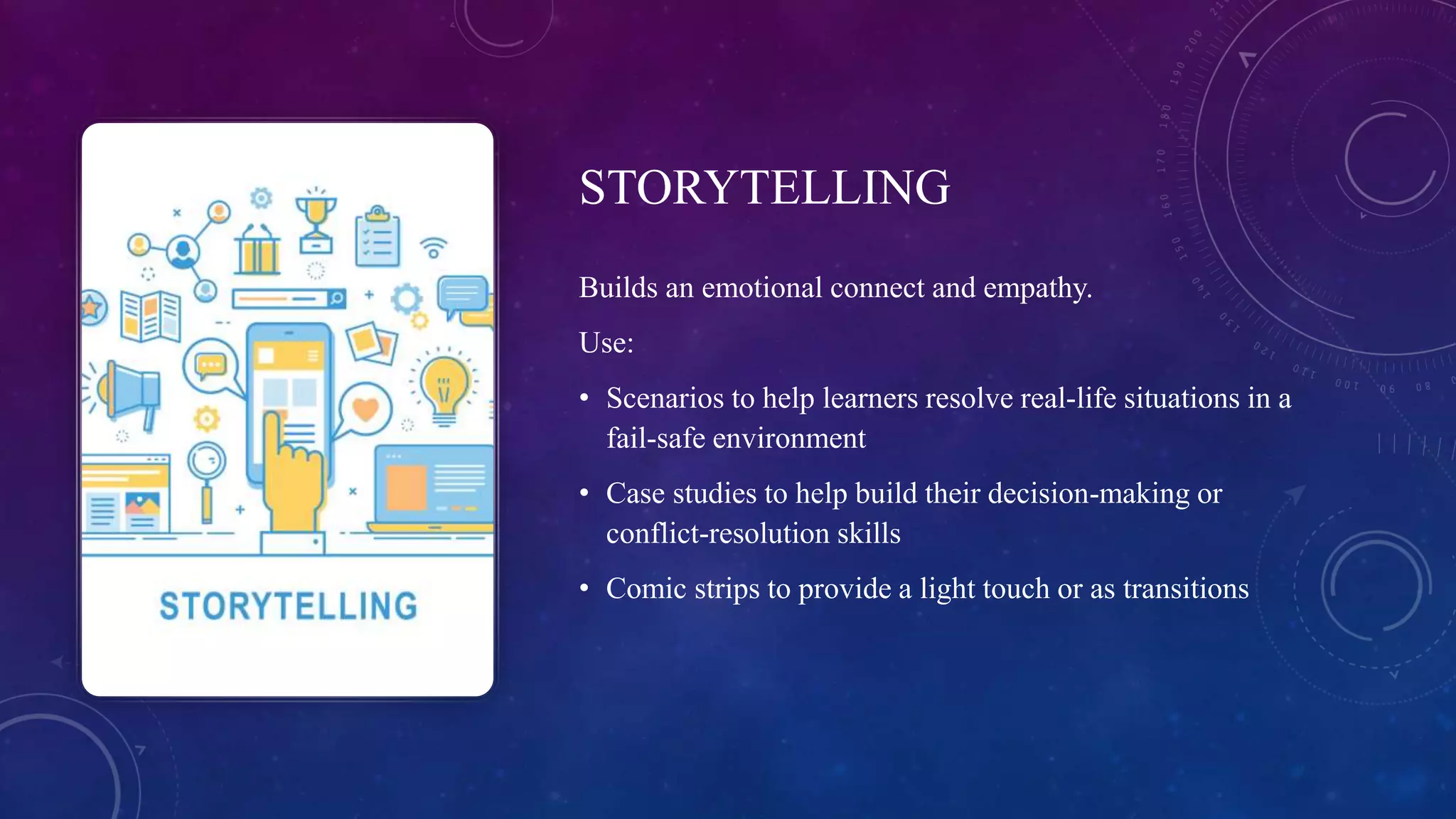
STORYTELLING
Builds an emotional connect and empathy.
Use:
• Scenarios to help learners resolve real-life situations in a
fail-safe environment
• Case studies to help build their decision-making or
conflict-resolution skills
• Comic strips to provide a light touch or as transitions
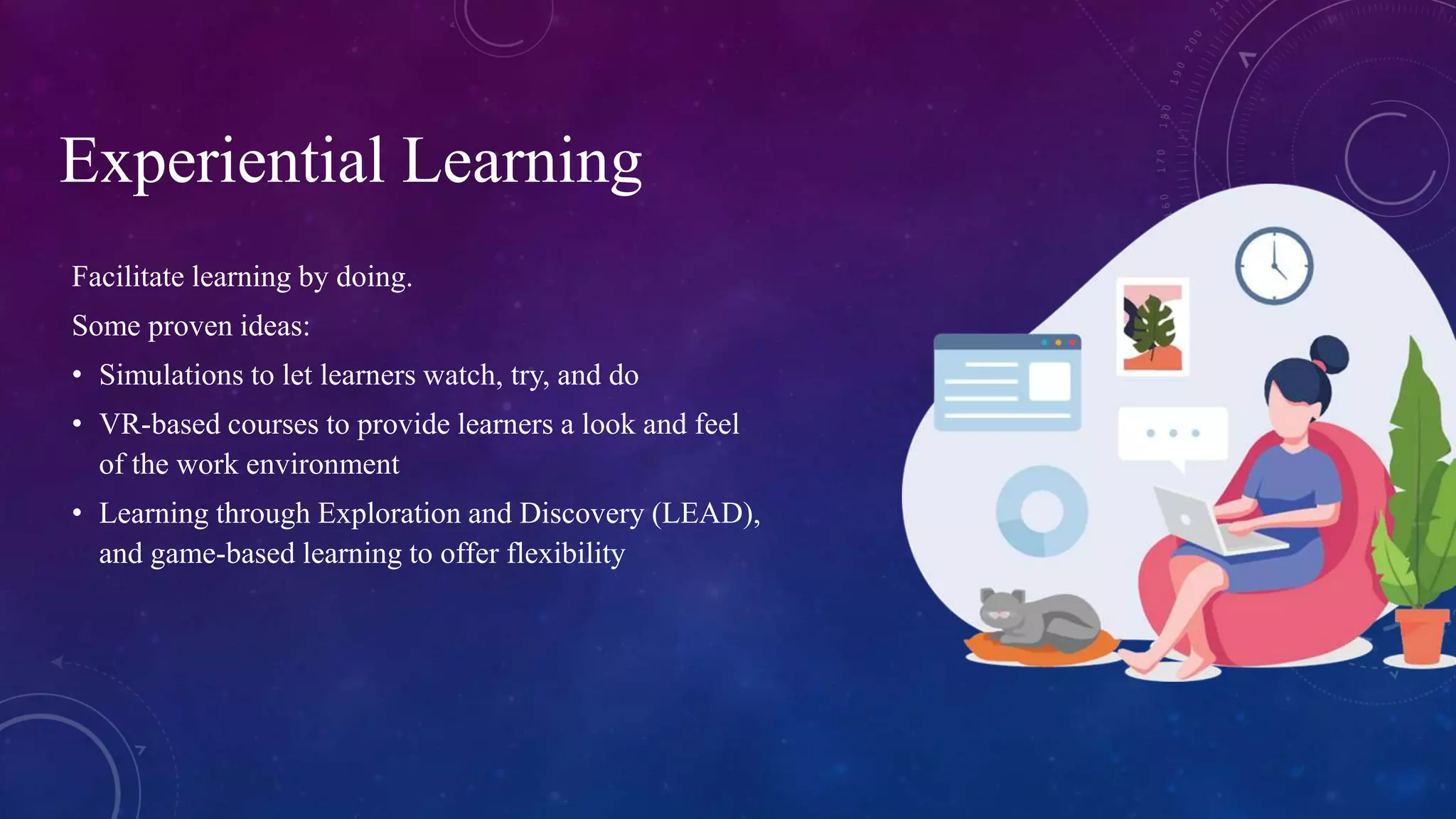
Facilitate learning by doing.
Some proven ideas:
• Simulations to let learners watch, try, and do
• VR-based courses to provide learners a look and feel
of the work environment
• Learning through Exploration and Discovery (LEAD),
and game-based learning to offer flexibility
Experiential Learning
Advantages of Using Videos
Video has always been a favorite learning format and can be used across the learning journey – from gaining
attention to demonstrations and offering just-in-time learning.
3 popular video formats:
Interactive Videos 360-degree Videos
Animated / Illustrated Videos
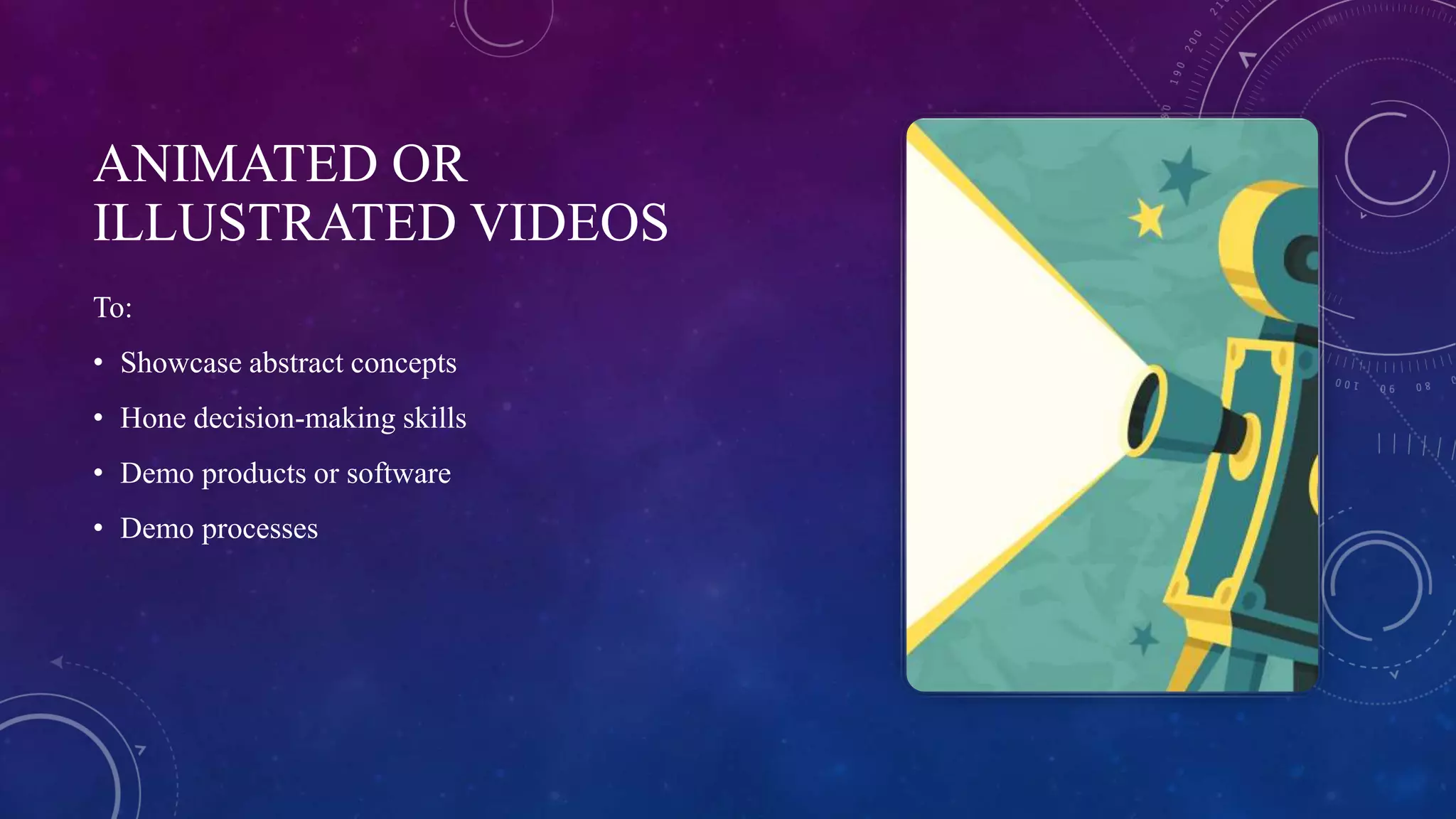
ANIMATED OR
ILLUSTRATED VIDEOS
To:
• Showcase abstract concepts
• Hone decision-making skills
• Demo products or software
• Demo processes
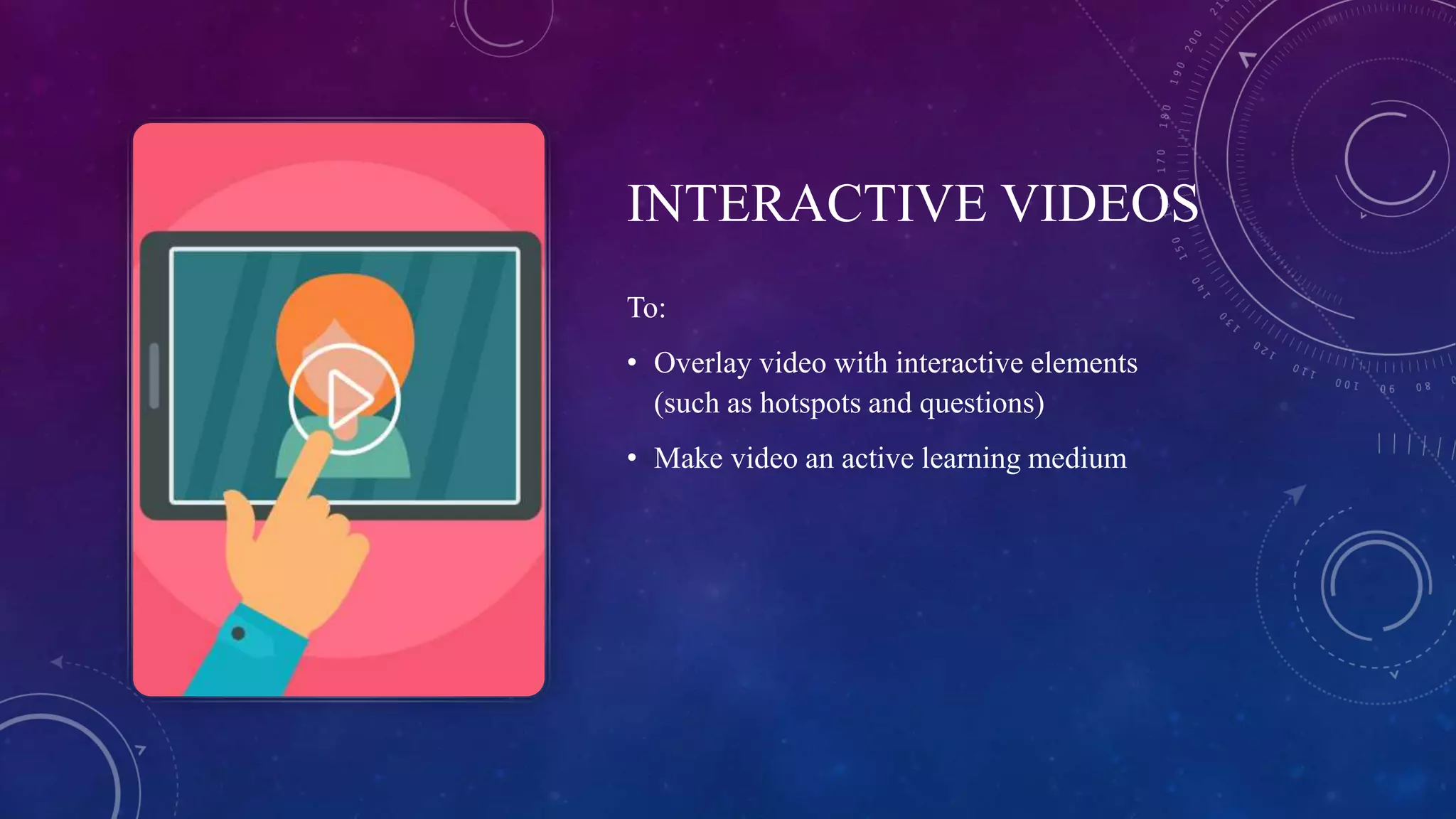
INTERACTIVE VIDEOS
To:
• Overlay video with interactive elements
(such as hotspots and questions)
• Make video an active learning medium
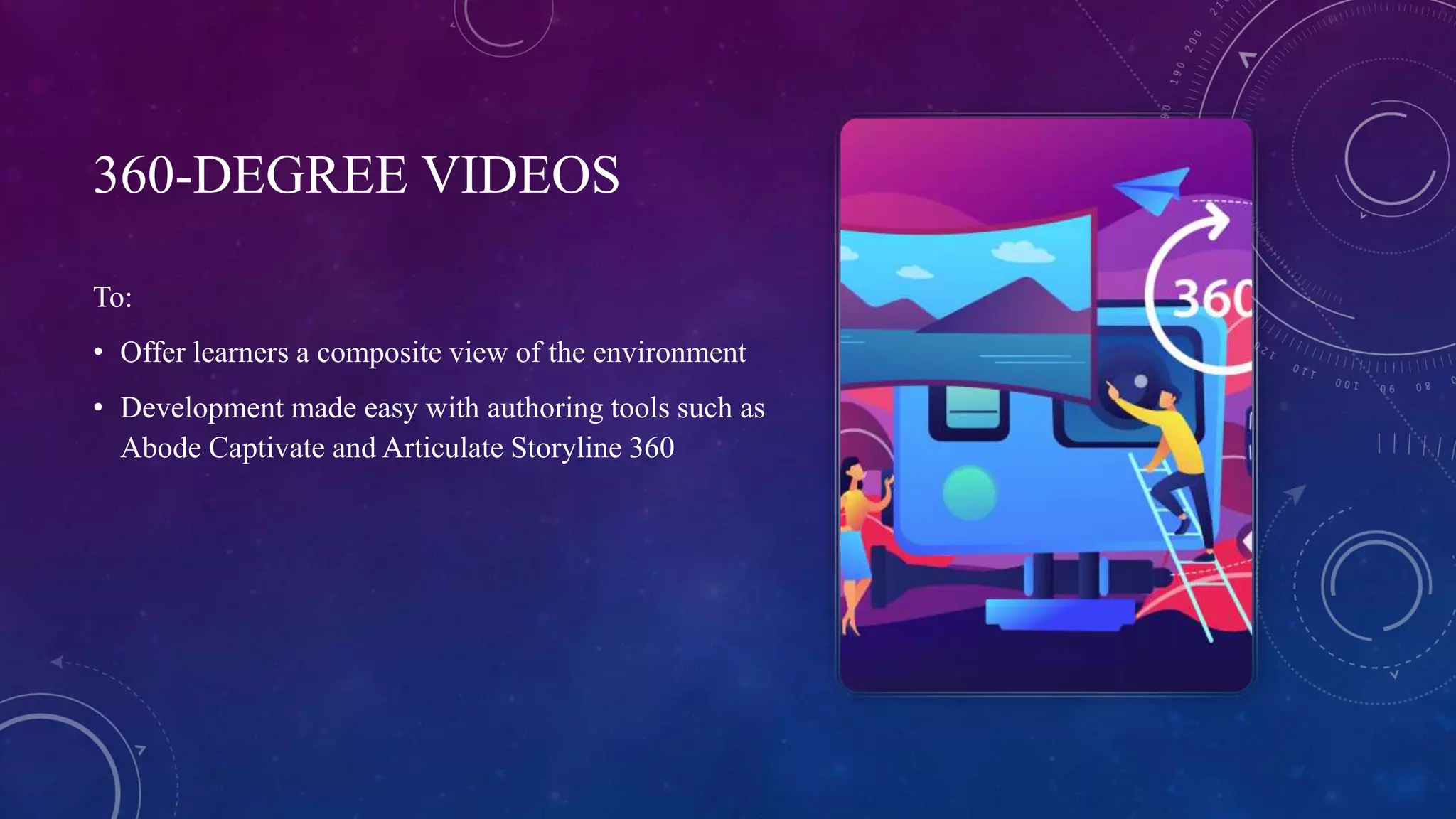
360-DEGREE VIDEOS
To:
• Offer learners a composite view of the environment
• Development made easy with authoring tools such as
Abode Captivate and Articulate Storyline 360
More in Store!
https://resources.commlabindia.com/ebook/virtual-
classroom-motivate-excite-techniques

VILT: Reasons to Switch from Classroom Training

  • 1.
    Shift from the Physicalto the Virtual Space
  • 2.
    VILT is asynchronous online training format that offers learners the benefits of the human interaction of a brick-n-mortar classroom without the associated costs and logistic headaches. VILT isn’t a webinar or conducting an ILT using a conferencing facility.
  • 3.
    Materials Needed for VILT • Anintroductory ‘Getting Started Webinar’ with hands on practice • Facilitator PPTs • Facilitator Guides (Word Docs) – with content and information on how to use the platform • Participant materials • Reference materials for activities/post work/next steps Chat Polls Annotations Breakout rooms Worksheets Whiteboards Collaborative Activities
  • 4.
  • 5.
    Immersive eLearning Experience Immersivecourses make learners active participants in their learning and don’t necessarily need a lot of time and effort – thanks to rapid eLearning. Here are 3 easy ways to design immersive courses: Immersive eLearning Strategies Personalization Storytelling Experiential Learning
  • 6.
    PERSONALIZATION Involve learners inthe course. Some proven ideas: • Ask for and address them by name • Provide a pool of characters they can choose from as a guide • Unlock navigation • Use jargon, language they use • Include snippets of challenges they face at work
  • 7.
    STORYTELLING Builds an emotionalconnect and empathy. Use: • Scenarios to help learners resolve real-life situations in a fail-safe environment • Case studies to help build their decision-making or conflict-resolution skills • Comic strips to provide a light touch or as transitions
  • 8.
    Facilitate learning bydoing. Some proven ideas: • Simulations to let learners watch, try, and do • VR-based courses to provide learners a look and feel of the work environment • Learning through Exploration and Discovery (LEAD), and game-based learning to offer flexibility Experiential Learning
  • 9.
    Advantages of UsingVideos Video has always been a favorite learning format and can be used across the learning journey – from gaining attention to demonstrations and offering just-in-time learning. 3 popular video formats: Interactive Videos 360-degree Videos Animated / Illustrated Videos
  • 10.
    ANIMATED OR ILLUSTRATED VIDEOS To: •Showcase abstract concepts • Hone decision-making skills • Demo products or software • Demo processes
  • 11.
    INTERACTIVE VIDEOS To: • Overlayvideo with interactive elements (such as hotspots and questions) • Make video an active learning medium
  • 12.
    360-DEGREE VIDEOS To: • Offerlearners a composite view of the environment • Development made easy with authoring tools such as Abode Captivate and Articulate Storyline 360
  • 13.