Application- another
word for a program
running on the computer.
User interface- the way
the user tells the
software what to do
and how the computer
GRAPHICAL
USER INTERFACE
Uses pictures to
make it easier
for the user. It
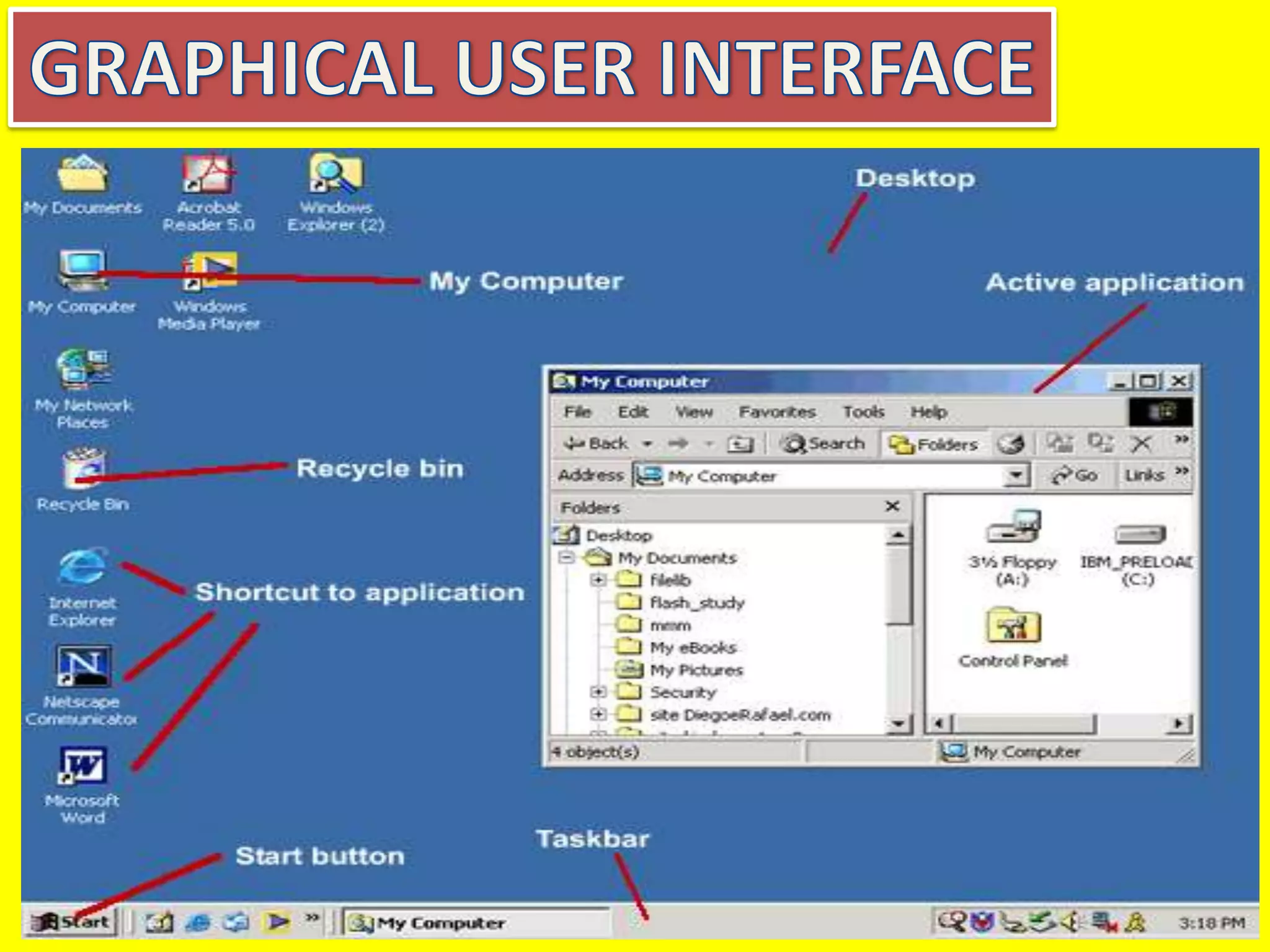
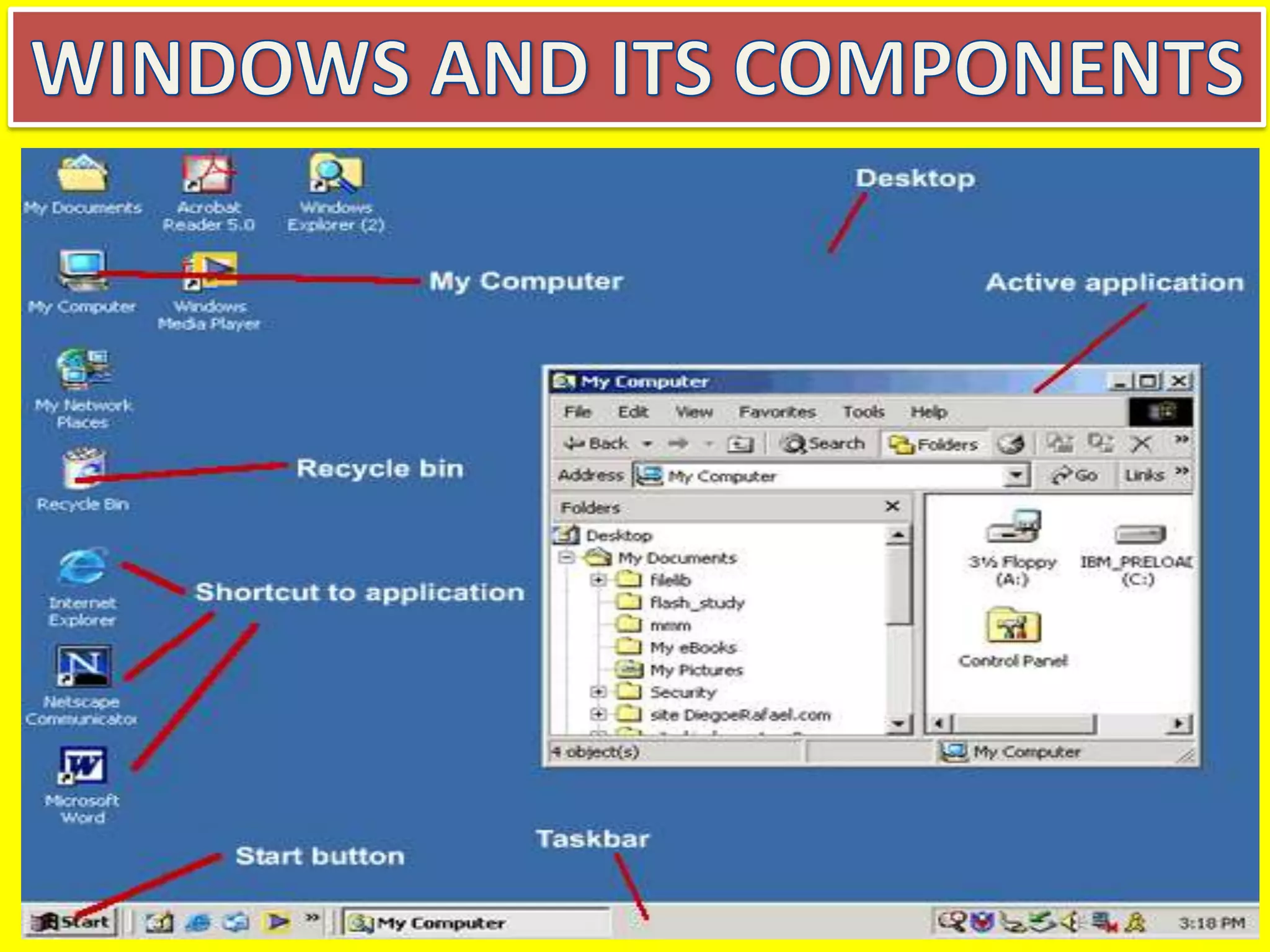
The main components of
Windows when you start
your computer are the
Desktop, My Computer,
Recycle Bin, Start Button,
Taskbar, and Shortcuts
to applications. After
opening an application,
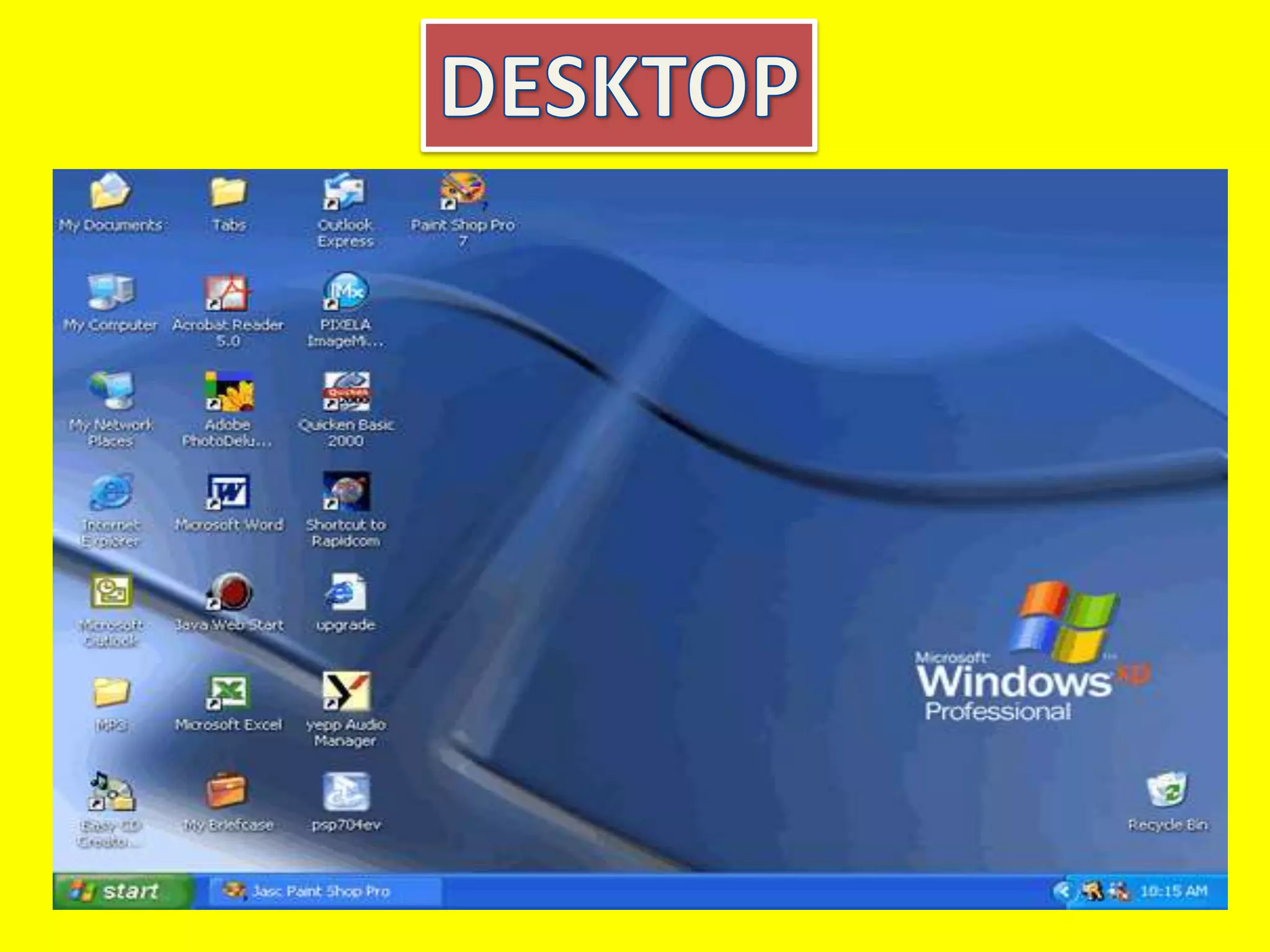
The Desktop is the
very first screen
you see after
Windows starts.
There you find the
folders: My
Documents, My
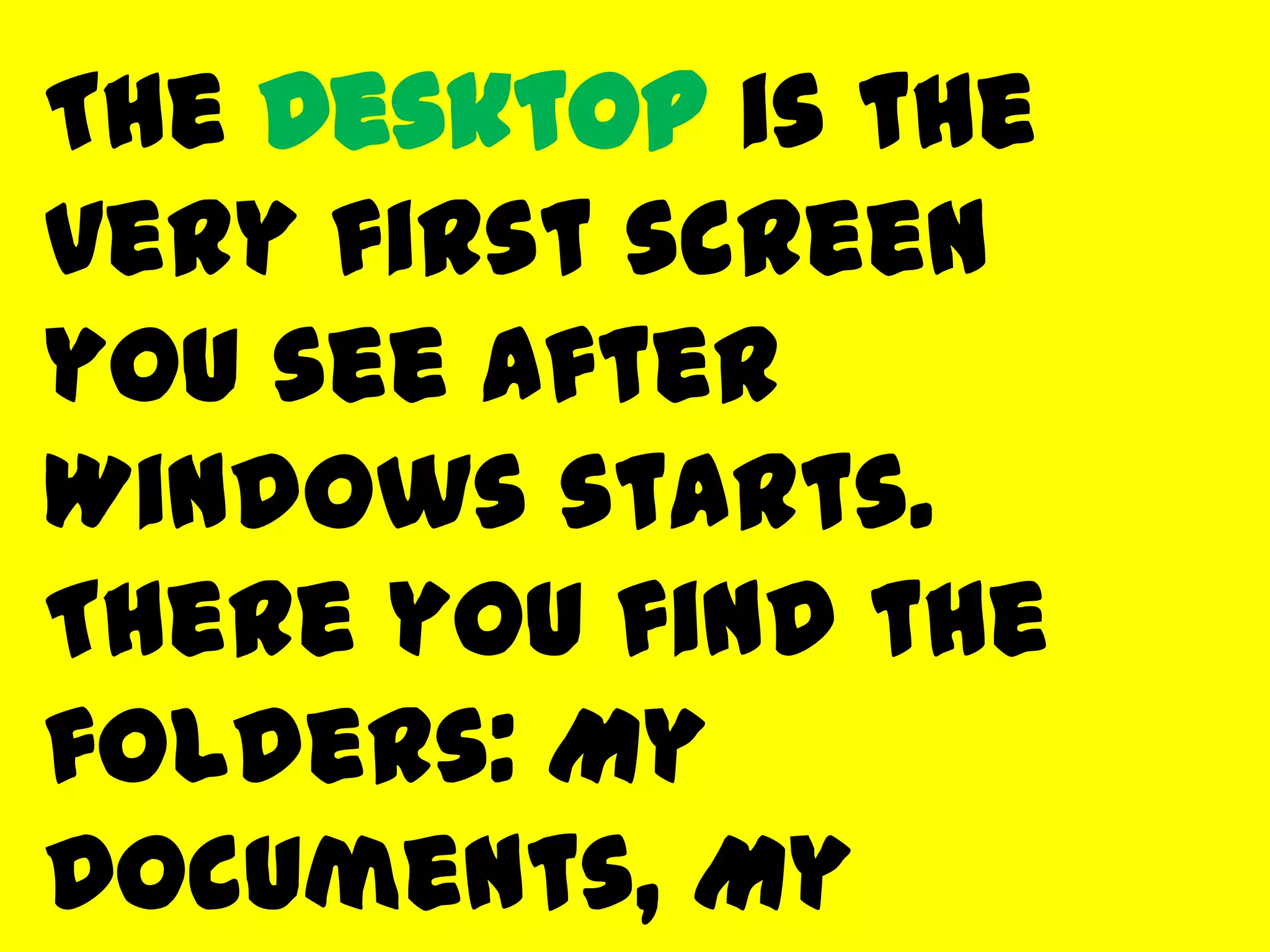
My Computer
When you double-click
on the
My Computer icon on
the desktop, it will
open a window similar
to the one shown
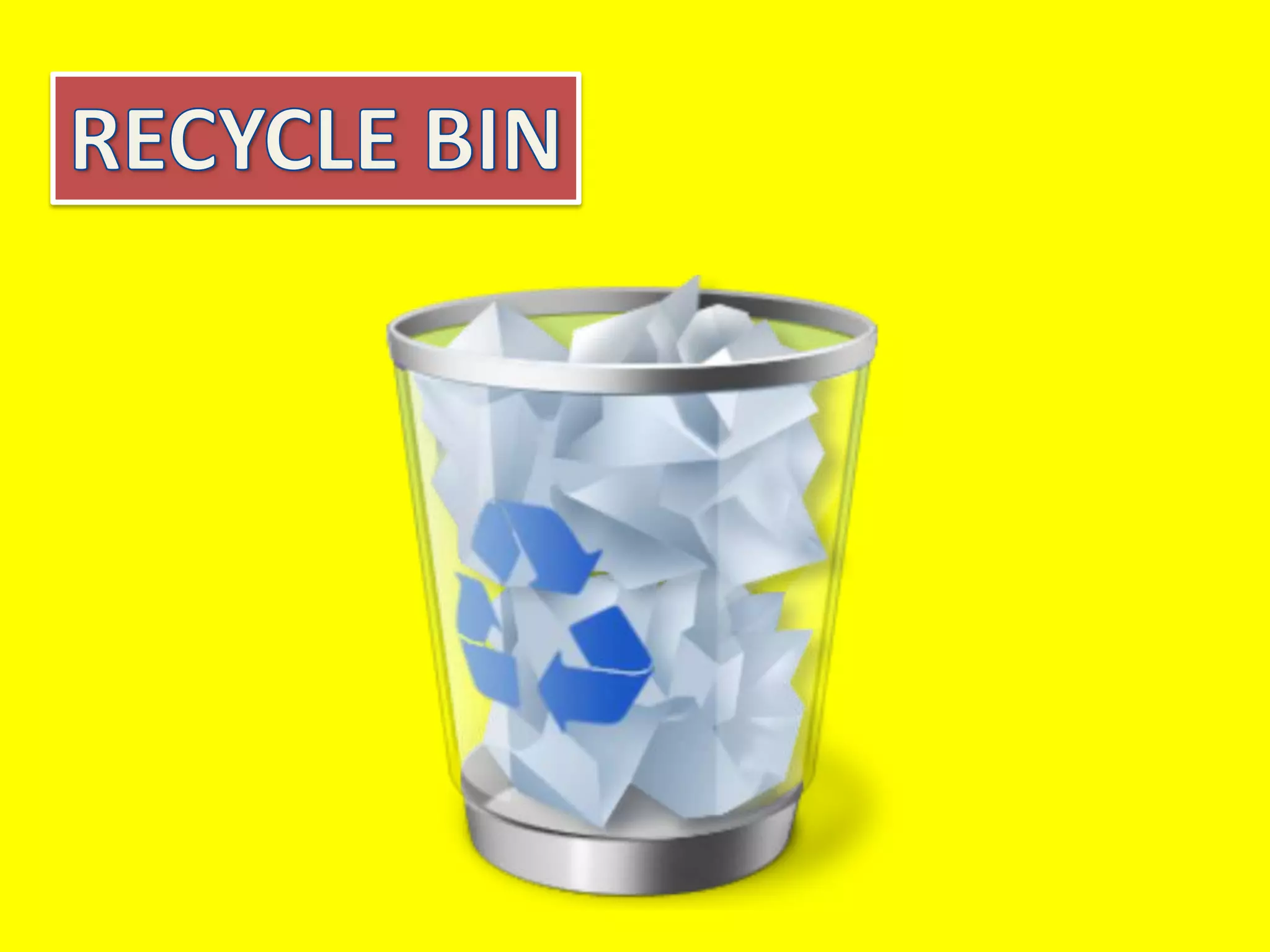
When you delete a
file from your
computer's hard
drive, it is removed
to the folder called
Recycle Bin. Files
deleted from your
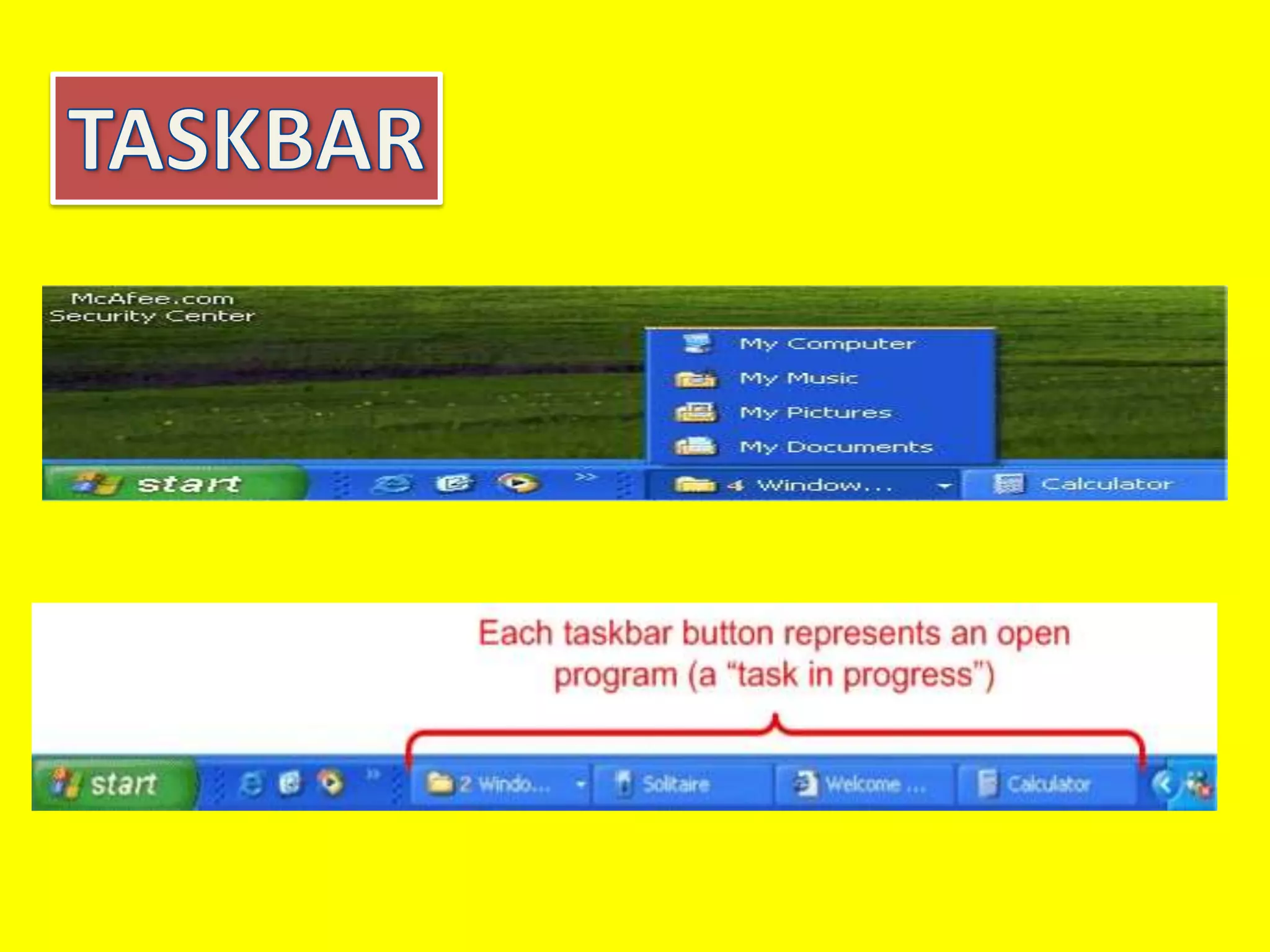
The Taskbar is the row
at the bottom of the
Windows screen where
all currently open
applications or files
are listed. The taskbar
is used to select a file
or application that is
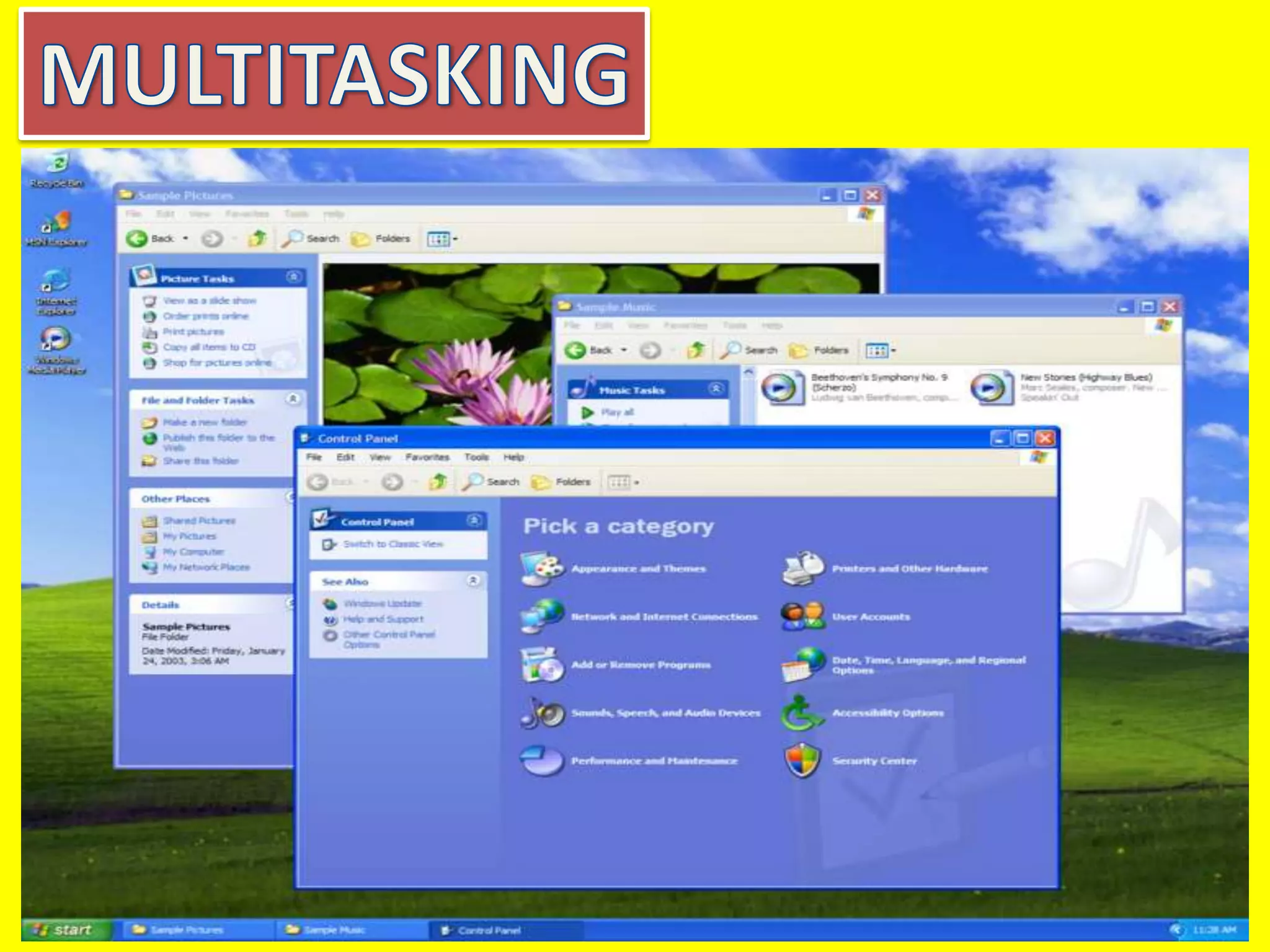
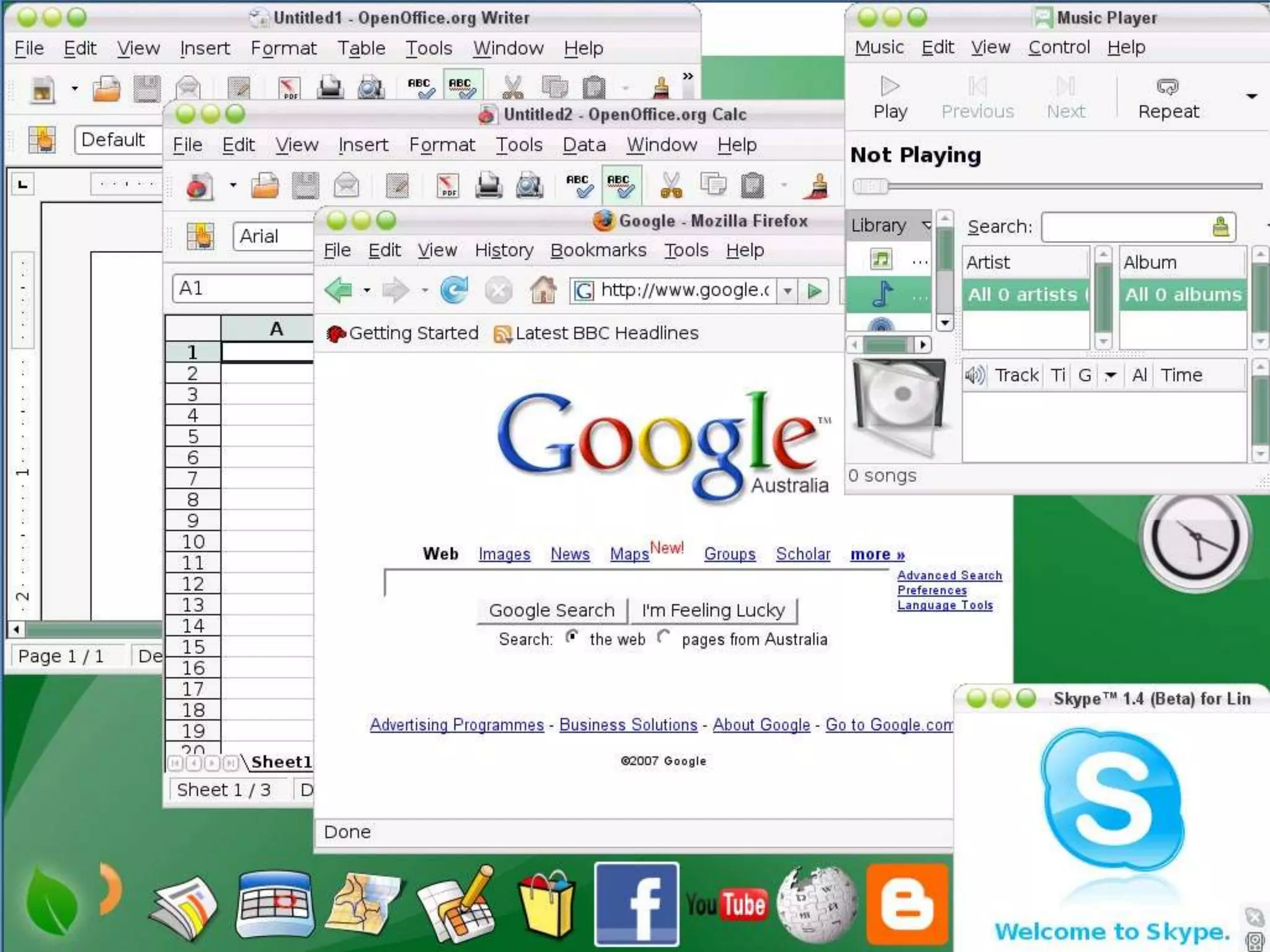
The term
multitasking means
to be running or
working in two or
more applications
at the same time.
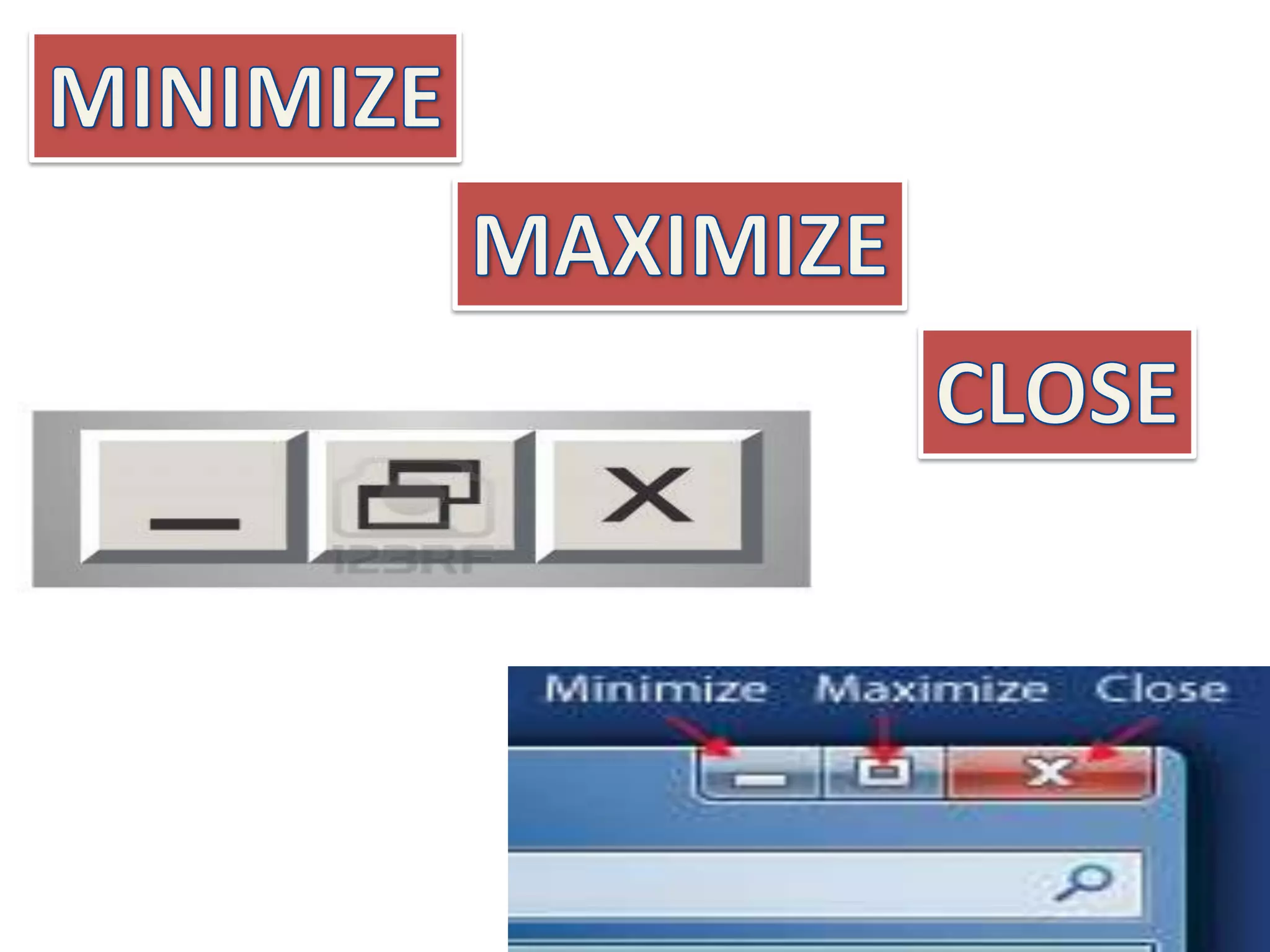
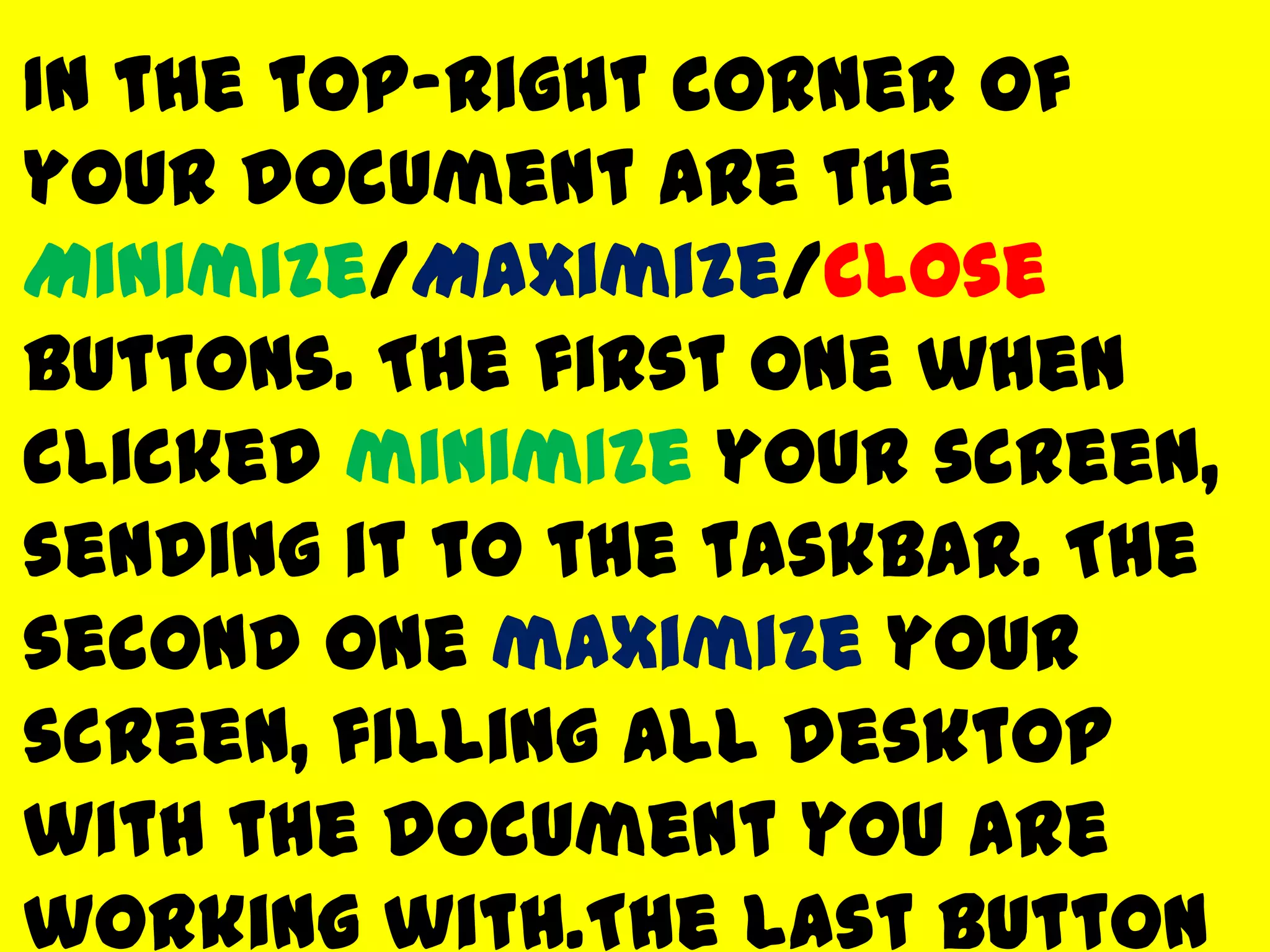
In the top-right corner of
your document are the
Minimize/Maximize/Close
buttons. The first one when
clicked minimize your screen,
sending it to the taskbar. The
second one maximize your
screen, filling all desktop
with the document you are
working with.The last button
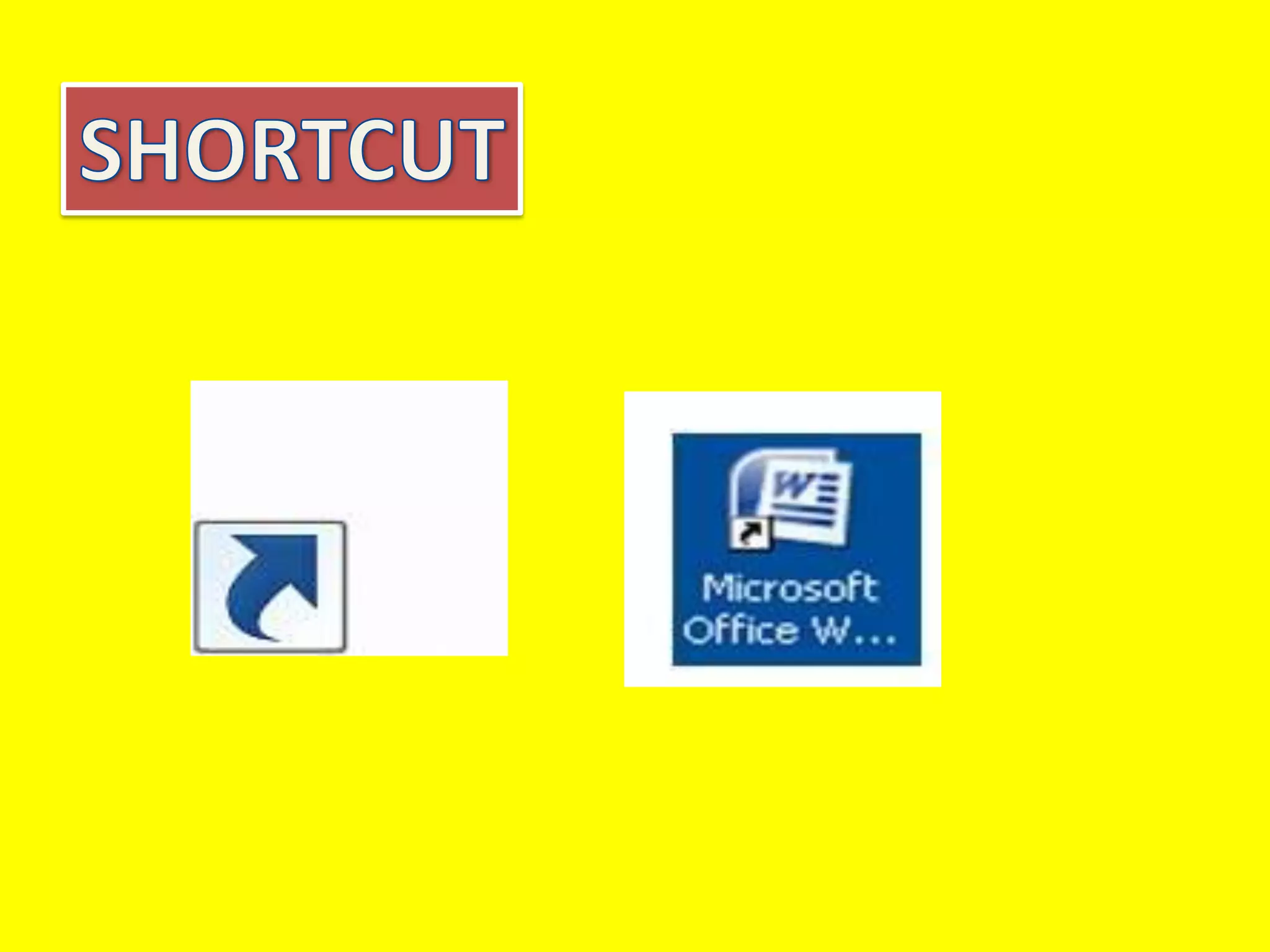
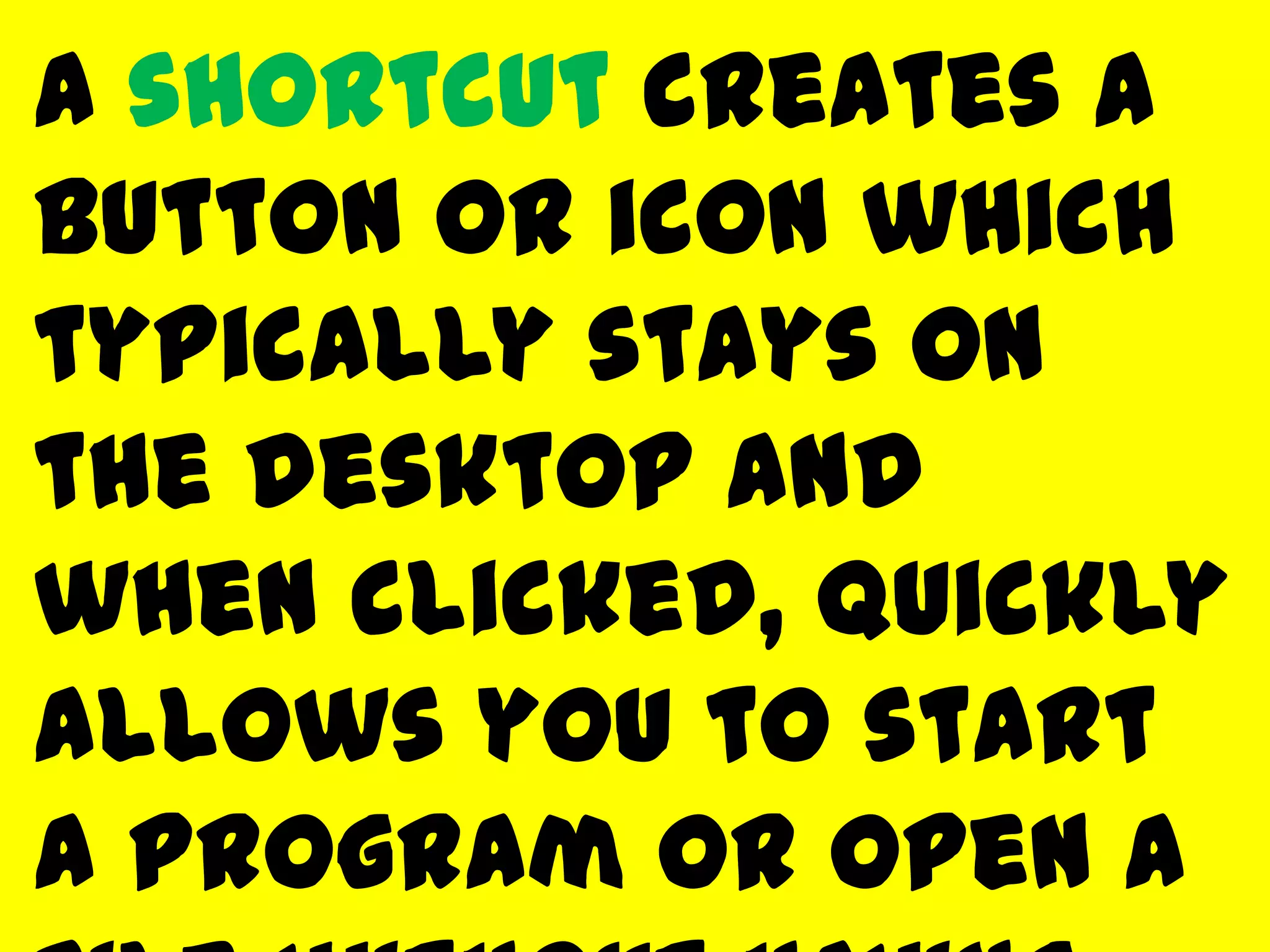
A shortcut creates a
button or icon which
typically stays on
the desktop and
when clicked, quickly
allows you to start
a program or open a
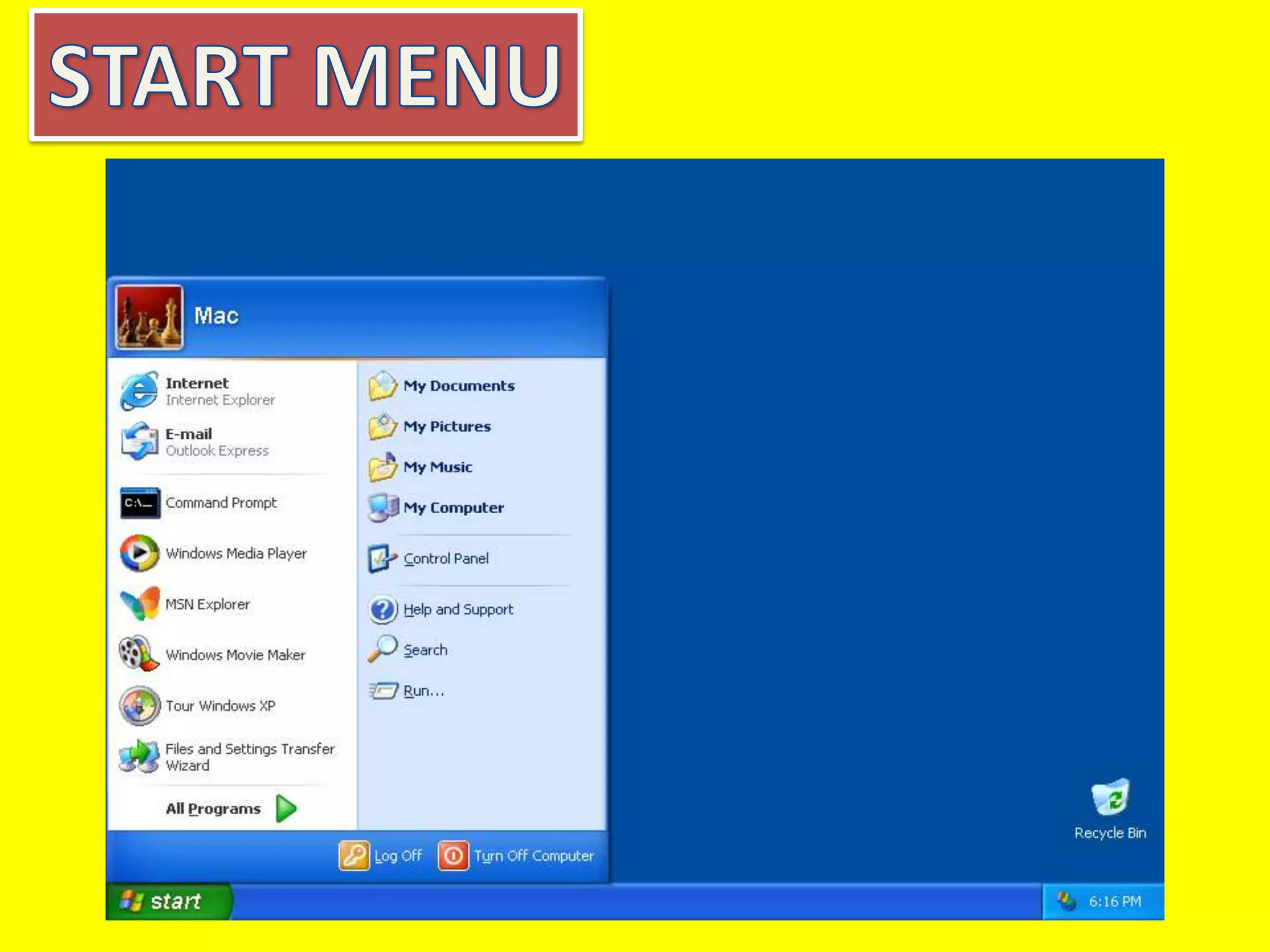
By clicking the Start
button, in the very
bottom-left corner of
the screen, a vertical
window will come up
with the Start Menu.
The list of submenus in

Windows and its components

  • 1.
    Application- another word fora program running on the computer. User interface- the way the user tells the software what to do and how the computer
  • 2.
    GRAPHICAL USER INTERFACE Uses picturesto make it easier for the user. It
  • 5.
    The main componentsof Windows when you start your computer are the Desktop, My Computer, Recycle Bin, Start Button, Taskbar, and Shortcuts to applications. After opening an application,
  • 7.
    The Desktop isthe very first screen you see after Windows starts. There you find the folders: My Documents, My
  • 9.
    My Computer When youdouble-click on the My Computer icon on the desktop, it will open a window similar to the one shown
  • 11.
    When you deletea file from your computer's hard drive, it is removed to the folder called Recycle Bin. Files deleted from your
  • 13.
    The Taskbar isthe row at the bottom of the Windows screen where all currently open applications or files are listed. The taskbar is used to select a file or application that is
  • 15.
    The term multitasking means tobe running or working in two or more applications at the same time.
  • 18.
    In the top-rightcorner of your document are the Minimize/Maximize/Close buttons. The first one when clicked minimize your screen, sending it to the taskbar. The second one maximize your screen, filling all desktop with the document you are working with.The last button
  • 20.
    A shortcut createsa button or icon which typically stays on the desktop and when clicked, quickly allows you to start a program or open a
  • 22.
    By clicking theStart button, in the very bottom-left corner of the screen, a vertical window will come up with the Start Menu. The list of submenus in