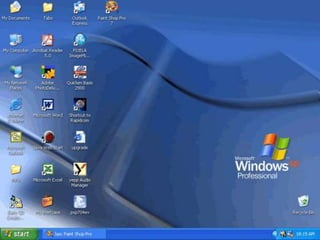
The document provides an overview of the key elements of the Windows XP desktop, including:
1) The desktop contains the Start button, Taskbar, and icons like the Recycle Bin. The Start button opens menus to access programs. The Taskbar allows switching between open windows and applications.
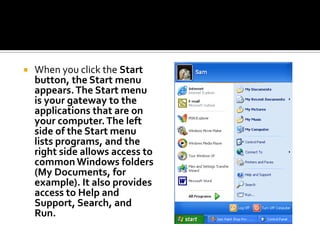
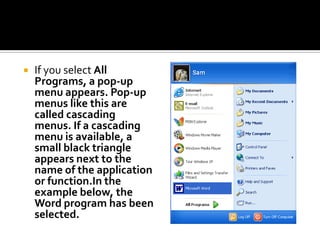
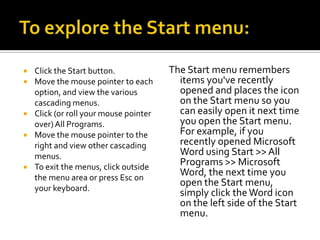
2) The Start menu appears when clicking the Start button and provides access to programs, files, help, search and settings. Pop-up menus called cascading menus display additional options.
3) Icons represent programs, files and system components. Object icons like the Recycle Bin allow opening files and programs. Shortcut icons provide quick access.
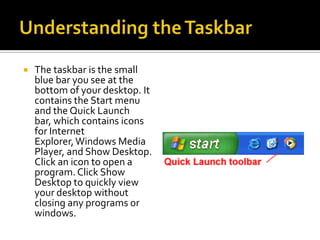
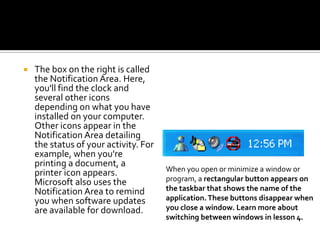
4) The Taskbar contains the Start menu, Quick Launch