Networking Concepts
Class Introduction & Chapter 1

Networking Concepts – Eric Vanderburg ©2005
Your Professor
 Two

Degrees in Computer Information
Systems & Technology
 Master’s Degree in Business Administration
with an Information Systems concentration
 IT Certifications


Microsoft Certified Systems Engineer (MCSE),
Microsoft Certified Systems Administrator (MCSA),
A+, Network+, iNet+, Security+, CIW-A, Project
Management & Systems Analysis certifications.

 Experience

teaching a variety of subjects
(Programming, Networking, Security, Human
Relations, & English)
Networking Concepts – Eric
Vanderburg ©2005
Networking
 Reduce

Redundancy
 Enhance Capabilities
 Share Resources
 Data
 Devices
 Internet

 Communicate

Networking Concepts – Eric
Vanderburg ©2005
Important Acronyms
 LAN

(Local Area Network)
 WAN (Wide Area Network)
 MAN (Metropolitan Area Network)
 NIC (Network Interface Card)
 NOS (Network Operating System)
 SAN (Storage Area Network)
 WPAN (Wireless Personal Area Network)

Networking Concepts – Eric
Vanderburg ©2005
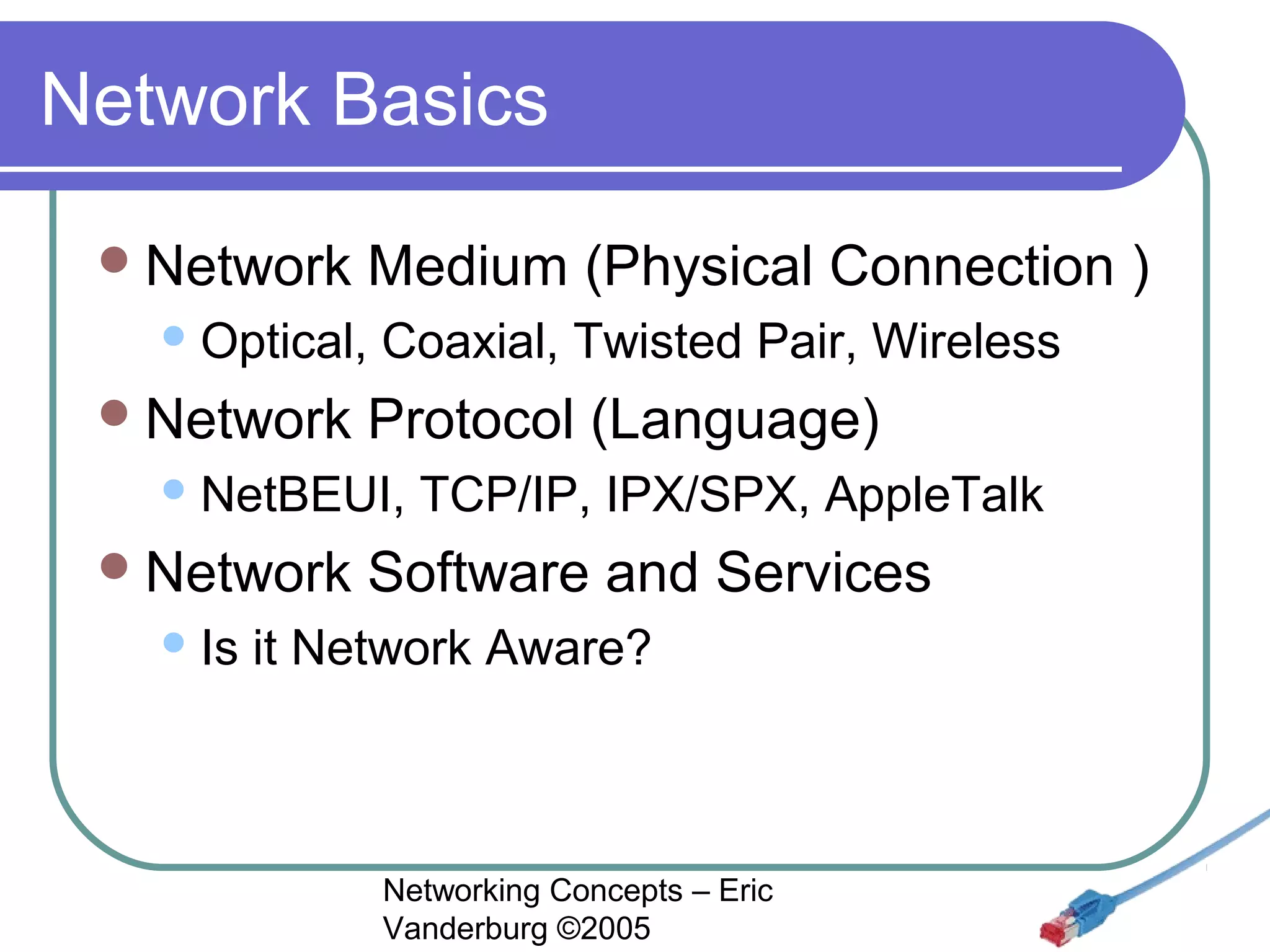
Network Basics
 Network

Medium (Physical Connection )

 Optical,

 Network

Coaxial, Twisted Pair, Wireless

Protocol (Language)

 NetBEUI,

 Network
 Is

TCP/IP, IPX/SPX, AppleTalk

Software and Services

it Network Aware?

Networking Concepts – Eric
Vanderburg ©2005
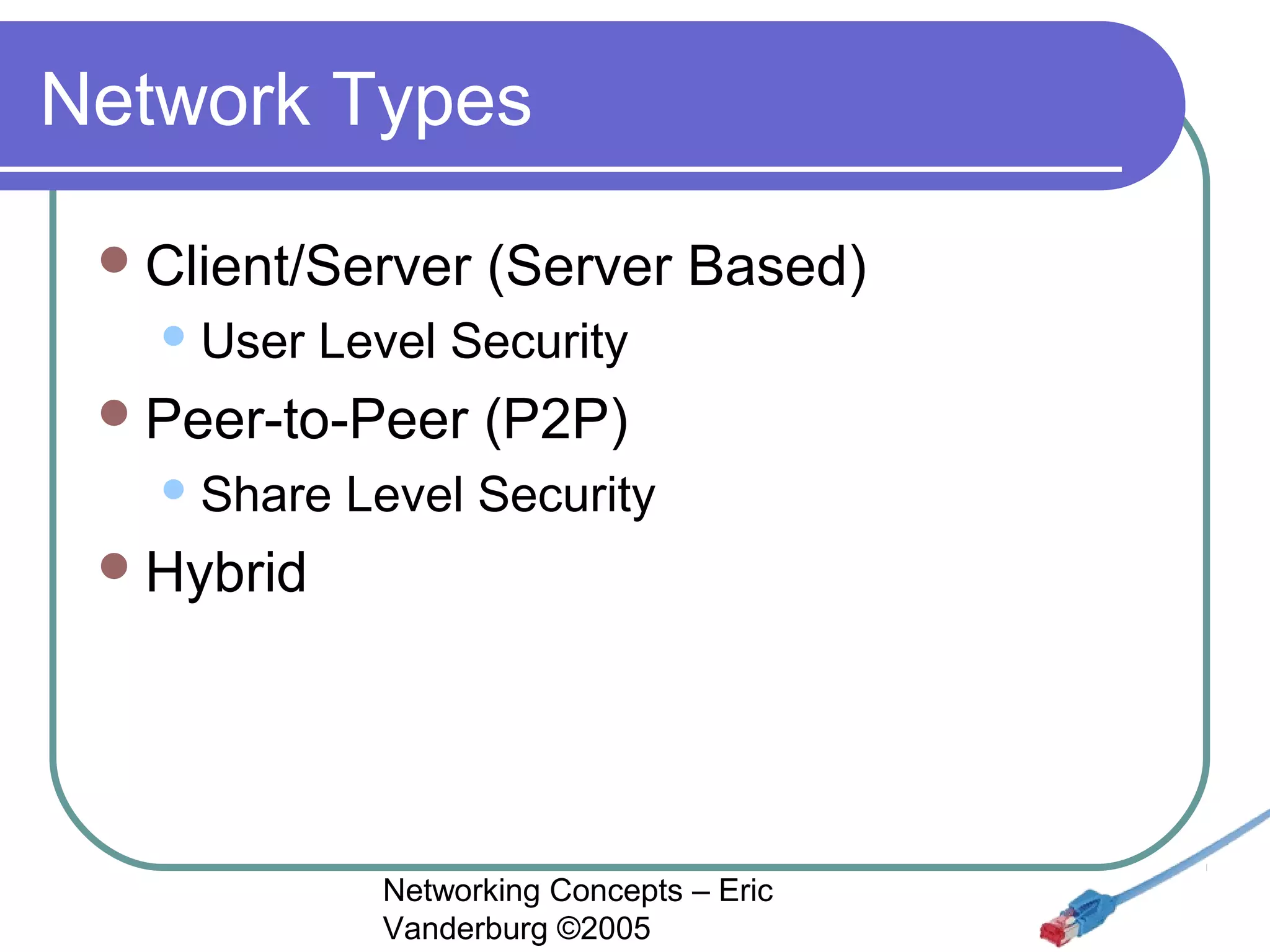
Network Types
 Client/Server
 User

(Server Based)

Level Security

 Peer-to-Peer
 Share

(P2P)

Level Security

 Hybrid

Networking Concepts – Eric
Vanderburg ©2005
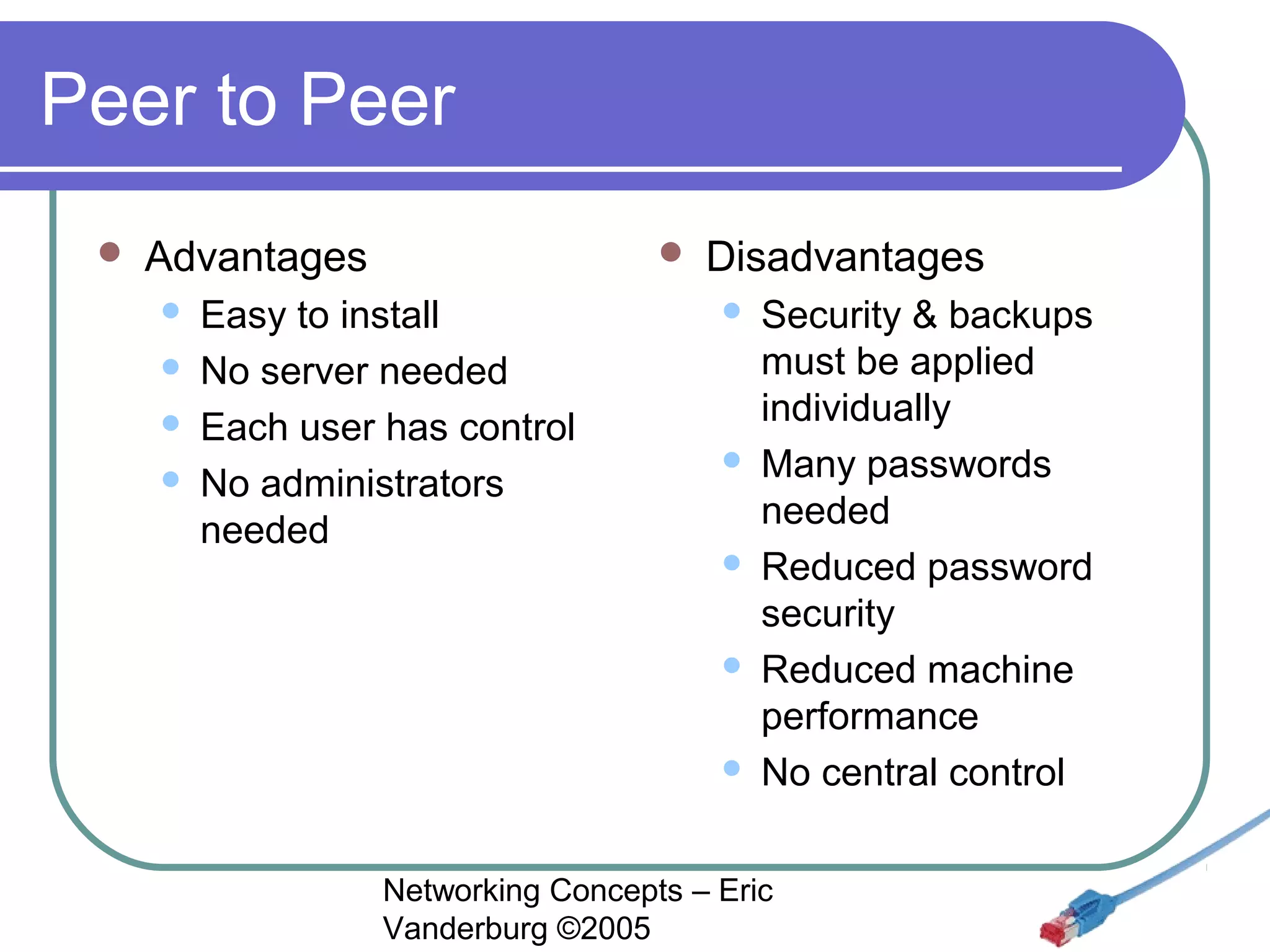
Peer to Peer


Advantages







Easy to install
No server needed
Each user has control
No administrators
needed

Disadvantages










Security & backups
must be applied
individually
Many passwords
needed
Reduced password
security
Reduced machine
performance
No central control

Networking Concepts – Eric
Vanderburg ©2005
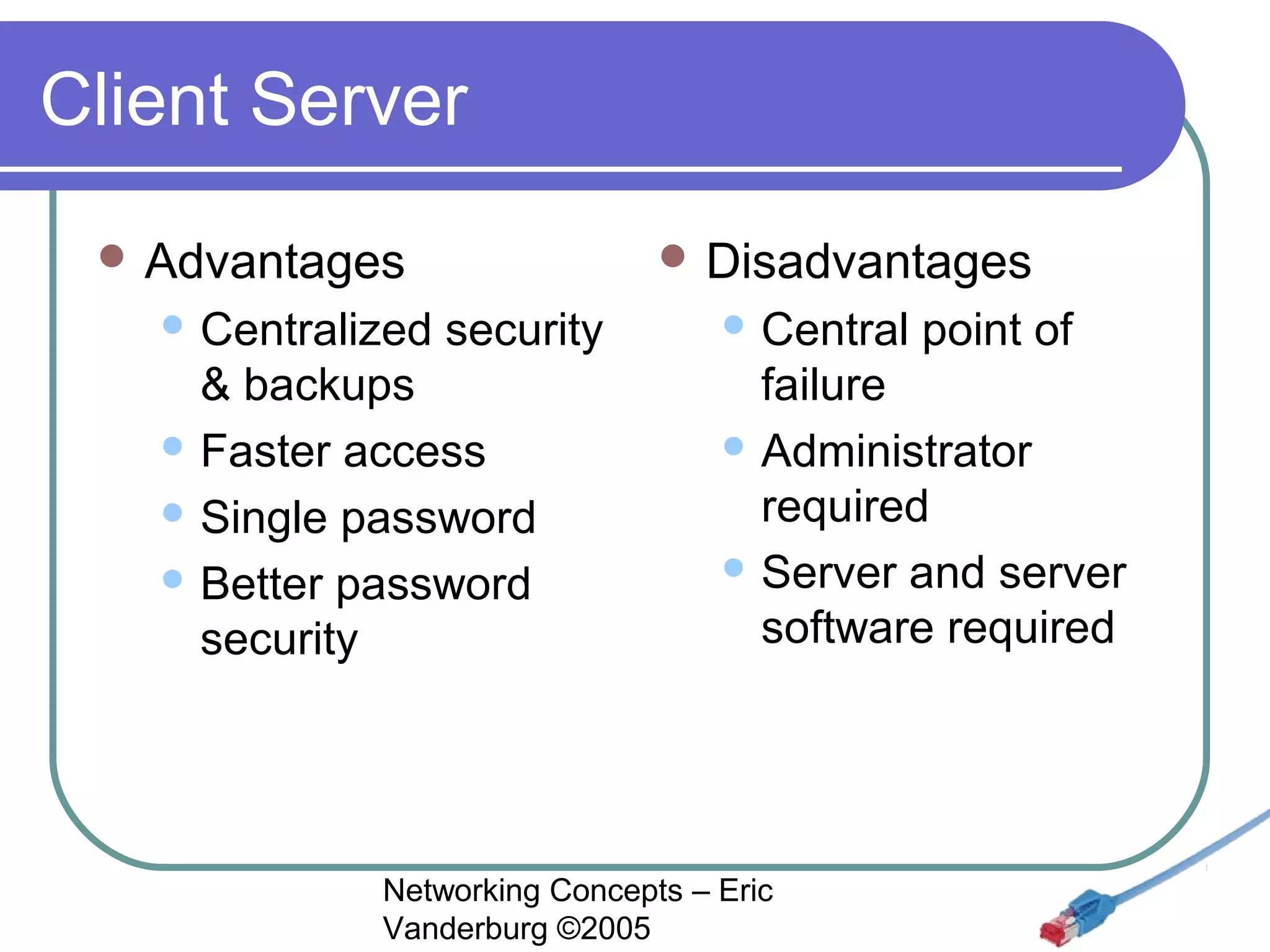
Client Server
 Advantages
 Centralized

 Disadvantages

security

& backups
 Faster access
 Single password
 Better password
security

 Central

point of

failure
 Administrator
required
 Server and server
software required

Networking Concepts – Eric
Vanderburg ©2005
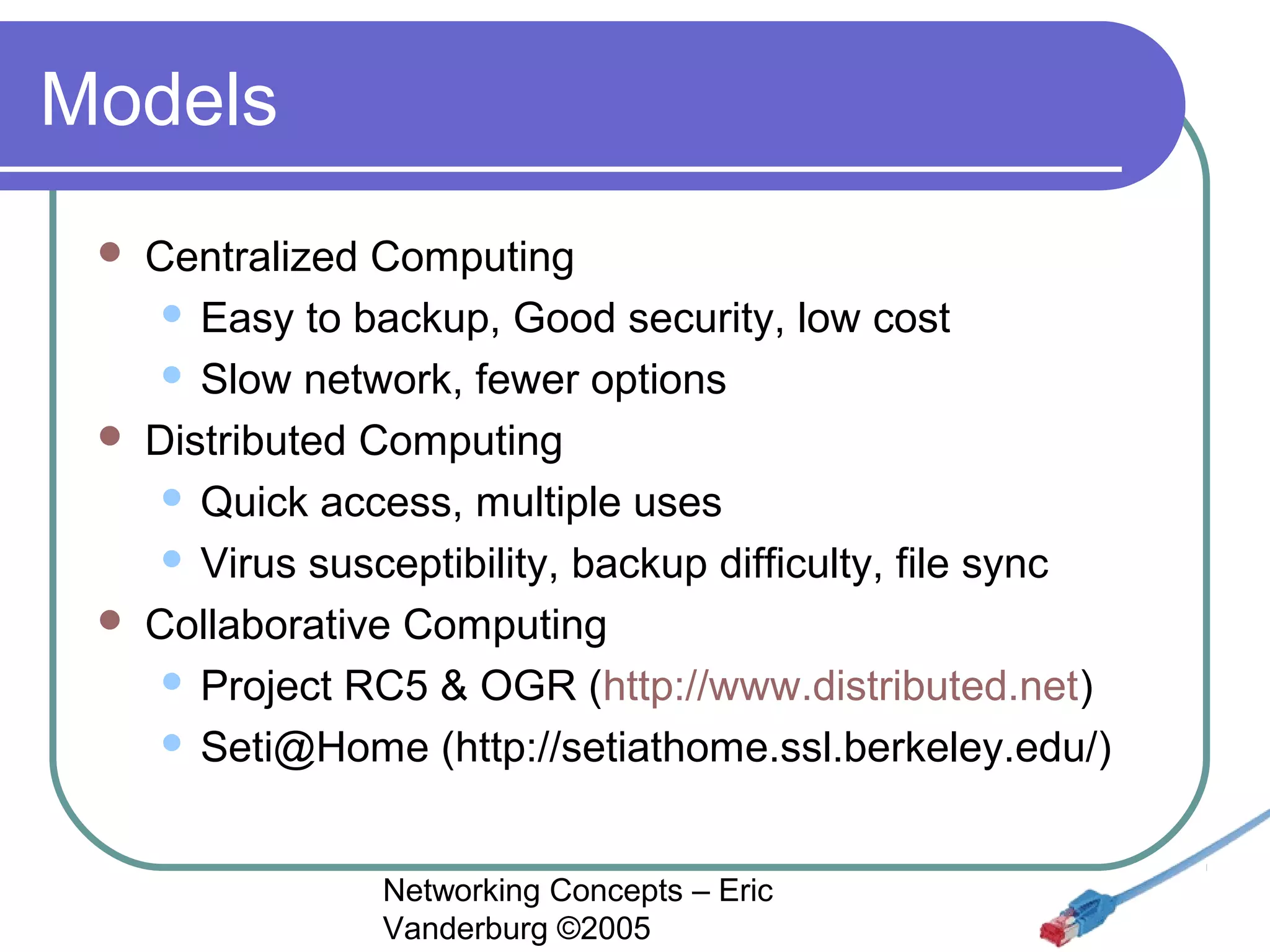
Models






Centralized Computing
 Easy to backup, Good security, low cost
 Slow network, fewer options
Distributed Computing
 Quick access, multiple uses
 Virus susceptibility, backup difficulty, file sync
Collaborative Computing
 Project RC5 & OGR (http://www.distributed.net)
 Seti@Home (http://setiathome.ssl.berkeley.edu/)
Networking Concepts – Eric
Vanderburg ©2005
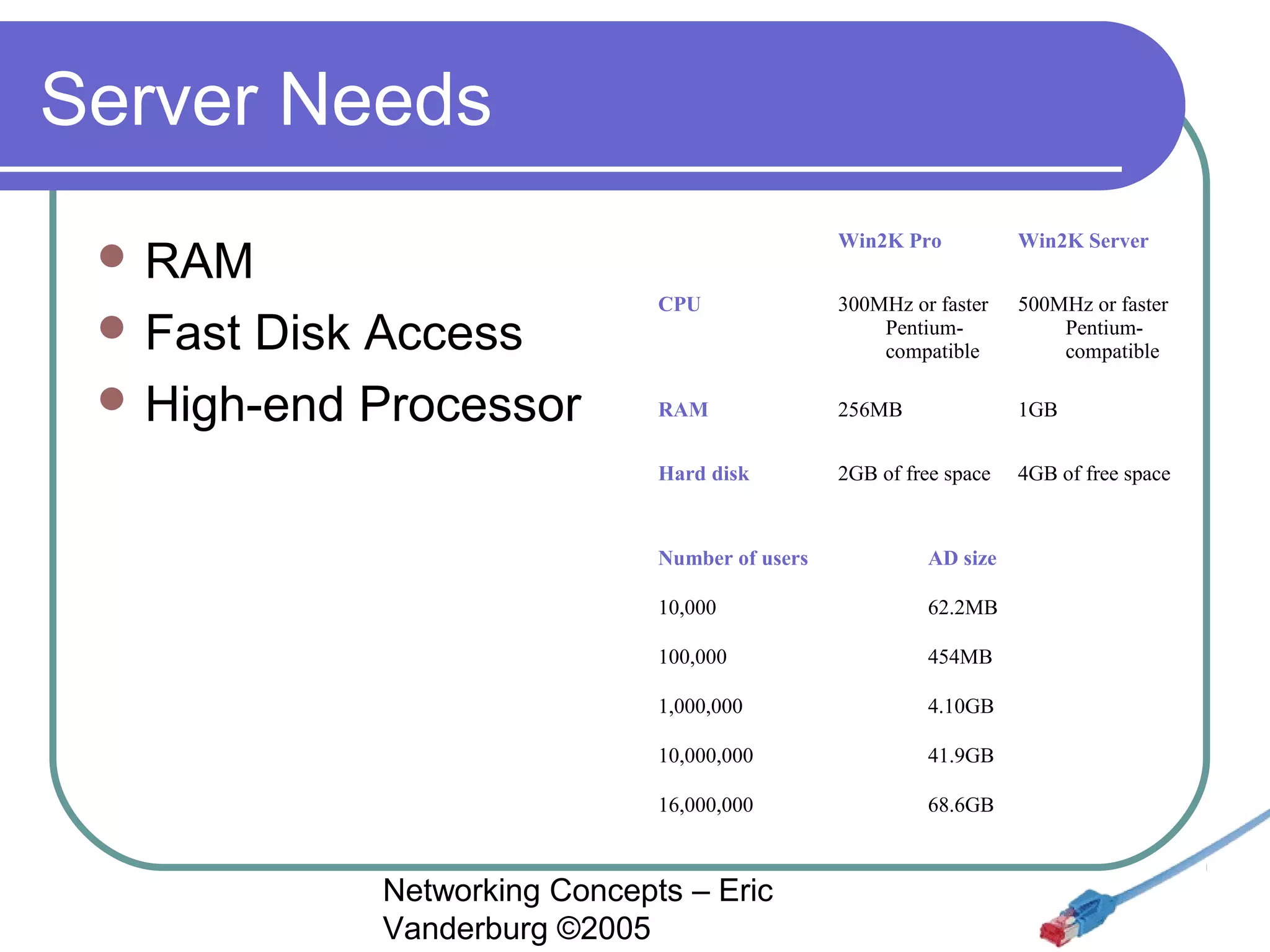
Server Needs
 

 Fast

Disk Access
 High-end Processor

Win2K Pro

Win2K Server

CPU

300MHz or faster 
Pentiumcompatible

500MHz or faster 
Pentiumcompatible

RAM

256MB

1GB

Hard disk

 RAM

2GB of free space

4GB of free space

Number of users

AD size

10,000

62.2MB

100,000

454MB

1,000,000

4.10GB

10,000,000

41.9GB

16,000,000

68.6GB

Networking Concepts – Eric
Vanderburg ©2005
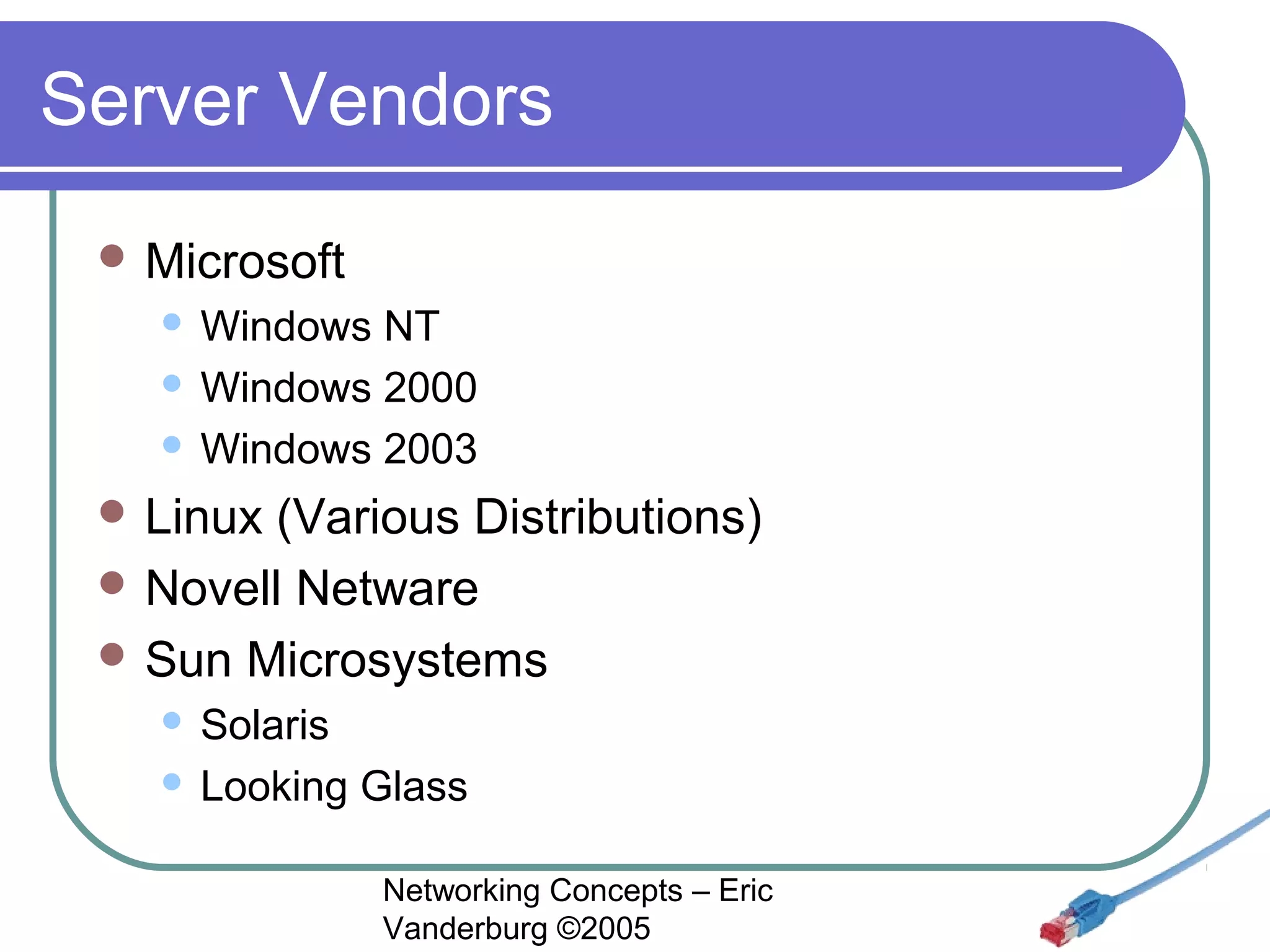
Server Vendors
 Microsoft

Windows NT
 Windows 2000
 Windows 2003


 Linux

(Various Distributions)
 Novell Netware
 Sun Microsystems
Solaris
 Looking Glass


Networking Concepts – Eric
Vanderburg ©2005
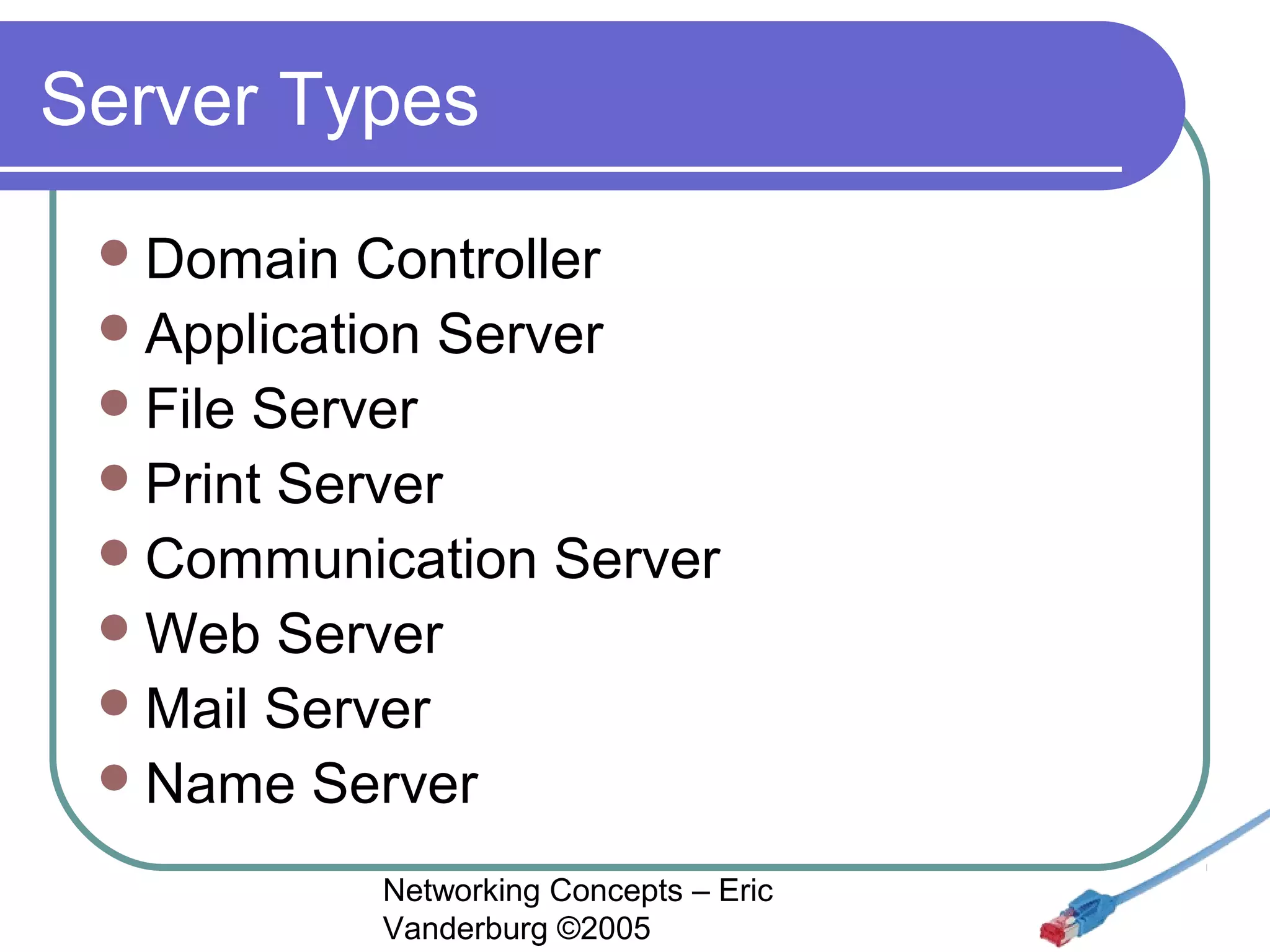
Server Types
 Domain

Controller
 Application Server
 File Server
 Print Server
 Communication Server
 Web Server
 Mail Server
 Name Server
Networking Concepts – Eric
Vanderburg ©2005
Book Corrections
 Pg.

18 RRAS
 We will use the term Domain Controller
rather than Directory Server

Networking Concepts – Eric
Vanderburg ©2005

Networking Concepts Lesson 01 - Intro - Eric Vanderburg

  • 1.
    Networking Concepts Class Introduction& Chapter 1 Networking Concepts – Eric Vanderburg ©2005
  • 2.
    Your Professor  Two Degreesin Computer Information Systems & Technology  Master’s Degree in Business Administration with an Information Systems concentration  IT Certifications  Microsoft Certified Systems Engineer (MCSE), Microsoft Certified Systems Administrator (MCSA), A+, Network+, iNet+, Security+, CIW-A, Project Management & Systems Analysis certifications.  Experience teaching a variety of subjects (Programming, Networking, Security, Human Relations, & English) Networking Concepts – Eric Vanderburg ©2005
  • 3.
    Networking  Reduce Redundancy  EnhanceCapabilities  Share Resources  Data  Devices  Internet  Communicate Networking Concepts – Eric Vanderburg ©2005
  • 4.
    Important Acronyms  LAN (LocalArea Network)  WAN (Wide Area Network)  MAN (Metropolitan Area Network)  NIC (Network Interface Card)  NOS (Network Operating System)  SAN (Storage Area Network)  WPAN (Wireless Personal Area Network) Networking Concepts – Eric Vanderburg ©2005
  • 5.
    Network Basics  Network Medium(Physical Connection )  Optical,  Network Coaxial, Twisted Pair, Wireless Protocol (Language)  NetBEUI,  Network  Is TCP/IP, IPX/SPX, AppleTalk Software and Services it Network Aware? Networking Concepts – Eric Vanderburg ©2005
  • 6.
    Network Types  Client/Server User (Server Based) Level Security  Peer-to-Peer  Share (P2P) Level Security  Hybrid Networking Concepts – Eric Vanderburg ©2005
  • 7.
    Peer to Peer  Advantages      Easyto install No server needed Each user has control No administrators needed Disadvantages      Security & backups must be applied individually Many passwords needed Reduced password security Reduced machine performance No central control Networking Concepts – Eric Vanderburg ©2005
  • 8.
    Client Server  Advantages Centralized  Disadvantages security & backups  Faster access  Single password  Better password security  Central point of failure  Administrator required  Server and server software required Networking Concepts – Eric Vanderburg ©2005
  • 9.
    Models    Centralized Computing  Easyto backup, Good security, low cost  Slow network, fewer options Distributed Computing  Quick access, multiple uses  Virus susceptibility, backup difficulty, file sync Collaborative Computing  Project RC5 & OGR (http://www.distributed.net)  Seti@Home (http://setiathome.ssl.berkeley.edu/) Networking Concepts – Eric Vanderburg ©2005
  • 10.
    Server Needs    Fast DiskAccess  High-end Processor Win2K Pro Win2K Server CPU 300MHz or faster  Pentiumcompatible 500MHz or faster  Pentiumcompatible RAM 256MB 1GB Hard disk  RAM 2GB of free space 4GB of free space Number of users AD size 10,000 62.2MB 100,000 454MB 1,000,000 4.10GB 10,000,000 41.9GB 16,000,000 68.6GB Networking Concepts – Eric Vanderburg ©2005
  • 11.
    Server Vendors  Microsoft WindowsNT  Windows 2000  Windows 2003   Linux (Various Distributions)  Novell Netware  Sun Microsystems Solaris  Looking Glass  Networking Concepts – Eric Vanderburg ©2005
  • 12.
    Server Types  Domain Controller Application Server  File Server  Print Server  Communication Server  Web Server  Mail Server  Name Server Networking Concepts – Eric Vanderburg ©2005
  • 13.
    Book Corrections  Pg. 18RRAS  We will use the term Domain Controller rather than Directory Server Networking Concepts – Eric Vanderburg ©2005