1
GROUP MEMBERS: 
 Mayur Sandbhor 
 Ganesh Mali 
 Atish Johare 
UNDER THE GUIDANCE OF 
Mithun Mhatre 
2
3 
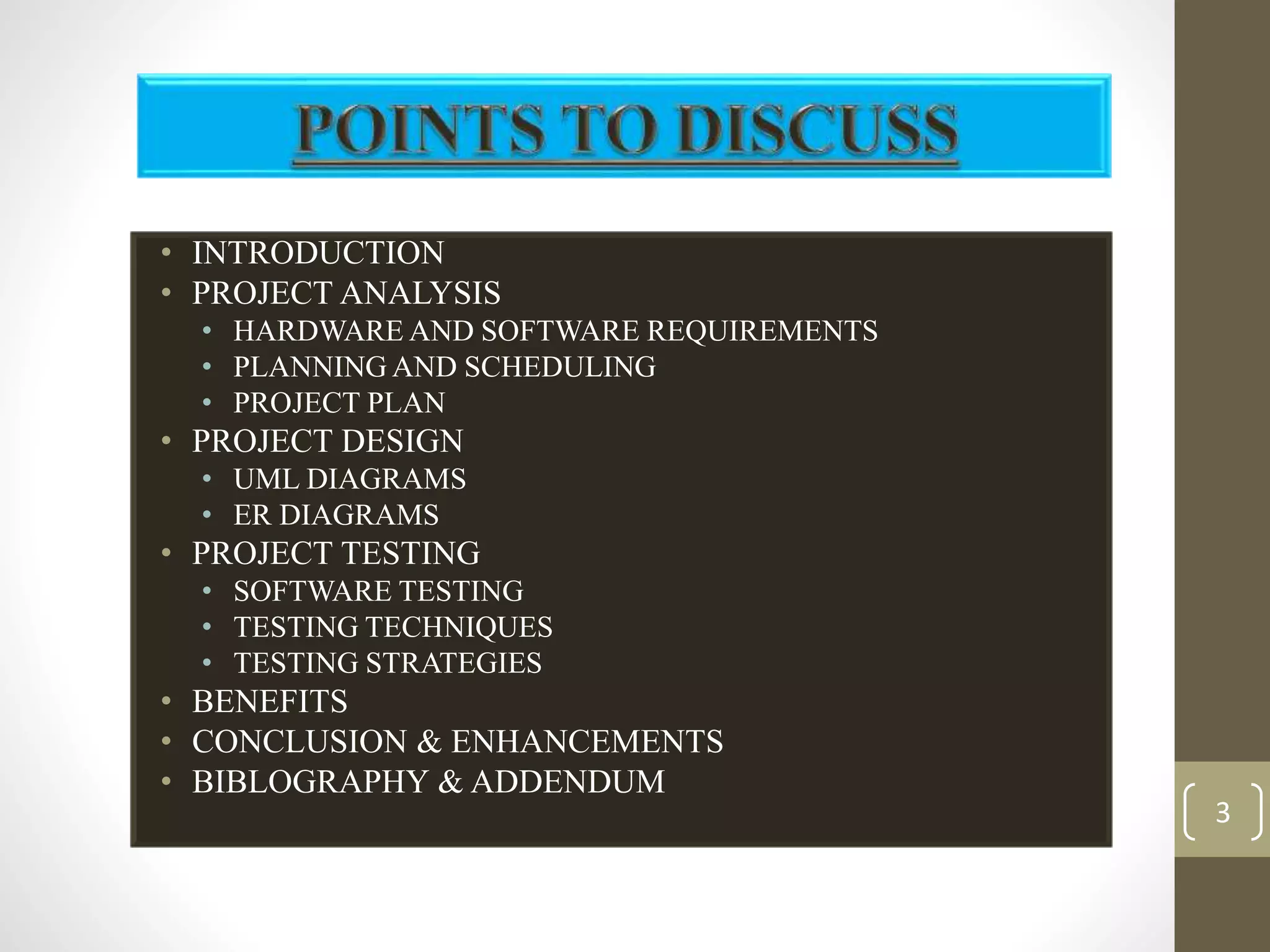
• INTRODUCTION 
• PROJECT ANALYSIS 
• HARDWARE AND SOFTWARE REQUIREMENTS 
• PLANNING AND SCHEDULING 
• PROJECT PLAN 
• PROJECT DESIGN 
• UML DIAGRAMS 
• ER DIAGRAMS 
• PROJECT TESTING 
• SOFTWARE TESTING 
• TESTING TECHNIQUES 
• TESTING STRATEGIES 
• BENEFITS 
• CONCLUSION & ENHANCEMENTS 
• BIBLOGRAPHY & ADDENDUM
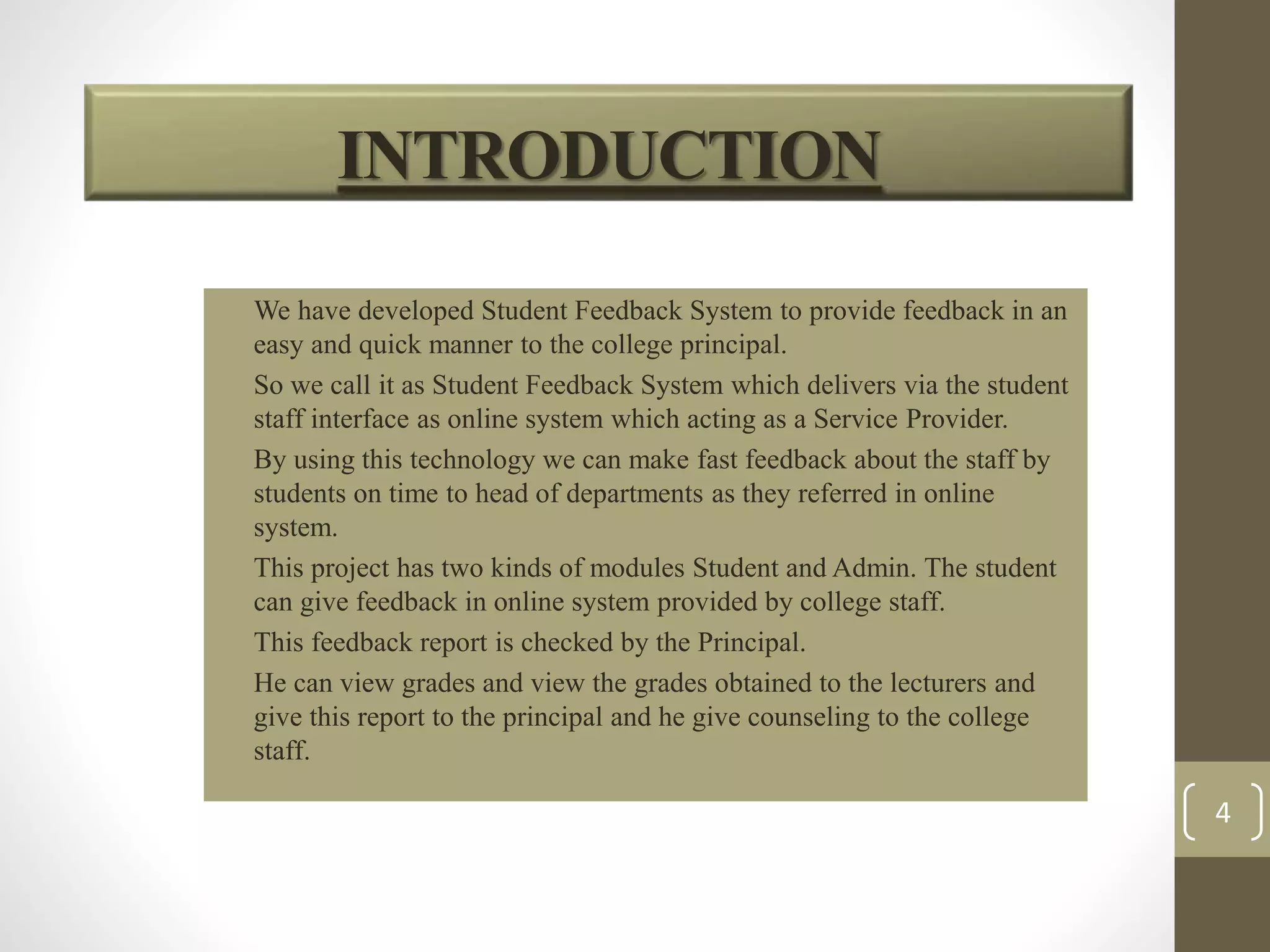
• We have developed Student Feedback System to provide feedback in an 
easy and quick manner to the college principal. 
• So we call it as Student Feedback System which delivers via the student 
staff interface as online system which acting as a Service Provider. 
• By using this technology we can make fast feedback about the staff by 
students on time to head of departments as they referred in online 
system. 
• This project has two kinds of modules Student and Admin. The student 
can give feedback in online system provided by college staff. 
• This feedback report is checked by the Principal. 
• He can view grades and view the grades obtained to the lecturers and 
give this report to the principal and he give counseling to the college 
staff. 
4 
INTRODUCTION
5 
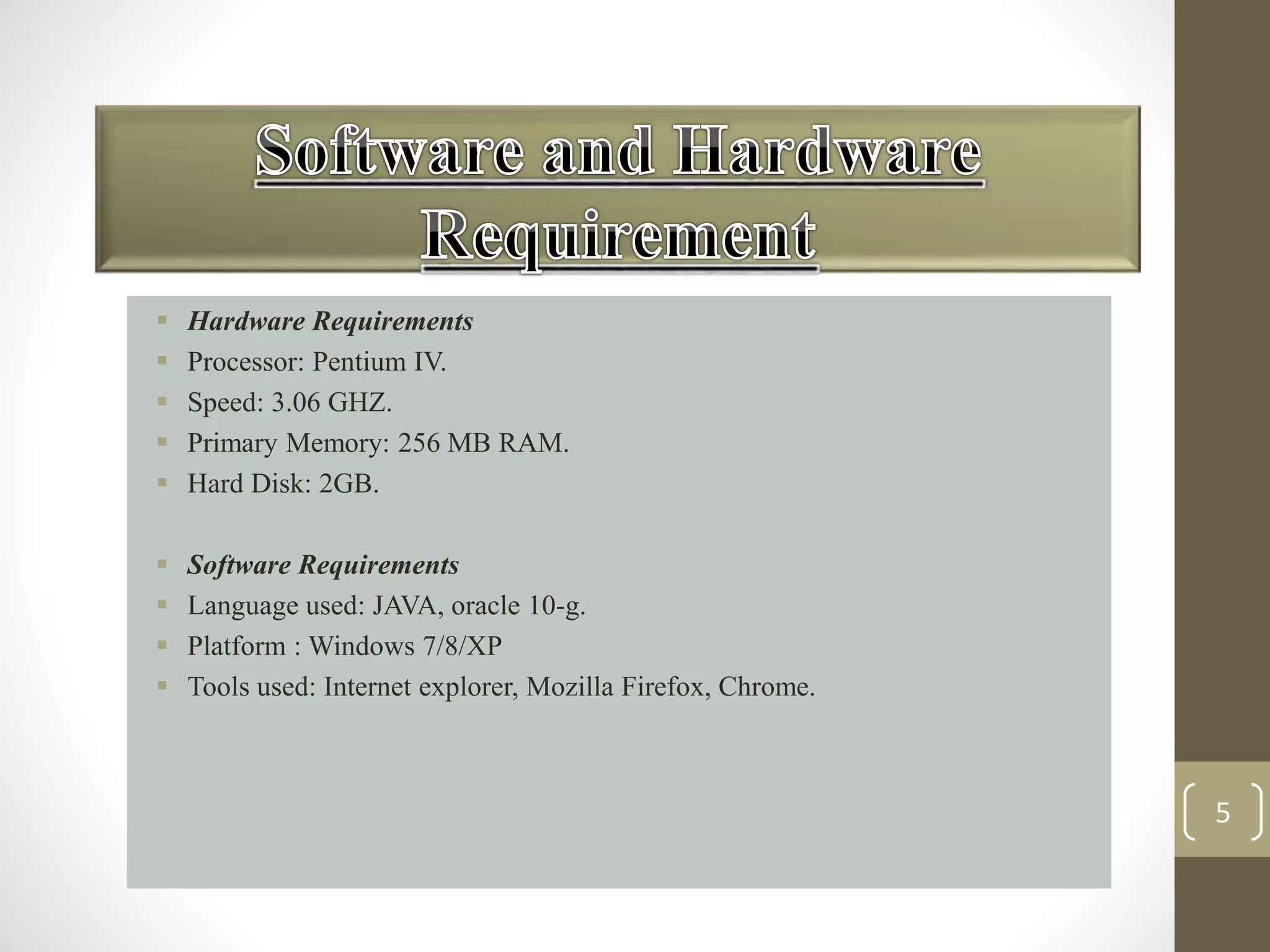
 Hardware Requirements 
 Processor: Pentium IV. 
 Speed: 3.06 GHZ. 
 Primary Memory: 256 MB RAM. 
 Hard Disk: 2GB. 
 Software Requirements 
 Language used: JAVA, oracle 10-g. 
 Platform : Windows 7/8/XP 
 Tools used: Internet explorer, Mozilla Firefox, Chrome.
6 
Planning of project requires dividing of various 
project phases into a defined time scale for 
completion of project on time. planning and 
scheduling are very crucial phase of project life 
cycle because the project successful depends on this. 
a high or low time estimation of the projects leads to 
large variation in project overall cost estimates.
PROJECT PLAN 
7 
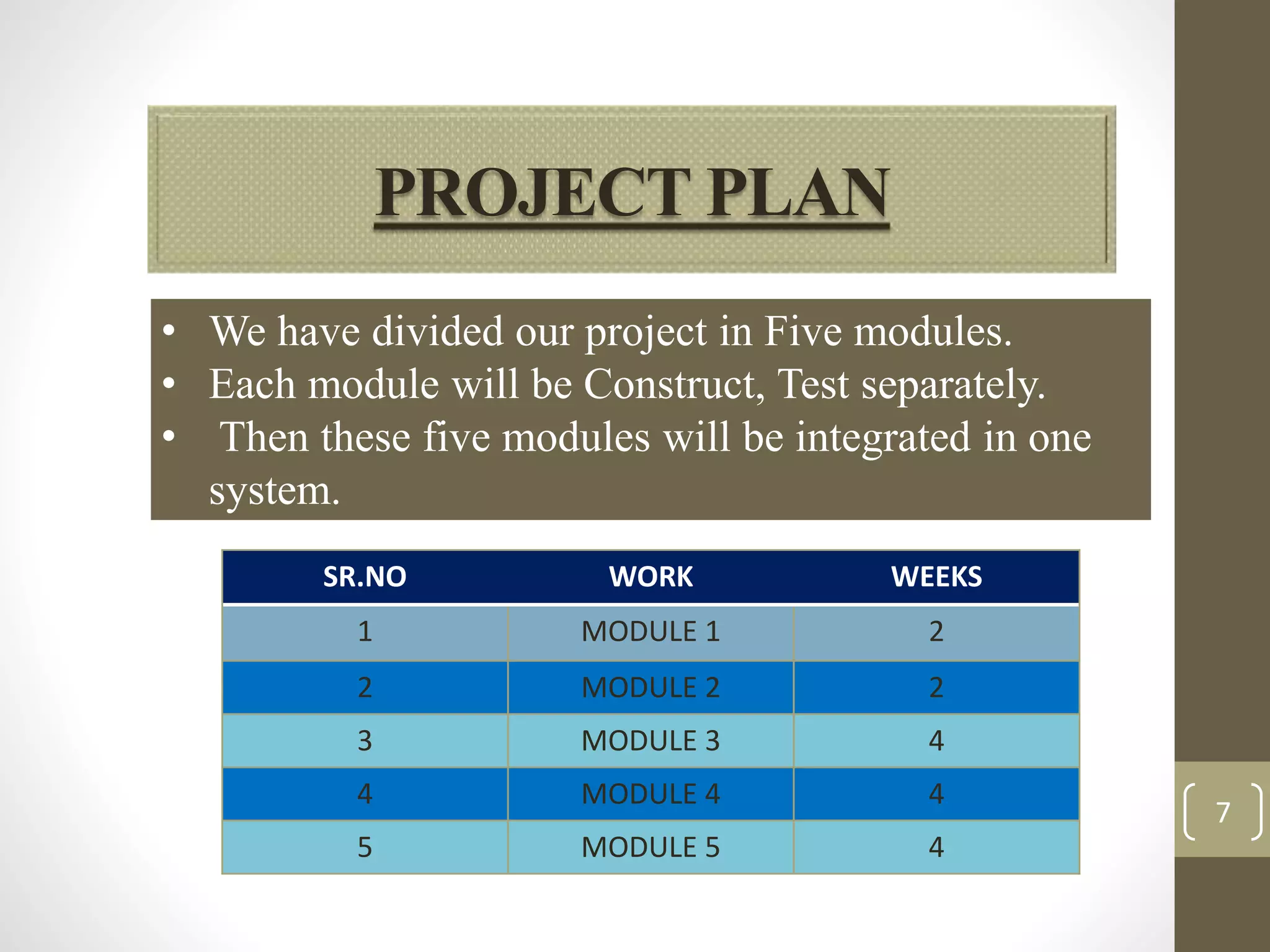
• We have divided our project in Five modules. 
• Each module will be Construct, Test separately. 
• Then these five modules will be integrated in one 
system. 
SR.NO WORK WEEKS 
1 MODULE 1 2 
2 MODULE 2 2 
3 MODULE 3 4 
4 MODULE 4 4 
5 MODULE 5 4
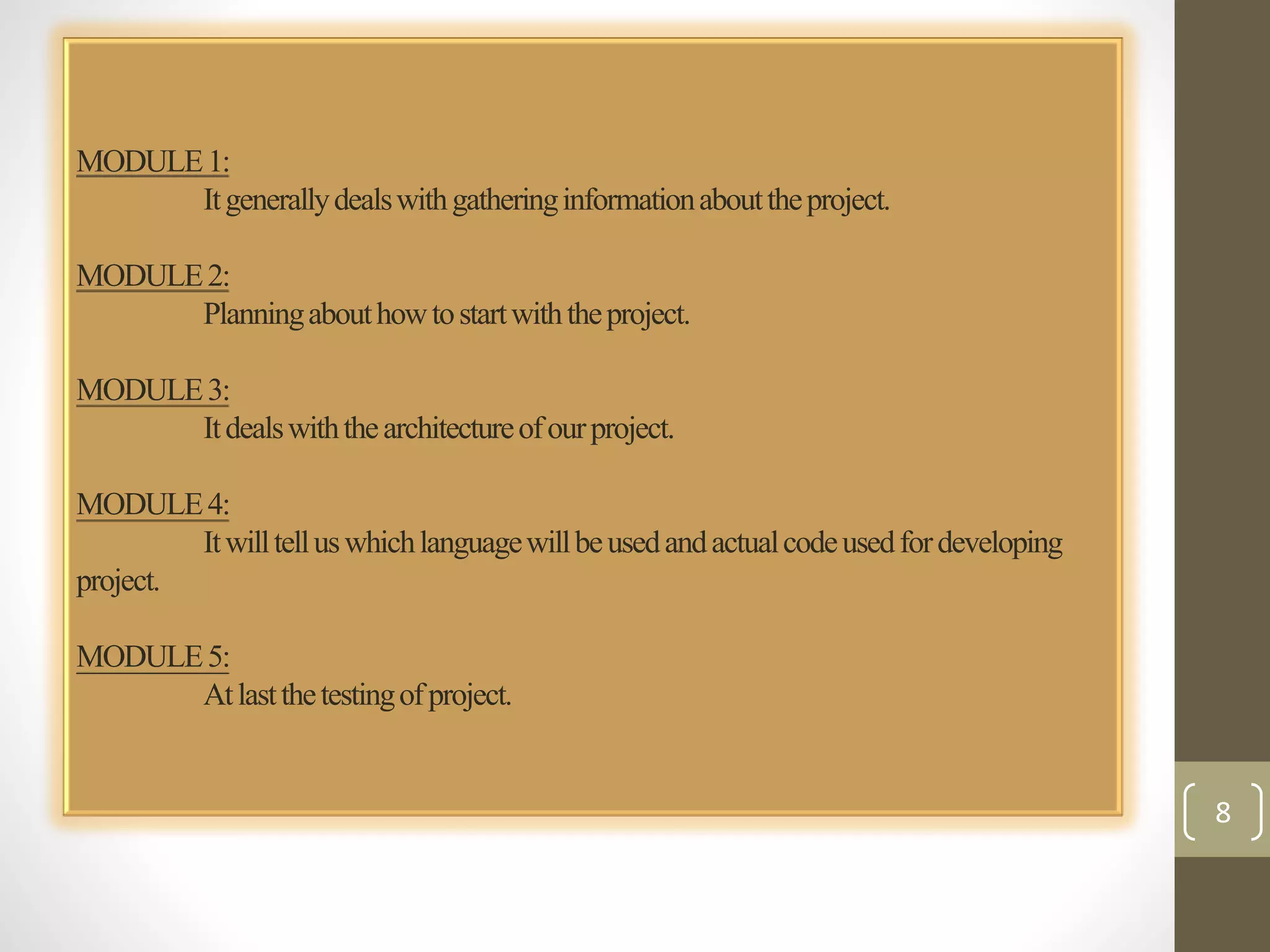
MODULE 1: 
It generally deals with gathering information about the project. 
MODULE 2: 
Planning about how to start with the project. 
MODULE 3: 
It deals with the architecture of our project. 
MODULE 4: 
It will tell us which language will be used and actual code used for developing 
project. 
MODULE 5: 
At last the testing of project. 
8
PROJECT DESIGN 
• Software design is an interactive process through which requirements are translated 
into a ‘Blue Print’ for constructing the software. The design is represented at high 
level of abstraction, a level that can be directly translated to specific data, functional 
and behavioral requirements. 
• Preliminary design is concerned with the transformation of requirements into data and 
software architecture. Detailed design focuses on refinements to the architectural 
representation that lead to detailed data structure and algorithmic representation for 
software. 
• Introduction to UML 
The Unified modeling language (UML) provides a blueprint to Software Engineers 
and Developers. It is a Language for Specifying, Documenting, Visualizing and 
constructing the various aspects of a Software System. 
UML is an Industry-Standard Modeling Language. It contains a number of graphical 
notations and symbols (diagrams) that allow the analyst and designer of a Software 
Application to describe the architecture of the application in a graphical form. 
• Definition: 
UML is a general purpose visual modeling language that is used to 
Specify 
Visualize 
Construct 
Document 
The artifacts of the software system 
9
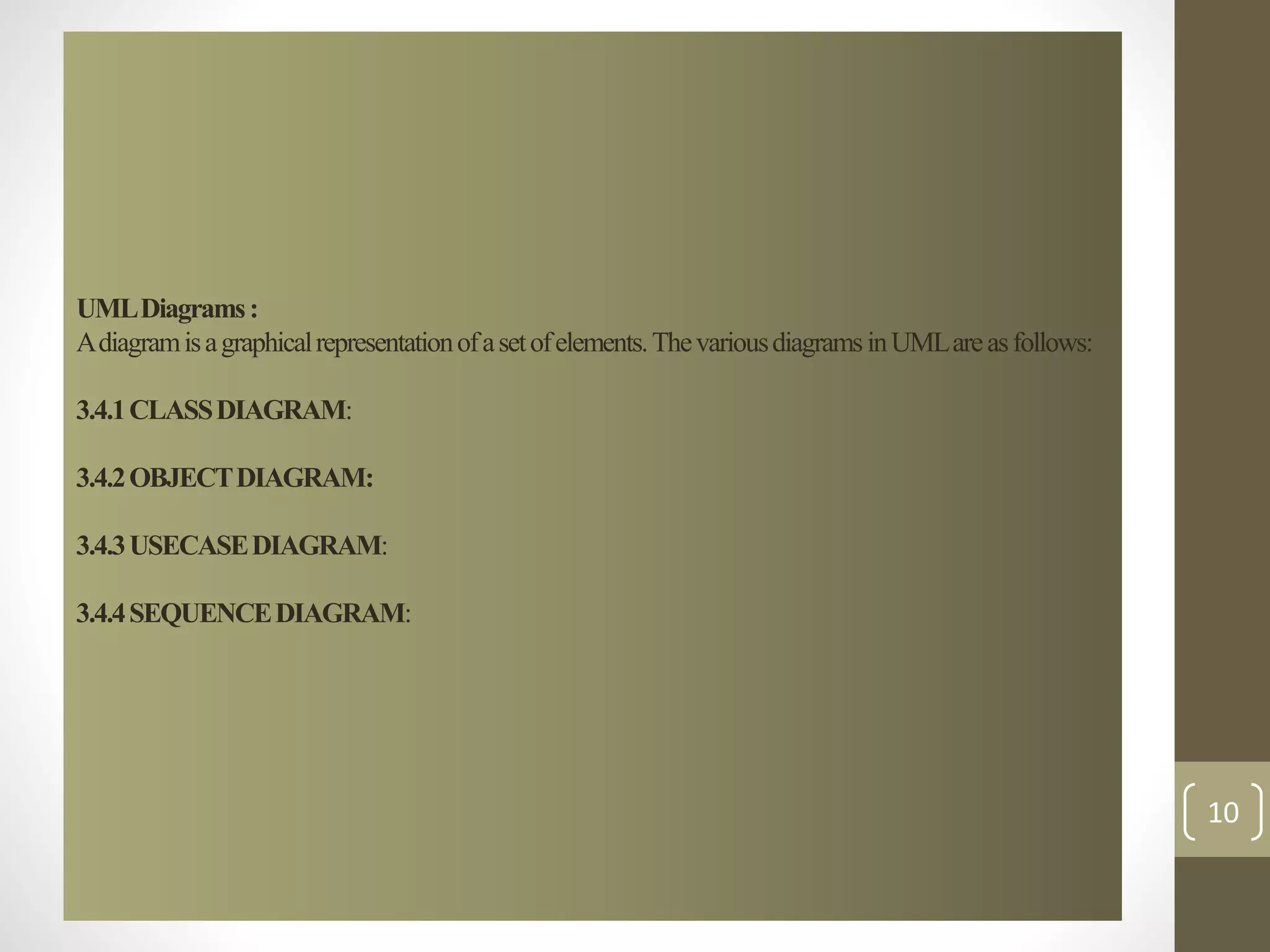
UML Diagrams : 
A diagram is a graphical representation of a set of elements. The various diagrams in UML are as follows: 
3.4.1 CLASS DIAGRAM: 
3.4.2 OBJECT DIAGRAM: 
3.4.3 USECASE DIAGRAM: 
3.4.4 SEQUENCE DIAGRAM: 
10
11 
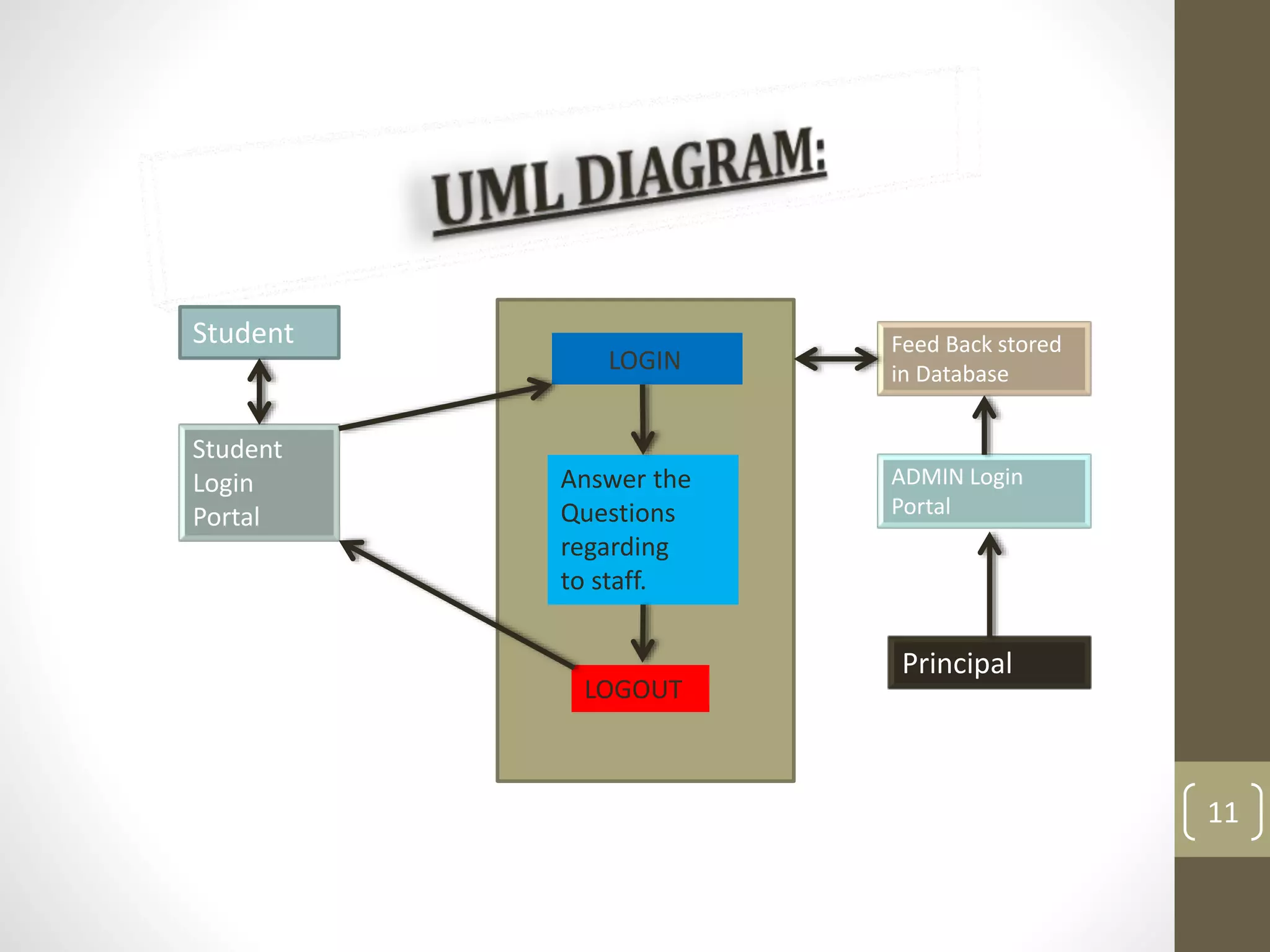
LOGIN 
Answer the 
Questions 
regarding 
to staff. 
LOGOUT 
Feed Back stored 
in Database 
ADMIN Login 
Portal 
Principal 
Student 
Student 
Login 
Portal
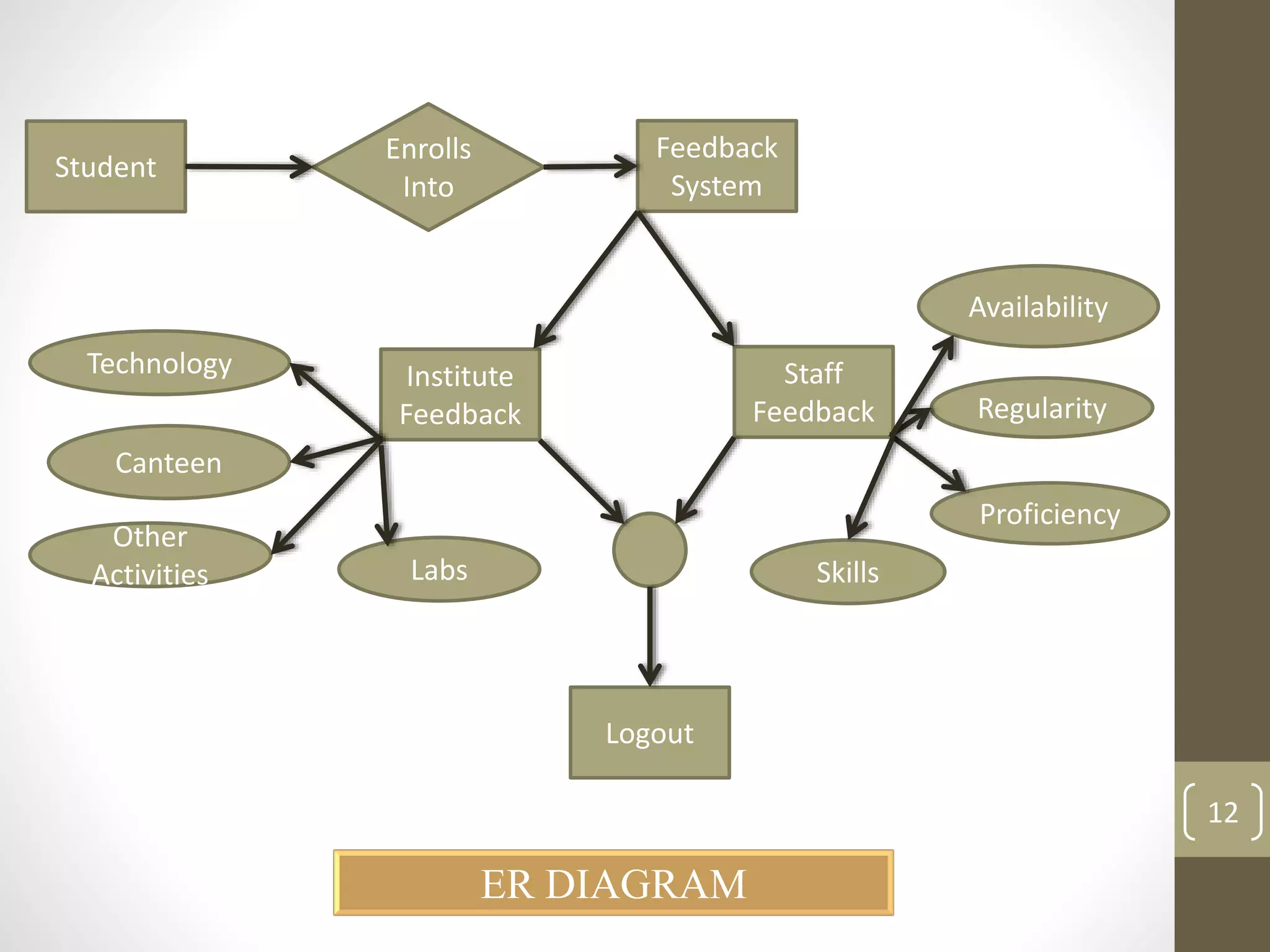
Student 
Institute 
Feedback 
Staff 
Feedback 
System 
Feedback 
Logout 
Enrolls 
Into 
Technology 
Canteen 
Other 
Activities Labs Skills 
Availability 
Regularity 
Proficiency 
ER DIAGRAM 
12
RADModel 
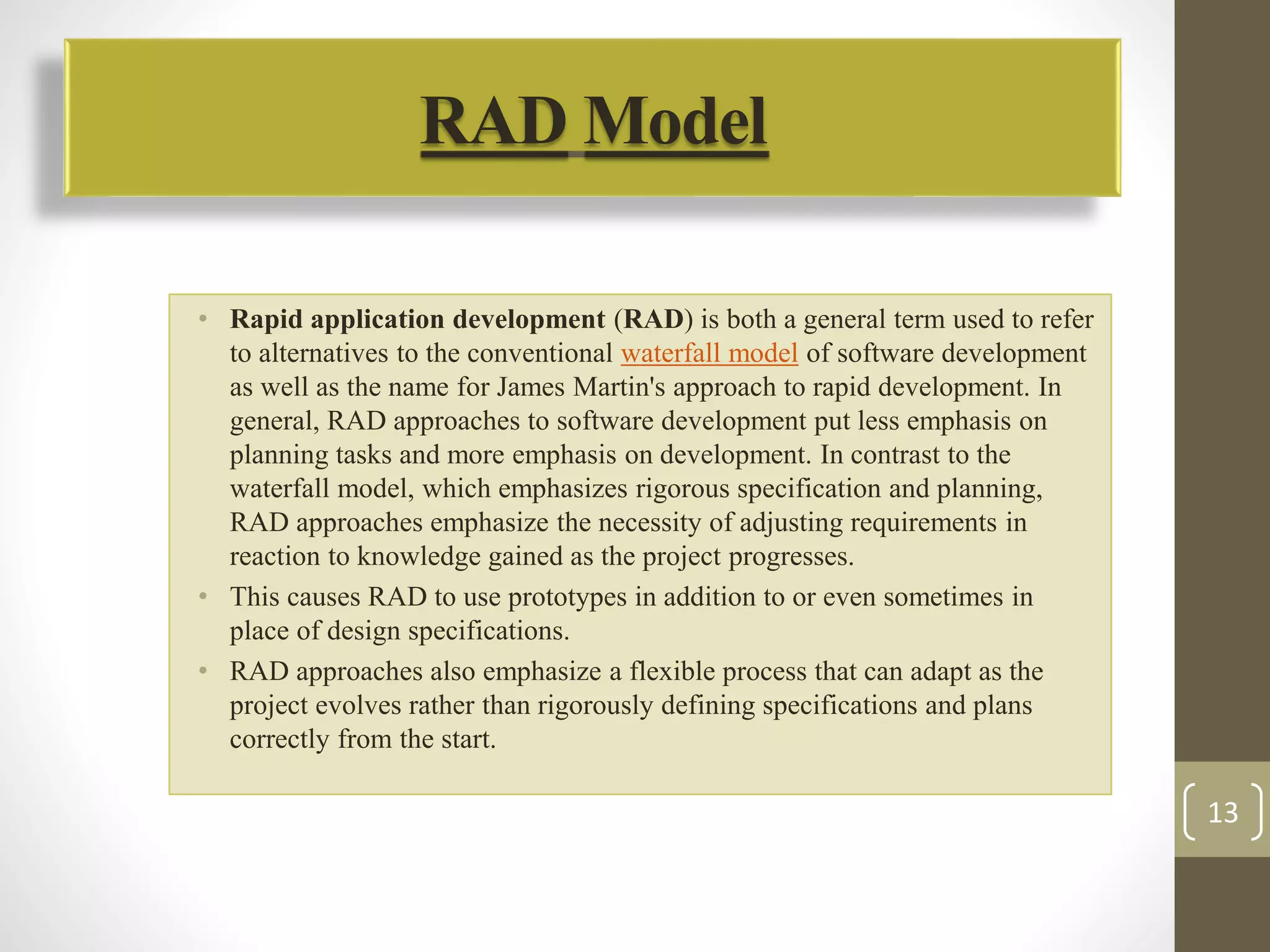
• Rapid application development (RAD) is both a general term used to refer 
to alternatives to the conventional waterfall model of software development 
as well as the name for James Martin's approach to rapid development. In 
general, RAD approaches to software development put less emphasis on 
planning tasks and more emphasis on development. In contrast to the 
waterfall model, which emphasizes rigorous specification and planning, 
RAD approaches emphasize the necessity of adjusting requirements in 
reaction to knowledge gained as the project progresses. 
• This causes RAD to use prototypes in addition to or even sometimes in 
place of design specifications. 
• RAD approaches also emphasize a flexible process that can adapt as the 
project evolves rather than rigorously defining specifications and plans 
correctly from the start. 
13
Test Case Strategies 
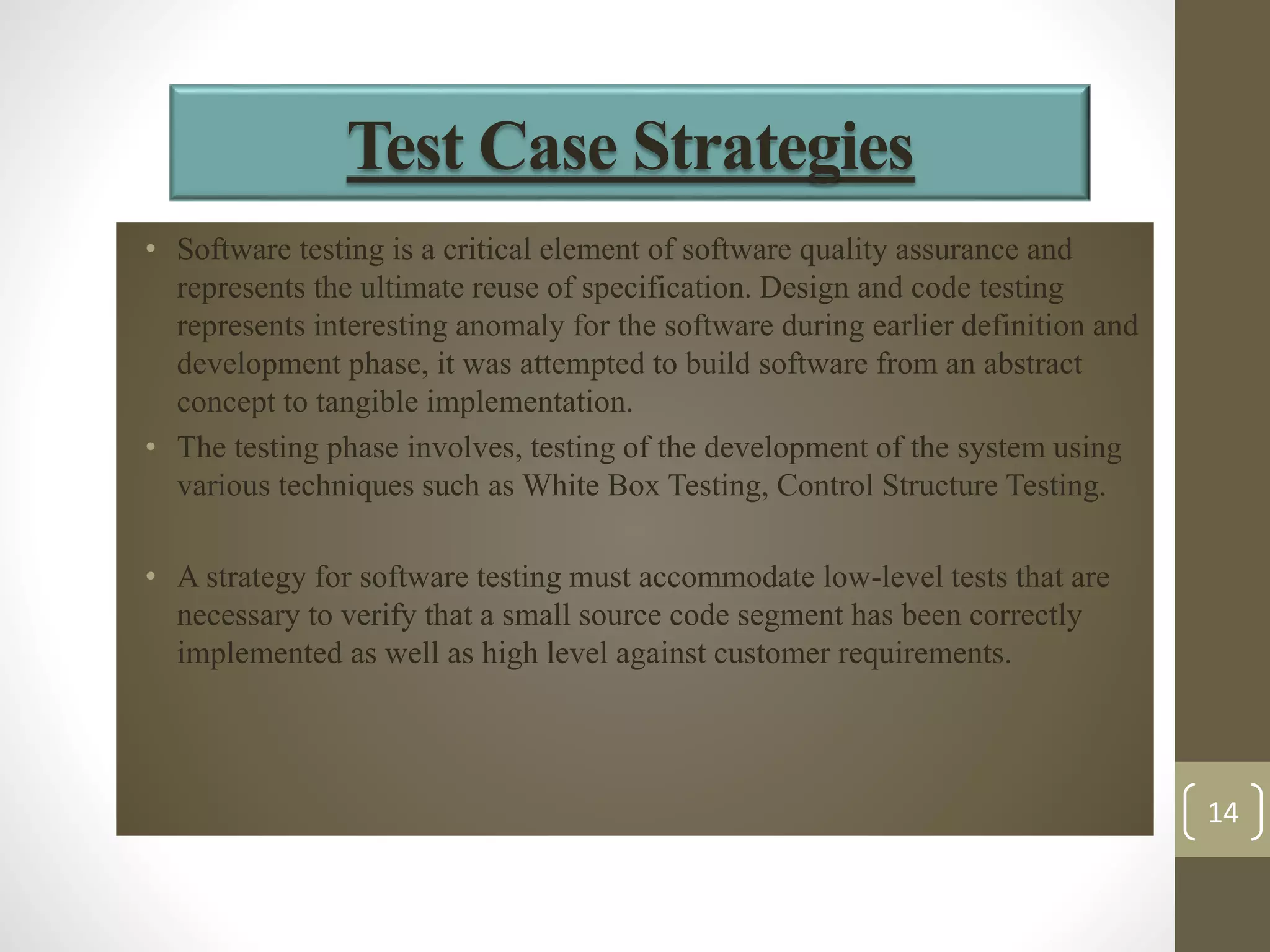
• Software testing is a critical element of software quality assurance and 
represents the ultimate reuse of specification. Design and code testing 
represents interesting anomaly for the software during earlier definition and 
development phase, it was attempted to build software from an abstract 
concept to tangible implementation. 
• The testing phase involves, testing of the development of the system using 
various techniques such as White Box Testing, Control Structure Testing. 
• A strategy for software testing must accommodate low-level tests that are 
necessary to verify that a small source code segment has been correctly 
implemented as well as high level against customer requirements. 
14
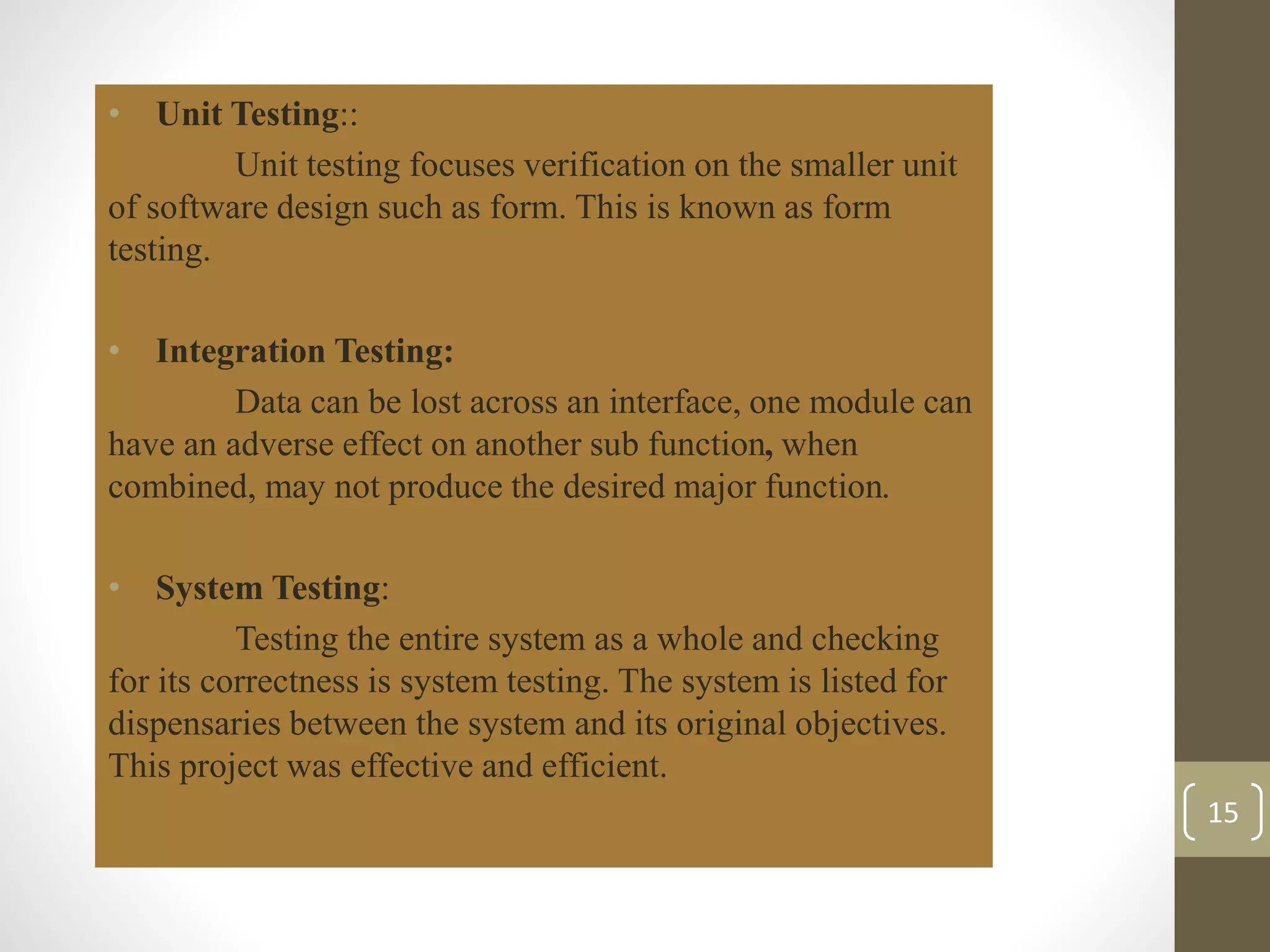
• Unit Testing:: 
Unit testing focuses verification on the smaller unit 
of software design such as form. This is known as form 
testing. 
• Integration Testing: 
Data can be lost across an interface, one module can 
have an adverse effect on another sub function, when 
combined, may not produce the desired major function. 
• System Testing: 
Testing the entire system as a whole and checking 
for its correctness is system testing. The system is listed for 
dispensaries between the system and its original objectives. 
This project was effective and efficient. 
15
• Cut your time: 
By giving feedback on online system when compared to the 
manual process this saves time of user. 
• Manage the entire process: 
The entire process of giving feedback and viewing that 
report after giving feedback can manage easily . 
• Enhance the staff: 
Find the details about the lecturer’s interest in teaching to the 
students. 
• Meet web standards: 
An easy to use system that successfully combines form with 
function. 
16
CONCLUSION AND ENHANCEMENTS 
• Conclusion : 
The Project “Student Feedback System” is designed in order reduce the burden 
of maintaining bulk of records of all the students feedback details of who study in an 
Educational Institution. Inserting, retrieving and updating the feedback details of a student 
are easy when it is compared to the manual feedback and storing. Maintaining the project 
is also easy which can is easily understandable. Maintaining the details in the database is 
manageable. 
• Future Enhancements: 
Due to the lack of time, the design part is not done so attractive. Further 
enhancements can be made in designing the screens. Some more forms can also be added 
so as to better retrieve the feedback details. Various other options can also be added for the 
better usability of project 
17
https://www.google.co.in/?gfe_rd=cr&ei=Eb8eVNf2NcrV8gfwyYHYAw&gws_rd=ssl 
http://en.wikipedia.org/wiki/Java_(programming_language) 
http://docs.oracle.com/javase/tutorial/deployment/applet/ 
http://en.wikipedia.org/wiki/Rapid_application_development 
TEXT BOOKS: 
• Software Engineering by Roger S. Pressman (Tata MC-GRAW hill,5th edition) 
• Data Base Management System by Raghu Rama Krishnan (Tata MC-GRAW 
hill,3rd edition) 
• Unified Modeling Language 2 tool kit by Nons-Erik Eriksson, Magnus penkee, 
Brian lyons, Davidfode (2nd Edition) 
• The Unified Modeling Language User Guide by Grady Booch (Pearson 
education) 18
19

Student feedback system

  • 1.
  • 2.
    GROUP MEMBERS: Mayur Sandbhor  Ganesh Mali  Atish Johare UNDER THE GUIDANCE OF Mithun Mhatre 2
  • 3.
    3 • INTRODUCTION • PROJECT ANALYSIS • HARDWARE AND SOFTWARE REQUIREMENTS • PLANNING AND SCHEDULING • PROJECT PLAN • PROJECT DESIGN • UML DIAGRAMS • ER DIAGRAMS • PROJECT TESTING • SOFTWARE TESTING • TESTING TECHNIQUES • TESTING STRATEGIES • BENEFITS • CONCLUSION & ENHANCEMENTS • BIBLOGRAPHY & ADDENDUM
  • 4.
    • We havedeveloped Student Feedback System to provide feedback in an easy and quick manner to the college principal. • So we call it as Student Feedback System which delivers via the student staff interface as online system which acting as a Service Provider. • By using this technology we can make fast feedback about the staff by students on time to head of departments as they referred in online system. • This project has two kinds of modules Student and Admin. The student can give feedback in online system provided by college staff. • This feedback report is checked by the Principal. • He can view grades and view the grades obtained to the lecturers and give this report to the principal and he give counseling to the college staff. 4 INTRODUCTION
  • 5.
    5  HardwareRequirements  Processor: Pentium IV.  Speed: 3.06 GHZ.  Primary Memory: 256 MB RAM.  Hard Disk: 2GB.  Software Requirements  Language used: JAVA, oracle 10-g.  Platform : Windows 7/8/XP  Tools used: Internet explorer, Mozilla Firefox, Chrome.
  • 6.
    6 Planning ofproject requires dividing of various project phases into a defined time scale for completion of project on time. planning and scheduling are very crucial phase of project life cycle because the project successful depends on this. a high or low time estimation of the projects leads to large variation in project overall cost estimates.
  • 7.
    PROJECT PLAN 7 • We have divided our project in Five modules. • Each module will be Construct, Test separately. • Then these five modules will be integrated in one system. SR.NO WORK WEEKS 1 MODULE 1 2 2 MODULE 2 2 3 MODULE 3 4 4 MODULE 4 4 5 MODULE 5 4
  • 8.
    MODULE 1: Itgenerally deals with gathering information about the project. MODULE 2: Planning about how to start with the project. MODULE 3: It deals with the architecture of our project. MODULE 4: It will tell us which language will be used and actual code used for developing project. MODULE 5: At last the testing of project. 8
  • 9.
    PROJECT DESIGN •Software design is an interactive process through which requirements are translated into a ‘Blue Print’ for constructing the software. The design is represented at high level of abstraction, a level that can be directly translated to specific data, functional and behavioral requirements. • Preliminary design is concerned with the transformation of requirements into data and software architecture. Detailed design focuses on refinements to the architectural representation that lead to detailed data structure and algorithmic representation for software. • Introduction to UML The Unified modeling language (UML) provides a blueprint to Software Engineers and Developers. It is a Language for Specifying, Documenting, Visualizing and constructing the various aspects of a Software System. UML is an Industry-Standard Modeling Language. It contains a number of graphical notations and symbols (diagrams) that allow the analyst and designer of a Software Application to describe the architecture of the application in a graphical form. • Definition: UML is a general purpose visual modeling language that is used to Specify Visualize Construct Document The artifacts of the software system 9
  • 10.
    UML Diagrams : A diagram is a graphical representation of a set of elements. The various diagrams in UML are as follows: 3.4.1 CLASS DIAGRAM: 3.4.2 OBJECT DIAGRAM: 3.4.3 USECASE DIAGRAM: 3.4.4 SEQUENCE DIAGRAM: 10
  • 11.
    11 LOGIN Answerthe Questions regarding to staff. LOGOUT Feed Back stored in Database ADMIN Login Portal Principal Student Student Login Portal
  • 12.
    Student Institute Feedback Staff Feedback System Feedback Logout Enrolls Into Technology Canteen Other Activities Labs Skills Availability Regularity Proficiency ER DIAGRAM 12
  • 13.
    RADModel • Rapidapplication development (RAD) is both a general term used to refer to alternatives to the conventional waterfall model of software development as well as the name for James Martin's approach to rapid development. In general, RAD approaches to software development put less emphasis on planning tasks and more emphasis on development. In contrast to the waterfall model, which emphasizes rigorous specification and planning, RAD approaches emphasize the necessity of adjusting requirements in reaction to knowledge gained as the project progresses. • This causes RAD to use prototypes in addition to or even sometimes in place of design specifications. • RAD approaches also emphasize a flexible process that can adapt as the project evolves rather than rigorously defining specifications and plans correctly from the start. 13
  • 14.
    Test Case Strategies • Software testing is a critical element of software quality assurance and represents the ultimate reuse of specification. Design and code testing represents interesting anomaly for the software during earlier definition and development phase, it was attempted to build software from an abstract concept to tangible implementation. • The testing phase involves, testing of the development of the system using various techniques such as White Box Testing, Control Structure Testing. • A strategy for software testing must accommodate low-level tests that are necessary to verify that a small source code segment has been correctly implemented as well as high level against customer requirements. 14
  • 15.
    • Unit Testing:: Unit testing focuses verification on the smaller unit of software design such as form. This is known as form testing. • Integration Testing: Data can be lost across an interface, one module can have an adverse effect on another sub function, when combined, may not produce the desired major function. • System Testing: Testing the entire system as a whole and checking for its correctness is system testing. The system is listed for dispensaries between the system and its original objectives. This project was effective and efficient. 15
  • 16.
    • Cut yourtime: By giving feedback on online system when compared to the manual process this saves time of user. • Manage the entire process: The entire process of giving feedback and viewing that report after giving feedback can manage easily . • Enhance the staff: Find the details about the lecturer’s interest in teaching to the students. • Meet web standards: An easy to use system that successfully combines form with function. 16
  • 17.
    CONCLUSION AND ENHANCEMENTS • Conclusion : The Project “Student Feedback System” is designed in order reduce the burden of maintaining bulk of records of all the students feedback details of who study in an Educational Institution. Inserting, retrieving and updating the feedback details of a student are easy when it is compared to the manual feedback and storing. Maintaining the project is also easy which can is easily understandable. Maintaining the details in the database is manageable. • Future Enhancements: Due to the lack of time, the design part is not done so attractive. Further enhancements can be made in designing the screens. Some more forms can also be added so as to better retrieve the feedback details. Various other options can also be added for the better usability of project 17
  • 18.
    https://www.google.co.in/?gfe_rd=cr&ei=Eb8eVNf2NcrV8gfwyYHYAw&gws_rd=ssl http://en.wikipedia.org/wiki/Java_(programming_language) http://docs.oracle.com/javase/tutorial/deployment/applet/ http://en.wikipedia.org/wiki/Rapid_application_development TEXT BOOKS: • Software Engineering by Roger S. Pressman (Tata MC-GRAW hill,5th edition) • Data Base Management System by Raghu Rama Krishnan (Tata MC-GRAW hill,3rd edition) • Unified Modeling Language 2 tool kit by Nons-Erik Eriksson, Magnus penkee, Brian lyons, Davidfode (2nd Edition) • The Unified Modeling Language User Guide by Grady Booch (Pearson education) 18
  • 19.