Downloaded 22 times
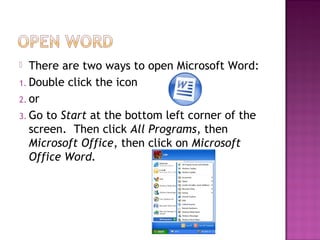
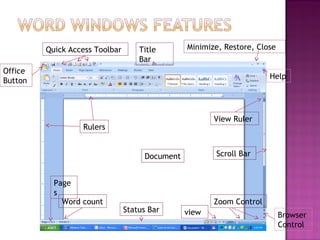
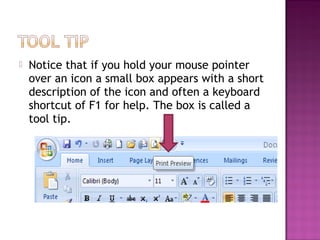
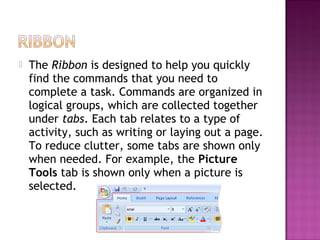
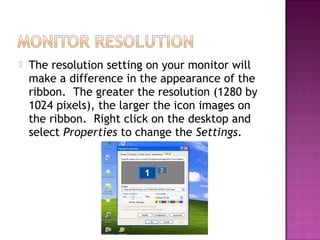
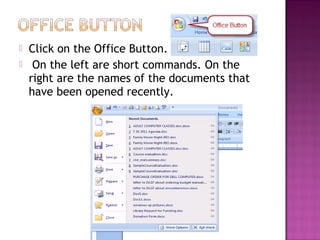
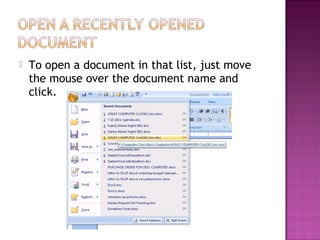
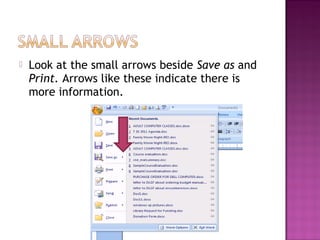
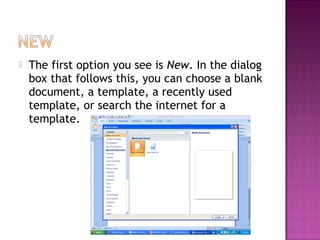
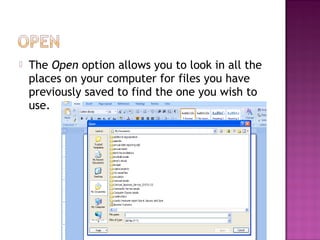
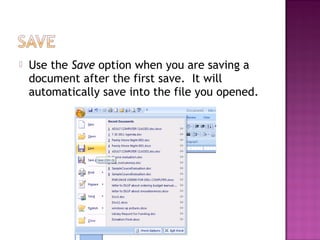
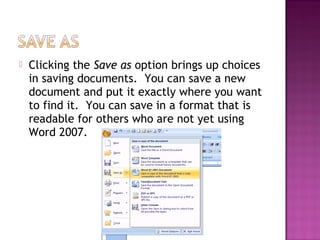
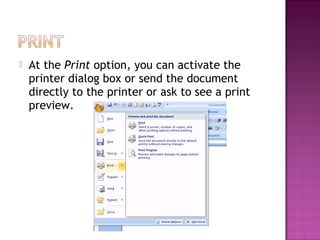
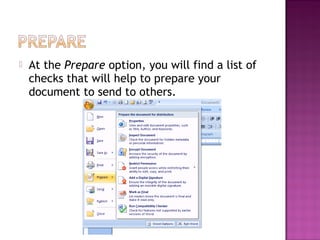
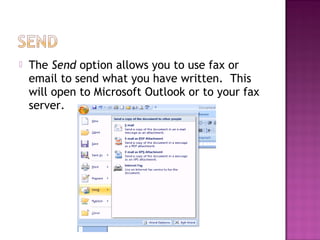
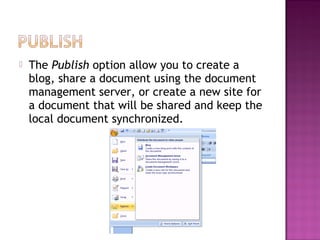
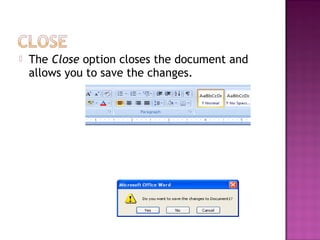
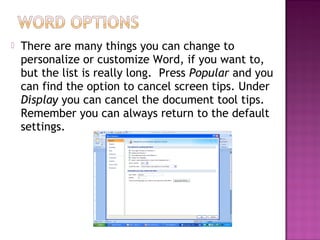
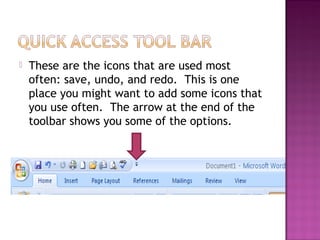
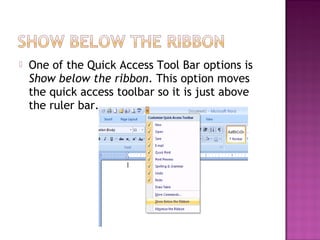
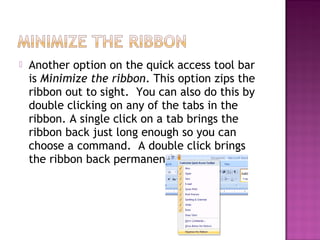
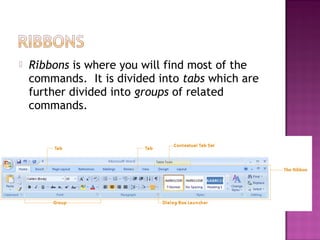
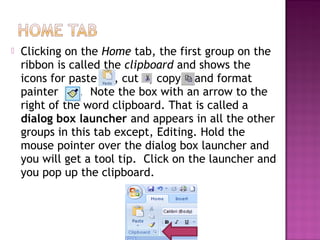
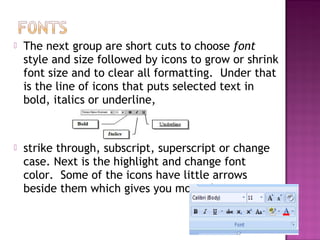
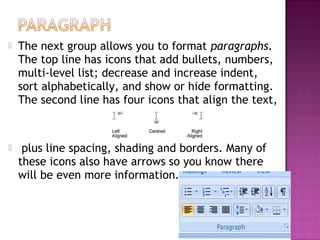
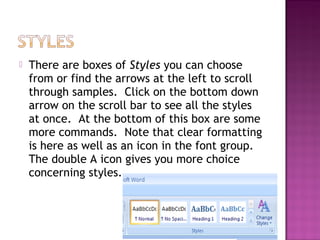
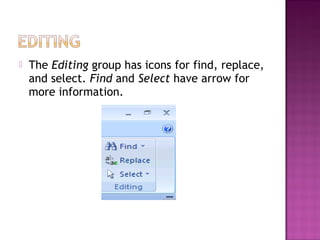
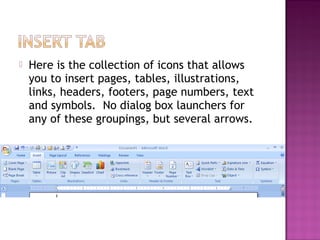
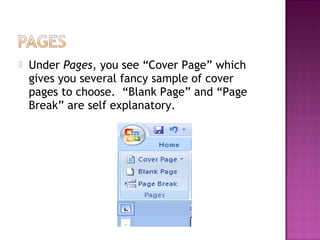
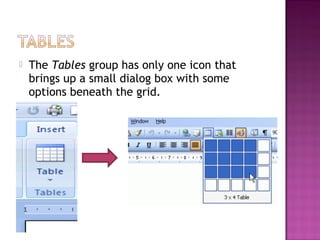
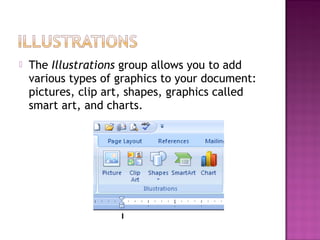
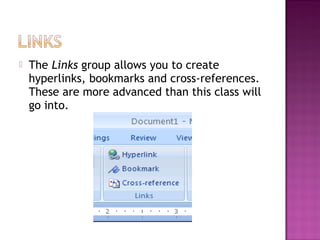
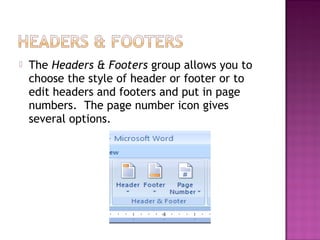
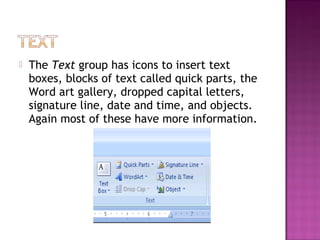
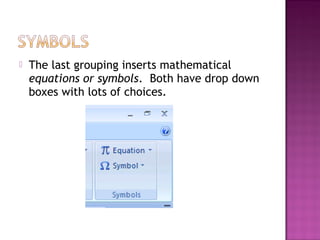
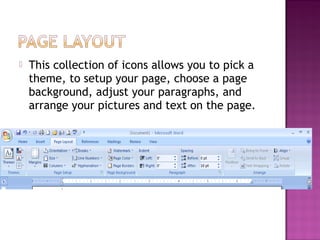
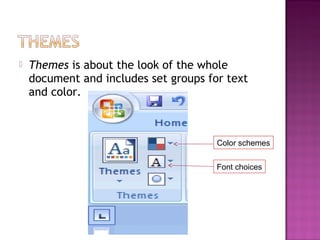
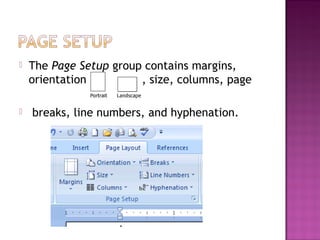
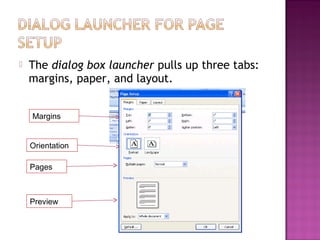
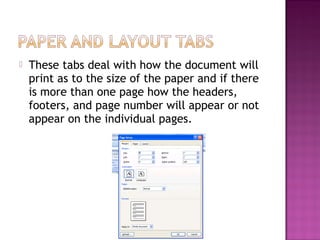
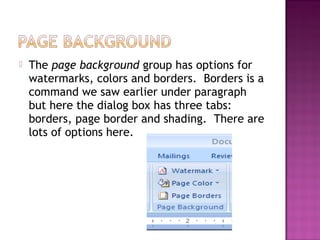
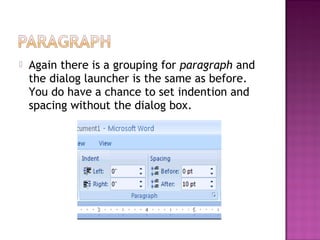
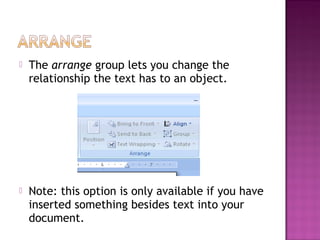
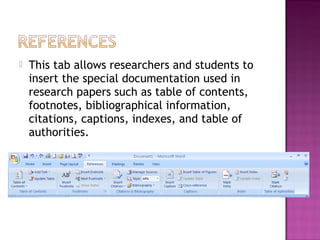
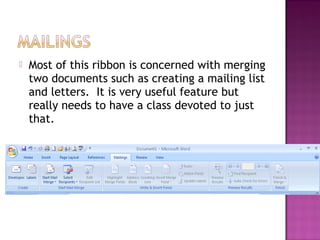
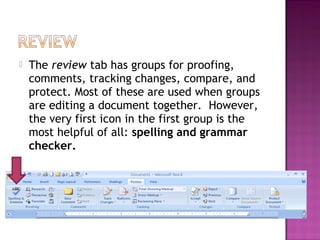
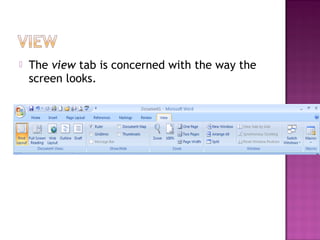
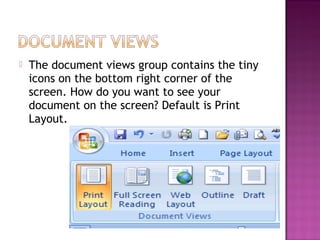
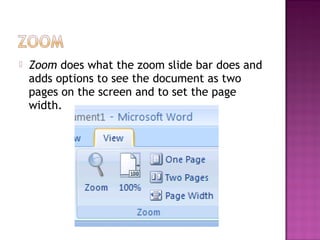
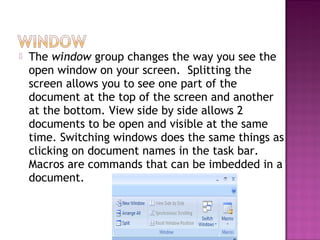
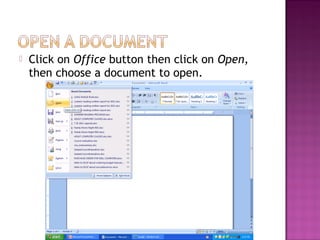
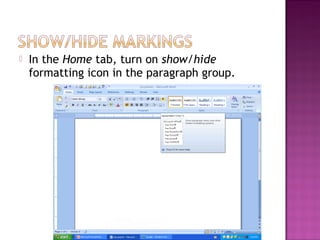
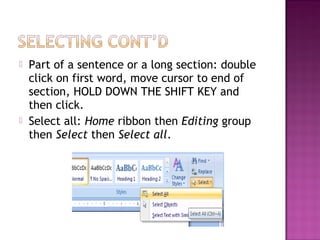
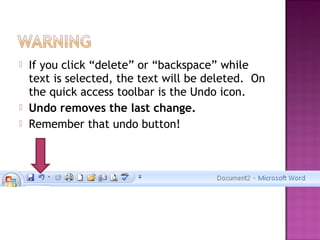
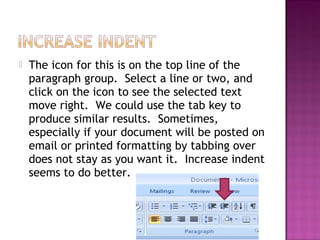
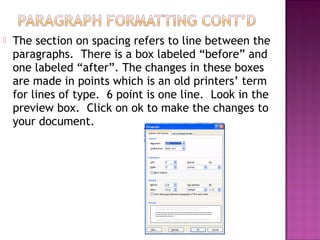
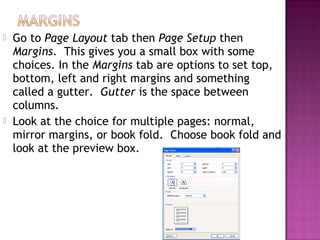
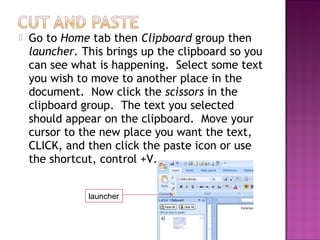
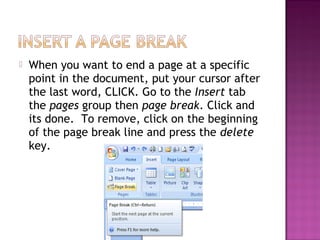
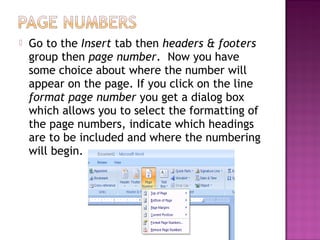
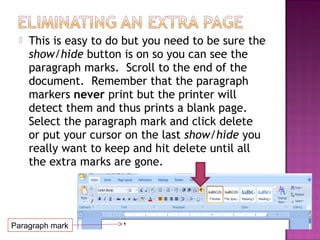

This document provides an overview of the Microsoft Word user interface. It describes the main sections of the Word window including the ribbon, quick access toolbar, and other areas. Key points covered include: - The ribbon contains tabs that group commands by activity type and reduces clutter by only showing relevant tabs. - The ribbon appearance depends on monitor resolution, with higher resolution showing larger icons. - The quick access toolbar provides quick access to commonly used commands and can be minimized. - The Office button provides access to backstage views for opening, saving, and printing documents. - The ribbon includes tabs for formatting text, pages, illustrations and other document elements.


