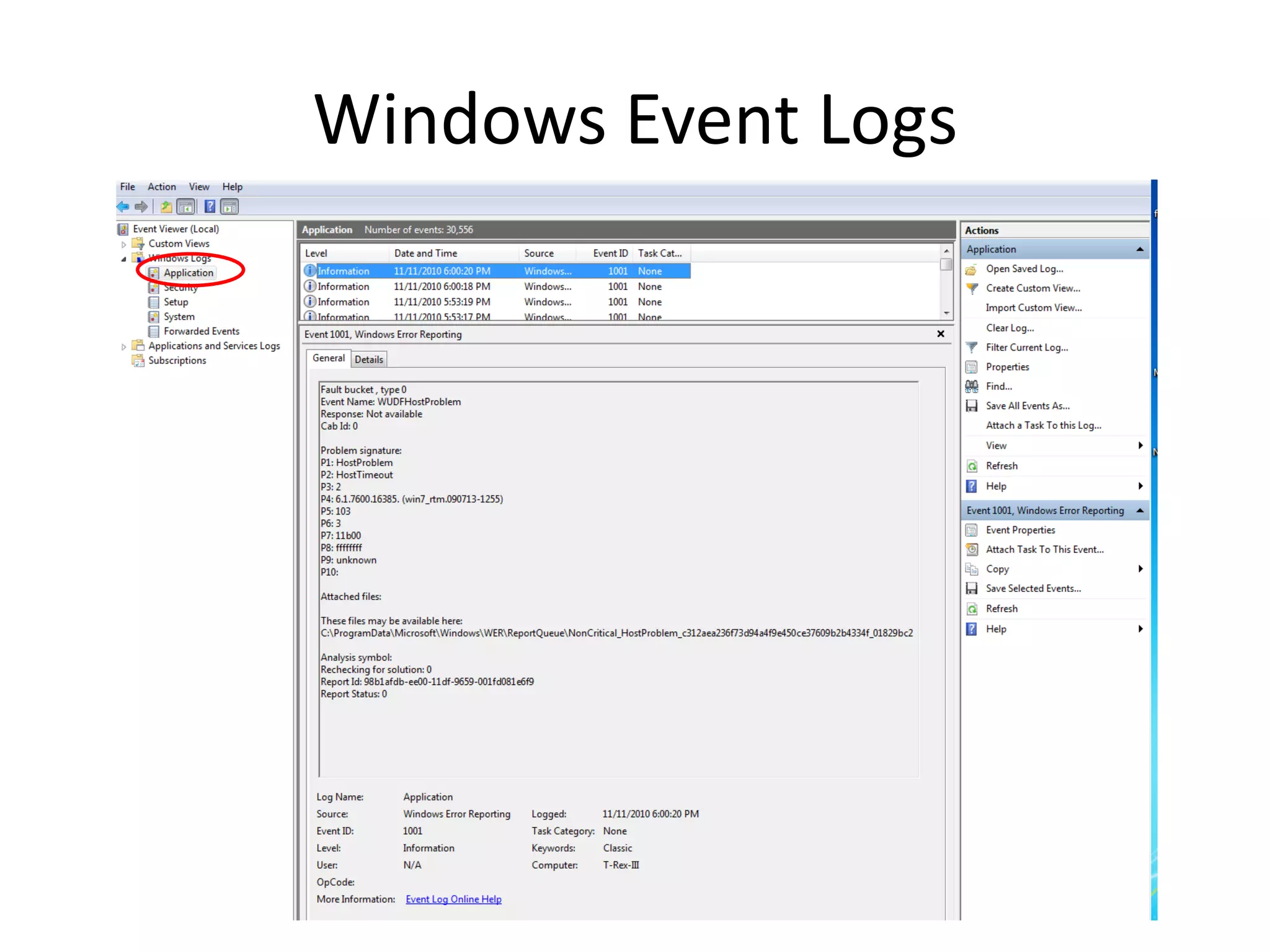
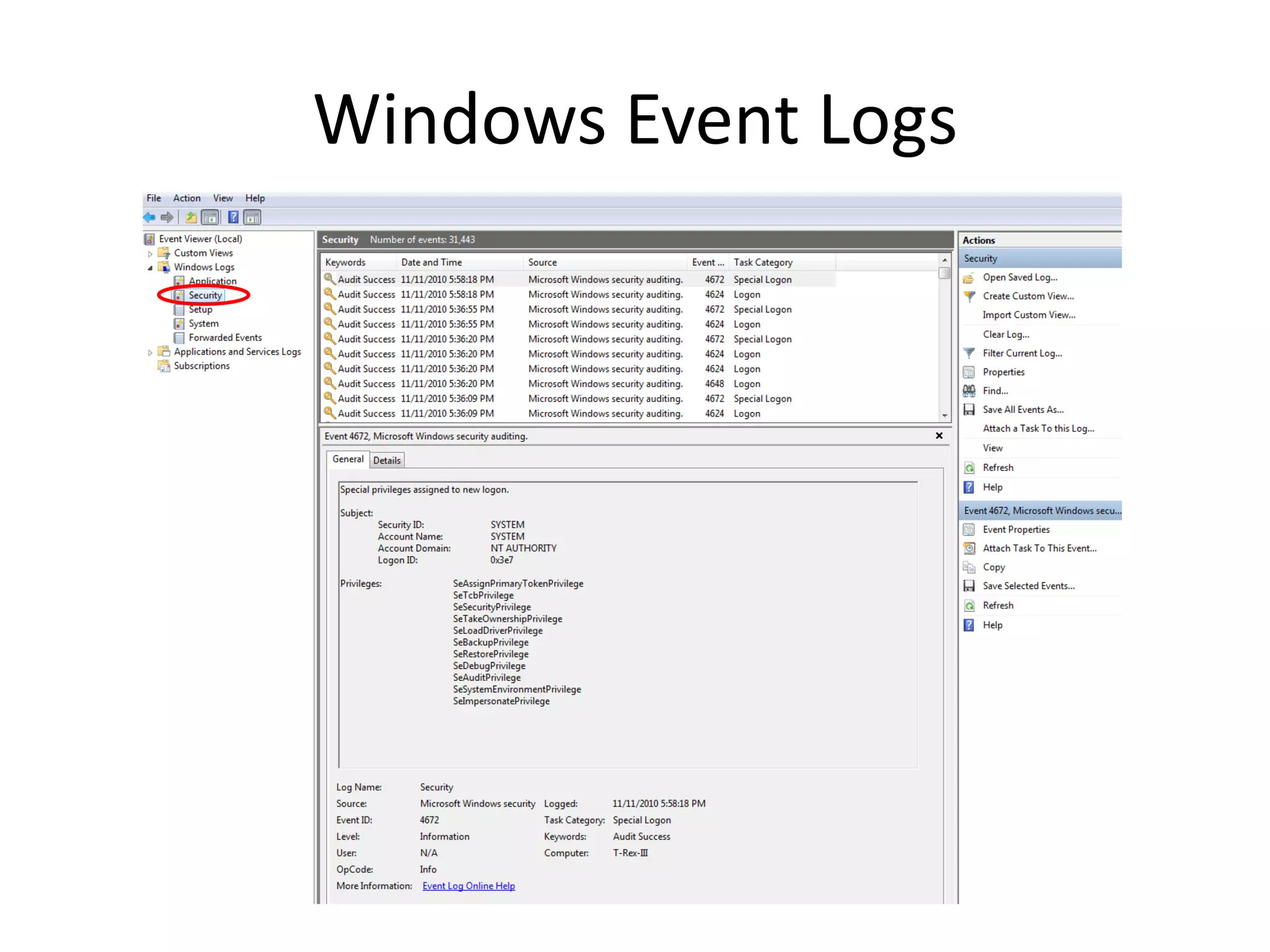
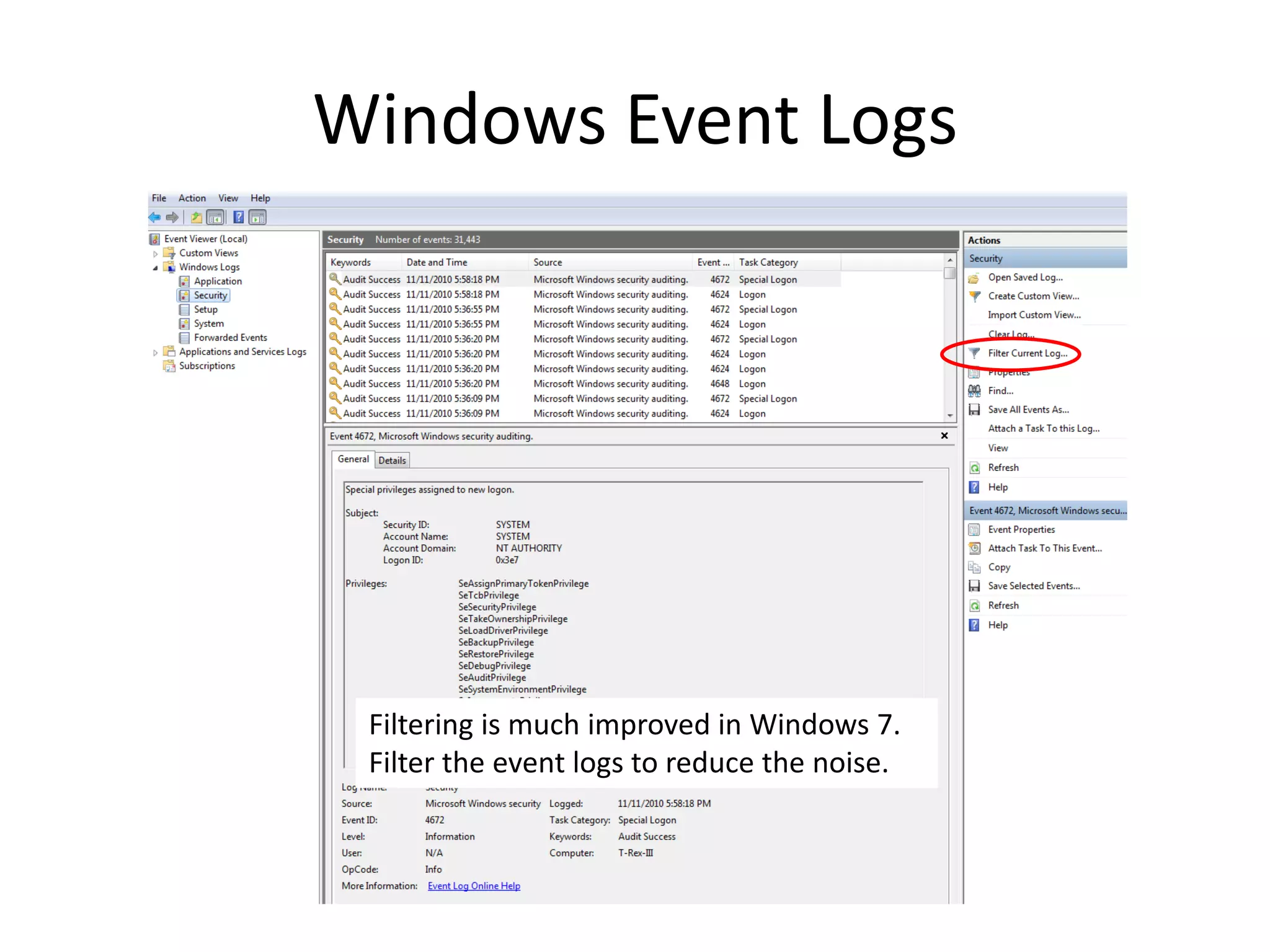
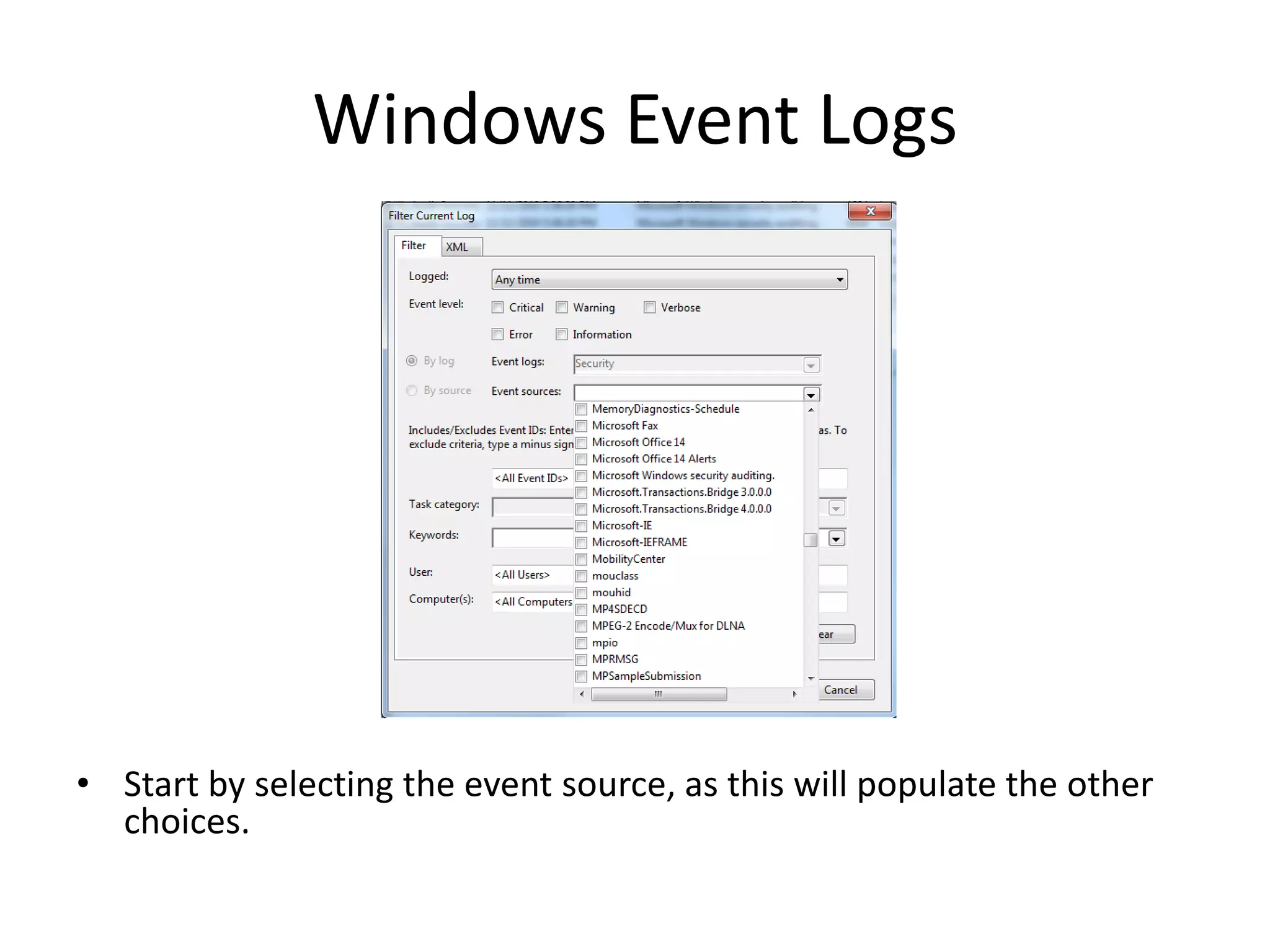
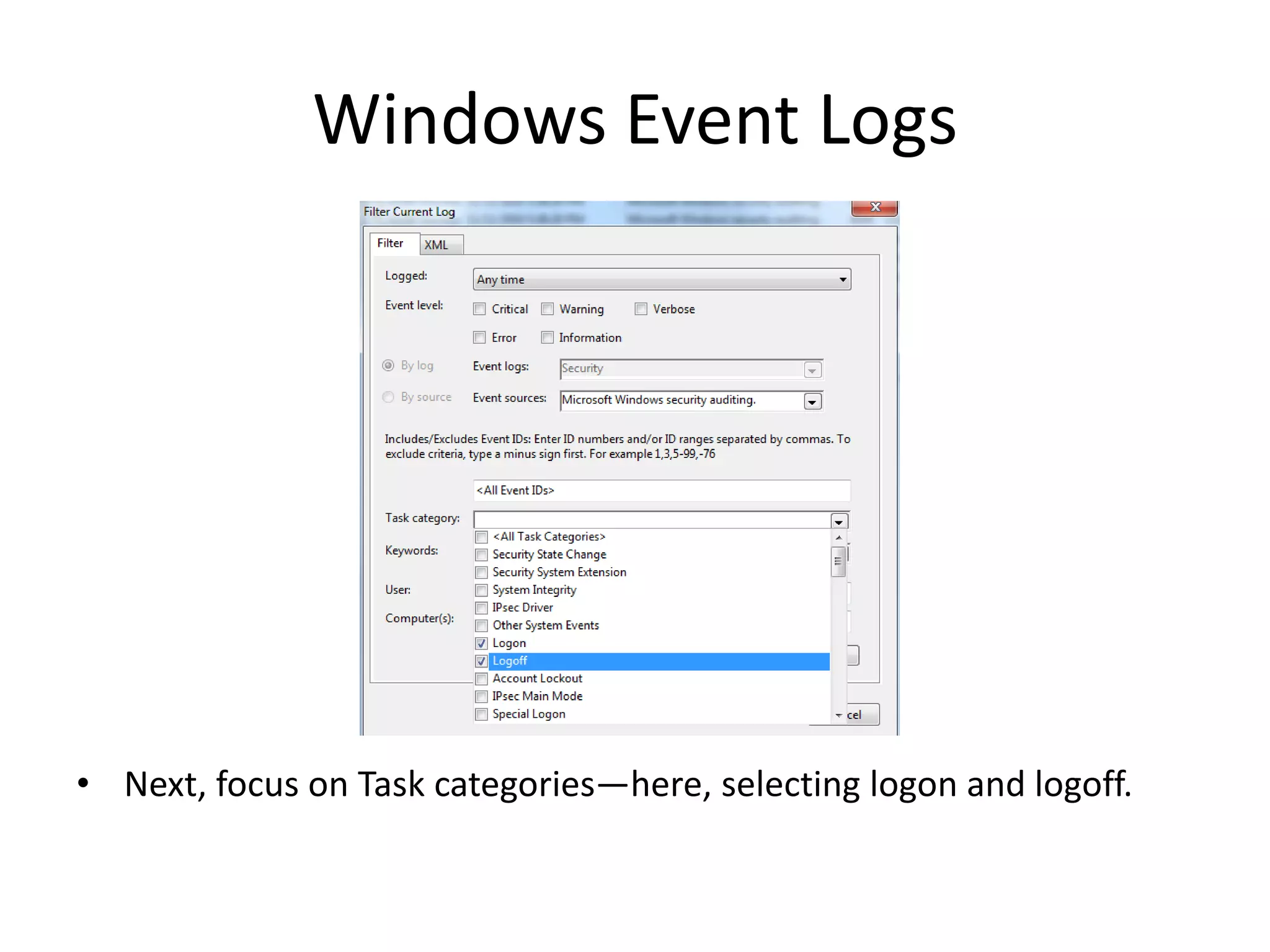
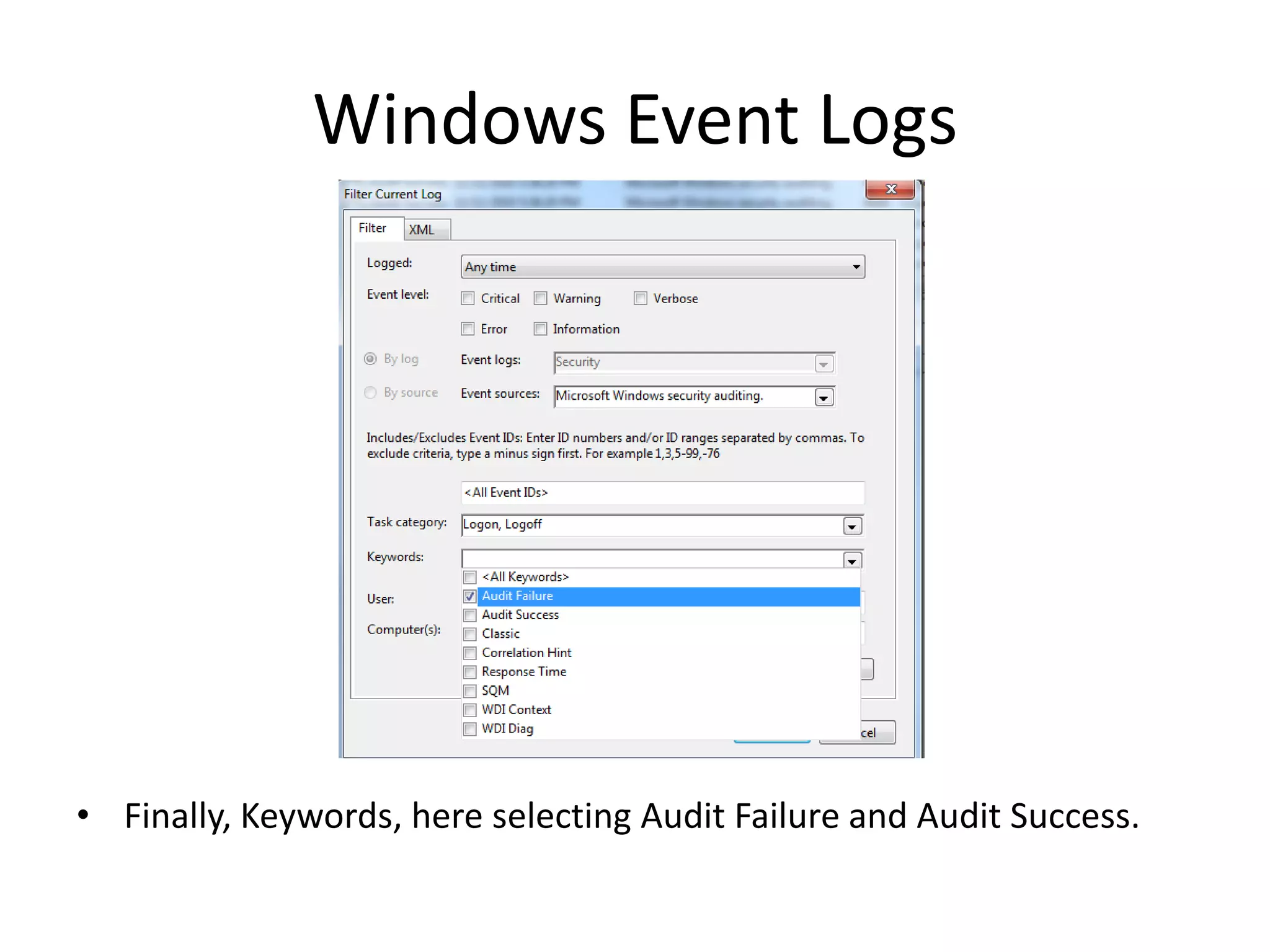
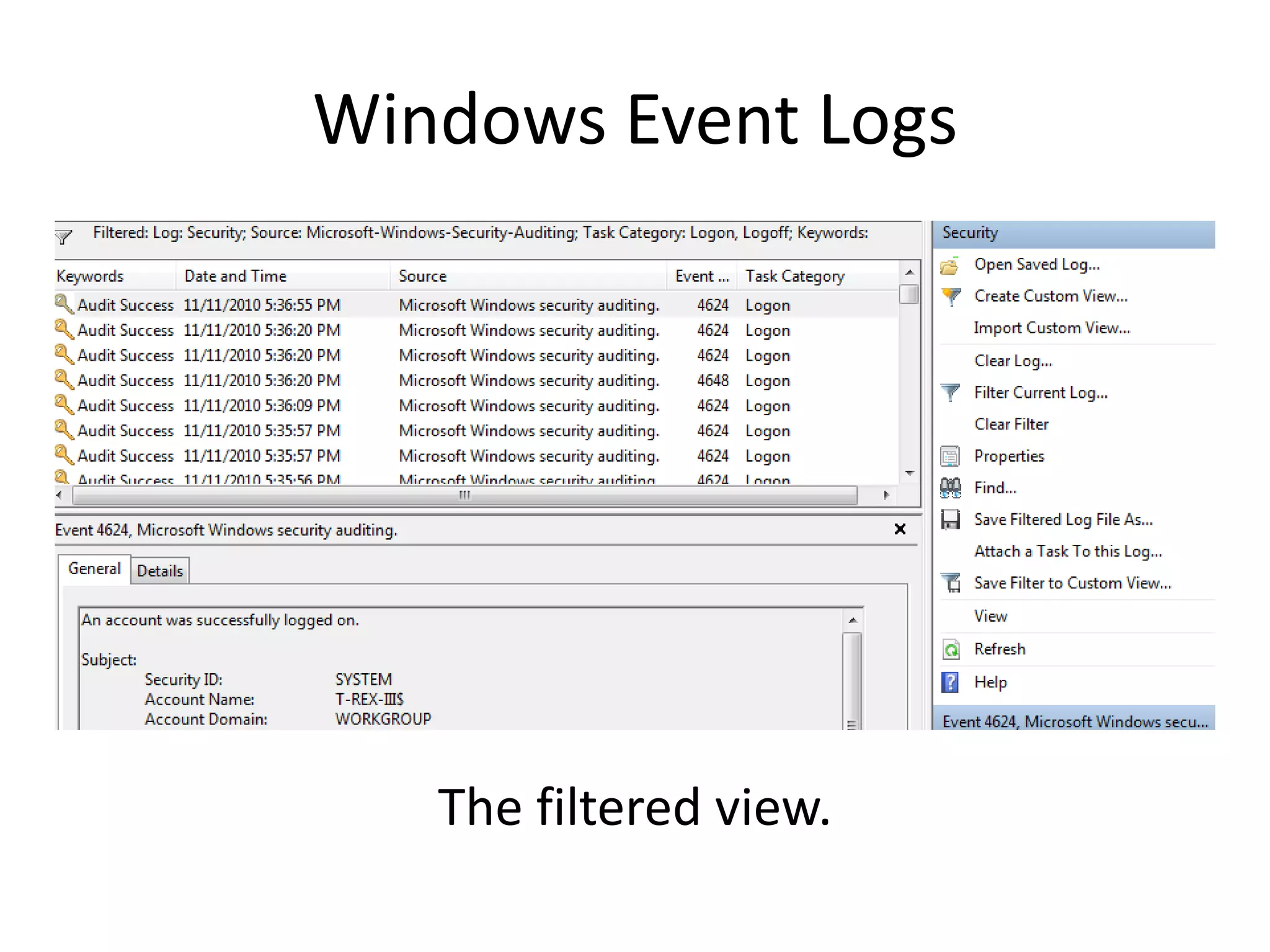
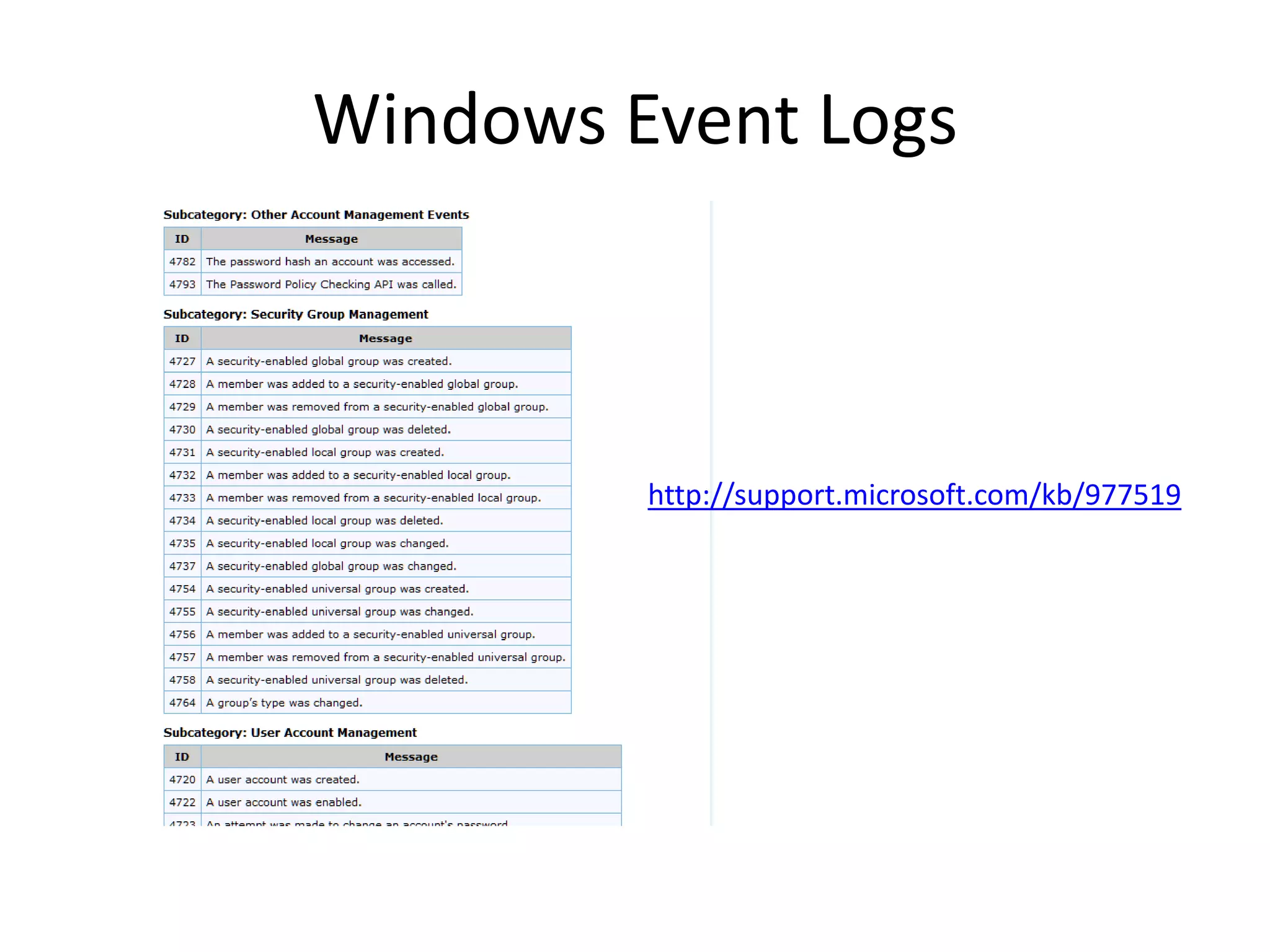
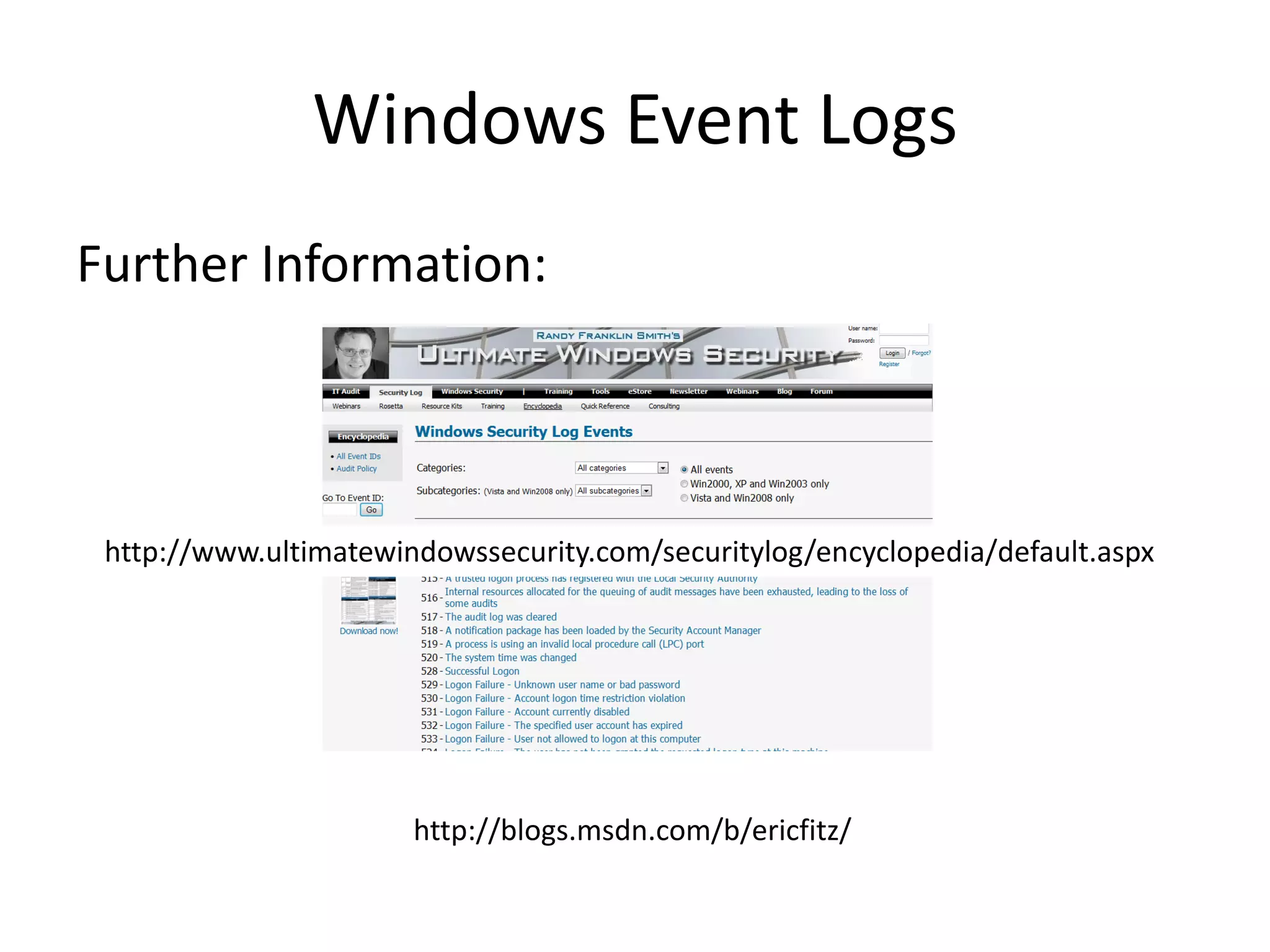
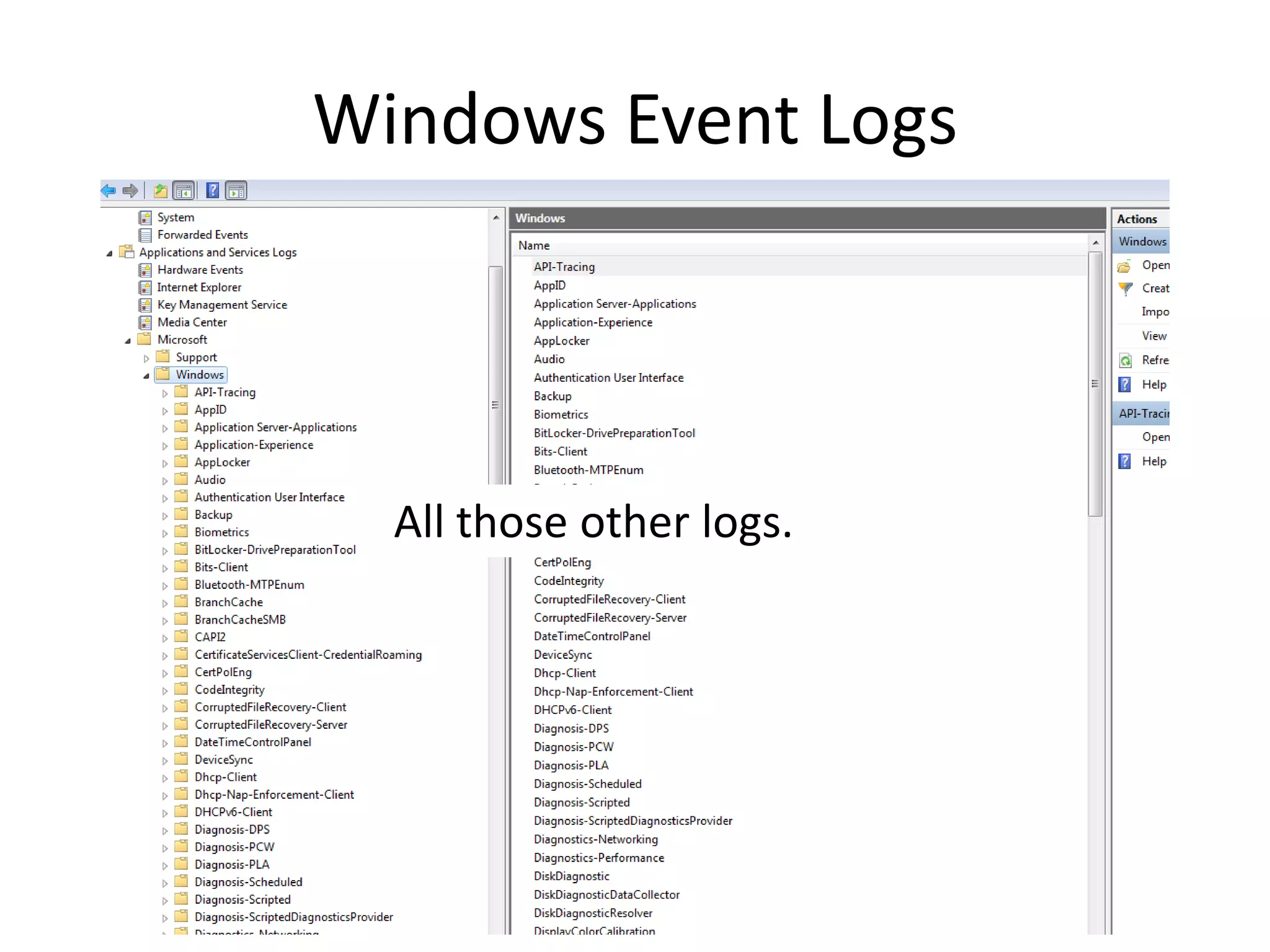
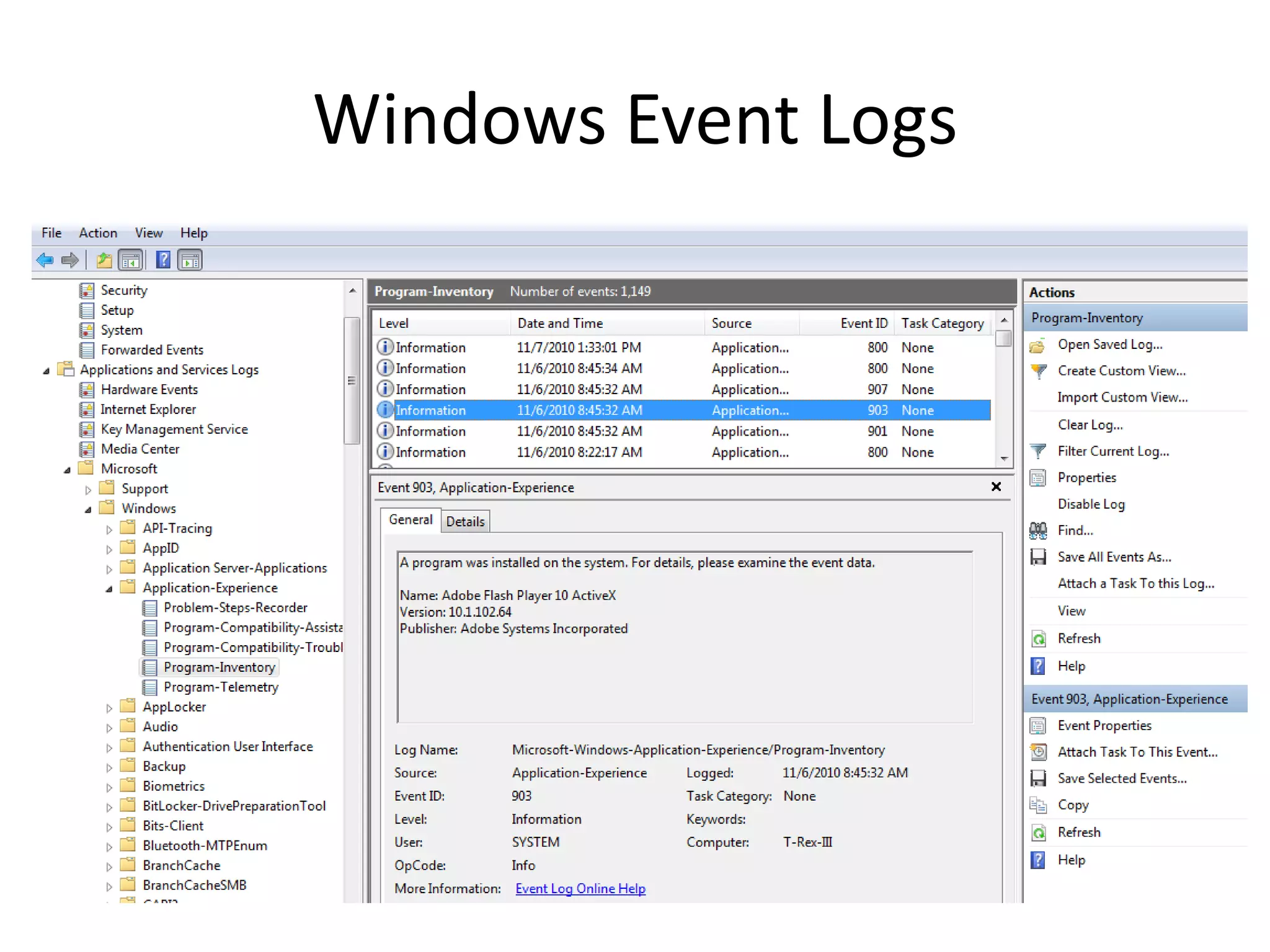
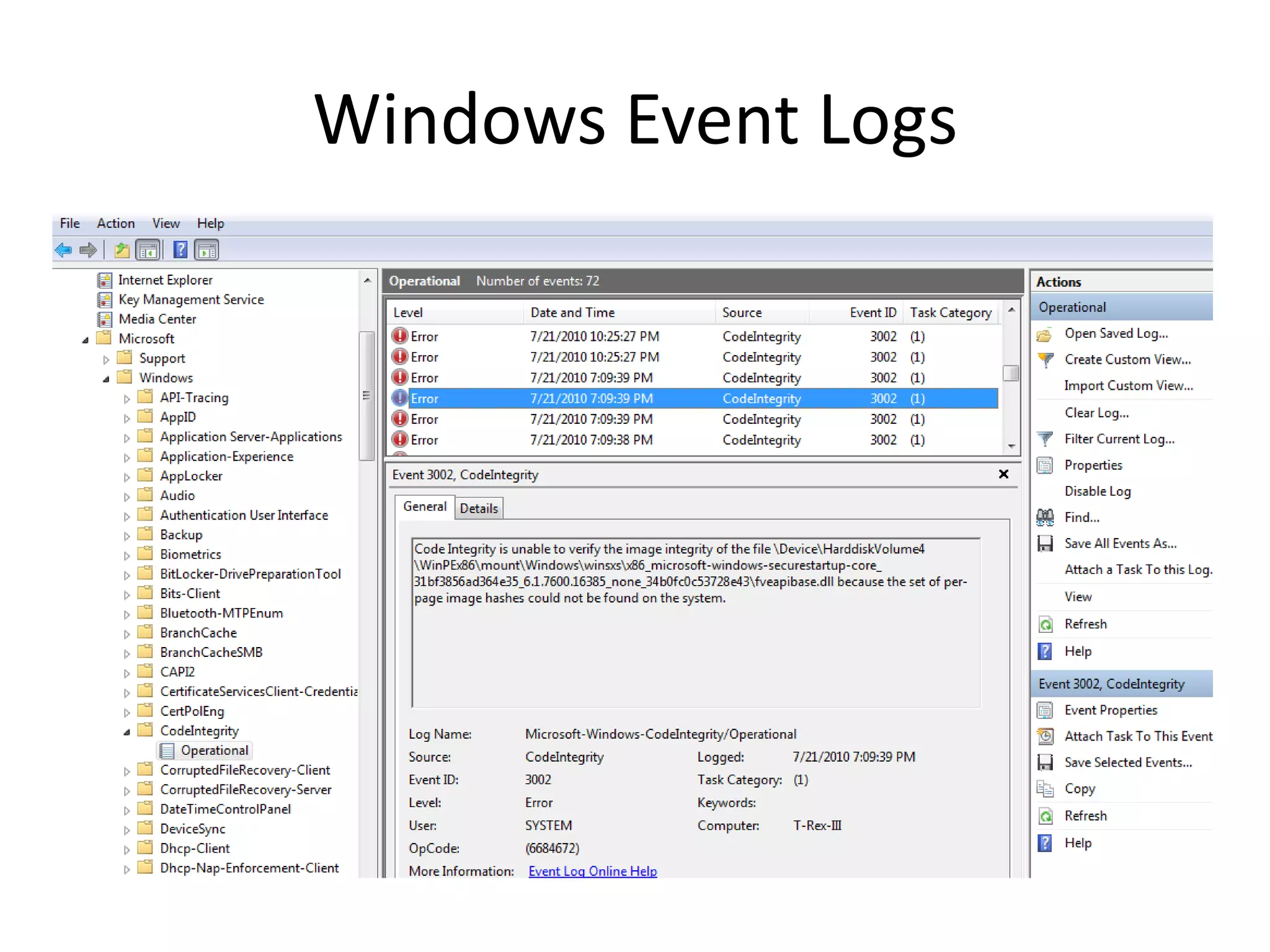
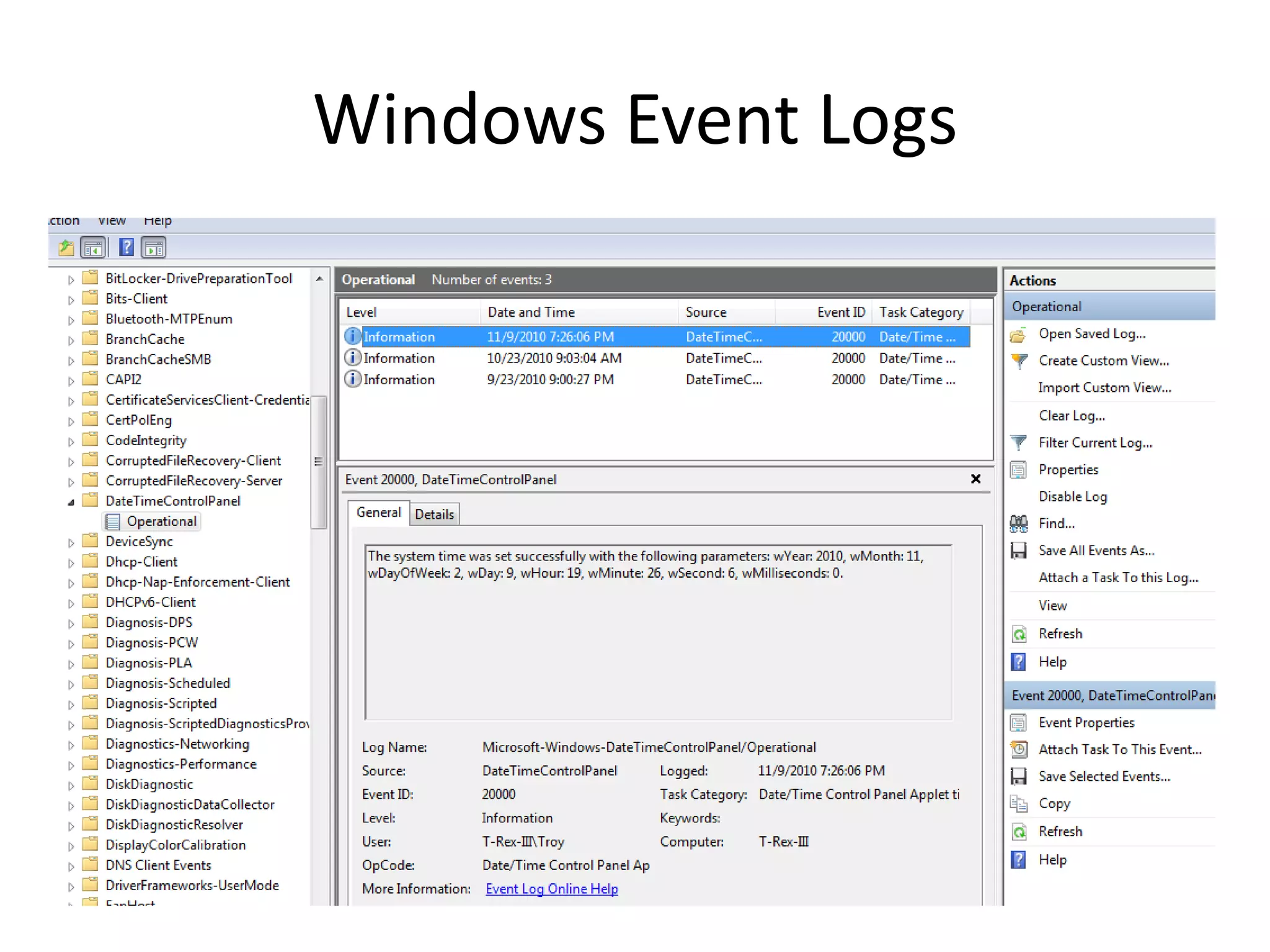
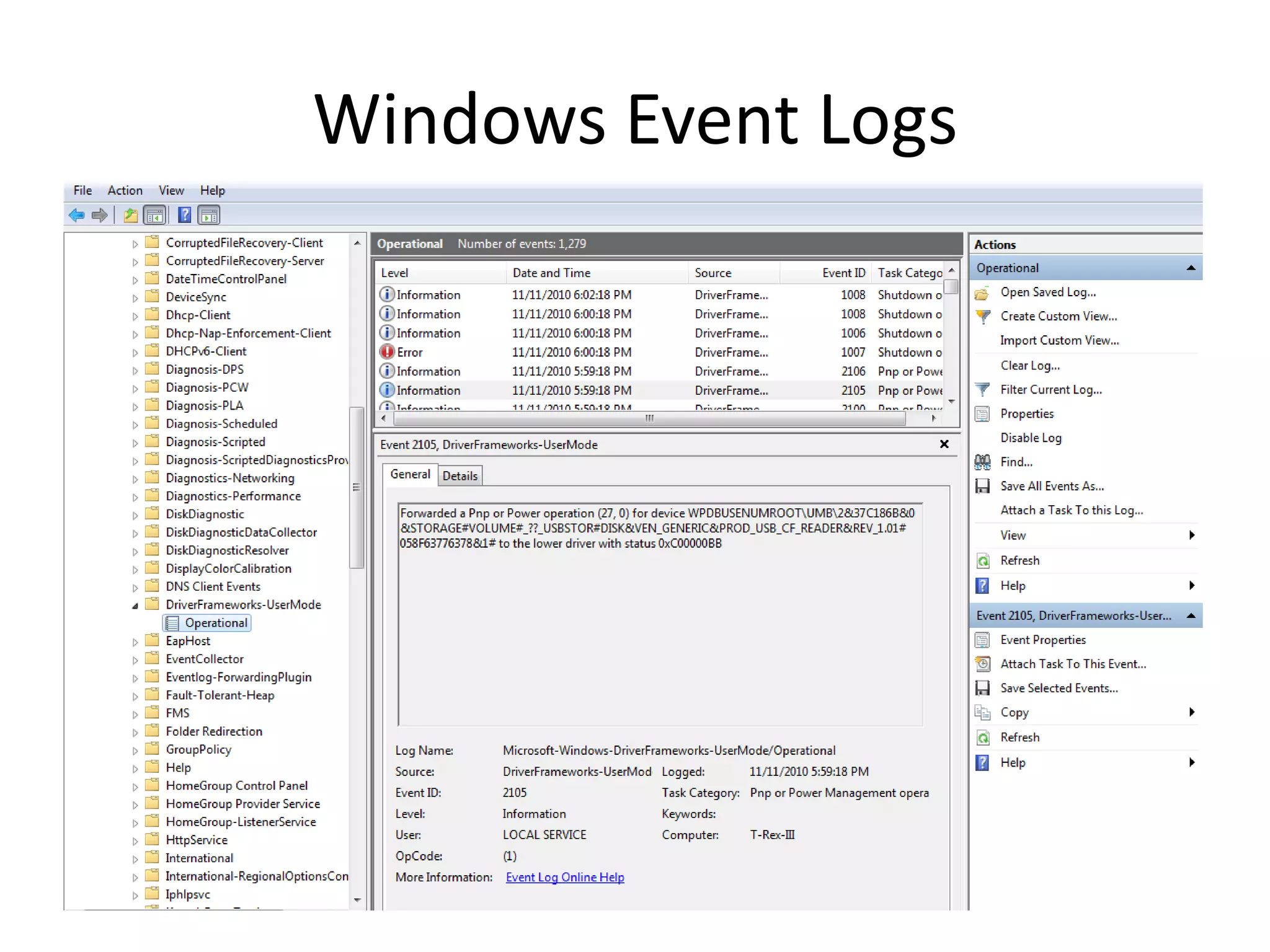
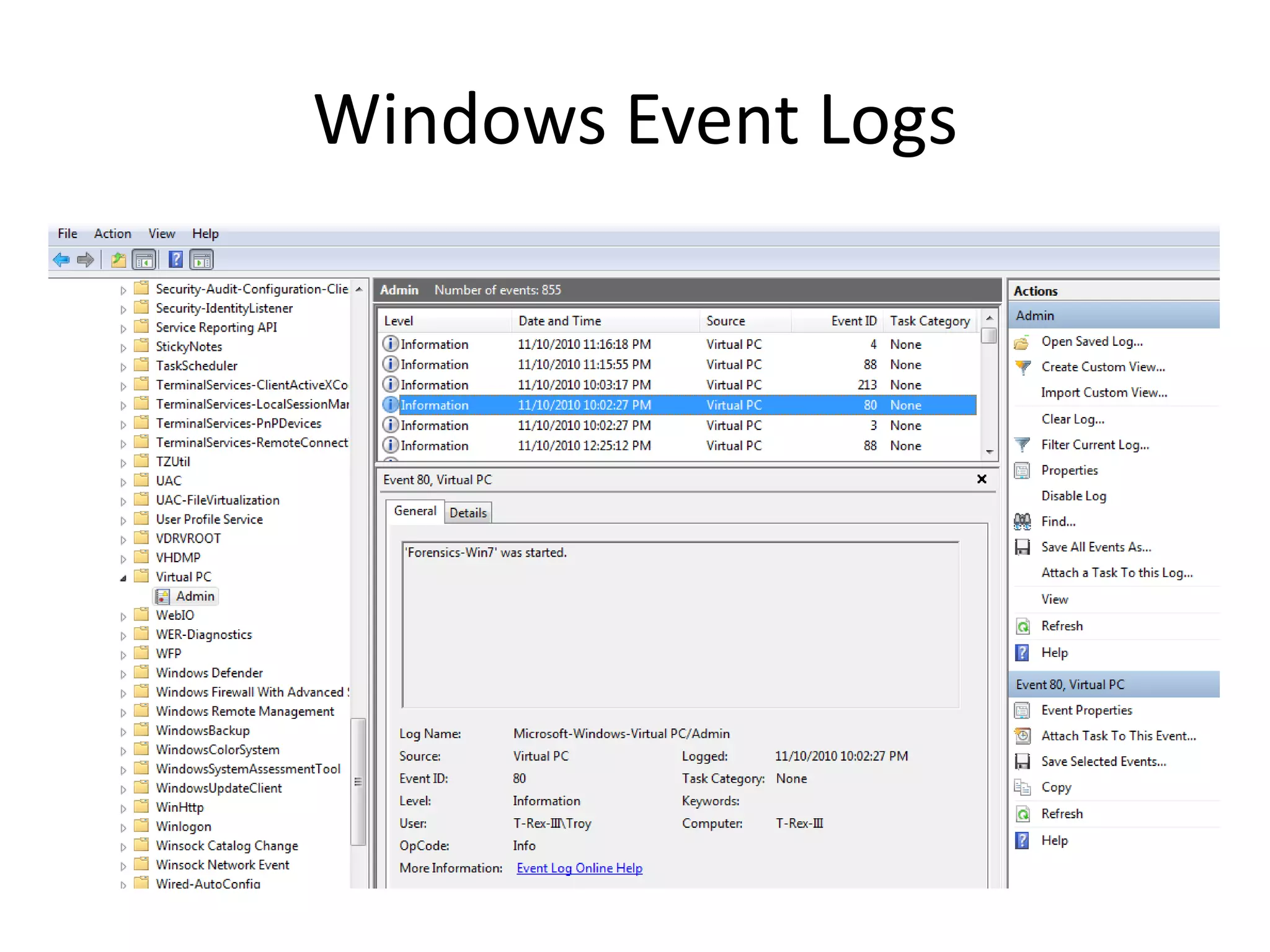
Windows 7 introduced significant changes to event logging, including a new .evtx file format, over 100 additional event logs, and new security event numbering. Event logs provide system, security, and application events but can be noisy on their own; they are best analyzed in conjunction with other evidence to identify potentially important events. Proper collection and reconstruction of event logs on the analyst's system is important to ensure all message details are available.
Digital Forensics andWindows 7
Event Logs
Troy Larson
Principal Forensics Program Manager
TWC Network Security Investigations
NSINV-R3– Research|Readiness|Response
2.
Introduction
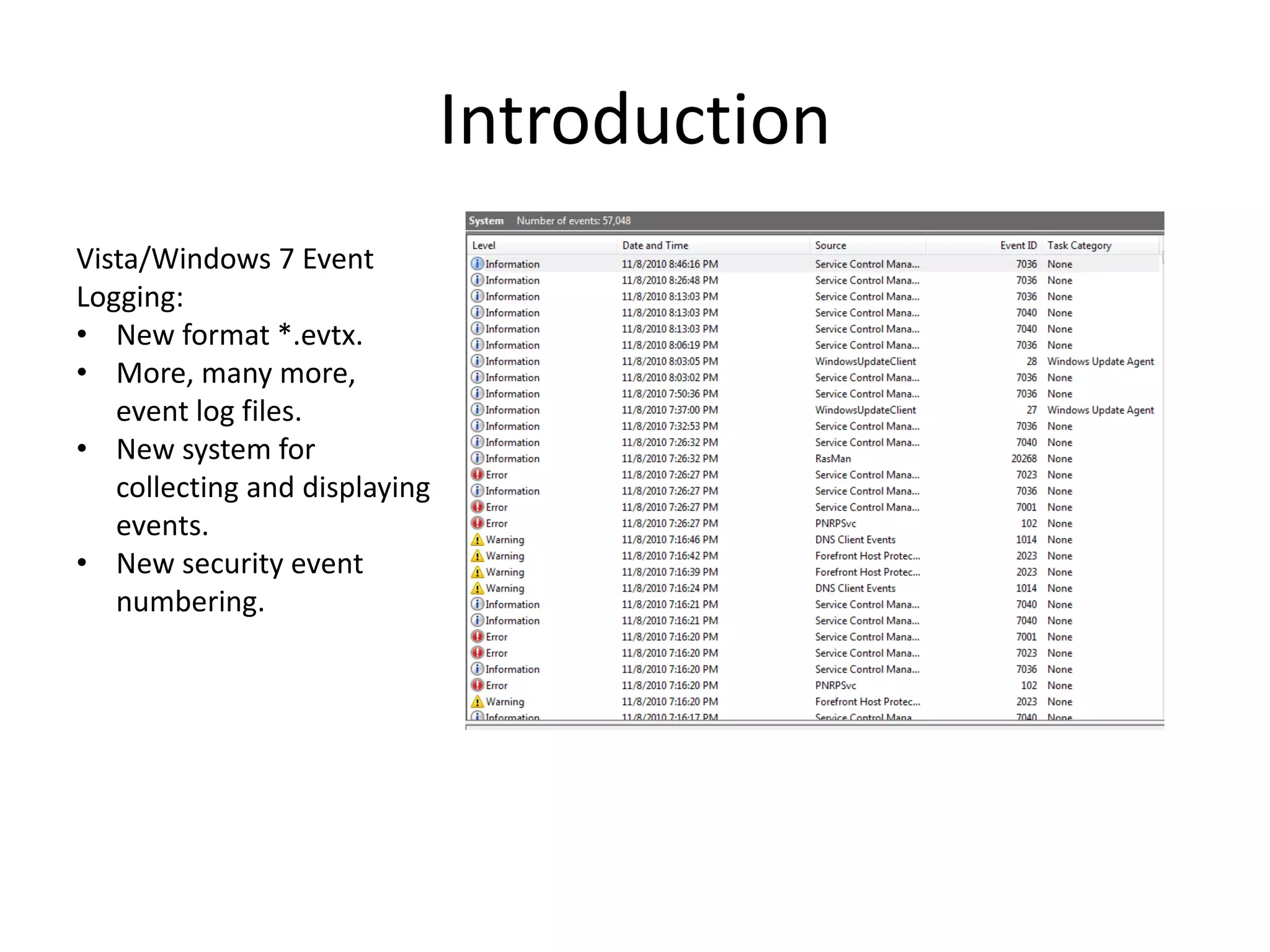
Vista/Windows 7 Event
Logging:
•New format *.evtx.
• More, many more,
event log files.
• New system for
collecting and displaying
events.
• New security event
numbering.
3.
Windows Event Logs
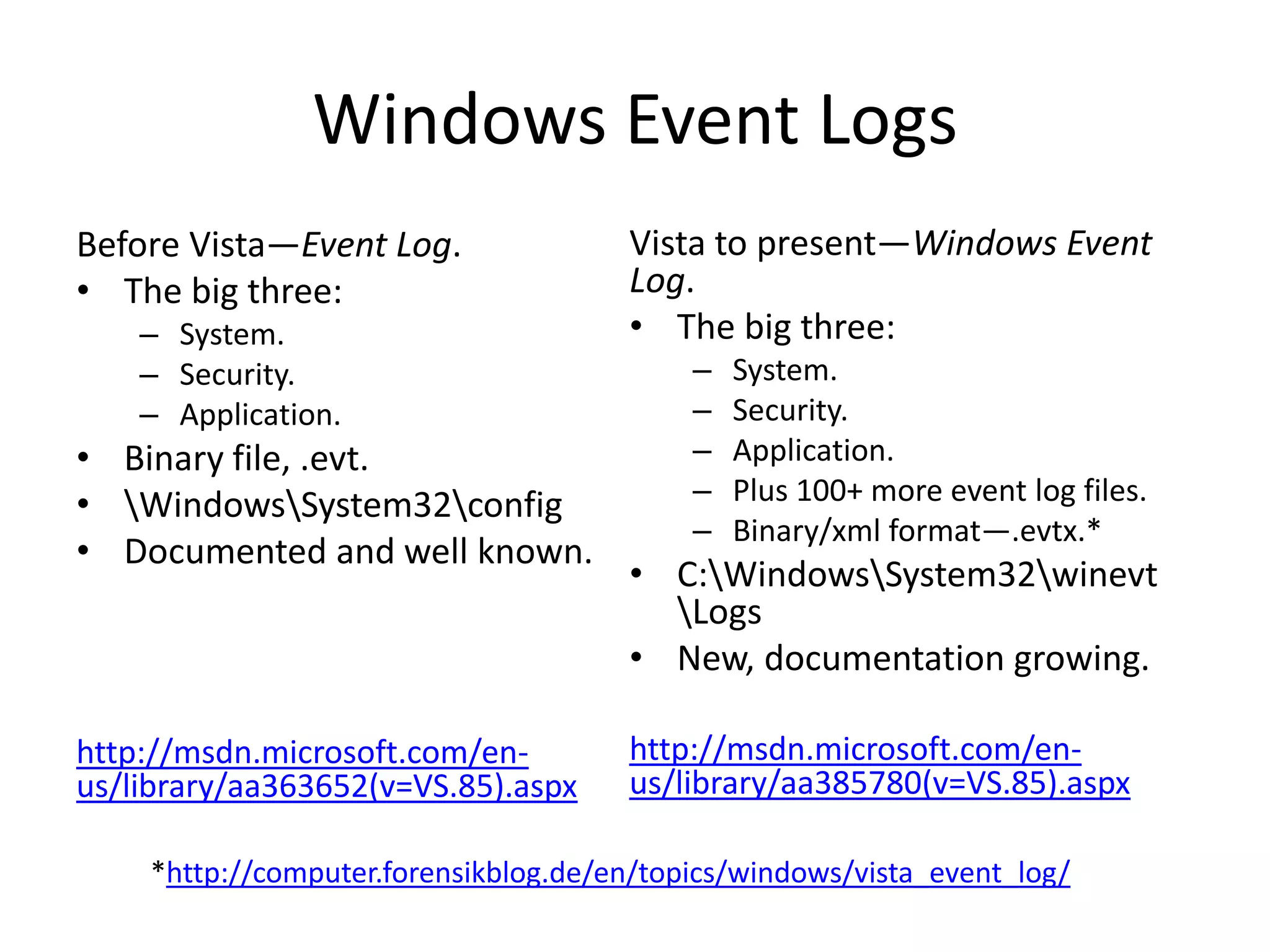
BeforeVista—Event Log. Vista to present—Windows Event
• The big three: Log.
– System. • The big three:
– Security. – System.
– Application. – Security.
• Binary file, .evt. – Application.
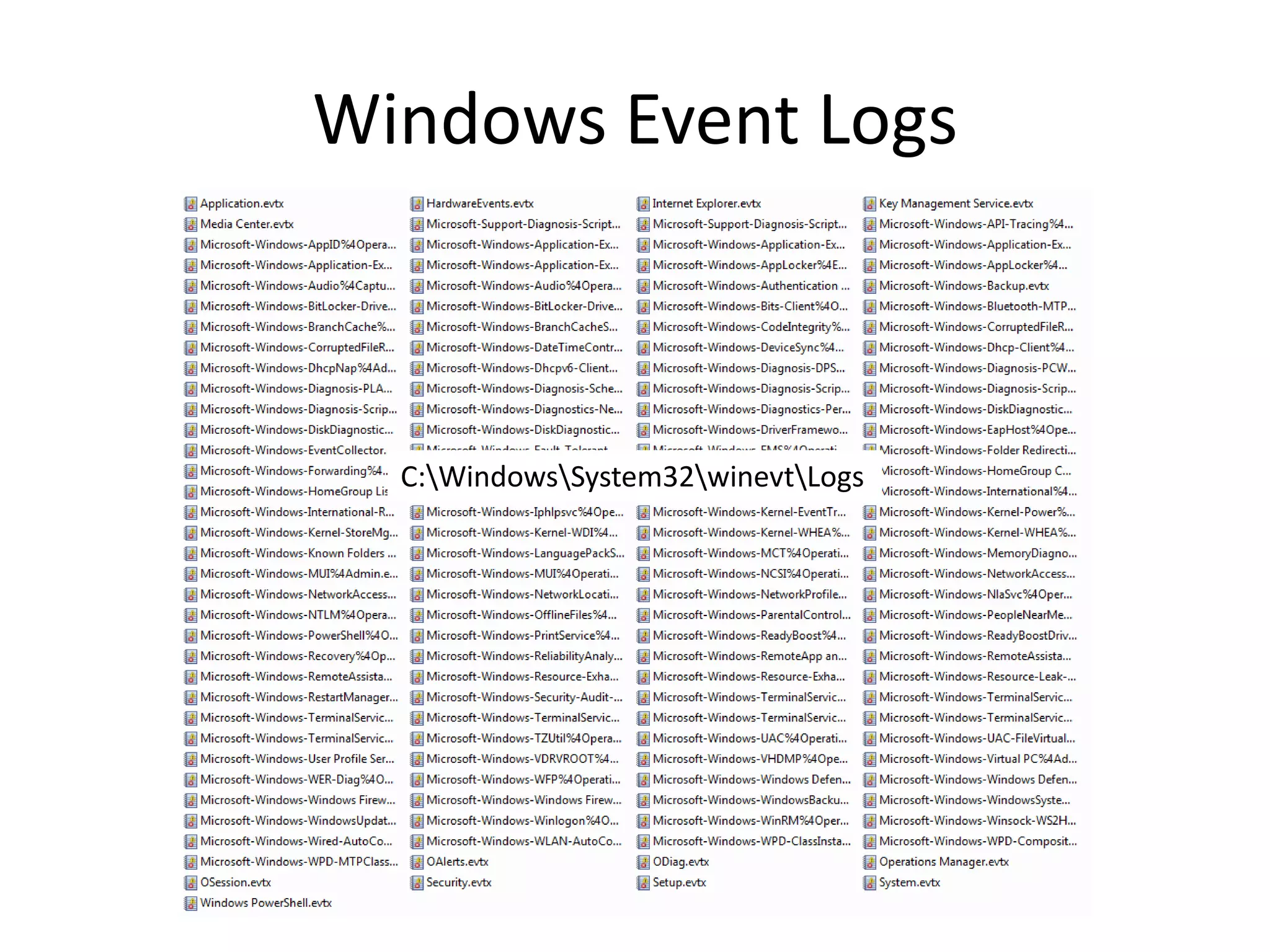
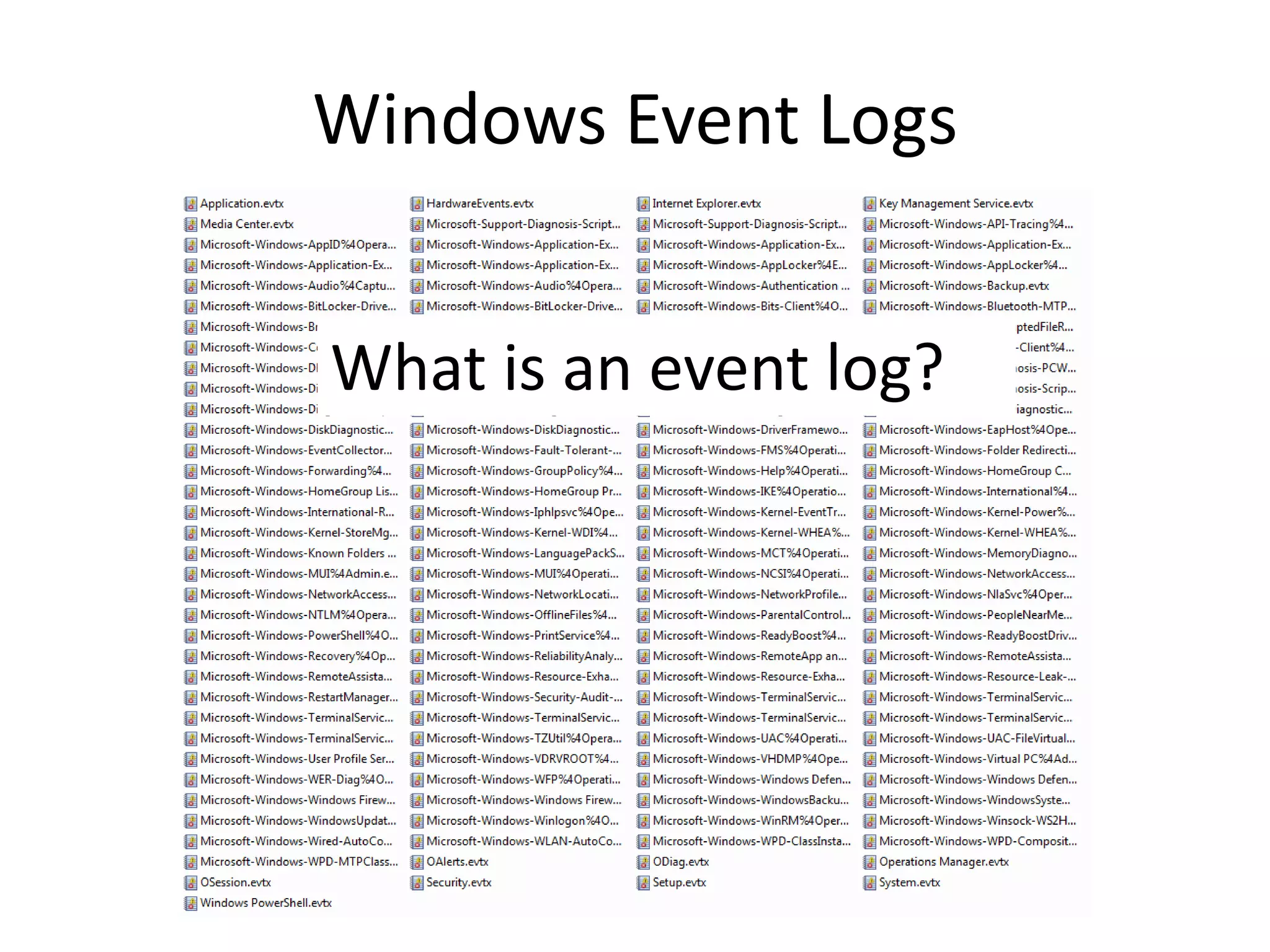
• WindowsSystem32config – Plus 100+ more event log files.
– Binary/xml format—.evtx.*
• Documented and well known.
• C:WindowsSystem32winevt
Logs
• New, documentation growing.
http://msdn.microsoft.com/en- http://msdn.microsoft.com/en-
us/library/aa363652(v=VS.85).aspx us/library/aa385780(v=VS.85).aspx
*http://computer.forensikblog.de/en/topics/windows/vista_event_log/
Windows Event Logs
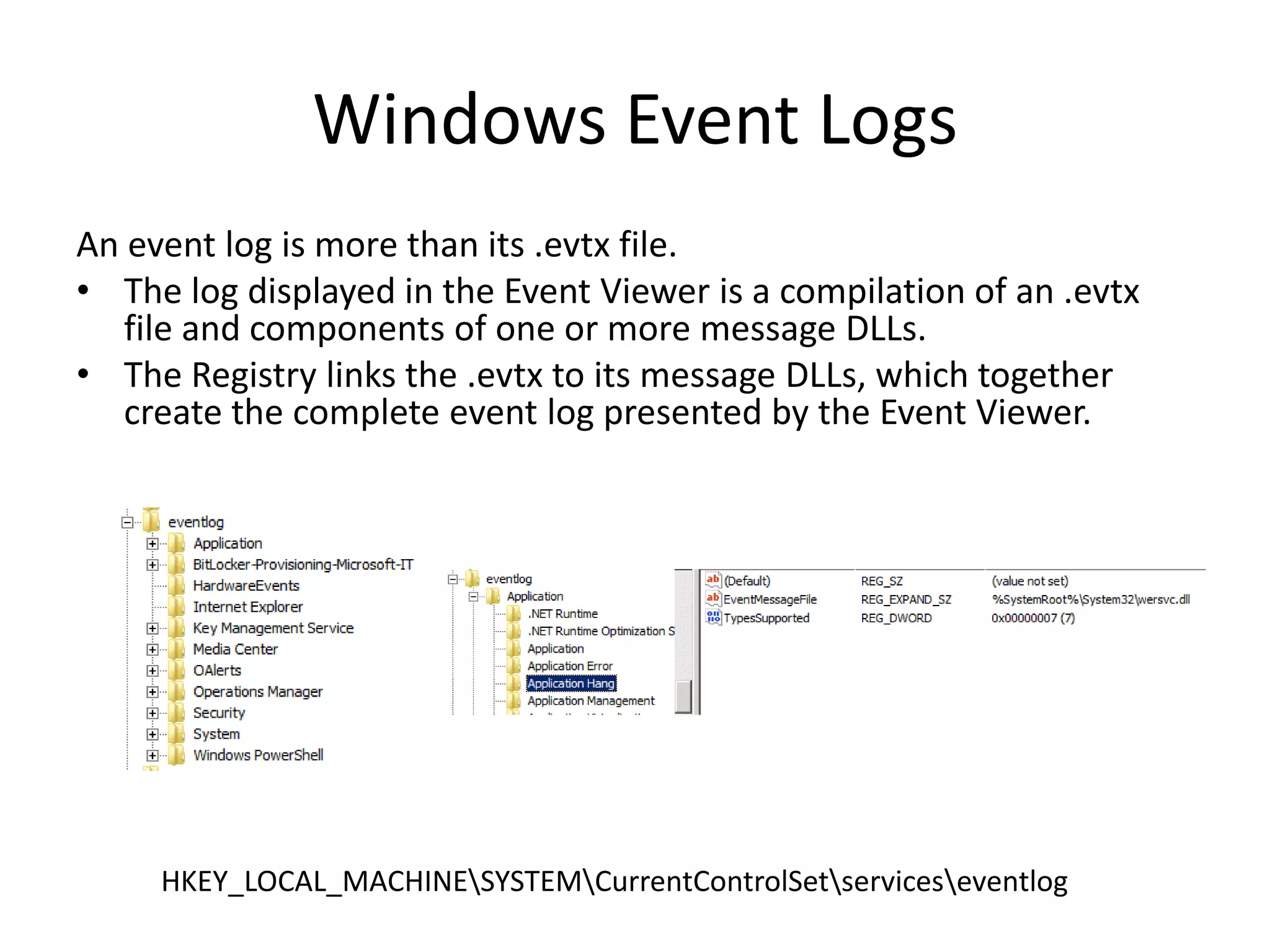
Anevent log is more than its .evtx file.
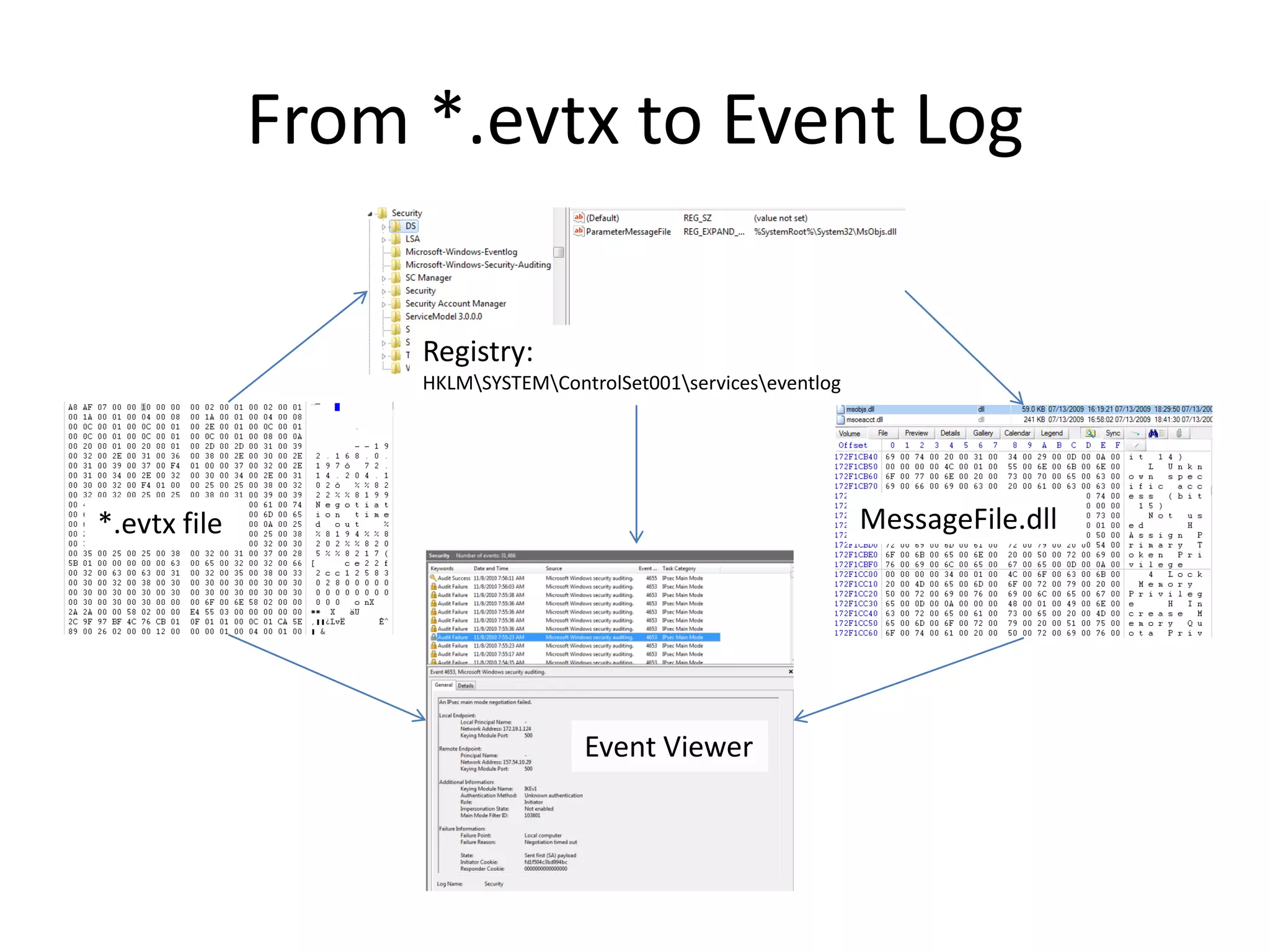
• The log displayed in the Event Viewer is a compilation of an .evtx
file and components of one or more message DLLs.
• The Registry links the .evtx to its message DLLs, which together
create the complete event log presented by the Event Viewer.
HKEY_LOCAL_MACHINESYSTEMCurrentControlSetserviceseventlog
Windows Event Logs
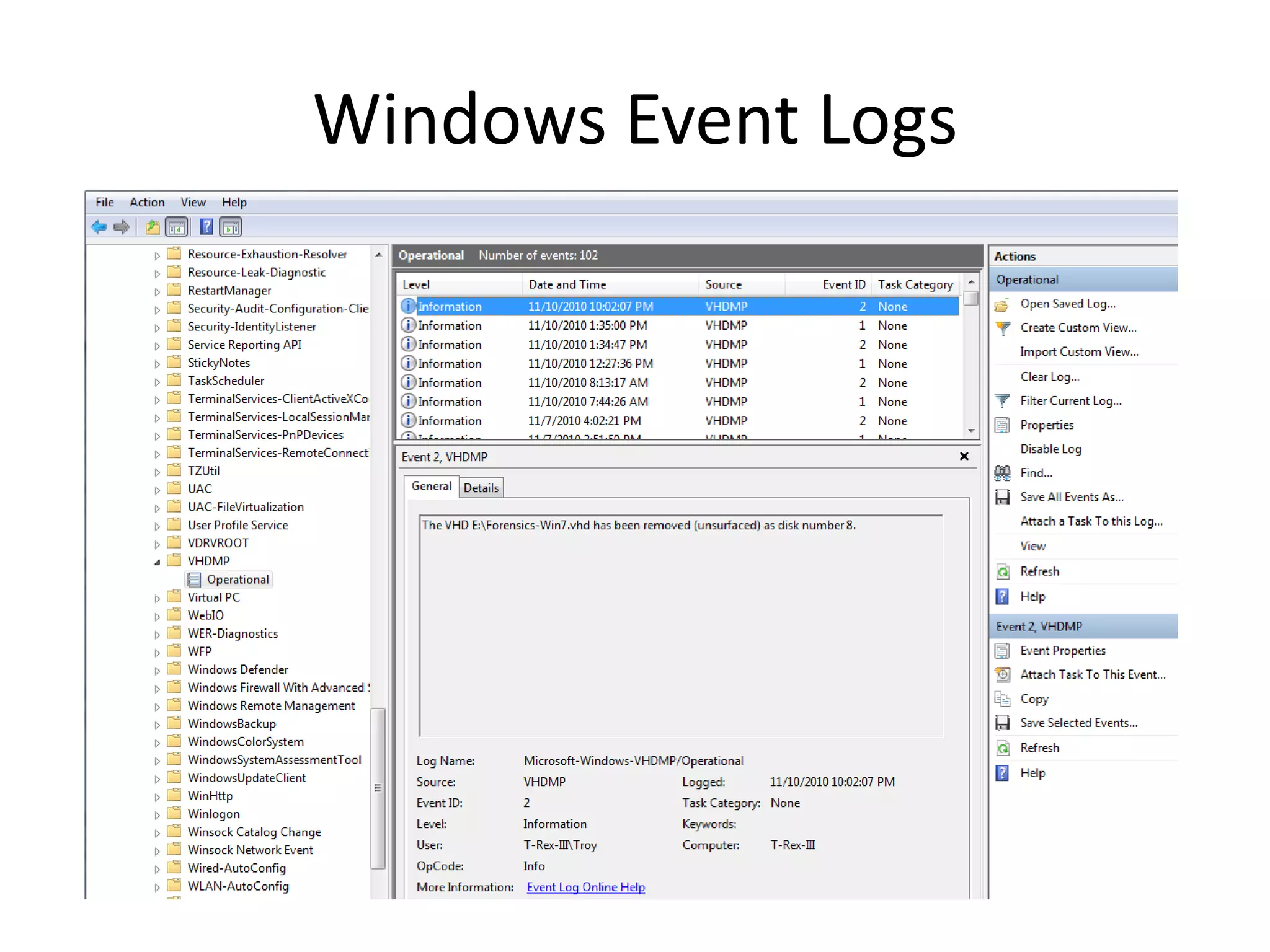
•Impact on forensics?
– Information in an event log often depends on message
DLLs.
– To get the message information, one must have the
message DLLs available at the time the logs are-
• Collected; or
• Read.
– Security events generally consistent within same
versions of Windows (message DLLs the same).
– Application logs pose the biggest risk of incompatible
or missing message information—as message DLLs
depend on the installed applications.
9.
Windows Event Logs
•Solutions:
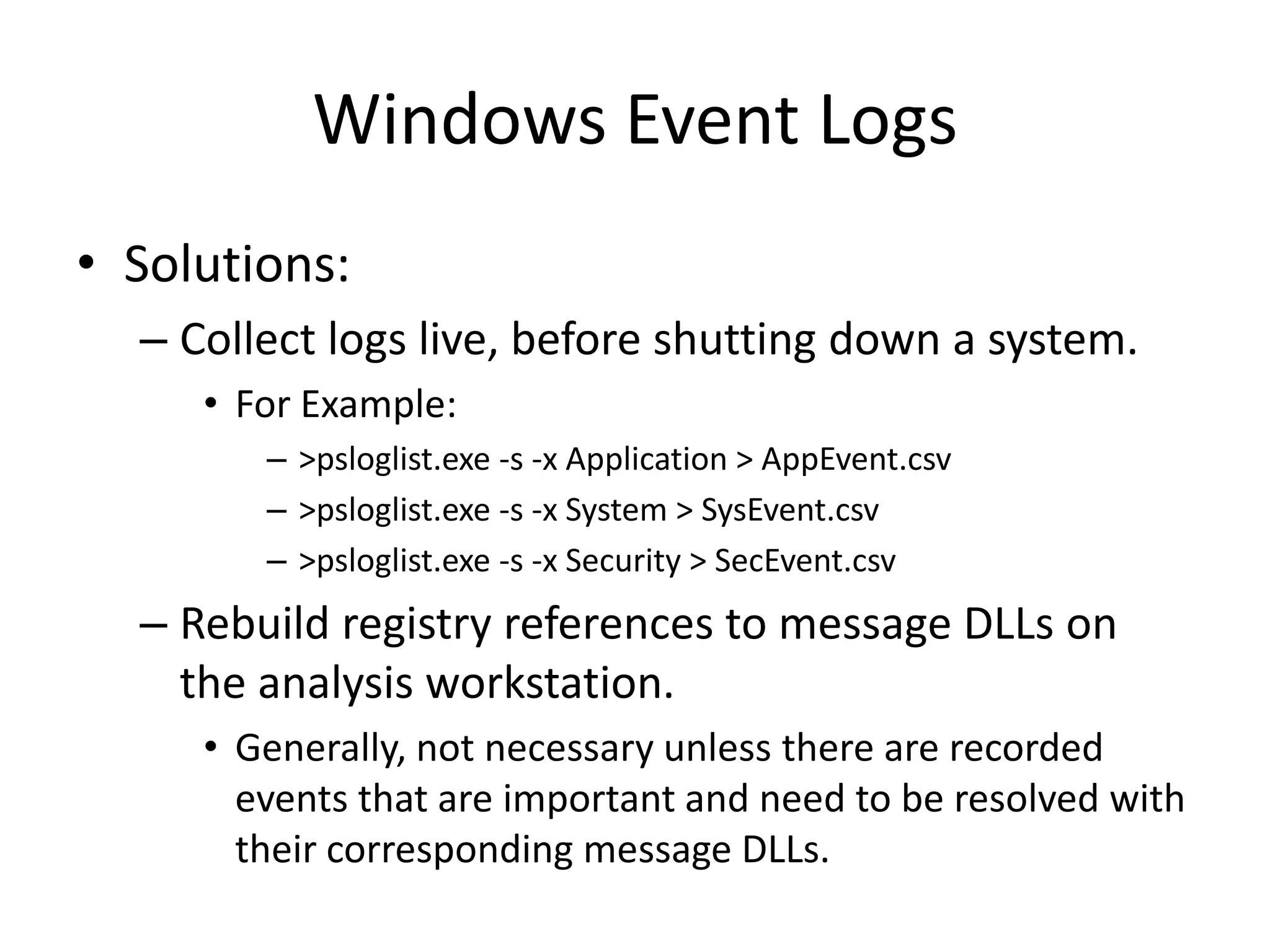
– Collect logs live, before shutting down a system.
• For Example:
– >psloglist.exe -s -x Application > AppEvent.csv
– >psloglist.exe -s -x System > SysEvent.csv
– >psloglist.exe -s -x Security > SecEvent.csv
– Rebuild registry references to message DLLs on
the analysis workstation.
• Generally, not necessary unless there are recorded
events that are important and need to be resolved with
their corresponding message DLLs.
10.
Windows Event Logs
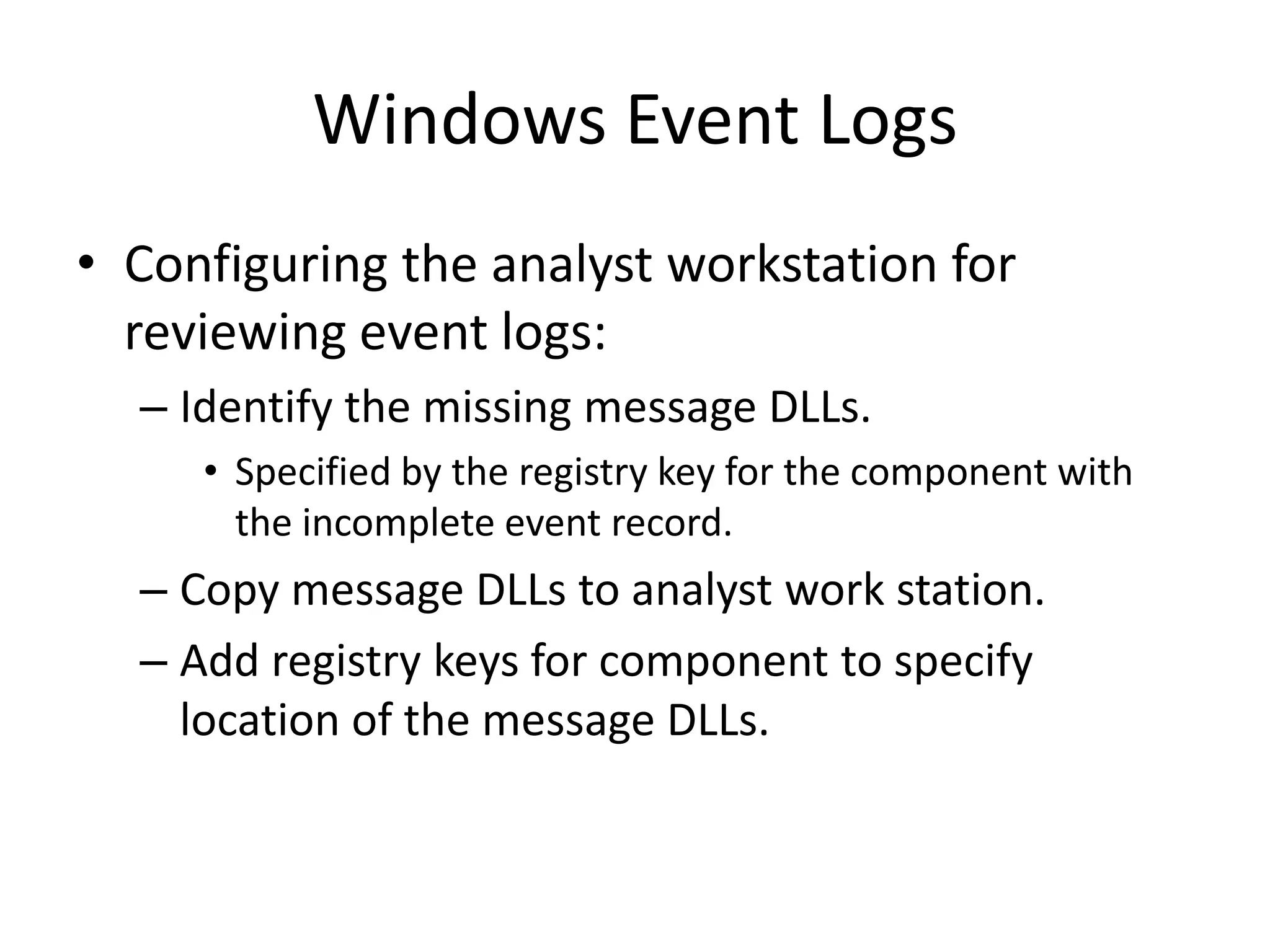
•Configuring the analyst workstation for
reviewing event logs:
– Identify the missing message DLLs.
• Specified by the registry key for the component with
the incomplete event record.
– Copy message DLLs to analyst work station.
– Add registry keys for component to specify
location of the message DLLs.
11.
Windows Event Logs
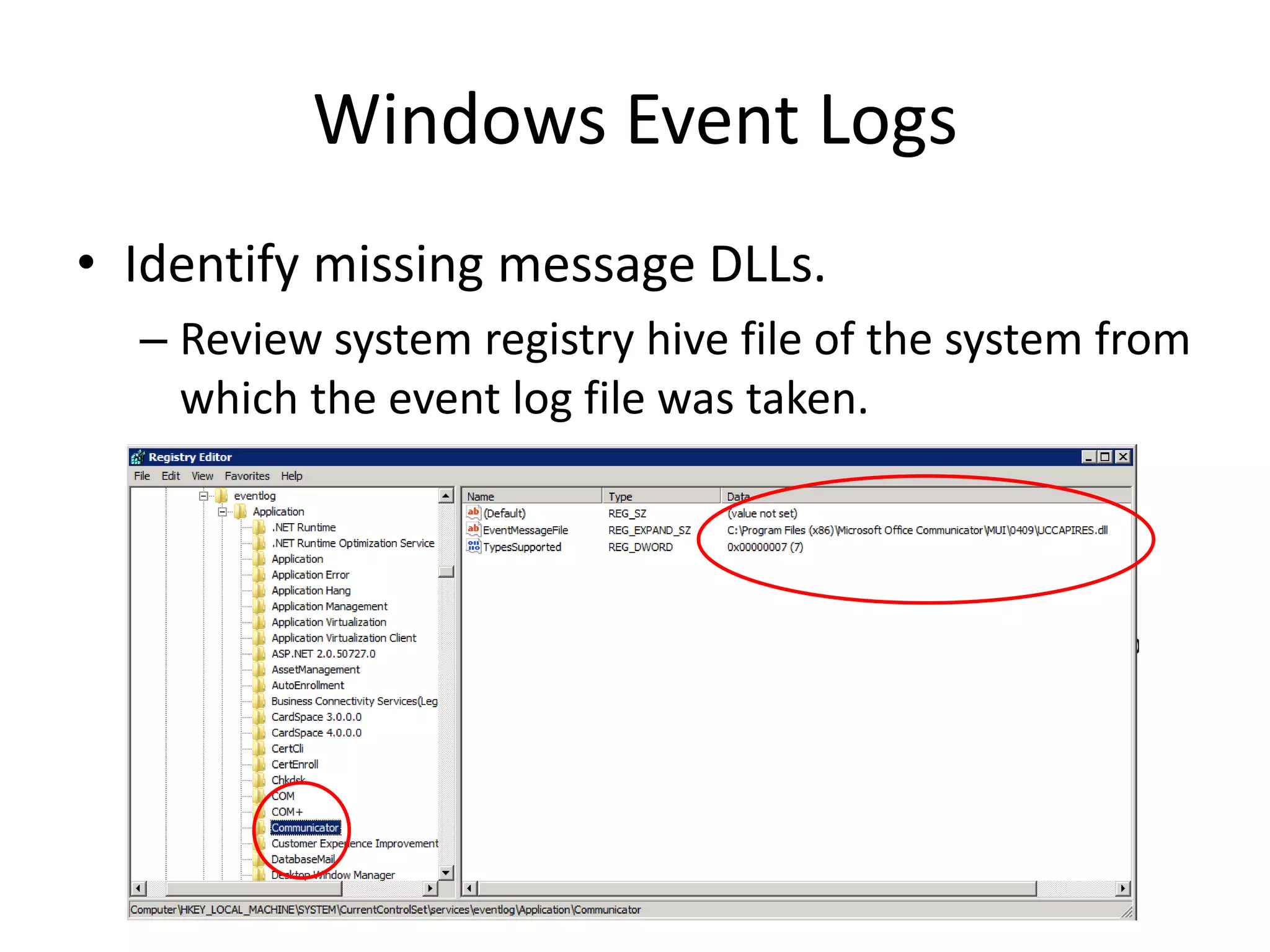
•Identify missing message DLLs.
– Review system registry hive file of the system from
which the event log file was taken.
12.
Windows Event Logs
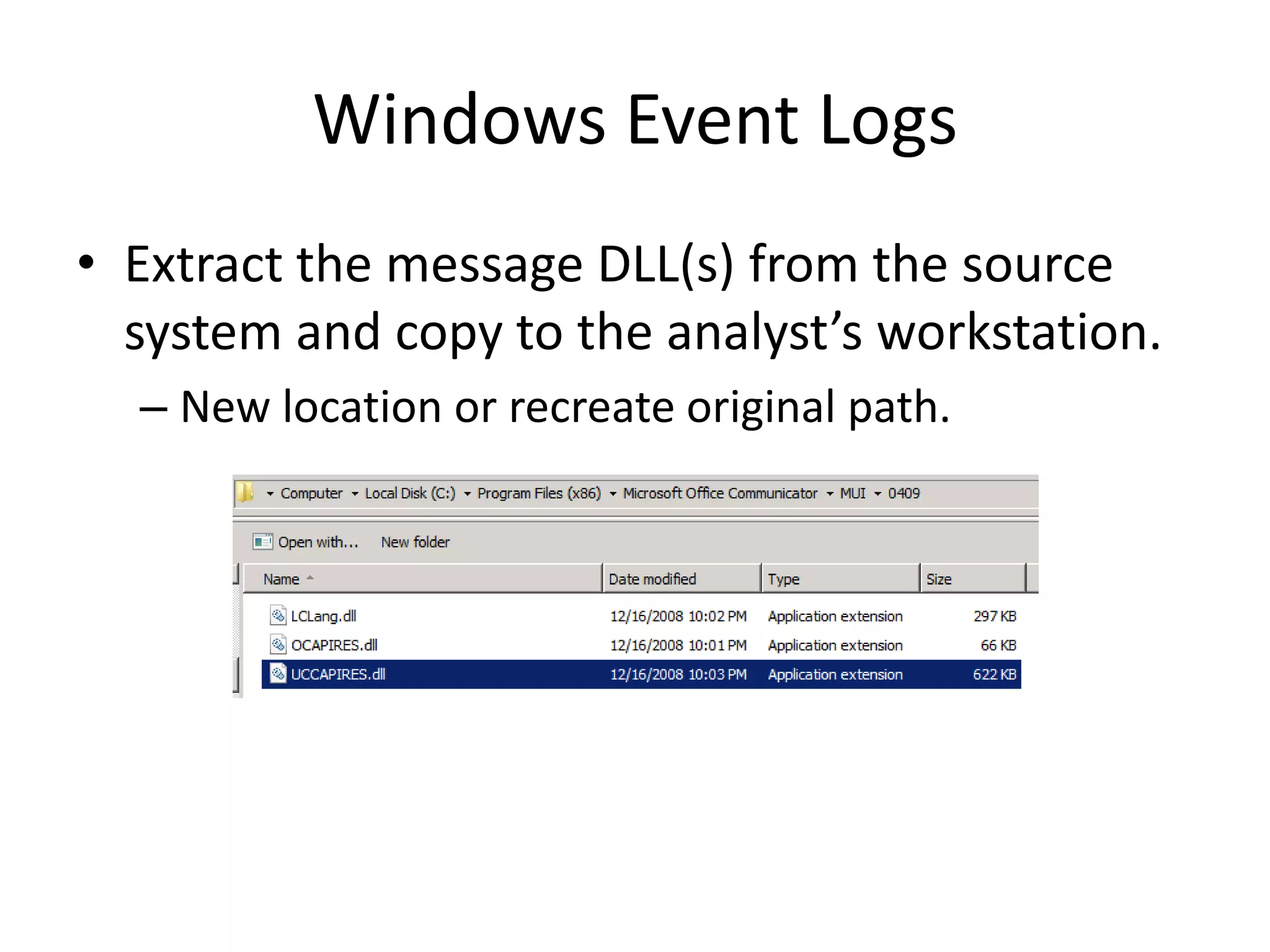
•Extract the message DLL(s) from the source
system and copy to the analyst’s workstation.
– New location or recreate original path.
13.
Windows Event Logs
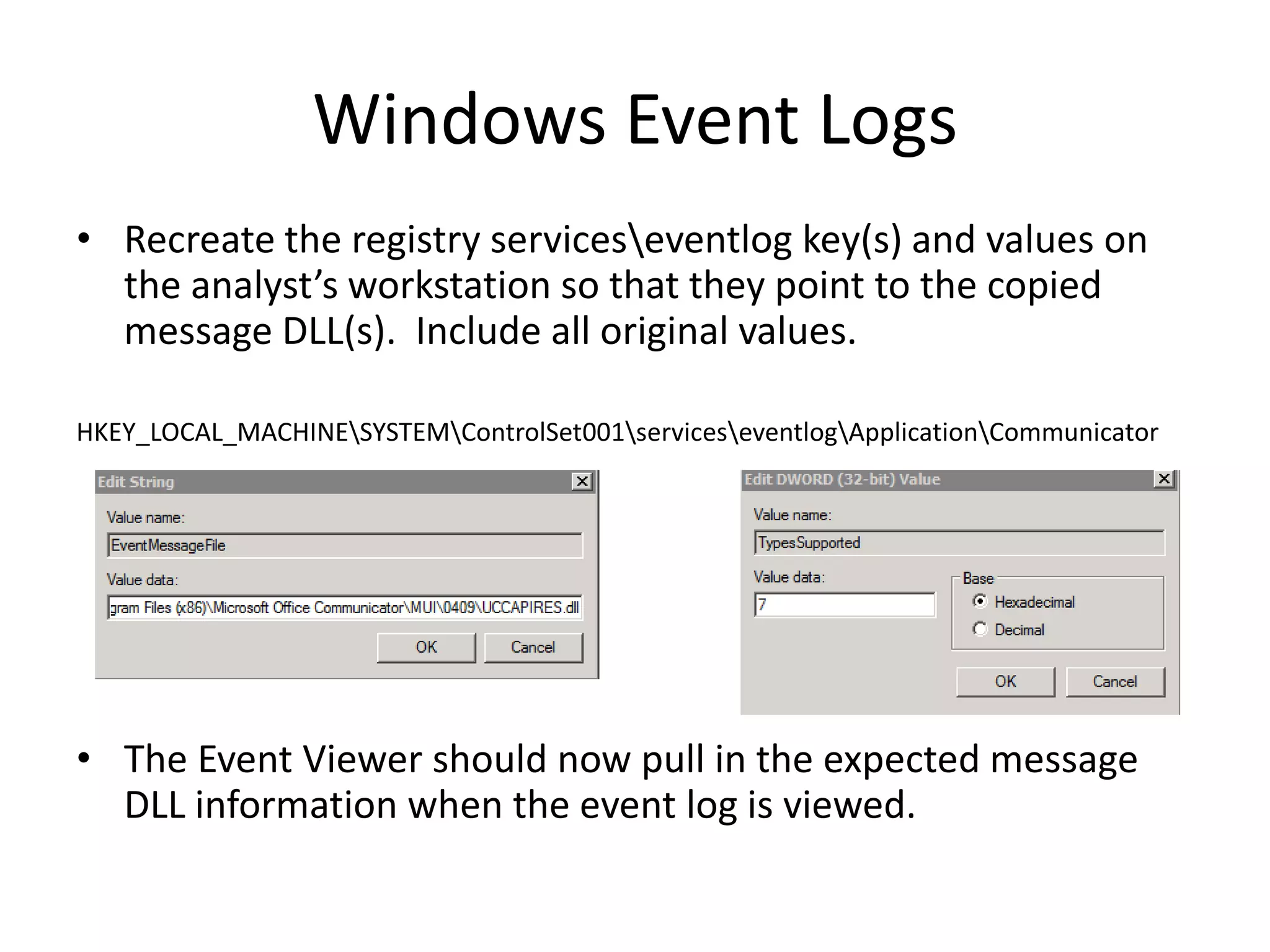
•Recreate the registry serviceseventlog key(s) and values on
the analyst’s workstation so that they point to the copied
message DLL(s). Include all original values.
HKEY_LOCAL_MACHINESYSTEMControlSet001serviceseventlogApplicationCommunicator
• The Event Viewer should now pull in the expected message
DLL information when the event log is viewed.
14.
Windows Event Logs
•Event logs in forensic examinations:
– Rarely a primary source of information.
• Noisy.
• Significant events often only stand out when there are dates,
times, or other items to bring focus to an event.
– Security events are often not significant.
• Dependent on the security audit settings.
– Often evidence of compromise is found in the System
and Application event logs or one of the new,
narrowly focused logs.
• System or application crashes.
• Errors, warnings, information.
Windows Event Logs
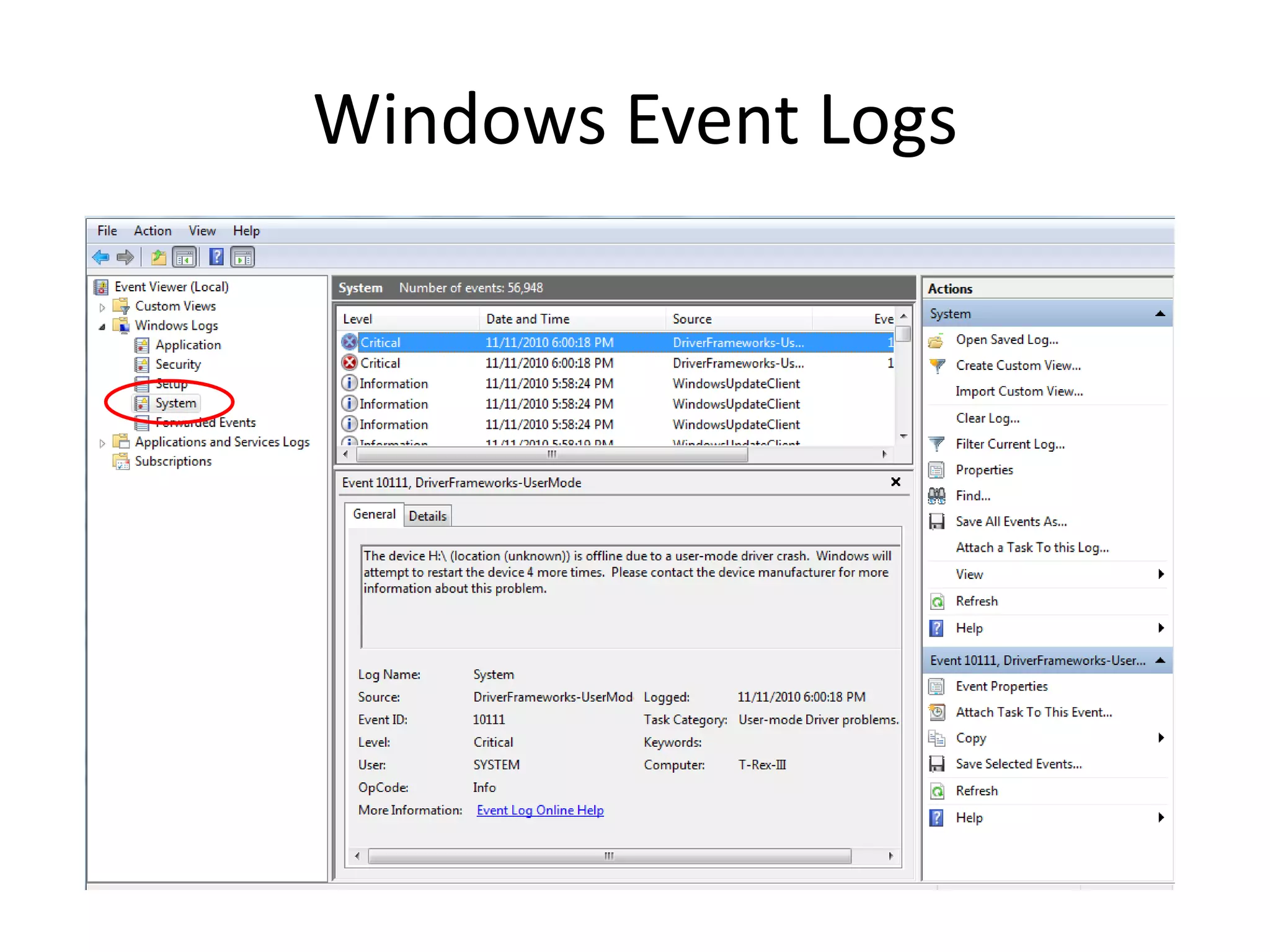
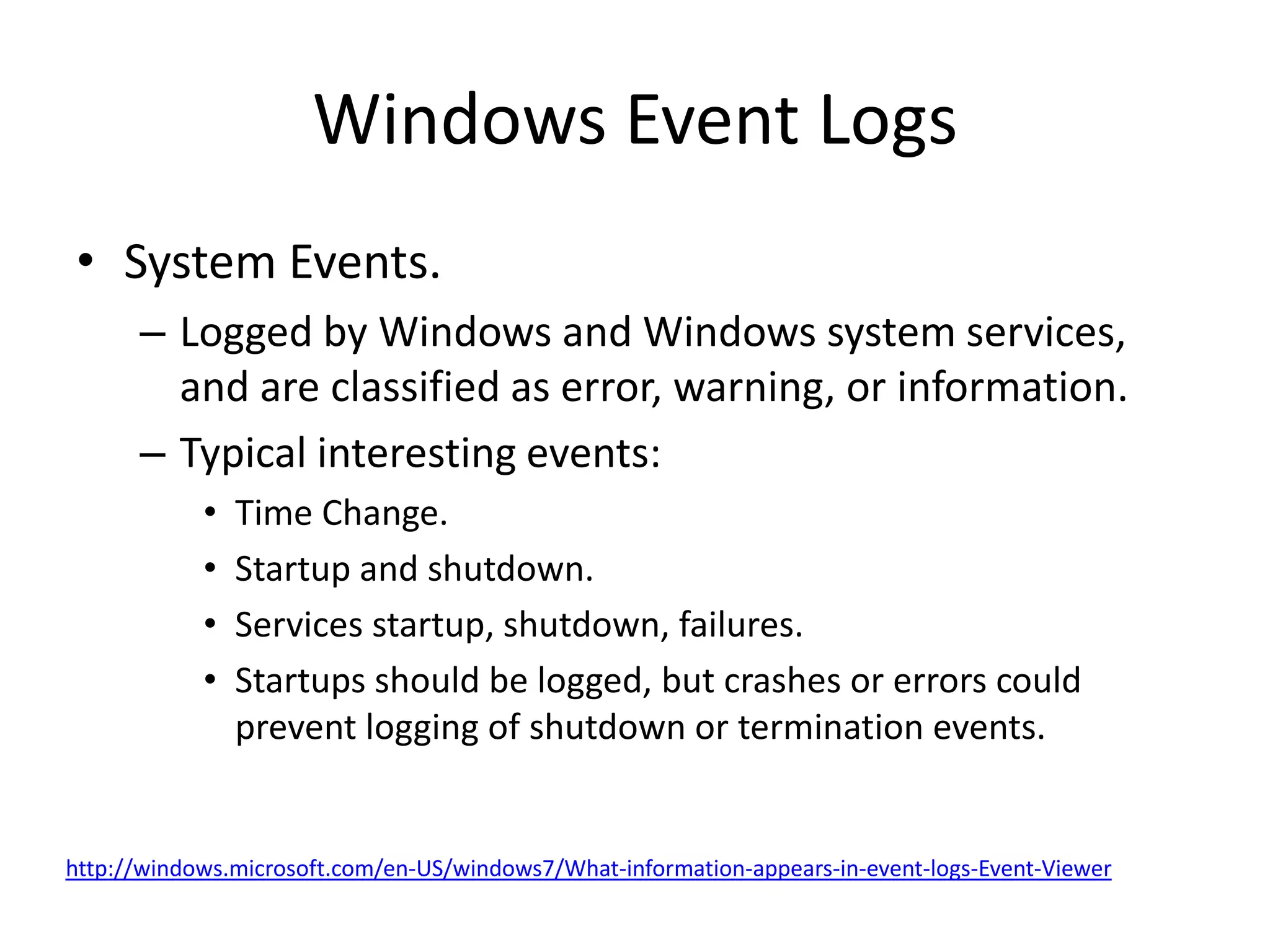
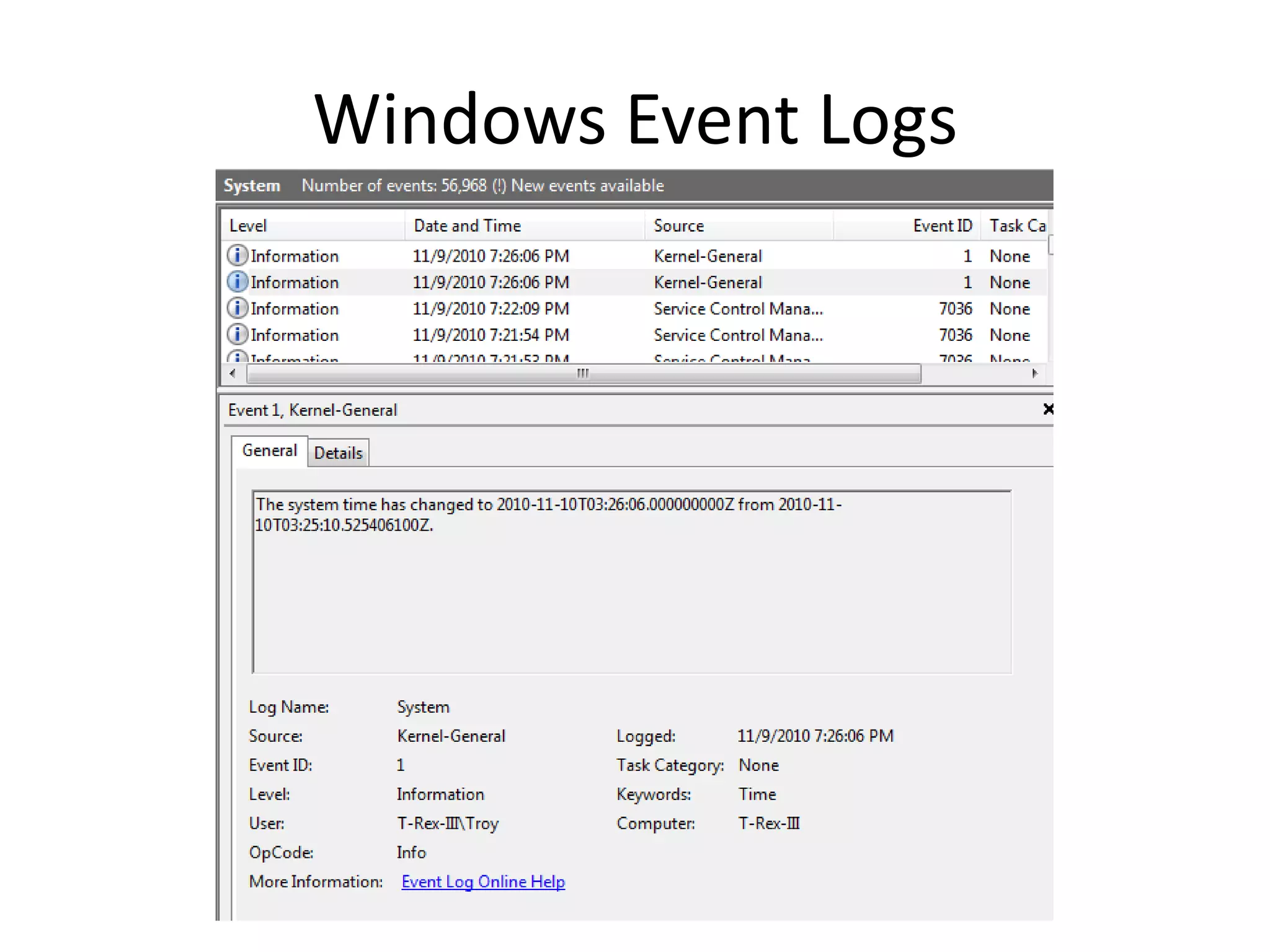
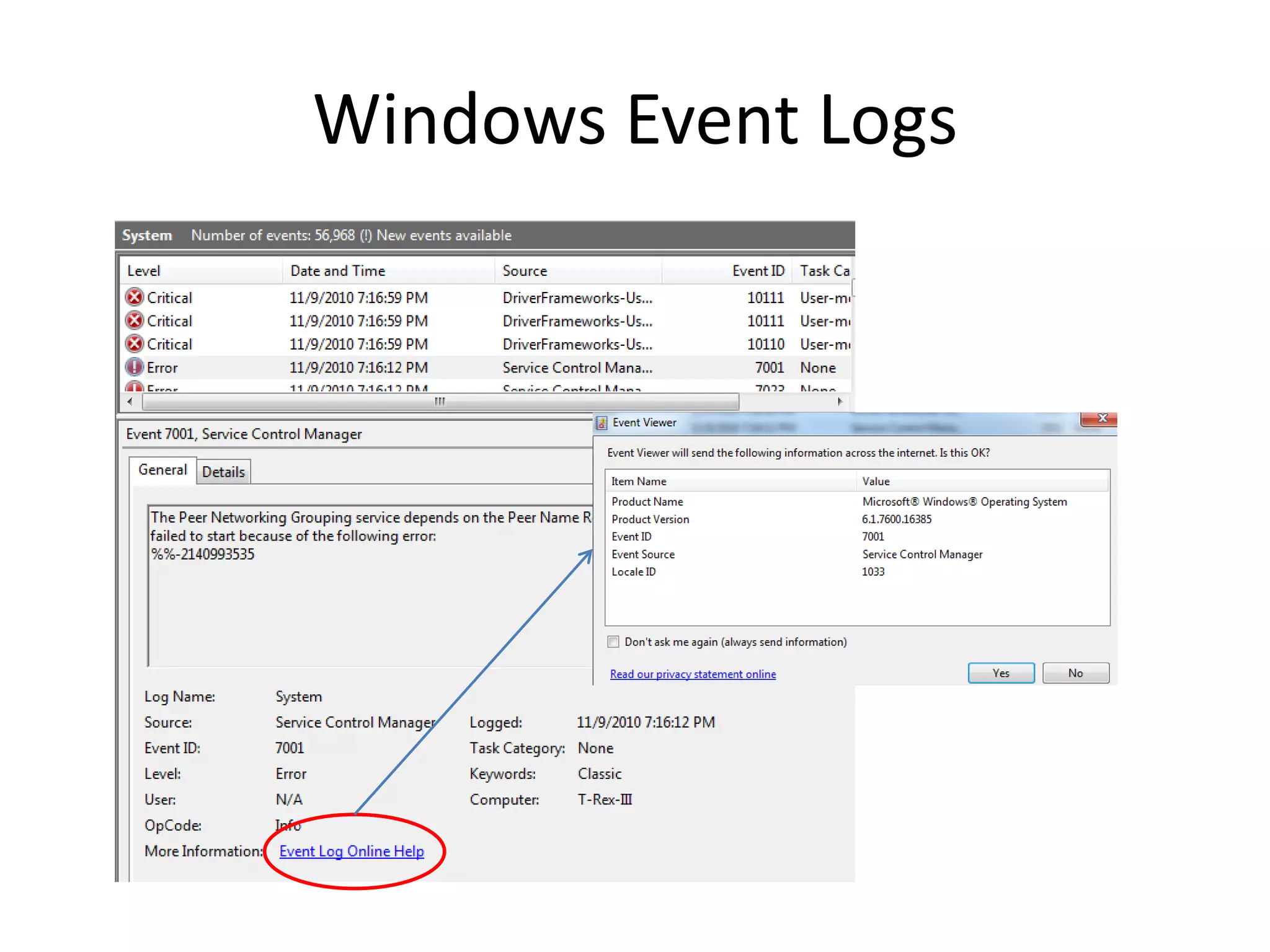
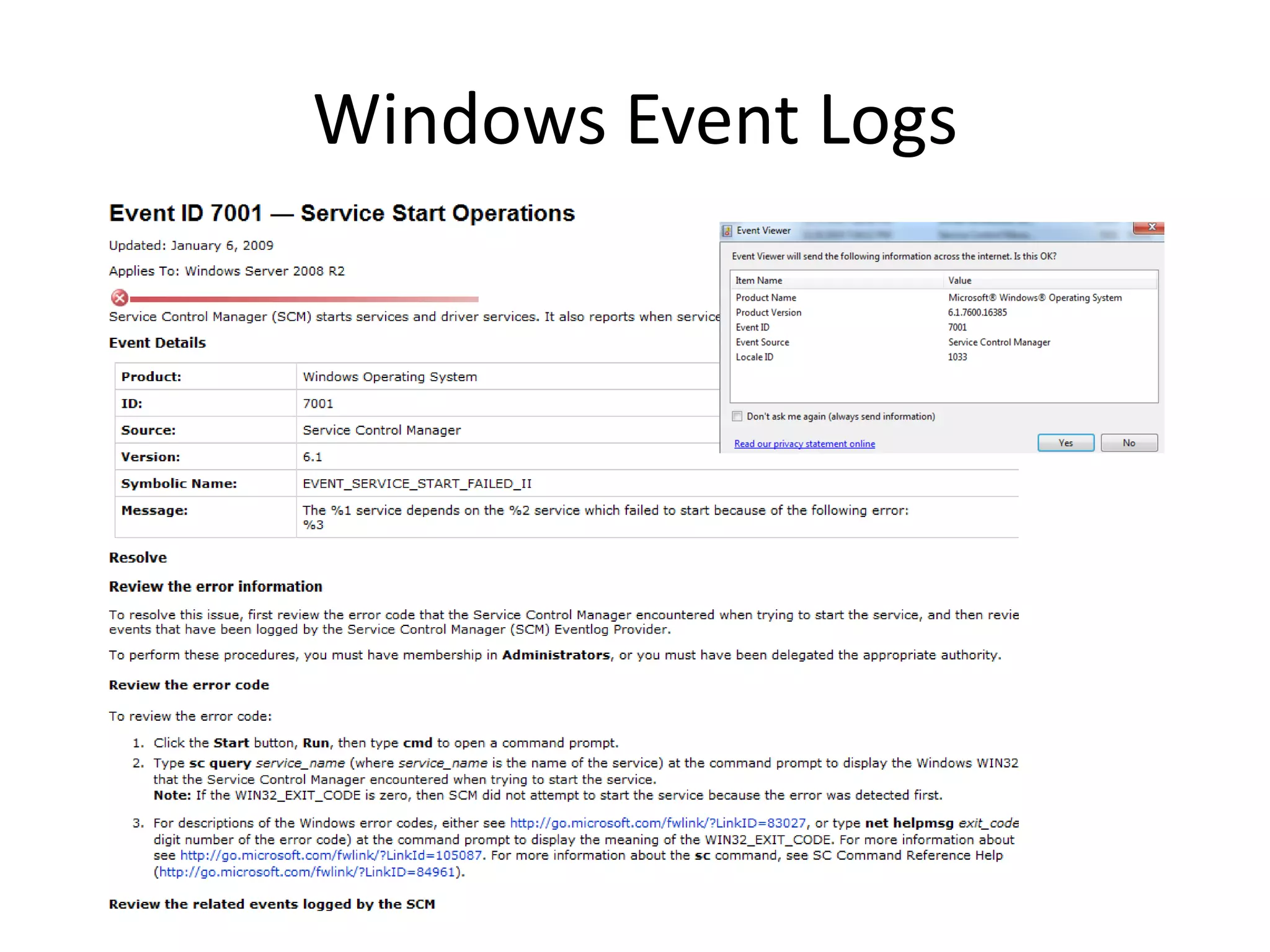
•System Events.
– Logged by Windows and Windows system services,
and are classified as error, warning, or information.
– Typical interesting events:
• Time Change.
• Startup and shutdown.
• Services startup, shutdown, failures.
• Startups should be logged, but crashes or errors could
prevent logging of shutdown or termination events.
http://windows.microsoft.com/en-US/windows7/What-information-appears-in-event-logs-Event-Viewer
Windows Event Logs
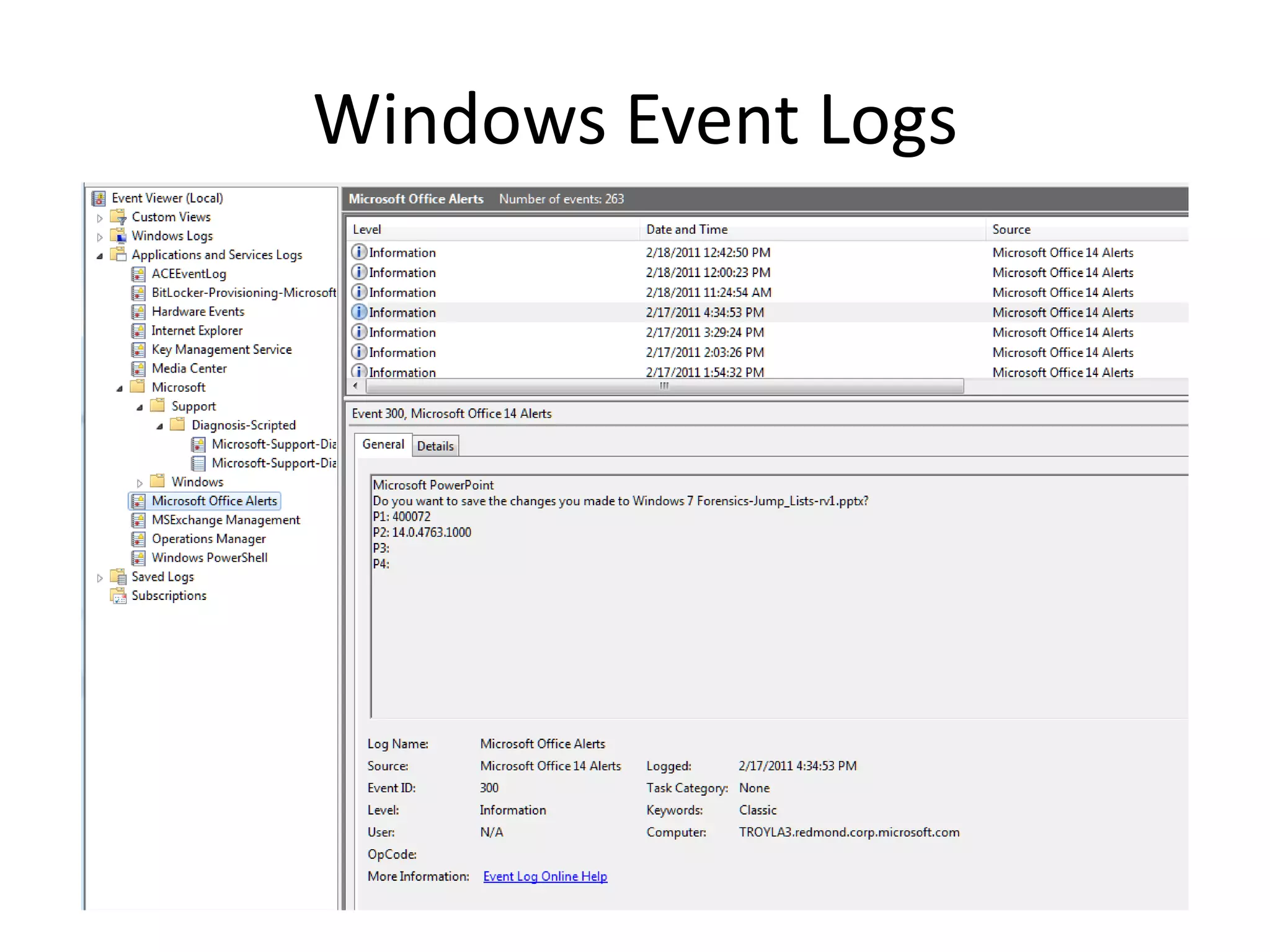
•Application events.
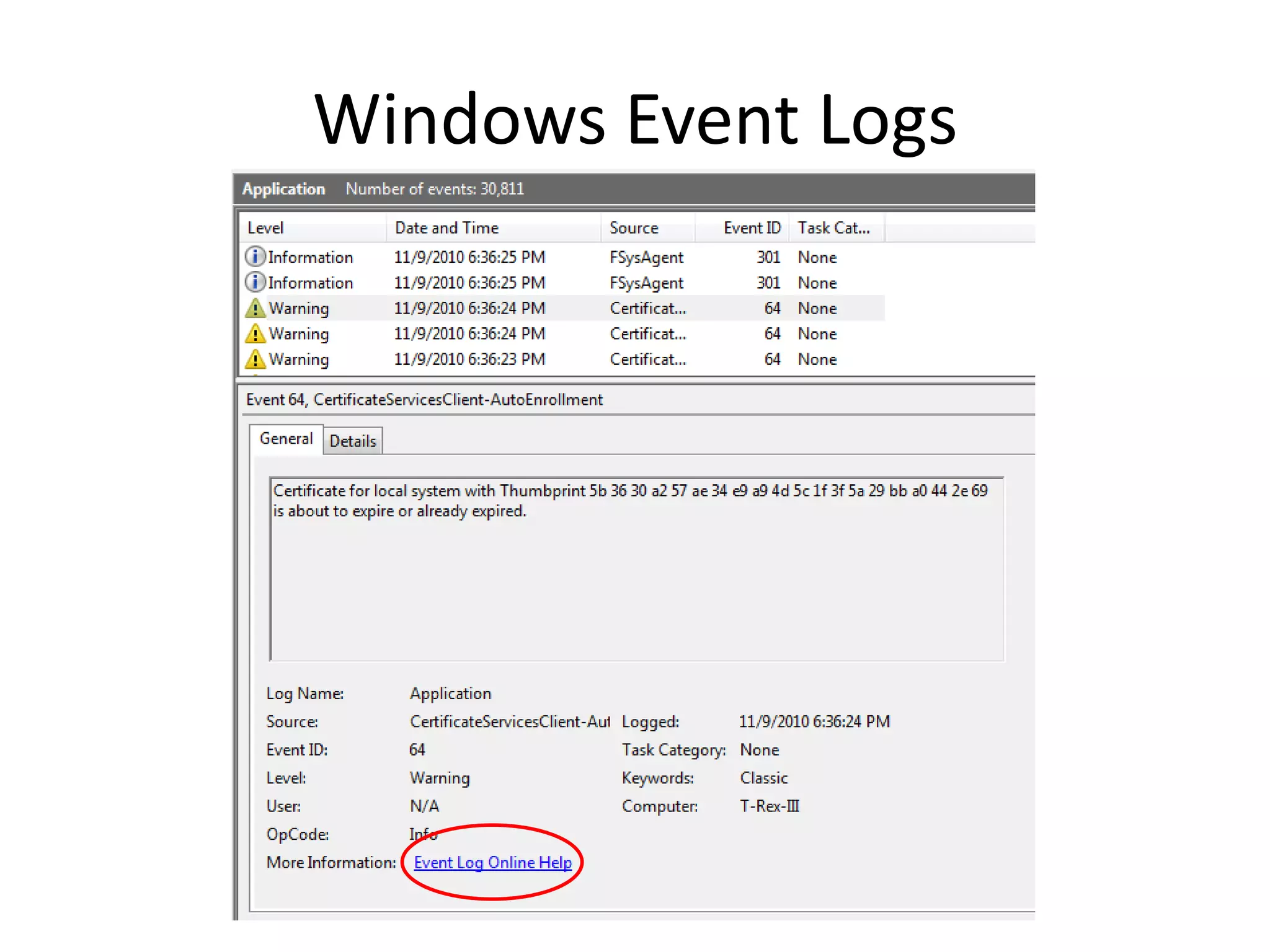
– Program Events are classified as error, warning, or information, depending on
the severity of the event. An error is a significant problem, such as loss of
data. A warning is an event that isn't necessarily significant, but might indicate
a possible future problem. An information event describes the successful
operation of a program, driver, or service.
– Typical interesting events would be those relating to programs that could be
relevant to an investigation.
• Application errors.
– E.g., BackupExec agent attack.
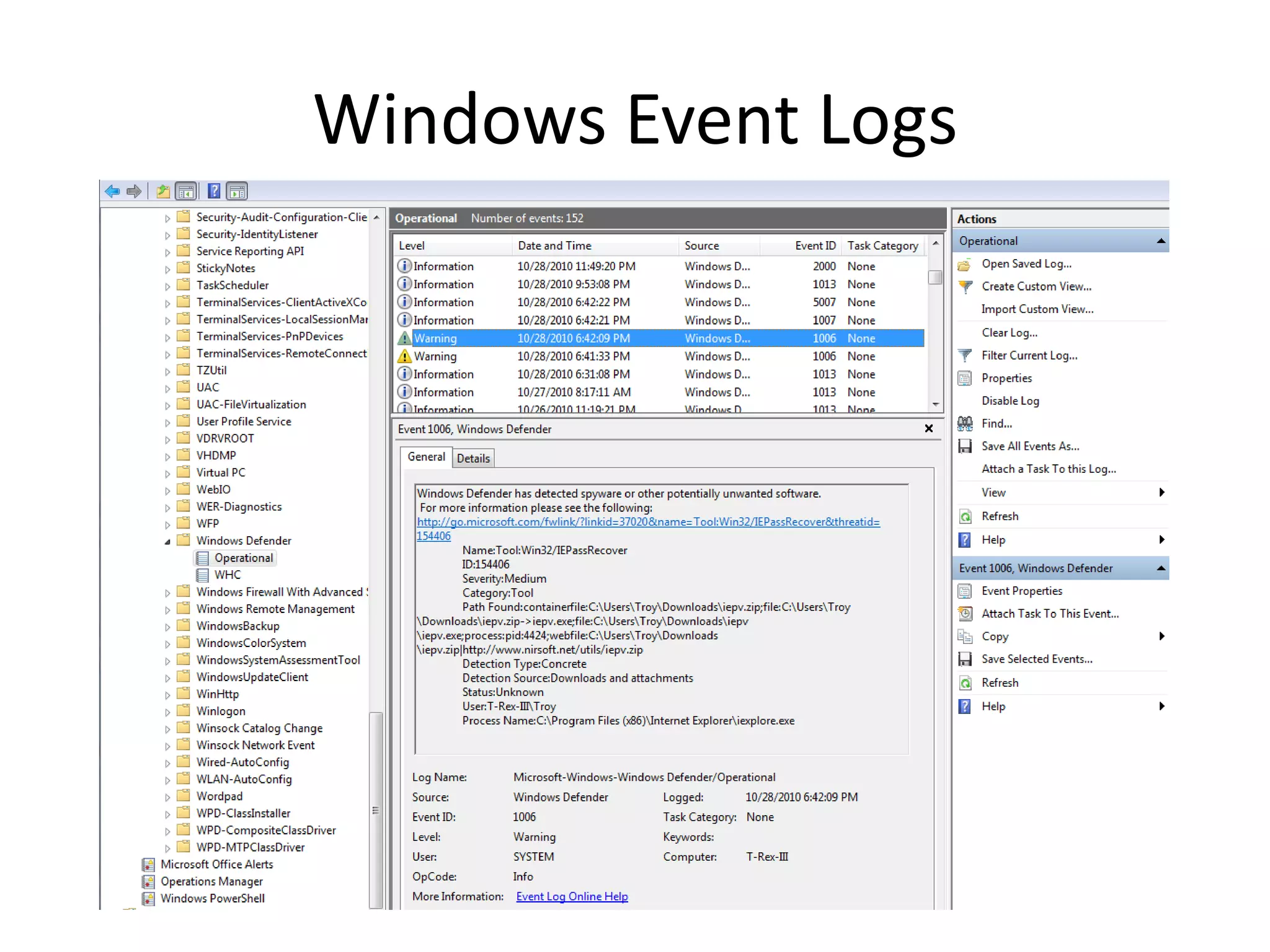
– Antivirus or malware detection events.
• Combined with System events, Application events can show that symptoms of suspected
intrusions or compromises could have been long standing system problems.
– Note: application logging is controlled by the applications—so events are
defined by the application developers.
– Not all application generate events.
Windows Event Logs
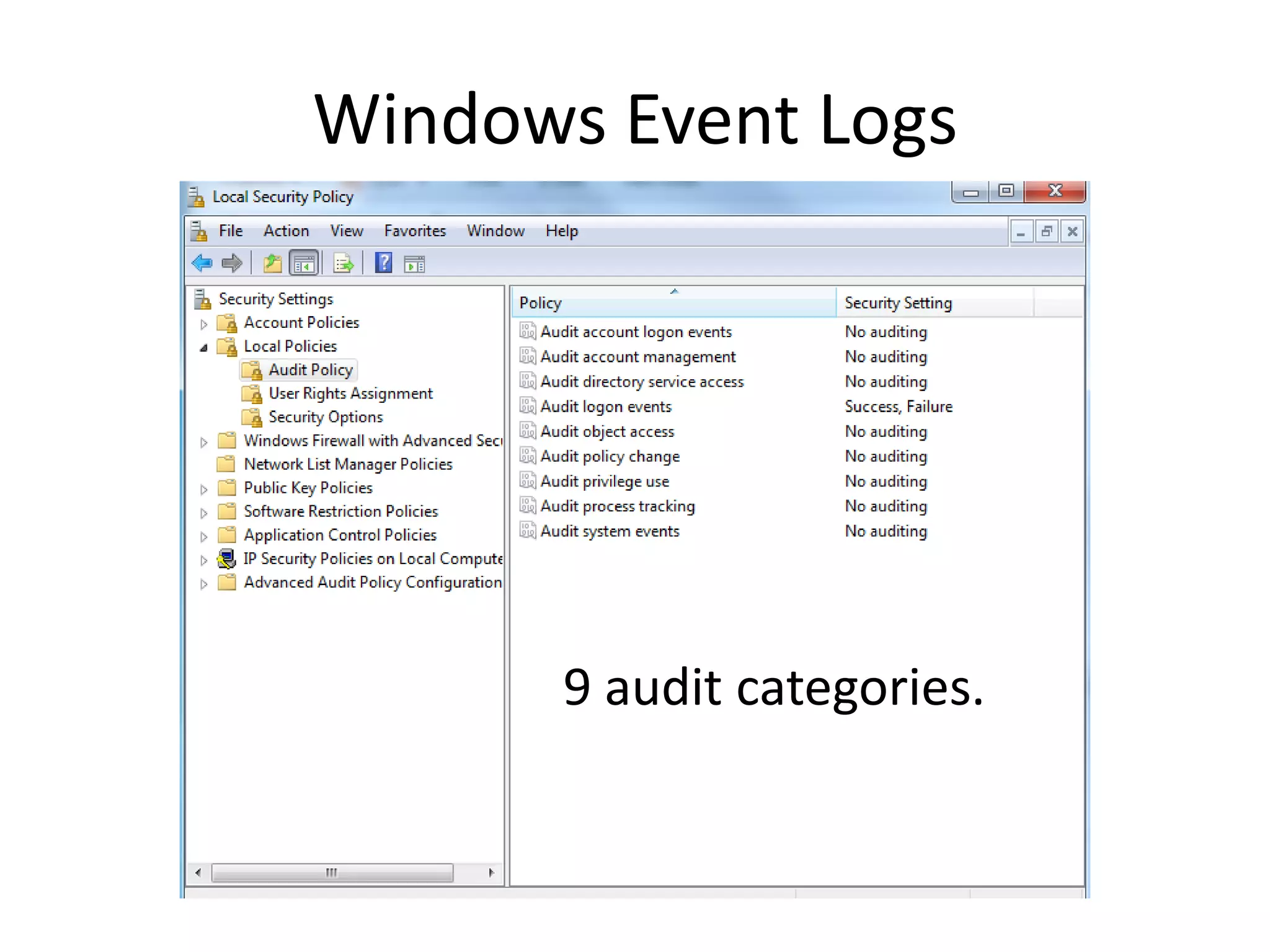
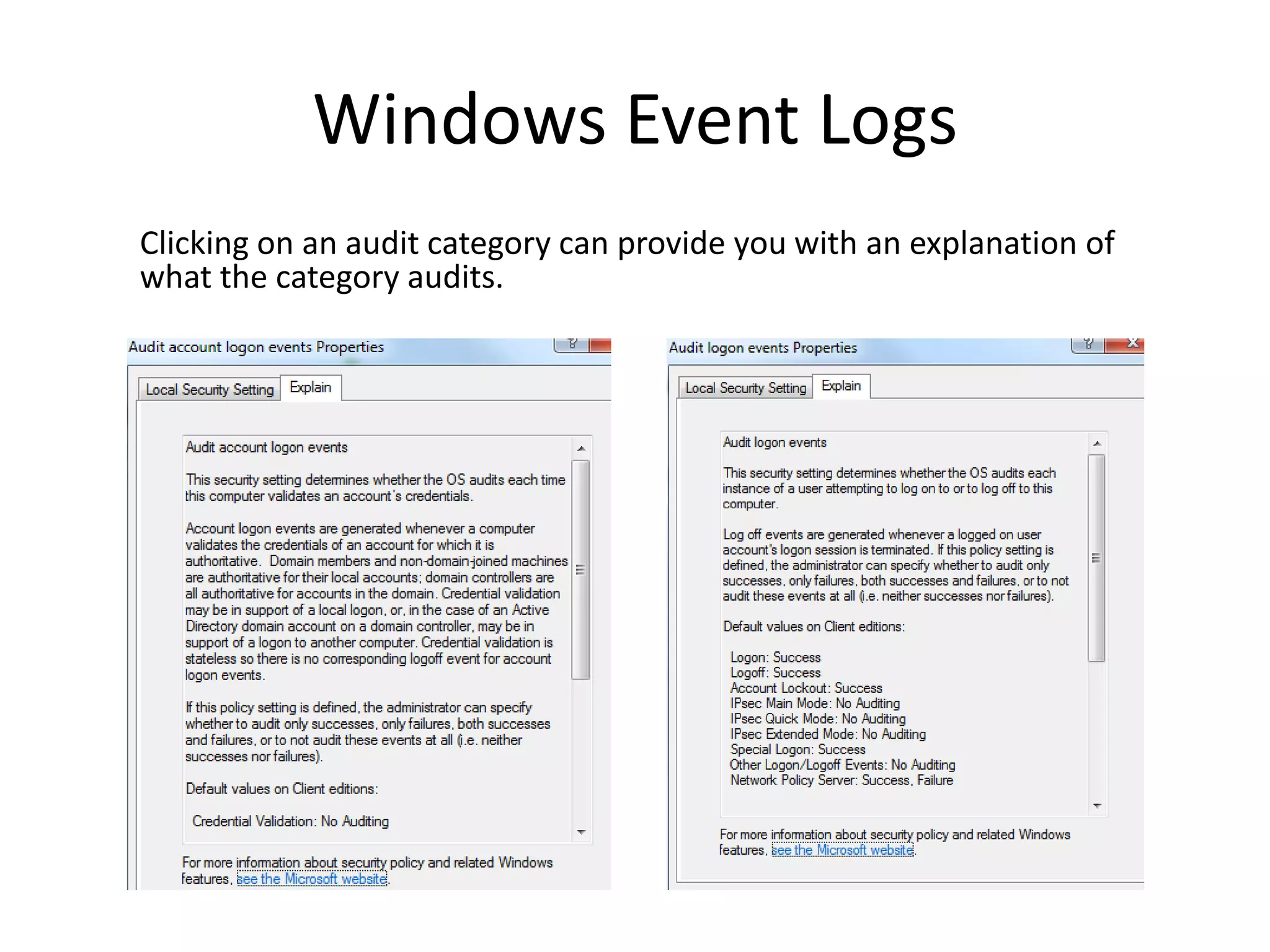
•Security events.
– These events are called audits and are described as successful or failed
depending on the event, such as whether a user trying to log on to
Windows was successful.
– Depend on audit policy.
– Noisy.
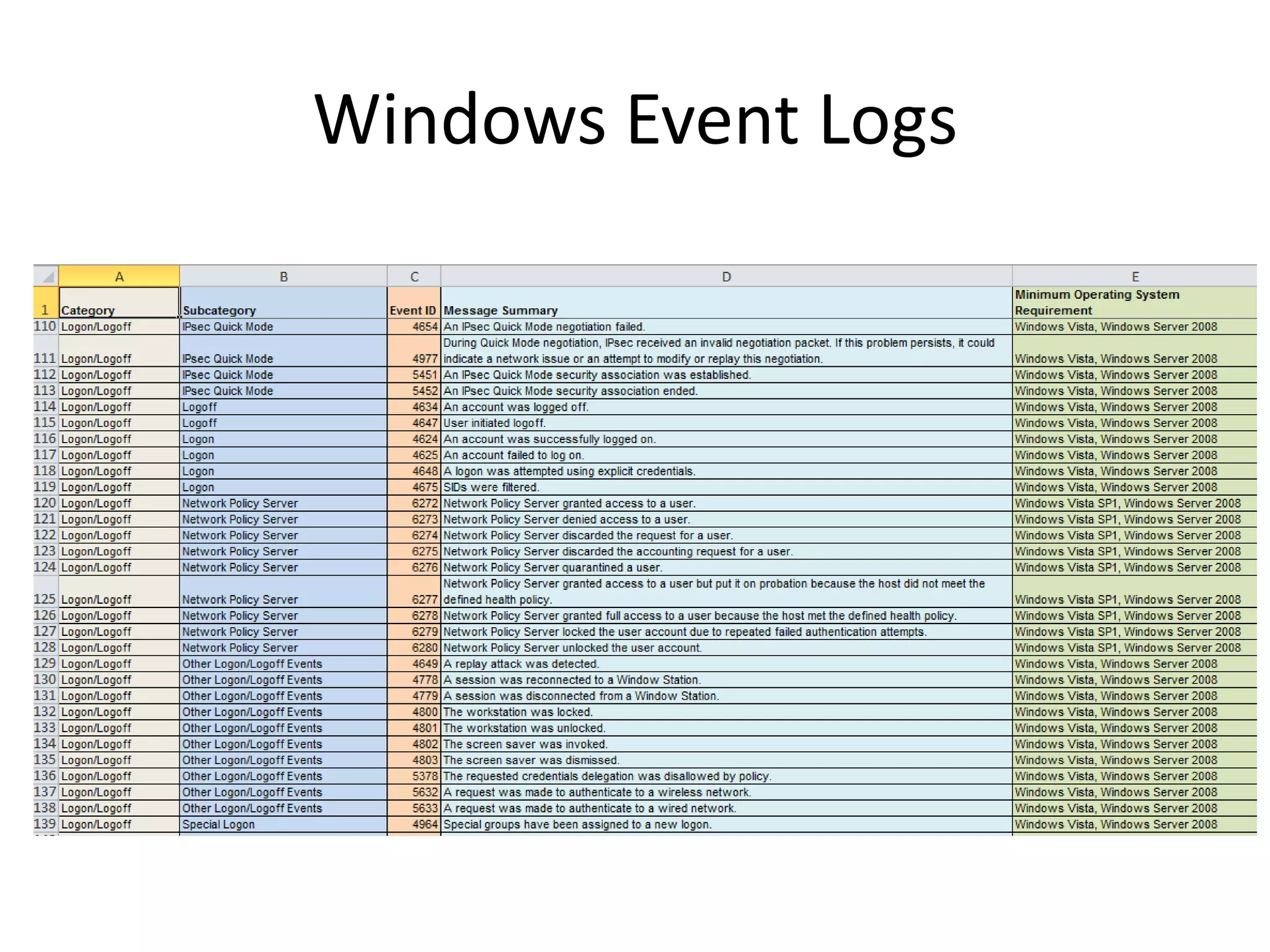
– Completely different Security event IDs from all versions before Vista.
– General Tip: Translate pre-Vista Event ID numbers to the new Vista
event ID numbers by adding 4096.
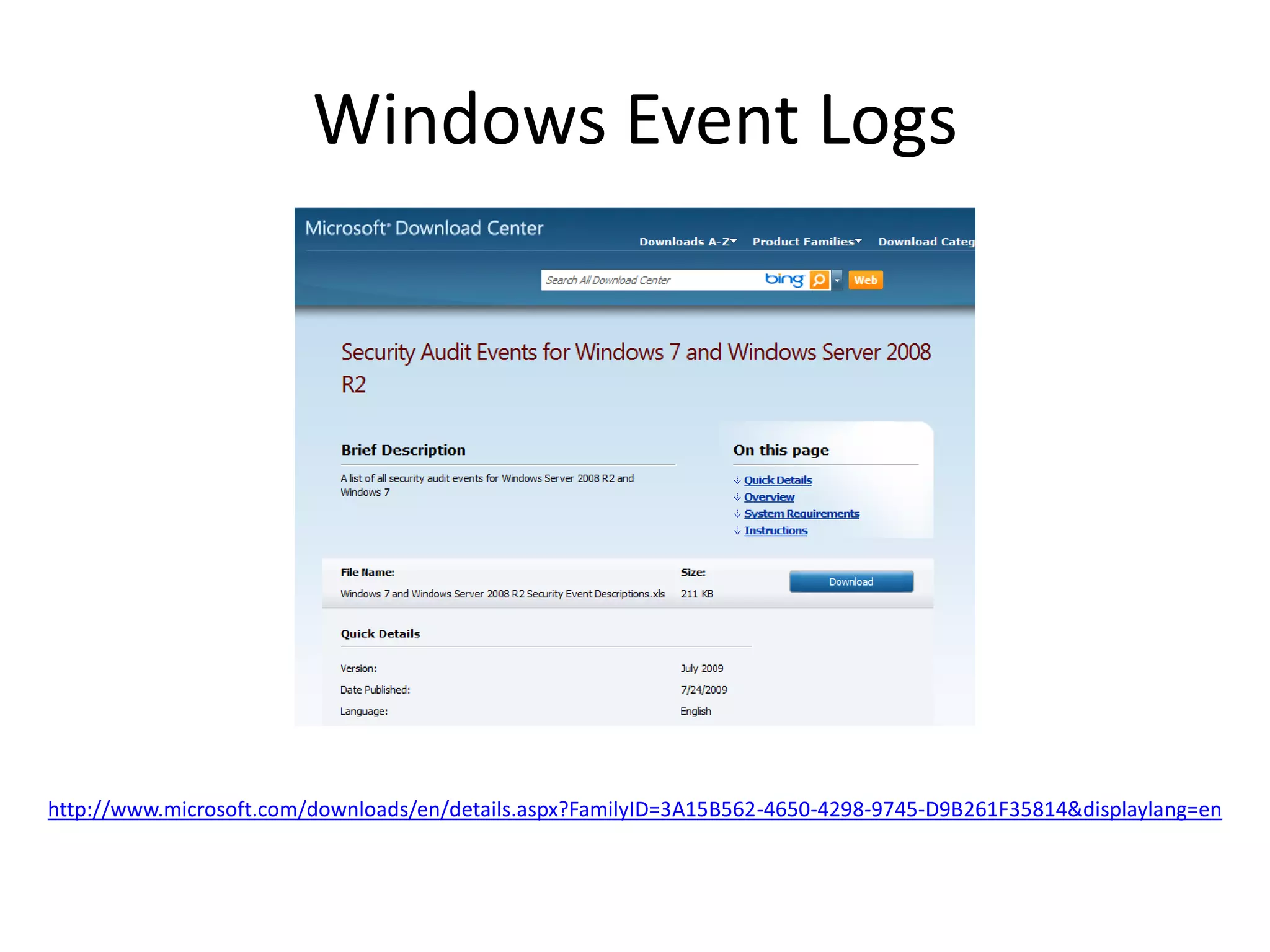
– There are a number of new security events.
– Typical events of interest:
• Account logon and logoff.
• Failed logon attempts.
• Account escalation.
• Process execution.
Windows Event Logs
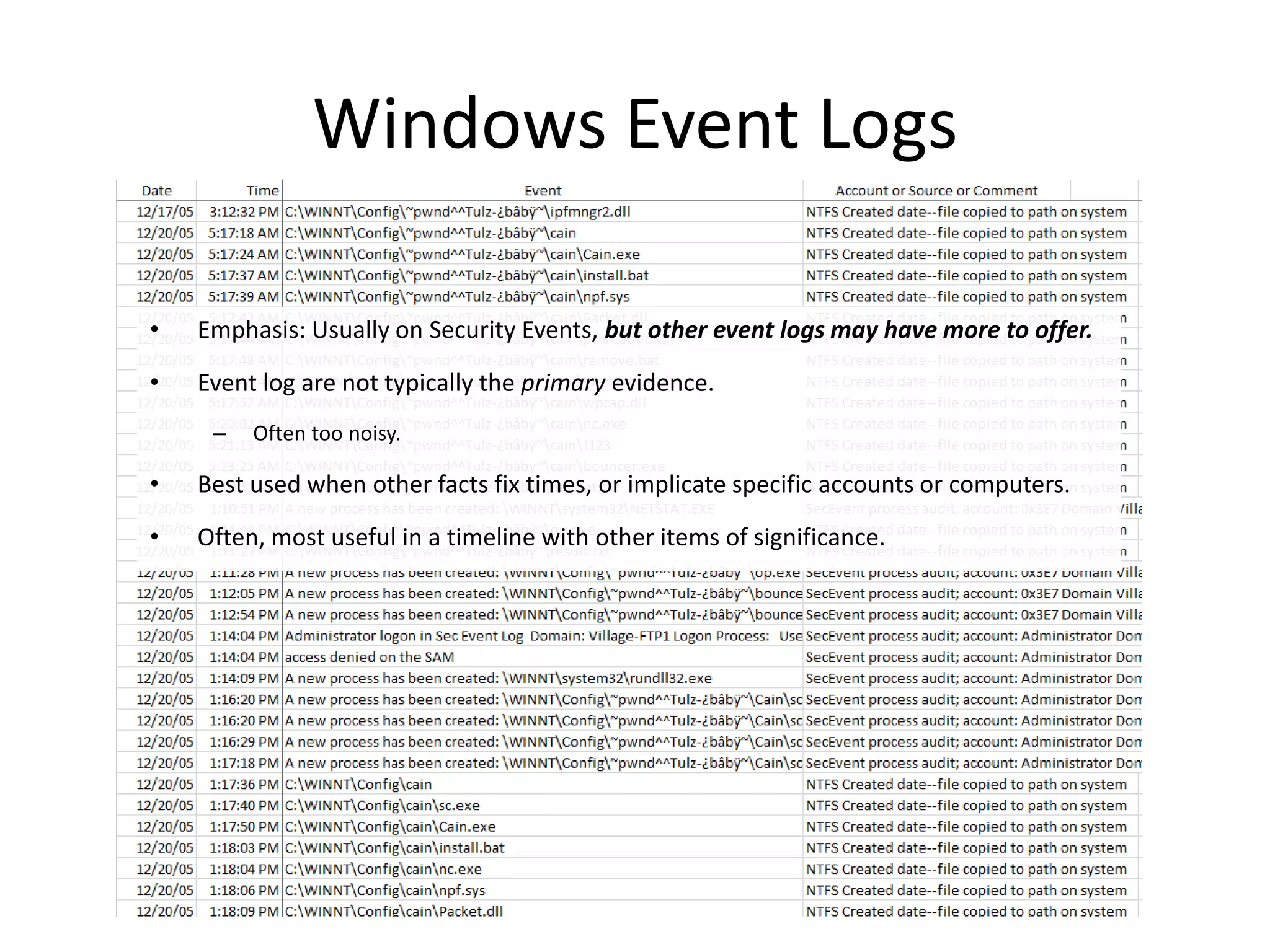
• Emphasis: Usually on Security Events, but other event logs may have more to offer.
• Event log are not typically the primary evidence.
– Often too noisy.
• Best used when other facts fix times, or implicate specific accounts or computers.
• Often, most useful in a timeline with other items of significance.