viaPlace – Location Based mobile Learning Todd Marks  President & CEO Mindgrub Technologies LLC [email_address] tmarks@umbc.edu
Location Based Mobile Learning History of eLearning? Web 2.0 Immersive Experiences Examples: 600Block Latitude, viaPlace Barriers and Challenges Questions
History of eLearning
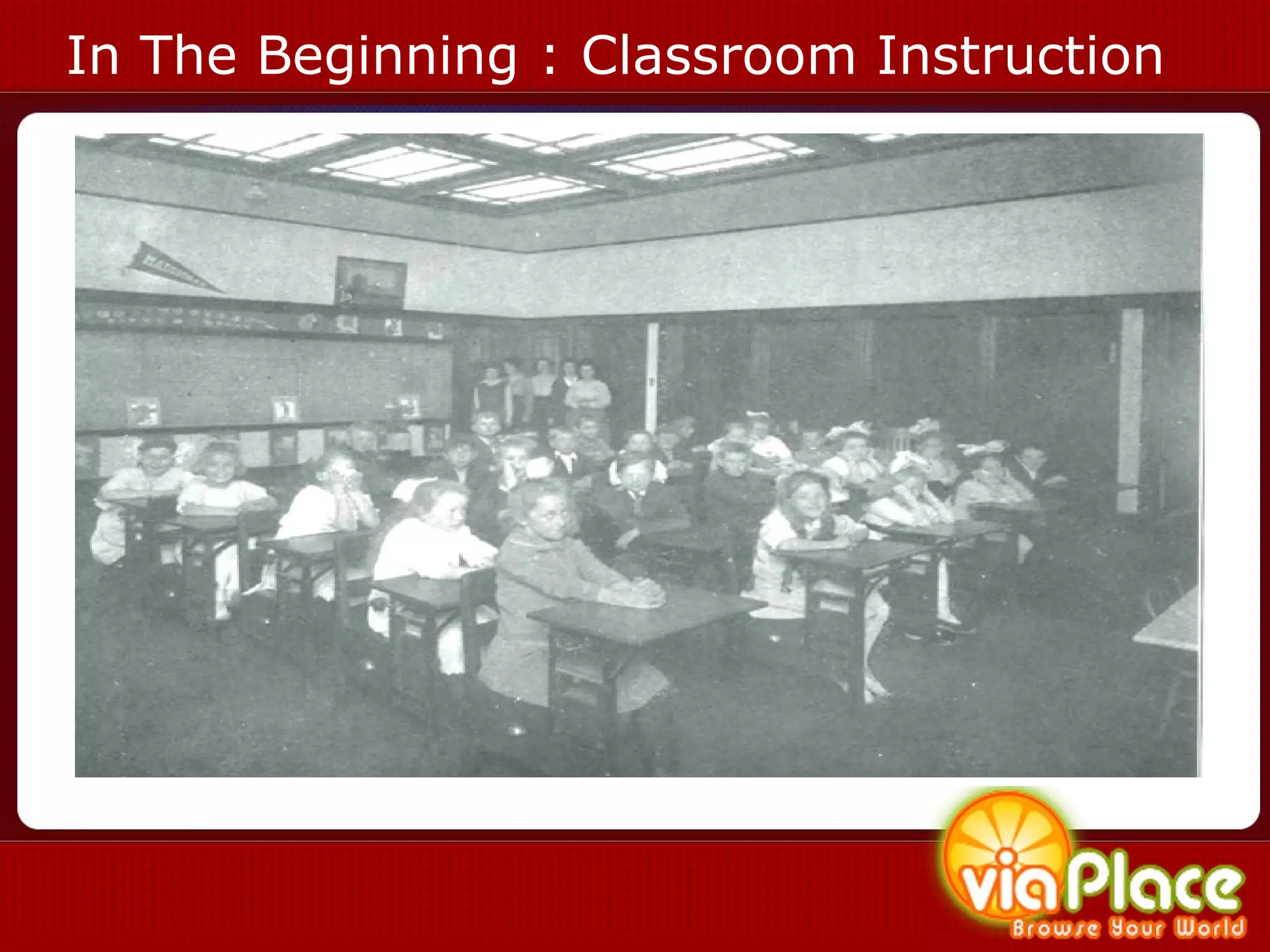
In The Beginning : Classroom Instruction
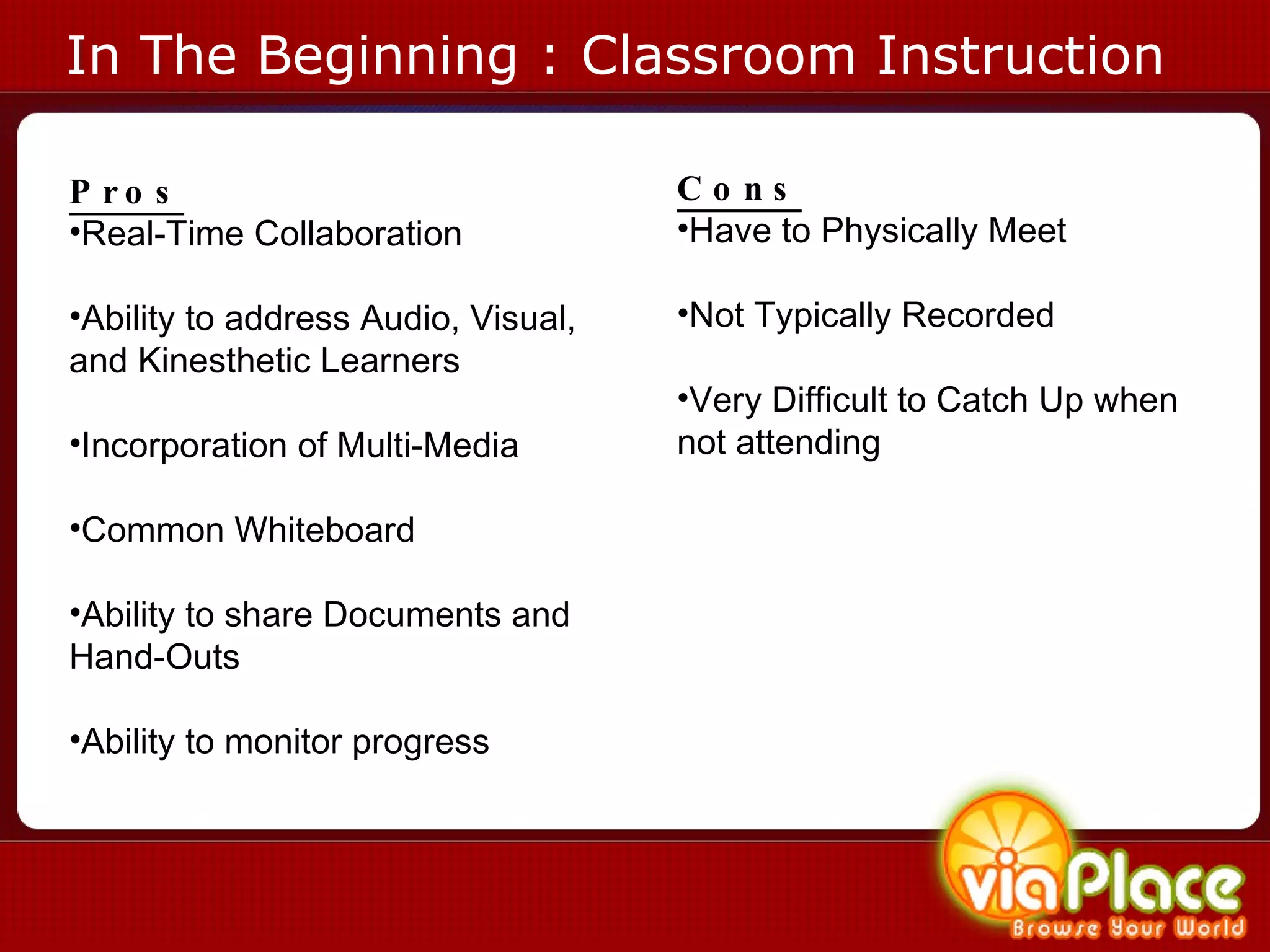
In The Beginning : Classroom Instruction Pros Real-Time Collaboration Ability to address Audio, Visual, and Kinesthetic Learners Incorporation of Multi-Media Common Whiteboard Ability to share Documents and Hand-Outs Ability to monitor progress Cons Have to Physically Meet Not Typically Recorded Very Difficult to Catch Up when not attending
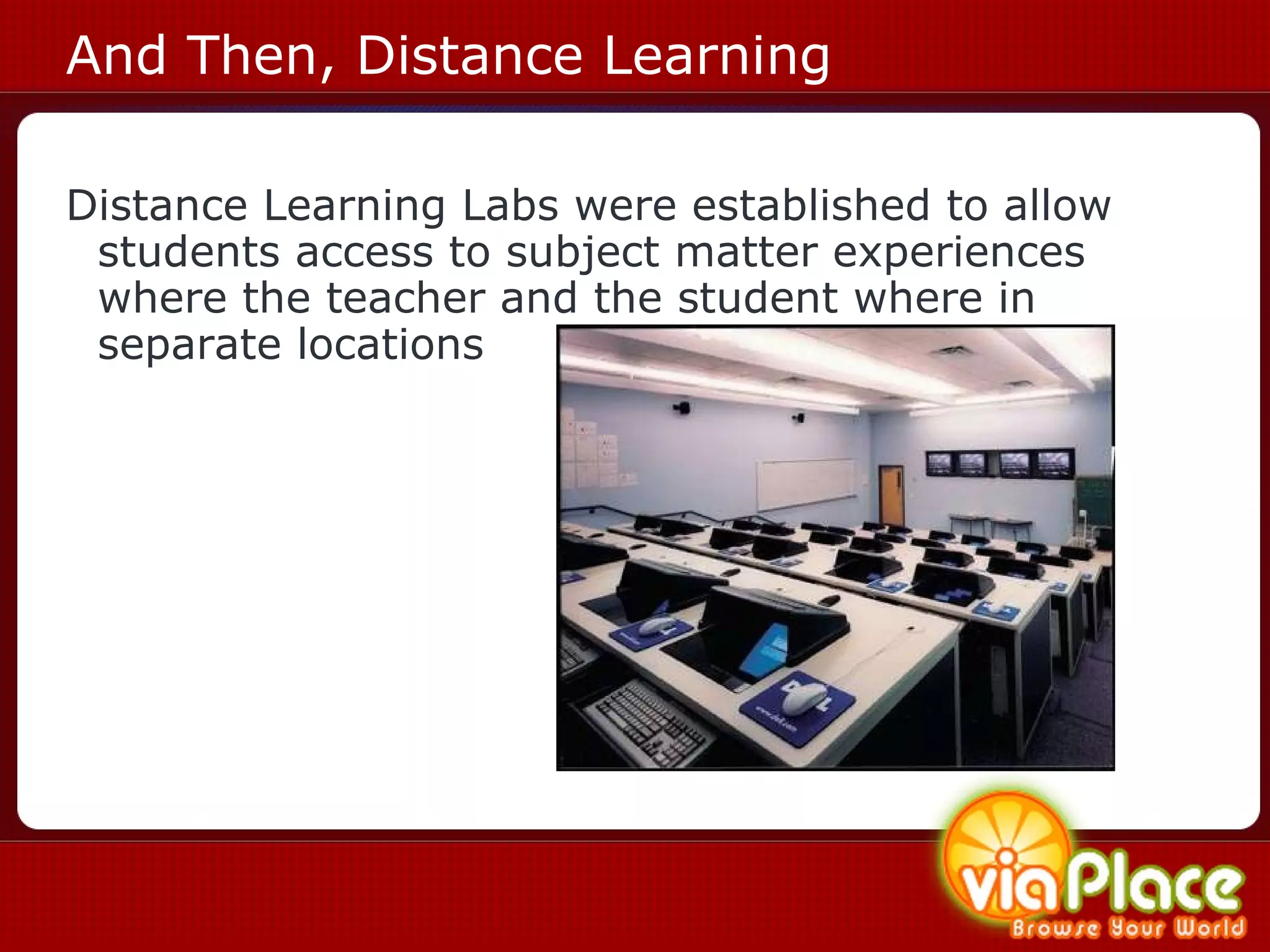
And Then, Distance Learning Distance Learning Labs were established to allow students access to subject matter experiences where the teacher and the student where in separate locations
Web 1.0  is a retronym referring to the state of the World Wide Web in the 90’s when it was largely static pages with html text and gif buttons. T
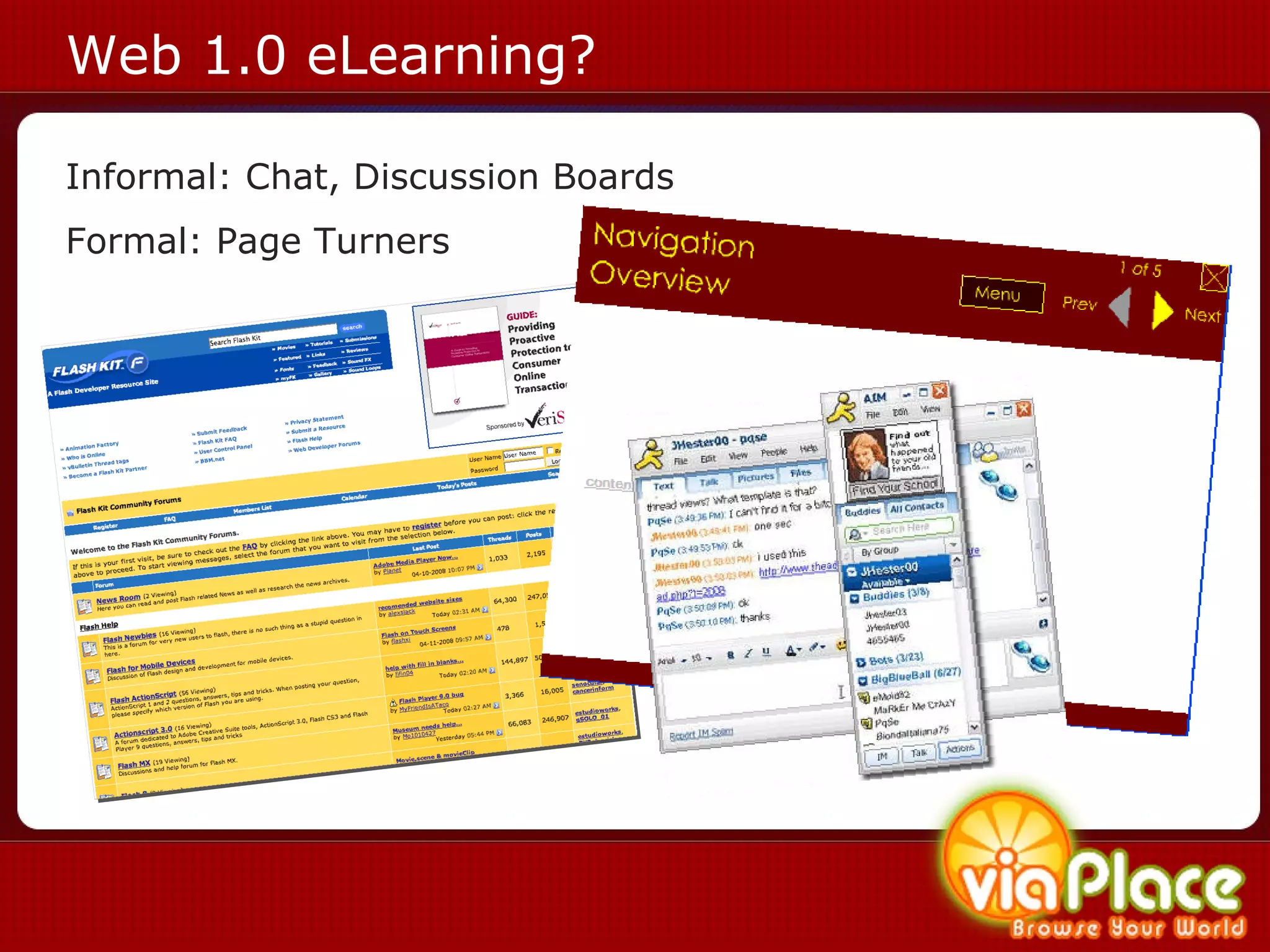
Web 1.0 eLearning? Informal: Chat, Discussion Boards Formal: Page Turners
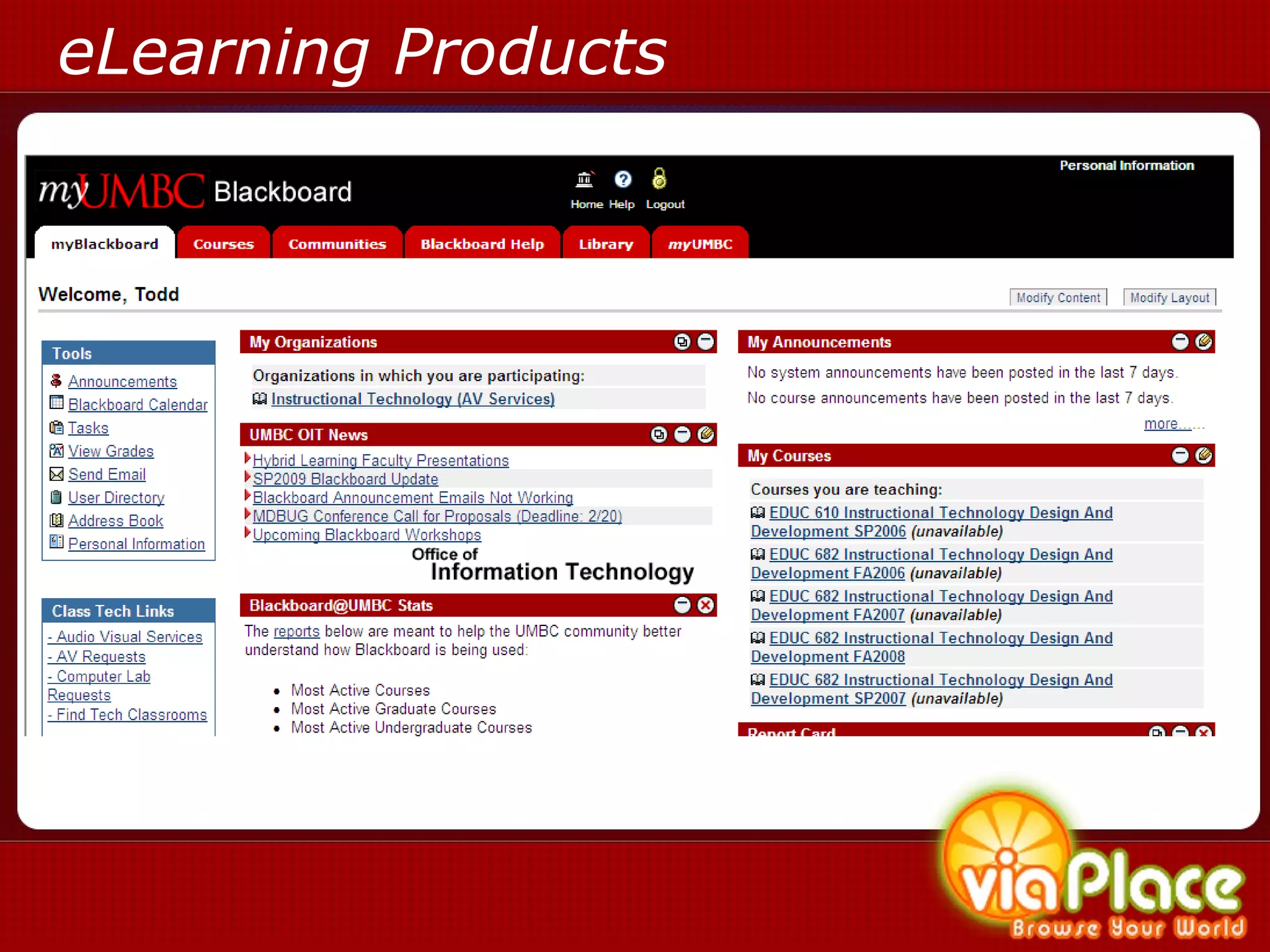
eLearning Products
Definition of eLearning eLearning is  pedagogy  empowered by digital technology  1   1 http://en.wikipedia.org/wiki/E-Learning
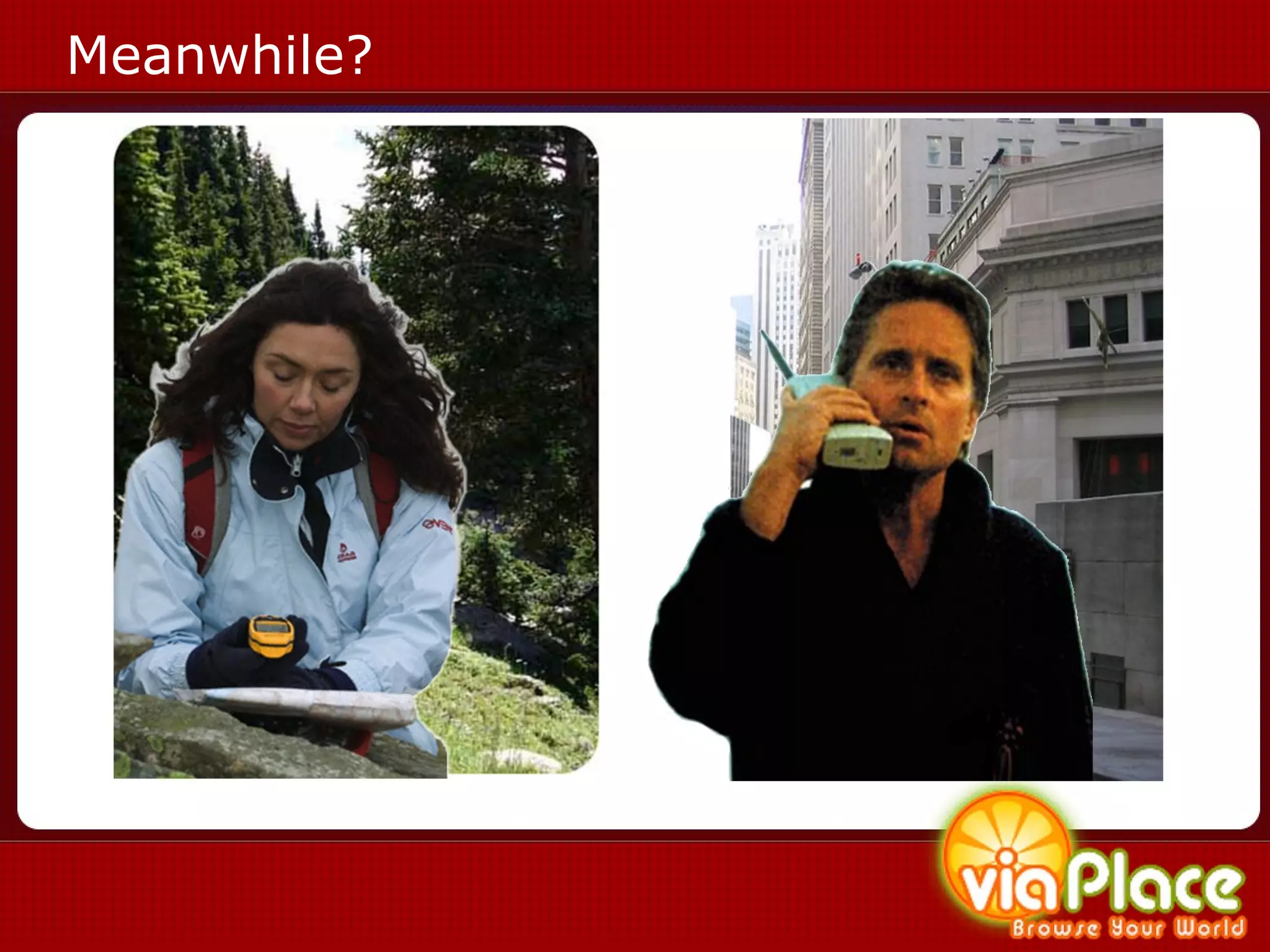
Meanwhile?
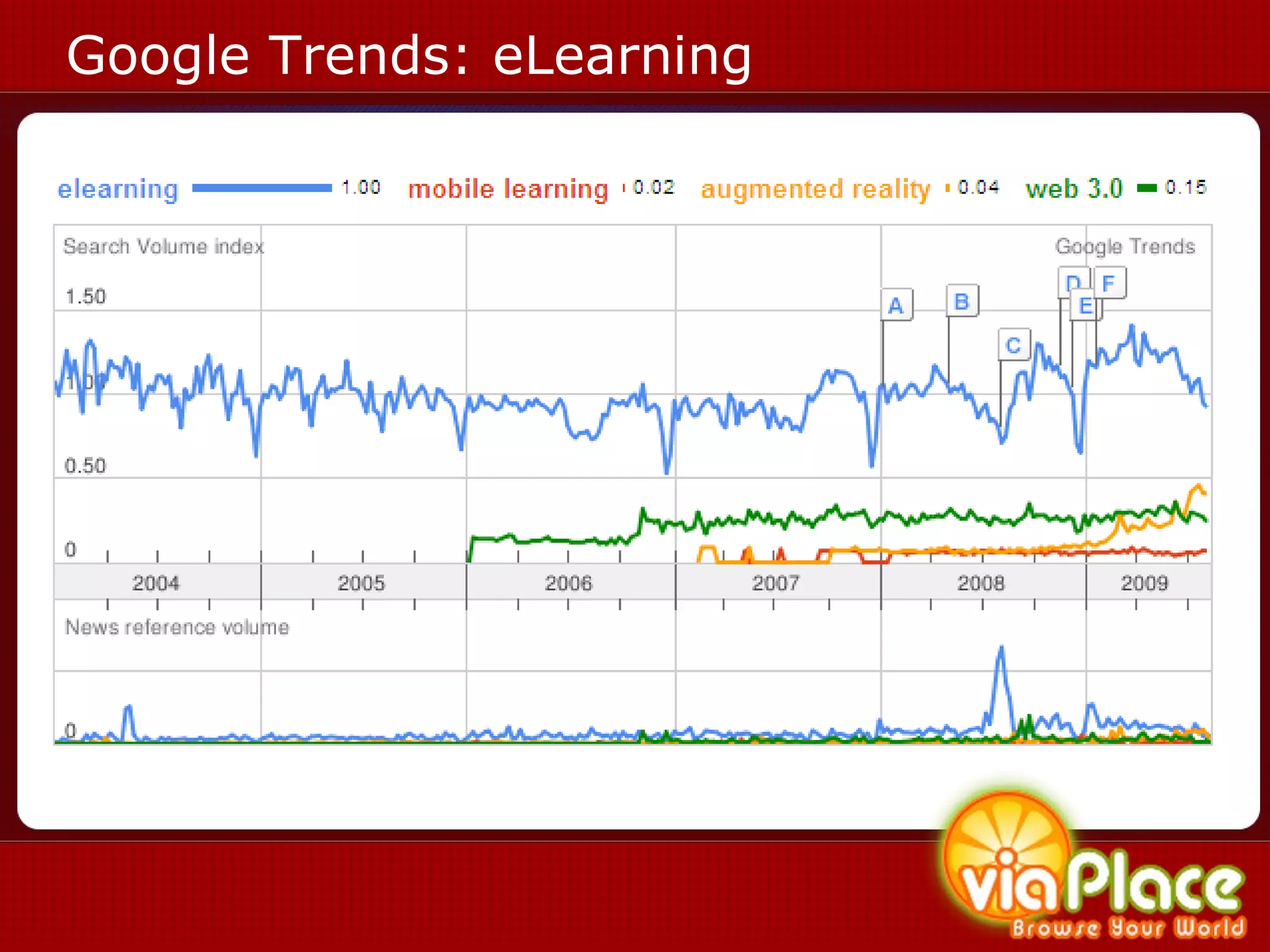
Google Trends: eLearning
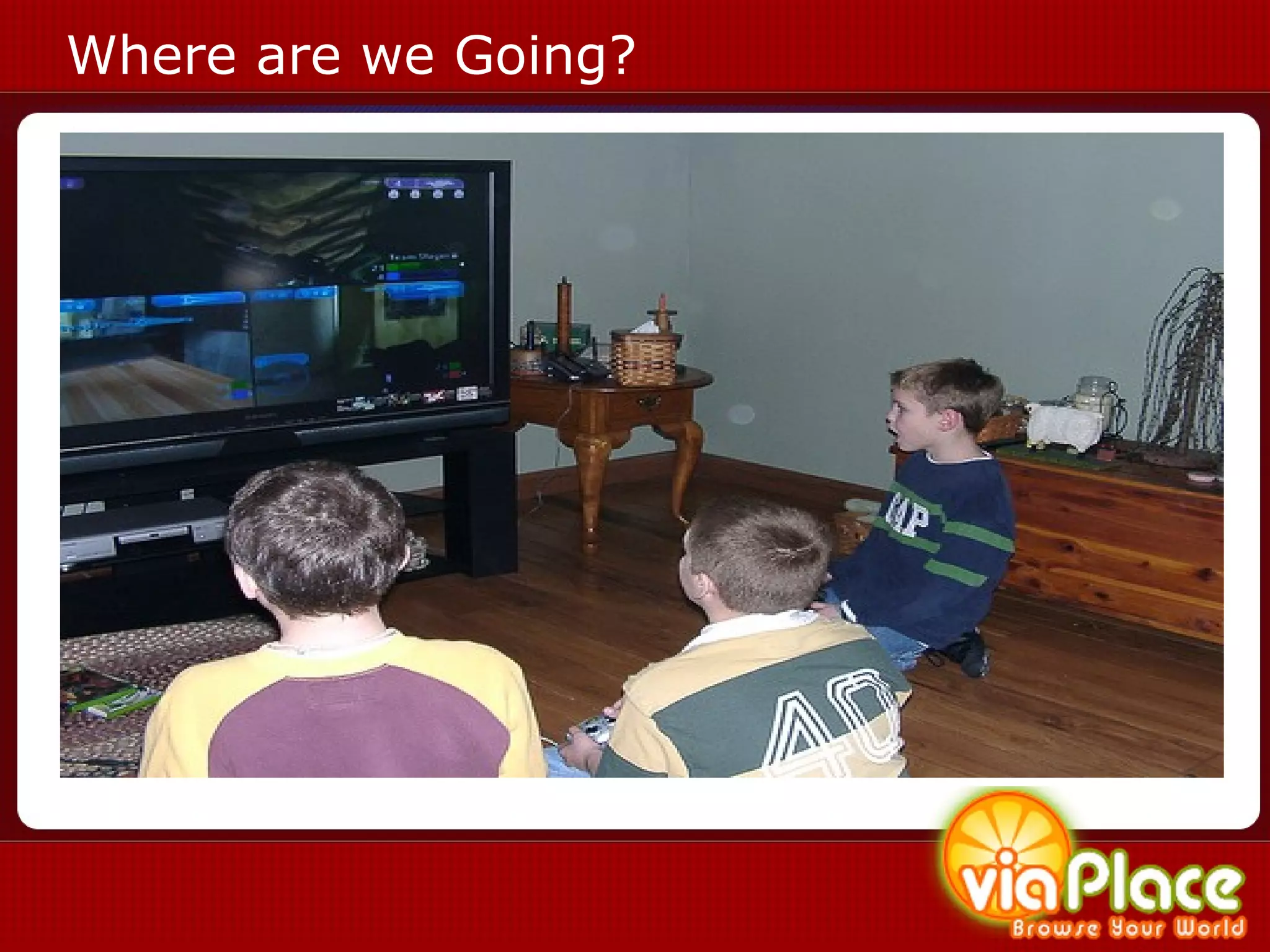
Where are we Going?
Changes in the Web 2.0  (Dawn of the End-User) v
Definition of the Web 2.0 Perceived second generation of web based services such as social networking sites, wikis, communication tools, and folksonomies (O’Reilly Media, 2004)
Definition of the Web 2.0 User Centric Design Rich Internet Applications Rich eLearning Social Media v
Definition of Social Media Social Media  can take many different forms, including  Internet forums ,  weblogs ,  social blogs ,  wikis ,  podcasts , pictures and video. Technologies include:  blogs , picture-sharing,  vlogs , wall-postings,  email ,  instant messaging , music-sharing,  crowdsourcing , and  voice over IP , to name a few.  1   1 http://en.wikipedia.org/wiki/Social_media v
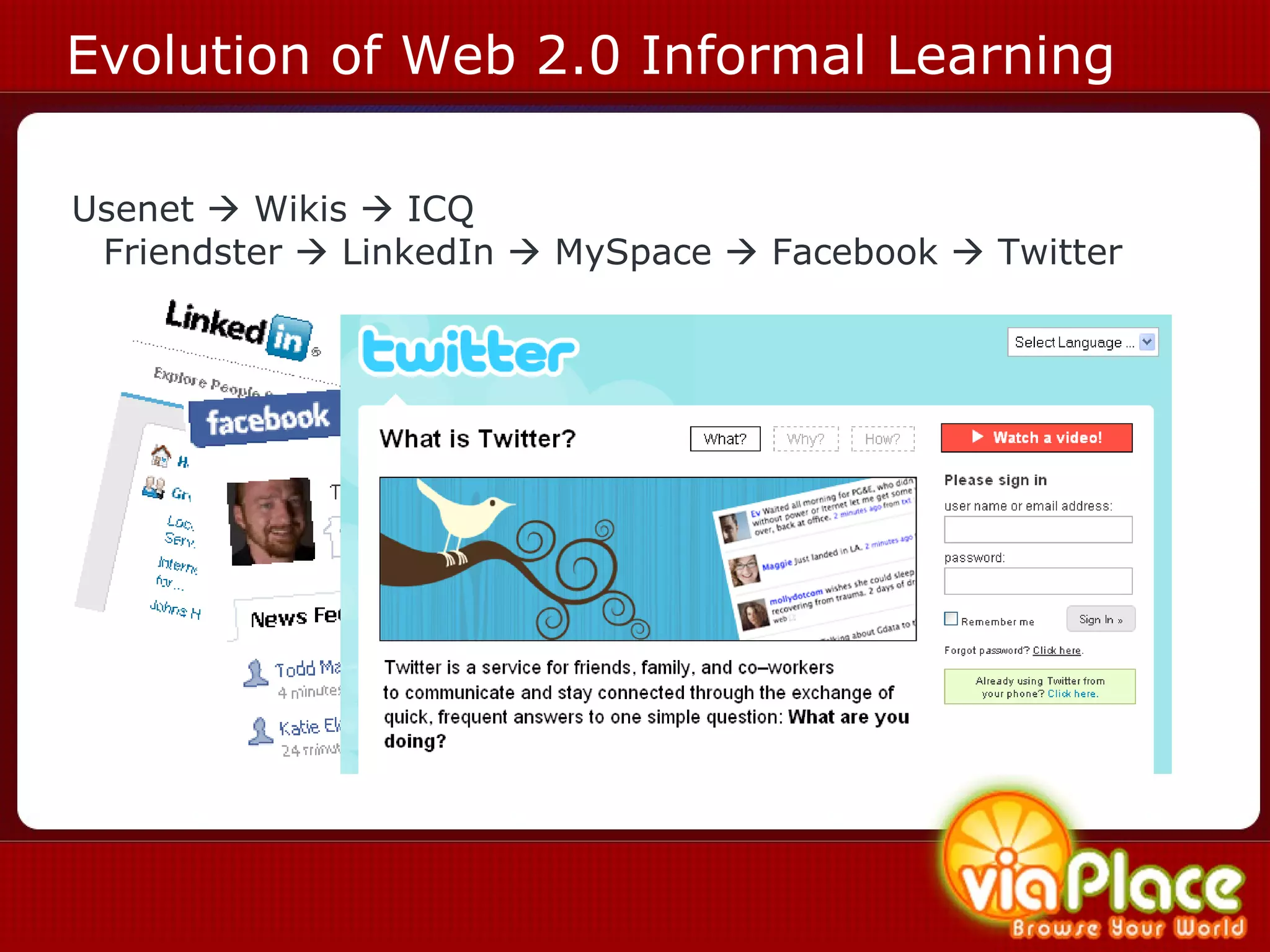
Evolution of Web 2.0 Informal Learning Usenet    Wikis    ICQ  Friendster    LinkedIn    MySpace    Facebook    Twitter
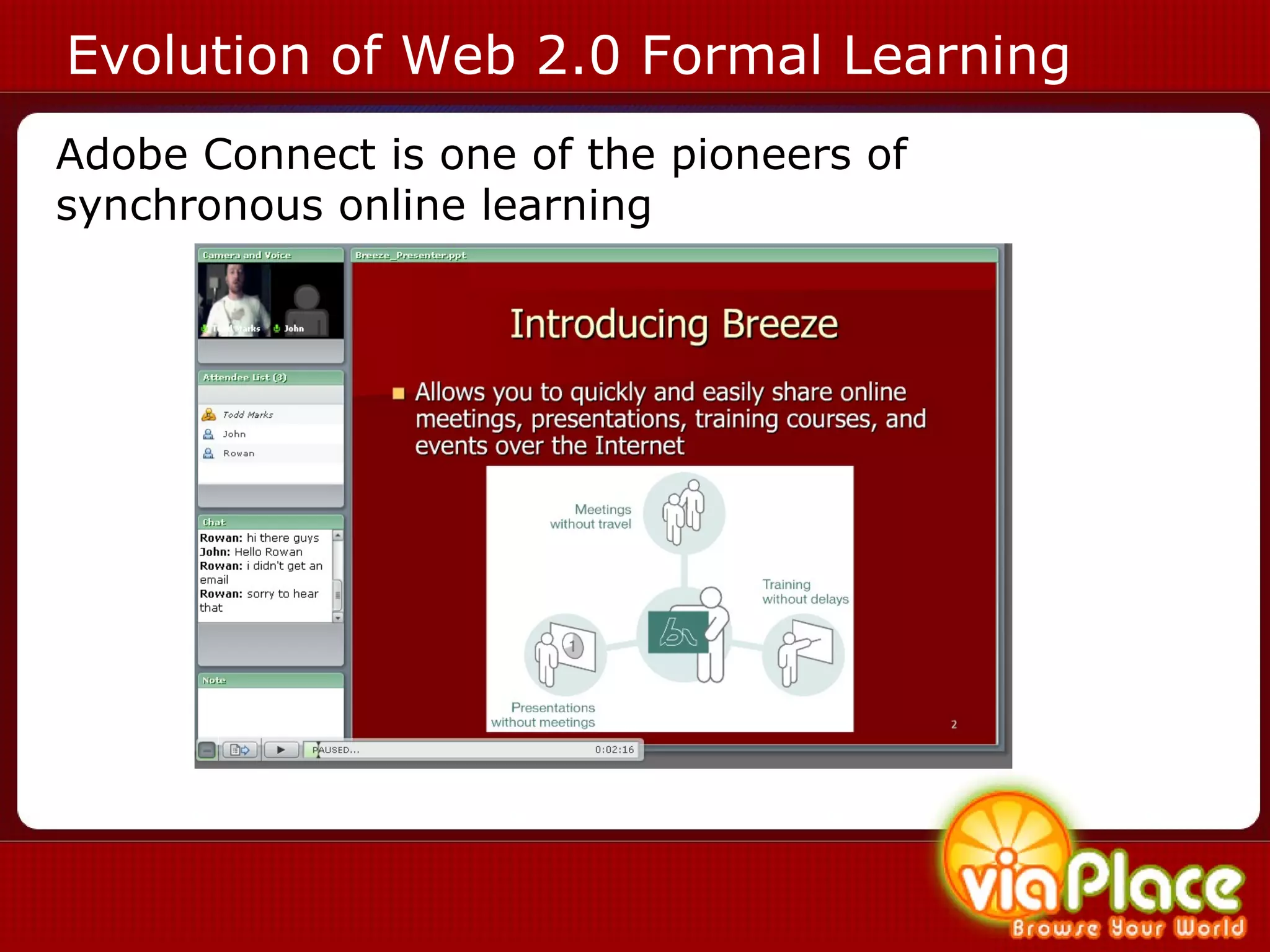
Evolution of Web 2.0 Formal Learning Adobe Connect is one of the pioneers of synchronous online learning
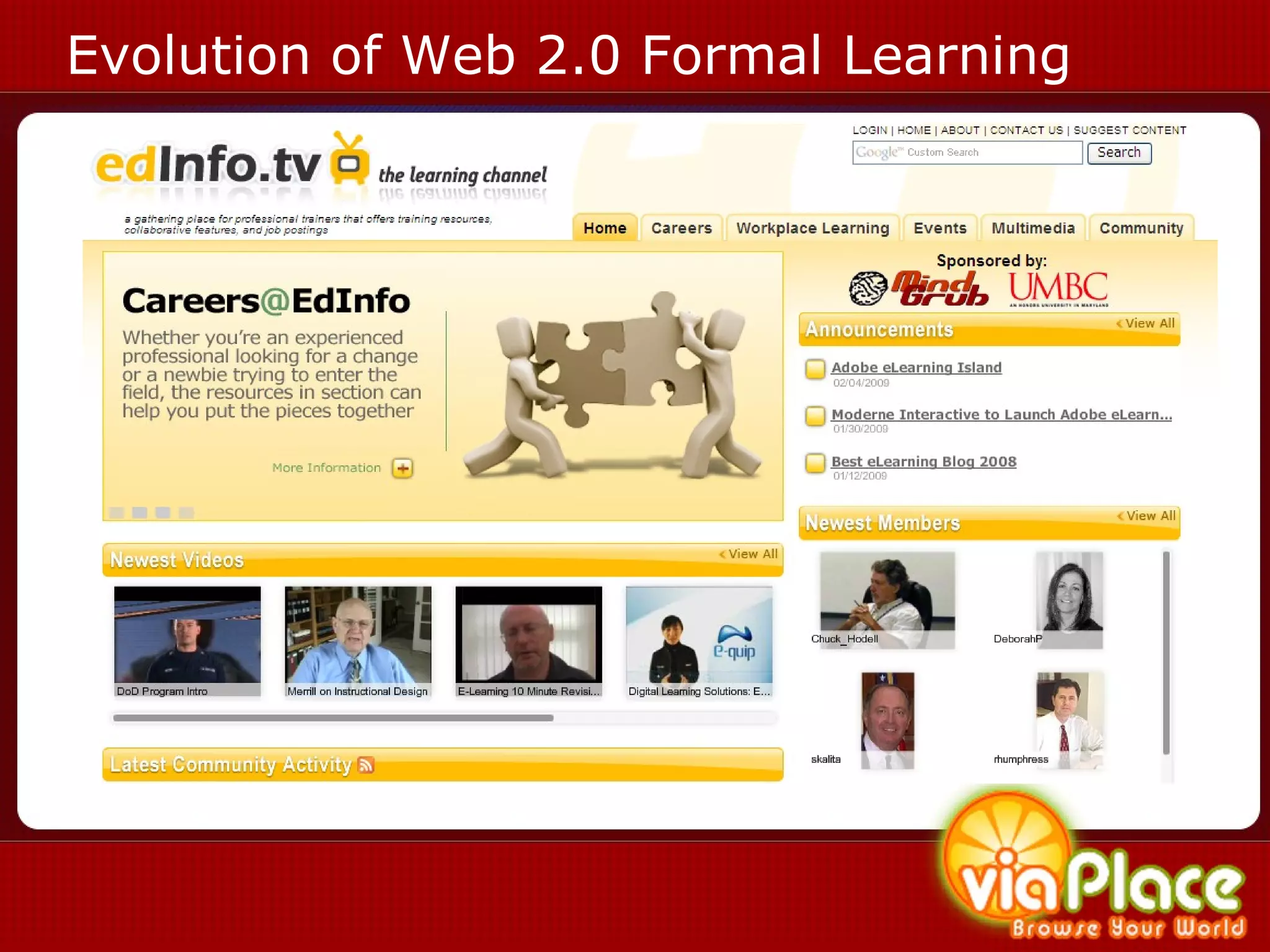
Evolution of Web 2.0 Formal Learning
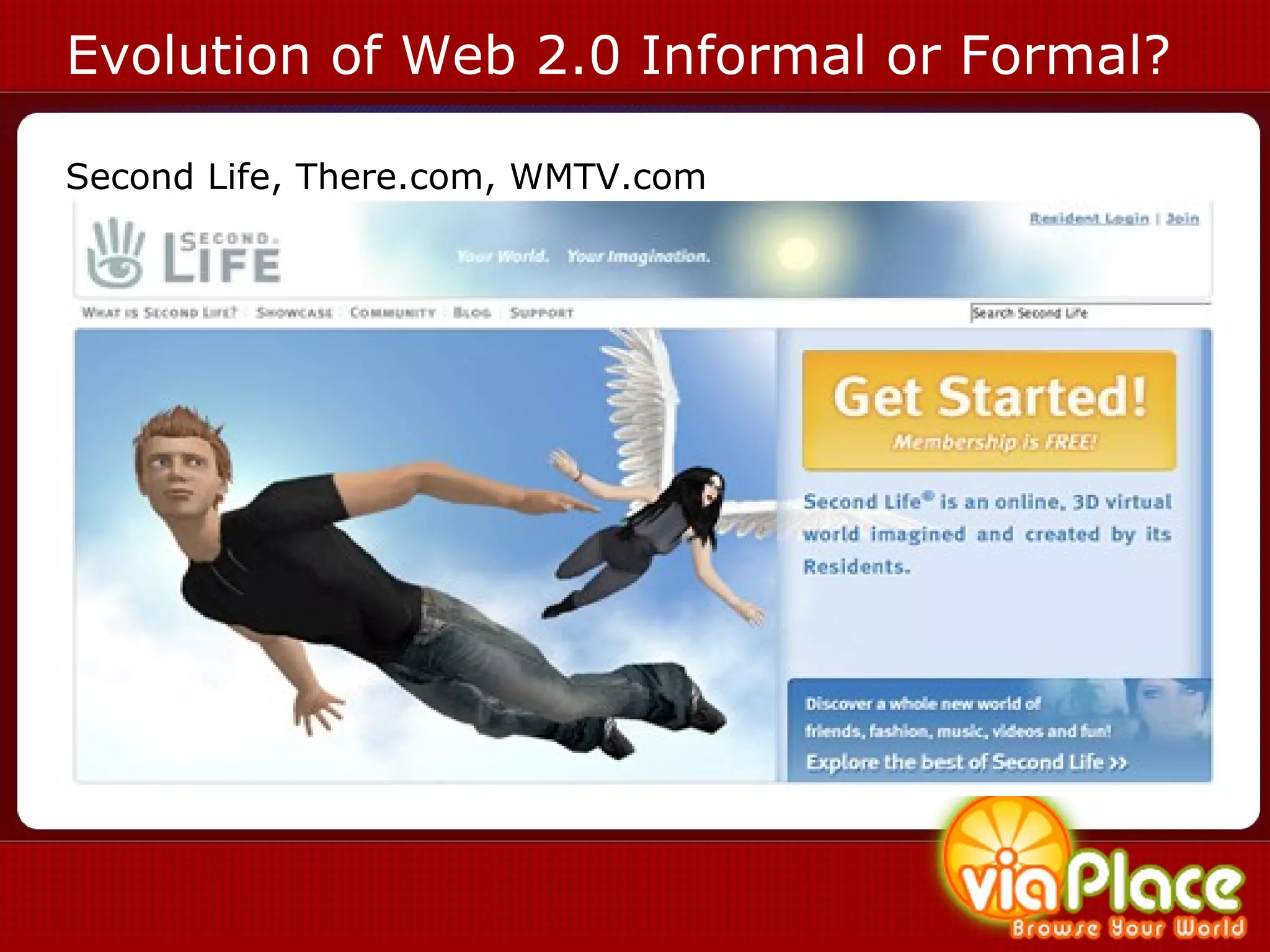
Evolution of Web 2.0 Informal or Formal? Second Life, There.com, WMTV.com Second Life, There.com, WMTV.com
Web3.0
Definition of the Web 3.0 The Web 3.0   is the next paradigm shift of the internet taking the best of web 2.0, including rich internet applications and social media, and bringing them to mobile devices, netbooks and digital signage.  Information is searched for, filtered, personalized and delivered to end users based on preferences, biofeedback and location.  1 1 http://www.mindgrub.com/web3.0
Definition of the Semantic Web Semantic Web  is an evolving extension of the web 3.0 where information is tagged in relation to use and context so that it and similar information can be delivered more effectively to humans and machines
Smaller Bits of Information
Smaller Bits of Information 40404: “In the middle of my augmented reality, viaPlace presentation at #SALT.  Tweet me @mindgrub and let me know what you think?”
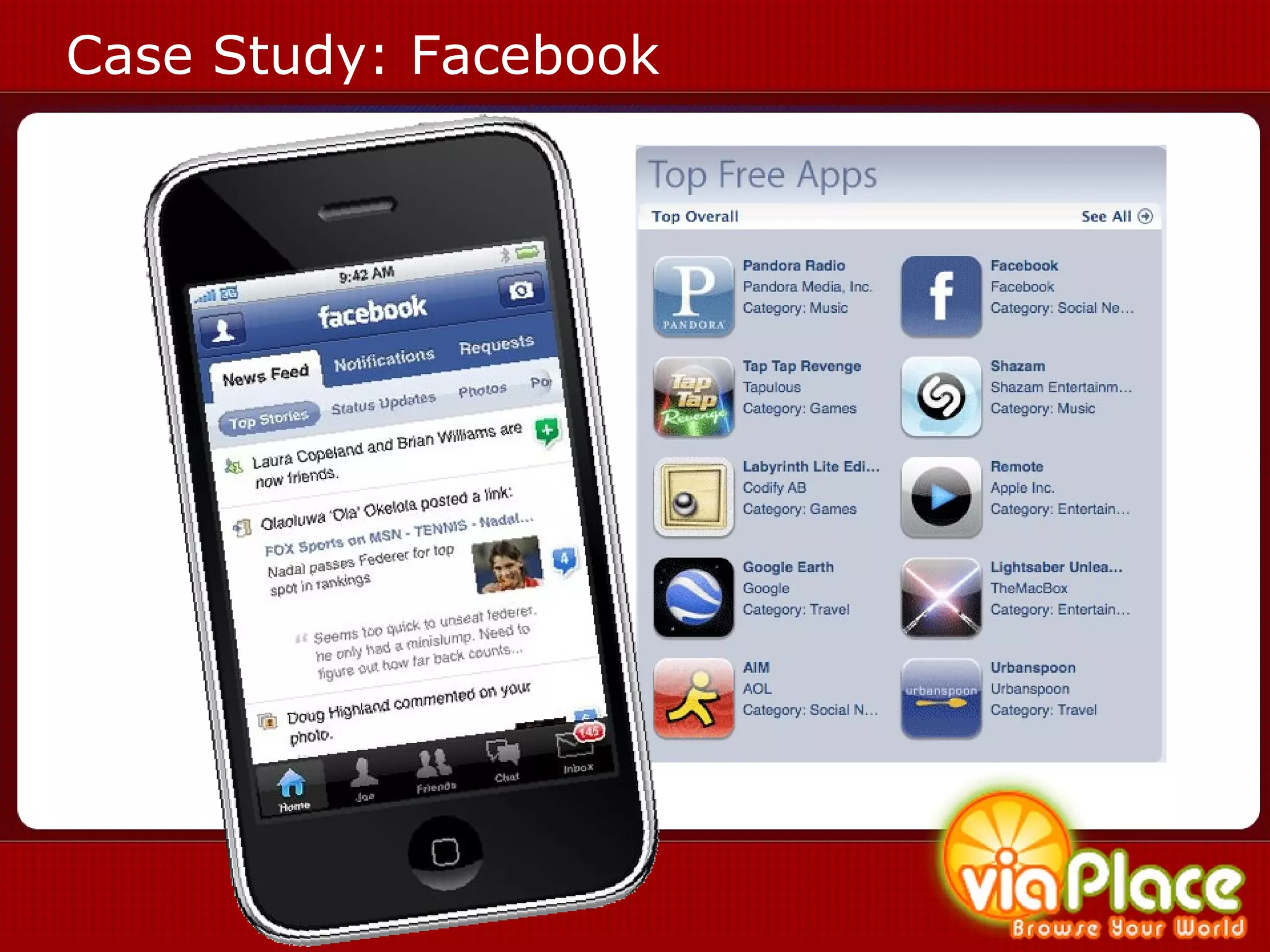
Social Media on Your Smart Phone
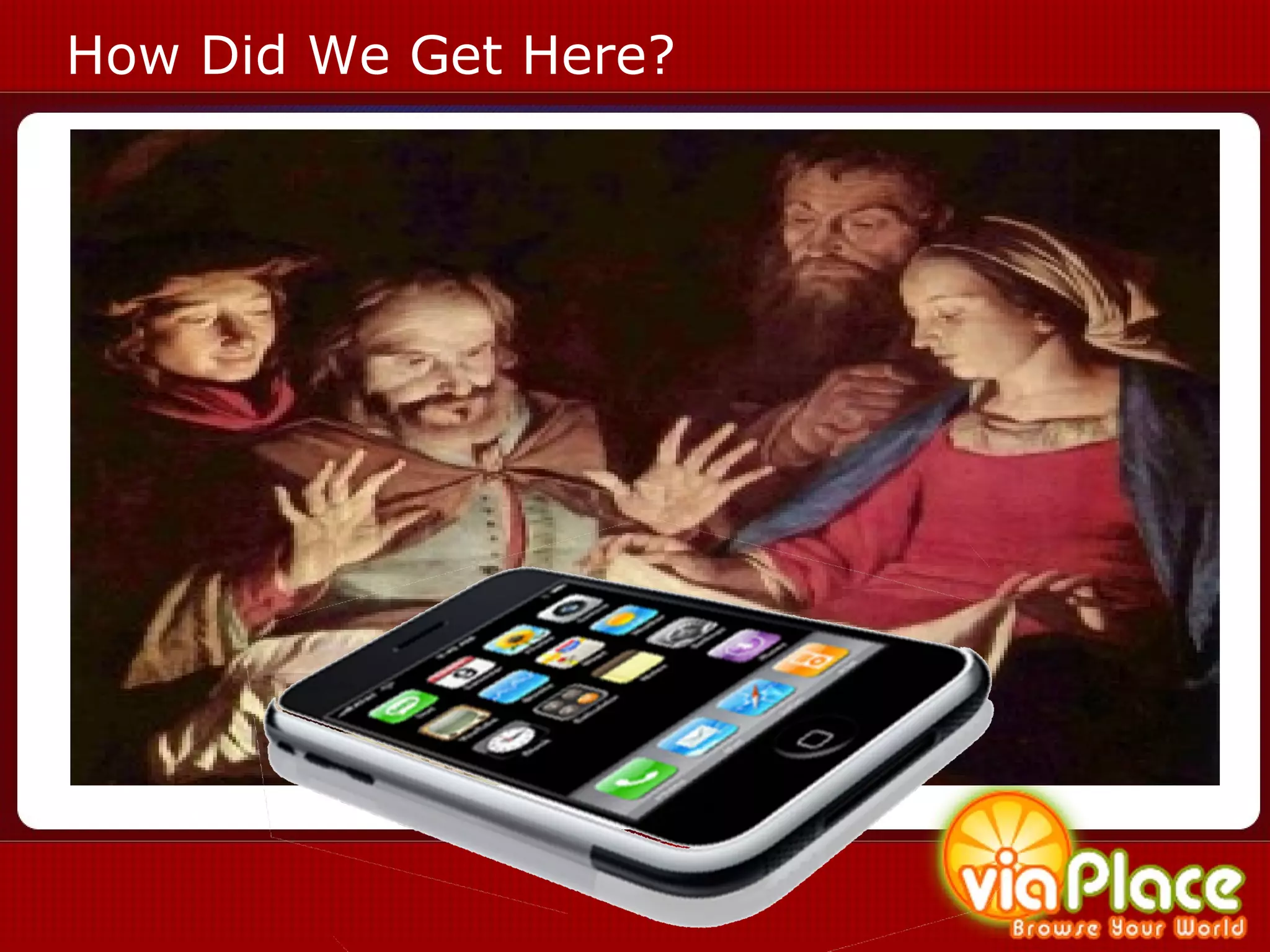
How Did We Get Here?
Case Study: Facebook
Location Enabled  Social Media
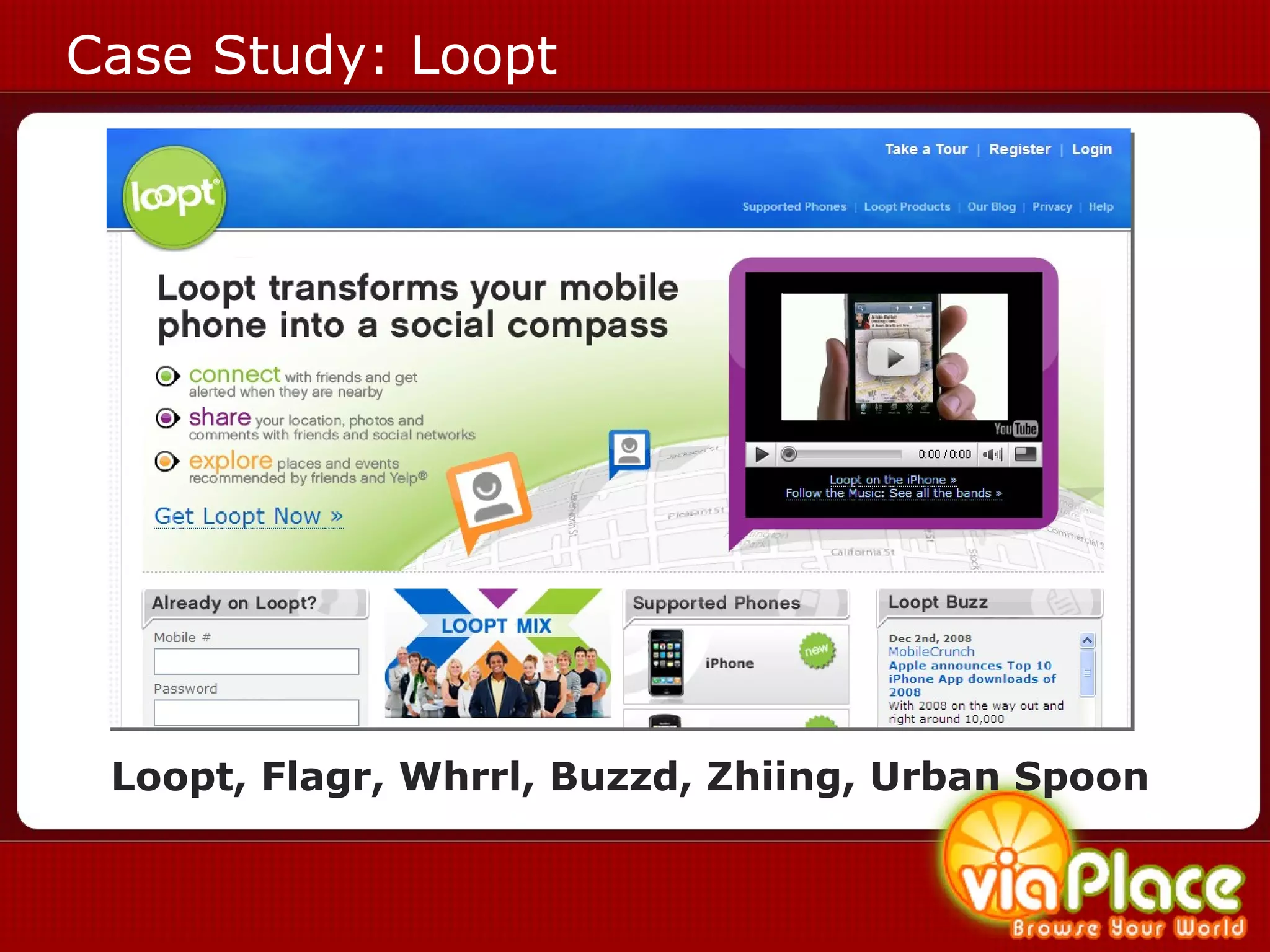
Case Study: Loopt Loopt, Flagr, Whrrl, Buzzd, Zhiing, Urban Spoon
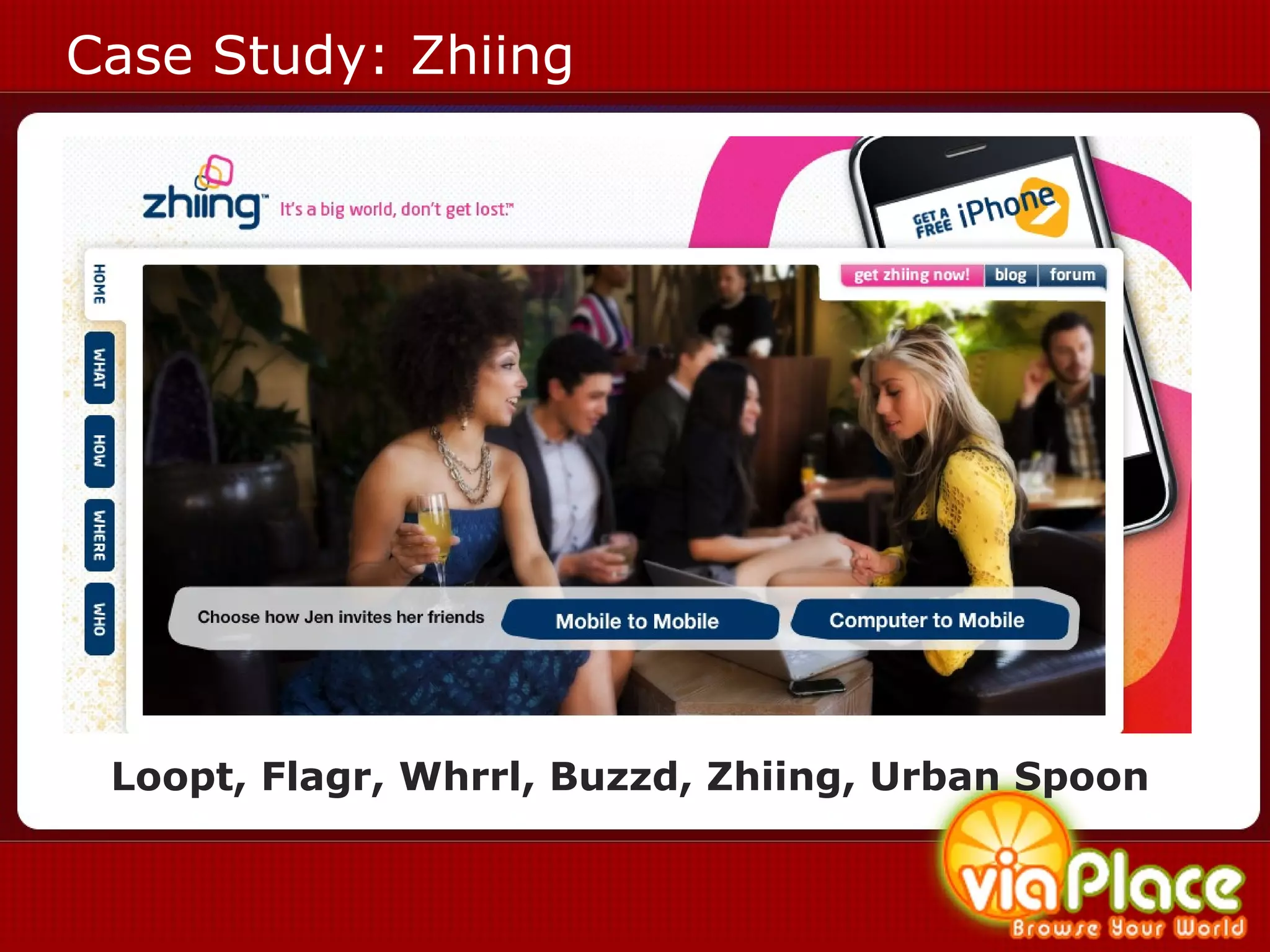
Case Study: Zhiing Loopt, Flagr, Whrrl, Buzzd, Zhiing, Urban Spoon
Location Based Experiences
What is a Location Based Experience? (2.5) Location Based Services (LBS)  information services accessible with mobile devices through a mobile network and based on location  (3.0) Location Based Experiences (LBE)  mobile websites and multimedia applications that provide a personalized rich interactive experience for an end user based on their location and preferences.
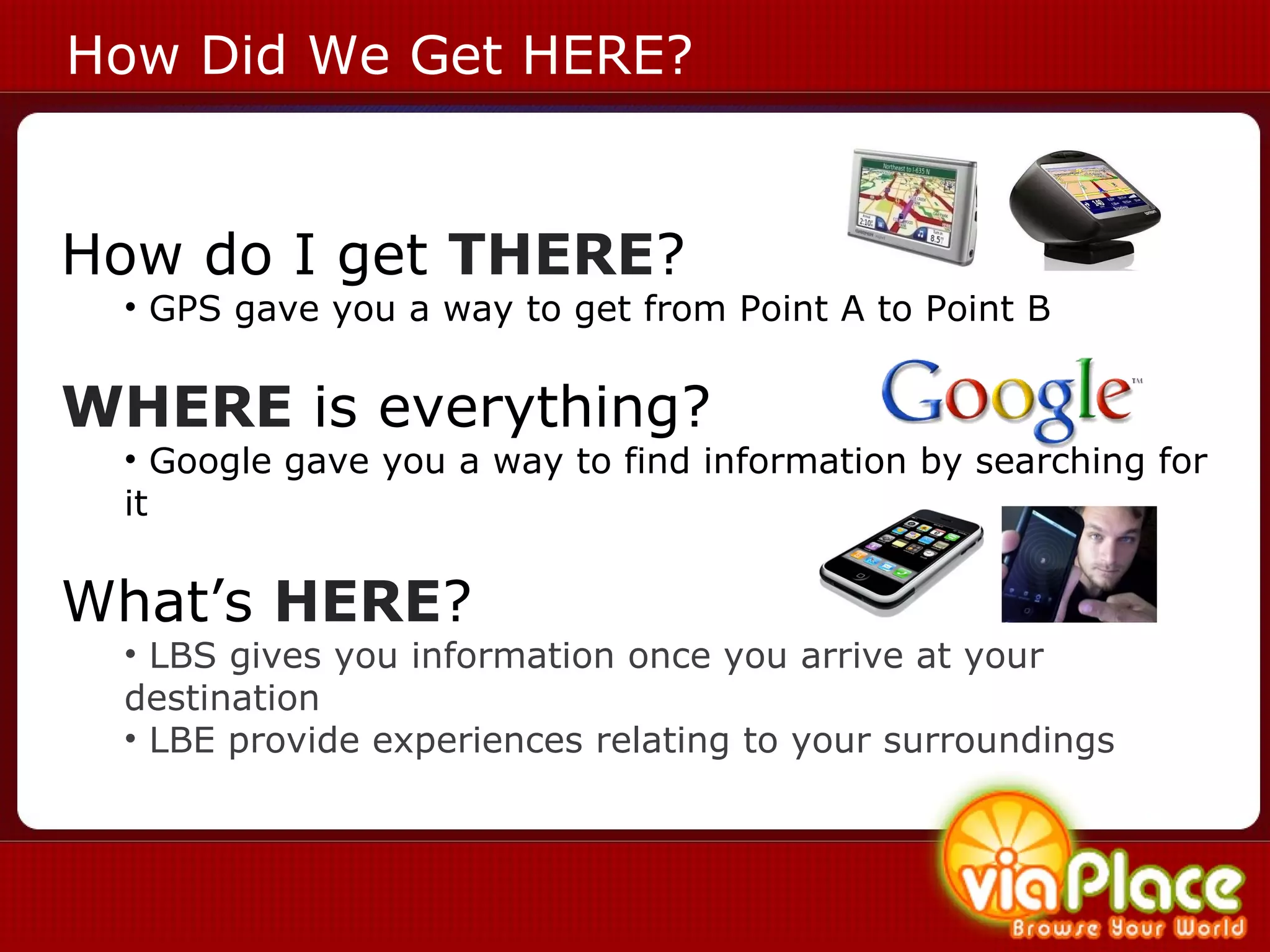
How Did We Get HERE? How do I get  THERE ? GPS gave you a way to get from Point A to Point B WHERE  is everything? Google gave you a way to find information by searching for it What’s  HERE ? LBS gives you information once you arrive at your destination LBE provide experiences relating to your surroundings
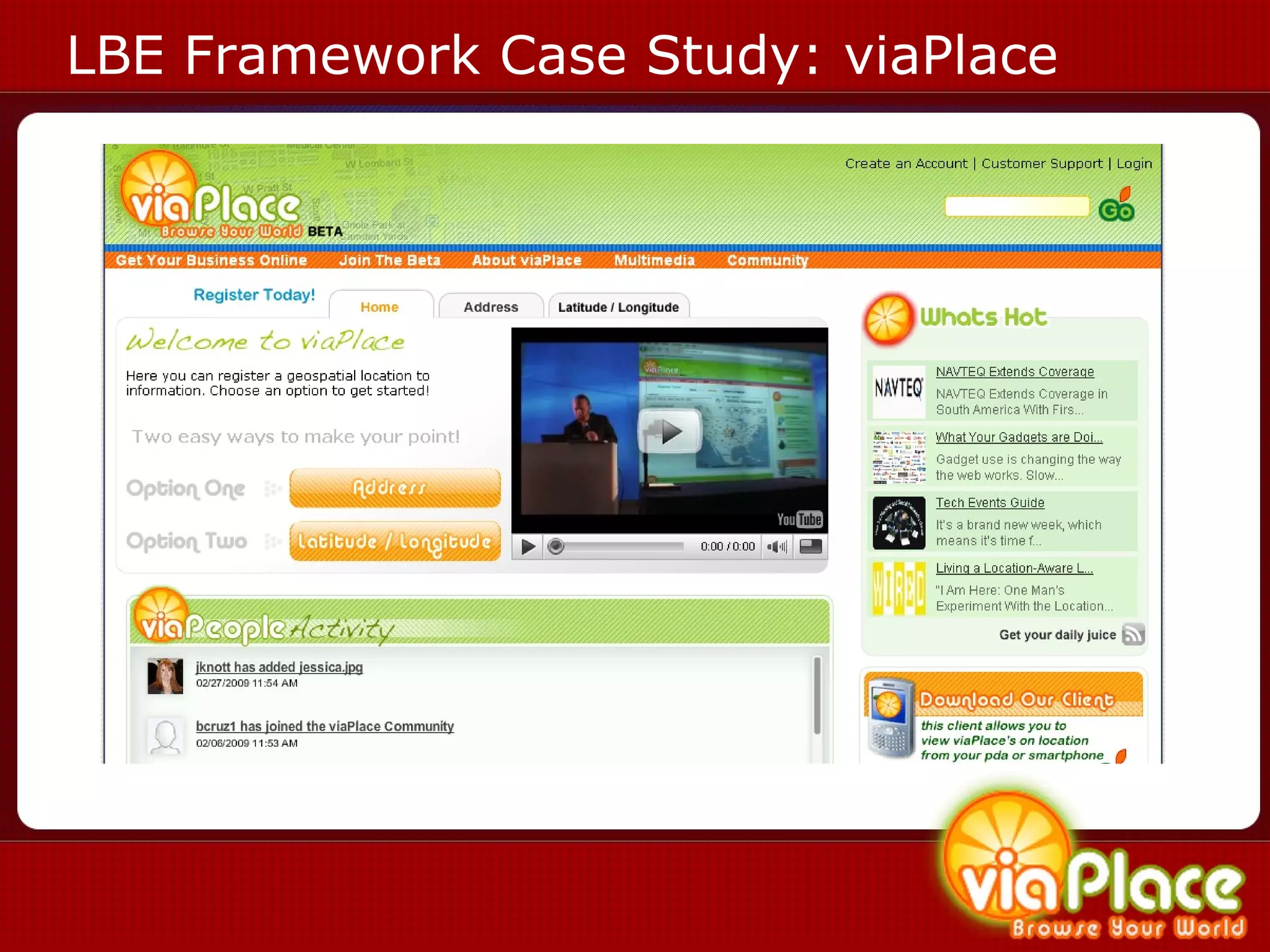
LBE Framework Case Study: viaPlace
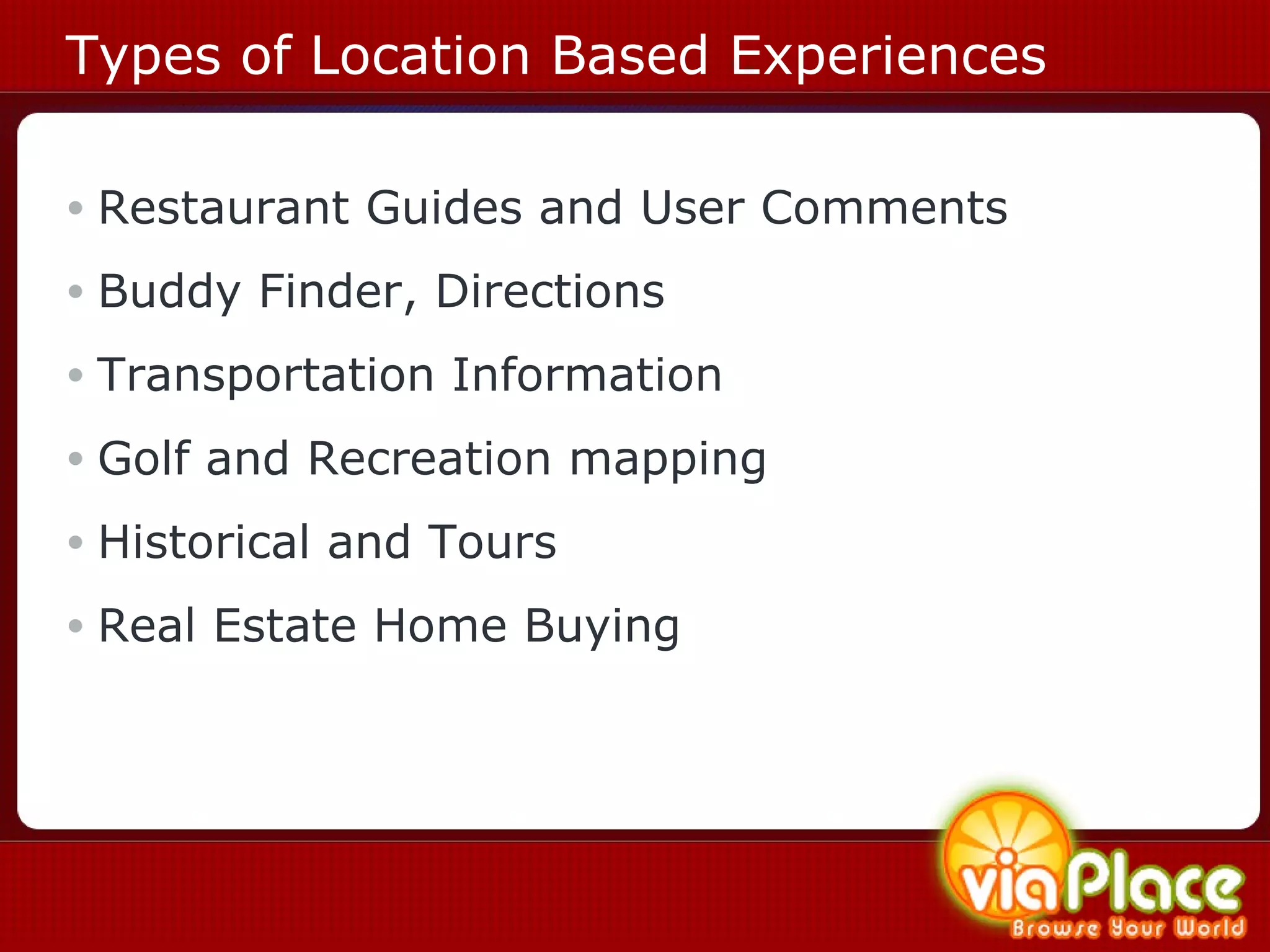
Types of Location Based Experiences Restaurant Guides and User Comments Buddy Finder, Directions Transportation Information Golf and Recreation mapping Historical and Tours Real Estate Home Buying
LBE Case Studies
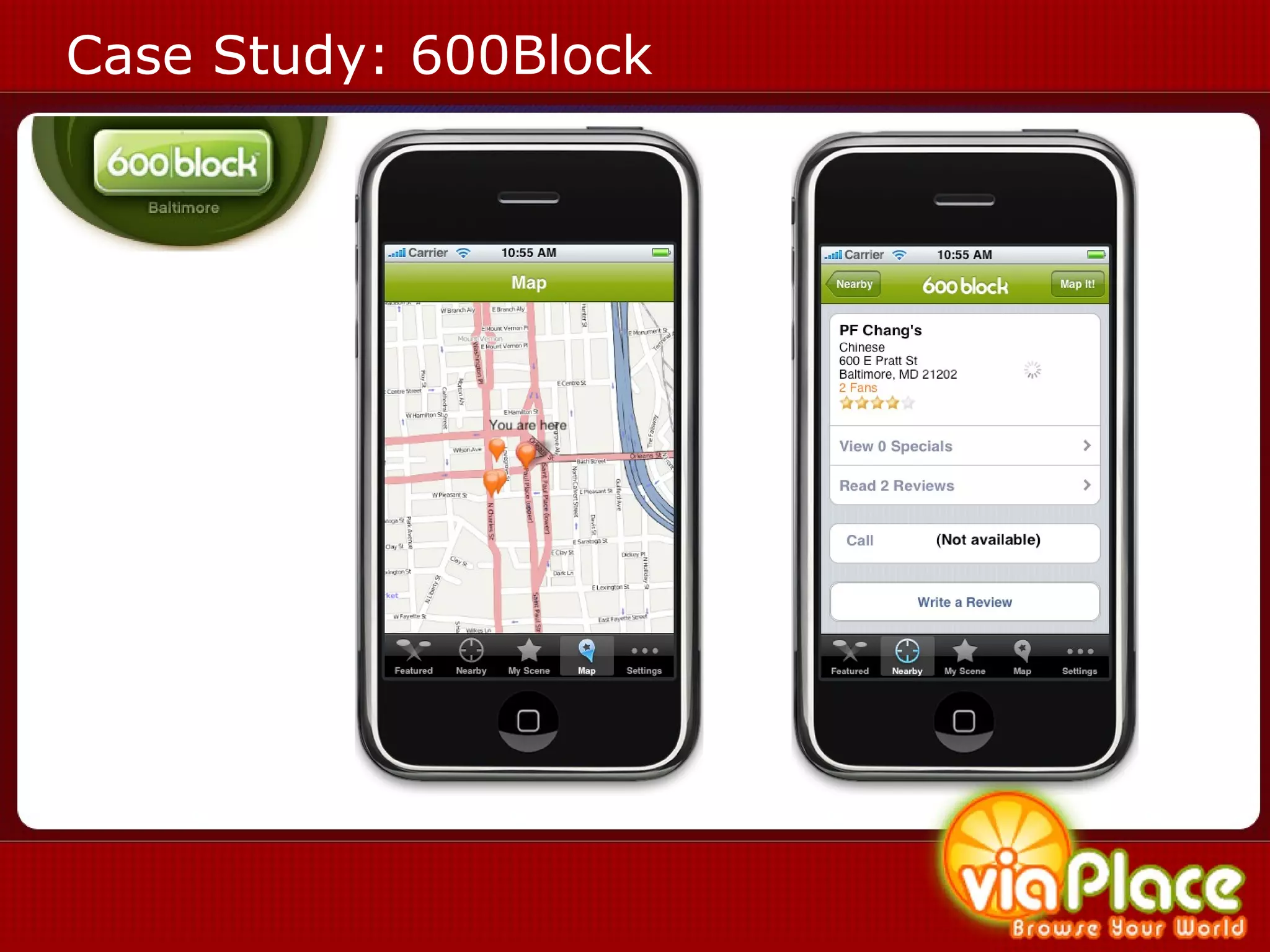
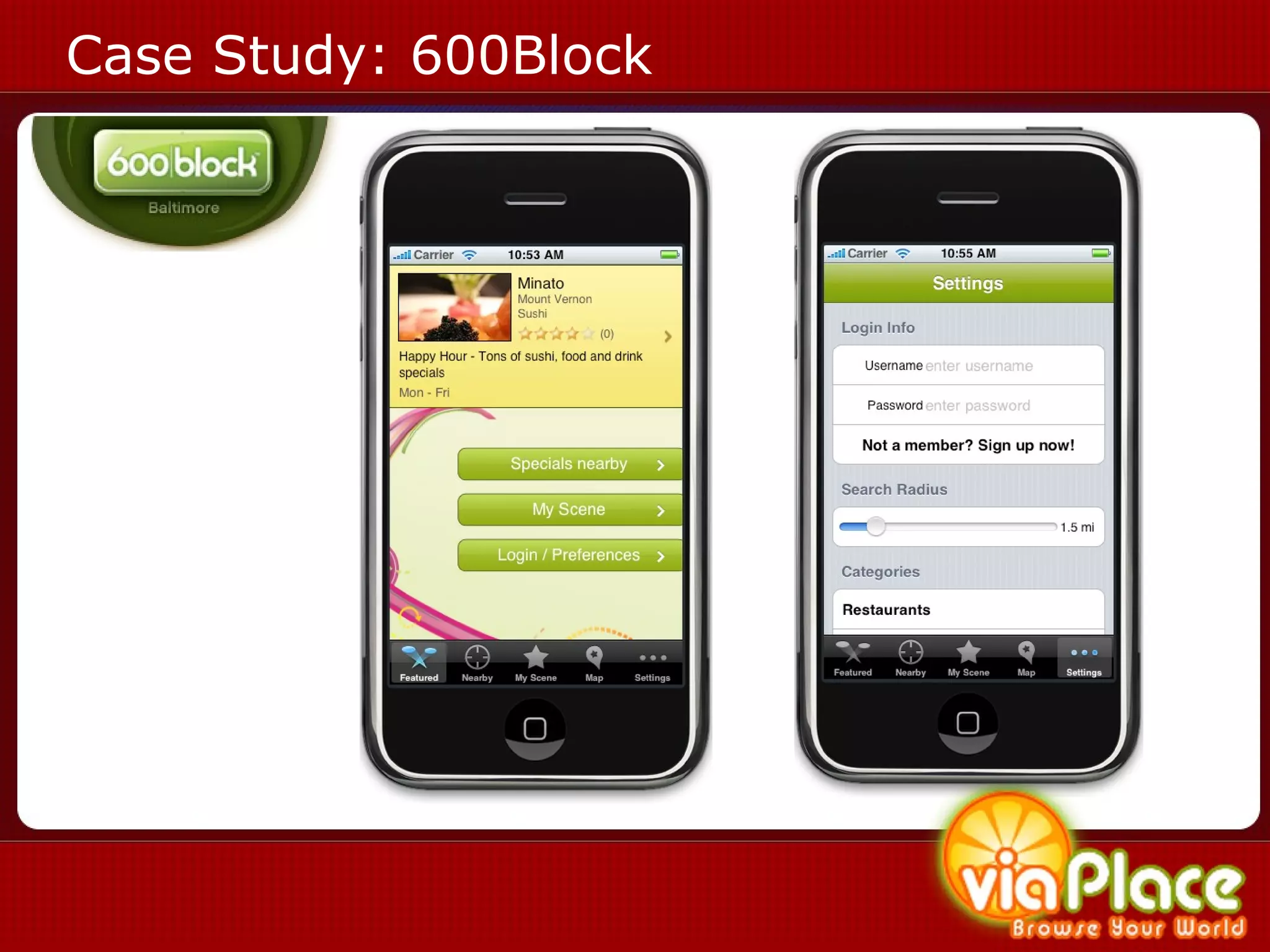
Case Study: 600Block
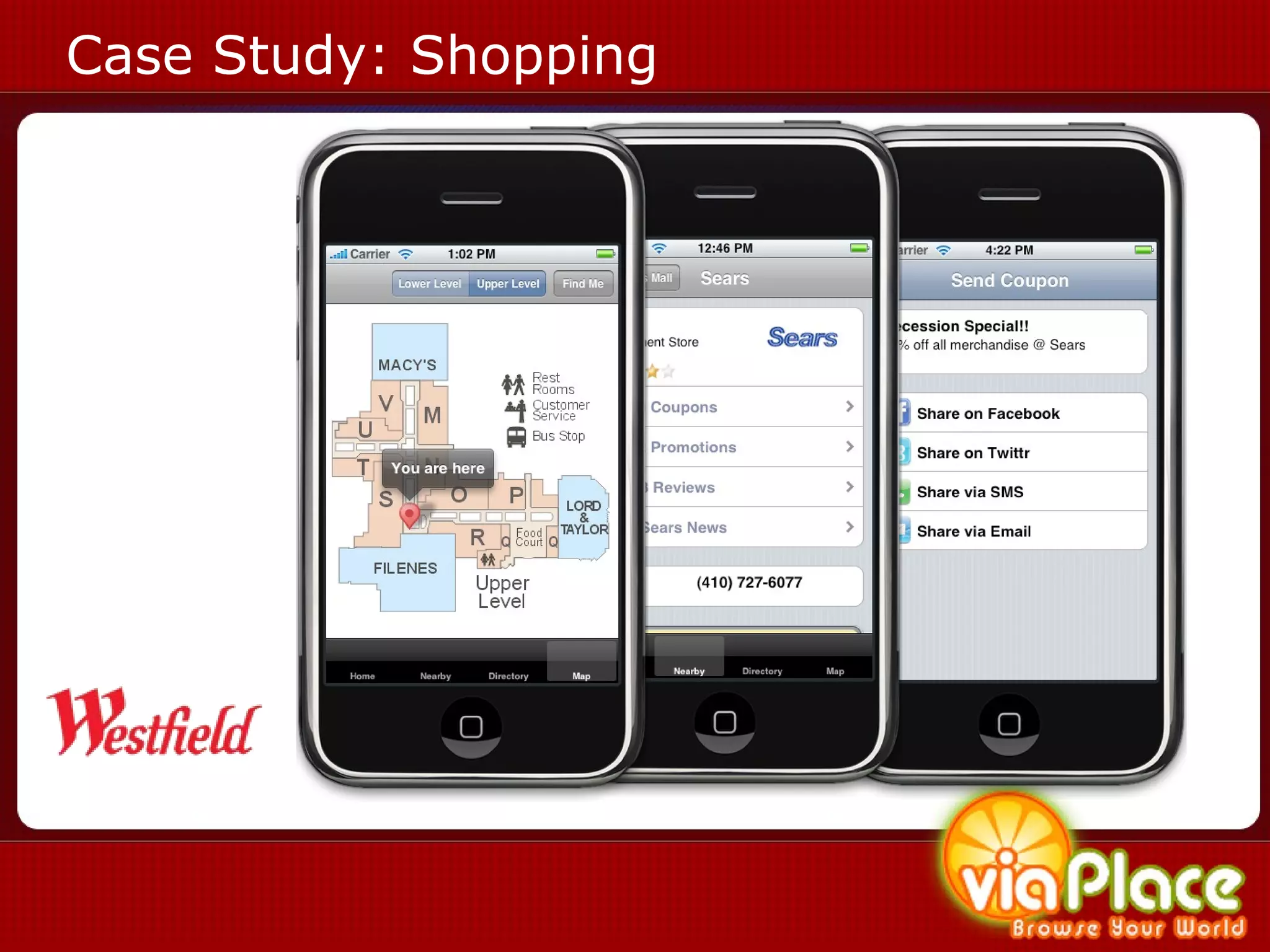
Case Study: Shopping
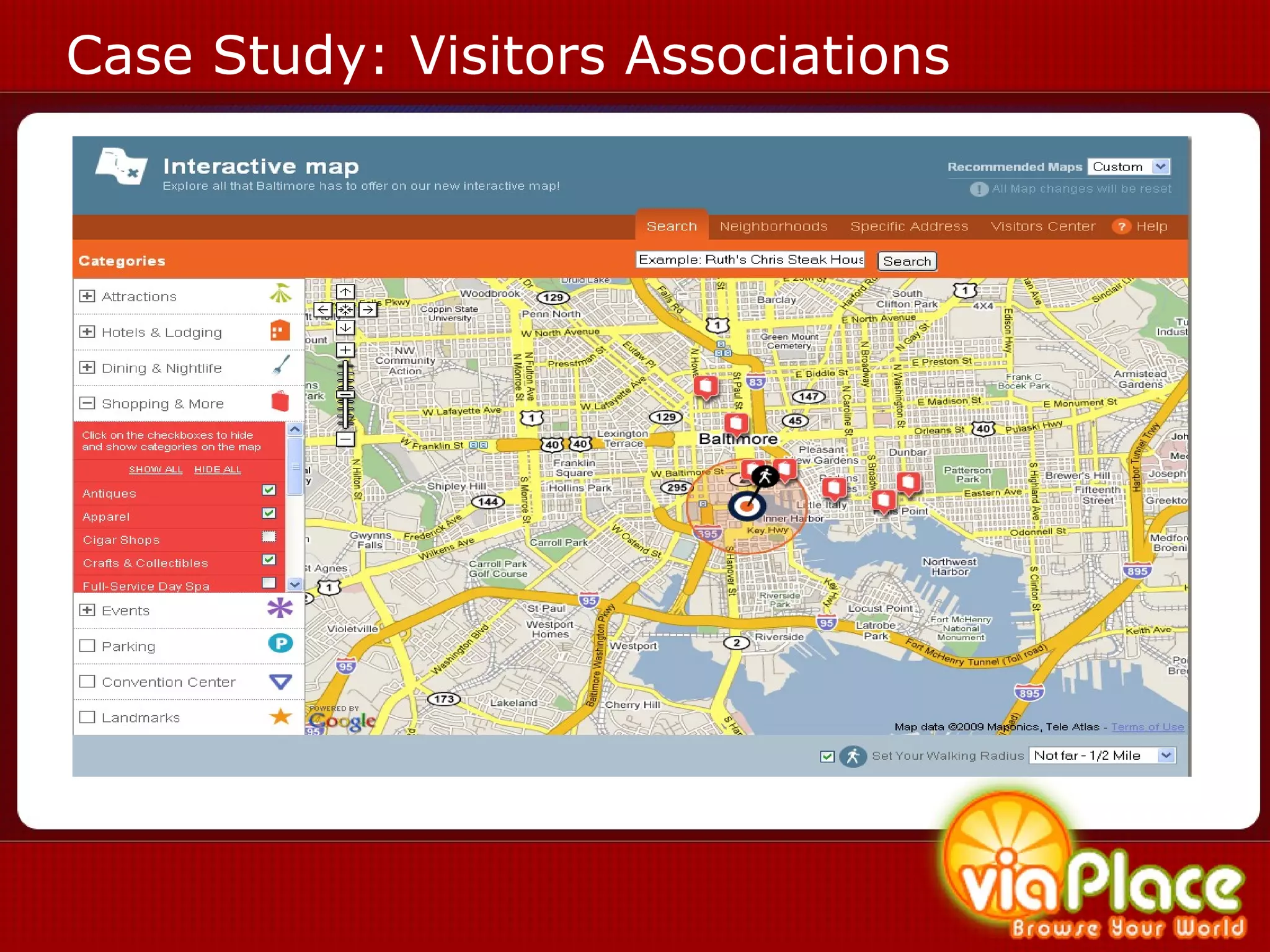
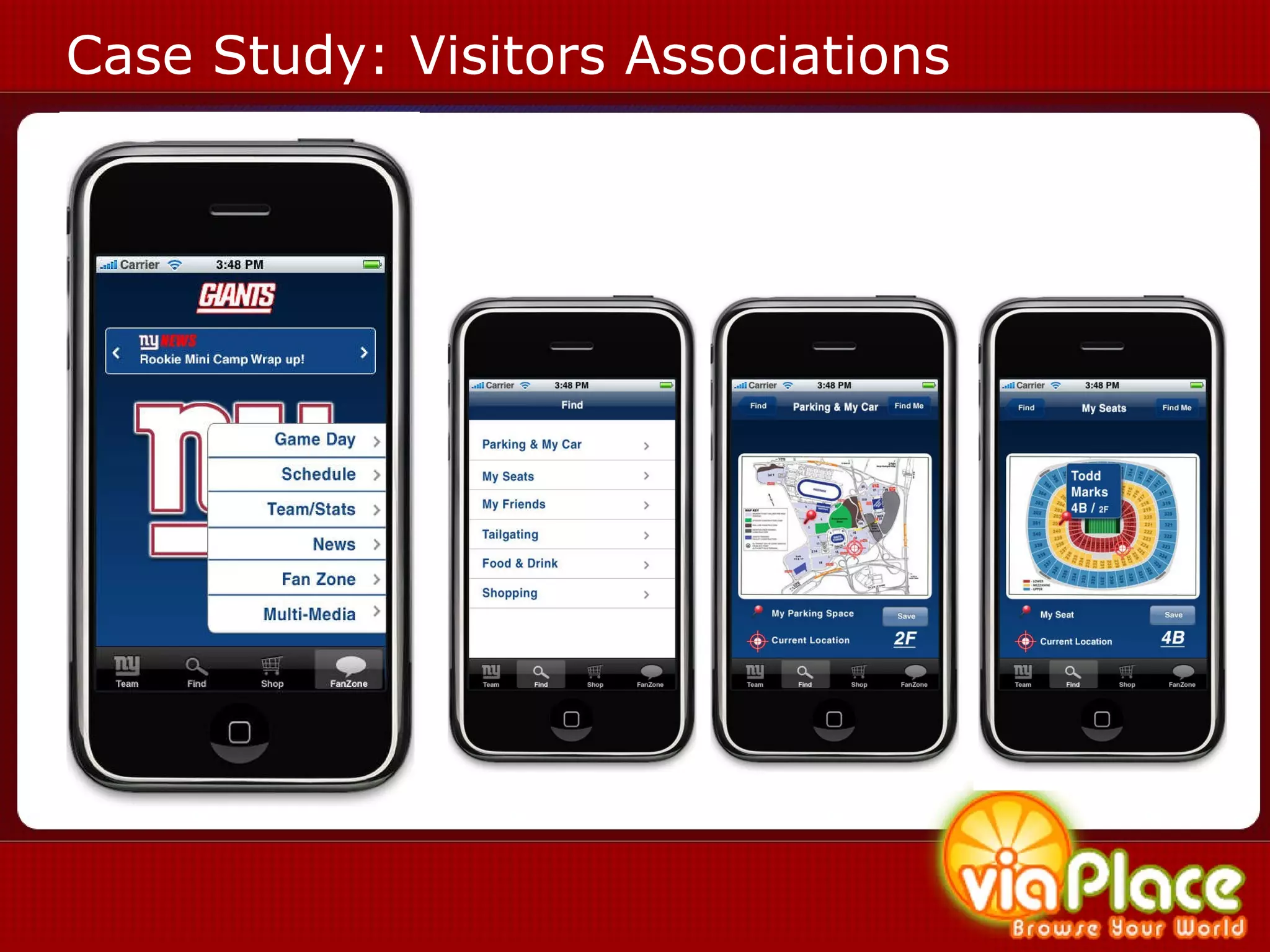
Case Study: Visitors Associations
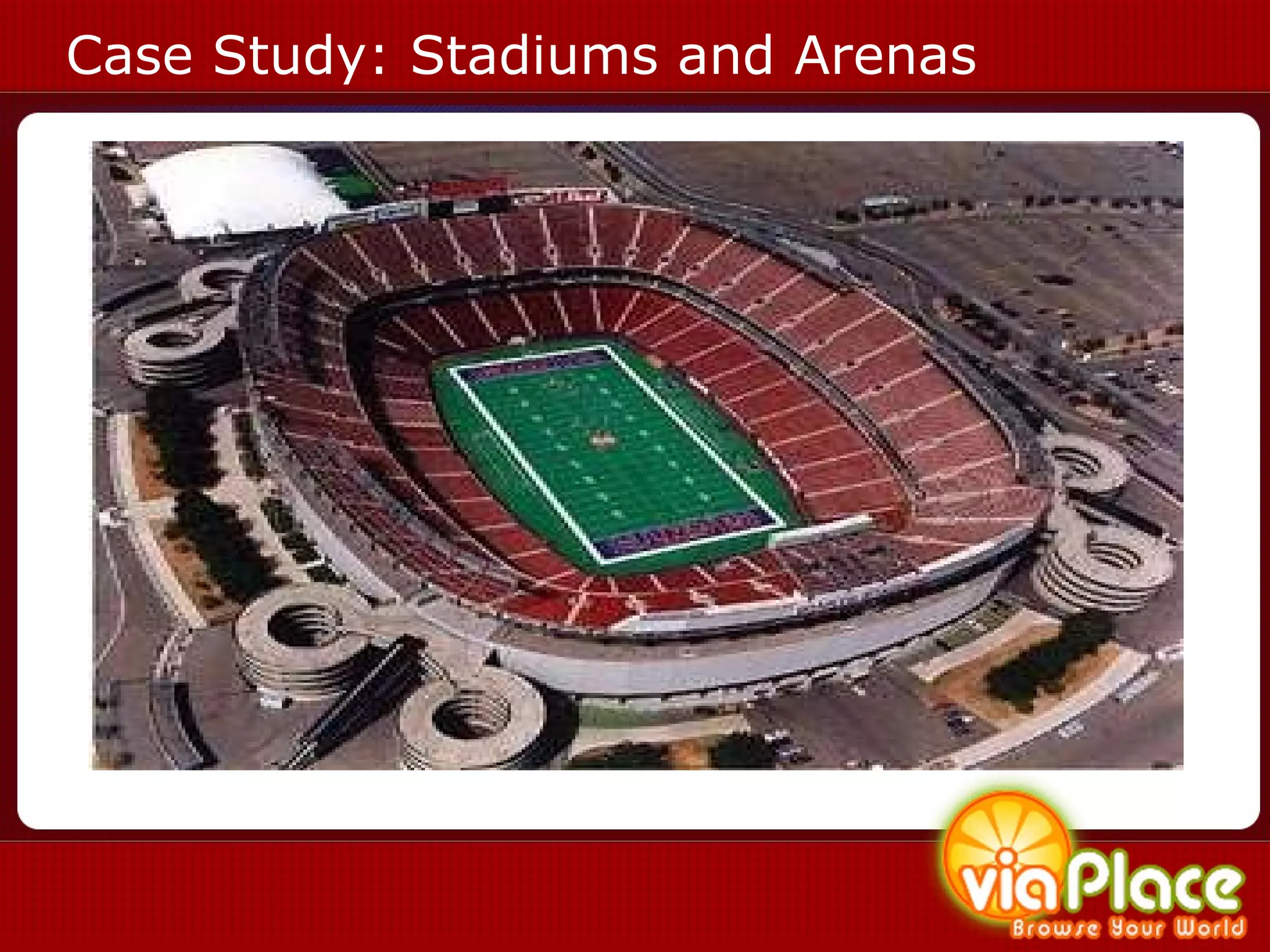
Case Study: Stadiums and Arenas
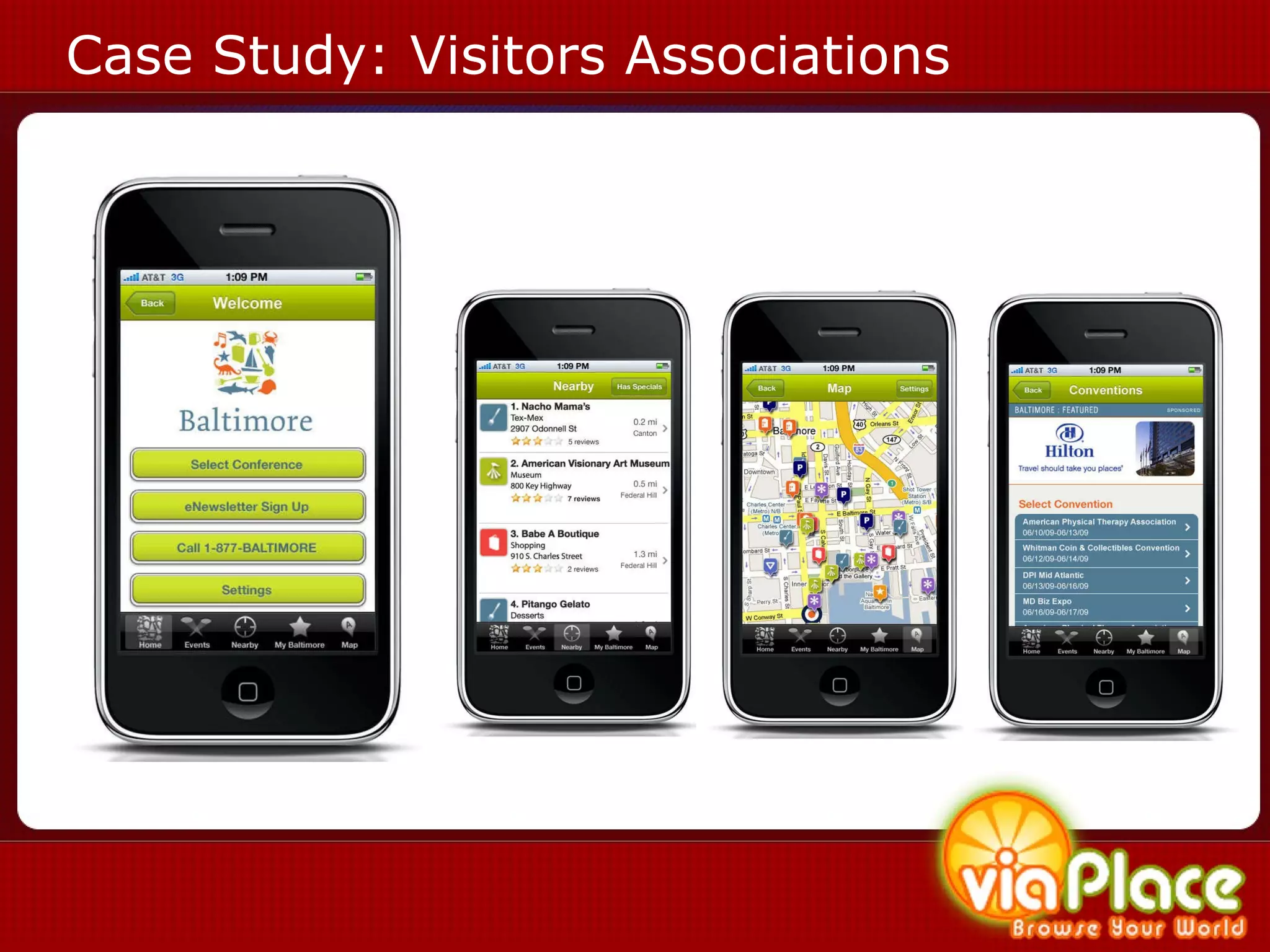
Case Study: Visitors Associations
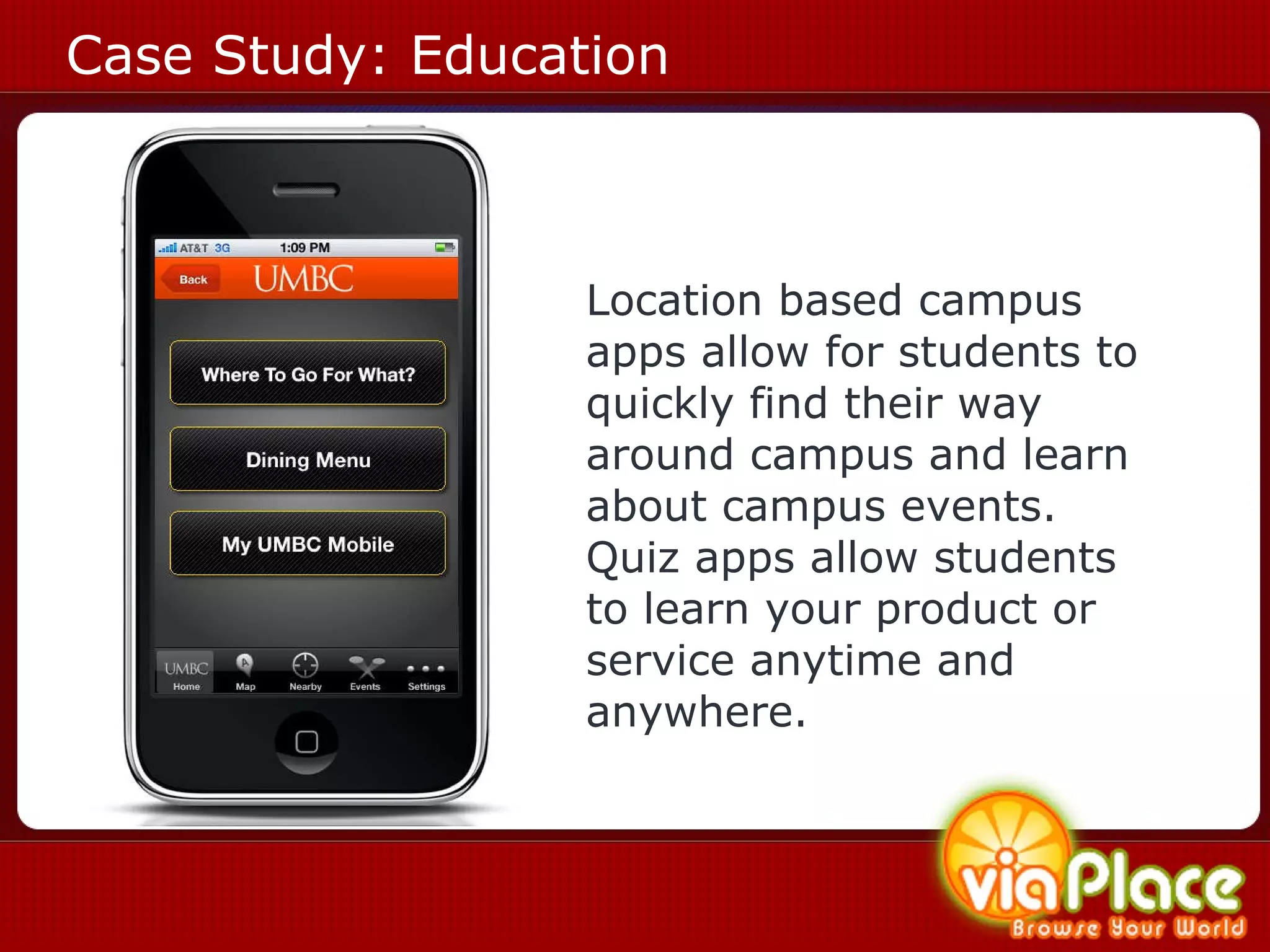
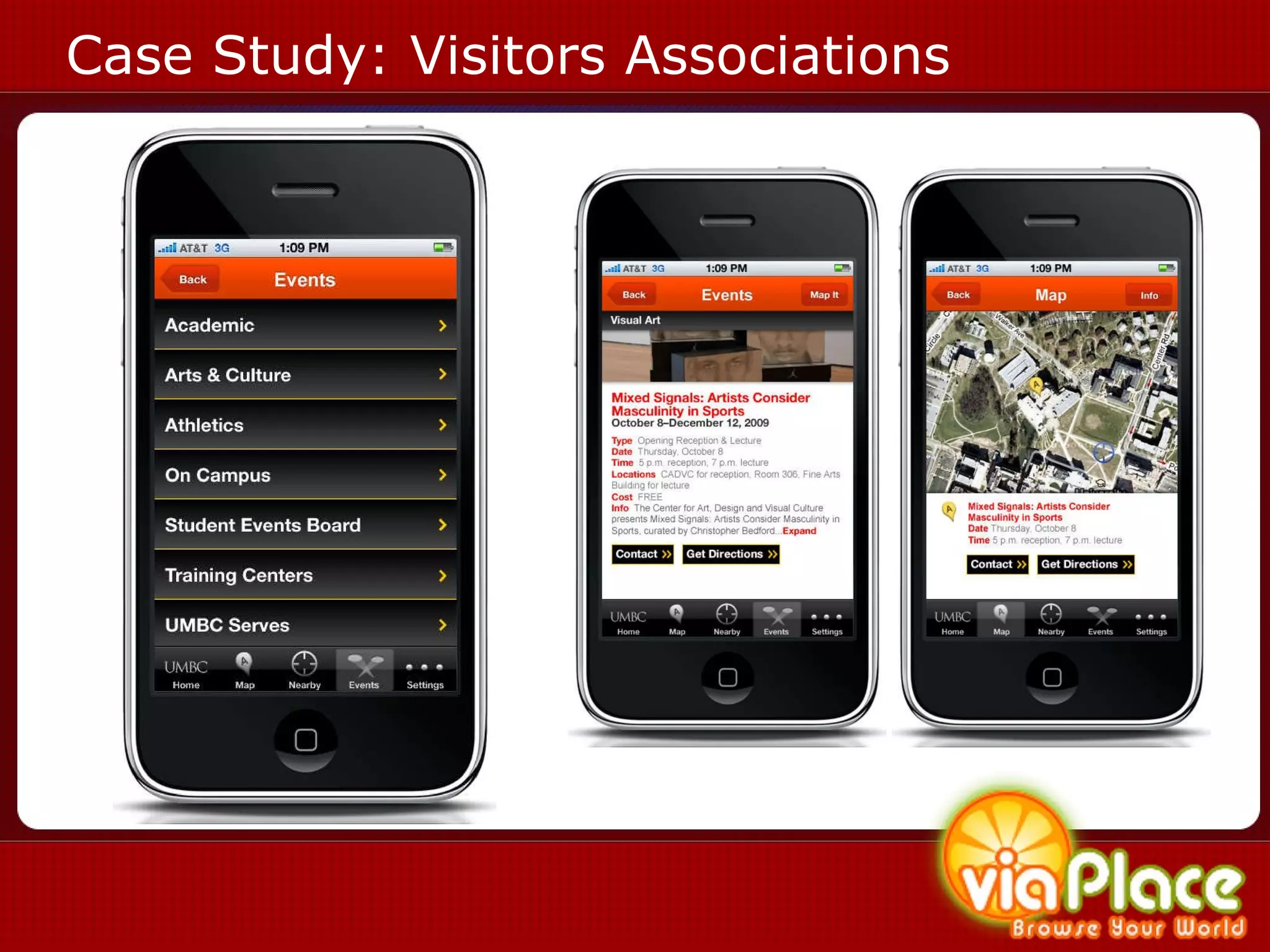
Case Study: Education Location based campus apps allow for students to quickly find their way around campus and learn about campus events. Quiz apps allow students to learn your product or service anytime and anywhere.
Case Study: Visitors Associations
LBEs and Augmented Reality
Augmented Reality
Augmented Reality
Augmented Reality - Wayfaring The ability to have a trail of experiences The experience updates or changes when a user gets to another point in the trail A great way to create walking tours, theme park or commercial area experiences that guide the user through the area giving them targeted media along the way Think Smithsonian “wands”
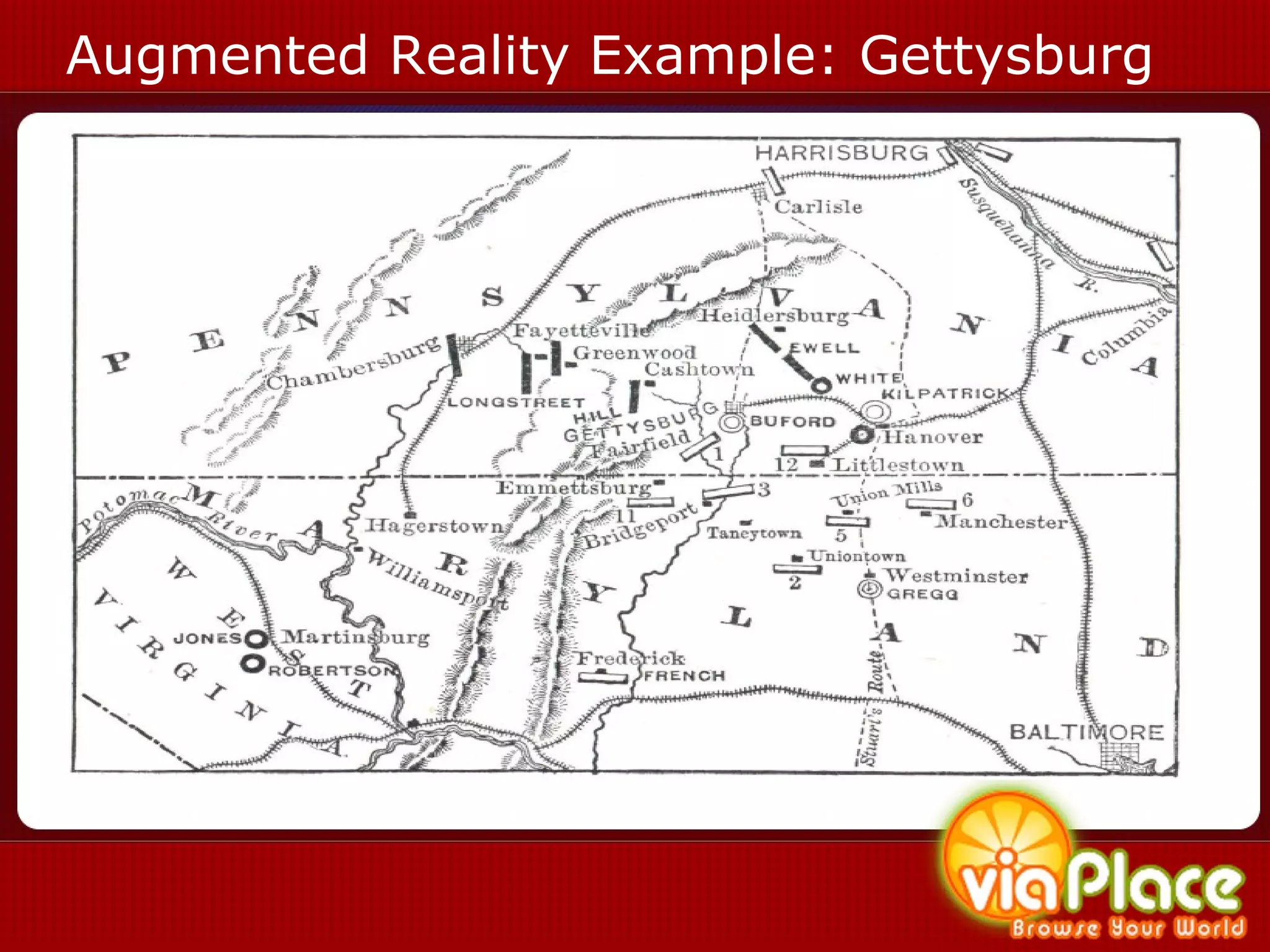
Augmented Reality Example: Gettysburg
Next Steps
Barriers and Challenges Still a small number of Smartphone users Not entirely the same toolset as designing for the web Technology is in flux Finding Early Adaptor Customers / Monetization Making End-Users aware of applications Time
eLearning 3.0 Trends Experiential Learning No More Page Turners Rich and Interactive Think Gaming Augmented Reality Just in Time /  Real Time On Mobile Devices Corporate Signage   Smaller Learning Objects Think 140 char Twitter Interactive Video Segments Better Search Voice Recognition  2 Search Artificial Intelligence Smart Agents
Questions? (www.mindgrub.com/SALT) Todd Marks  President & CEO Mindgrub Technologies LLC [email_address]

viaPlace - A Framework to Provide Location-based Services & Experiences

  • 1.
    viaPlace – LocationBased mobile Learning Todd Marks President & CEO Mindgrub Technologies LLC [email_address] tmarks@umbc.edu
  • 2.
    Location Based MobileLearning History of eLearning? Web 2.0 Immersive Experiences Examples: 600Block Latitude, viaPlace Barriers and Challenges Questions
  • 3.
  • 4.
    In The Beginning: Classroom Instruction
  • 5.
    In The Beginning: Classroom Instruction Pros Real-Time Collaboration Ability to address Audio, Visual, and Kinesthetic Learners Incorporation of Multi-Media Common Whiteboard Ability to share Documents and Hand-Outs Ability to monitor progress Cons Have to Physically Meet Not Typically Recorded Very Difficult to Catch Up when not attending
  • 6.
    And Then, DistanceLearning Distance Learning Labs were established to allow students access to subject matter experiences where the teacher and the student where in separate locations
  • 7.
    Web 1.0 is a retronym referring to the state of the World Wide Web in the 90’s when it was largely static pages with html text and gif buttons. T
  • 8.
    Web 1.0 eLearning?Informal: Chat, Discussion Boards Formal: Page Turners
  • 9.
  • 10.
    Definition of eLearningeLearning is pedagogy empowered by digital technology 1 1 http://en.wikipedia.org/wiki/E-Learning
  • 11.
  • 12.
  • 13.
  • 14.
    Changes in theWeb 2.0 (Dawn of the End-User) v
  • 15.
    Definition of theWeb 2.0 Perceived second generation of web based services such as social networking sites, wikis, communication tools, and folksonomies (O’Reilly Media, 2004)
  • 16.
    Definition of theWeb 2.0 User Centric Design Rich Internet Applications Rich eLearning Social Media v
  • 17.
    Definition of SocialMedia Social Media can take many different forms, including Internet forums , weblogs , social blogs , wikis , podcasts , pictures and video. Technologies include: blogs , picture-sharing, vlogs , wall-postings, email , instant messaging , music-sharing, crowdsourcing , and voice over IP , to name a few. 1 1 http://en.wikipedia.org/wiki/Social_media v
  • 18.
    Evolution of Web2.0 Informal Learning Usenet  Wikis  ICQ Friendster  LinkedIn  MySpace  Facebook  Twitter
  • 19.
    Evolution of Web2.0 Formal Learning Adobe Connect is one of the pioneers of synchronous online learning
  • 20.
    Evolution of Web2.0 Formal Learning
  • 21.
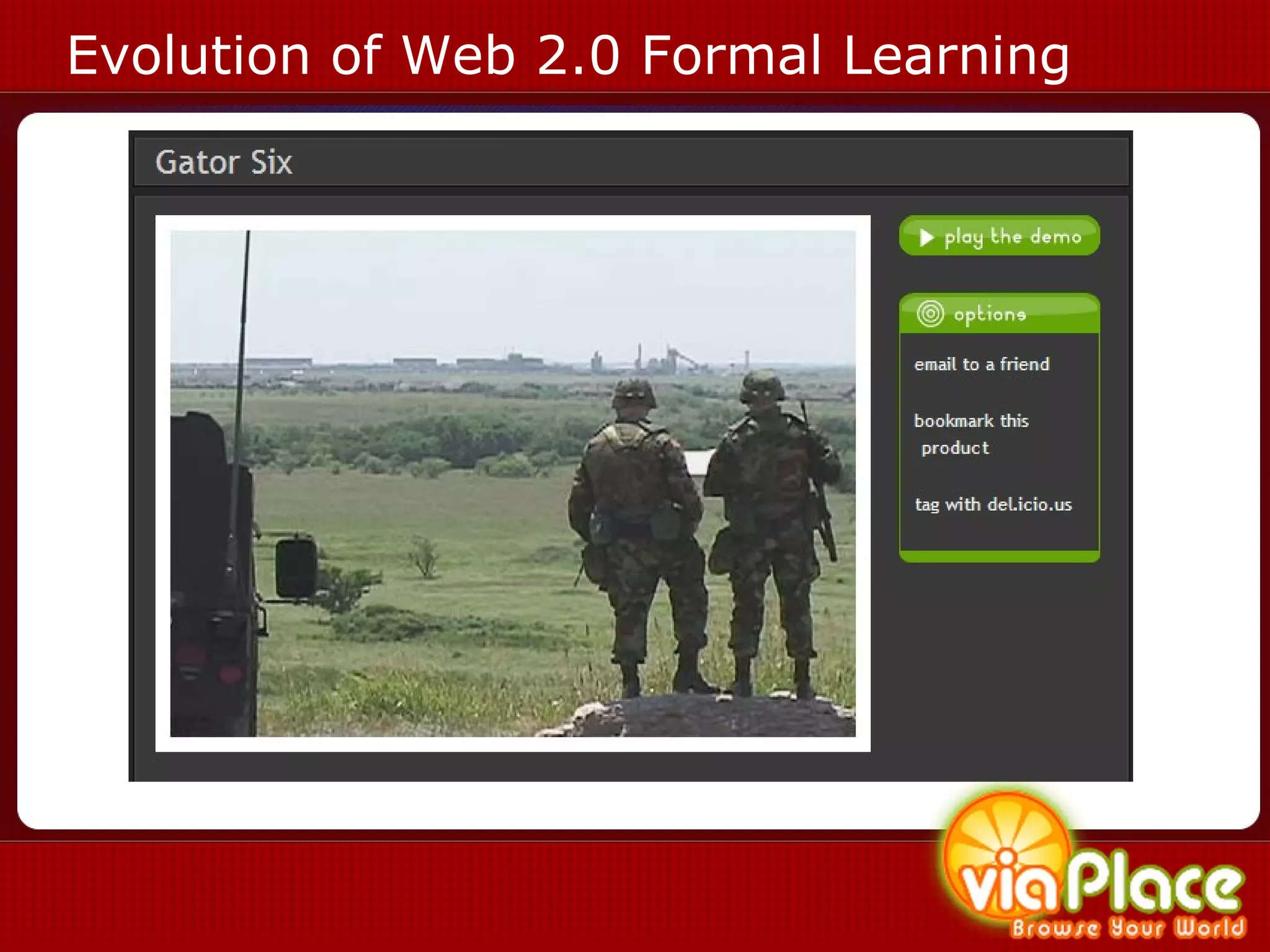
    Evolution of Web2.0 Formal Learning
  • 22.
    Evolution of Web2.0 Informal or Formal? Second Life, There.com, WMTV.com Second Life, There.com, WMTV.com
  • 23.
  • 24.
    Definition of theWeb 3.0 The Web 3.0 is the next paradigm shift of the internet taking the best of web 2.0, including rich internet applications and social media, and bringing them to mobile devices, netbooks and digital signage. Information is searched for, filtered, personalized and delivered to end users based on preferences, biofeedback and location. 1 1 http://www.mindgrub.com/web3.0
  • 25.
    Definition of theSemantic Web Semantic Web is an evolving extension of the web 3.0 where information is tagged in relation to use and context so that it and similar information can be delivered more effectively to humans and machines
  • 26.
    Smaller Bits ofInformation
  • 27.
    Smaller Bits ofInformation 40404: “In the middle of my augmented reality, viaPlace presentation at #SALT. Tweet me @mindgrub and let me know what you think?”
  • 28.
    Social Media onYour Smart Phone
  • 29.
    How Did WeGet Here?
  • 30.
  • 31.
    Location Enabled Social Media
  • 32.
    Case Study: LooptLoopt, Flagr, Whrrl, Buzzd, Zhiing, Urban Spoon
  • 33.
    Case Study: ZhiingLoopt, Flagr, Whrrl, Buzzd, Zhiing, Urban Spoon
  • 34.
  • 35.
    What is aLocation Based Experience? (2.5) Location Based Services (LBS) information services accessible with mobile devices through a mobile network and based on location (3.0) Location Based Experiences (LBE) mobile websites and multimedia applications that provide a personalized rich interactive experience for an end user based on their location and preferences.
  • 36.
    How Did WeGet HERE? How do I get THERE ? GPS gave you a way to get from Point A to Point B WHERE is everything? Google gave you a way to find information by searching for it What’s HERE ? LBS gives you information once you arrive at your destination LBE provide experiences relating to your surroundings
  • 37.
    LBE Framework CaseStudy: viaPlace
  • 38.
    Types of LocationBased Experiences Restaurant Guides and User Comments Buddy Finder, Directions Transportation Information Golf and Recreation mapping Historical and Tours Real Estate Home Buying
  • 39.
  • 40.
  • 41.
  • 42.
  • 43.
  • 44.
  • 45.
  • 46.
  • 47.
    Case Study: EducationLocation based campus apps allow for students to quickly find their way around campus and learn about campus events. Quiz apps allow students to learn your product or service anytime and anywhere.
  • 48.
  • 49.
  • 50.
  • 51.
  • 52.
    Augmented Reality -Wayfaring The ability to have a trail of experiences The experience updates or changes when a user gets to another point in the trail A great way to create walking tours, theme park or commercial area experiences that guide the user through the area giving them targeted media along the way Think Smithsonian “wands”
  • 53.
  • 54.
  • 55.
    Barriers and ChallengesStill a small number of Smartphone users Not entirely the same toolset as designing for the web Technology is in flux Finding Early Adaptor Customers / Monetization Making End-Users aware of applications Time
  • 56.
    eLearning 3.0 TrendsExperiential Learning No More Page Turners Rich and Interactive Think Gaming Augmented Reality Just in Time / Real Time On Mobile Devices Corporate Signage Smaller Learning Objects Think 140 char Twitter Interactive Video Segments Better Search Voice Recognition 2 Search Artificial Intelligence Smart Agents
  • 57.
    Questions? (www.mindgrub.com/SALT) ToddMarks President & CEO Mindgrub Technologies LLC [email_address]

Editor's Notes

  • #5 No mention of progressive download through video embedded in a swf. This is a method used before flash 6 (I think). (please review?)
  • #6 No mention of progressive download through video embedded in a swf. This is a method used before flash 6 (I think). (please review?)
  • #7 No mention of progressive download through video embedded in a swf. This is a method used before flash 6 (I think). (please review?)
  • #9 *Build your own player, you can control your own content. **Interactive video?
  • #11 *Build your own player, you can control your own content. **Interactive video?
  • #12 *Build your own player, you can control your own content. **Interactive video?
  • #13 *Build your own player, you can control your own content. **Interactive video?
  • #14 No mention of progressive download through video embedded in a swf. This is a method used before flash 6 (I think). (please review?)
  • #16 *Build your own player, you can control your own content. **Interactive video?
  • #17 *Build your own player, you can control your own content. **Interactive video?
  • #18 *Build your own player, you can control your own content. **Interactive video?
  • #25 *Build your own player, you can control your own content. **Interactive video?
  • #26 *Build your own player, you can control your own content. **Interactive video?
  • #28 *Build your own player, you can control your own content. **Interactive video?
  • #30 *Build your own player, you can control your own content. **Interactive video?
  • #31 *Build your own player, you can control your own content. **Interactive video?
  • #33 *Build your own player, you can control your own content. **Interactive video?
  • #34 *Build your own player, you can control your own content. **Interactive video?
  • #36 *Build your own player, you can control your own content. **Interactive video?
  • #37 *Build your own player, you can control your own content. **Interactive video?
  • #38 *Build your own player, you can control your own content. **Interactive video?
  • #39 *Build your own player, you can control your own content. **Interactive video?
  • #41 *Build your own player, you can control your own content. **Interactive video?
  • #42 *Build your own player, you can control your own content. **Interactive video?
  • #43 *Build your own player, you can control your own content. **Interactive video?
  • #44 *Build your own player, you can control your own content. **Interactive video?
  • #45 *Build your own player, you can control your own content. **Interactive video?
  • #46 *Build your own player, you can control your own content. **Interactive video?
  • #47 *Build your own player, you can control your own content. **Interactive video?
  • #48 *Build your own player, you can control your own content. **Interactive video?
  • #49 *Build your own player, you can control your own content. **Interactive video?
  • #51 *Build your own player, you can control your own content. **Interactive video?
  • #52 *Build your own player, you can control your own content. **Interactive video?
  • #53 *Build your own player, you can control your own content. **Interactive video?
  • #54 *Build your own player, you can control your own content. **Interactive video?
  • #56 *Build your own player, you can control your own content. **Interactive video?
  • #57 *Build your own player, you can control your own content. **Interactive video?