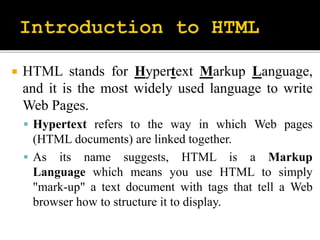
 HTML stands for Hypertext Markup Language,
and it is the most widely used language to write
Web Pages.
 Hypertext refers to the way in which Web pages
(HTML documents) are linked together.
 As its name suggests, HTML is a Markup
Language which means you use HTML to simply
"mark-up" a text document with tags that tell a Web
browser how to structure it to display.
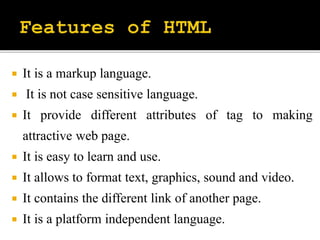
 It is a markup language.
 It is not case sensitive language.
 It provide different attributes of tag to making
attractive web page.
 It is easy to learn and use.
 It allows to format text, graphics, sound and video.
 It contains the different link of another page.
 It is a platform independent language.
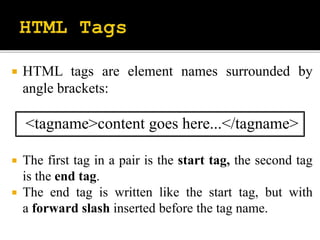
 HTML tags are element names surrounded by
angle brackets:
<tagname>content goes here...</tagname>
 The first tag in a pair is the start tag, the second tag
is the end tag.
 The end tag is written like the start tag, but with
a forward slash inserted before the tag name.
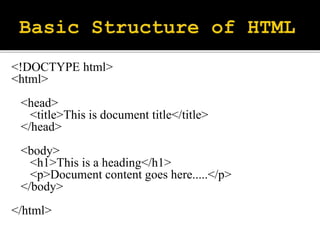
<!DOCTYPE html>
<html>
<head>
<title>This is document title</title>
</head>
<body>
<h1>This is a heading</h1>
<p>Document content goes here.....</p>
</body>
</html>
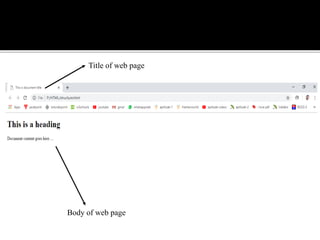
Title of web page
Body of web page
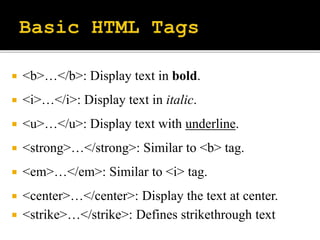
 <b>…</b>: Display text in bold.
 <i>…</i>: Display text in italic.
 <u>…</u>: Display text with underline.
 <strong>…</strong>: Similar to <b> tag.
 <em>…</em>: Similar to <i> tag.
 <center>…</center>: Display the text at center.
 <strike>…</strike>: Defines strikethrough text
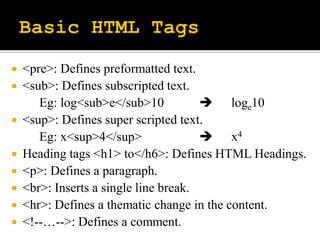
 <pre>: Defines preformatted text.
 <sub>: Defines subscripted text.
Eg: log<sub>e</sub>10  loge10
 <sup>: Defines super scripted text.
Eg: x<sup>4</sup>  x4
 Heading tags <h1> to</h6>: Defines HTML Headings.
 <p>: Defines a paragraph.
 <br>: Inserts a single line break.
 <hr>: Defines a thematic change in the content.
 <!--…-->: Defines a comment.
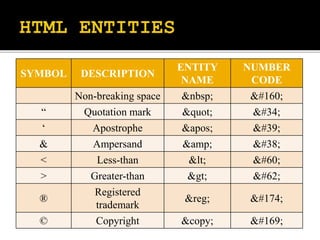
SYMBOL DESCRIPTION
ENTITY
NAME
NUMBER
CODE
Non-breaking space &nbsp; &#160;
“ Quotation mark &quot; &#34;
‘ Apostrophe &apos; &#39;
& Ampersand &amp; &#38;
< Less-than &lt; &#60;
> Greater-than &gt; &#62;
®
Registered
trademark
&reg; &#174;
© Copyright &copy; &#169;
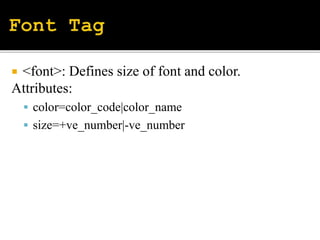
 <font>: Defines size of font and color.
Attributes:
 color=color_code|color_name
 size=+ve_number|-ve_number
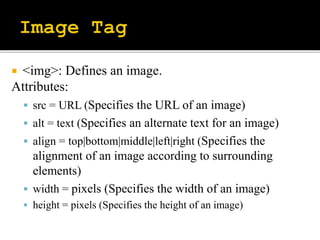
 <img>: Defines an image.
Attributes:
 src = URL (Specifies the URL of an image)
 alt = text (Specifies an alternate text for an image)
 align = top|bottom|middle|left|right (Specifies the
alignment of an image according to surrounding
elements)
 width = pixels (Specifies the width of an image)
 height = pixels (Specifies the height of an image)
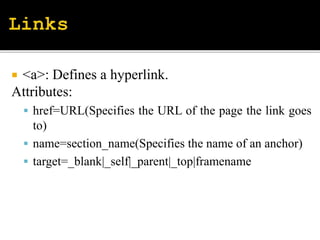
 <a>: Defines a hyperlink.
Attributes:
 href=URL(Specifies the URL of the page the link goes
to)
 name=section_name(Specifies the name of an anchor)
 target=_blank|_self|_parent|_top|framename
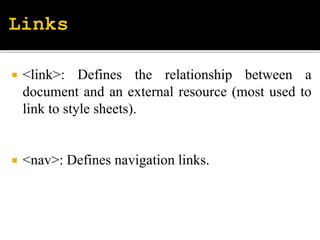
 <link>: Defines the relationship between a
document and an external resource (most used to
link to style sheets).
 <nav>: Defines navigation links.
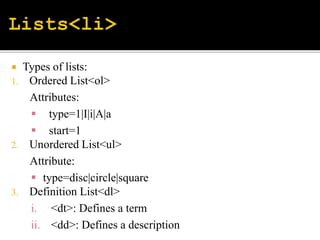
 Types of lists:
1. Ordered List<ol>
Attributes:
 type=1|I|i|A|a
 start=1
2. Unordered List<ul>
Attribute:
 type=disc|circle|square
3. Definition List<dl>
i. <dt>: Defines a term
ii. <dd>: Defines a description
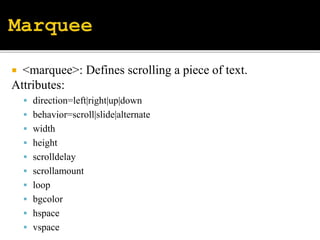
 <marquee>: Defines scrolling a piece of text.
Attributes:
 direction=left|right|up|down
 behavior=scroll|slide|alternate
 width
 height
 scrolldelay
 scrollamount
 loop
 bgcolor
 hspace
 vspace
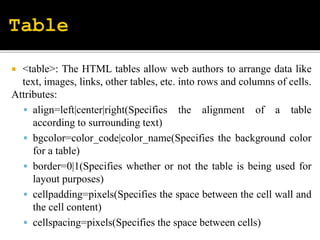
 <table>: The HTML tables allow web authors to arrange data like
text, images, links, other tables, etc. into rows and columns of cells.
Attributes:
 align=left|center|right(Specifies the alignment of a table
according to surrounding text)
 bgcolor=color_code|color_name(Specifies the background color
for a table)
 border=0|1(Specifies whether or not the table is being used for
layout purposes)
 cellpadding=pixels(Specifies the space between the cell wall and
the cell content)
 cellspacing=pixels(Specifies the space between cells)
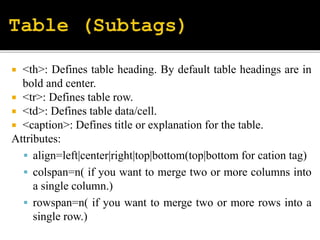
 <th>: Defines table heading. By default table headings are in
bold and center.
 <tr>: Defines table row.
 <td>: Defines table data/cell.
 <caption>: Defines title or explanation for the table.
Attributes:
 align=left|center|right|top|bottom(top|bottom for cation tag)
 colspan=n( if you want to merge two or more columns into
a single column.)
 rowspan=n( if you want to merge two or more rows into a
single row.)
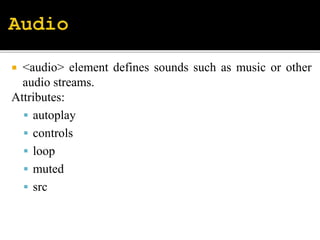
 <audio> element defines sounds such as music or other
audio streams.
Attributes:
 autoplay
 controls
 loop
 muted
 src
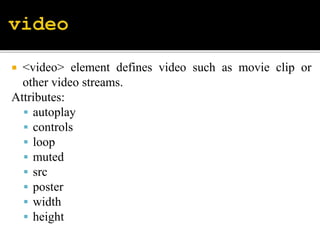
 <video> element defines video such as movie clip or
other video streams.
Attributes:
 autoplay
 controls
 loop
 muted
 src
 poster
 width
 height

Unit 1 (part-1, basic tags)

  • 2.
     HTML standsfor Hypertext Markup Language, and it is the most widely used language to write Web Pages.  Hypertext refers to the way in which Web pages (HTML documents) are linked together.  As its name suggests, HTML is a Markup Language which means you use HTML to simply "mark-up" a text document with tags that tell a Web browser how to structure it to display.
  • 3.
     It isa markup language.  It is not case sensitive language.  It provide different attributes of tag to making attractive web page.  It is easy to learn and use.  It allows to format text, graphics, sound and video.  It contains the different link of another page.  It is a platform independent language.
  • 4.
     HTML tagsare element names surrounded by angle brackets: <tagname>content goes here...</tagname>  The first tag in a pair is the start tag, the second tag is the end tag.  The end tag is written like the start tag, but with a forward slash inserted before the tag name.
  • 5.
    <!DOCTYPE html> <html> <head> <title>This isdocument title</title> </head> <body> <h1>This is a heading</h1> <p>Document content goes here.....</p> </body> </html>
  • 6.
    Title of webpage Body of web page
  • 7.
     <b>…</b>: Displaytext in bold.  <i>…</i>: Display text in italic.  <u>…</u>: Display text with underline.  <strong>…</strong>: Similar to <b> tag.  <em>…</em>: Similar to <i> tag.  <center>…</center>: Display the text at center.  <strike>…</strike>: Defines strikethrough text
  • 8.
     <pre>: Definespreformatted text.  <sub>: Defines subscripted text. Eg: log<sub>e</sub>10  loge10  <sup>: Defines super scripted text. Eg: x<sup>4</sup>  x4  Heading tags <h1> to</h6>: Defines HTML Headings.  <p>: Defines a paragraph.  <br>: Inserts a single line break.  <hr>: Defines a thematic change in the content.  <!--…-->: Defines a comment.
  • 9.
    SYMBOL DESCRIPTION ENTITY NAME NUMBER CODE Non-breaking space&nbsp; &#160; “ Quotation mark &quot; &#34; ‘ Apostrophe &apos; &#39; & Ampersand &amp; &#38; < Less-than &lt; &#60; > Greater-than &gt; &#62; ® Registered trademark &reg; &#174; © Copyright &copy; &#169;
  • 10.
     <font>: Definessize of font and color. Attributes:  color=color_code|color_name  size=+ve_number|-ve_number
  • 11.
     <img>: Definesan image. Attributes:  src = URL (Specifies the URL of an image)  alt = text (Specifies an alternate text for an image)  align = top|bottom|middle|left|right (Specifies the alignment of an image according to surrounding elements)  width = pixels (Specifies the width of an image)  height = pixels (Specifies the height of an image)
  • 12.
     <a>: Definesa hyperlink. Attributes:  href=URL(Specifies the URL of the page the link goes to)  name=section_name(Specifies the name of an anchor)  target=_blank|_self|_parent|_top|framename
  • 13.
     <link>: Definesthe relationship between a document and an external resource (most used to link to style sheets).  <nav>: Defines navigation links.
  • 14.
     Types oflists: 1. Ordered List<ol> Attributes:  type=1|I|i|A|a  start=1 2. Unordered List<ul> Attribute:  type=disc|circle|square 3. Definition List<dl> i. <dt>: Defines a term ii. <dd>: Defines a description
  • 15.
     <marquee>: Definesscrolling a piece of text. Attributes:  direction=left|right|up|down  behavior=scroll|slide|alternate  width  height  scrolldelay  scrollamount  loop  bgcolor  hspace  vspace
  • 16.
     <table>: TheHTML tables allow web authors to arrange data like text, images, links, other tables, etc. into rows and columns of cells. Attributes:  align=left|center|right(Specifies the alignment of a table according to surrounding text)  bgcolor=color_code|color_name(Specifies the background color for a table)  border=0|1(Specifies whether or not the table is being used for layout purposes)  cellpadding=pixels(Specifies the space between the cell wall and the cell content)  cellspacing=pixels(Specifies the space between cells)
  • 17.
     <th>: Definestable heading. By default table headings are in bold and center.  <tr>: Defines table row.  <td>: Defines table data/cell.  <caption>: Defines title or explanation for the table. Attributes:  align=left|center|right|top|bottom(top|bottom for cation tag)  colspan=n( if you want to merge two or more columns into a single column.)  rowspan=n( if you want to merge two or more rows into a single row.)
  • 18.
     <audio> elementdefines sounds such as music or other audio streams. Attributes:  autoplay  controls  loop  muted  src
  • 19.
     <video> elementdefines video such as movie clip or other video streams. Attributes:  autoplay  controls  loop  muted  src  poster  width  height