 NumPy is a Python package. It stands for
'Numerical Python'. It is a library consisting of
multidimensional array objects and a collection of
routines for processing of array.
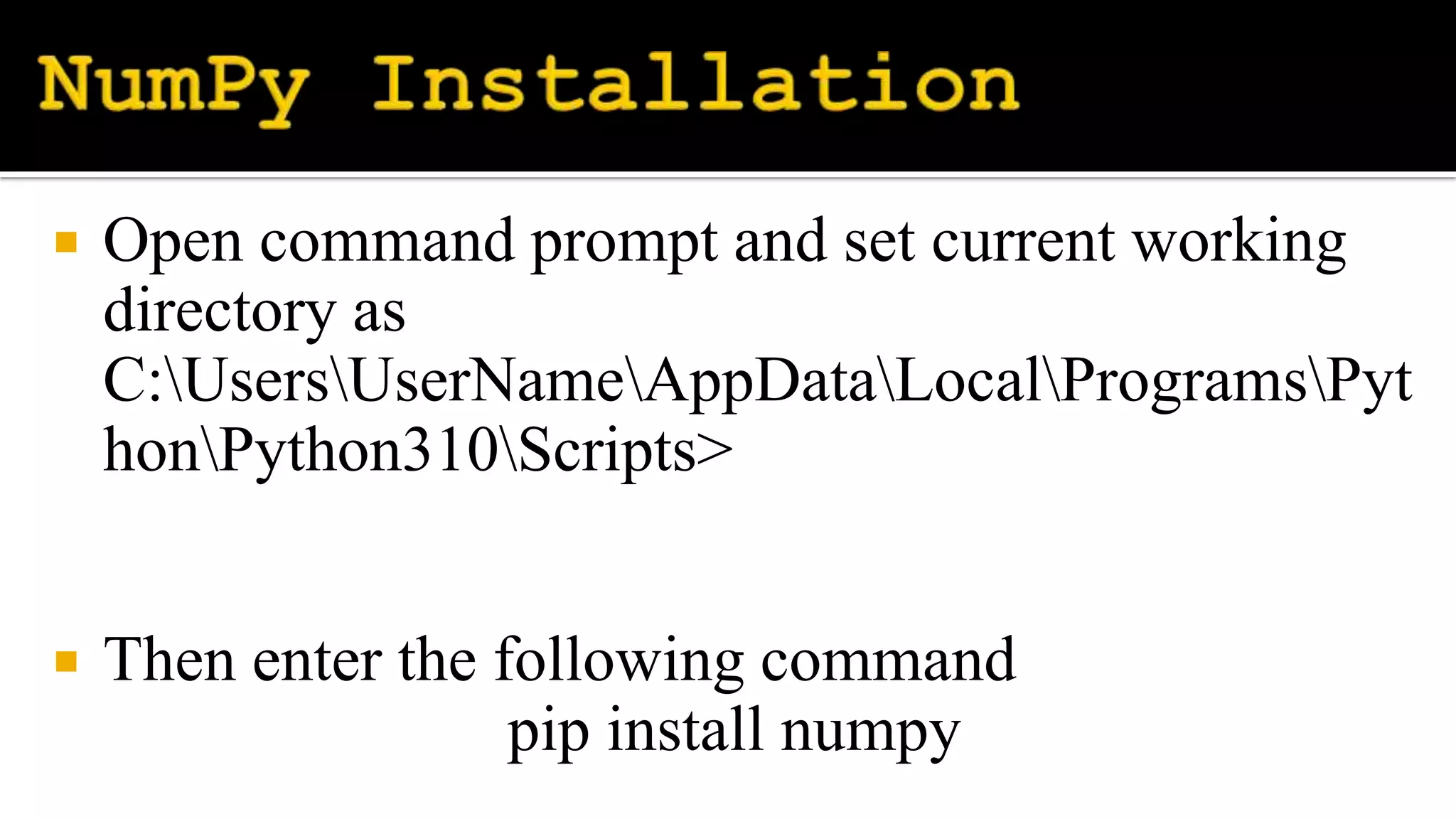
 Open command prompt and set current working
directory as
C:UsersUserNameAppDataLocalProgramsPyt
honPython310Scripts>
 Then enter the following command
pip install numpy
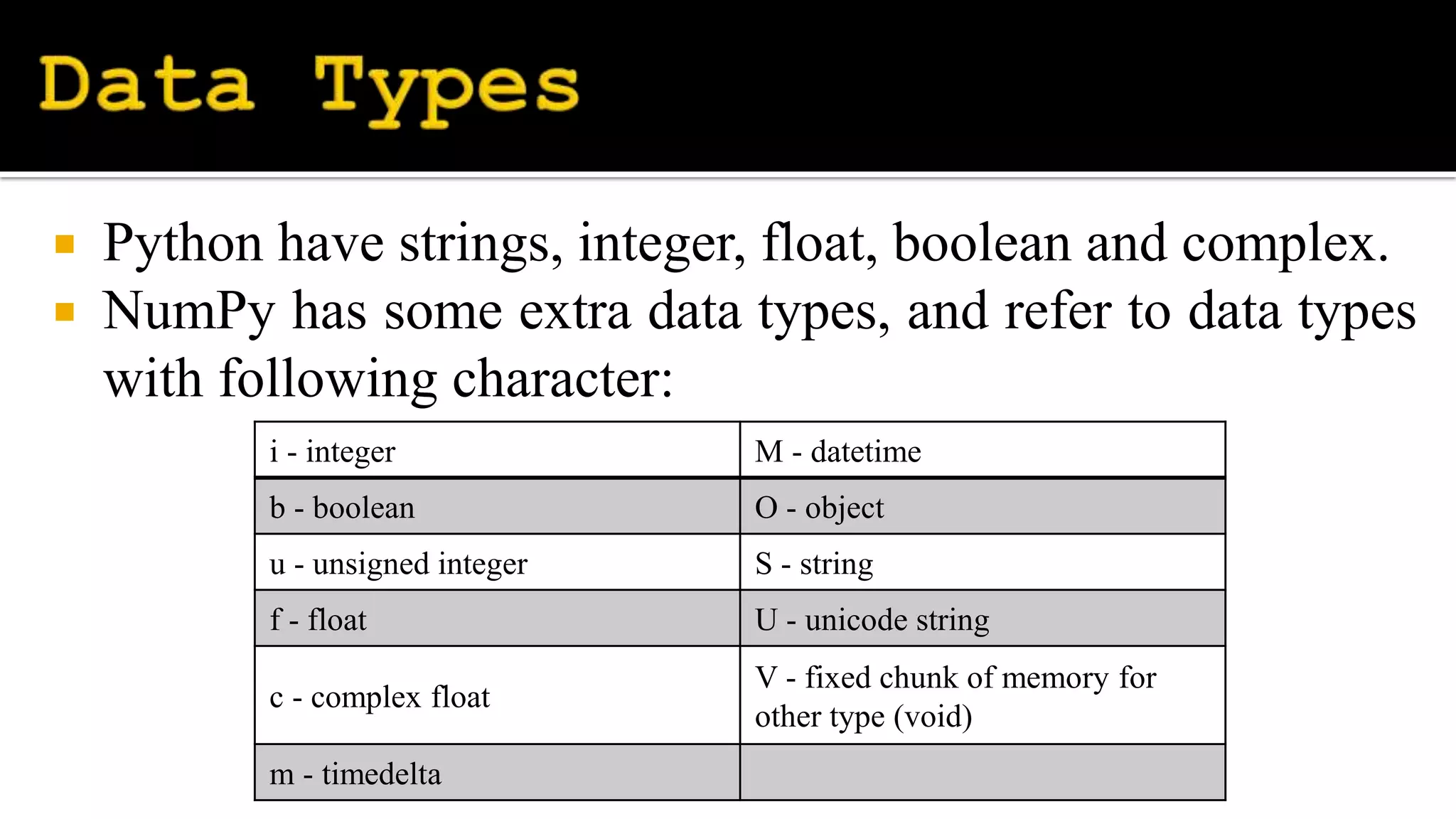
 Python have strings, integer, float, boolean and complex.
 NumPy has some extra data types, and refer to data types
with following character:
i - integer M - datetime
b - boolean O - object
u - unsigned integer S - string
f - float U - unicode string
c - complex float
V - fixed chunk of memory for
other type (void)
m - timedelta
 np.arange() - used to get evenly spaced values
within a given interval.
numpy.arange([start, ]stop, [step, ]dtype=None)
 numpy.random.random() - used to generate
random floats number in the half-open interval
(0.0, 1.0).
numpy.random.random([size])
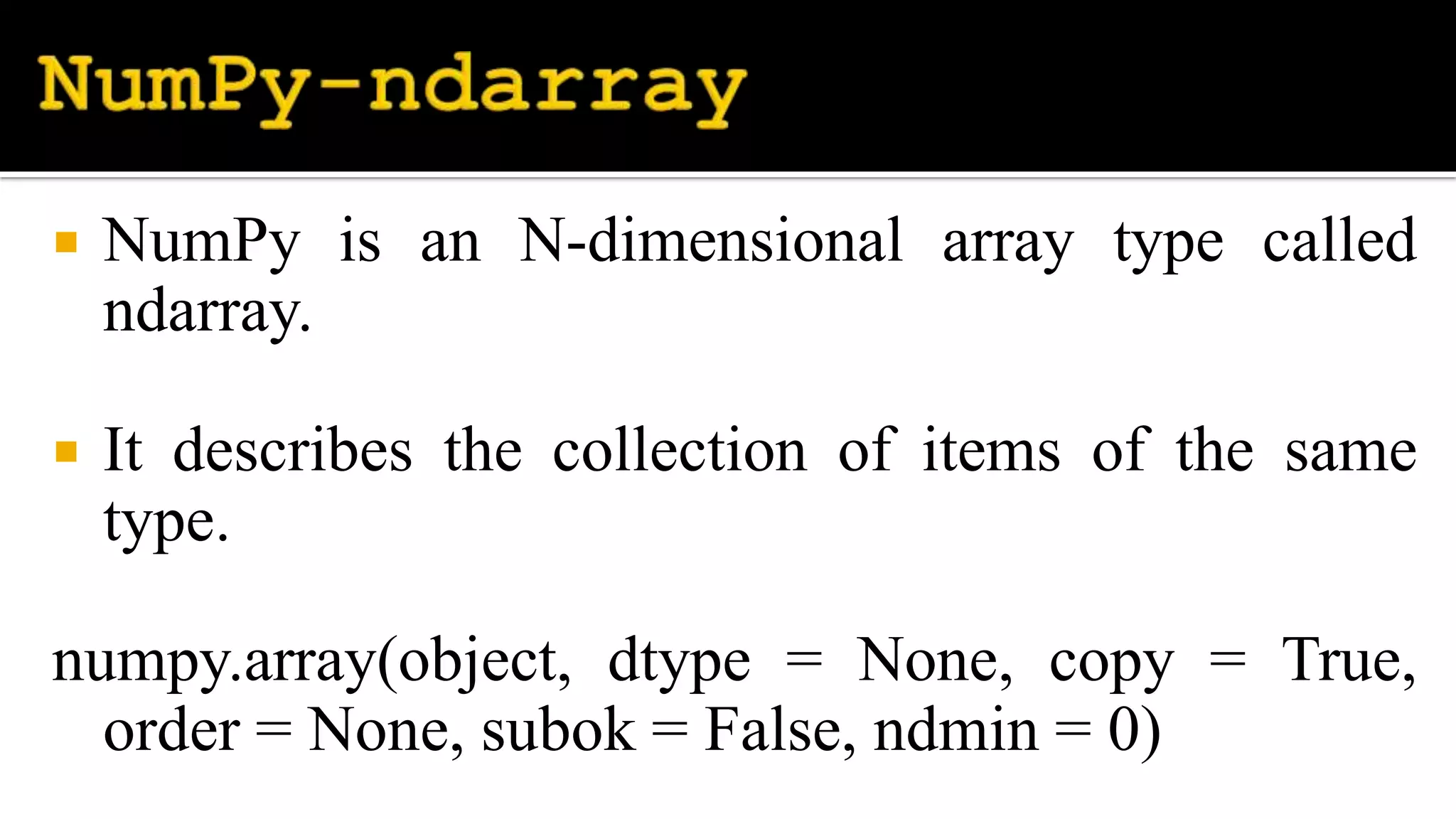
 NumPy is an N-dimensional array type called
ndarray.
 It describes the collection of items of the same
type.
numpy.array(object, dtype = None, copy = True,
order = None, subok = False, ndmin = 0)
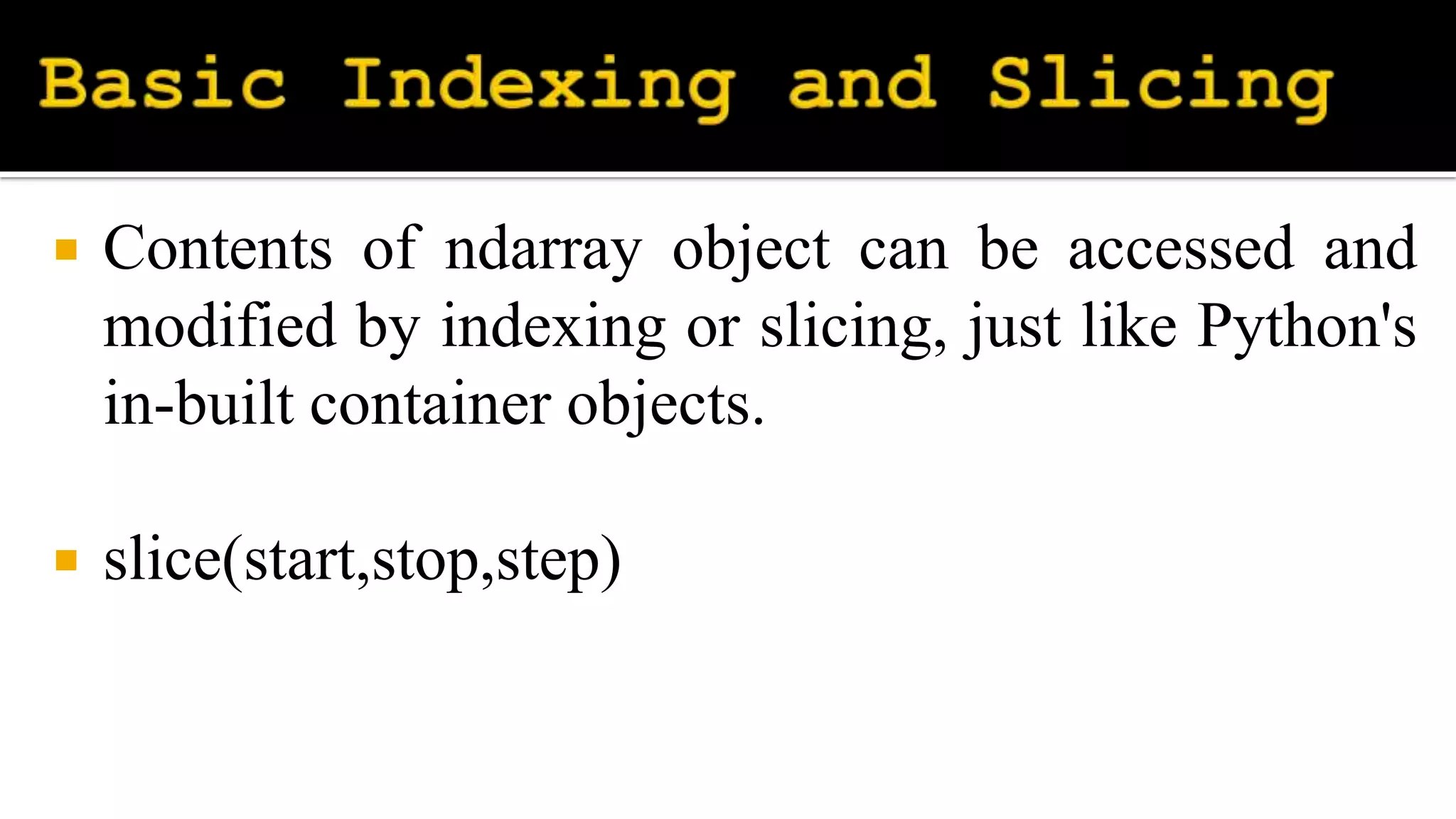
 Contents of ndarray object can be accessed and
modified by indexing or slicing, just like Python's
in-built container objects.
 slice(start,stop,step)
 You can index specific values from
a NumPy array using another NumPy array of
Boolean values on one axis to specify the indices
you want to access.
 NumPy provides you with a convenient way to
index an array called fancy indexing.
 Fancy indexing allows you to index a numpy
array using the following:
 Another numpy array
 A Python list
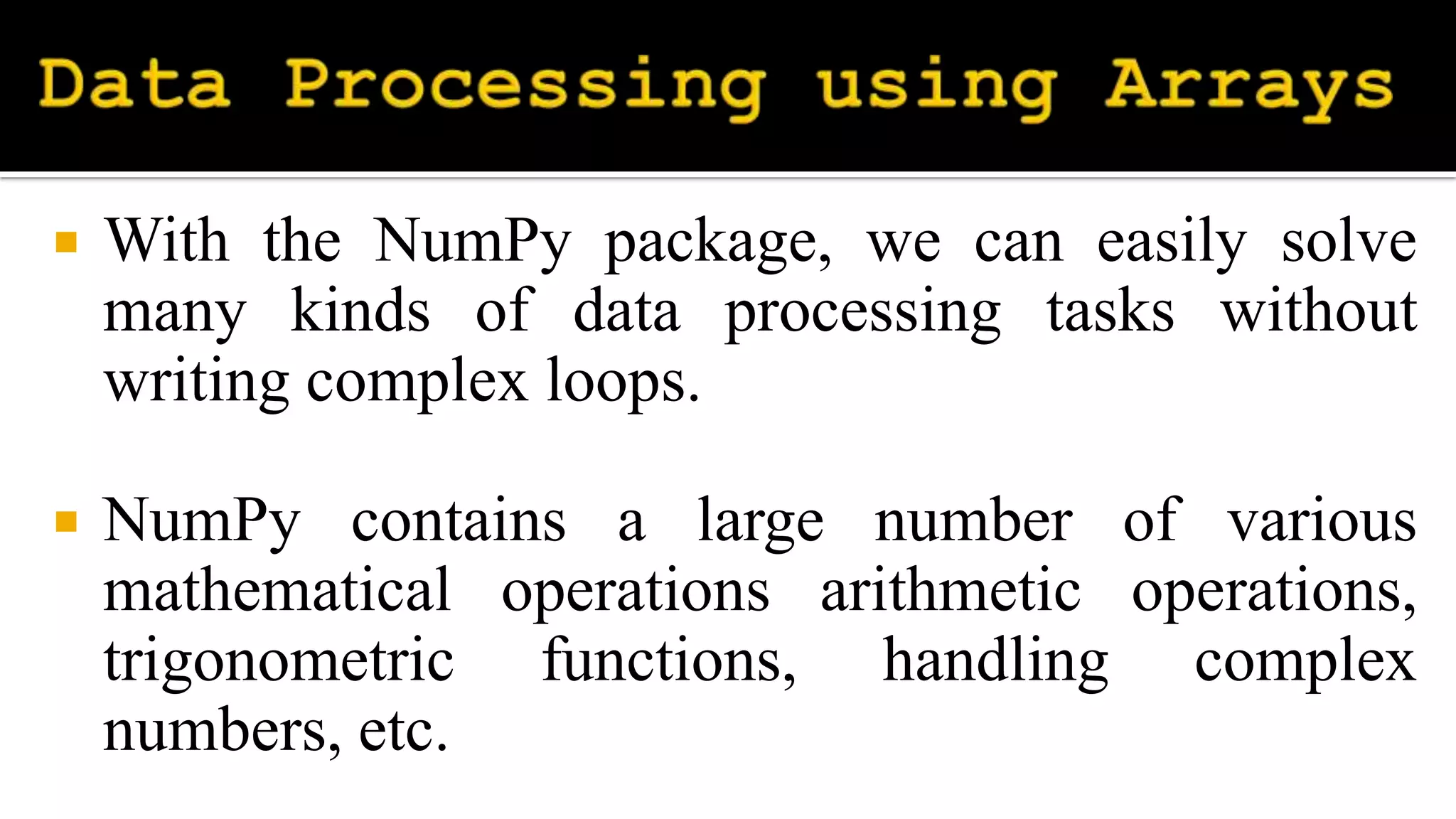
 With the NumPy package, we can easily solve
many kinds of data processing tasks without
writing complex loops.
 NumPy contains a large number of various
mathematical operations arithmetic operations,
trigonometric functions, handling complex
numbers, etc.
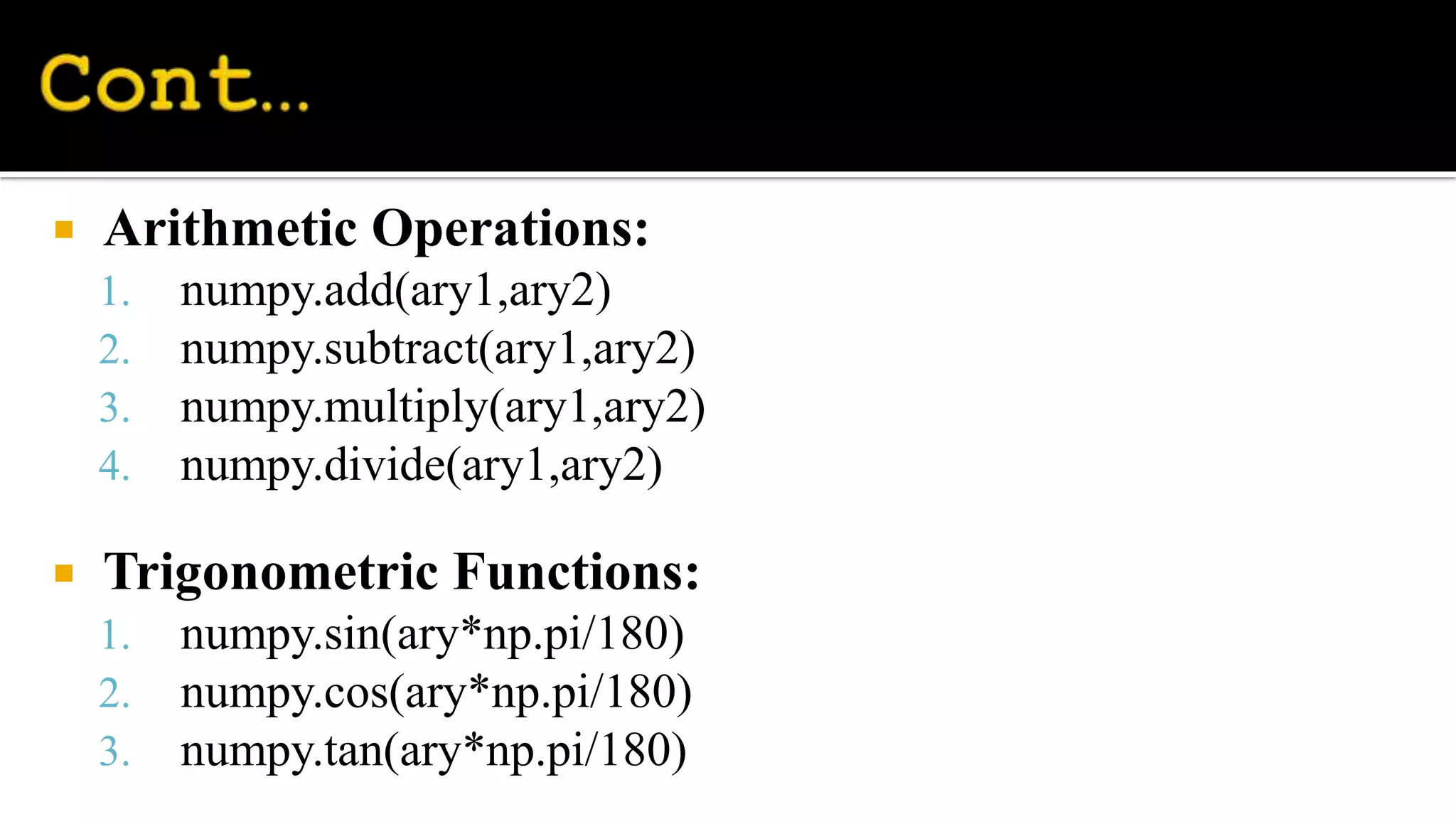
 Arithmetic Operations:
1. numpy.add(ary1,ary2)
2. numpy.subtract(ary1,ary2)
3. numpy.multiply(ary1,ary2)
4. numpy.divide(ary1,ary2)
 Trigonometric Functions:
1. numpy.sin(ary*np.pi/180)
2. numpy.cos(ary*np.pi/180)
3. numpy.tan(ary*np.pi/180)
 The numpy.where() function returns the indices
of elements in an input array where the given
condition is satisfied.
numpy.where(condition[, x, y])
Here,
x – yield True value
y – yield False value
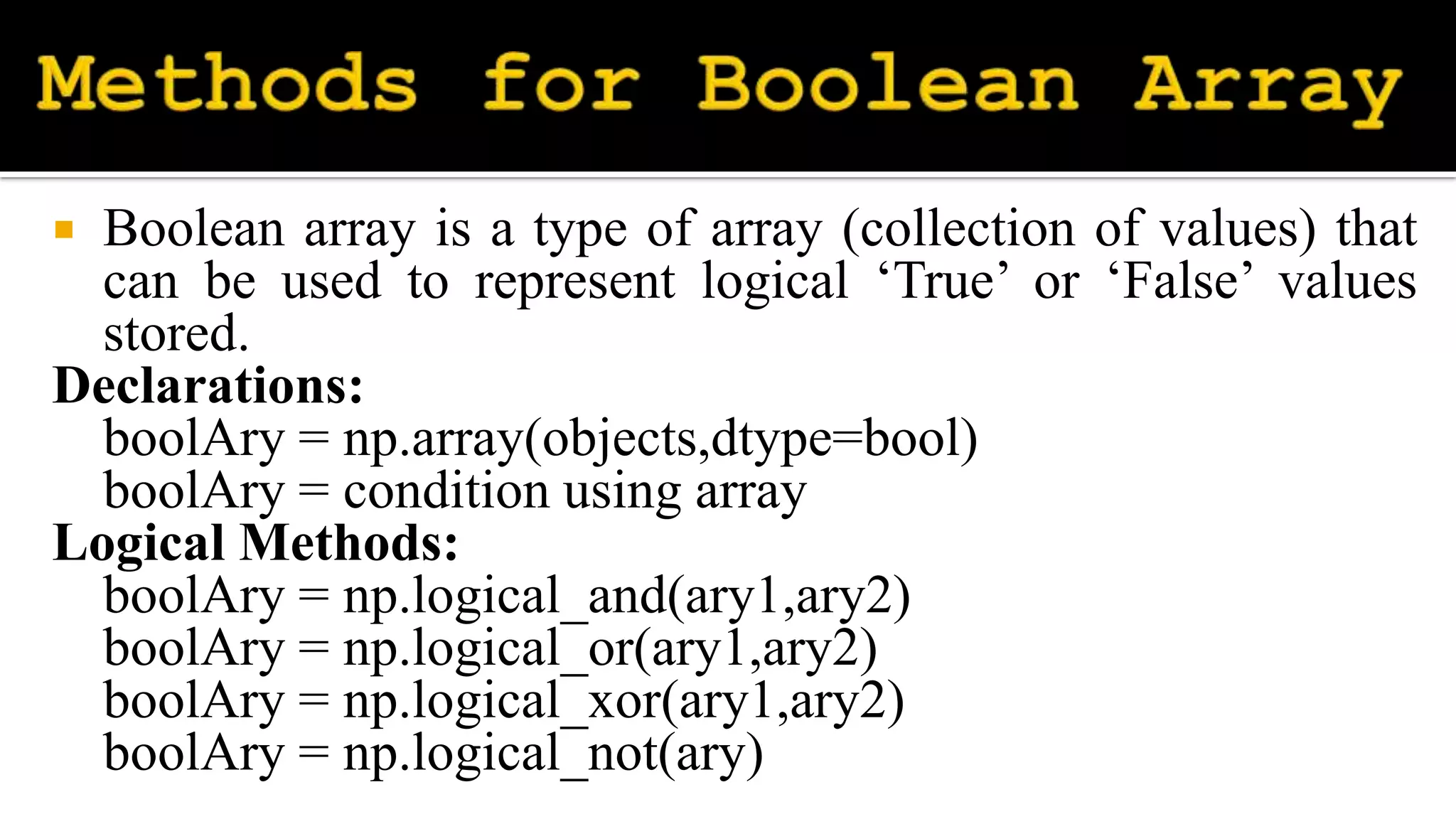
 Boolean array is a type of array (collection of values) that
can be used to represent logical ‘True’ or ‘False’ values
stored.
Declarations:
boolAry = np.array(objects,dtype=bool)
boolAry = condition using array
Logical Methods:
boolAry = np.logical_and(ary1,ary2)
boolAry = np.logical_or(ary1,ary2)
boolAry = np.logical_xor(ary1,ary2)
boolAry = np.logical_not(ary)
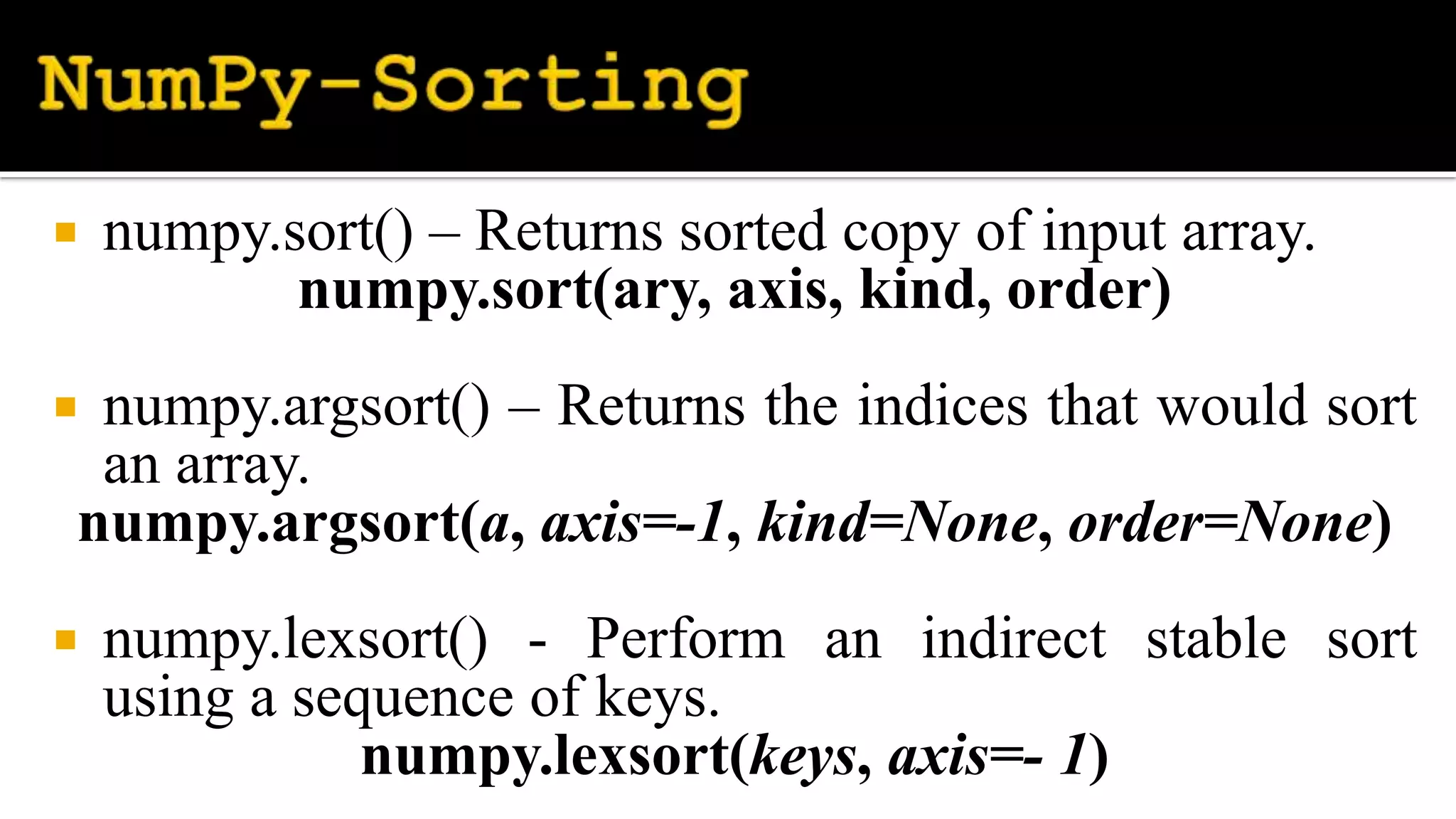
 numpy.sort() – Returns sorted copy of input array.
numpy.sort(ary, axis, kind, order)
 numpy.argsort() – Returns the indices that would sort
an array.
numpy.argsort(a, axis=-1, kind=None, order=None)
 numpy.lexsort() - Perform an indirect stable sort
using a sequence of keys.
numpy.lexsort(keys, axis=- 1)
 numpy.unique() - returns an array of unique
elements in the input array.
numpy.unique(arr, return_index, return_inverse,
return_counts)

NumPy.pptx

  • 2.
     NumPy isa Python package. It stands for 'Numerical Python'. It is a library consisting of multidimensional array objects and a collection of routines for processing of array.
  • 3.
     Open commandprompt and set current working directory as C:UsersUserNameAppDataLocalProgramsPyt honPython310Scripts>  Then enter the following command pip install numpy
  • 4.
     Python havestrings, integer, float, boolean and complex.  NumPy has some extra data types, and refer to data types with following character: i - integer M - datetime b - boolean O - object u - unsigned integer S - string f - float U - unicode string c - complex float V - fixed chunk of memory for other type (void) m - timedelta
  • 5.
     np.arange() -used to get evenly spaced values within a given interval. numpy.arange([start, ]stop, [step, ]dtype=None)  numpy.random.random() - used to generate random floats number in the half-open interval (0.0, 1.0). numpy.random.random([size])
  • 6.
     NumPy isan N-dimensional array type called ndarray.  It describes the collection of items of the same type. numpy.array(object, dtype = None, copy = True, order = None, subok = False, ndmin = 0)
  • 7.
     Contents ofndarray object can be accessed and modified by indexing or slicing, just like Python's in-built container objects.  slice(start,stop,step)
  • 8.
     You canindex specific values from a NumPy array using another NumPy array of Boolean values on one axis to specify the indices you want to access.
  • 9.
     NumPy providesyou with a convenient way to index an array called fancy indexing.  Fancy indexing allows you to index a numpy array using the following:  Another numpy array  A Python list
  • 10.
     With theNumPy package, we can easily solve many kinds of data processing tasks without writing complex loops.  NumPy contains a large number of various mathematical operations arithmetic operations, trigonometric functions, handling complex numbers, etc.
  • 11.
     Arithmetic Operations: 1.numpy.add(ary1,ary2) 2. numpy.subtract(ary1,ary2) 3. numpy.multiply(ary1,ary2) 4. numpy.divide(ary1,ary2)  Trigonometric Functions: 1. numpy.sin(ary*np.pi/180) 2. numpy.cos(ary*np.pi/180) 3. numpy.tan(ary*np.pi/180)
  • 12.
     The numpy.where()function returns the indices of elements in an input array where the given condition is satisfied. numpy.where(condition[, x, y]) Here, x – yield True value y – yield False value
  • 13.
     Boolean arrayis a type of array (collection of values) that can be used to represent logical ‘True’ or ‘False’ values stored. Declarations: boolAry = np.array(objects,dtype=bool) boolAry = condition using array Logical Methods: boolAry = np.logical_and(ary1,ary2) boolAry = np.logical_or(ary1,ary2) boolAry = np.logical_xor(ary1,ary2) boolAry = np.logical_not(ary)
  • 14.
     numpy.sort() –Returns sorted copy of input array. numpy.sort(ary, axis, kind, order)  numpy.argsort() – Returns the indices that would sort an array. numpy.argsort(a, axis=-1, kind=None, order=None)  numpy.lexsort() - Perform an indirect stable sort using a sequence of keys. numpy.lexsort(keys, axis=- 1)
  • 15.
     numpy.unique() -returns an array of unique elements in the input array. numpy.unique(arr, return_index, return_inverse, return_counts)