Downloaded 107 times
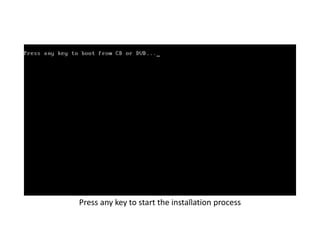
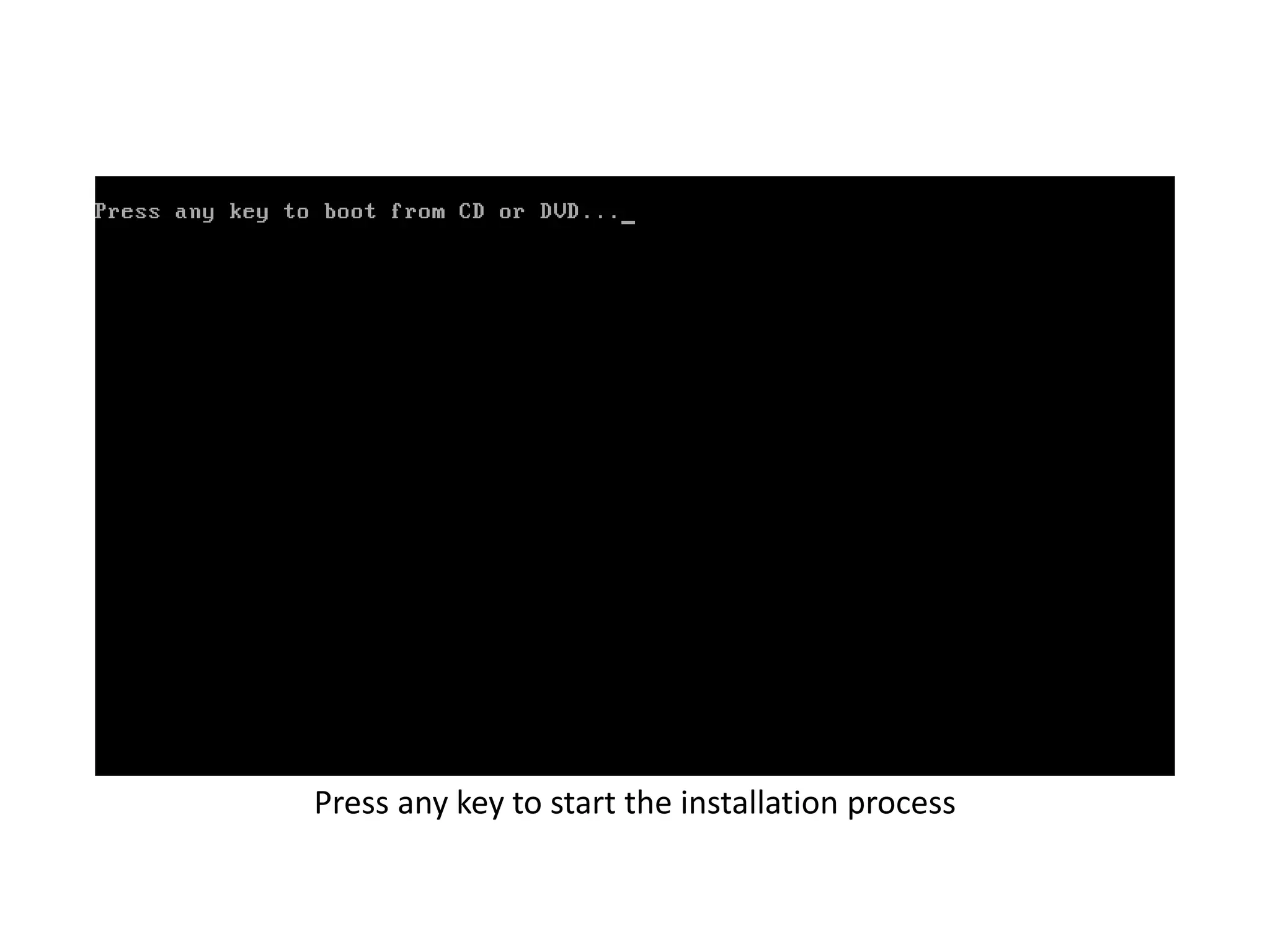
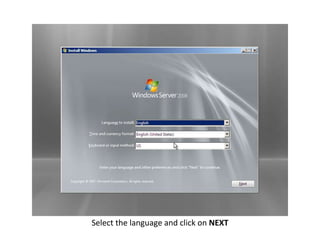
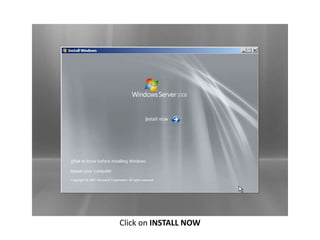

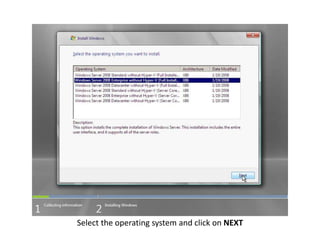
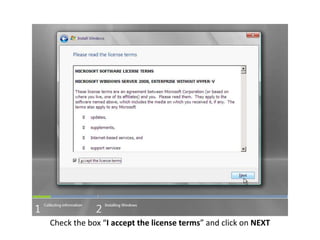
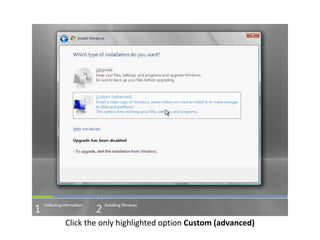
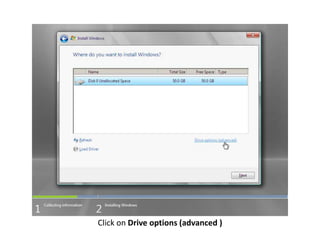
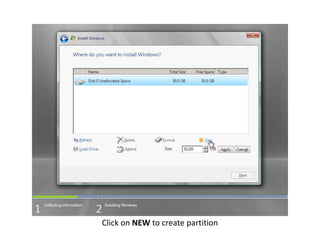
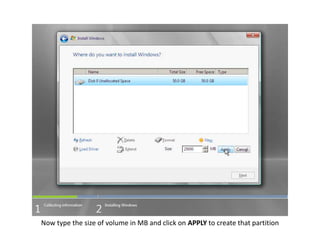
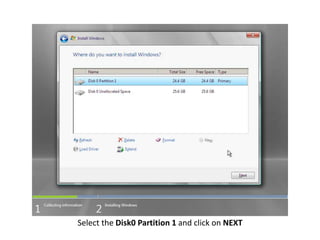
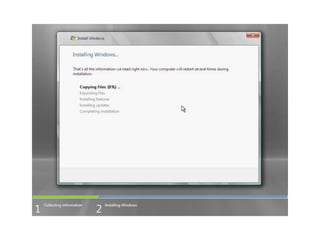
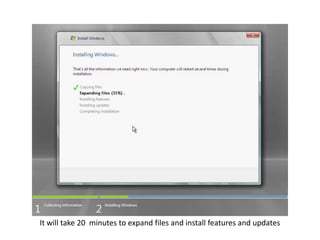
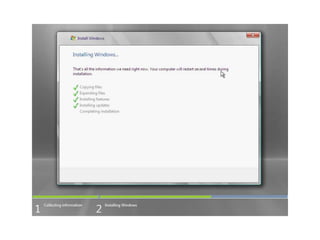
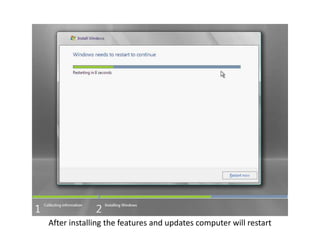
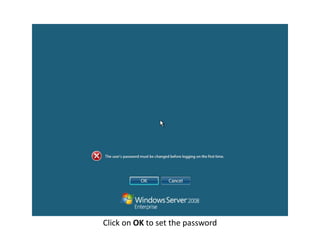
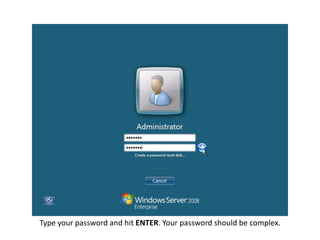
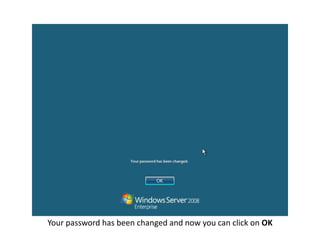
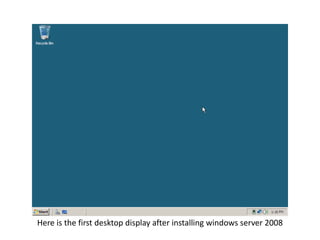

Select a language and click Install Now. Choose the operating system and accept the license terms. Create a partition of the desired size and install Windows Server 2008. The installation will take 20 minutes to complete and expand files, install features and updates. After restarting, set a complex password and the desktop will be displayed, finishing the Windows Server 2008 installation process.


