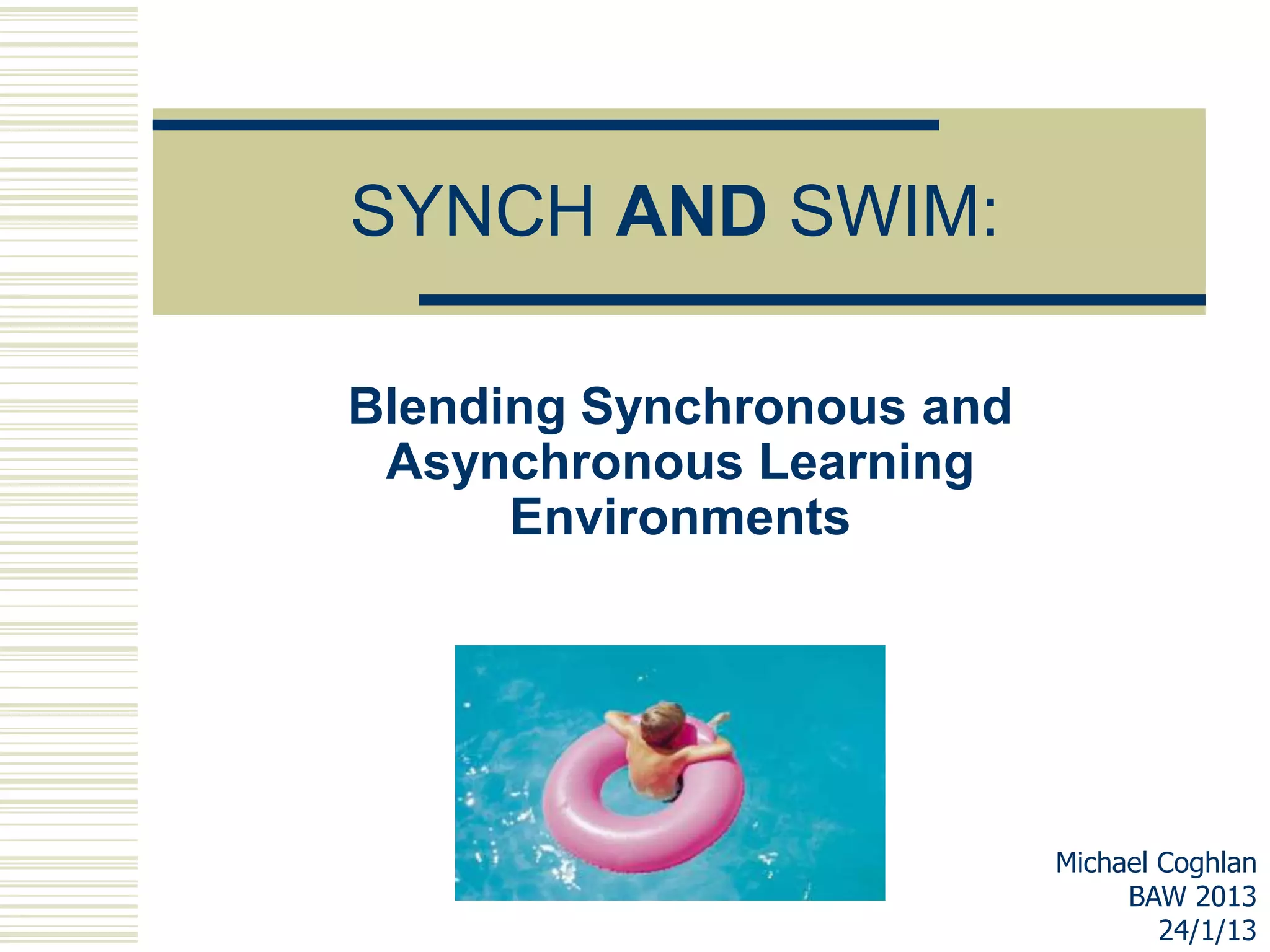
SYNCH AND SWIM:

Blending Synchronous and
 Asynchronous Learning
      Environments


                           Michael Coghlan
                                BAW 2013
                                   24/1/13
WHO‟S ONLINE TODAY?
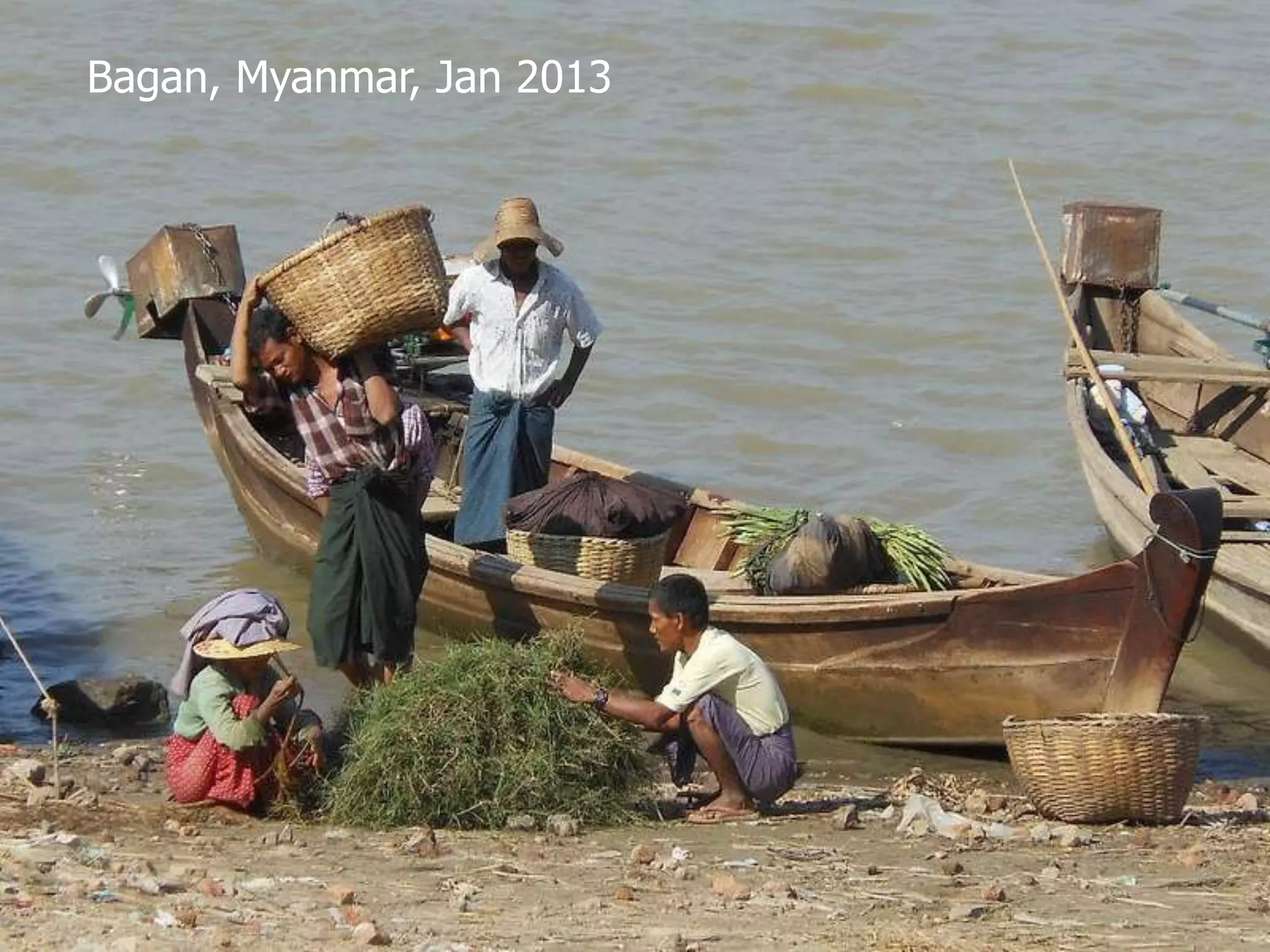
Bagan, Myanmar, Jan 2013
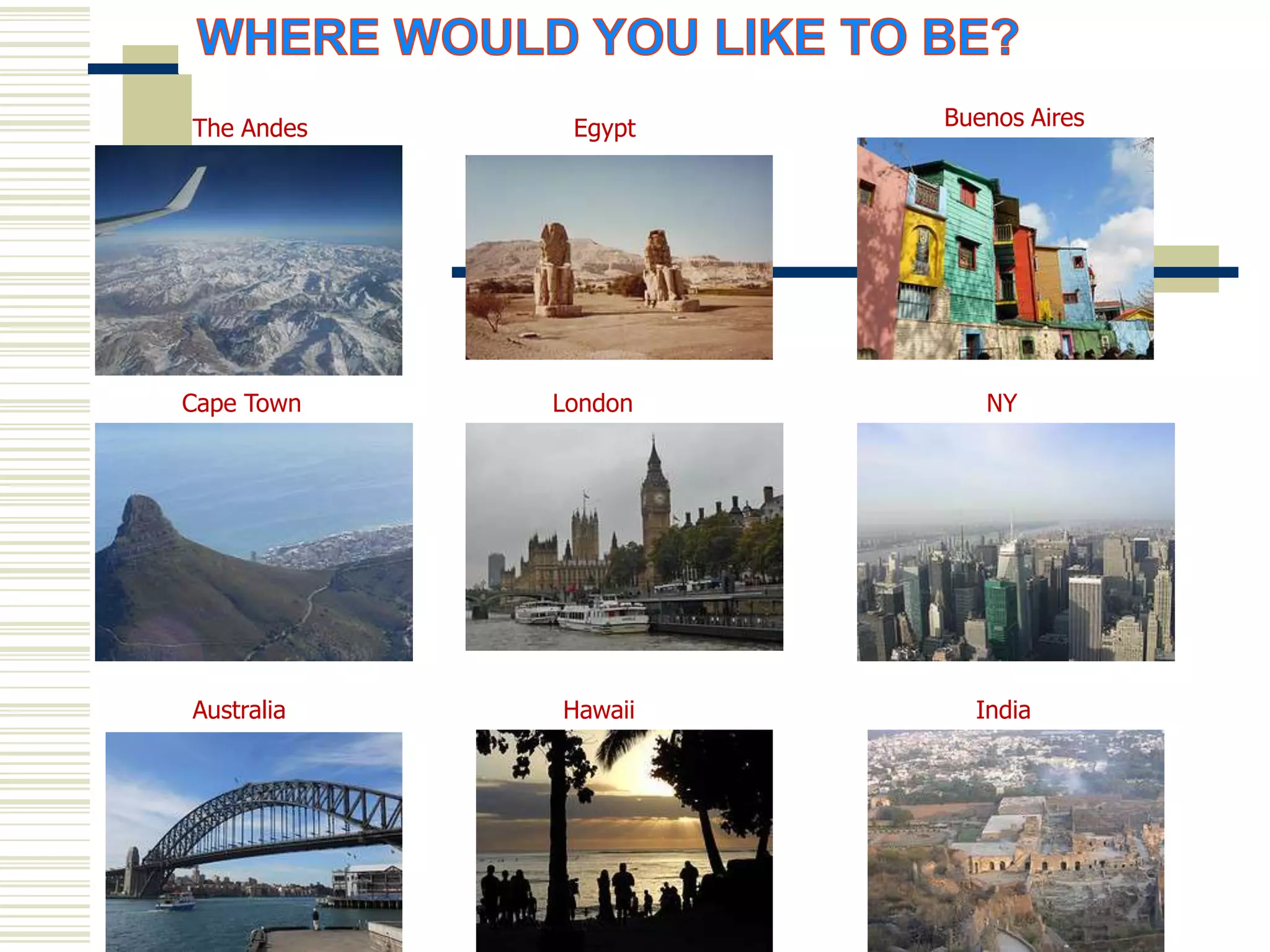
The Andes    Egypt   Buenos Aires


Cape Town   London      NY


Australia   Hawaii     India
Question:

Are you

A) In your office?
B) In a computer suite?
C) At home?
D) Other?
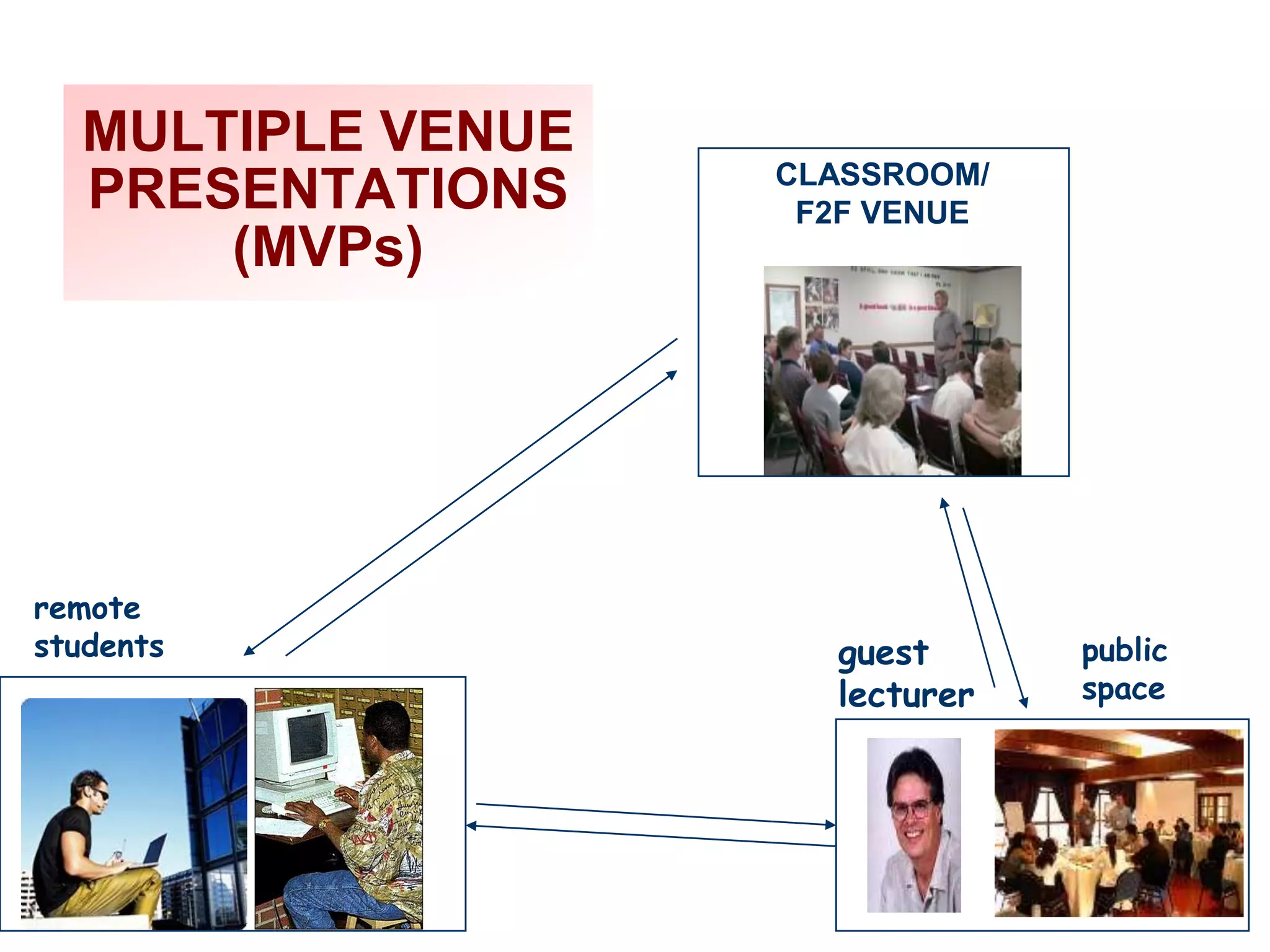
MULTIPLE VENUE
                   CLASSROOM/
  PRESENTATIONS     F2F VENUE
      (MVPs)


remote
students             guest      public
                     lecturer   space
Question:

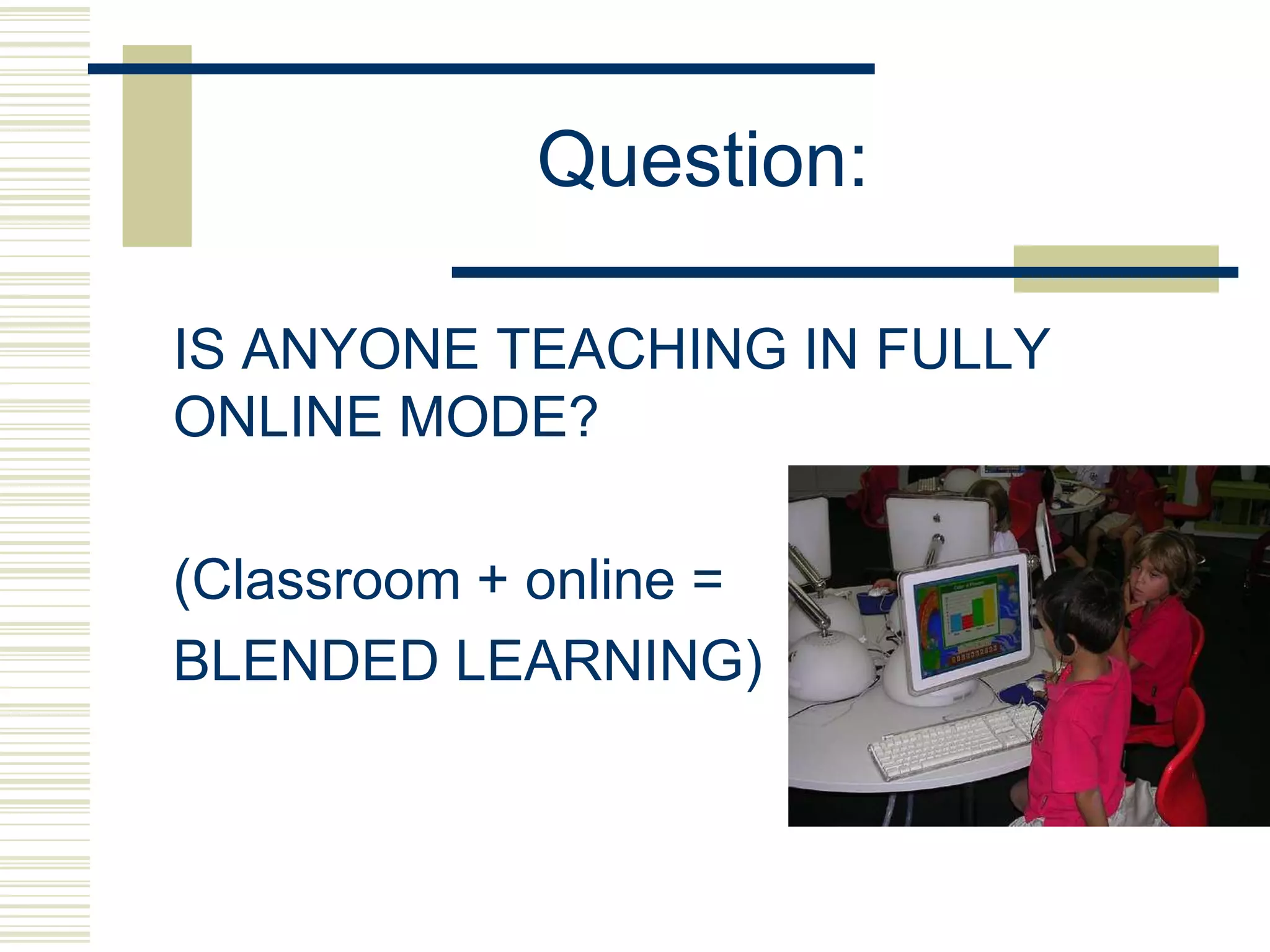
IS ANYONE TEACHING IN FULLY
ONLINE MODE?

(Classroom + online =
BLENDED LEARNING)
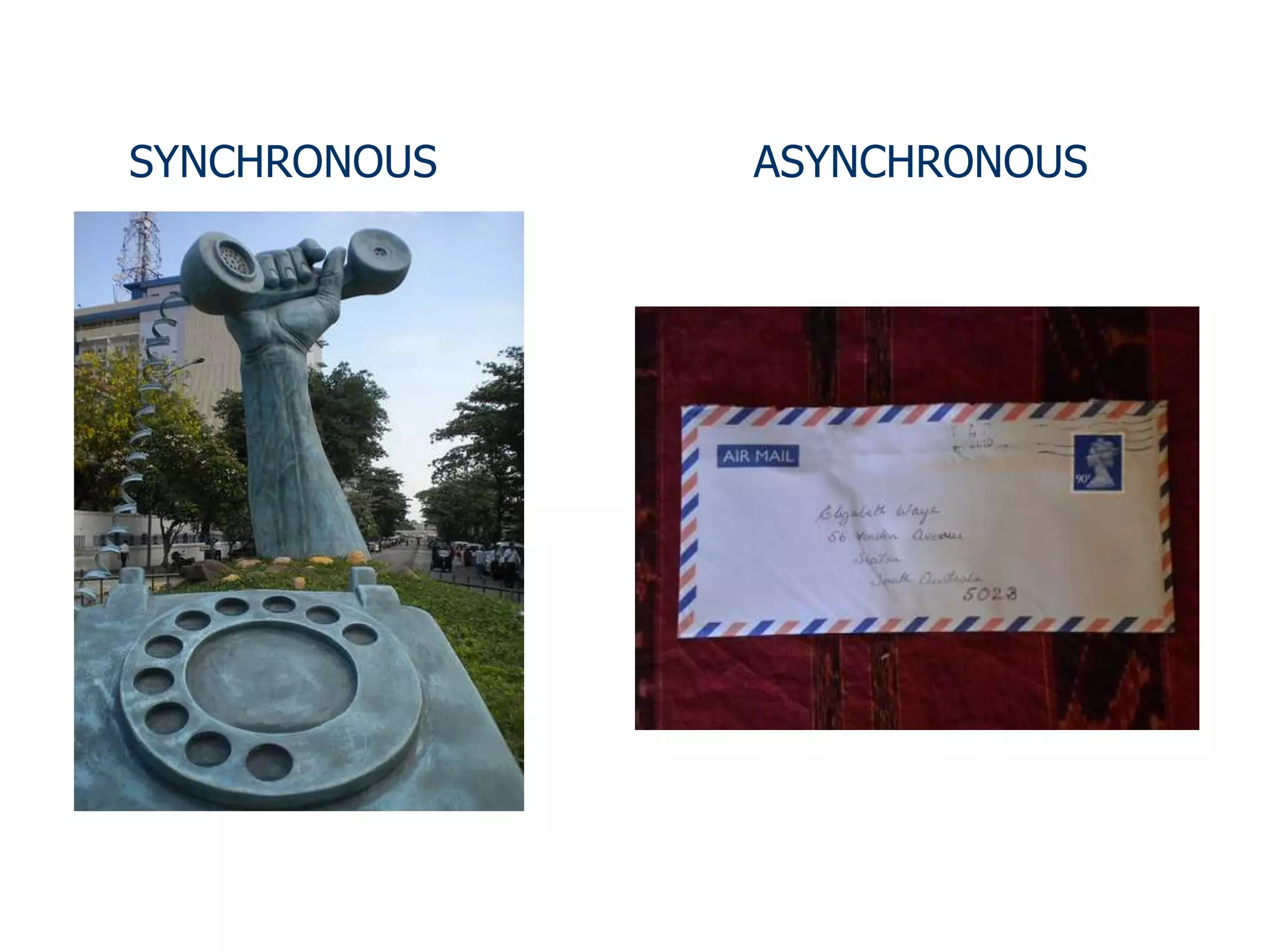
SYNCHRONOUS   ASYNCHRONOUS
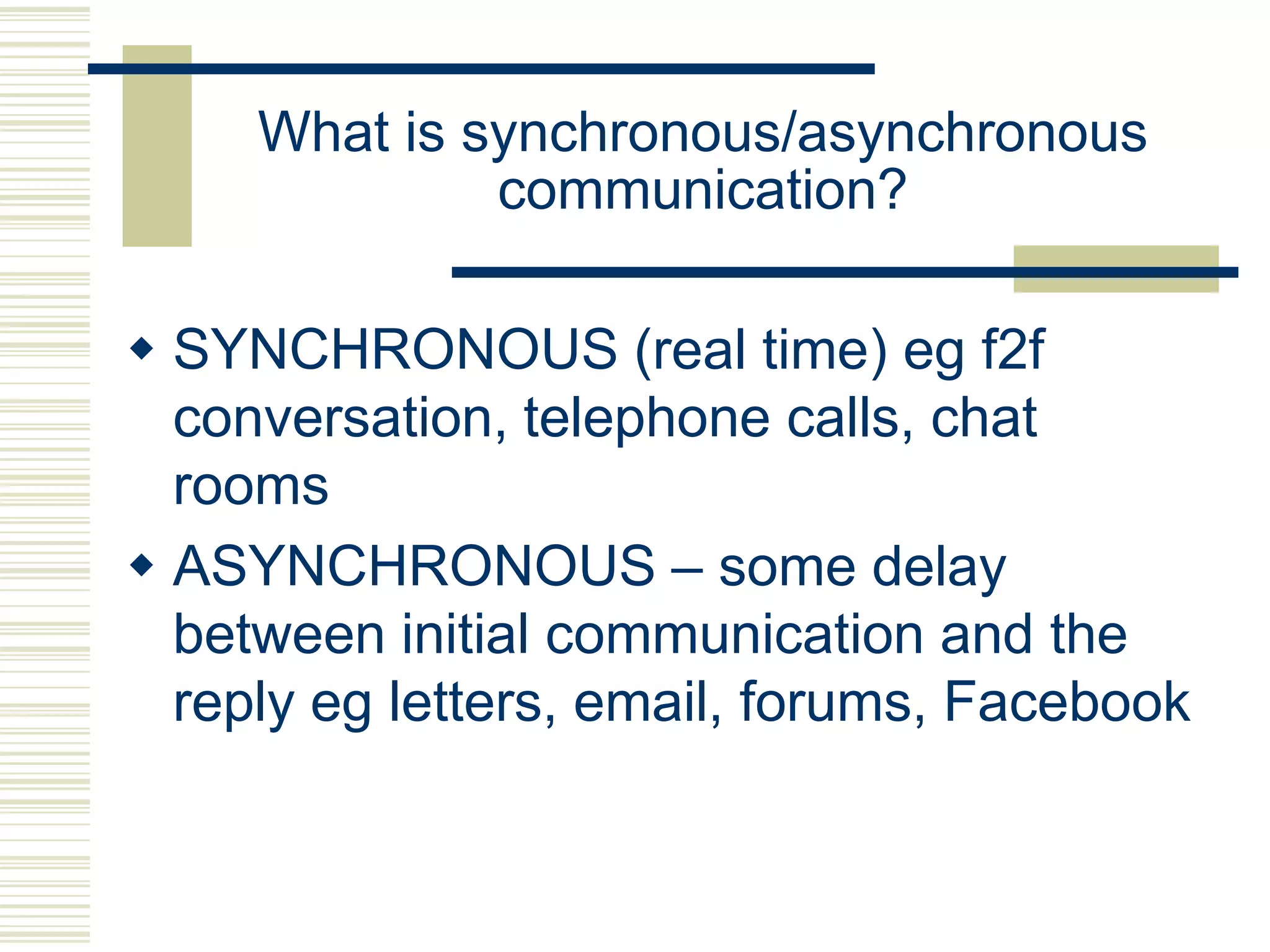
What is synchronous/asynchronous
              communication?

 SYNCHRONOUS (real time) eg f2f
  conversation, telephone calls, chat
  rooms
 ASYNCHRONOUS – some delay
  between initial communication and the
  reply eg letters, email, forums, Facebook
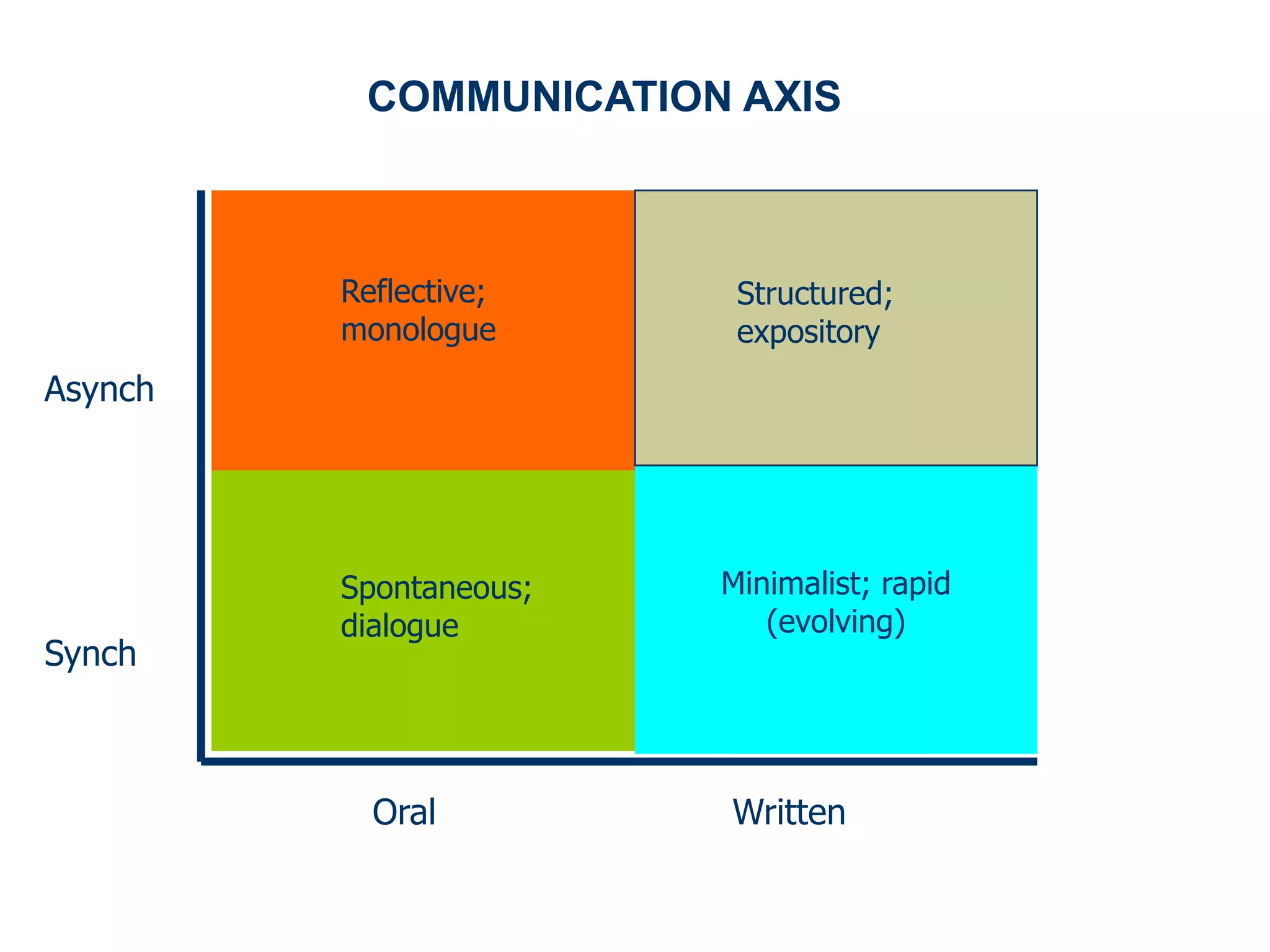
COMMUNICATION AXIS


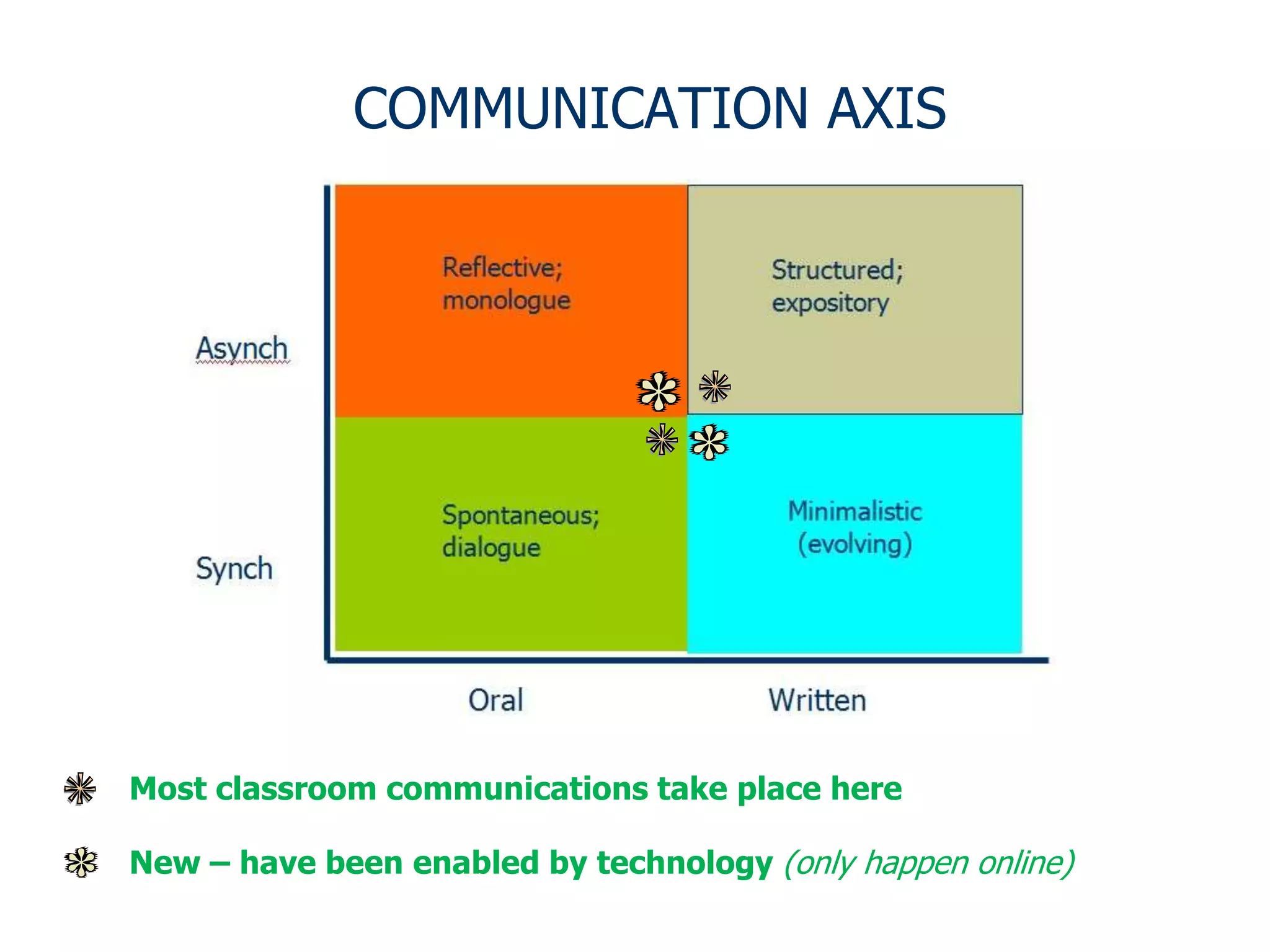
         Reflective;     Structured;
         monologue       expository
Asynch


         Spontaneous;   Minimalist; rapid
         dialogue          (evolving)
Synch


           Oral         Written
COMMUNICATION AXIS


Most classroom communications take place here

New – have been enabled by technology (only happen online)
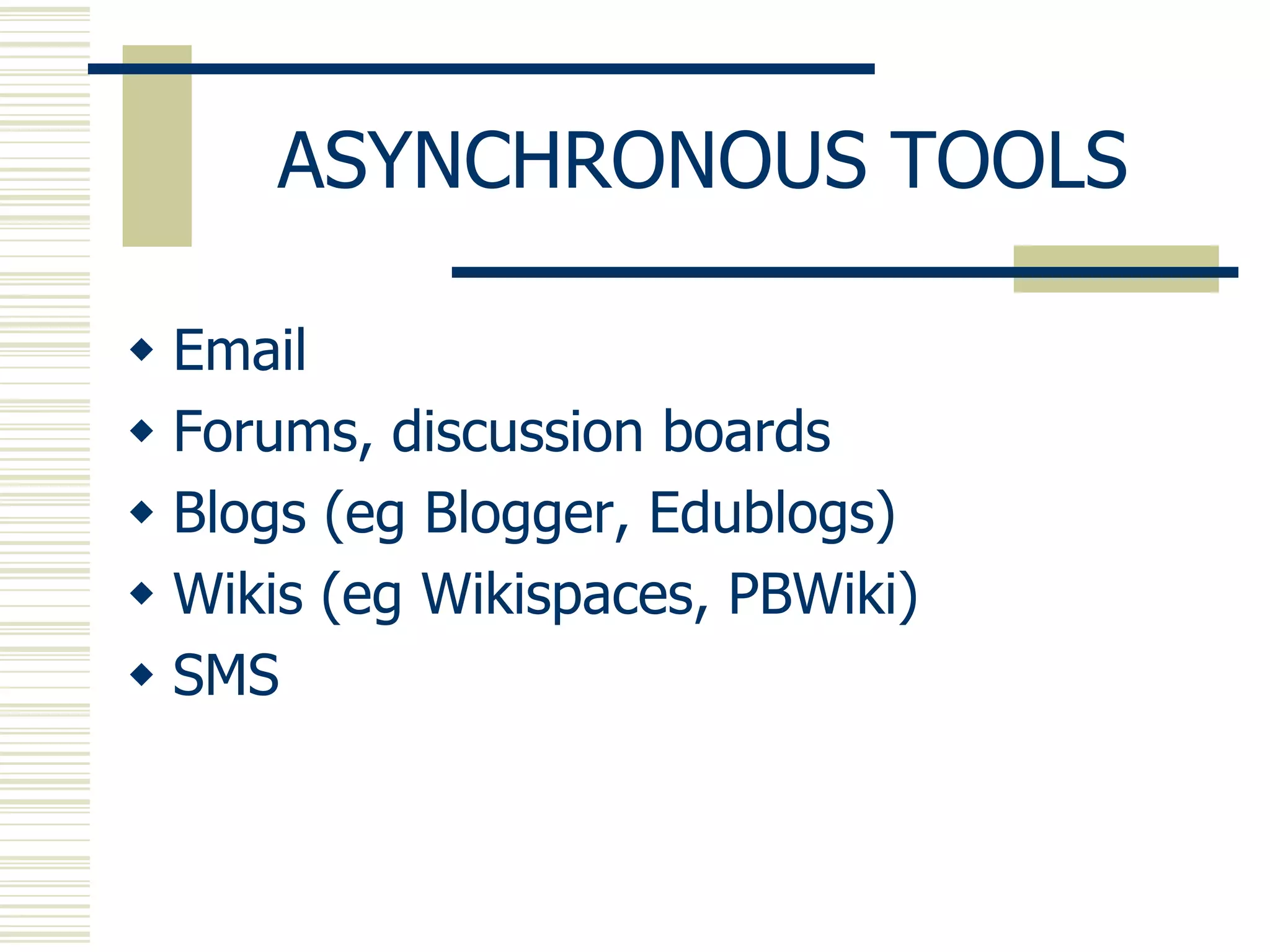
ASYNCHRONOUS TOOLS

 Email
 Forums, discussion boards
 Blogs (eg Blogger, Edublogs)
 Wikis (eg Wikispaces, PBWiki)
 SMS
ASYNCHRONOUS TOOLS

SOCIAL MEDIA/NETWORKING
 Facebook (tip: use the Groups feature)
 Google+
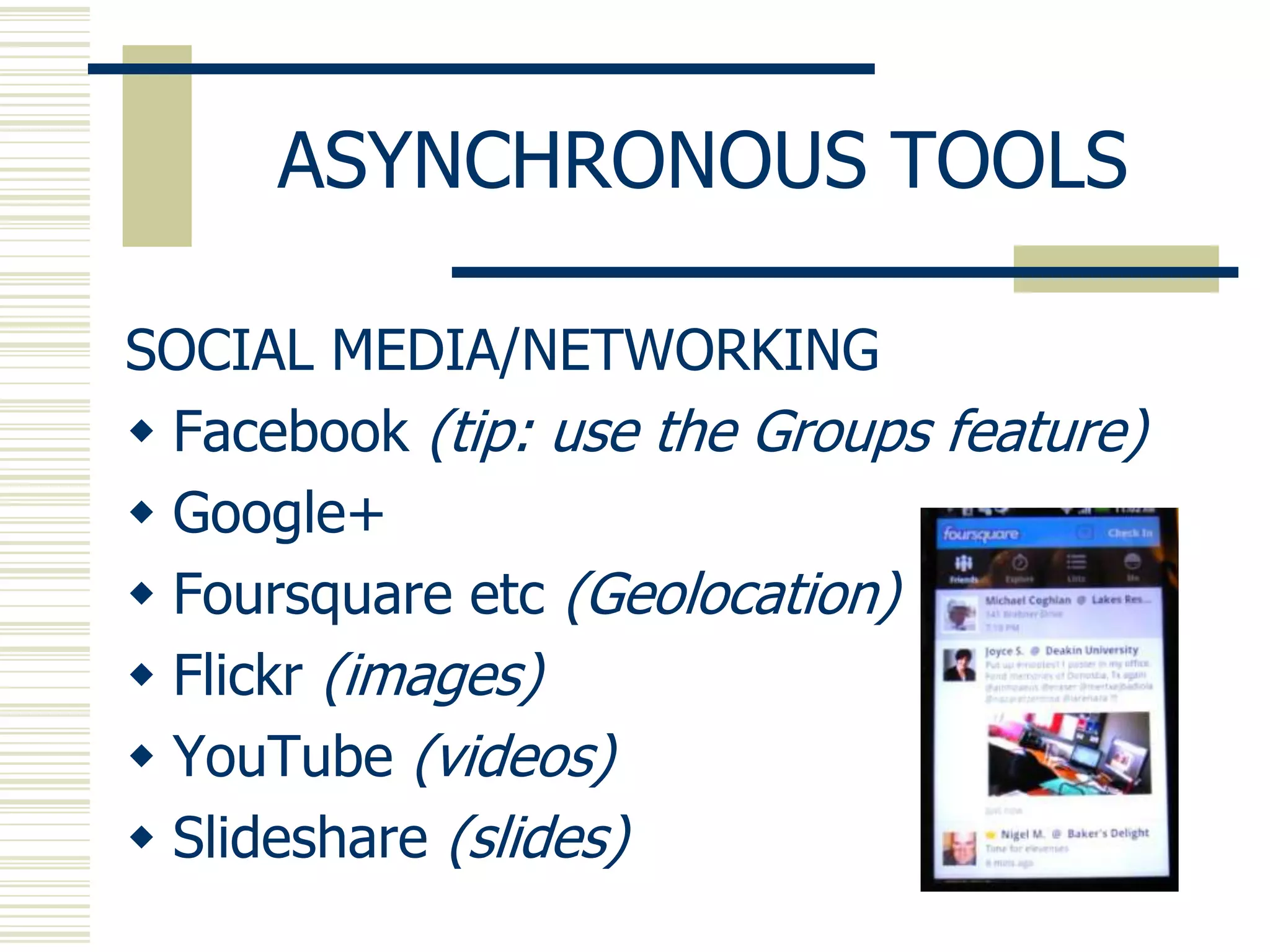
 Foursquare etc (Geolocation)
 Flickr (images)
 YouTube (videos)
 Slideshare (slides)
ASYNCHRONOUS VOICE

VOICE BOARDS
1. Wimba: try the board at http://tinyurl.com/4lnh9fn
2. Nanogong (esp for Moodle users)
   http://gong.ust.hk/nanogong/

Free
1. Voxopop: Aiden Yeh‟s Advanced Listening Group at
   http://tinyurl.com/4hzw2of
2. Voicethread: examples at
   http://voicethread4education.wikispaces.com/9-12
3. Podcasts (eg Podomatic; see http://michaelc.podomatic.com/)
4. See list at
   http://baw2013.pbworks.com/w/page/59955947/Week2
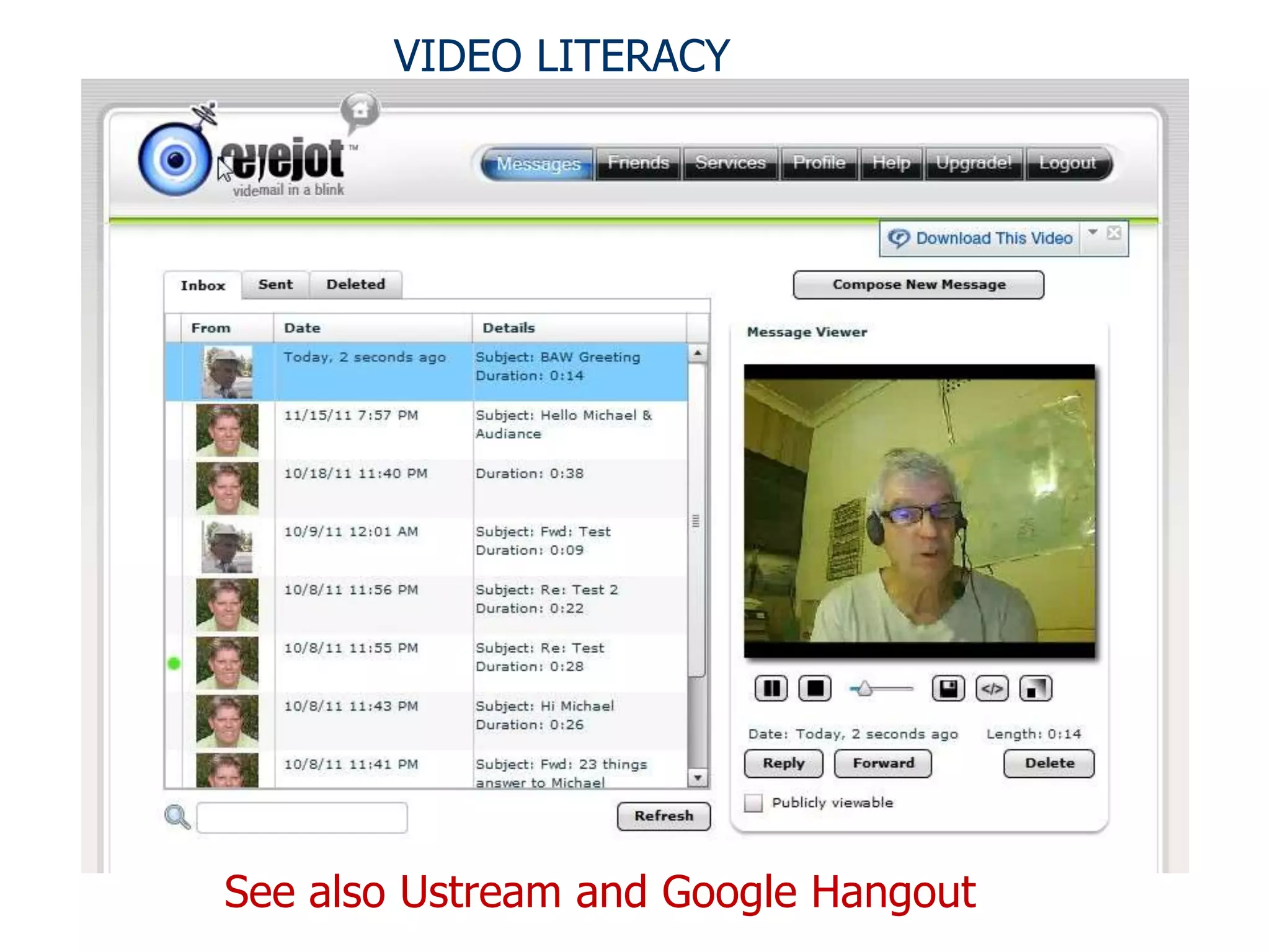
VIDEO LITERACY


See also Ustream and Google Hangout
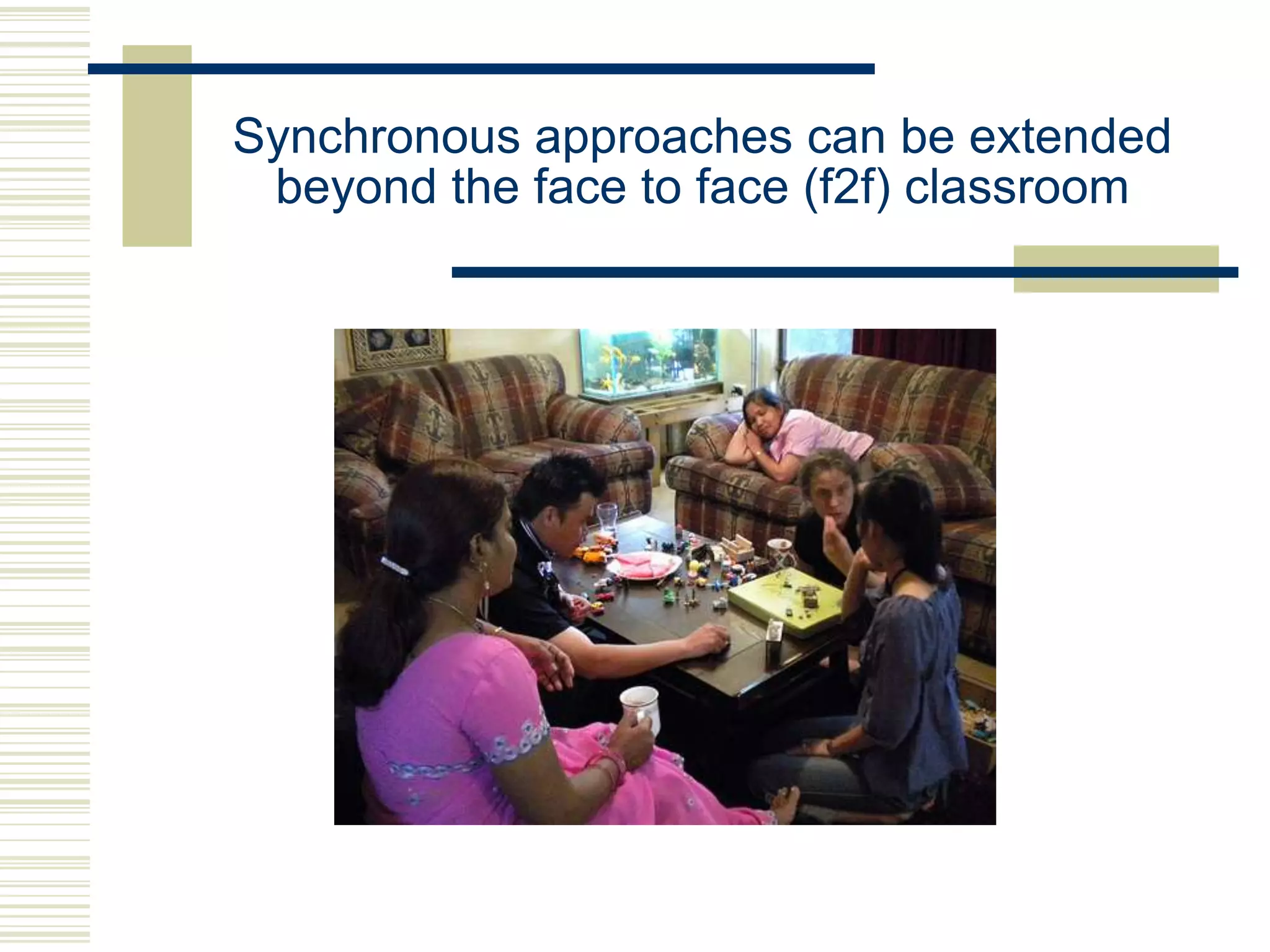
Synchronous approaches can be extended
 beyond the face to face (f2f) classroom
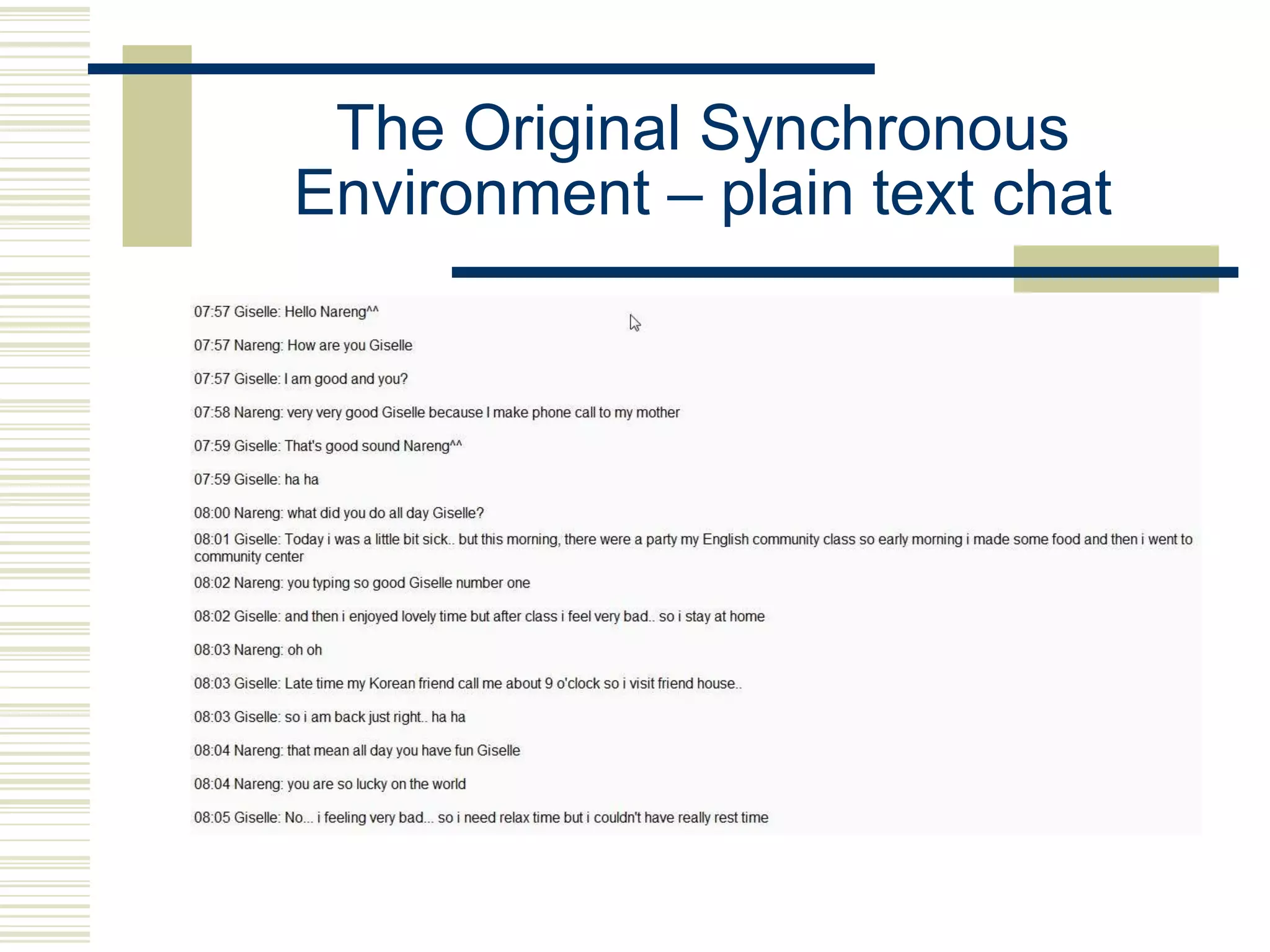
The Original Synchronous
Environment – plain text chat
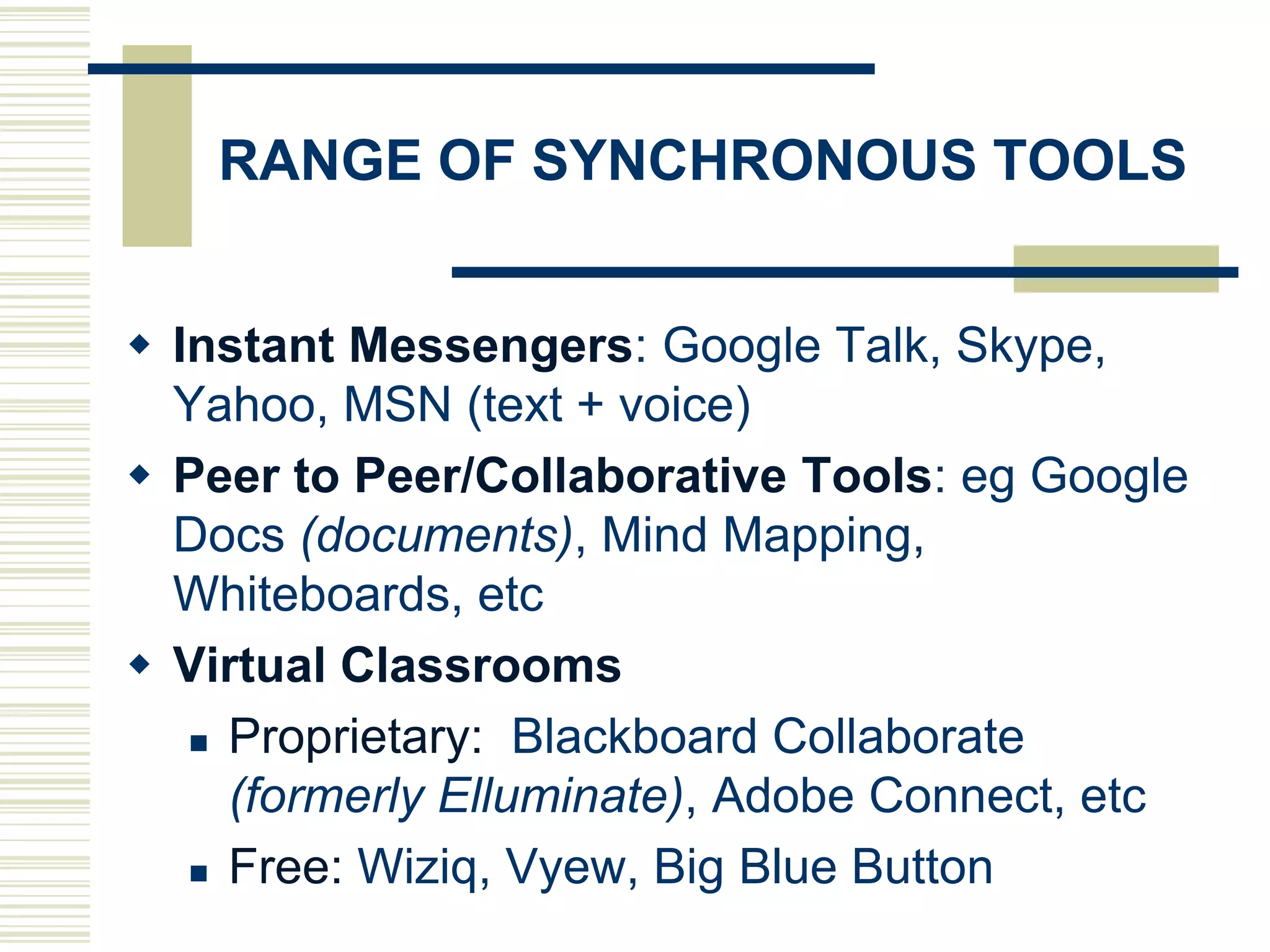
RANGE OF SYNCHRONOUS TOOLS


 Instant Messengers: Google Talk, Skype,
  Yahoo, MSN (text + voice)
 Peer to Peer/Collaborative Tools: eg Google
  Docs (documents), Mind Mapping,
  Whiteboards, etc
 Virtual Classrooms
    Proprietary: Blackboard Collaborate

     (formerly Elluminate), Adobe Connect, etc
    Free: Wiziq, Vyew, Big Blue Button
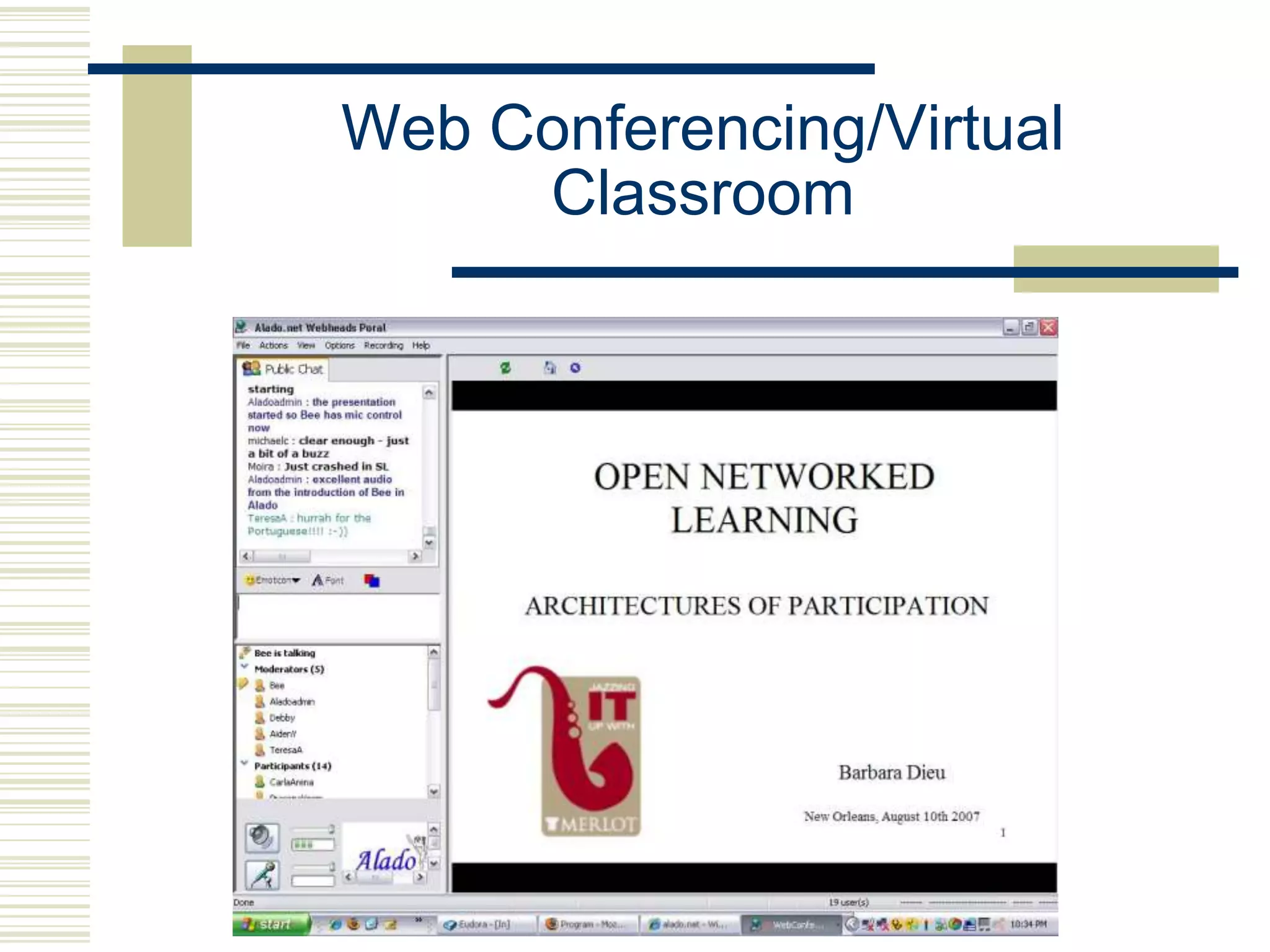
Web Conferencing/Virtual
     Classroom
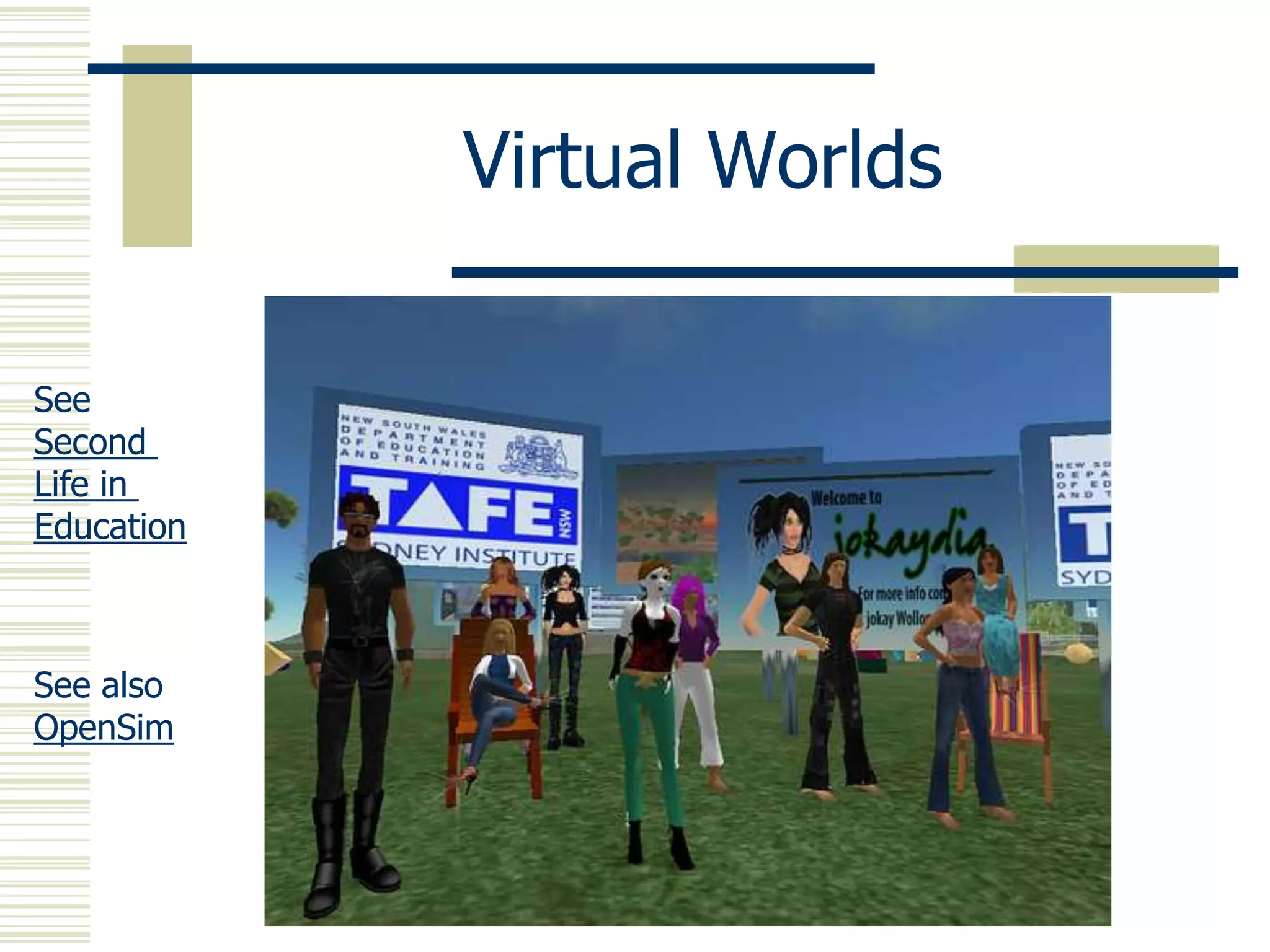
Virtual Worlds

See
Second
Life in
Education


See also
OpenSim
Your Experience?

 Have you experienced the use of
  synchronous tools in online courses that
  you have either taught or studied?
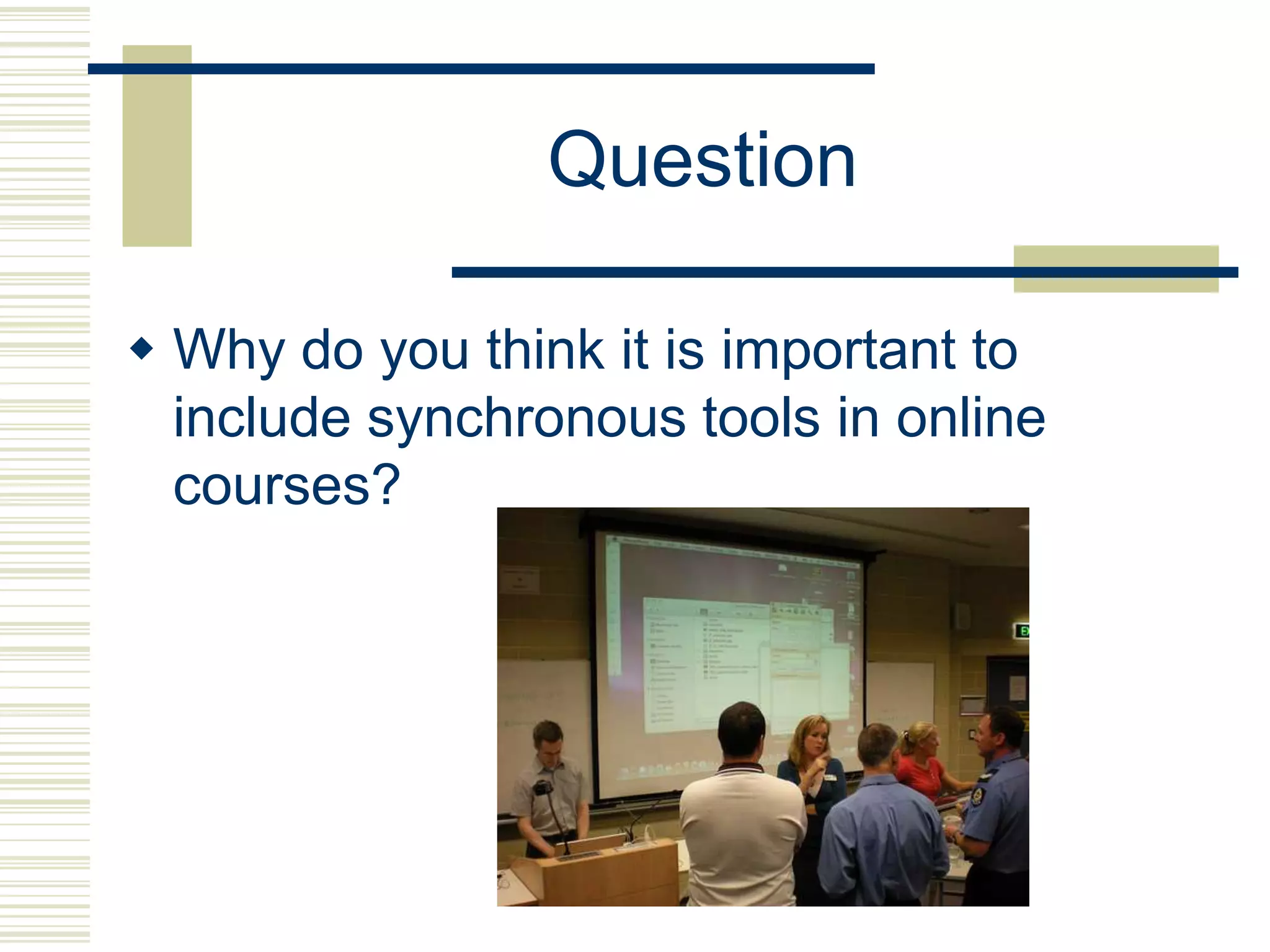
Question

 Why do you think it is important to
  include synchronous tools in online
  courses?
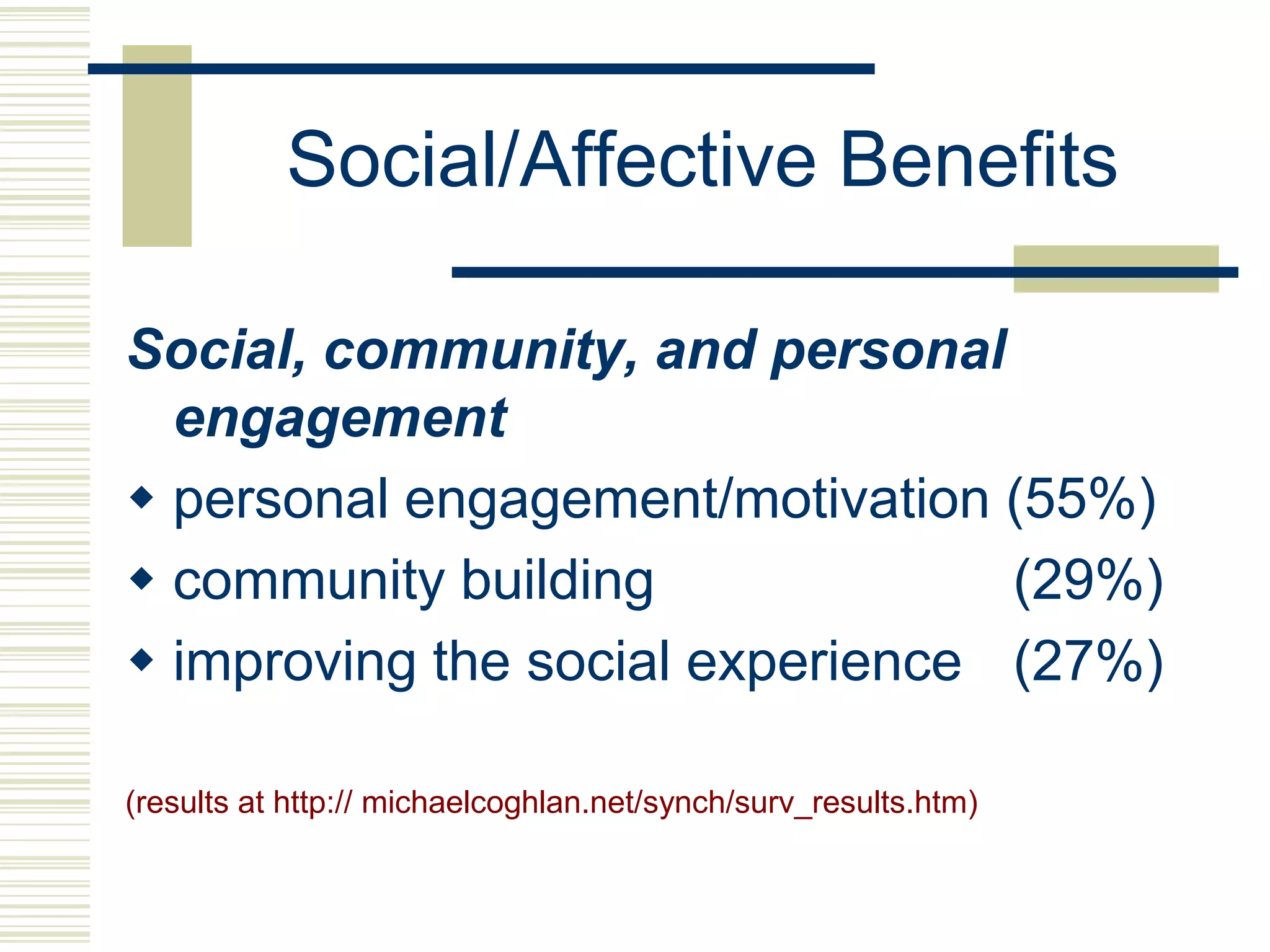
Social/Affective Benefits

Social, community, and personal
  engagement
 personal engagement/motivation (55%)
 community building              (29%)
 improving the social experience (27%)

(results at http:// michaelcoghlan.net/synch/surv_results.htm)
Tension: Synch v Asynch

Terry Anderson, Toward a Theory of Online
  Learning:

“….the major motivation for enrollment in distance education is not
   physical access, but rather, temporal freedom to move through
   a course of studies at a pace of the student’s choice.”
   Participation in (synchronous events) “almost inevitably places
   constraints on this independence.”
 “ The demands of a learning-centered context might at times force
   us to modify prescriptive participation in (synchronous events),
   even though we might have evidence that such participation will
   further advance knowledge creation and attention.”
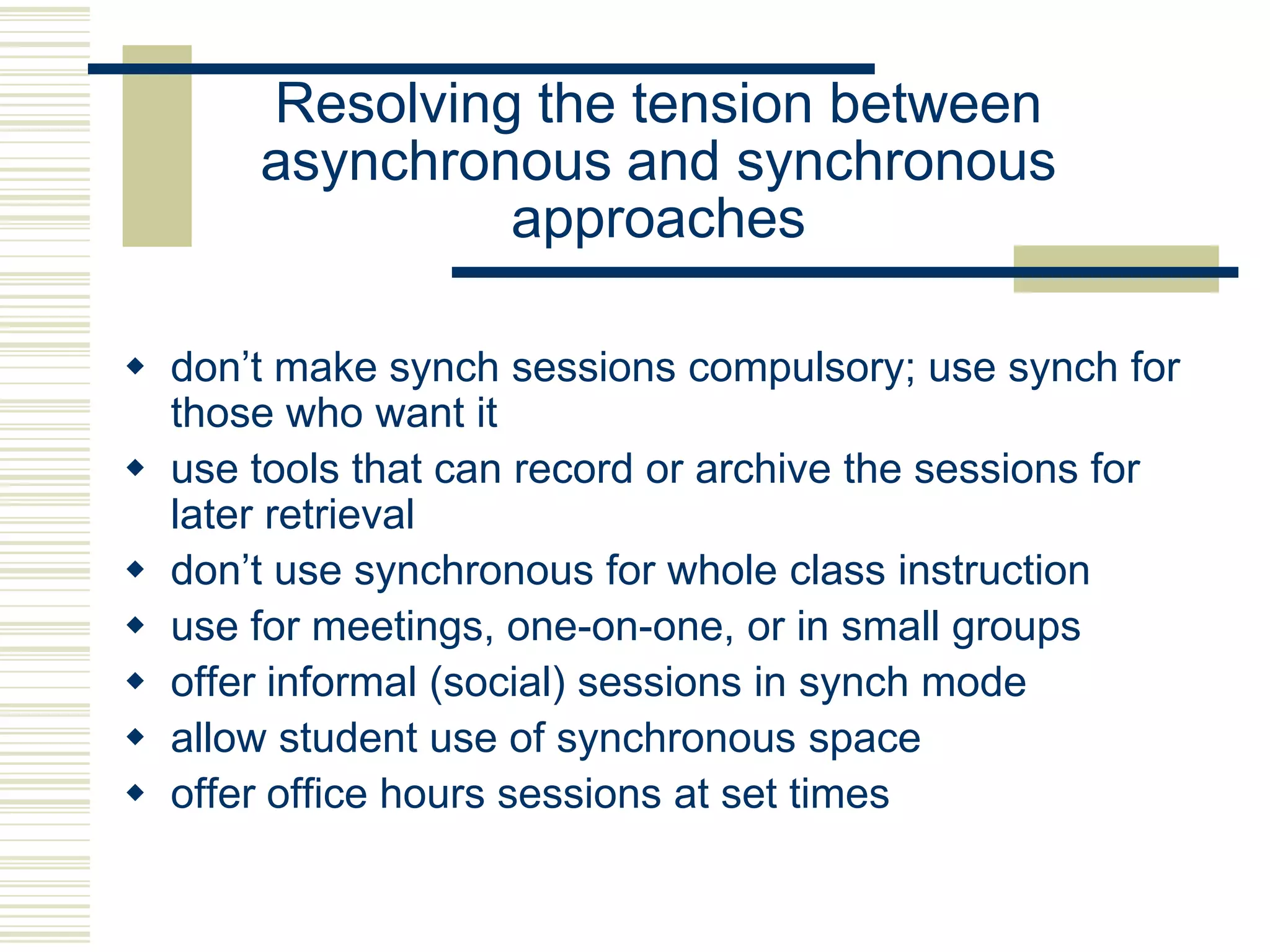
Resolving the tension between
       asynchronous and synchronous
                approaches

 don‟t make synch sessions compulsory; use synch for
  those who want it
 use tools that can record or archive the sessions for
  later retrieval
 don‟t use synchronous for whole class instruction
 use for meetings, one-on-one, or in small groups
 offer informal (social) sessions in synch mode
 allow student use of synchronous space
 offer office hours sessions at set times
What kinds of tasks/activities work best with
   ASYNCHRONOUS?           SYNCHRONOUS?
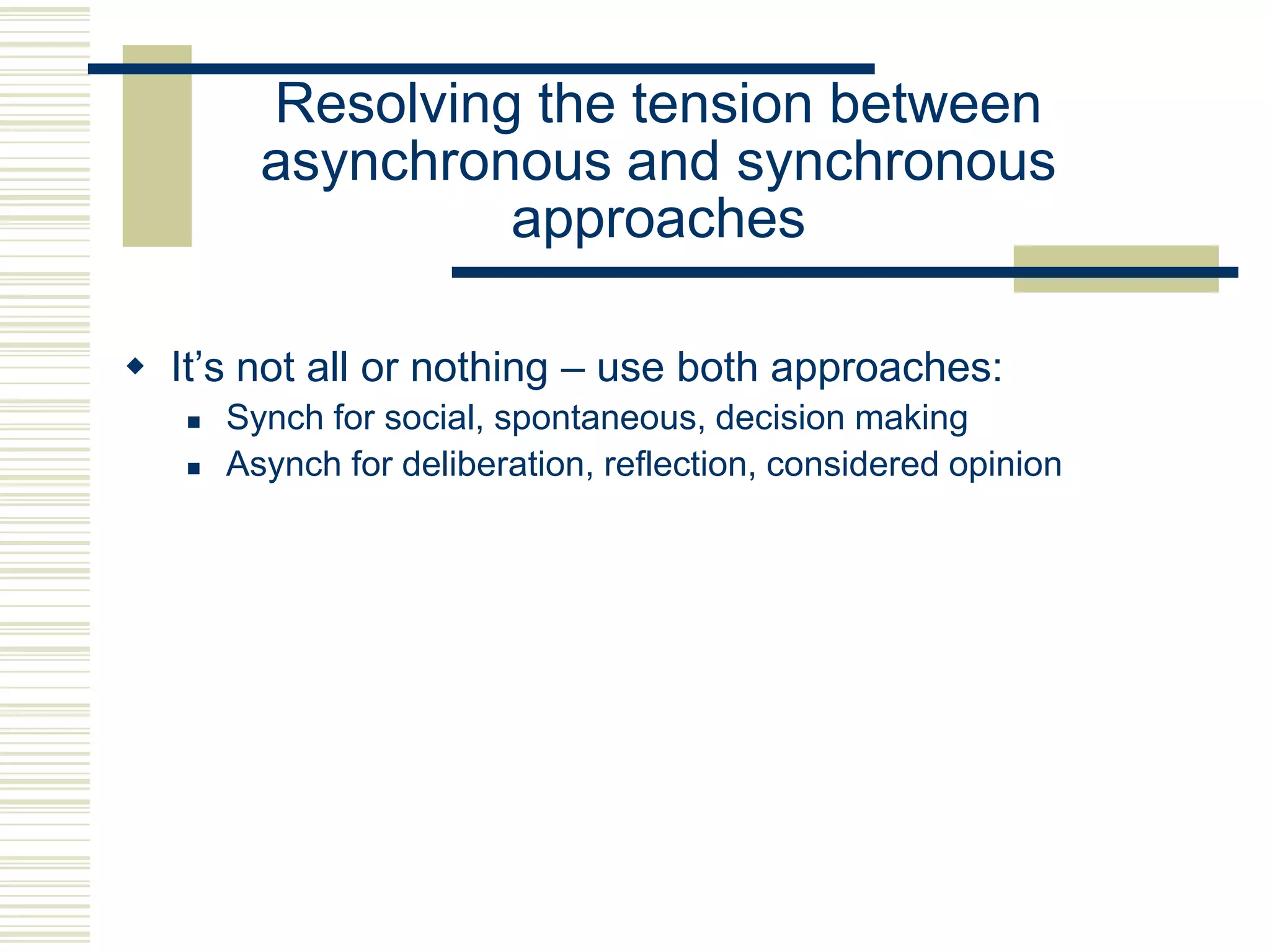
Resolving the tension between
         asynchronous and synchronous
                  approaches

 It‟s not all or nothing – use both approaches:
      Synch for social, spontaneous, decision making
      Asynch for deliberation, reflection, considered opinion
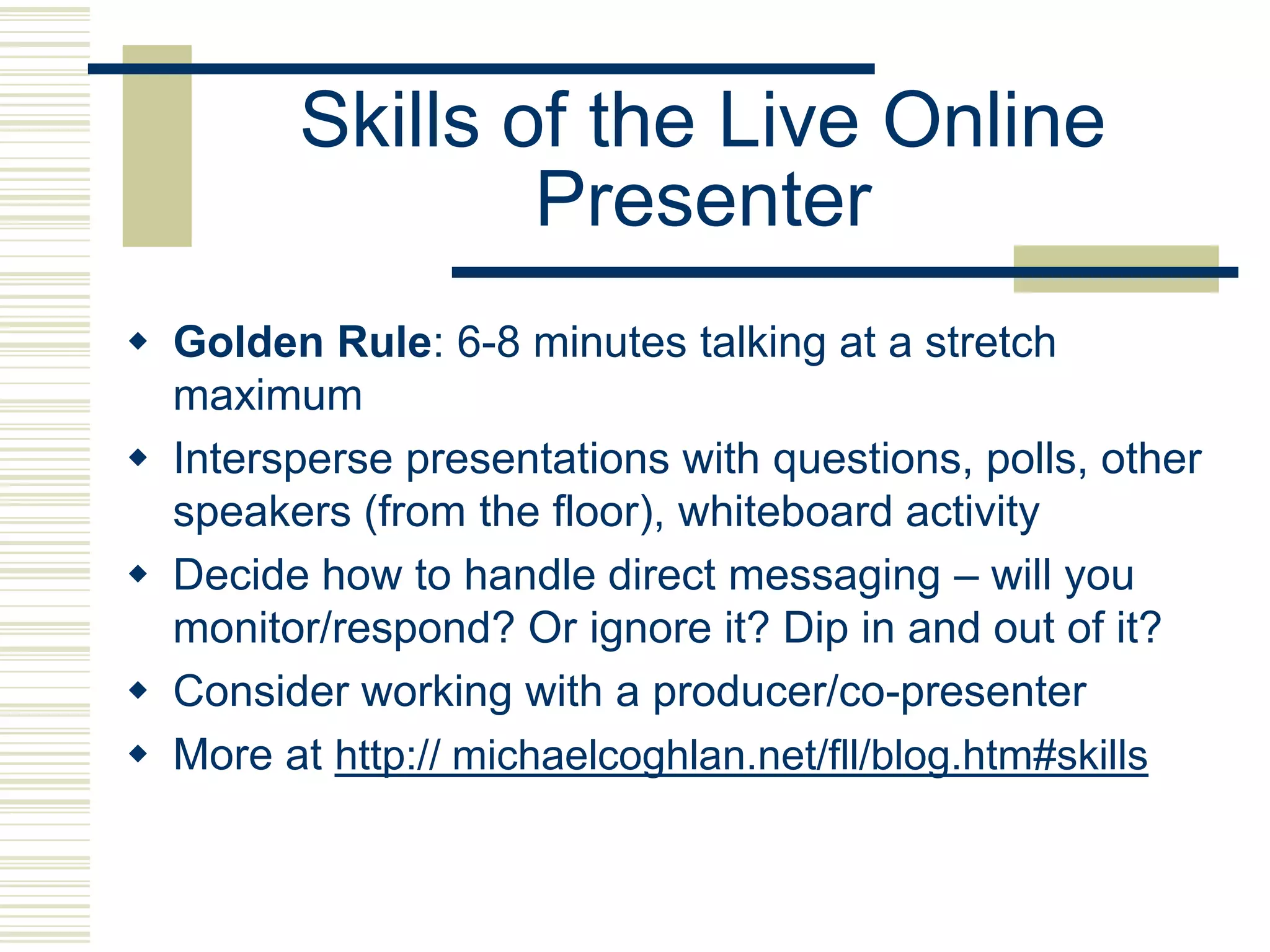
Skills of the Live Online
                 Presenter
 Golden Rule: 6-8 minutes talking at a stretch
  maximum
 Intersperse presentations with questions, polls, other
  speakers (from the floor), whiteboard activity
 Decide how to handle direct messaging – will you
  monitor/respond? Or ignore it? Dip in and out of it?
 Consider working with a producer/co-presenter
 More at http:// michaelcoghlan.net/fll/blog.htm#skills
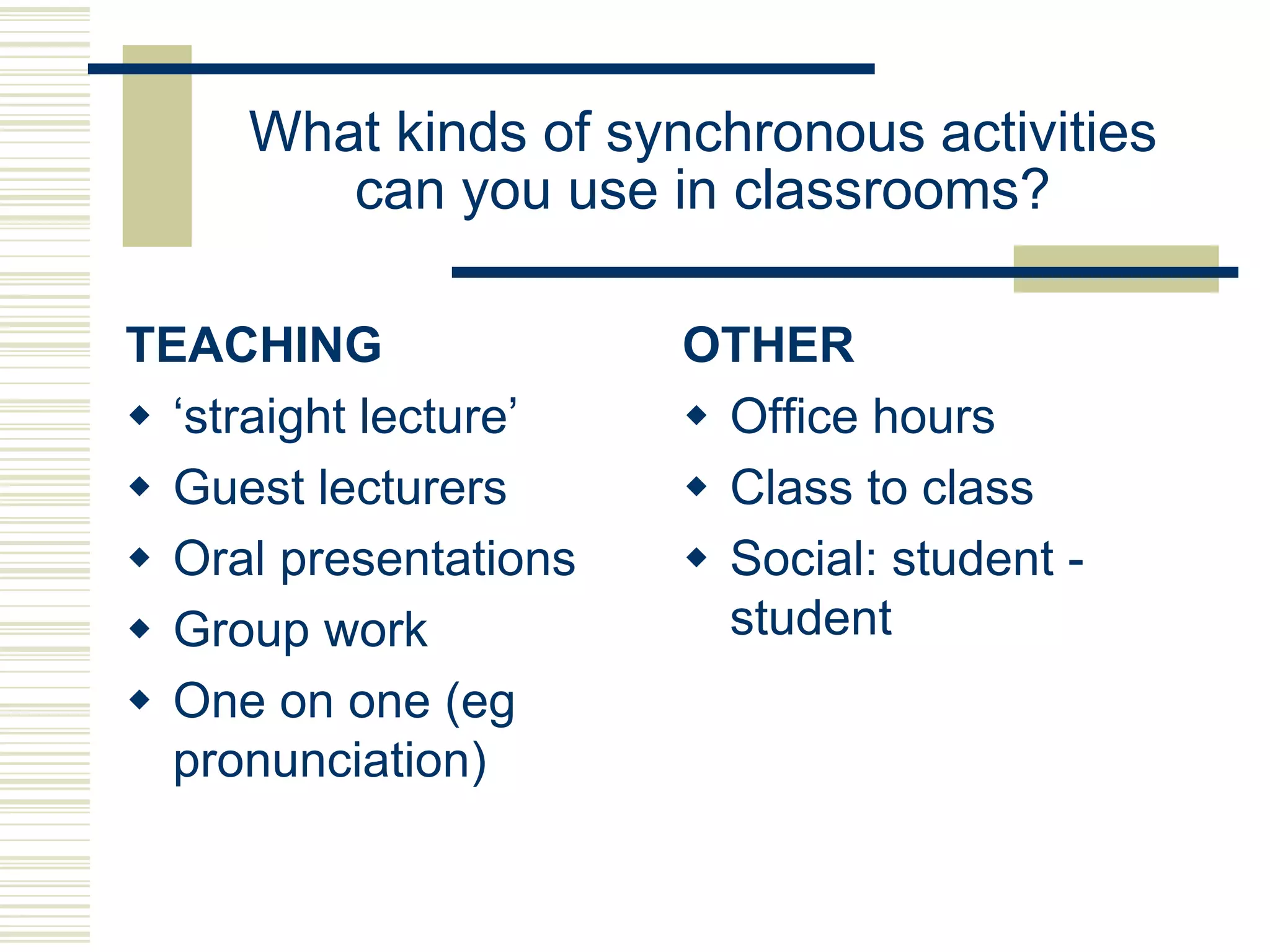
What kinds of synchronous activities
        can you use in classrooms?

TEACHING               OTHER
 „straight lecture‟    Office hours
 Guest lecturers       Class to class
 Oral presentations    Social: student -
 Group work             student
 One on one (eg
  pronunciation)
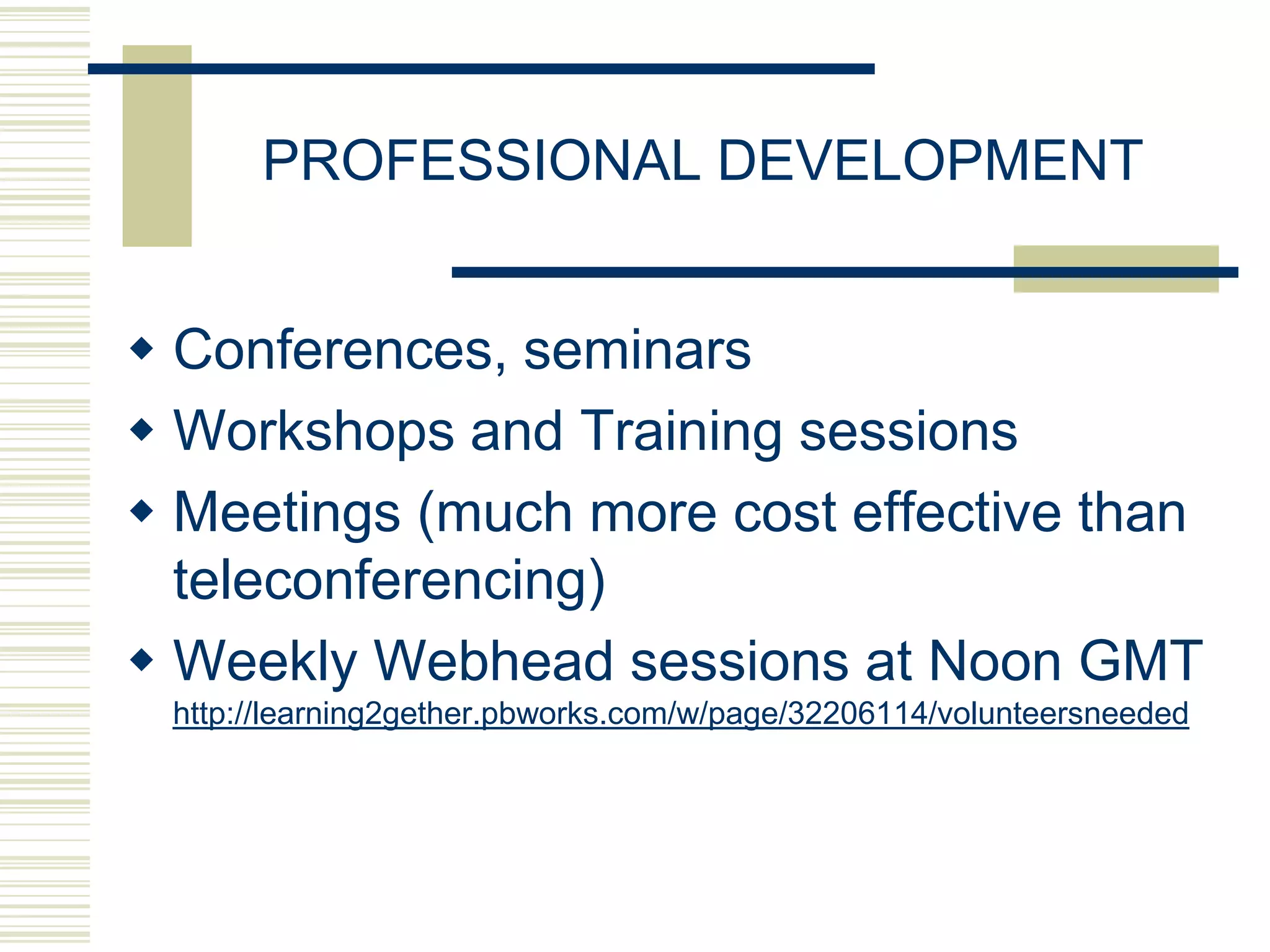
PROFESSIONAL DEVELOPMENT


 Conferences, seminars
 Workshops and Training sessions
 Meetings (much more cost effective than
  teleconferencing)
 Weekly Webhead sessions at Noon GMT
 http://learning2gether.pbworks.com/w/page/32206114/volunteersneeded
NEAR
SYNCHRONOUS
   TOOLS
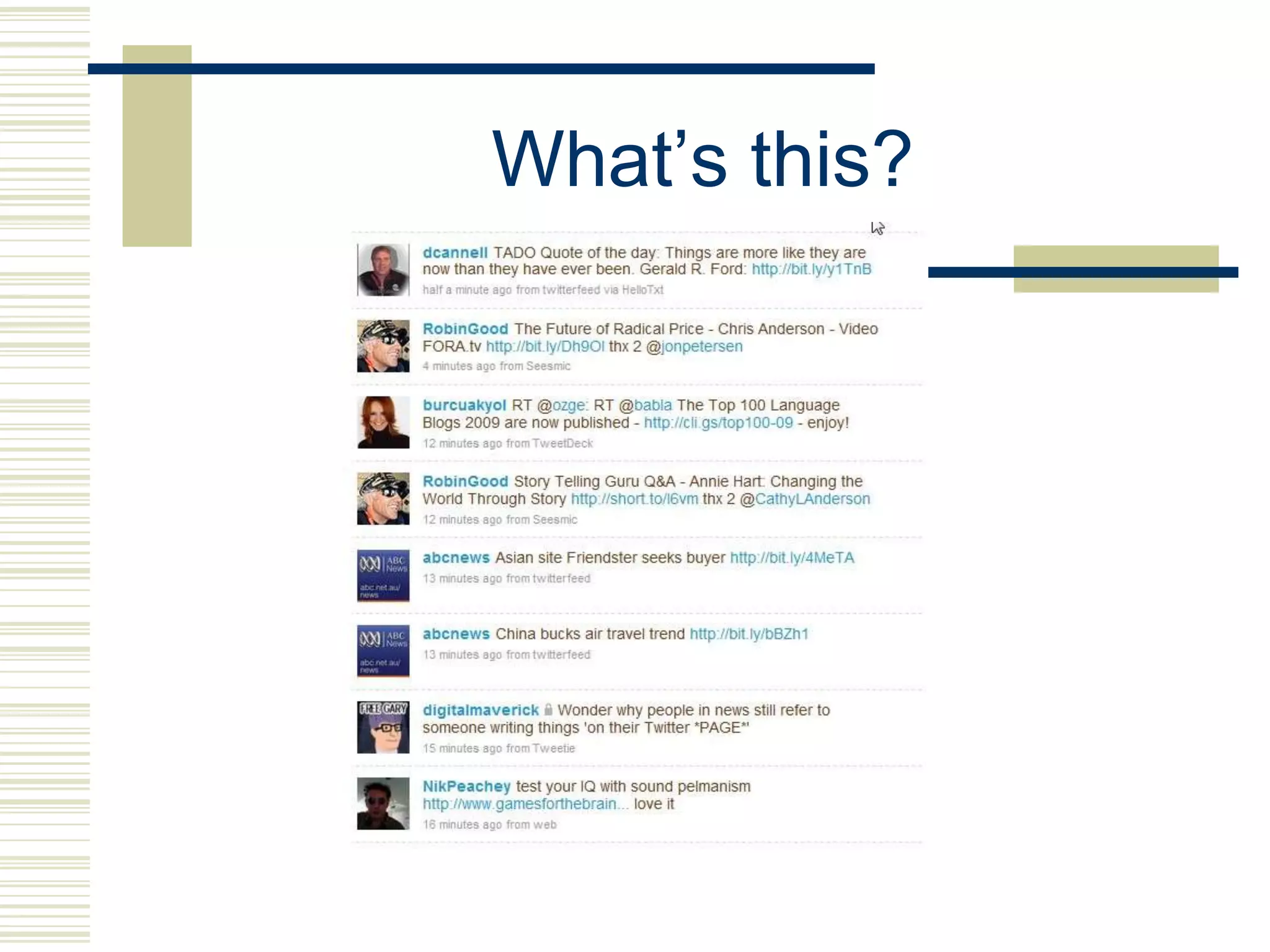
What‟s this?
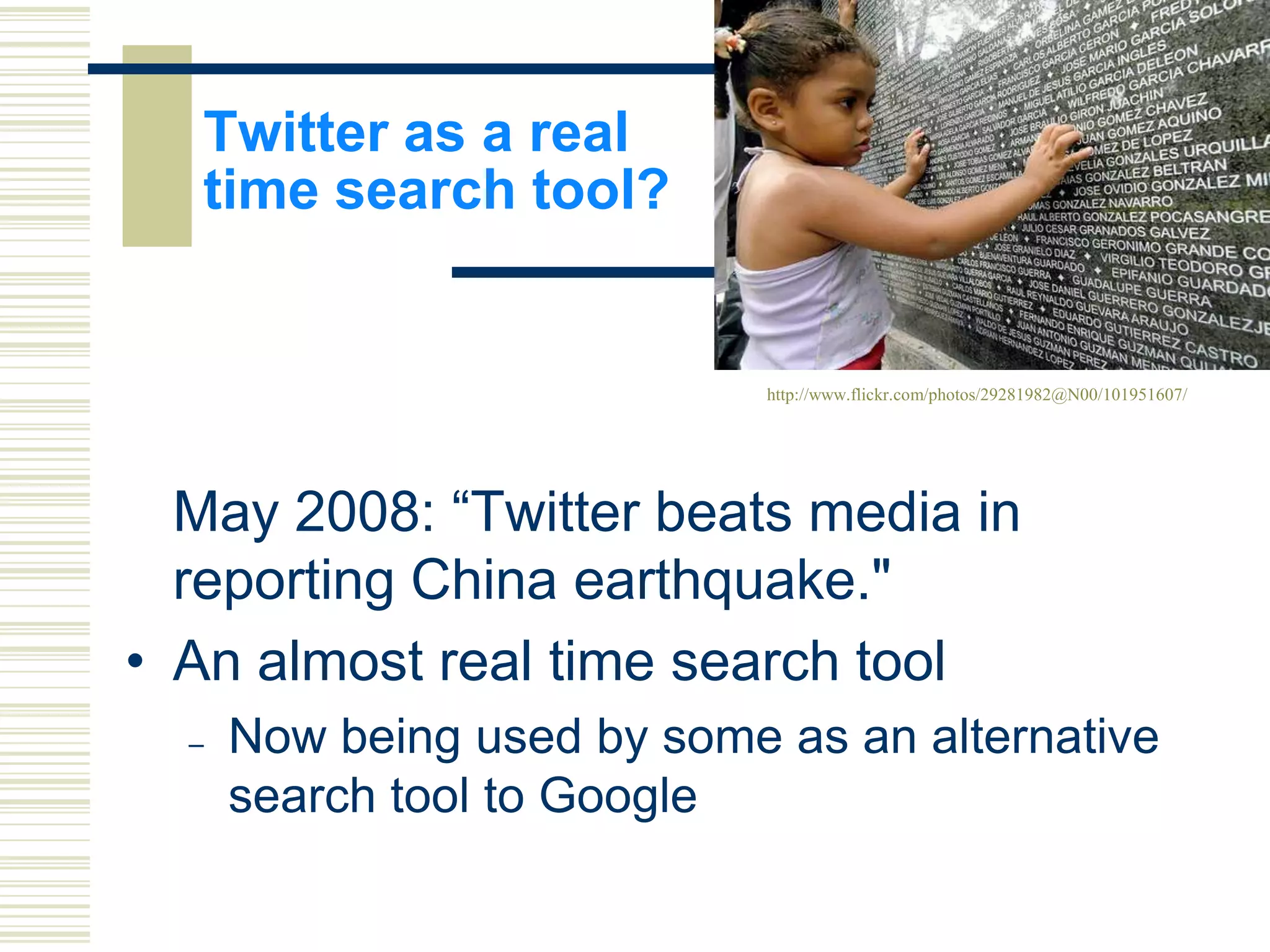
Twitter as a real
   time search tool?


                             http://www.flickr.com/photos/29281982@N00/101951607/


  May 2008: “Twitter beats media in
  reporting China earthquake."
• An almost real time search tool
  –   Now being used by some as an alternative
      search tool to Google
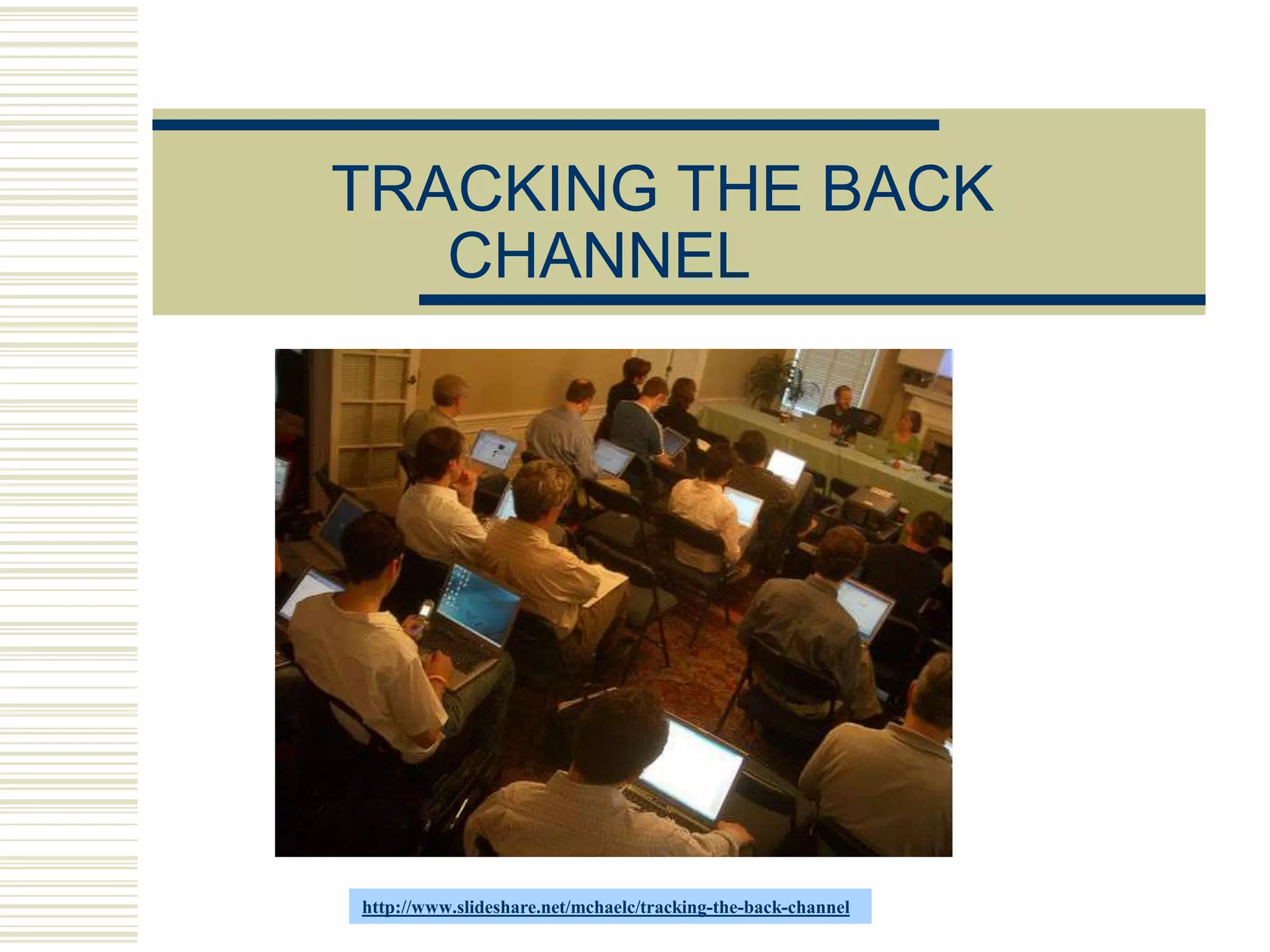
TRACKING THE BACK
   CHANNEL


http://www.slideshare.net/mchaelc/tracking-the-back-channel
BACKCHANNEL TOOLS

 Direct or instant messaging in web
  conferencing tools (eg Centra,
  Blackboard Collaborate)
 Micro Messaging Tools: Twitter, Yammer
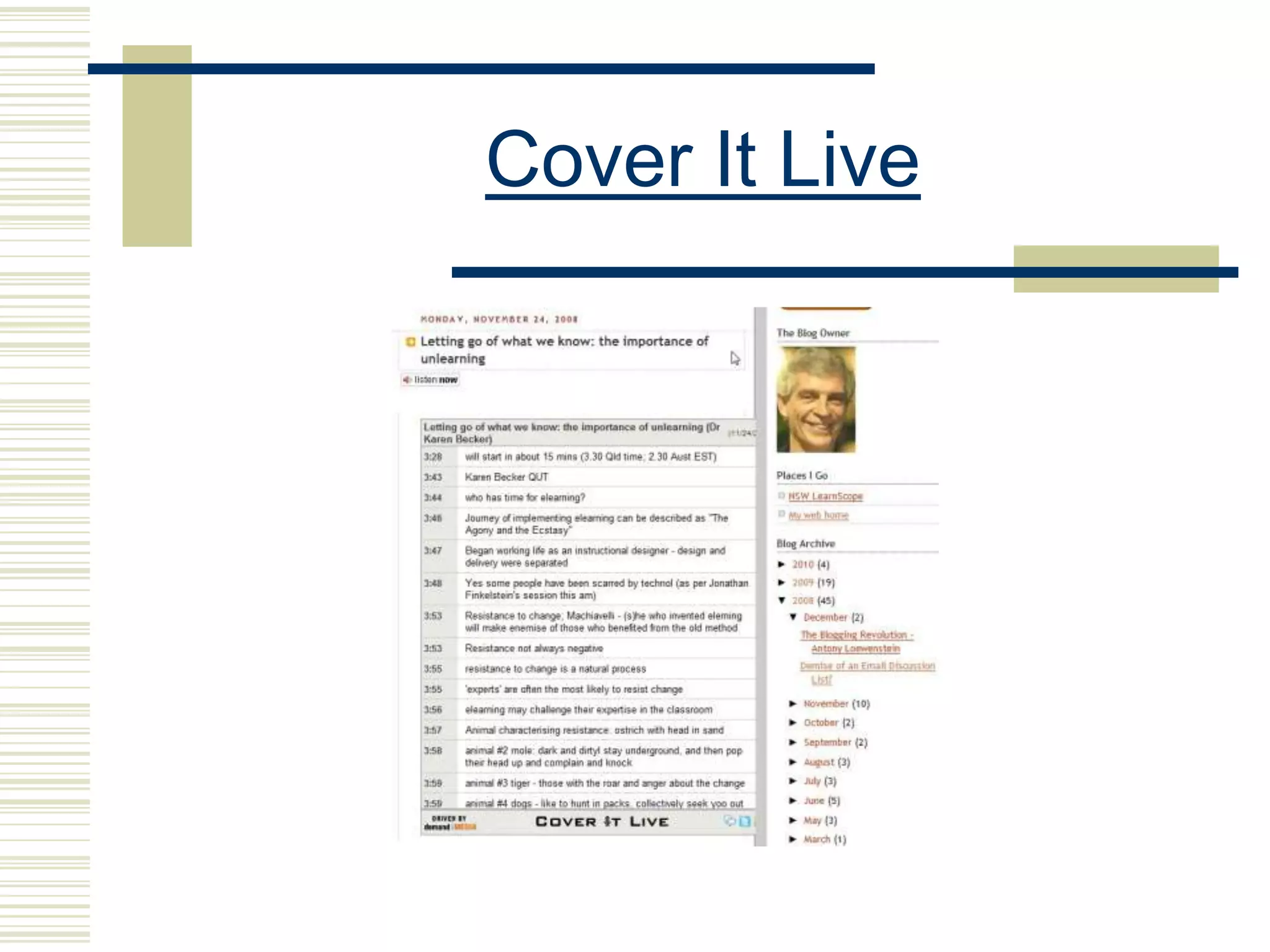
 Live blogging tools like Cover It Live
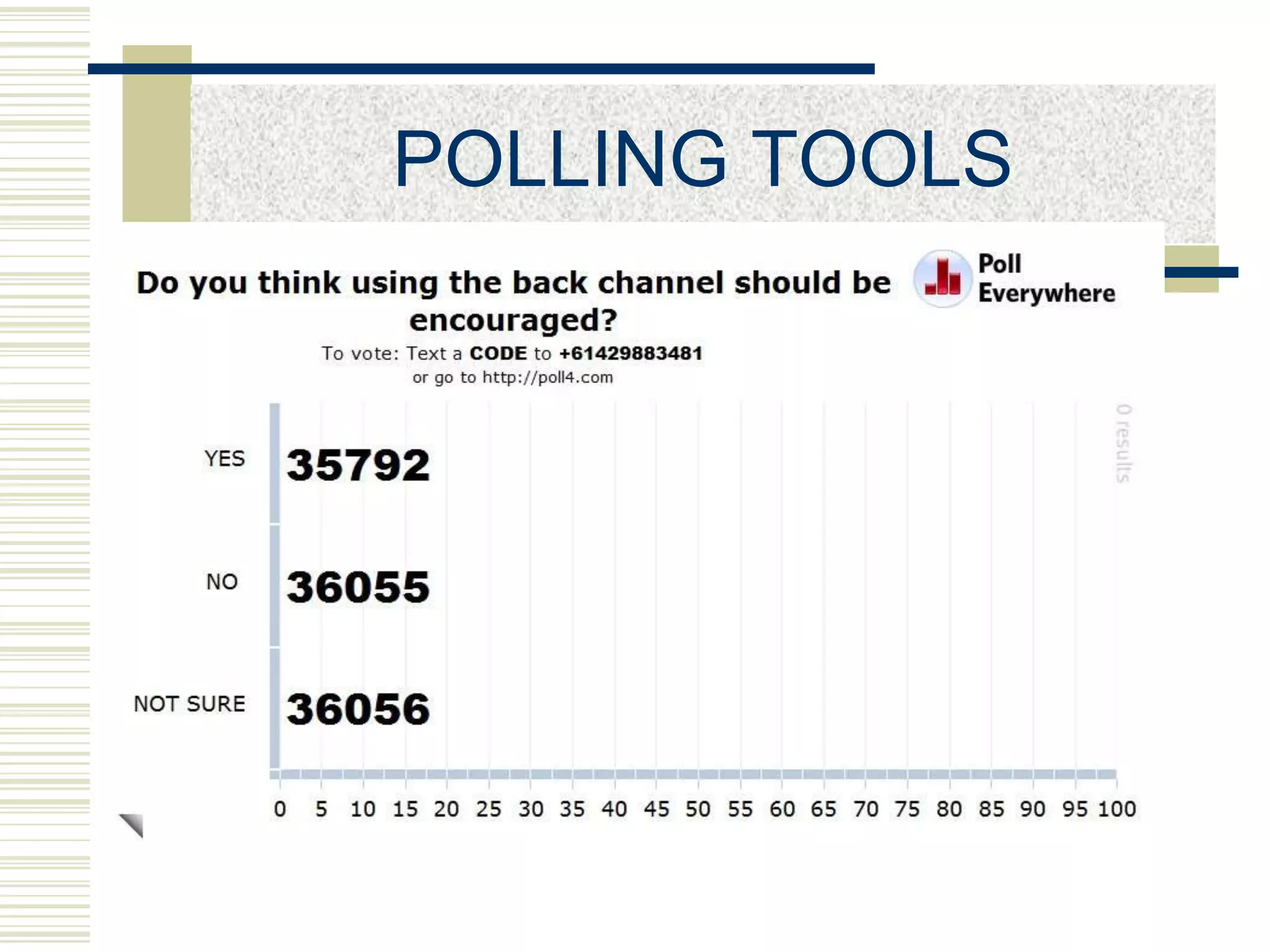
 Live polling tools like Poll Everywhere
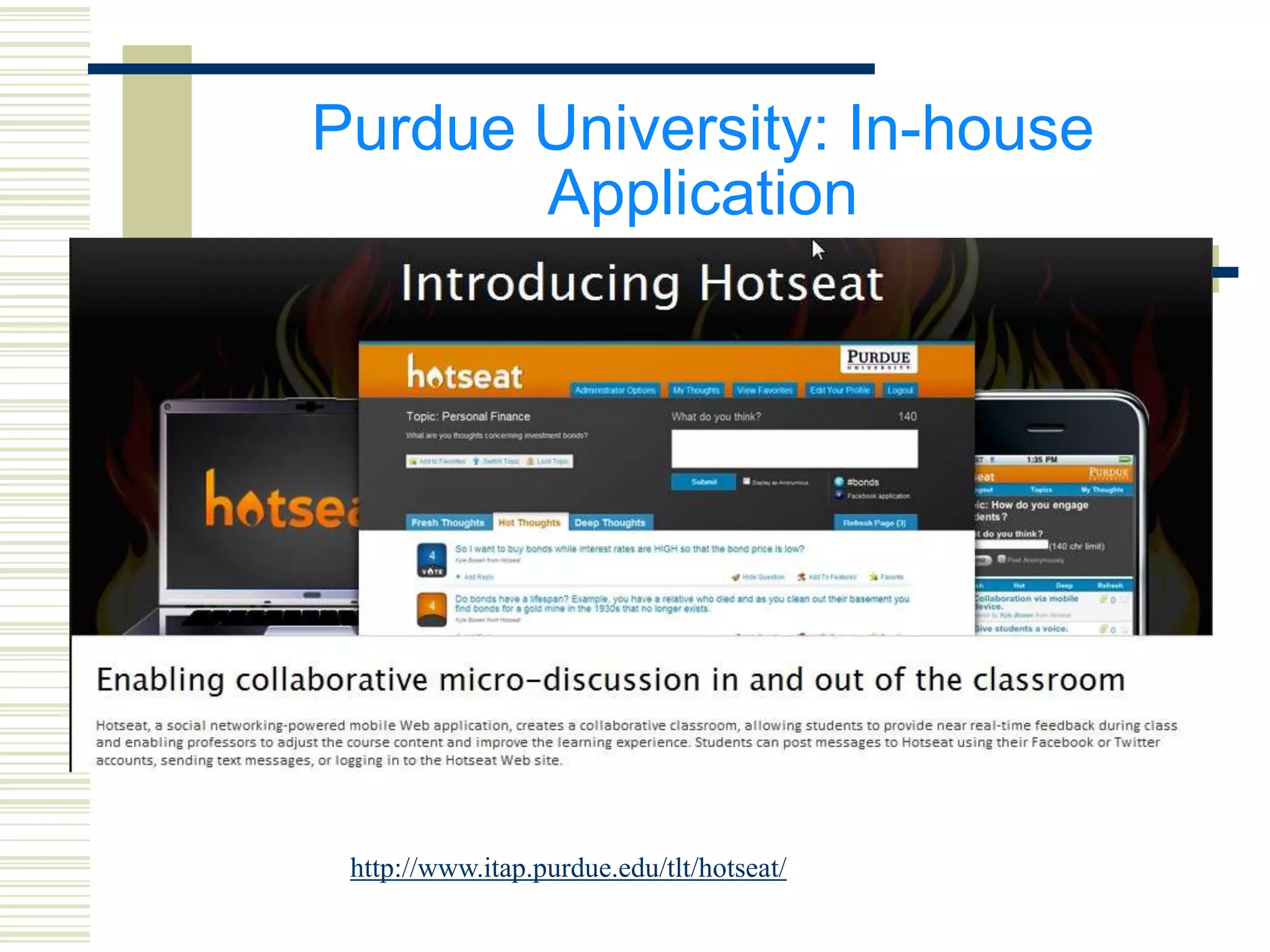
Purdue University: In-house
       Application


 http://www.itap.purdue.edu/tlt/hotseat/
Cover It Live
POLLING TOOLS
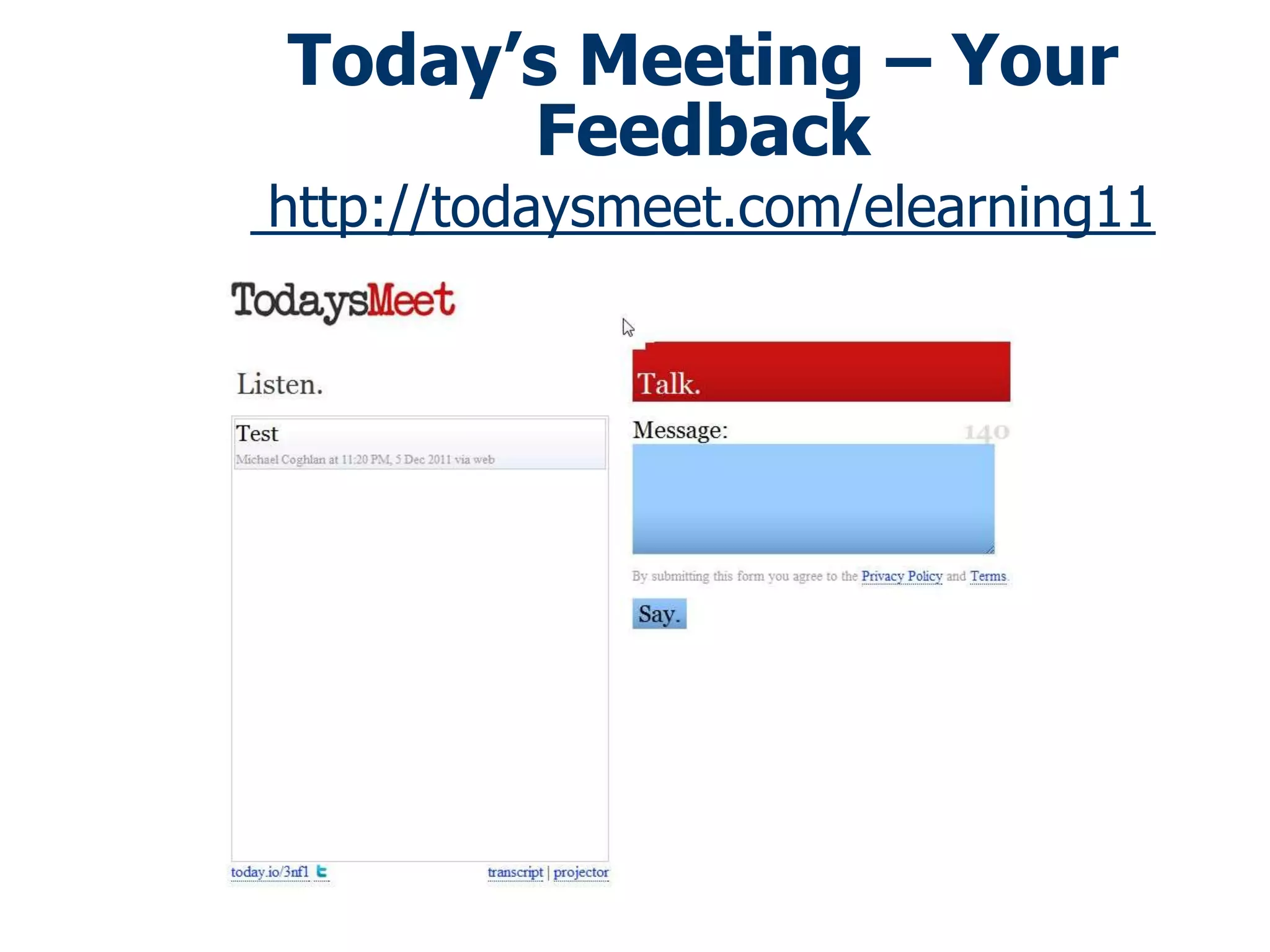
Today’s Meeting – Your
      Feedback
http://todaysmeet.com/elearning11
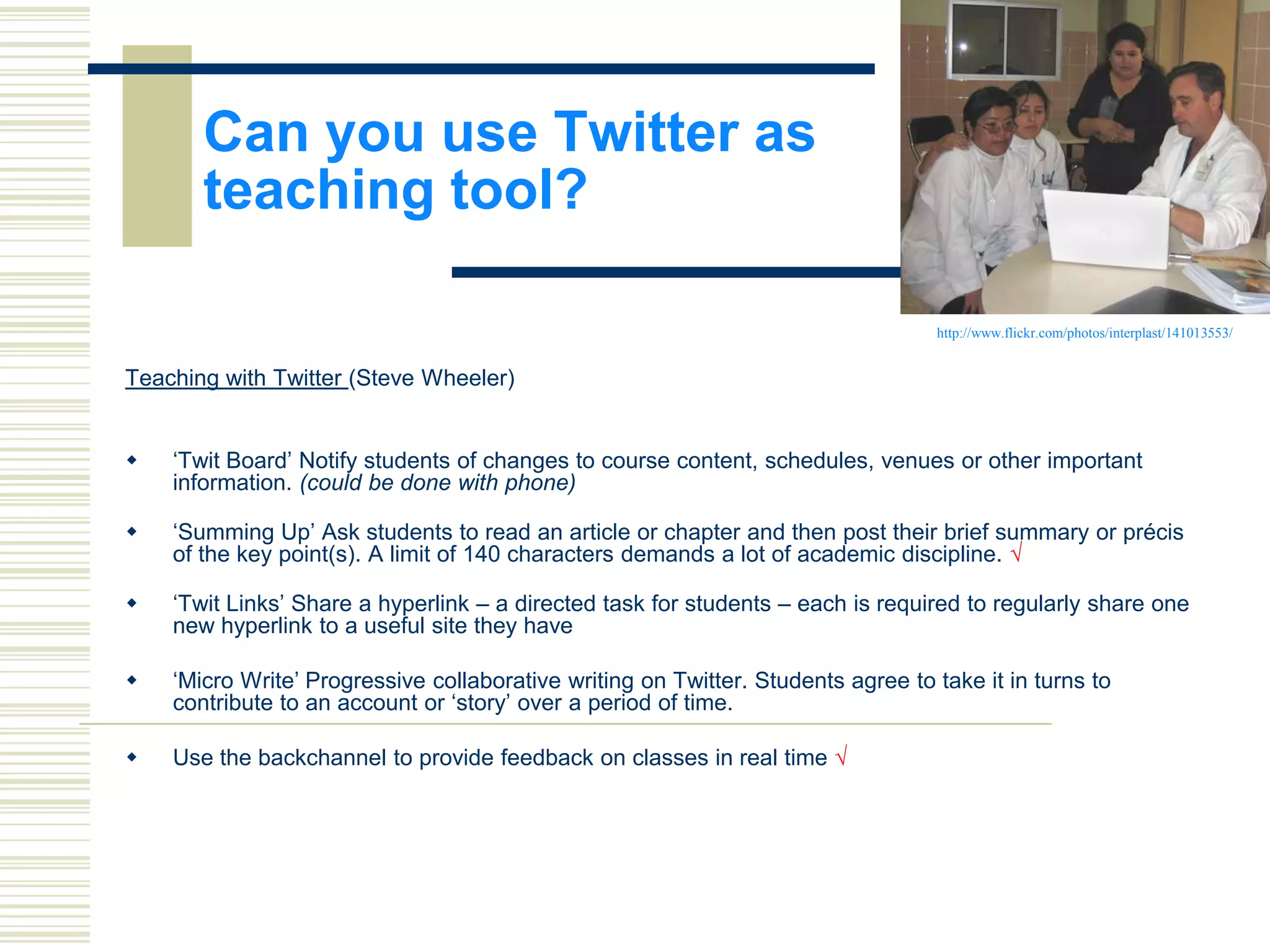
Can you use Twitter as
       teaching tool?

                                                                                  http://www.flickr.com/photos/interplast/141013553/


Teaching with Twitter (Steve Wheeler)


   „Twit Board‟ Notify students of changes to course content, schedules, venues or other important
    information. (could be done with phone)

   „Summing Up‟ Ask students to read an article or chapter and then post their brief summary or précis
    of the key point(s). A limit of 140 characters demands a lot of academic discipline. √

   „Twit Links‟ Share a hyperlink – a directed task for students – each is required to regularly share one
    new hyperlink to a useful site they have

   „Micro Write‟ Progressive collaborative writing on Twitter. Students agree to take it in turns to
    contribute to an account or „story‟ over a period of time.

   Use the backchannel to provide feedback on classes in real time √
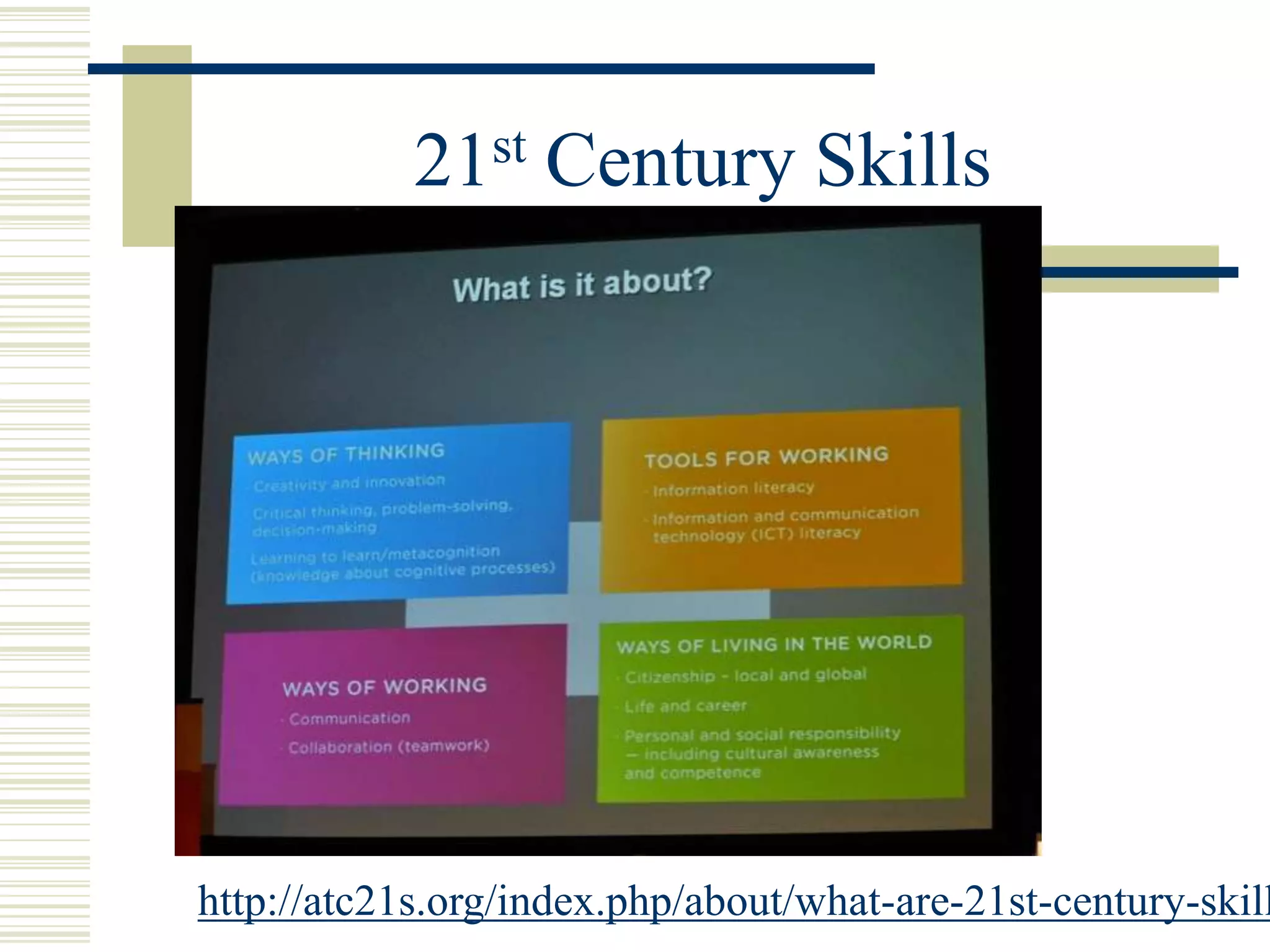
21 st   Century Skills


http://atc21s.org/index.php/about/what-are-21st-century-skill
21 st   Century Skills

 Decentralized decision-making, information sharing,
  teamwork and innovation are key in today’s
  enterprises
 Whether a technician or a professional person,
  success lies in being able to communicate, share, and
  use information to solve complex problems, in being
  able to adapt and innovate in response to new
  demands and changing circumstances, in being able
  to marshal and expand the power of technology to
  create new knowledge and expand human capacity
  and productivity.
http://rheingold.com/netsmart/
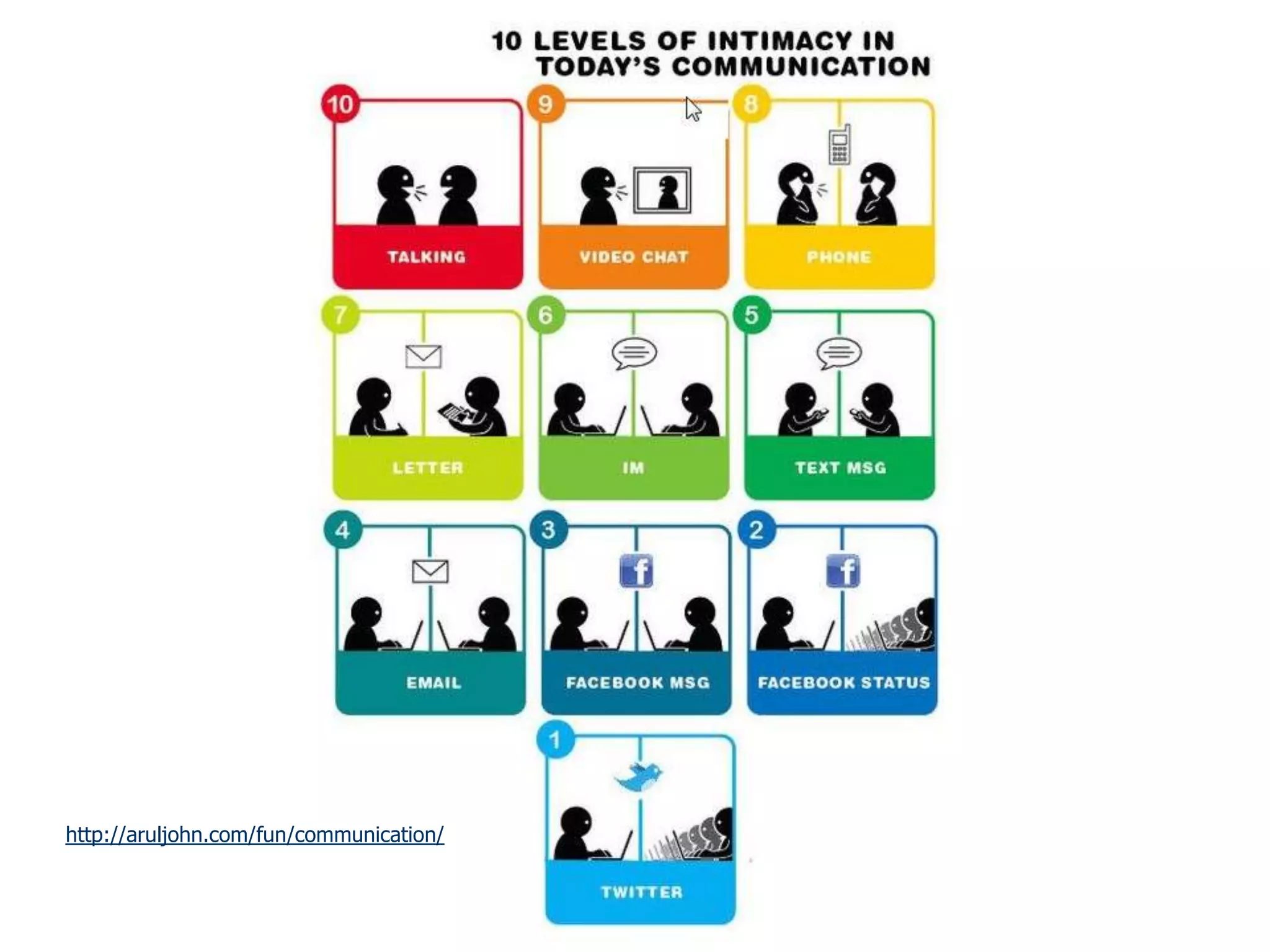
http://aruljohn.com/fun/communication/
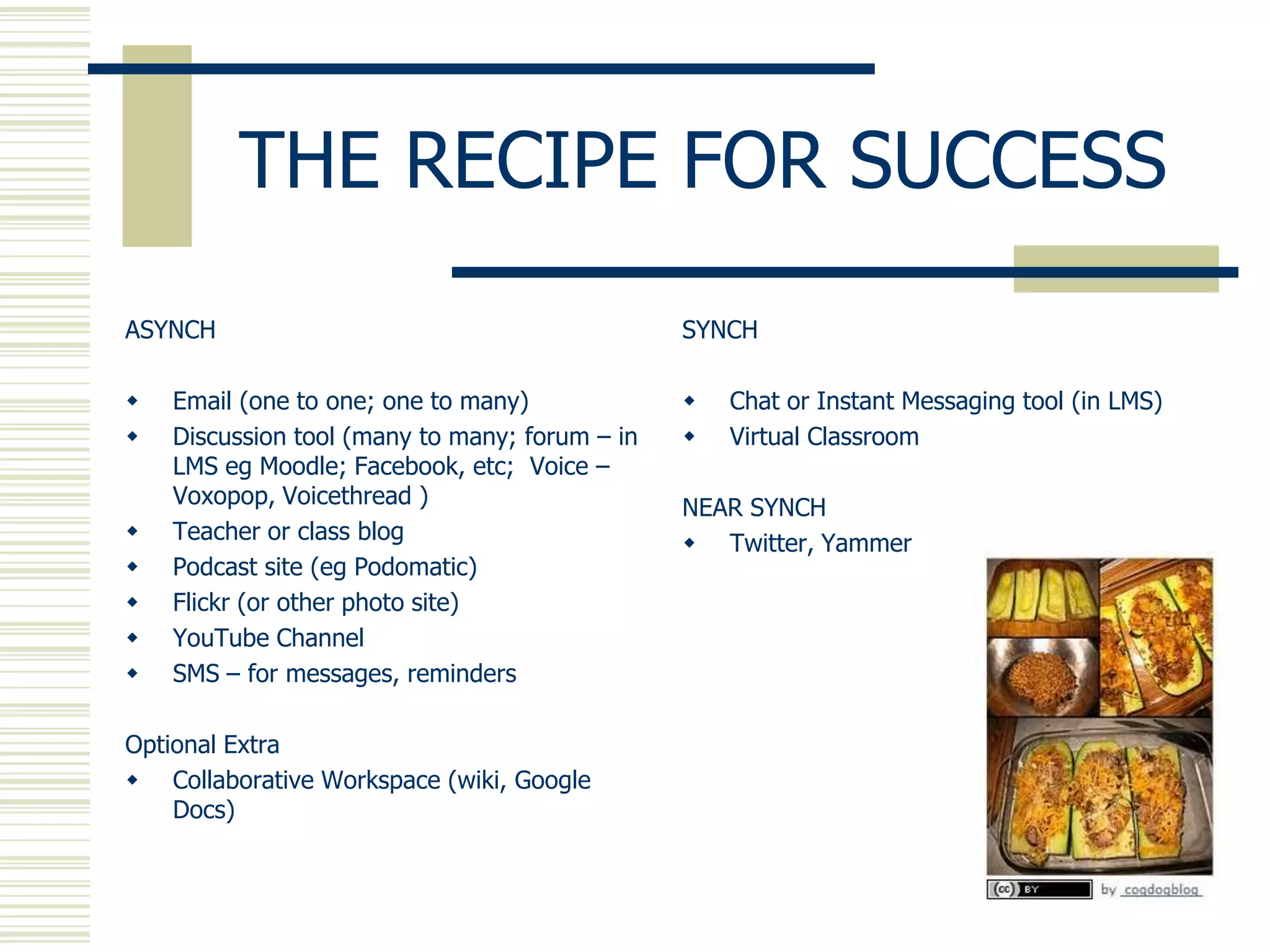
THE RECIPE FOR SUCCESS
ASYNCH                                          SYNCH

   Email (one to one; one to many)                Chat or Instant Messaging tool (in LMS)
   Discussion tool (many to many; forum – in      Virtual Classroom
    LMS eg Moodle; Facebook, etc; Voice –
    Voxopop, Voicethread )                      NEAR SYNCH
   Teacher or class blog                        Twitter, Yammer
   Podcast site (eg Podomatic)
   Flickr (or other photo site)
   YouTube Channel
   SMS – for messages, reminders

Optional Extra
 Collaborative Workspace (wiki, Google
    Docs)
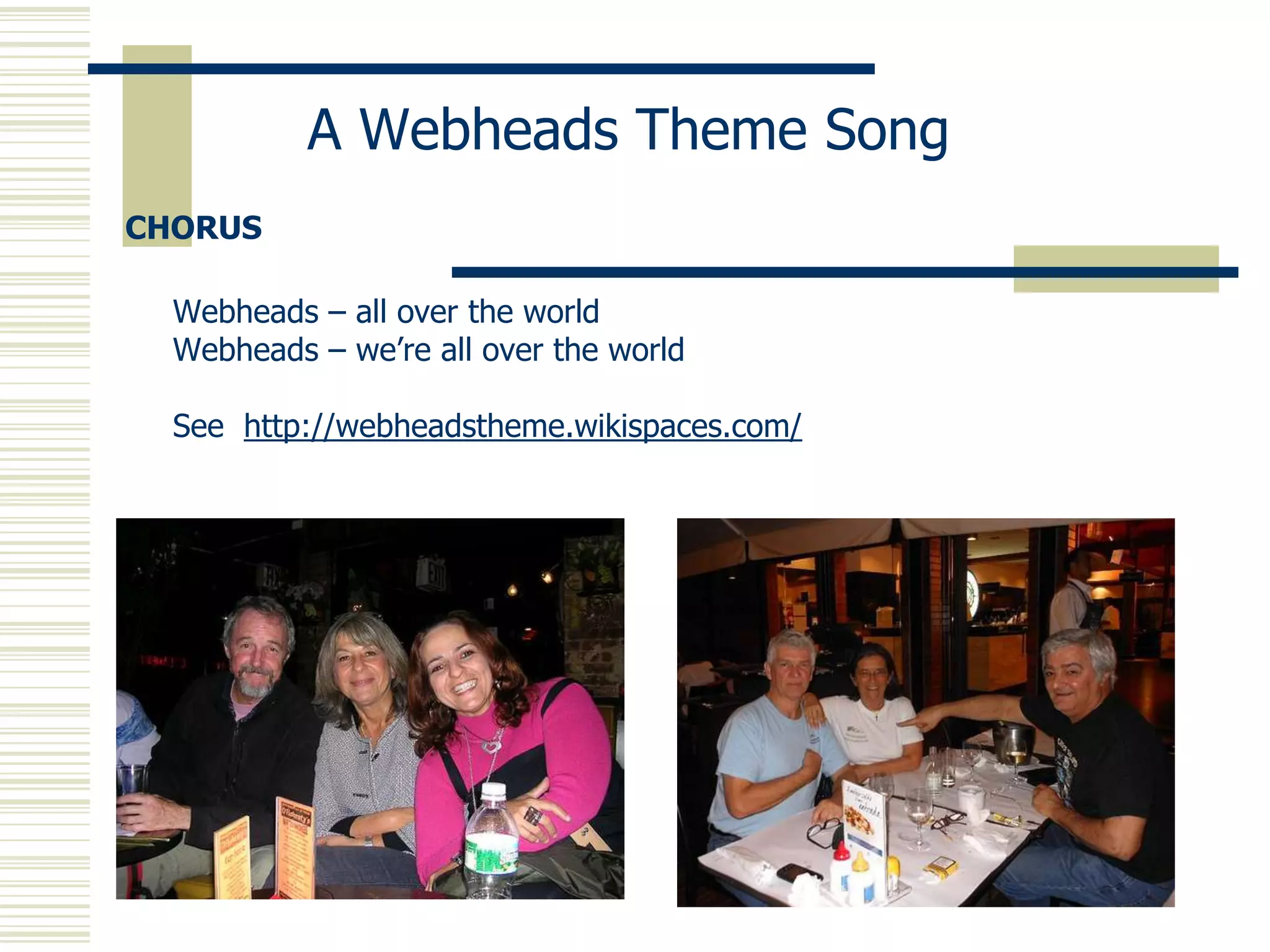
A Webheads Theme Song
CHORUS

  Webheads – all over the world
  Webheads – we’re all over the world

  See http://webheadstheme.wikispaces.com/
Contact Details


   MICHAEL COGHLAN
 http://michaelcoghlan.net
e: michaelc@chariot.net.au

Synch and Swim: Blending Synchronous and Asynchronous Learning Environments

  • 1.
    SYNCH AND SWIM: BlendingSynchronous and Asynchronous Learning Environments Michael Coghlan BAW 2013 24/1/13
  • 2.
  • 3.
  • 4.
    The Andes Egypt Buenos Aires Cape Town London NY Australia Hawaii India
  • 5.
    Question: Are you A) Inyour office? B) In a computer suite? C) At home? D) Other?
  • 6.
    MULTIPLE VENUE CLASSROOM/ PRESENTATIONS F2F VENUE (MVPs) remote students guest public lecturer space
  • 7.
    Question: IS ANYONE TEACHINGIN FULLY ONLINE MODE? (Classroom + online = BLENDED LEARNING)
  • 8.
    SYNCHRONOUS ASYNCHRONOUS
  • 9.
    What is synchronous/asynchronous communication?  SYNCHRONOUS (real time) eg f2f conversation, telephone calls, chat rooms  ASYNCHRONOUS – some delay between initial communication and the reply eg letters, email, forums, Facebook
  • 10.
    COMMUNICATION AXIS Reflective; Structured; monologue expository Asynch Spontaneous; Minimalist; rapid dialogue (evolving) Synch Oral Written
  • 11.
    COMMUNICATION AXIS Most classroomcommunications take place here New – have been enabled by technology (only happen online)
  • 12.
    ASYNCHRONOUS TOOLS  Email Forums, discussion boards  Blogs (eg Blogger, Edublogs)  Wikis (eg Wikispaces, PBWiki)  SMS
  • 13.
    ASYNCHRONOUS TOOLS SOCIAL MEDIA/NETWORKING Facebook (tip: use the Groups feature)  Google+  Foursquare etc (Geolocation)  Flickr (images)  YouTube (videos)  Slideshare (slides)
  • 14.
    ASYNCHRONOUS VOICE VOICE BOARDS 1.Wimba: try the board at http://tinyurl.com/4lnh9fn 2. Nanogong (esp for Moodle users) http://gong.ust.hk/nanogong/ Free 1. Voxopop: Aiden Yeh‟s Advanced Listening Group at http://tinyurl.com/4hzw2of 2. Voicethread: examples at http://voicethread4education.wikispaces.com/9-12 3. Podcasts (eg Podomatic; see http://michaelc.podomatic.com/) 4. See list at http://baw2013.pbworks.com/w/page/59955947/Week2
  • 15.
    VIDEO LITERACY See alsoUstream and Google Hangout
  • 16.
    Synchronous approaches canbe extended beyond the face to face (f2f) classroom
  • 17.
  • 18.
    RANGE OF SYNCHRONOUSTOOLS  Instant Messengers: Google Talk, Skype, Yahoo, MSN (text + voice)  Peer to Peer/Collaborative Tools: eg Google Docs (documents), Mind Mapping, Whiteboards, etc  Virtual Classrooms  Proprietary: Blackboard Collaborate (formerly Elluminate), Adobe Connect, etc  Free: Wiziq, Vyew, Big Blue Button
  • 19.
  • 20.
  • 21.
    Your Experience?  Haveyou experienced the use of synchronous tools in online courses that you have either taught or studied?
  • 22.
    Question  Why doyou think it is important to include synchronous tools in online courses?
  • 23.
    Social/Affective Benefits Social, community,and personal engagement  personal engagement/motivation (55%)  community building (29%)  improving the social experience (27%) (results at http:// michaelcoghlan.net/synch/surv_results.htm)
  • 24.
    Tension: Synch vAsynch Terry Anderson, Toward a Theory of Online Learning: “….the major motivation for enrollment in distance education is not physical access, but rather, temporal freedom to move through a course of studies at a pace of the student’s choice.” Participation in (synchronous events) “almost inevitably places constraints on this independence.” “ The demands of a learning-centered context might at times force us to modify prescriptive participation in (synchronous events), even though we might have evidence that such participation will further advance knowledge creation and attention.”
  • 25.
    Resolving the tensionbetween asynchronous and synchronous approaches  don‟t make synch sessions compulsory; use synch for those who want it  use tools that can record or archive the sessions for later retrieval  don‟t use synchronous for whole class instruction  use for meetings, one-on-one, or in small groups  offer informal (social) sessions in synch mode  allow student use of synchronous space  offer office hours sessions at set times
  • 26.
    What kinds oftasks/activities work best with ASYNCHRONOUS? SYNCHRONOUS?
  • 27.
    Resolving the tensionbetween asynchronous and synchronous approaches  It‟s not all or nothing – use both approaches:  Synch for social, spontaneous, decision making  Asynch for deliberation, reflection, considered opinion
  • 28.
    Skills of theLive Online Presenter  Golden Rule: 6-8 minutes talking at a stretch maximum  Intersperse presentations with questions, polls, other speakers (from the floor), whiteboard activity  Decide how to handle direct messaging – will you monitor/respond? Or ignore it? Dip in and out of it?  Consider working with a producer/co-presenter  More at http:// michaelcoghlan.net/fll/blog.htm#skills
  • 29.
    What kinds ofsynchronous activities can you use in classrooms? TEACHING OTHER  „straight lecture‟  Office hours  Guest lecturers  Class to class  Oral presentations  Social: student -  Group work student  One on one (eg pronunciation)
  • 30.
    PROFESSIONAL DEVELOPMENT  Conferences,seminars  Workshops and Training sessions  Meetings (much more cost effective than teleconferencing)  Weekly Webhead sessions at Noon GMT http://learning2gether.pbworks.com/w/page/32206114/volunteersneeded
  • 31.
  • 32.
  • 33.
    Twitter as areal time search tool? http://www.flickr.com/photos/29281982@N00/101951607/ May 2008: “Twitter beats media in reporting China earthquake." • An almost real time search tool – Now being used by some as an alternative search tool to Google
  • 34.
    TRACKING THE BACK CHANNEL http://www.slideshare.net/mchaelc/tracking-the-back-channel
  • 35.
    BACKCHANNEL TOOLS  Director instant messaging in web conferencing tools (eg Centra, Blackboard Collaborate)  Micro Messaging Tools: Twitter, Yammer  Live blogging tools like Cover It Live  Live polling tools like Poll Everywhere
  • 36.
    Purdue University: In-house Application http://www.itap.purdue.edu/tlt/hotseat/
  • 37.
  • 38.
  • 39.
    Today’s Meeting –Your Feedback http://todaysmeet.com/elearning11
  • 40.
    Can you useTwitter as teaching tool? http://www.flickr.com/photos/interplast/141013553/ Teaching with Twitter (Steve Wheeler)  „Twit Board‟ Notify students of changes to course content, schedules, venues or other important information. (could be done with phone)  „Summing Up‟ Ask students to read an article or chapter and then post their brief summary or précis of the key point(s). A limit of 140 characters demands a lot of academic discipline. √  „Twit Links‟ Share a hyperlink – a directed task for students – each is required to regularly share one new hyperlink to a useful site they have  „Micro Write‟ Progressive collaborative writing on Twitter. Students agree to take it in turns to contribute to an account or „story‟ over a period of time.  Use the backchannel to provide feedback on classes in real time √
  • 41.
    21 st Century Skills http://atc21s.org/index.php/about/what-are-21st-century-skill
  • 42.
    21 st Century Skills  Decentralized decision-making, information sharing, teamwork and innovation are key in today’s enterprises  Whether a technician or a professional person, success lies in being able to communicate, share, and use information to solve complex problems, in being able to adapt and innovate in response to new demands and changing circumstances, in being able to marshal and expand the power of technology to create new knowledge and expand human capacity and productivity.
  • 43.
  • 44.
  • 45.
    THE RECIPE FORSUCCESS ASYNCH SYNCH  Email (one to one; one to many)  Chat or Instant Messaging tool (in LMS)  Discussion tool (many to many; forum – in  Virtual Classroom LMS eg Moodle; Facebook, etc; Voice – Voxopop, Voicethread ) NEAR SYNCH  Teacher or class blog  Twitter, Yammer  Podcast site (eg Podomatic)  Flickr (or other photo site)  YouTube Channel  SMS – for messages, reminders Optional Extra  Collaborative Workspace (wiki, Google Docs)
  • 46.
    A Webheads ThemeSong CHORUS Webheads – all over the world Webheads – we’re all over the world See http://webheadstheme.wikispaces.com/
  • 47.
    Contact Details MICHAEL COGHLAN http://michaelcoghlan.net e: michaelc@chariot.net.au