This document discusses various modes of alternative education, including distance education, e-learning, synchronous and asynchronous learning, open learning, and home study. It provides definitions and examples of each type as well as the technologies used to enable different modes. Distance education focuses on delivering education to off-site students, while e-learning utilizes electronic technologies and aims to improve access and performance. Synchronous learning occurs when students learn at the same time in the same or different places, and asynchronous learning is self-paced and allows students to access materials on their own schedule. Open learning is a flexible approach designed to make education more accessible, and relies on course materials to drive the learning process.
Overview of alternative education modes including distance education, e-learning, and self-directed learning.
Distance education delivers learning remotely. It includes hybrid courses and offers individualized attention globally.
Explains synchronous (real-time) and asynchronous (self-paced) technologies for distance education.
Distance education expands access, supports lifelong learning, and adapts to technological changes.
E-Learning is web-based education. It offers flexibility and has positive effects on student performance.
Discusses synchronous and asynchronous communication technologies used in e-learning.
Highlights trends in E-Learning including E-Learning 2.0, virtual environments, and collaborative learning.
Details the evolving roles of teachers and students in e-learning environments, emphasizing collaboration.
Describes synchronous learning as group learning in real-time, utilizing technologies like videoconferencing.
Explains web-based VoIP, videoconferencing, and web conferencing for synchronous learning.
Covers self-directed asynchronous learning using online resources and peer interactions to facilitate education.
Lists online tools and technologies that support asynchronous learning and the roles of instructors and learners.Discusses the advantages and challenges of asynchronous learning including accessibility and instructor readiness.
Open learning provides flexible, accessible educational opportunities tailored to individual needs.
Details tech tools like computers and interactive media facilitating open learning advancements.
Introduces home study concepts and notable pioneers like John Holt and Raymond Moore.
Discusses various methods and curricula for home study, emphasizing flexible learning options.
Highlights advantages of home study while addressing concerns about socialization and educator qualifications.Explores self-directed learning emphasizing learner autonomy, motivation, and collaborative efforts.Defines resource-based learning and covers advantages, challenges, and the educator's facilitative role.
Describes a learning system that integrates tech-voc courses with collegiate credit opportunities.
COVERAGE:
Distance Education
E-Learning
Synchronous Learning
Asynchronous Learning
Open Learning
Home Study
Self-Directed Learning
Resource-Based Learning
Ladderized Education System
3.
LESSON 1 :DISTANCE
EDUCATION
- a field of education that focuses on the pedagogy
and andragogy, technology, and instructional
systems design that aim to deliver education to
students who are not physically "on site“
- According to the U.S. Department of Agriculture,
“is a process to create and provide access to
learning when the source of information and the
learners are separated by time and distance, or
both.
- is the process of creating an educational
experience of equal qualitative value for the
learner to best suit their needs outside the
classroom
4.
Distance educationcourses that require a
physical on-site presence for any reason
including the taking of examinations is
considered to be a hybrid or blended
course of study. This emerging technology
is becoming widely used in universities
and institutions around the globe. With
the recent trend of technological advance,
distance learning is becoming more
recognized for its potential in providing
individualized attention and
communication with students
internationally.
5.
TECHNOLOGIES USED IN
DELIVERY:
SYNCHRONOUS TECHNOLOGY
- a mode of online delivery where all participants
are "present" at the same time requiring a
timetable to be organized
Examples:
Web based VoIP
Telephone
Videoconferencing
Web Conferencing
6.
ASYNCHRONOUS TECHNOLOGY
-a mode of online delivery where participants
access course materials on their own schedule.
Students are not required to be together at the
same time.
Examples:
Audiocassette
E-mail
Message Board Forums
Print Materials
Voice Mail/fax
Videocassette/DVD
7.
TYPES OF DISTANCEEDUCATION
COURSES:
Correspondence conducted through regular mail
Internet conducted either synchronously or
asynchronously
Telecourse/Broadcast, in which content is
delivered via radio or television
CD-ROM, in which the student interacts with
computer content stored on a CD-ROM
PocketPC/Mobile Learning where the student
accesses course content stored on a mobile device
or through a wireless server
Integrated distance learning, the integration of
live, in-group instruction or interaction with a
distance learning curriculum
8.
MAJOR BENEFITS OFUSE:
Expanding access: Distance education can
reach underserved populations of students who
cannot attend a school that offers the educational
services they desire, perhaps because they live
too far away.
Emerging market opportunities: Distance
education fuels the public's need for lifelong
learning in education by providing access to
learners not in the traditional k-12 age group.
Adapting to new technology and
environments: Educational institutions may
adopt distance education as a means to adapt to
the rapid changes in technology being used in
education today.
9.
LESSON 2 :E-LEARNING
also known as Electronic
Learning, is a term which is
commonly used, but does not have a
common definition
It seems to be used for web-based
distance education, with no face-to-
face interaction. However, also much
broader definitions are common.
10.
GOALS AND BENEFITSOF E-
LEARNING:
Improved performance: A 12-year meta-analysis of
research by the U.S. Department of Education found that
higher education students in online learning generally
performed better than those in face-to-face courses.
Increased access: Instructors of the highest caliber can
share their knowledge across borders, allowing students to
attend courses across physical, political, and economic
boundaries. Recognized experts have the opportunity of
making information available internationally, to anyone
interested at minimum costs.
Convenience and flexibility to learners: In many
contexts, eLearning is self-paced and the learning sessions
are available 24x7. Learners are not bound to a specific
day/time to physically attend classes. They can also pause
learning sessions at their convenience.
11.
COMMUNICATION TECHNOLOGIES
USED INE-LEARNING:
Asynchronous activities
E-mail, blogs, wikis, and discussion boards.
The idea here is that participants may engage in
the exchange of ideas or information without the
dependency of other participants involvement at
the same time.
Synchronous activities
Face-to-face discussion, virtual classrooms and
meetings can often use a mix of communication
technologies.
12.
DEVELOPMENTS:
E-Learning 2.0
Theterm e-Learning 2.0 is used to refer to new ways
of thinking about e-learning inspired by the
emergence of Web 2.0.
3D Virtual Learning Environments
As another example, Second Life has recently become
one of the virtual classroom environments used in
colleges and universities, including University of
Edinburgh (UK), Harvard University (USA), and the
Open University (UK). Language learning in virtual
worlds is the most widespread type of education in 3D
virtual spaces, with many universities, mainstream
language institutes and private language schools
using 3D virtual environments to support language
learning.
13.
Computer-based learning
ComputerBased Learning, sometimes abbreviated to
CBL, refers to the use of computers as a key component
of the educational environment. While this can refer to
the use of computers in a classroom, the term more
broadly refers to a structured environment in which
computers are used for teaching purposes. The concept
is generally seen as being distinct from the use of
computers in ways where learning is at least a
peripheral element of the experience (e.g. computer
games and web browsing).
Computer-based training
Computer-based training (CBT) services are where a
student learns by executing special training programs
on a computer relating to their occupation. CBT is
especially effective for training people to use computer
applications because the CBT program can be
integrated with the applications so that students can
practice using the application as they learn.
14.
Computer-supported collaborative learning
(CSCL)
"Computer-supported collaborative learning
(CSCL) is one of the most promising innovations
to improve teaching and learning with the help of
modern information and communication
technology.
Technology-enhanced Learning (TEL)
Technology enhanced learning (TEL) has the goal
to provide socio-technical innovations (also
improving efficiency and cost effectiveness) for e-
learning practices, regarding individuals and
organizations, independent of time, place and
pace. The field of TEL therefore applies to the
support of any learning activity through
technology.
15.
Computer-aided assessment
Computer-aidedAssessment (also but less commonly
referred to as E-assessment), ranging from automated
multiple-choice tests to more sophisticated systems is
becoming increasingly common. With some systems,
feedback can be geared towards a student's specific
mistakes or the computer can navigate the student
through a series of questions adapting to what the
student appears to have learned or not learned.
Computer-assisted language learning
Computer-assisted language learning (CALL) is a
form of computer-based learning which carries two
important features: bidirectional learning and
individualized learning. It is not a method. CALL
materials are tools for learning. The focus of CALL is
learning, and not teaching. CALL materials are used
in teaching to facilitate the language learning
process. It is a student-centered accelerated learning
material, which promotes self-paced accelerated
learning.
16.
Virtual learning environment
A virtual learning environment (VLE) is a
software system designed to support
teaching and learning in an educational
setting, as distinct from a Managed
Learning Environment, (MLE) where the
focus is on management.
17.
ROLE CHANGES FOR
TEACHERSAND STUDENTS:
TEACHERS
handing down knowledge to students and being
the center of students’ attention,
teachers guide as students construct activities
helpers of students as they complete the assigned
tasks.
interacts with students primarily to facilitate
difficulties in using the target language
(grammar, vocabulary, etc.) that arise when
interacting with the computer and/or other
people.
18.
STUDENTS
Learners must negotiatemeaning
and assimilate new information
through interaction and
collaboration with someone other
than the teacher, be that person a
classmate or someone outside of the
classroom entirely.
Learners must also learn to
interpret new information and
experiences on their own terms.
19.
LESSON 3 :SYNCHRONOUS
LEARNING
refers to a group of people learning the
same things at the same time in the same
place
the type of pedagogy practiced in most
schools and undergraduate programs, but
not in graduate programs.
Lecture is an example of synchronous
learning. But, with the advent of web
conferencing tools, people can learn at the
same time in different places as well.
20.
SYNCHRONOUS
TECHNOLOGIES:
Web based VoIP
is based on the concept of click to talk, which is a
form of Web-based communication where a
person clicks an object (i.e. button, image, or text)
to request an immediate connection with another
person in real-time either by phone call, Voice-
over-Internet-Protocol (VoIP), or text. Click to
talk requests are most commonly made through
websites but can also be initiated by hyperlinks
placed in email, blogs, wikis, flash animations, or
video, and other Internet-based object or user
interface.
21.
Call flow
Callergoes to a webpage and find the destination
the caller want to communicate, a caller will be
required or without a login process for
identification, then click the object from the
webpage which already connect to a phone or IP
number, meanwhile, caller will also automatically
allocate a caller number to make the
communication link to the call receiver.
Current Market
Web based VoIP can be used for any kind of web
communication services, such as yellow page
service, web conference, eMap, web toll free number
or elearning technology.
22.
Videoconferencing
A videoconference(also known as a
videoteleconference) is a set of interactive
telecommunication technologies which allow two or more
locations to interact via two-way video and audio
transmissions simultaneously. It has also been called
visual collaboration and is a type of groupware. It
differs from videophone in that it is designed to serve a
conference rather than individuals
Web conferencing
is used to conduct live meetings, training, or
presentations via the Internet. In a web conference, each
participant sits at his or her own computer and is
connected to other participants via the internet. This can
be either a downloaded application on each of the
attendees' computers or a web-based application where
the attendees access the meeting by clicking on a link
distributed by e-mail (meeting invitation) to enter the
conference.
23.
LESSON 4 :ASYNCHRONOUS
LEARNING
a student-centered teaching method that uses
online learning resources to facilitate information
sharing outside the constraints of time and place
among a network of people.
is based on constructivist theory, a student-centered
approach that emphasizes the importance of peer-
to-peer interaction. This approach combines self-
study with asynchronous interactions to promote
learning, and it can be used to facilitate learning in
traditional on-campus education, distance
education, and continuing education. This combined
network of learners and the electronic network in
which they communicate are referred to as an
asynchronous learning network.
ONLINE RESOURCES USED
INASYNCHRONOUS
LEARNING
email
electronic mailing lists
threaded conferencing systems
online discussion boards
wikis, and blogs
Course management systems such as
Blackboard, WebCT, Moodle, and Sakai
26.
ROLES OF INSTRUCTORS:
The constructivist theory that supports asynchronous
learning demands that instructors become more than
dispensers of knowledge; it requires that they become
instructional designers, facilitators, and assessors of
both grades and their teaching method.
As instructional designers, emphasis is placed on
establishing the curriculum, methods and the media
through which the content will be effectively delivered.
Once the design is in place and executed, the instructor
must then facilitate the communication and direct the
learning. Establishing a communal spirit is vital,
requiring much time commitment from the instructor,
who must spend time reading, assessing, reinforcing,
and encouraging the interaction and learning that is
happening
27.
ROLES OF LEARNERS:
Thestudent-centered nature of asynchronous
online learning requires students to be
actively involved with and take more
responsibility for their own learning. In
addition to their normal duties as learners,
students are required to:
become proficient with the technology
required for the course;
use new methods of communication with both
peers and instructors;
strengthen their interdependency through
collaboration with their peers.
28.
STRENGTHS OF
ASYNCHRONOUS LEARNING
the freedom for students for it gives them to access the course and
its instructional materials at any time they choose and from any
location with an Internet connection
provide a “high degree of interactivity” between participants who
are separated both geographically and temporally and afford
students many of the social benefits of face-to-face interaction
Research shows that the time required to initially design an
asynchronous course is comparable to that of a traditional
synchronous course
Such courses have the potential to reach far more students than a
traditional course and course-wide updates or modifications can be
disseminated far more quickly and efficiently than traditional
lecture models.
Less workload
Immediate record of nearly everything that occurs in that
environment. All materials, correspondence, and interactions can
be electronically archived.
29.
WEAKNESSES OF
ASYNCHRONOUS LEARNING
Expensive course development and initial
Research indicates faculty members who are
hesitant to teach in asynchronous learning
environments are so because of a lack of
technical support provided by their institutions.
Faculty must be technically adept and
comfortable enough with the technological tools
to optimize their use.
students must also have access to computers and
the Internet
knowledge of computer and computer skills
30.
LESSON 5 :OPEN LEARNING
it is founded by Celestin Freinet and Maria
Montessori
Basically, it is the new trend in our educational
system
It is a flexible approach to education and training
designed to make it more accessible, effective and
responsive to the individual
It is designed to meet the varied requirements of
individuals, e.g. as to what, where, when, and
how they actually learn
It relies on well-produced course materials to
drive the learning process
It may well be undertaken within an institution
as well as at a distance
31.
OPEN LEARNING
REPRESENTS:
Open learningrepresents an alternative education
where some of the following circumstances might
exist:
Trainees are geographically dispersed
There is a varied level of existing knowledge
Quick response is required to a small discrete
training need
Personal factors such as domestic ties, personal
disability or work demands such as shifts or
difficulties of getting away from the job prevent
attendance at traditional courses. Thus, students
are unable to meet normal timetables
Students experience anxiety about returning to
formal study
32.
It hasbeen particularly appropriate for upgrading
skills in post formal education areas and for
continuing professional and adult education
Open learning modules can be developed according
to a curriculum plan. They will represent an
alternative way by which to achieve a formal
qualification, e.g. a Certificate in Supervision, a
Diploma in Management or an Associate Diploma in
Industrial Electronics
Open learning modules accommodate the changed or
additional skills and is seen as a viable solution to
the training needs they represent
As a resource-based approach, undertaken most
often at a distance, the use of technologies which
enrich the learning experience and facilitate
communication with the tutor and other learners
will continue to be of value.
33.
TECHNOLOGIES IN OPEN
LEARNING
The use of computers delivers some elements of open
learning training. It provides problem-solving activities
illustrating computer application that is most important
because of the increasing number of people who will be
required to use computers in the workplace.
Facsimile and electronic mail provide a much more rapid
communication with trainees at a distance in handling
work assignments
Computer conferencing, where a topic is put up on an
electronic notice board and accessed by trainees from
different locations each adding comments, views,
questions and replies over a period of one or two weeks,
has interpreting potential particularly in areas of
management development
34.
Well-produced interactiveprint materials
are still among the most effective,
economic and time-saving methods in
dealing with a training need
The more elaborate media, such as
interactive video which combines text,
video and audio in a fully interactive mode
is also a powerful training tool
Equipment is still expensive and course
development costs almost prohibitive but
like all technologies, they will become less
expensive as they are more widely used
35.
LESSON 6 :HOME STUDY
also referred to as Home Education, Home
Schooling, Home Learning, Home-based
Education
a course of study carried out at home rather than
in a classroom
the education of children at home, typically by
parents or professional tutors, rather than in a
public or private school
Unschooling- a term coined by Holt in 1977
that is completely self-directed. Unschoolers are
those who follow this approach.
36.
PIONEERS FOR HOME
STUDY
JohnCaldwell Holt
an American educator who coined the term
“unschooling”
in 1964, he published a book entitled “How
Children Fail?” which criticized traditional
schools
in 1976, he published “Instead of Education”;
Ways to Help People Do Things Better
in 1977, he began producing a magazine
dedicated to home education: “Growing without
Schooling”
in 1981, he wrote a book about home schooling,
“Teach Your Own”
37.
Raymond and DorothyMoore
American educational professionals who began to
research the validity of the rapidly growing Early
Childhood Education
They asserted that formal schooling before ages
8-12 not only lacked the anticipated
effectiveness, but was actually harmful to
children
They later stressed that formal schooling was
damaging young children academically, socially,
mentally and even philosophically
Published works like “Better Late Then Early” in
1975. “Home Grown Kids” in 1981, and “Home
School Burnout”
Home education is a natural, experiential aspect
of life that occurs as the members of the family
are involved with one another in daily living
38.
REASONS FOR TAKING
HOMESTUDY
Could not get into desired school
Poor learning environment at school
School does not challenge the child
Can give child better education at home
To develop character/morality
To cater the special needs/ disability of the
child
Parent/s’ career
Religious reasons
39.
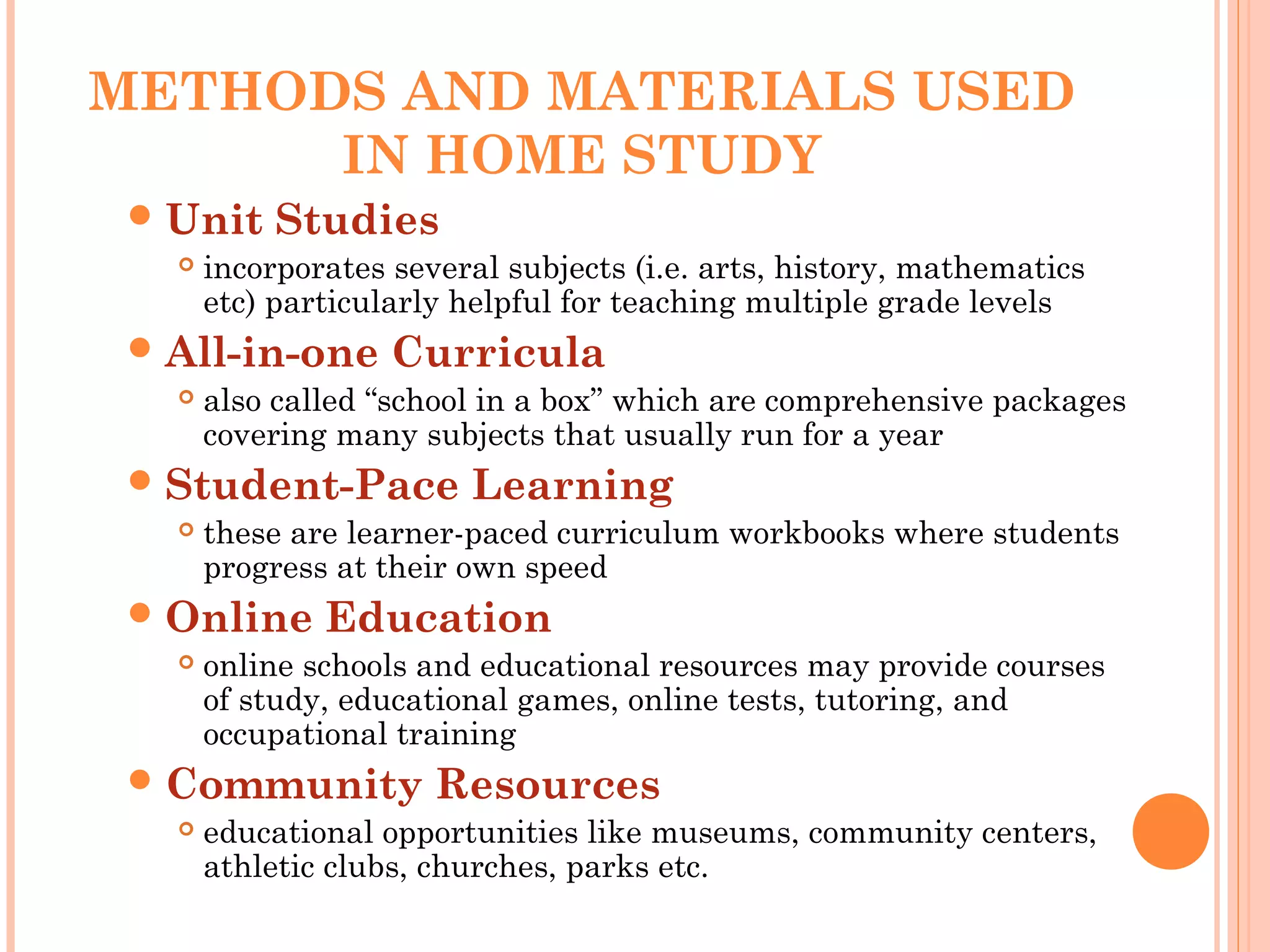
METHODS AND MATERIALSUSED
IN HOME STUDY
Unit Studies
incorporates several subjects (i.e. arts, history, mathematics
etc) particularly helpful for teaching multiple grade levels
All-in-one Curricula
also called “school in a box” which are comprehensive packages
covering many subjects that usually run for a year
Student-Pace Learning
these are learner-paced curriculum workbooks where students
progress at their own speed
Online Education
online schools and educational resources may provide courses
of study, educational games, online tests, tutoring, and
occupational training
Community Resources
educational opportunities like museums, community centers,
athletic clubs, churches, parks etc.
40.
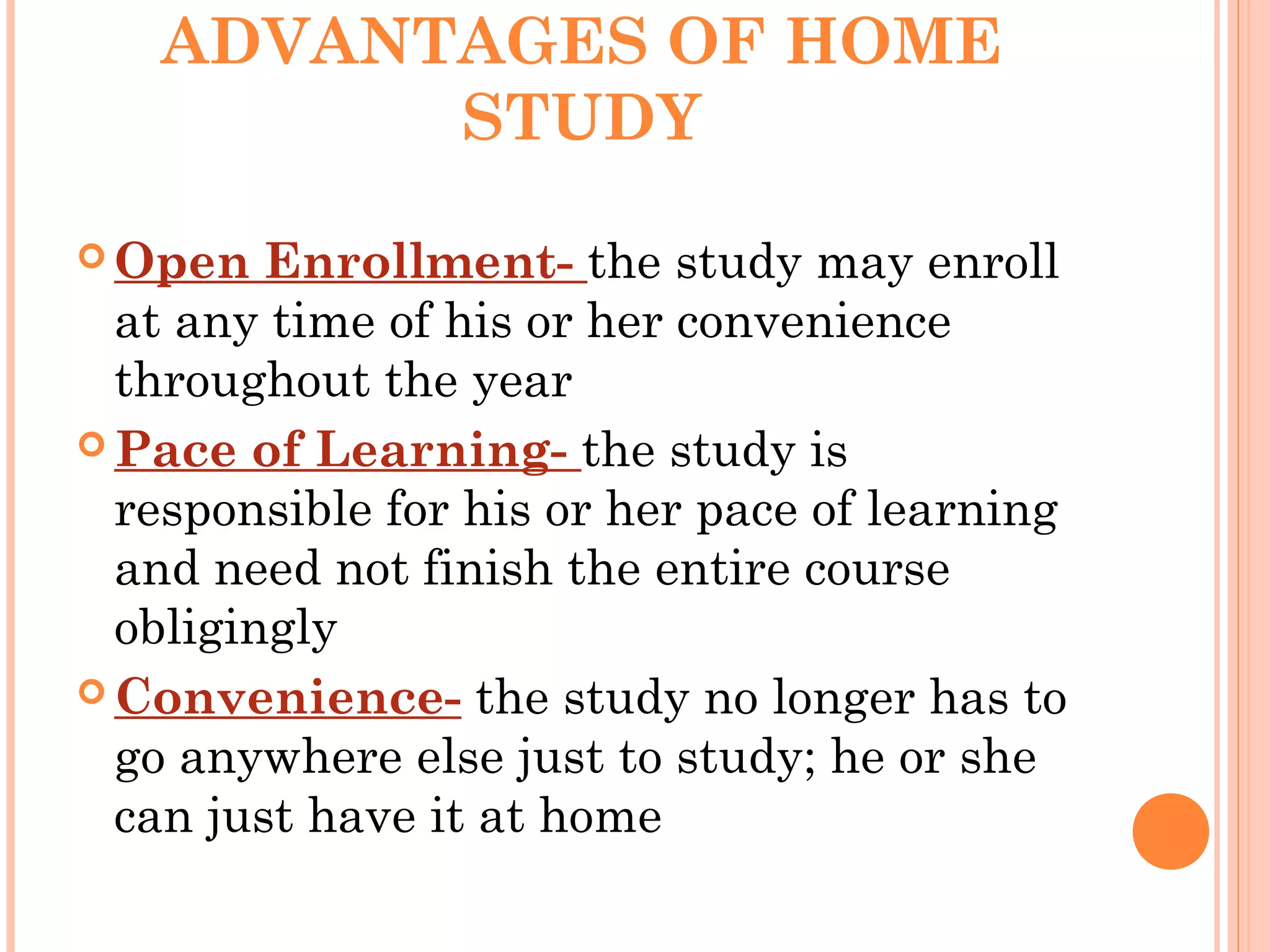
ADVANTAGES OF HOME
STUDY
Open Enrollment- the study may enroll
at any time of his or her convenience
throughout the year
Pace of Learning- the study is
responsible for his or her pace of learning
and need not finish the entire course
obligingly
Convenience- the study no longer has to
go anywhere else just to study; he or she
can just have it at home
41.
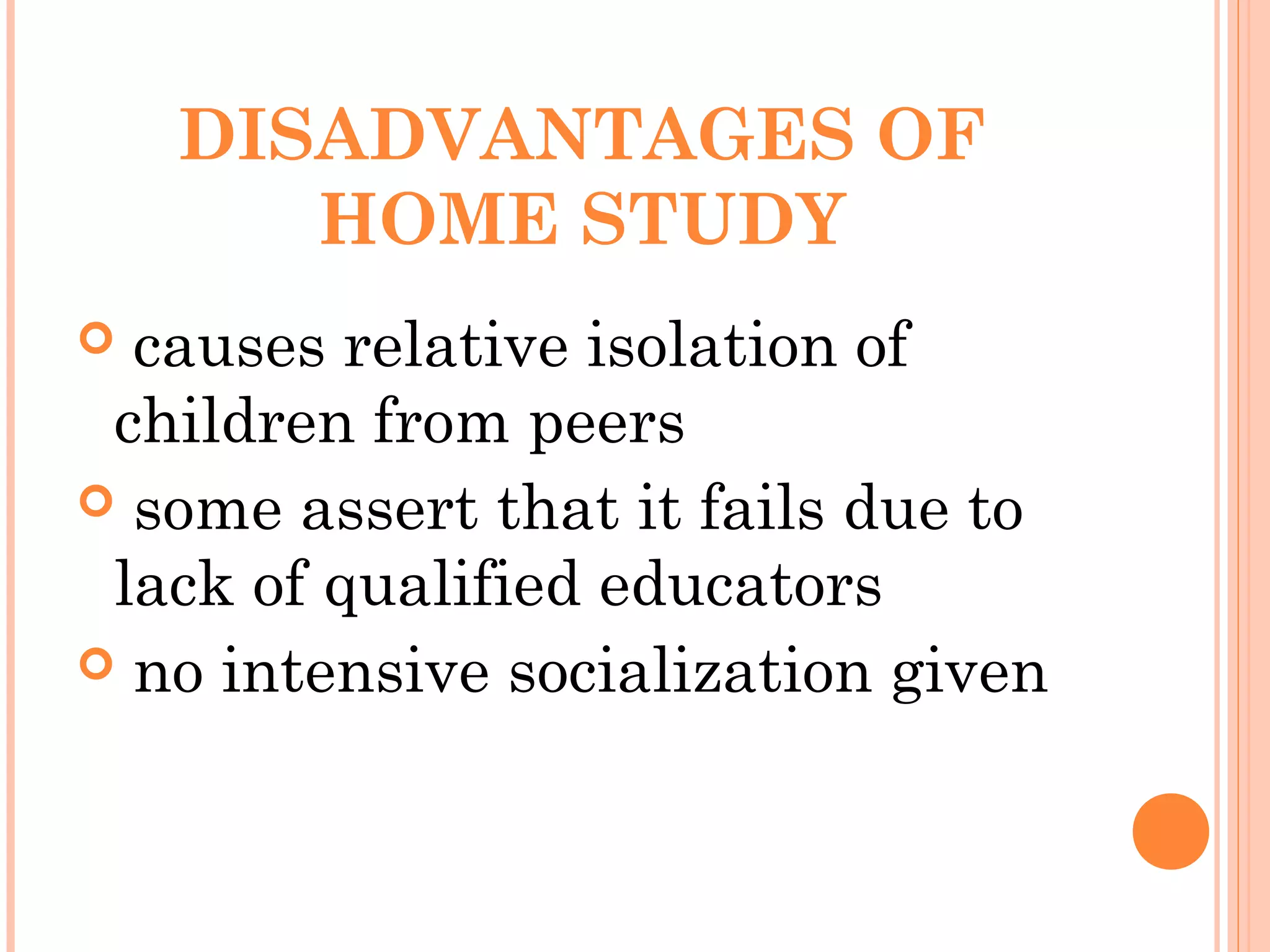
DISADVANTAGES OF
HOME STUDY
causes relative isolation of
children from peers
some assert that it fails due to
lack of qualified educators
no intensive socialization given
42.
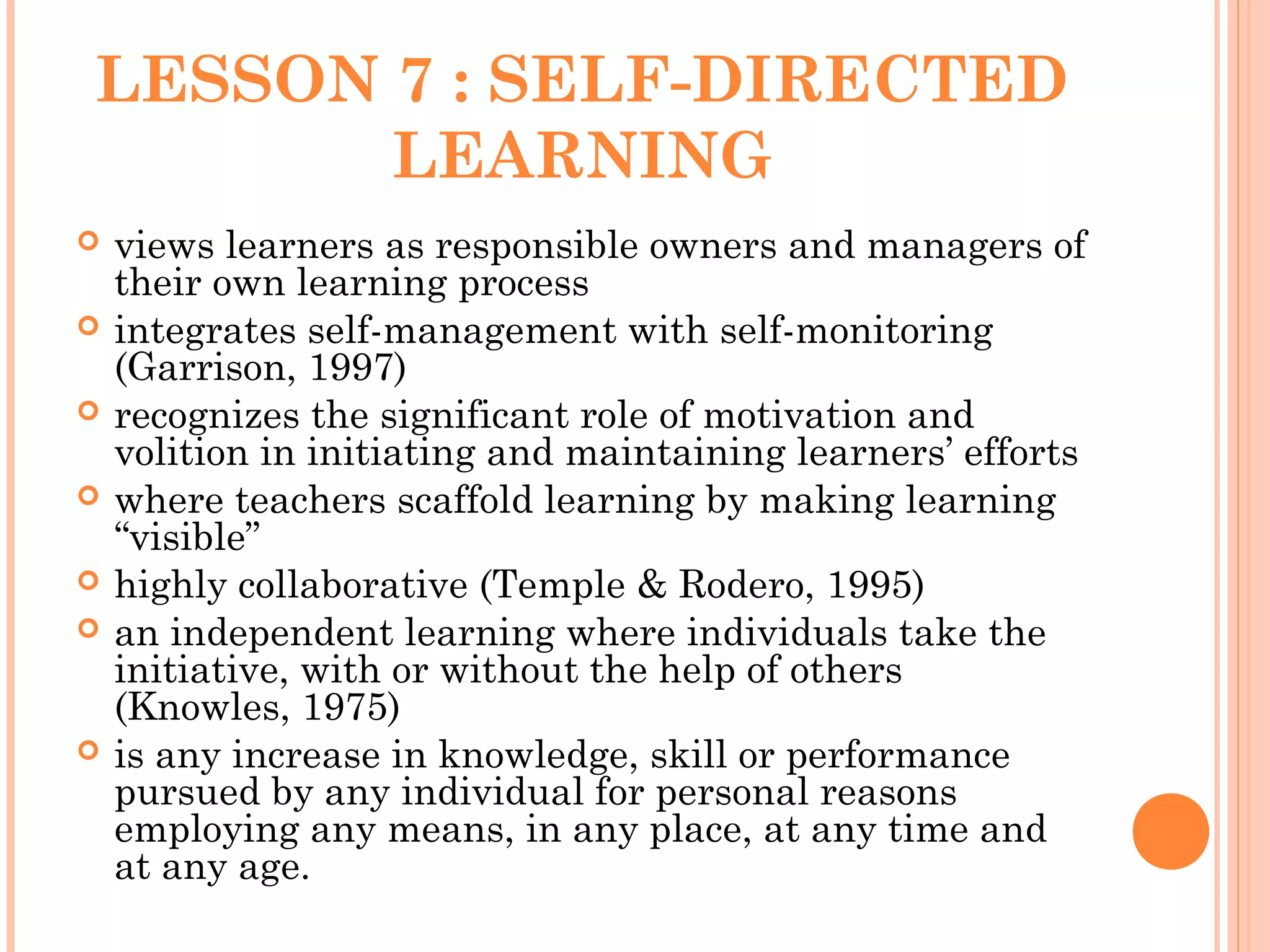
LESSON 7 :SELF-DIRECTED
LEARNING
views learners as responsible owners and managers of
their own learning process
integrates self-management with self-monitoring
(Garrison, 1997)
recognizes the significant role of motivation and
volition in initiating and maintaining learners’ efforts
where teachers scaffold learning by making learning
“visible”
highly collaborative (Temple & Rodero, 1995)
an independent learning where individuals take the
initiative, with or without the help of others
(Knowles, 1975)
is any increase in knowledge, skill or performance
pursued by any individual for personal reasons
employing any means, in any place, at any time and
at any age.
SOME WAYS TOSUPPORT
SELF-DIRECTED STUDY:
open-learning programs
individualized study options
non-traditional course
offerings
45.
SOME PROPER ROLESFOR
EDUCATORS AND
INSTITUTIONS
help the learner identify the starting
point for a learning project
encourage adult learners to view
knowledge and truth as contextual
be a manager of the learning experience
rather than an information provider
help match resources to the needs of
learners
46.
LESSON 8 :RESOURCE-
BASED LEARNING
It is where the learners have the responsibility
for selecting resources, human or otherwise, that
appeal to their own learning preferences,
interests and abilities. (Thompson and Henley,
2000)
It involves active participation with multiple
resources (books, journals, newspapers, multi-
media, web, community, people) where students
are motivated to learn about a topic by trying to
find information on it in as many ways and
places as possible.
47.
SPECIALISTS IN A
RESOURCE-BASED
LEARNING
in-charge in selection of curriculum-
supported materials
researcher of most appropriate
information, map or video from resources
available
teach students to navigate websites
offers latest resources to staff and
students
48.
ROLES OF TEACHERSIN A
RESOURCE-BASED
LEARNING
coaches
facilitates
guides learning
49.
IMPLEMENTATION OF
RESOURCE-BASED
LEARNING
Determineunit goals
Generate a timeline for the unit
Schedule a research time
Develop a rubric that assesses student
artifacts
Evaluate student performance
Evaluate the unit
Determine acceptable student artifacts
Thoroughly plan the unit
Gather resources in a variety of formats
50.
Advantages of Resource-basedLearning
Frees teacher from burden of delivering content
Allows students control of place, pace and time
Allows students of greater choice in resource
materials
Resources can be used in multiple units
Disadvantages of Resource-based Learning
Potentially too many choices for students
Potential loss of group learning opportunities
Time and effort are required to produce high
quality resources
51.
LESSON 9 :LADDERIZED
EDUCATION SYSTEM
is a learning method that combines technical and
vocational (tech-voc) courses that are creditable for
a collegiate degree.
a facility that allows for vocational courses to be
credited as units earned toward a related college
degree program.
Some of the degree programs covered include
agricultural technology, marine transportation,
marine engineering, hotel and restaurant
management, tourism management, travel
management, nursing, mechanical engineering,
technical teacher education, computer science, and
information technology.