Subqueries
CIS-182
Subqueries
• A subquery is one SELECT statement
inside a second SELECT statement
– May be used throughout the main query, in
SELECT, FROM, WHERE or HAVING
– Parentheses control order of execution
Sample Subqueries
• Display the price and average price of all
books:
SELECT Price, (SELECT Avg(Price) FROM
titles) AS AveragePrice FROM titles
• Display all books with a higher than
average price:
SELECT title FROM titles WHERE
Price>(SELECT Avg(Price) FROM titles)
Subquery Results
• Scalar values: Subqueries may return a
single value
• Lists: Subqueries may return one or more
rows
– Some situations require a single column list
– Typically use IN or EXISTS to test
Scalar Subqueries Example
• Display titles that have the highest price:
SELECT title, price
FROM titles
WHERE Price = (SELECT Max(price) FROM
Titles)
List Subqueries Example
• Display the publishers who have
published cook books:
SELECT pub_name
FROM publishers
WHERE pub_id IN
(SELECT pub_id FROM titles WHERE [type]
LIKE ‘%cook%’)
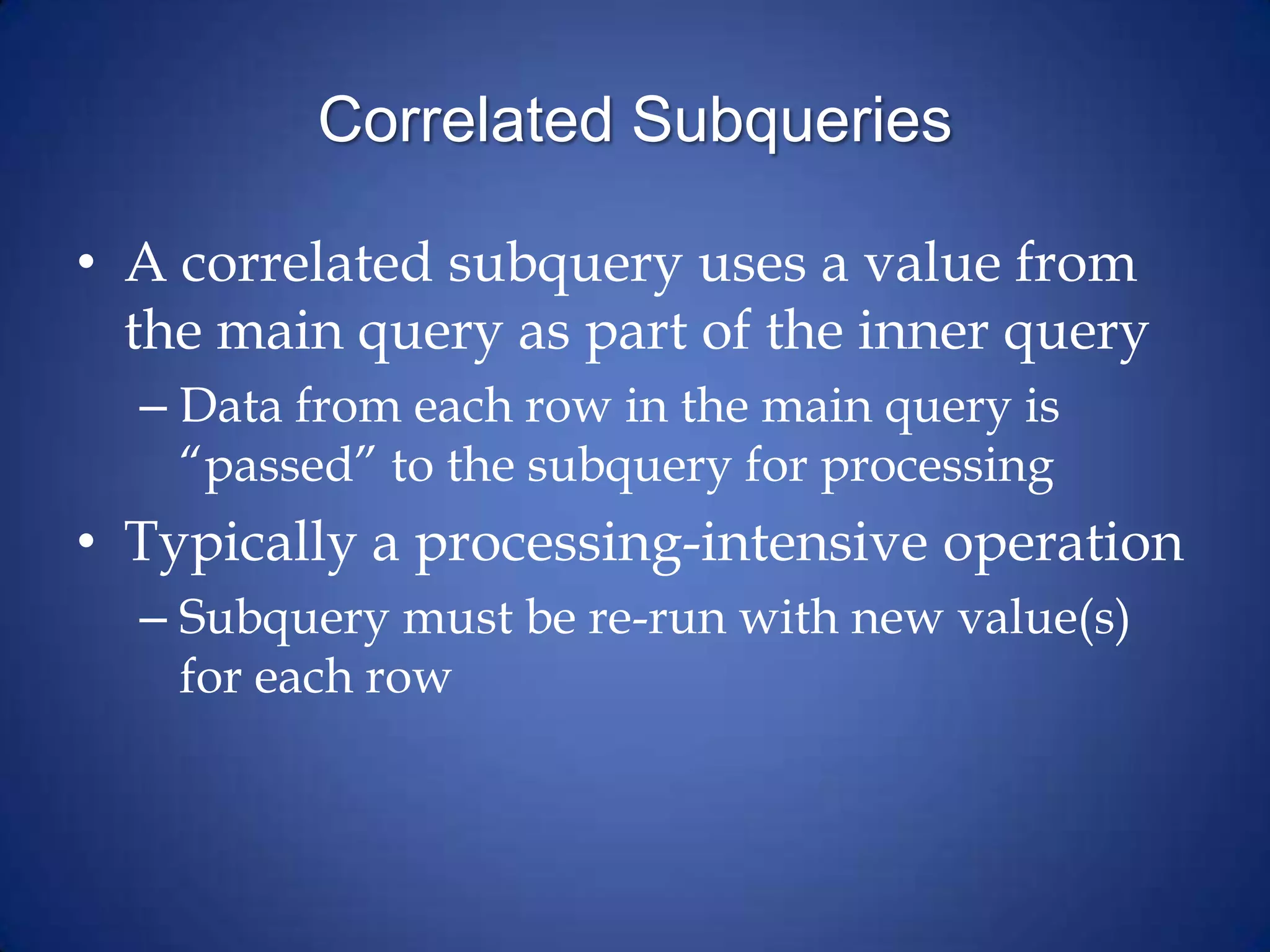
Correlated Subqueries
• A correlated subquery uses a value from
the main query as part of the inner query
– Data from each row in the main query is
“passed” to the subquery for processing
• Typically a processing-intensive operation
– Subquery must be re-run with new value(s)
for each row
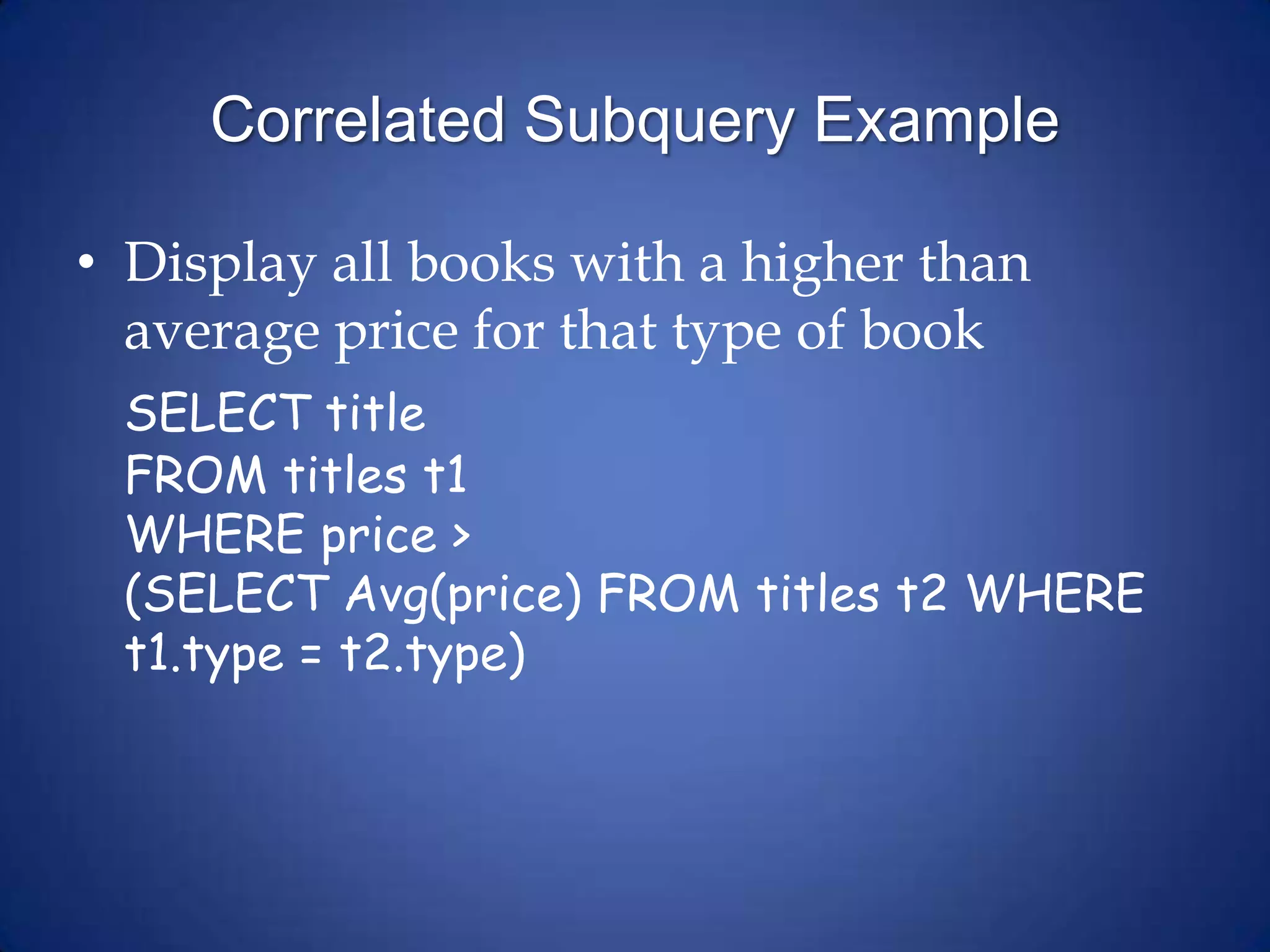
Correlated Subquery Example
• Display all books with a higher than
average price for that type of book
SELECT title
FROM titles t1
WHERE price >
(SELECT Avg(price) FROM titles t2 WHERE
t1.type = t2.type)
Using Subqueries - 1
• If data that’s known is from one table and
data to return is in a second table
• Display authors who have written books
(titleauthors represents what’s known):
SELECT au_fname, au_lname
FROM authors
WHERE au_id IN
(SELECT au_id FROM titleauthors)
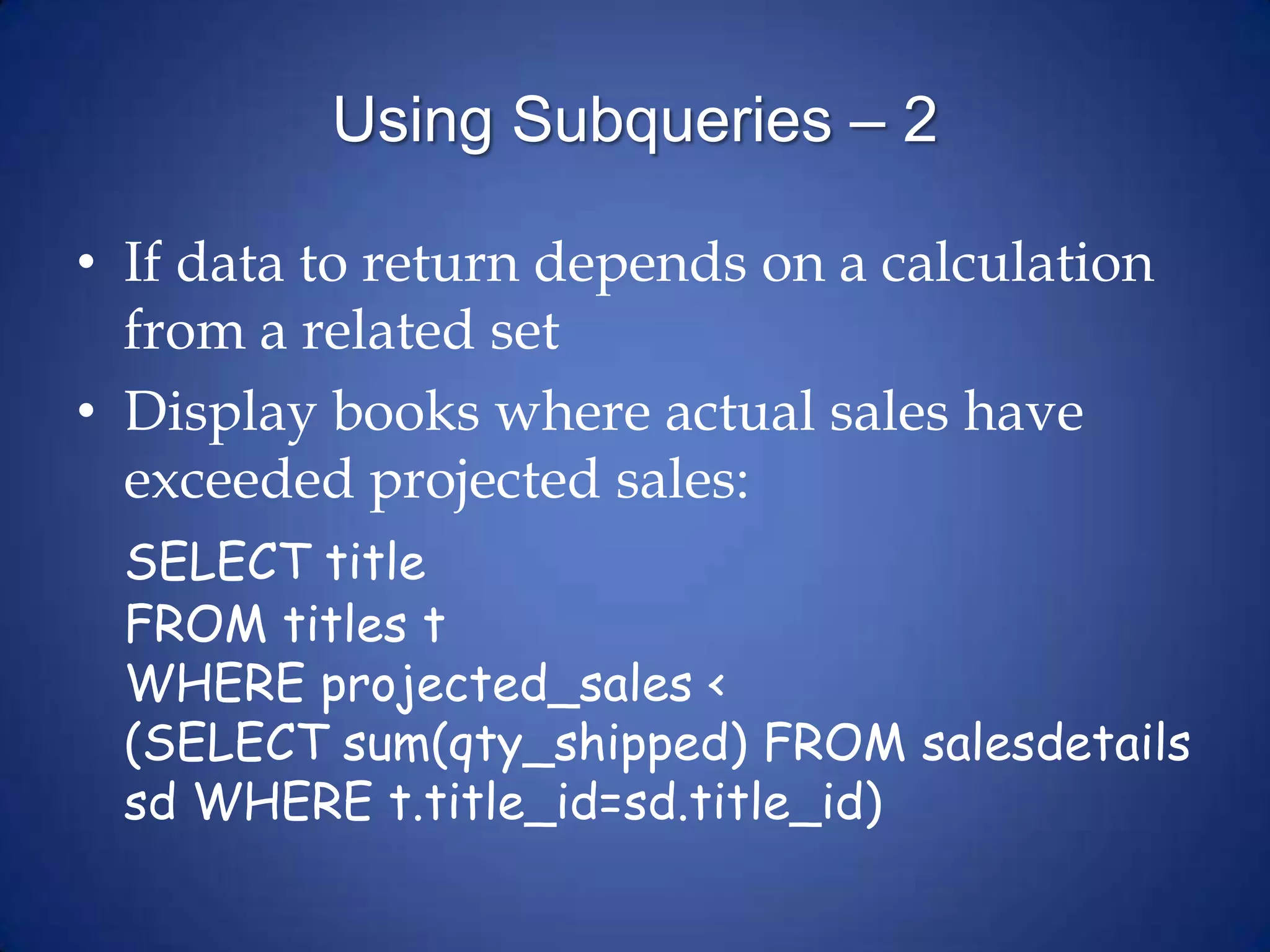
Using Subqueries – 2
• If data to return depends on a calculation
from a related set
• Display books where actual sales have
exceeded projected sales:
SELECT title
FROM titles t
WHERE projected_sales <
(SELECT sum(qty_shipped) FROM salesdetails
sd WHERE t.title_id=sd.title_id)

Subqueries

  • 1.
  • 2.
    Subqueries • A subqueryis one SELECT statement inside a second SELECT statement – May be used throughout the main query, in SELECT, FROM, WHERE or HAVING – Parentheses control order of execution
  • 3.
    Sample Subqueries • Displaythe price and average price of all books: SELECT Price, (SELECT Avg(Price) FROM titles) AS AveragePrice FROM titles • Display all books with a higher than average price: SELECT title FROM titles WHERE Price>(SELECT Avg(Price) FROM titles)
  • 4.
    Subquery Results • Scalarvalues: Subqueries may return a single value • Lists: Subqueries may return one or more rows – Some situations require a single column list – Typically use IN or EXISTS to test
  • 5.
    Scalar Subqueries Example •Display titles that have the highest price: SELECT title, price FROM titles WHERE Price = (SELECT Max(price) FROM Titles)
  • 6.
    List Subqueries Example •Display the publishers who have published cook books: SELECT pub_name FROM publishers WHERE pub_id IN (SELECT pub_id FROM titles WHERE [type] LIKE ‘%cook%’)
  • 7.
    Correlated Subqueries • Acorrelated subquery uses a value from the main query as part of the inner query – Data from each row in the main query is “passed” to the subquery for processing • Typically a processing-intensive operation – Subquery must be re-run with new value(s) for each row
  • 8.
    Correlated Subquery Example •Display all books with a higher than average price for that type of book SELECT title FROM titles t1 WHERE price > (SELECT Avg(price) FROM titles t2 WHERE t1.type = t2.type)
  • 9.
    Using Subqueries -1 • If data that’s known is from one table and data to return is in a second table • Display authors who have written books (titleauthors represents what’s known): SELECT au_fname, au_lname FROM authors WHERE au_id IN (SELECT au_id FROM titleauthors)
  • 10.
    Using Subqueries –2 • If data to return depends on a calculation from a related set • Display books where actual sales have exceeded projected sales: SELECT title FROM titles t WHERE projected_sales < (SELECT sum(qty_shipped) FROM salesdetails sd WHERE t.title_id=sd.title_id)