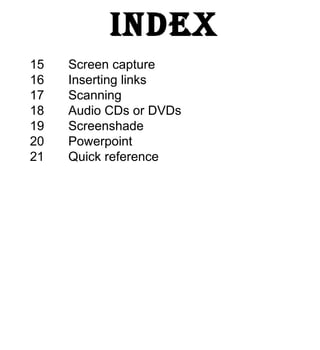
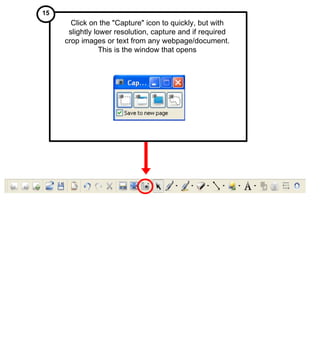
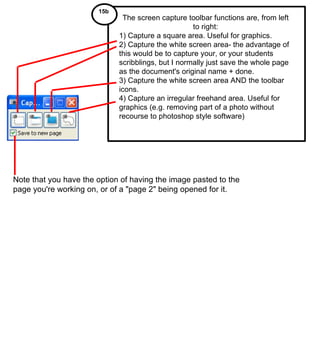
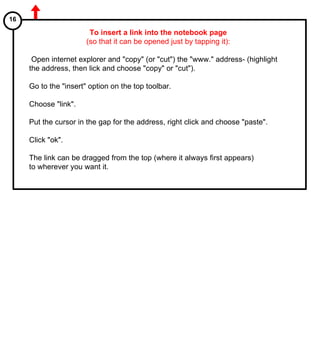
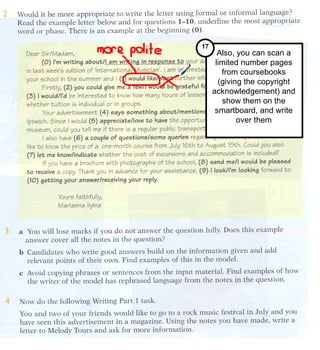
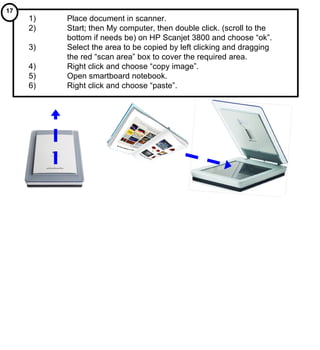
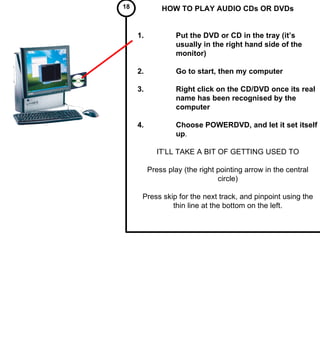
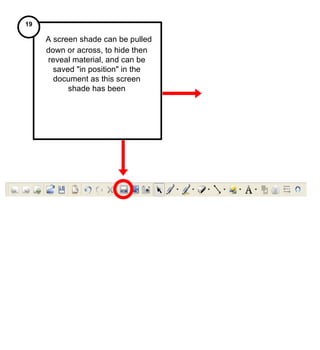
The document provides instructions for various features in training modules 15 through 21 for intermediate users. It describes how to take screen captures, insert links, scan documents, play audio CDs/DVDs, use a screen shade, and export smartboard documents to PowerPoint. Key steps include clicking the "Capture" icon to take screen captures, copying and pasting URLs to insert links, using the scanner and "copy image" to include scans, playing DVDs/CDs using PowerDVD, saving screen shades in position, and exporting to PowerPoint by clicking "File" then "Export PowerPoint".