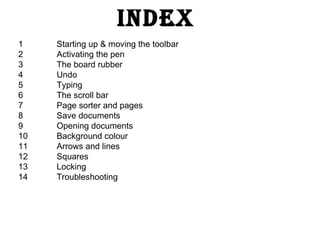
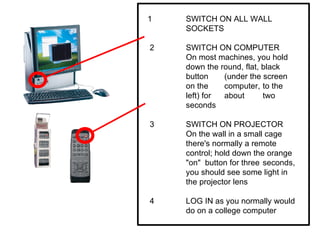
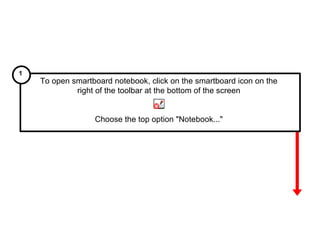
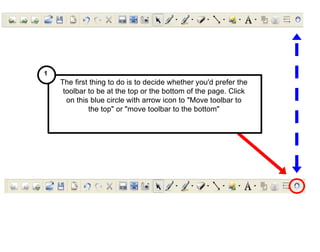
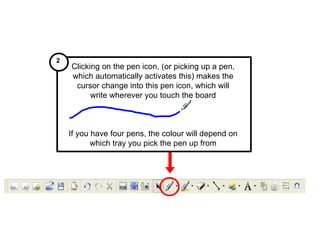
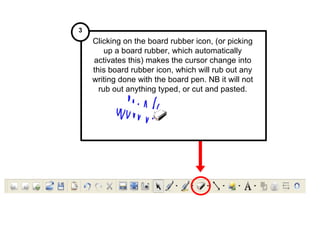
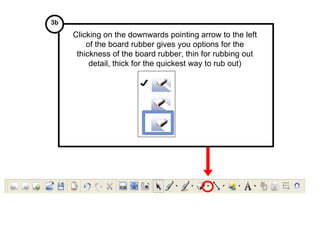
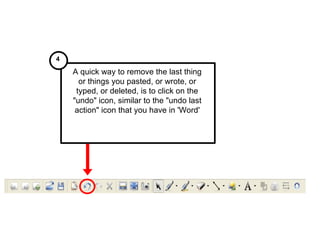
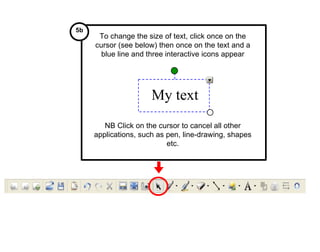
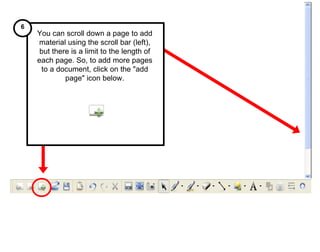
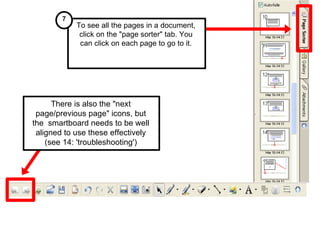
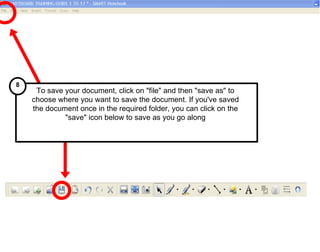
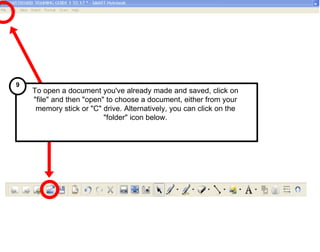
1. The document provides instructions for basic functions in a SMART Board training manual, including how to start up the SMART Board, activate the pen and eraser tools, add and arrange pages, save documents, and troubleshoot common issues.
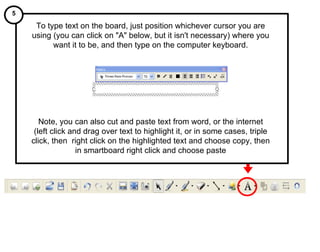
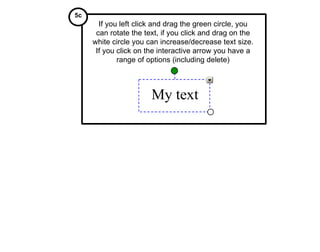
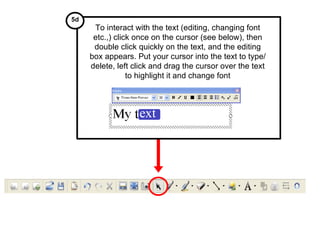
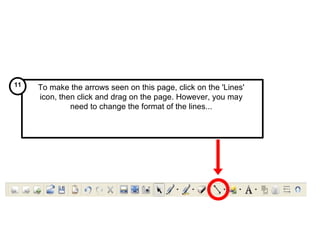
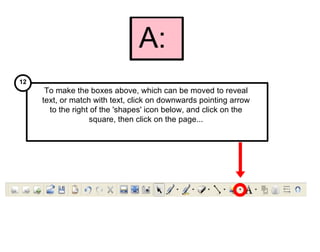
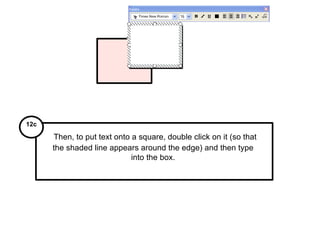
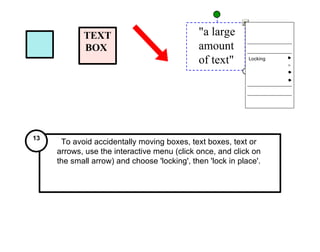
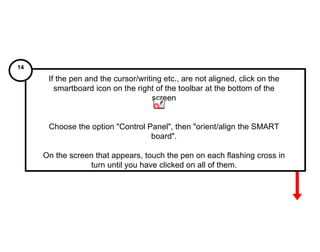
2. It describes how to perform actions like typing, scrolling, changing text size and color, adding lines and shapes, locking objects, and aligning the SMART Board pen and cursor.
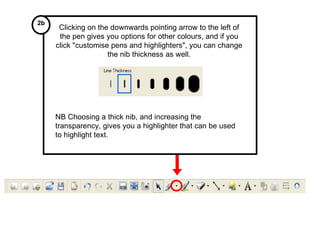
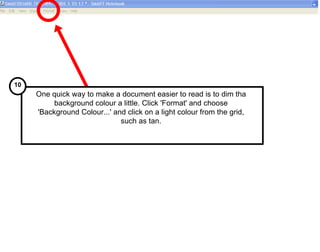
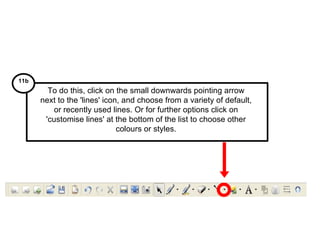
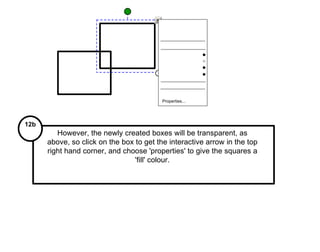
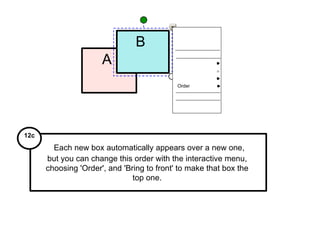
3. Tips are provided for customizing pens and lines, filling shapes with color, ordering objects, and accessing the control panel to align the SMART Board.