Download to read offline
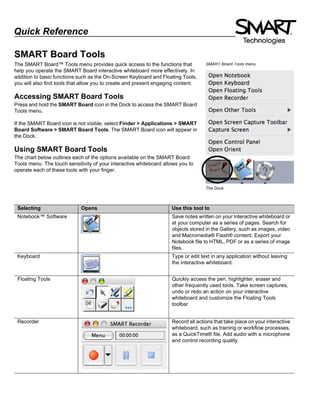
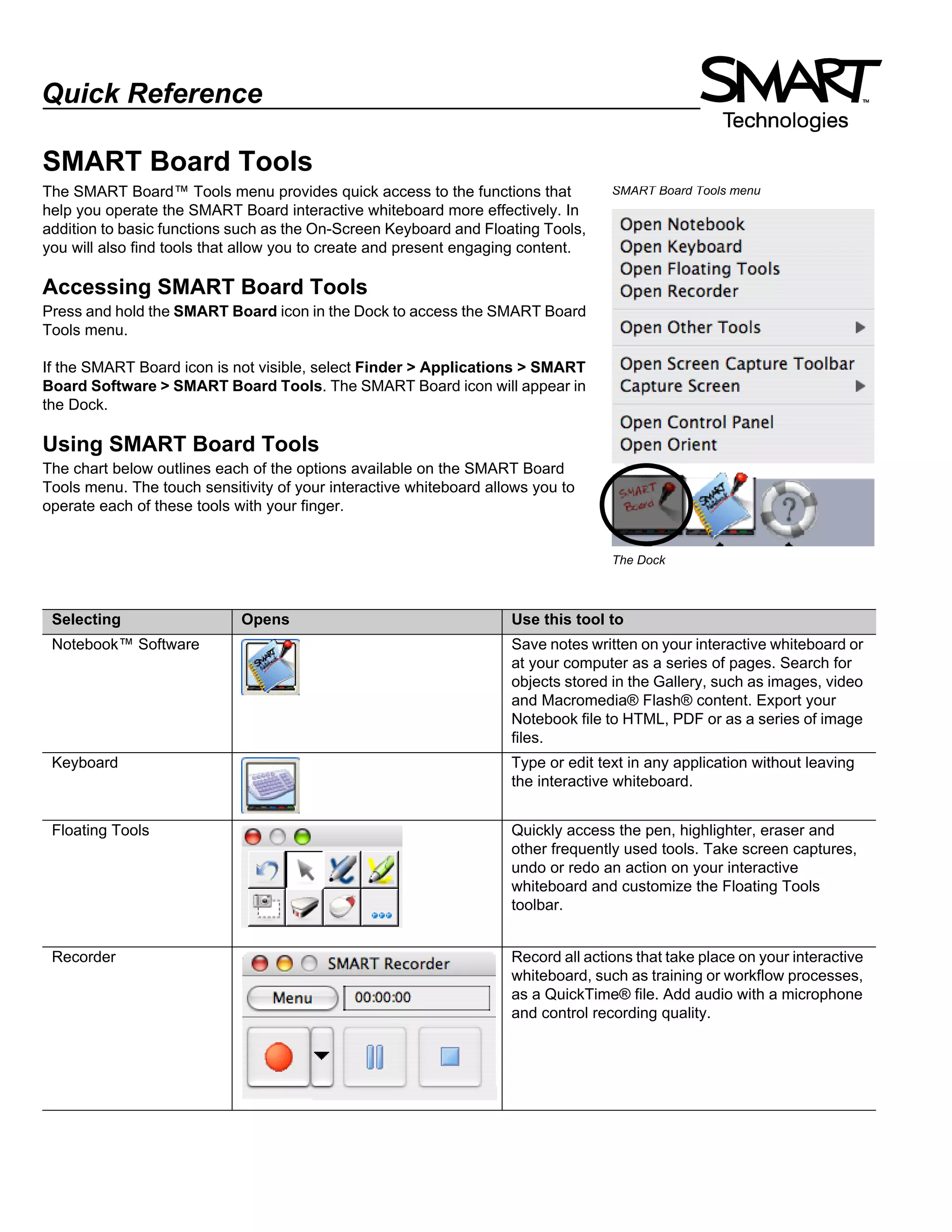
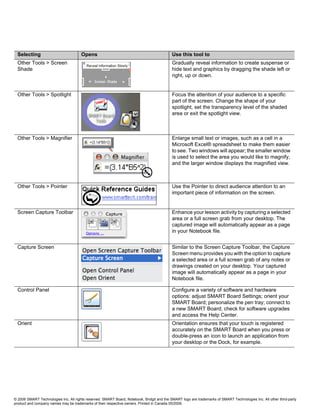

The document provides an overview of the SMART Board Tools menu, which gives quick access to functions for operating an interactive whiteboard. It can be accessed by pressing the SMART Board icon in the dock or through the applications menu. The tools menu includes options like the on-screen keyboard, floating tools, recorder, screen shade, spotlight and magnifier to create and present engaging content. It also outlines the purpose of each tool available on the menu.


