Download to read offline
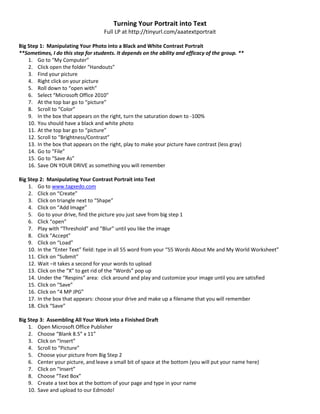
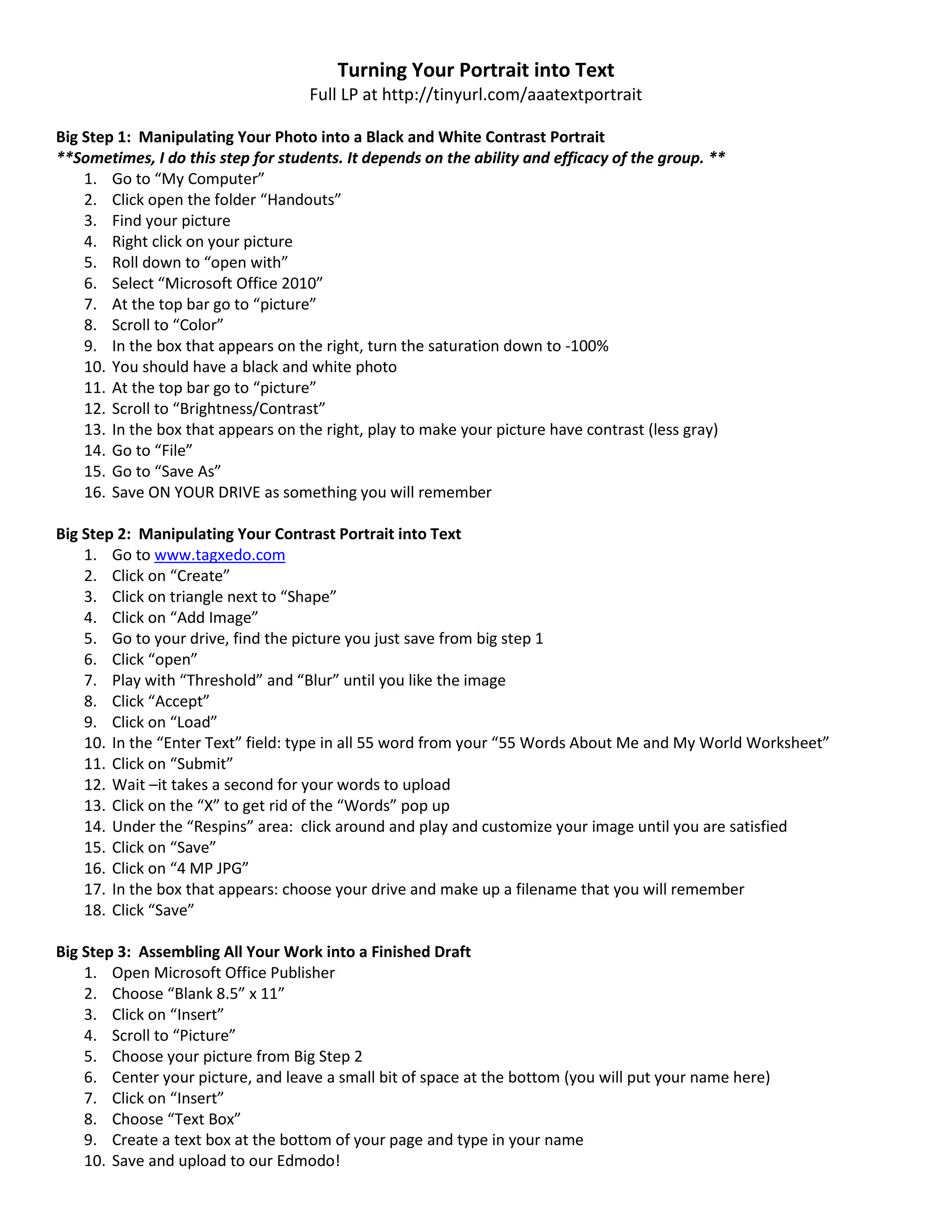

This document provides instructions for turning a portrait photo into text using online image manipulation tools. It is a 3 step process: 1) Manipulating the photo into high-contrast black and white using Microsoft Office tools. 2) Uploading the manipulated photo to Tagxedo.com and using text from a worksheet to transform the photo into text. 3) Assembling the text image and student name into a Publisher document to create a finished draft for sharing.


