This document provides an overview of a training session on using Smart Boards and Smart Notebook software. The summary discusses:
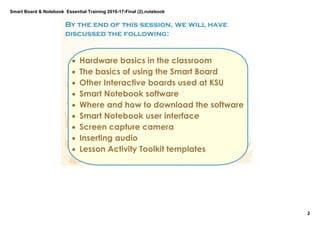
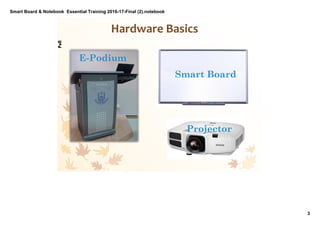
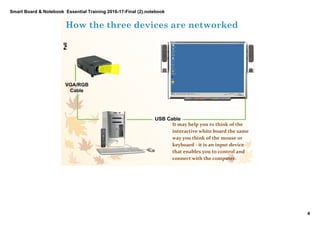
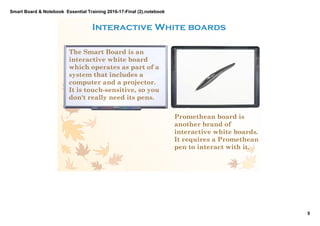
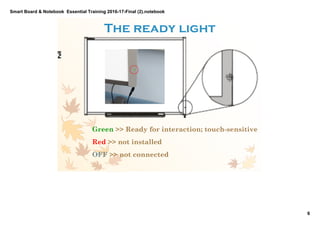
- An introduction to the hardware used, including Smart Boards, projectors, and e-podiums.
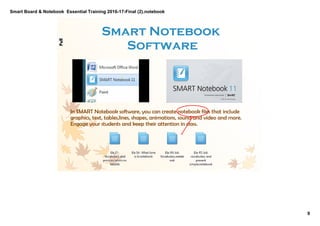
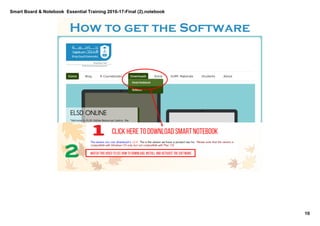
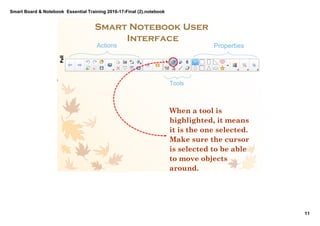
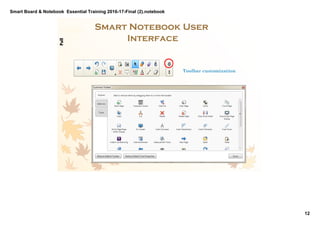
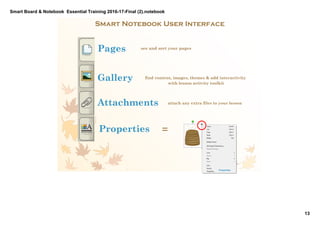
- An overview of the Smart Notebook software interface and how to download the software.
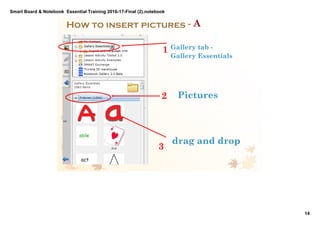
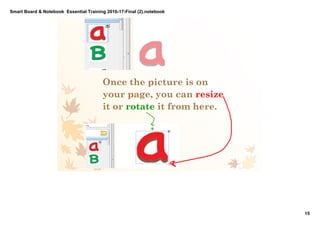
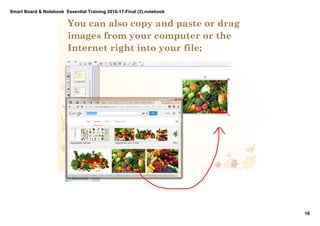
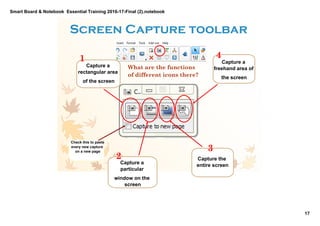
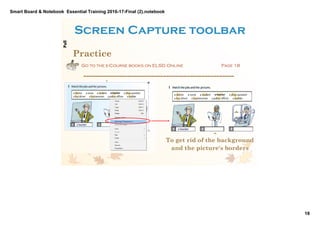
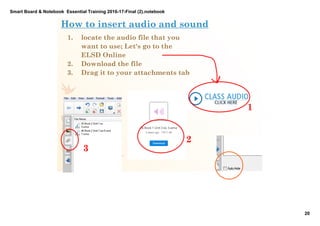
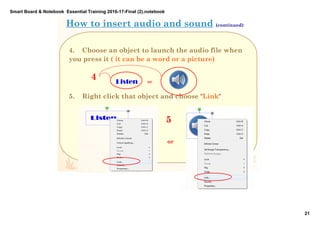
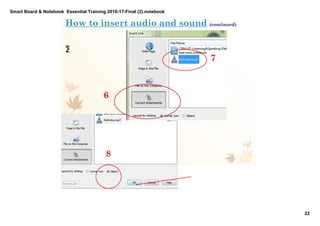
- A demonstration of key functions like inserting images, audio, and using the screen capture tool.
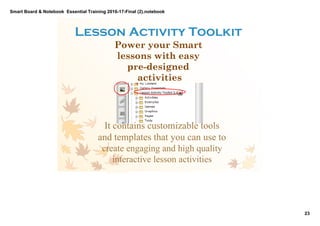
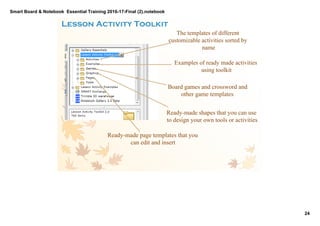
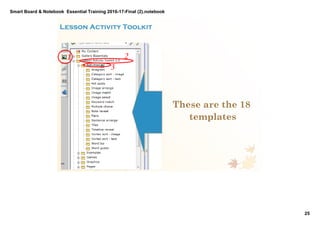
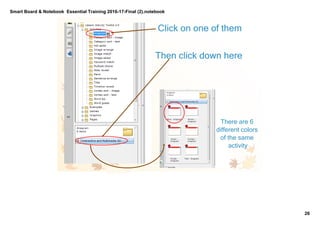
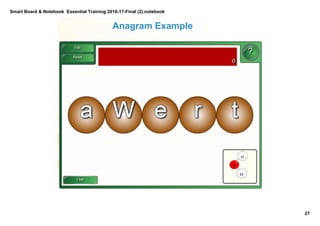
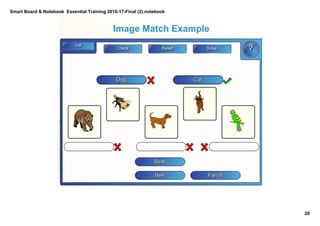
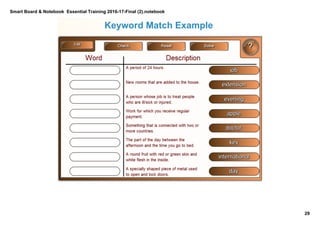
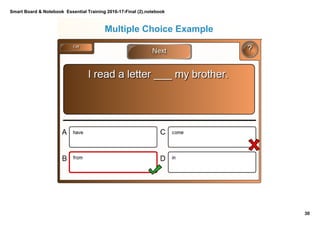
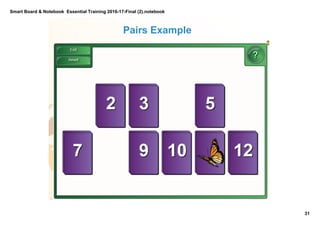
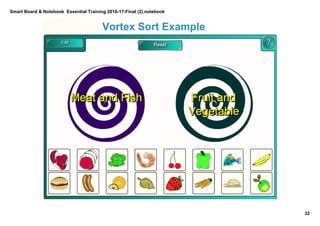
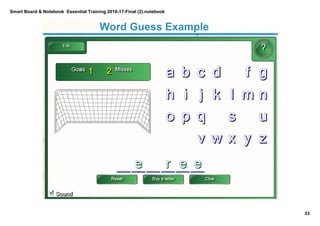
- An introduction to the Lesson Activity Toolkit templates for creating interactive lessons and examples of the different activity types.