Scale-Out backups with
Bareos and Gluster
Niels de Vos
Gluster co-maintainer
Red Hat Storage Developer
ndevos@redhat.com
2
Agenda
● Gluster integration in Bareos
● Introduction into GlusterFS
● Quick Start
● Example configuration and demo
● Future plans
3
Gluster integration in Bareos
● Store backup archives on Gluster Volumes
● Gluster native backend for Storage Daemon
● Userspace only (libgfapi), no local mountpoints
● Benefits from all Gluster capabilities:
● Scale-out and scale-up
● Multiple copies of data, local site and remote
● Coming Soon: backup Gluster Volumes with Bareos
4
● Scalable, general-purpose storage platform
● POSIX-y Distributed File System
● Object storage (swift)
● Distributed block storage (qemu)
● Flexible storage (libgfapi)
● No Metadata Server
● Heterogeneous Commodity Hardware
● Flexible and Agile Scaling
● Capacity – Petabytes and beyond
● Performance – Thousands of Clients
What is Gluster?
5
● GlusterFS Native Client
● Filesystem in Userspace (FUSE)
● NFS
● Built-in Service, NFS-Ganesha with libgfapi
● SMB/CIFS
● Samba server required (libgfapi based module)
● Gluster For OpenStack (Swift-on-file)
● libgfapi flexible abstracted storage
● Integrated with QEMU, Bareos and others
Data Access Overview
6
Terminology
● Brick
● Fundamentally, a filesystem mountpoint
● A unit of storage used as a capacity building block
● Translator
● Logic between the file bits and the Global Namespace
● Layered to provide GlusterFS functionality
7
Terminology
● Volume
● Bricks combined and passed through translators
● Ultimately, what's presented to the end user
● Peer / Node
● Server hosting the brick filesystems
● Runs the Gluster daemons and participates in
volumes
● Trusted Storage Pool
● A group of peers, like a “Gluster cluster”
8
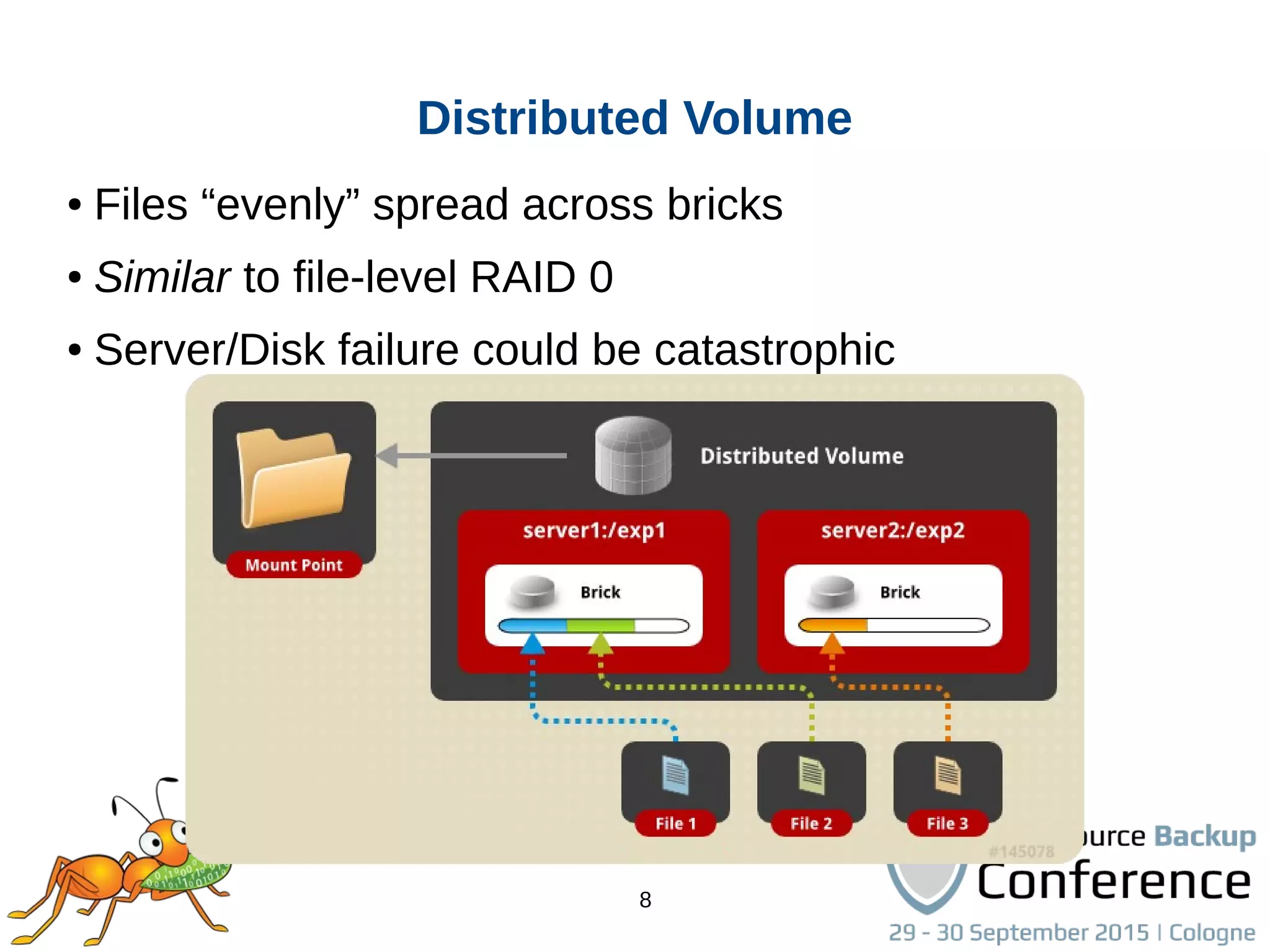
● Files “evenly” spread across bricks
● Similar to file-level RAID 0
● Server/Disk failure could be catastrophic
Distributed Volume
9
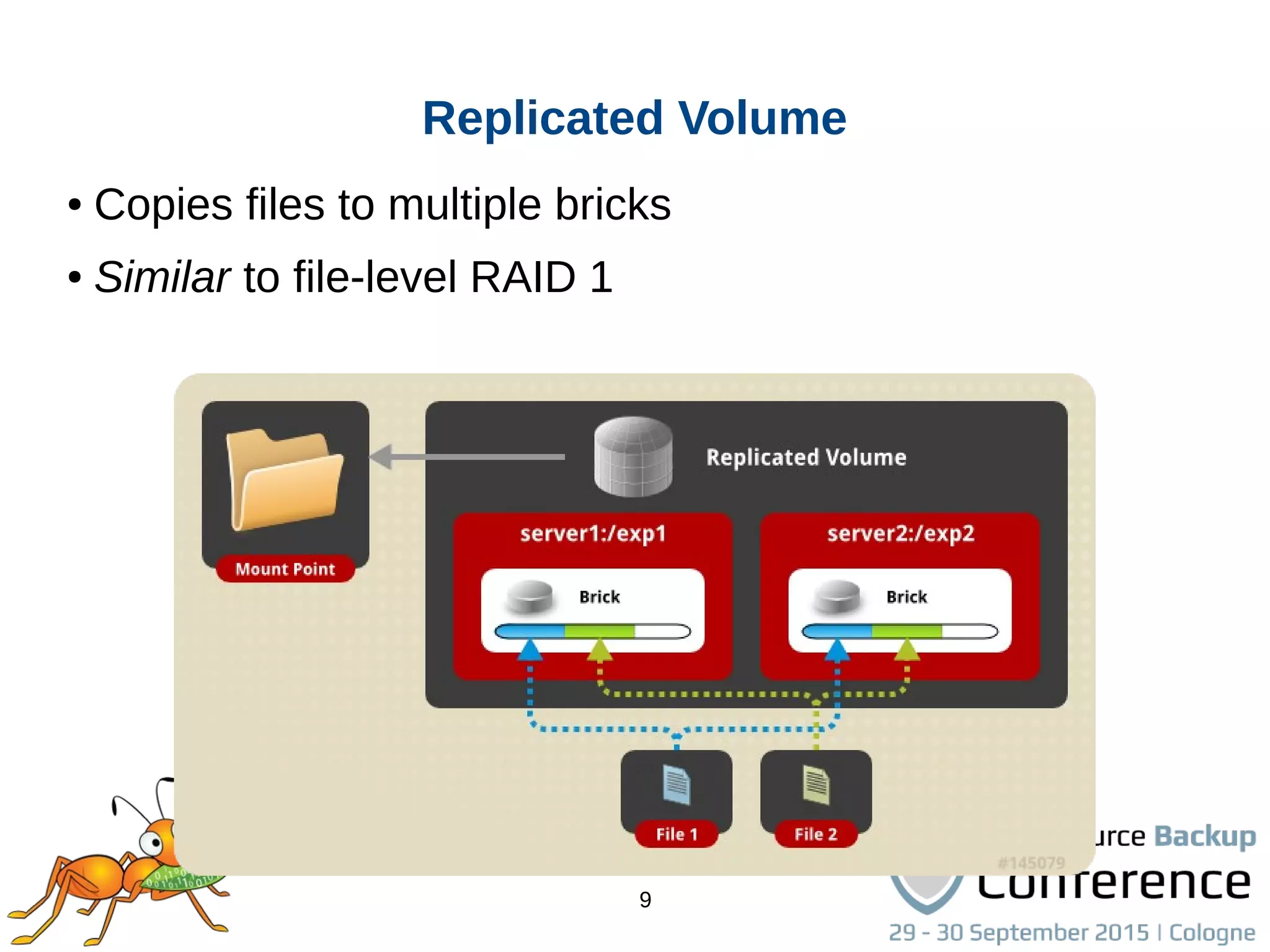
● Copies files to multiple bricks
● Similar to file-level RAID 1
Replicated Volume
10
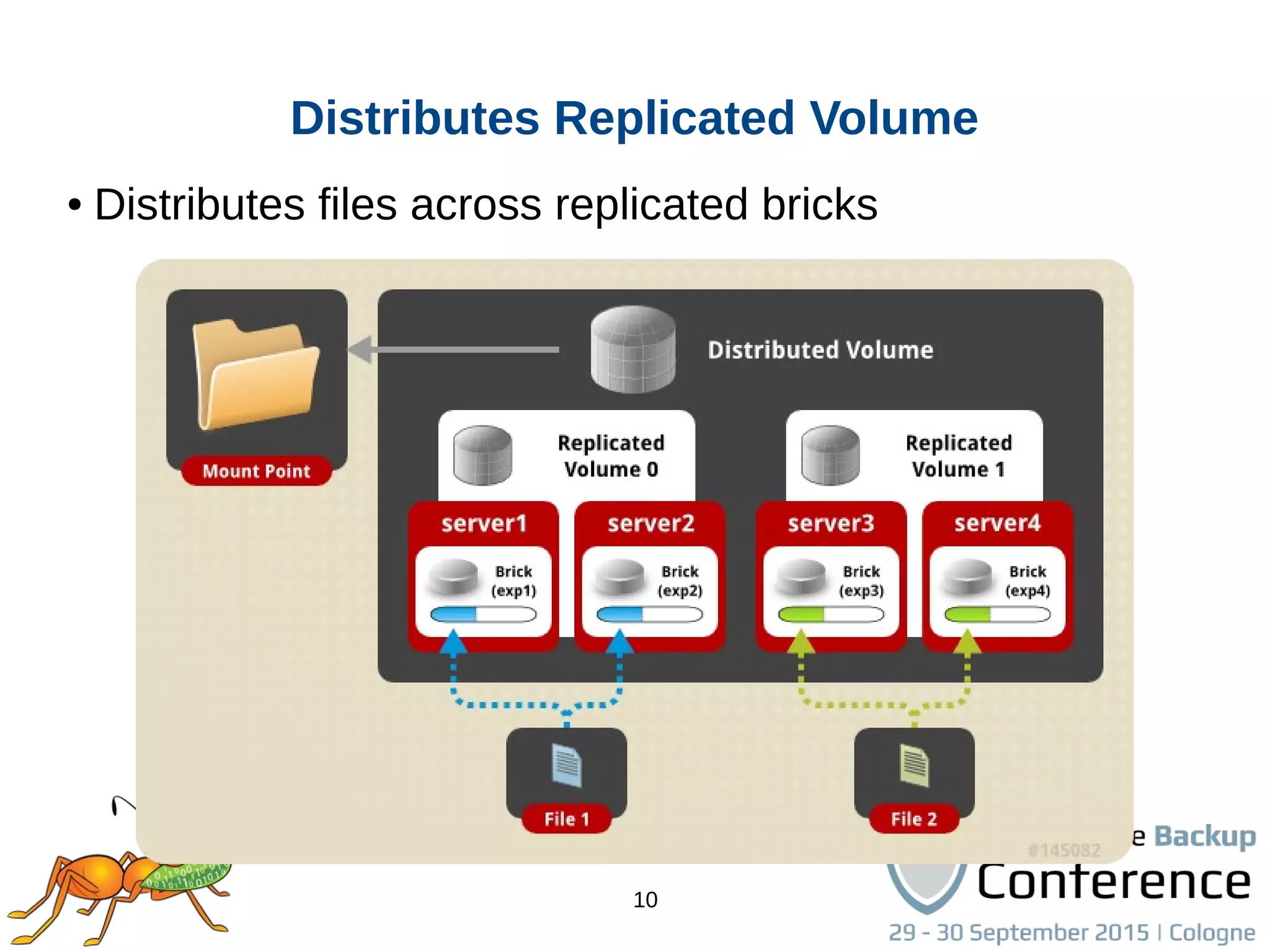
● Distributes files across replicated bricks
Distributes Replicated Volume
11
Other Volume Types
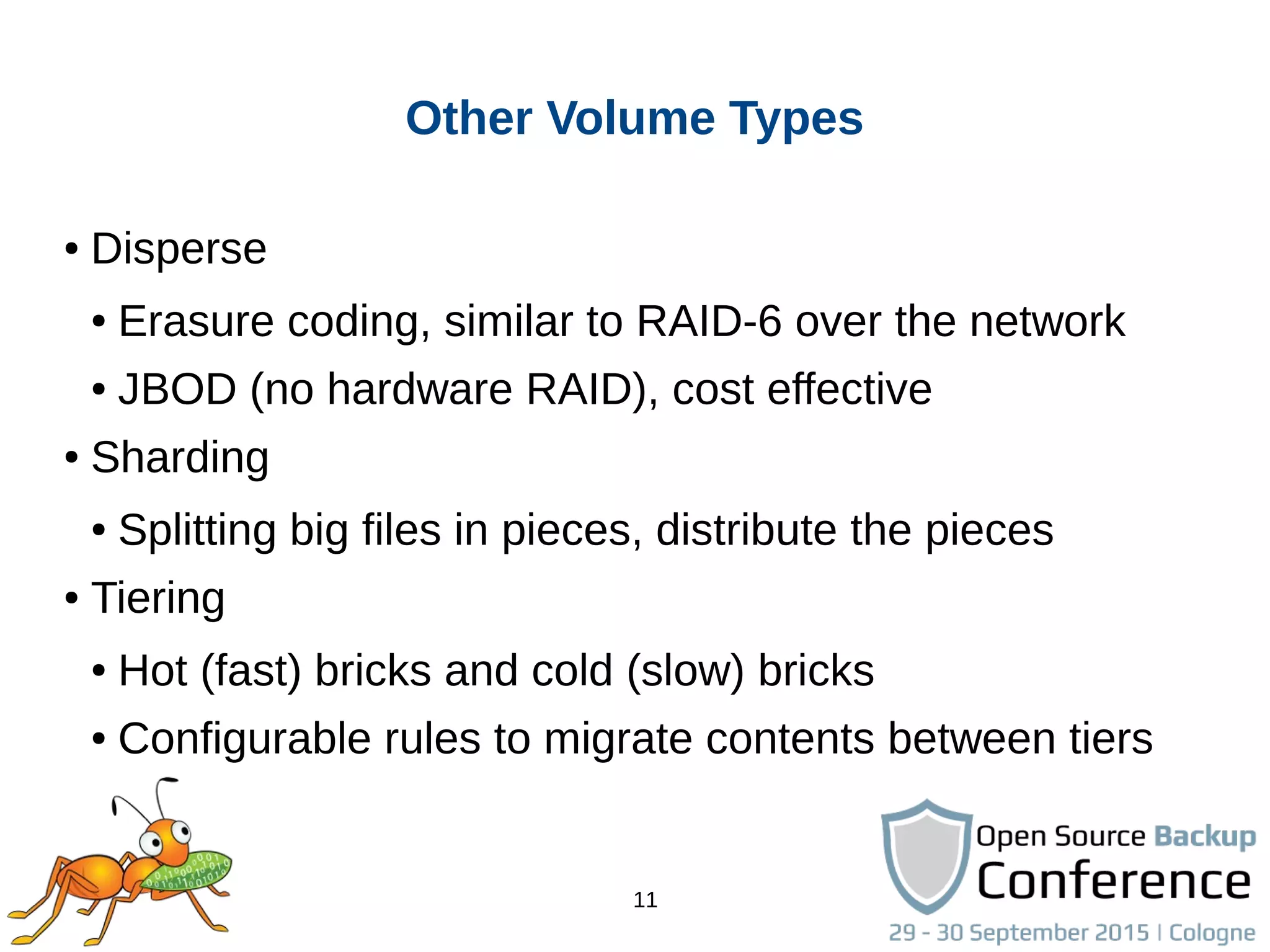
● Disperse
● Erasure coding, similar to RAID-6 over the network
● JBOD (no hardware RAID), cost effective
● Sharding
● Splitting big files in pieces, distribute the pieces
● Tiering
● Hot (fast) bricks and cold (slow) bricks
● Configurable rules to migrate contents between tiers
12
Geo-Replication
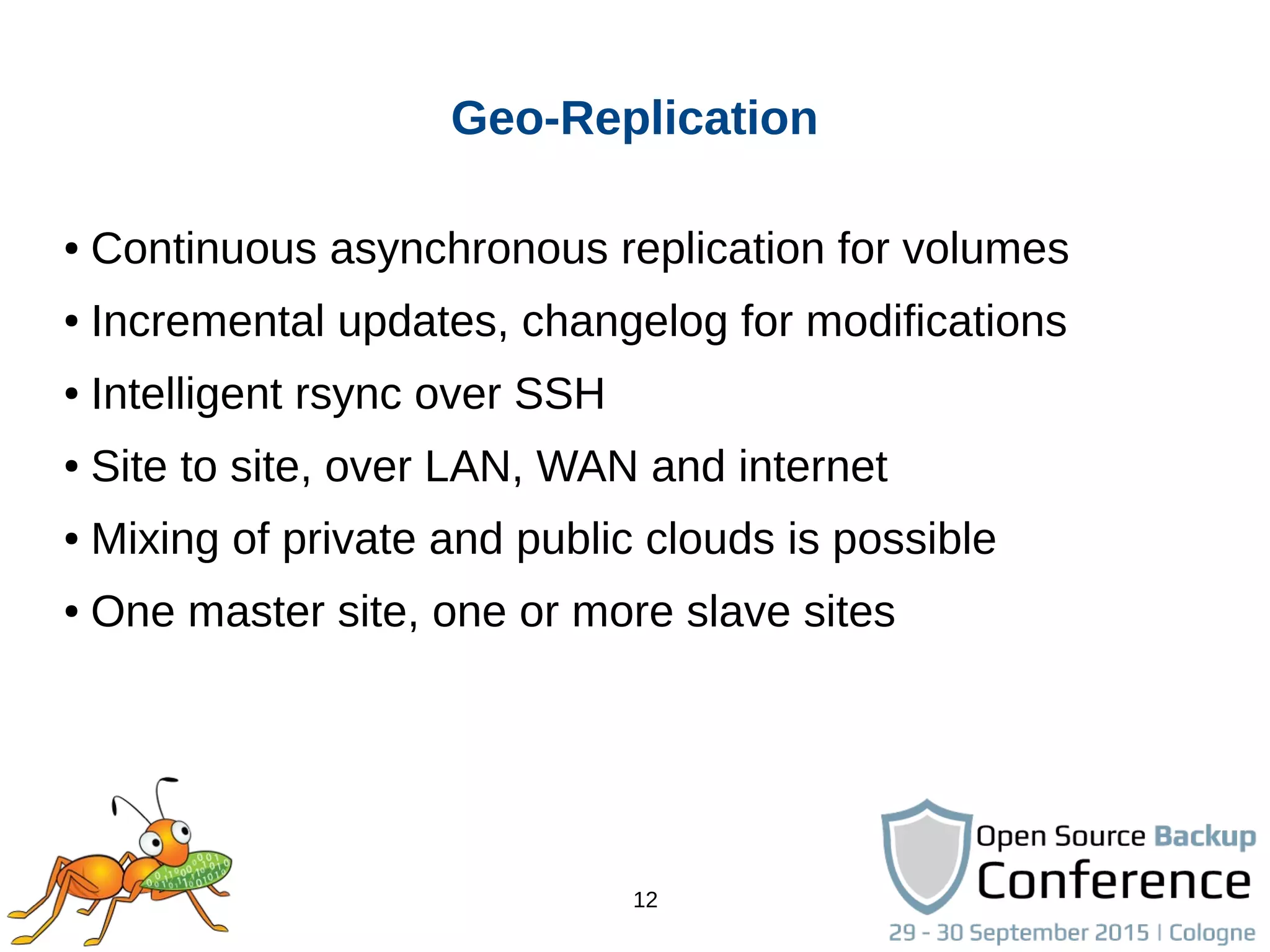
● Continuous asynchronous replication for volumes
● Incremental updates, changelog for modifications
● Intelligent rsync over SSH
● Site to site, over LAN, WAN and internet
● Mixing of private and public clouds is possible
● One master site, one or more slave sites
13
Quick Start
● Available in Fedora, Debian, NetBSD and others
● Community packages in multiple versions for different
distributions on http://download.gluster.org/
● CentOS Storage SIG packages and add-ons
● Quick Start guides on http://gluster.org and CentOS wiki
● Bareos packages from http://download.bareos.org
14
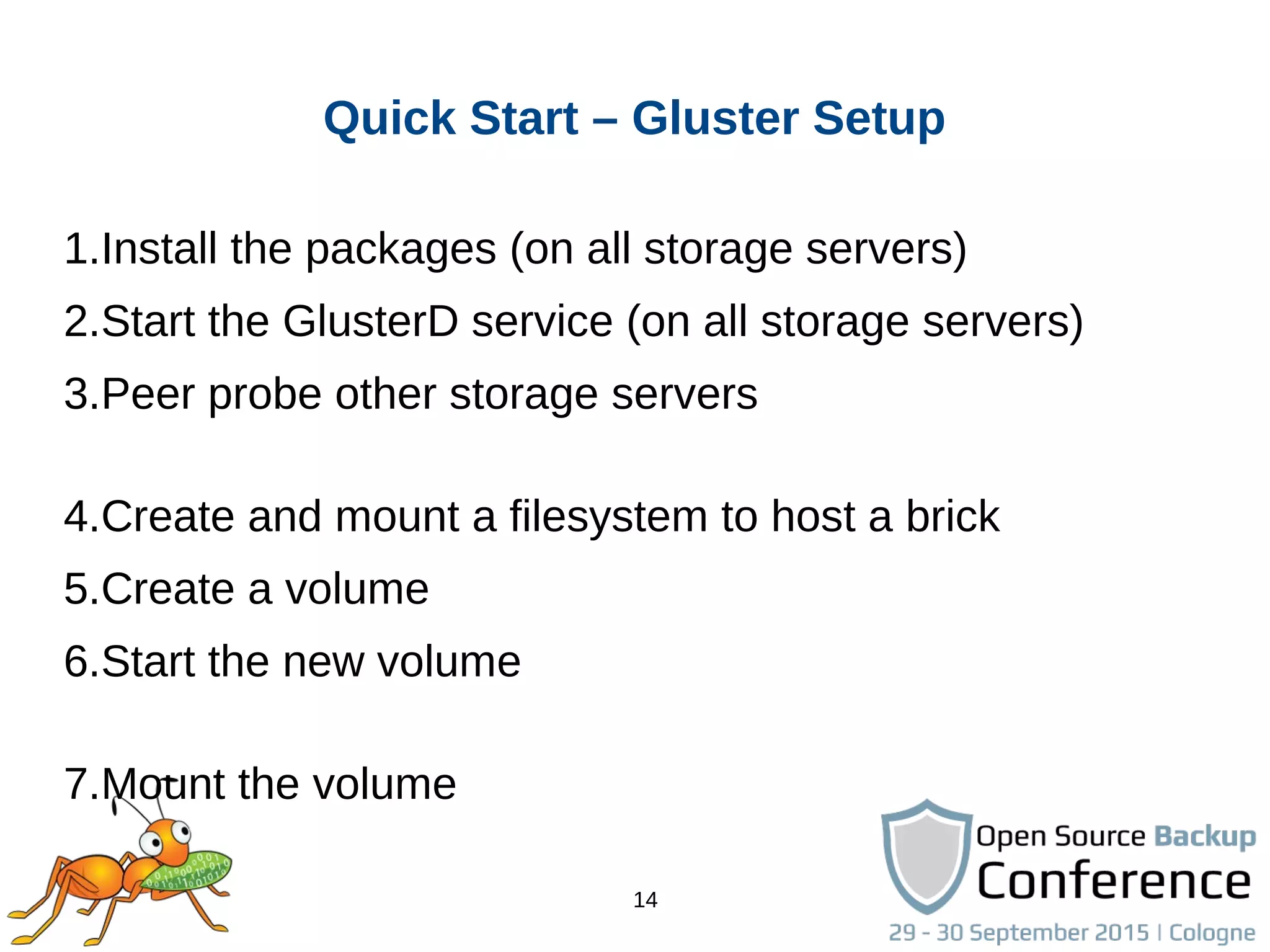
Quick Start – Gluster Setup
1.Install the packages (on all storage servers)
2.Start the GlusterD service (on all storage servers)
3.Peer probe other storage servers
4.Create and mount a filesystem to host a brick
5.Create a volume
6.Start the new volume
7.Mount the volume
15
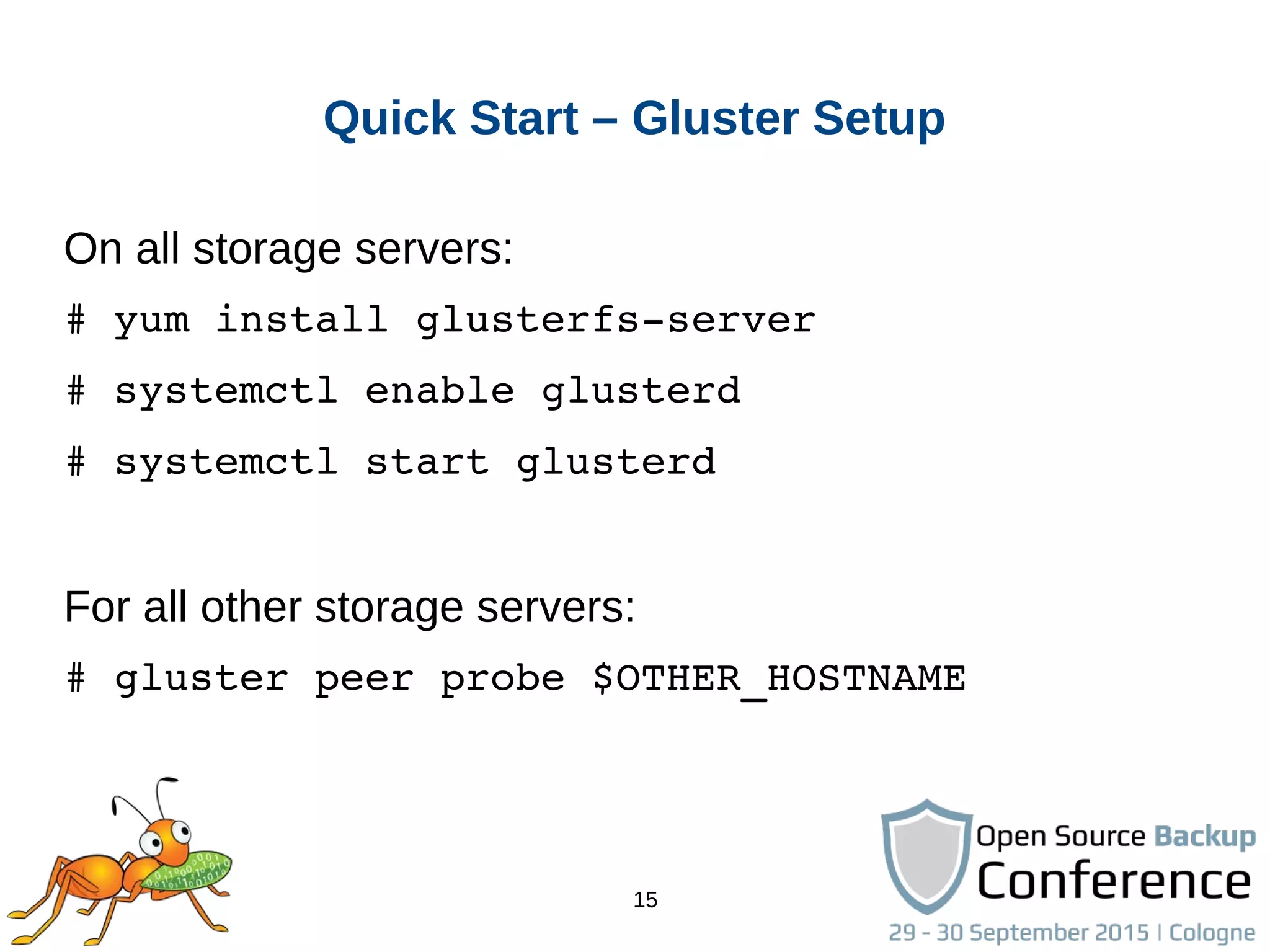
Quick Start – Gluster Setup
On all storage servers:
# yum install glusterfs­server
# systemctl enable glusterd
# systemctl start glusterd
For all other storage servers:
# gluster peer probe $OTHER_HOSTNAME
16
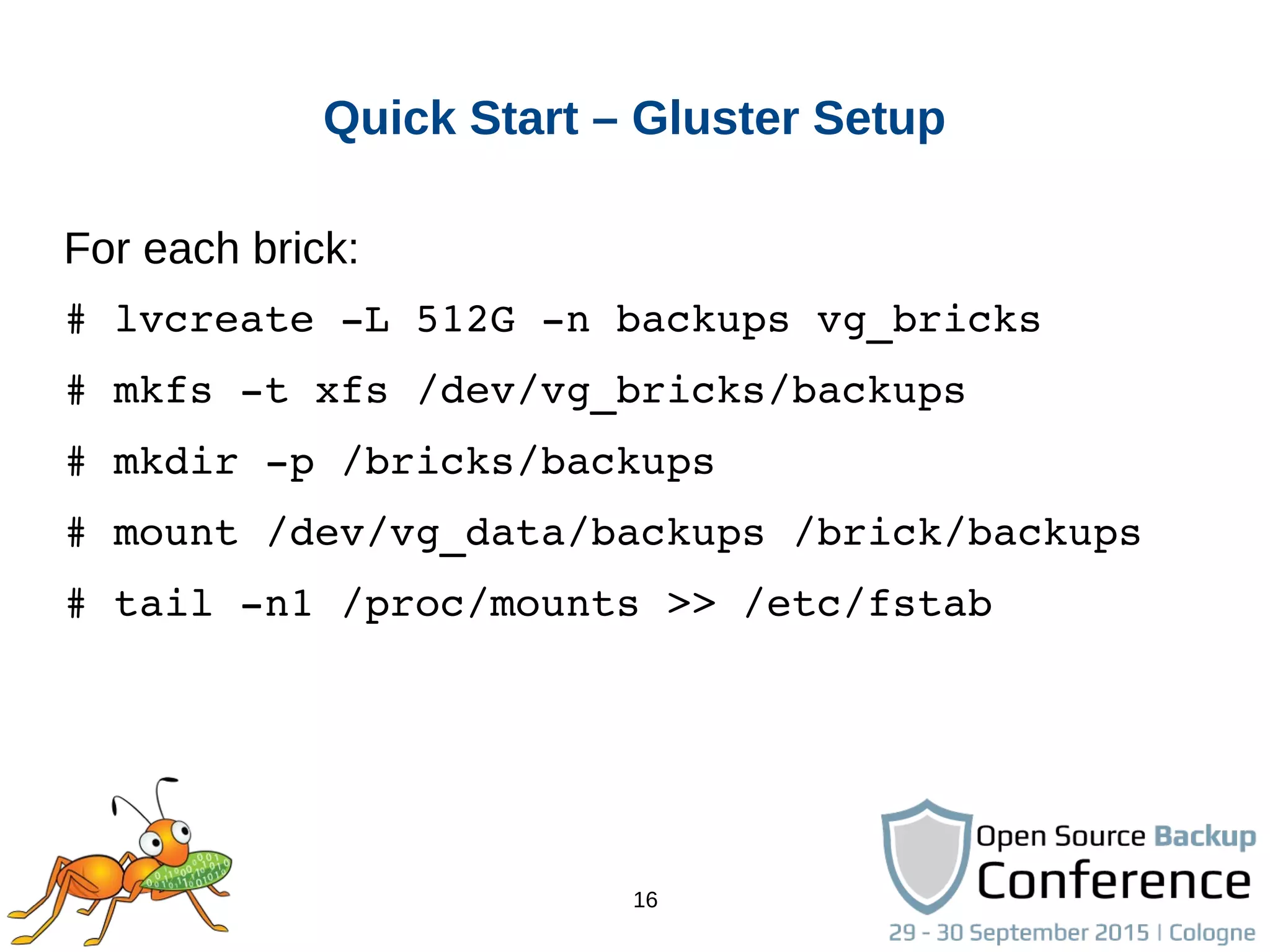
Quick Start – Gluster Setup
For each brick:
# lvcreate ­L 512G ­n backups vg_bricks
# mkfs ­t xfs /dev/vg_bricks/backups
# mkdir ­p /bricks/backups
# mount /dev/vg_data/backups /brick/backups
# tail ­n1 /proc/mounts >> /etc/fstab
17
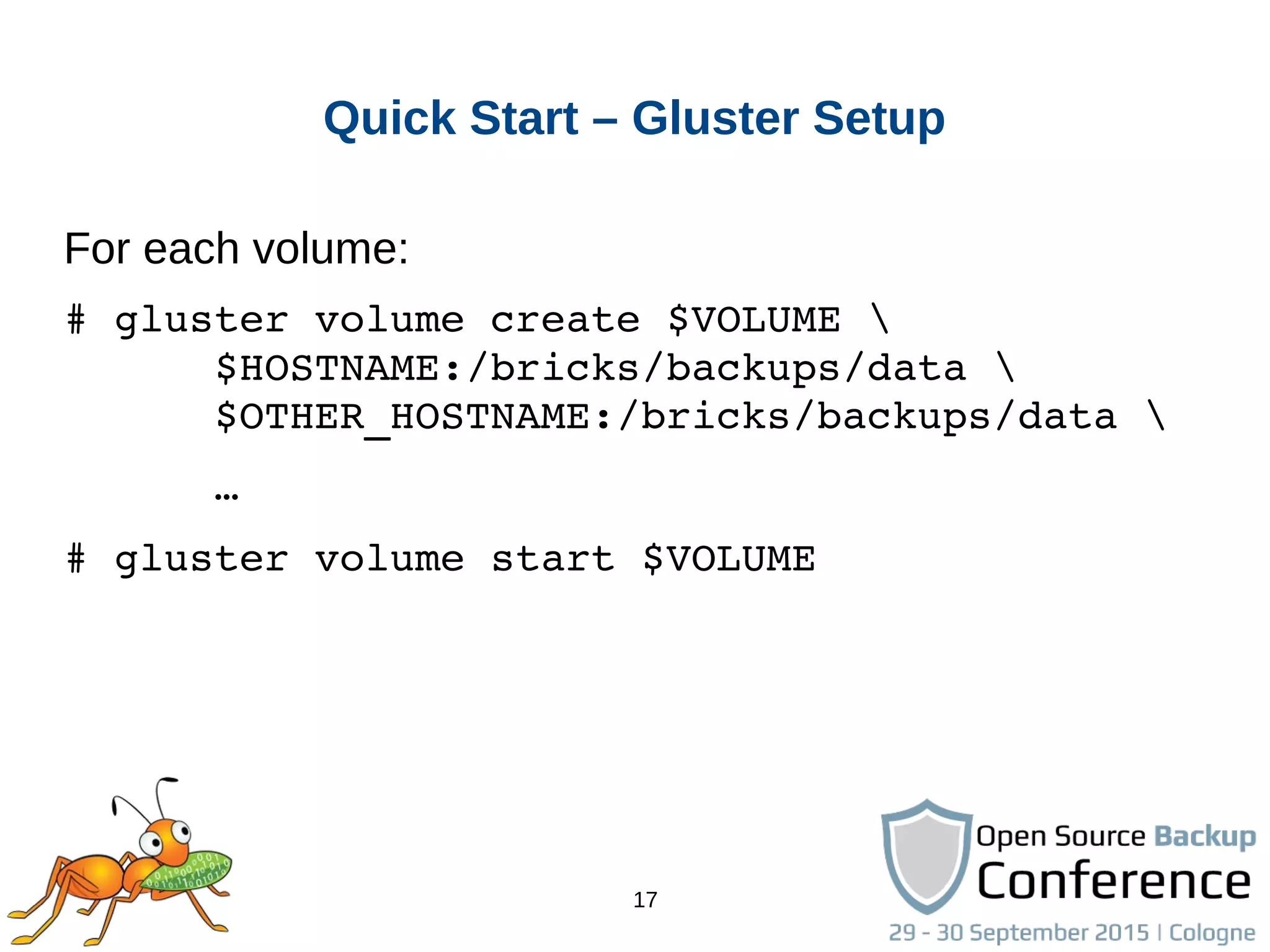
Quick Start – Gluster Setup
For each volume:
# gluster volume create $VOLUME 
      $HOSTNAME:/bricks/backups/data 
      $OTHER_HOSTNAME:/bricks/backups/data 
      …
# gluster volume start $VOLUME
18
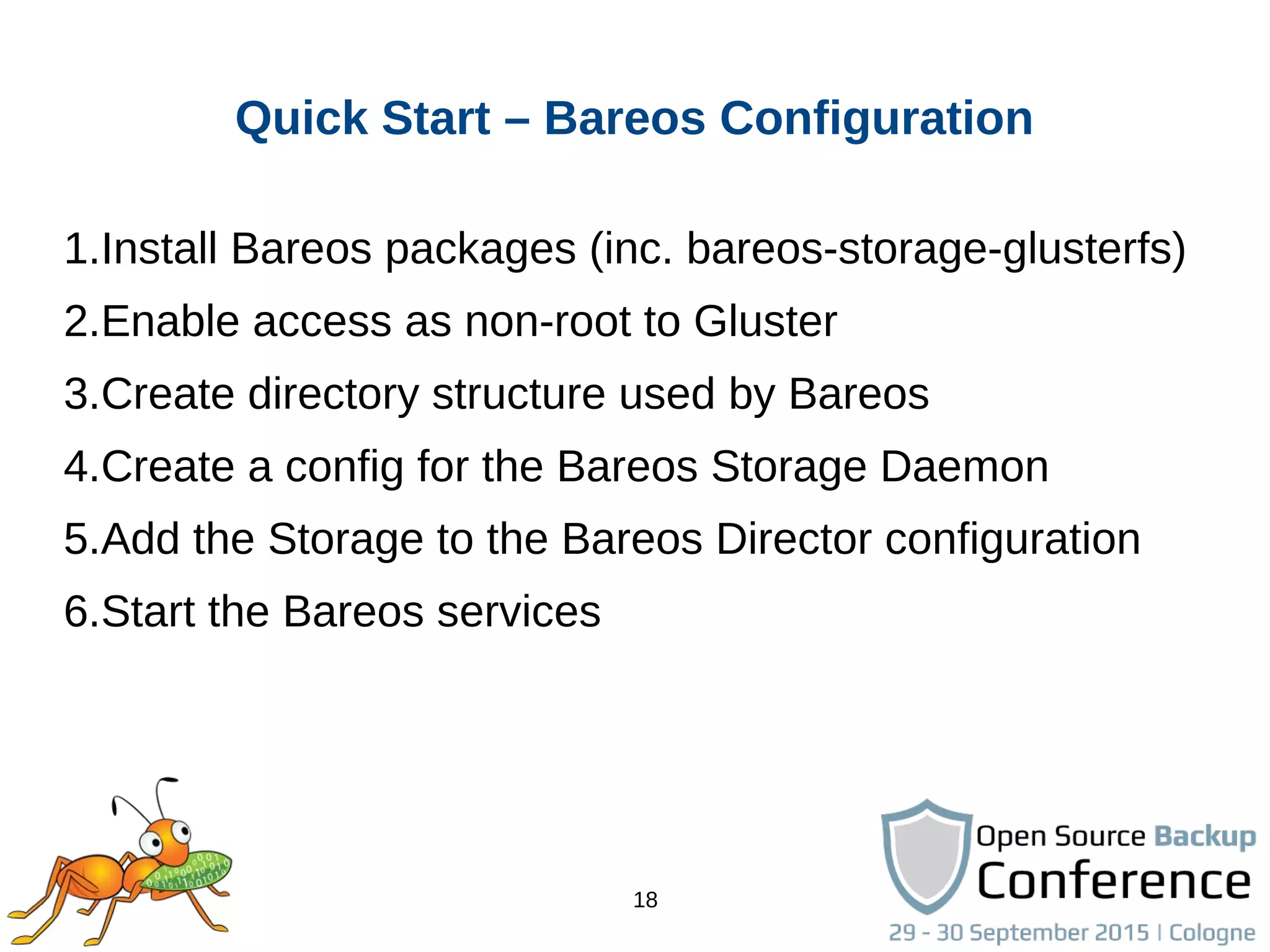
Quick Start – Bareos Configuration
1.Install Bareos packages (inc. bareos-storage-glusterfs)
2.Enable access as non-root to Gluster
3.Create directory structure used by Bareos
4.Create a config for the Bareos Storage Daemon
5.Add the Storage to the Bareos Director configuration
6.Start the Bareos services
19
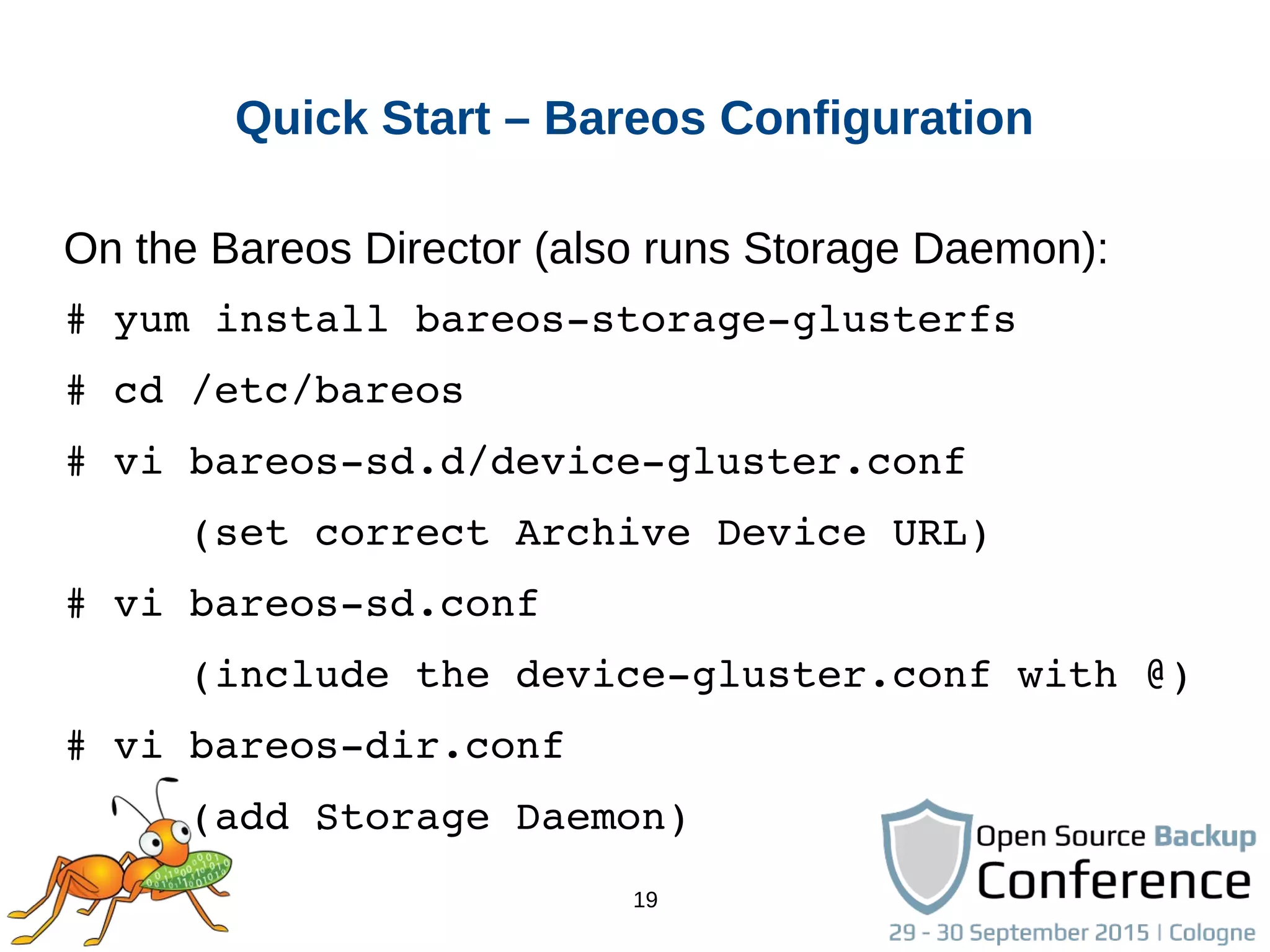
Quick Start – Bareos Configuration
On the Bareos Director (also runs Storage Daemon):
# yum install bareos­storage­glusterfs
# cd /etc/bareos
# vi bareos­sd.d/device­gluster.conf
     (set correct Archive Device URL)
# vi bareos­sd.conf
     (include the device­gluster.conf with @)
# vi bareos­dir.conf
     (add Storage Daemon)
20
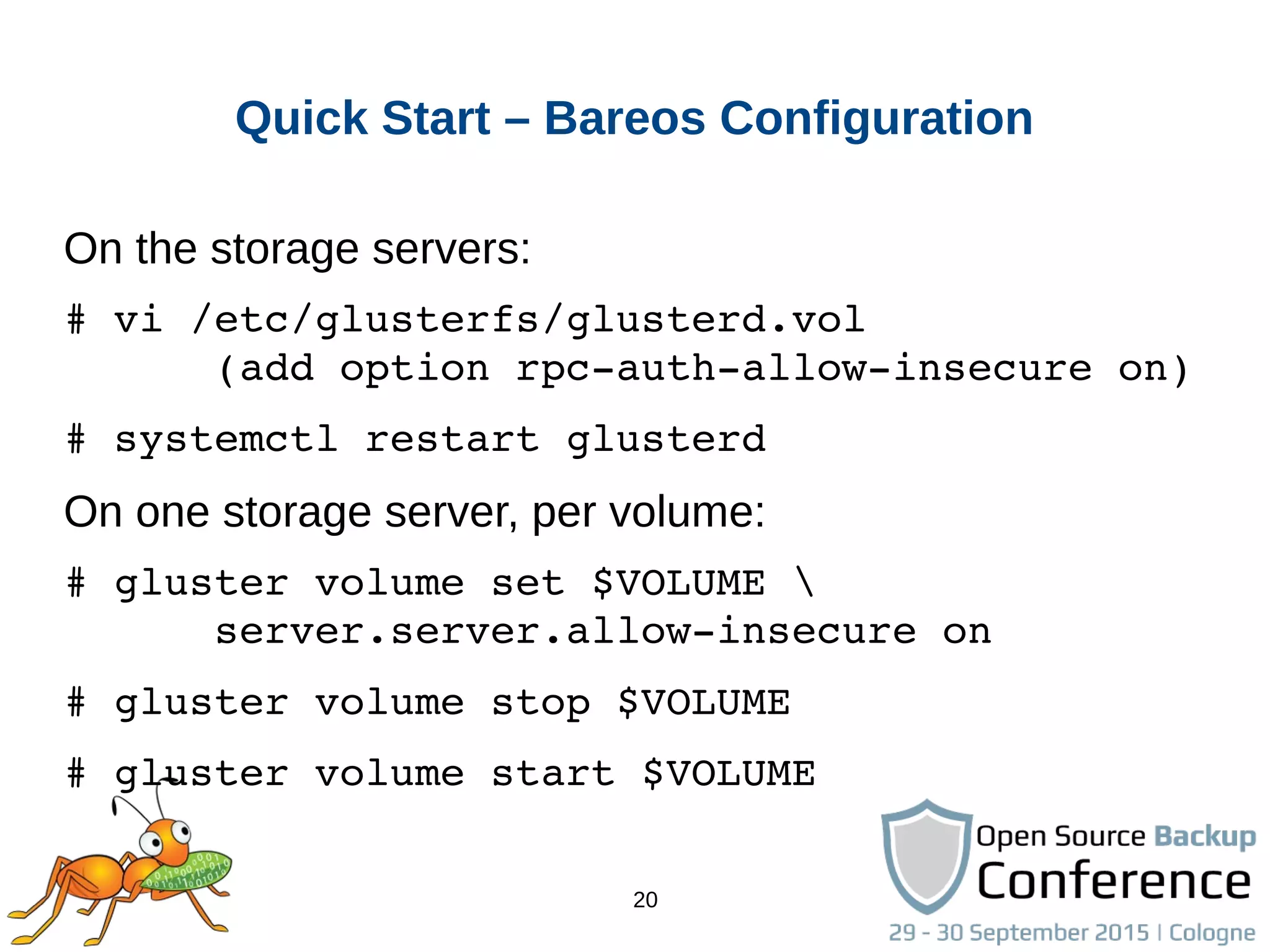
Quick Start – Bareos Configuration
On the storage servers:
# vi /etc/glusterfs/glusterd.vol
      (add option rpc­auth­allow­insecure on)
# systemctl restart glusterd
On one storage server, per volume:
# gluster volume set $VOLUME 
      server.server.allow­insecure on
# gluster volume stop $VOLUME
# gluster volume start $VOLUME
21
Quick Start – Bareos Configuration
On one storage server, per volume:
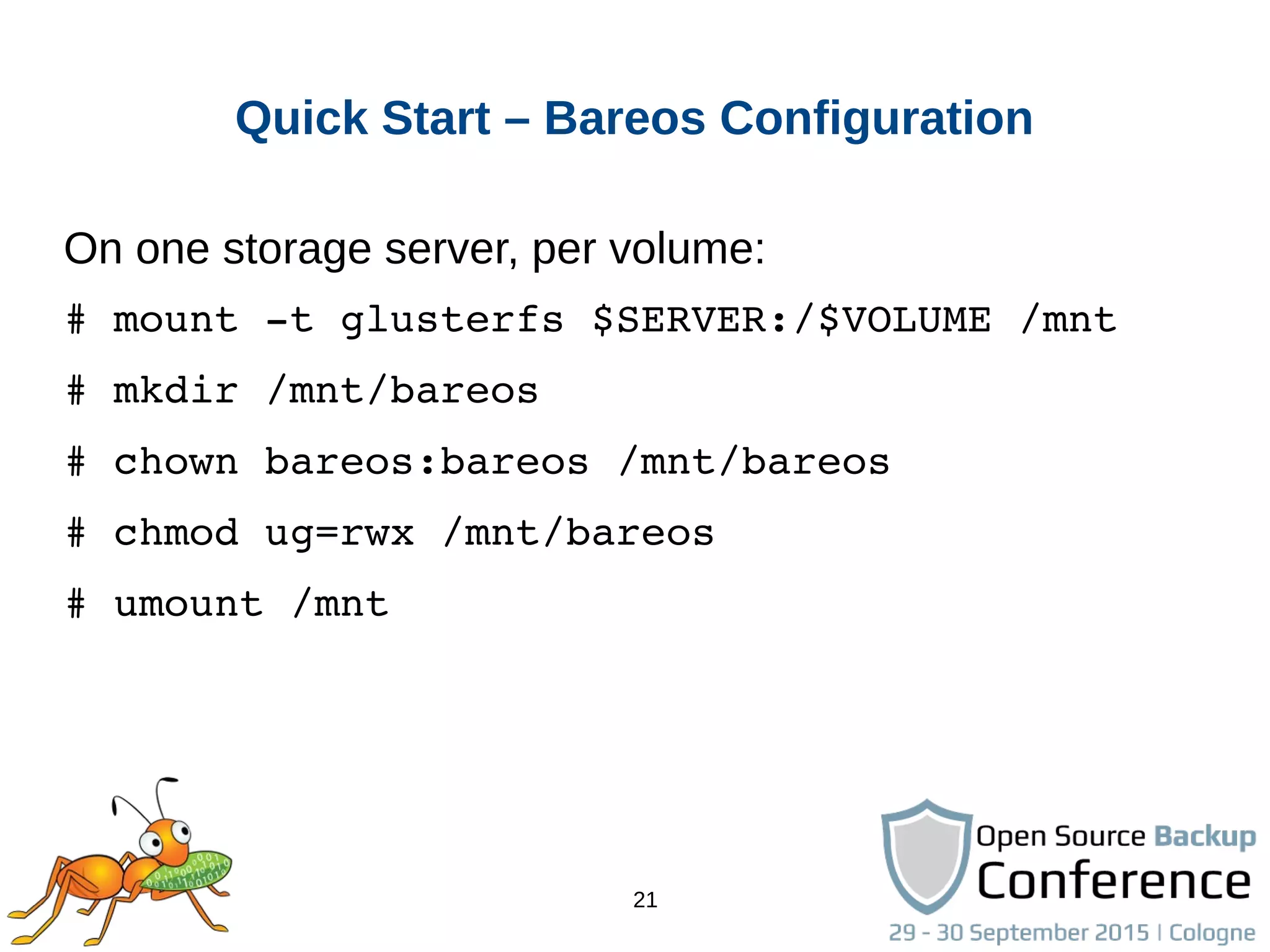
# mount ­t glusterfs $SERVER:/$VOLUME /mnt
# mkdir /mnt/bareos
# chown bareos:bareos /mnt/bareos
# chmod ug=rwx /mnt/bareos
# umount /mnt
22
Quick Start – Bareos Job execution
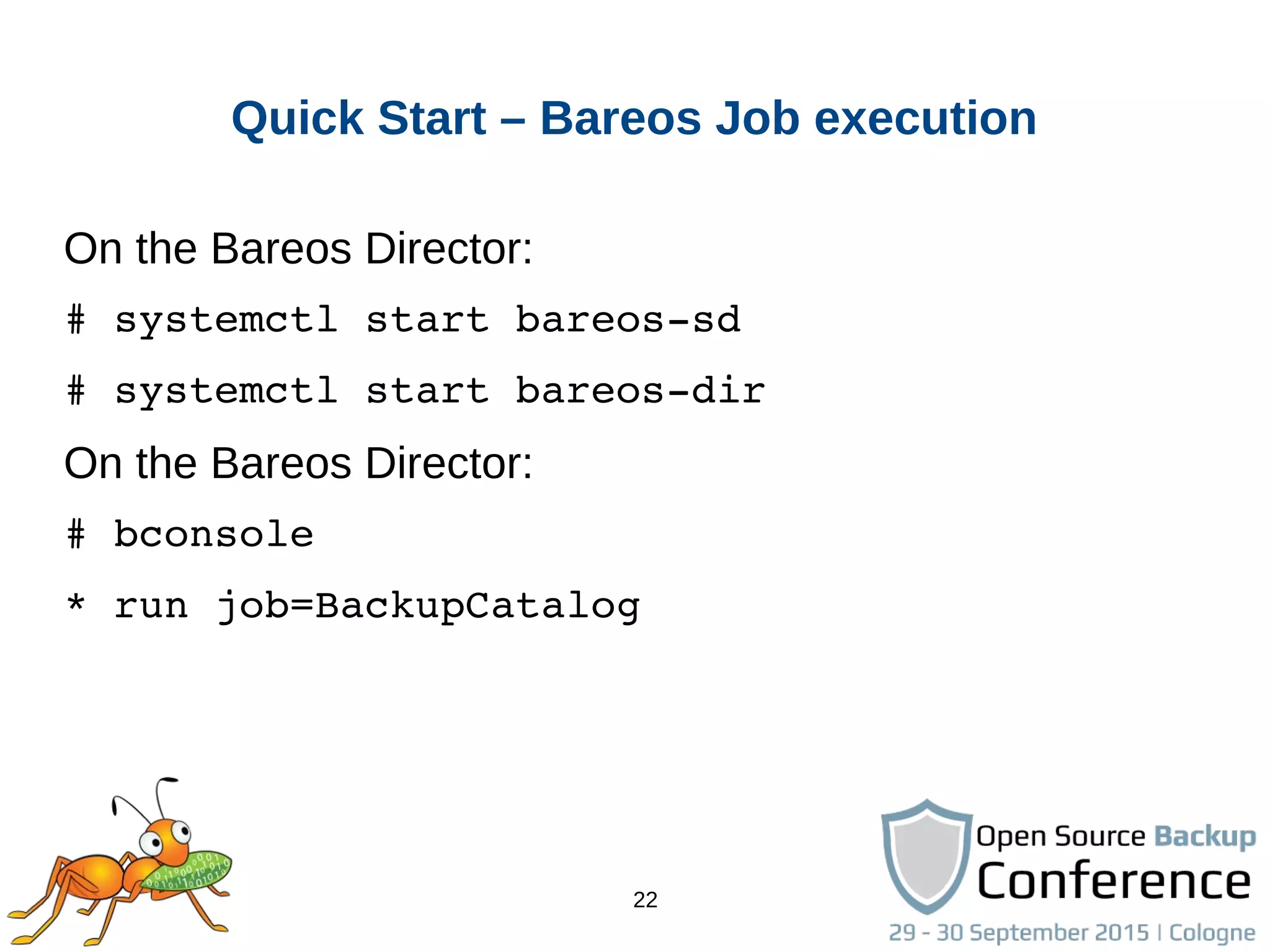
On the Bareos Director:
# systemctl start bareos­sd
# systemctl start bareos­dir
On the Bareos Director:
# bconsole
* run job=BackupCatalog
23
Integration in other projects
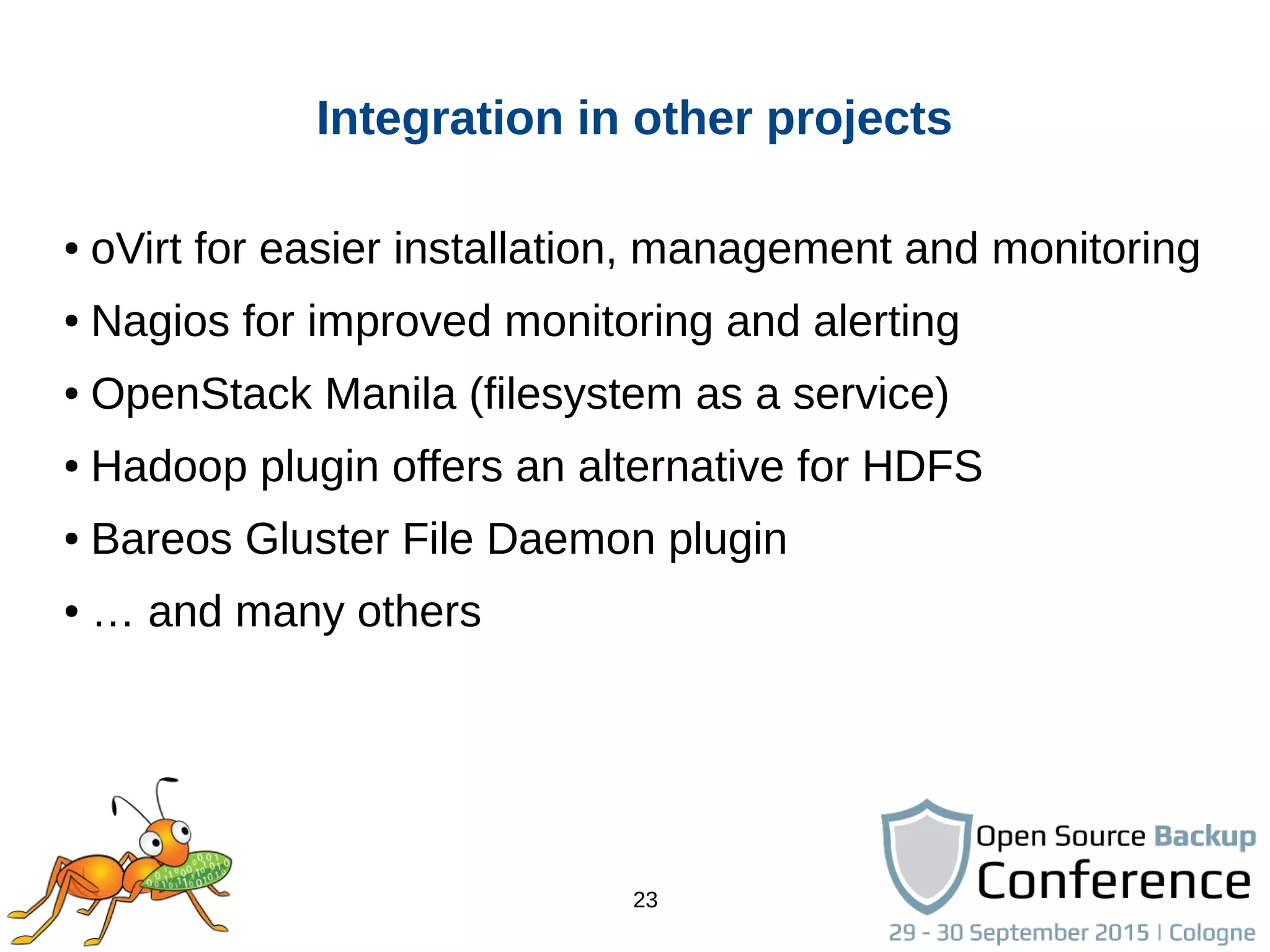
● oVirt for easier installation, management and monitoring
● Nagios for improved monitoring and alerting
● OpenStack Manila (filesystem as a service)
● Hadoop plugin offers an alternative for HDFS
● Bareos Gluster File Daemon plugin
● … and many others
24
Resources
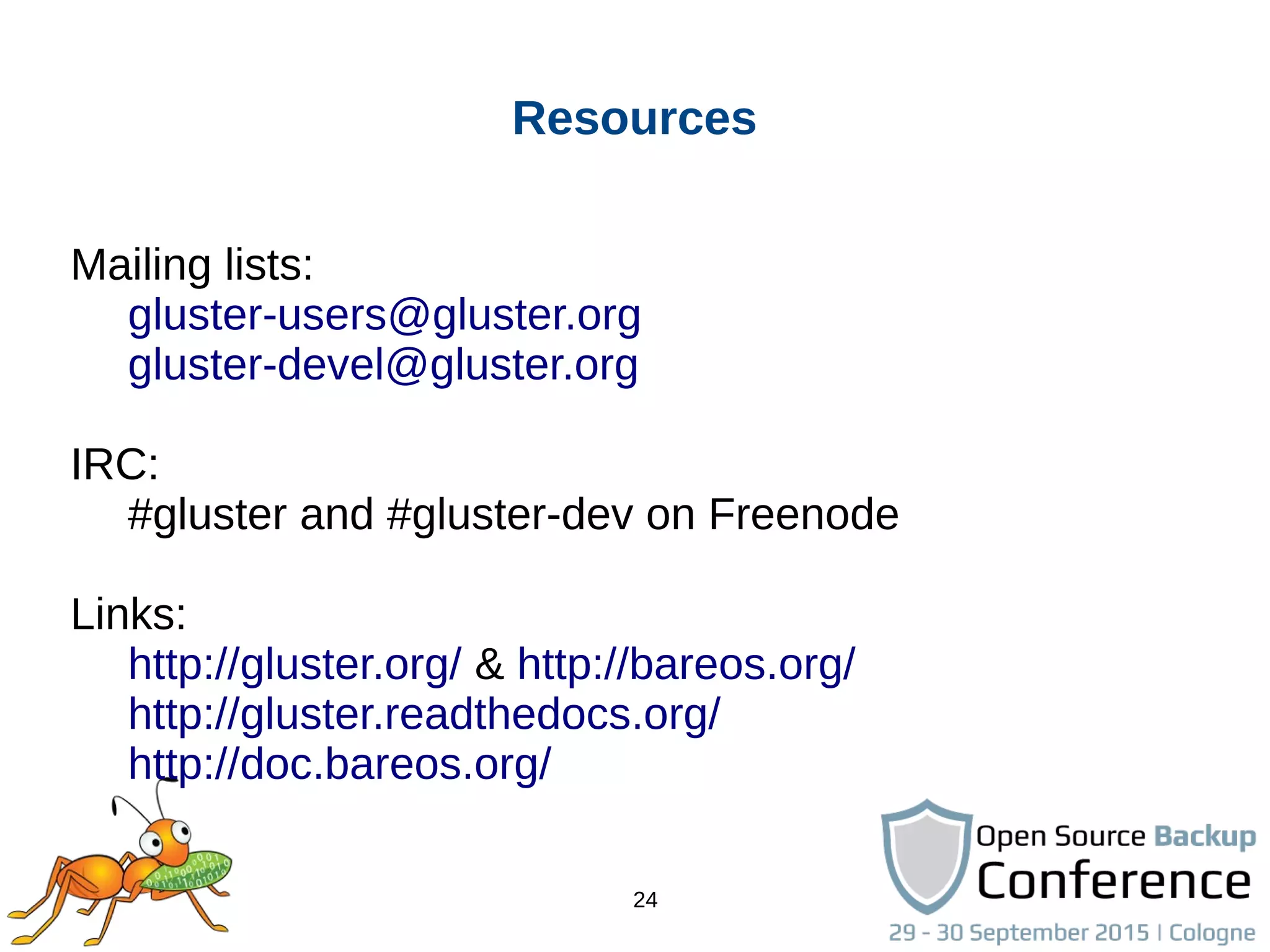
Mailing lists:
gluster-users@gluster.org
gluster-devel@gluster.org
IRC:
#gluster and #gluster-dev on Freenode
Links:
http://gluster.org/ & http://bareos.org/
http://gluster.readthedocs.org/
http://doc.bareos.org/
Thank you!
Niels de Vos
ndevos@redhat.com
ndevos on IRC
26
Software versions used for this demo
CentOS 7.1 with updates until 29 september 2015
glusterfs-3.7.4 from download.gluster.org
bareos-14.2.2 from download.bareos.org
Diagrams on the first slides come from the
Administrators Guide for Red Hat Gluster Storage
available through https://access.redhat.com/

Scale out backups-with_bareos_and_gluster

  • 1.
    Scale-Out backups with Bareosand Gluster Niels de Vos Gluster co-maintainer Red Hat Storage Developer ndevos@redhat.com
  • 2.
    2 Agenda ● Gluster integrationin Bareos ● Introduction into GlusterFS ● Quick Start ● Example configuration and demo ● Future plans
  • 3.
    3 Gluster integration inBareos ● Store backup archives on Gluster Volumes ● Gluster native backend for Storage Daemon ● Userspace only (libgfapi), no local mountpoints ● Benefits from all Gluster capabilities: ● Scale-out and scale-up ● Multiple copies of data, local site and remote ● Coming Soon: backup Gluster Volumes with Bareos
  • 4.
    4 ● Scalable, general-purposestorage platform ● POSIX-y Distributed File System ● Object storage (swift) ● Distributed block storage (qemu) ● Flexible storage (libgfapi) ● No Metadata Server ● Heterogeneous Commodity Hardware ● Flexible and Agile Scaling ● Capacity – Petabytes and beyond ● Performance – Thousands of Clients What is Gluster?
  • 5.
    5 ● GlusterFS NativeClient ● Filesystem in Userspace (FUSE) ● NFS ● Built-in Service, NFS-Ganesha with libgfapi ● SMB/CIFS ● Samba server required (libgfapi based module) ● Gluster For OpenStack (Swift-on-file) ● libgfapi flexible abstracted storage ● Integrated with QEMU, Bareos and others Data Access Overview
  • 6.
    6 Terminology ● Brick ● Fundamentally,a filesystem mountpoint ● A unit of storage used as a capacity building block ● Translator ● Logic between the file bits and the Global Namespace ● Layered to provide GlusterFS functionality
  • 7.
    7 Terminology ● Volume ● Brickscombined and passed through translators ● Ultimately, what's presented to the end user ● Peer / Node ● Server hosting the brick filesystems ● Runs the Gluster daemons and participates in volumes ● Trusted Storage Pool ● A group of peers, like a “Gluster cluster”
  • 8.
    8 ● Files “evenly”spread across bricks ● Similar to file-level RAID 0 ● Server/Disk failure could be catastrophic Distributed Volume
  • 9.
    9 ● Copies filesto multiple bricks ● Similar to file-level RAID 1 Replicated Volume
  • 10.
    10 ● Distributes filesacross replicated bricks Distributes Replicated Volume
  • 11.
    11 Other Volume Types ●Disperse ● Erasure coding, similar to RAID-6 over the network ● JBOD (no hardware RAID), cost effective ● Sharding ● Splitting big files in pieces, distribute the pieces ● Tiering ● Hot (fast) bricks and cold (slow) bricks ● Configurable rules to migrate contents between tiers
  • 12.
    12 Geo-Replication ● Continuous asynchronousreplication for volumes ● Incremental updates, changelog for modifications ● Intelligent rsync over SSH ● Site to site, over LAN, WAN and internet ● Mixing of private and public clouds is possible ● One master site, one or more slave sites
  • 13.
    13 Quick Start ● Availablein Fedora, Debian, NetBSD and others ● Community packages in multiple versions for different distributions on http://download.gluster.org/ ● CentOS Storage SIG packages and add-ons ● Quick Start guides on http://gluster.org and CentOS wiki ● Bareos packages from http://download.bareos.org
  • 14.
    14 Quick Start –Gluster Setup 1.Install the packages (on all storage servers) 2.Start the GlusterD service (on all storage servers) 3.Peer probe other storage servers 4.Create and mount a filesystem to host a brick 5.Create a volume 6.Start the new volume 7.Mount the volume
  • 15.
    15 Quick Start –Gluster Setup On all storage servers: # yum install glusterfs­server # systemctl enable glusterd # systemctl start glusterd For all other storage servers: # gluster peer probe $OTHER_HOSTNAME
  • 16.
    16 Quick Start –Gluster Setup For each brick: # lvcreate ­L 512G ­n backups vg_bricks # mkfs ­t xfs /dev/vg_bricks/backups # mkdir ­p /bricks/backups # mount /dev/vg_data/backups /brick/backups # tail ­n1 /proc/mounts >> /etc/fstab
  • 17.
    17 Quick Start –Gluster Setup For each volume: # gluster volume create $VOLUME        $HOSTNAME:/bricks/backups/data        $OTHER_HOSTNAME:/bricks/backups/data        … # gluster volume start $VOLUME
  • 18.
    18 Quick Start –Bareos Configuration 1.Install Bareos packages (inc. bareos-storage-glusterfs) 2.Enable access as non-root to Gluster 3.Create directory structure used by Bareos 4.Create a config for the Bareos Storage Daemon 5.Add the Storage to the Bareos Director configuration 6.Start the Bareos services
  • 19.
    19 Quick Start –Bareos Configuration On the Bareos Director (also runs Storage Daemon): # yum install bareos­storage­glusterfs # cd /etc/bareos # vi bareos­sd.d/device­gluster.conf      (set correct Archive Device URL) # vi bareos­sd.conf      (include the device­gluster.conf with @) # vi bareos­dir.conf      (add Storage Daemon)
  • 20.
    20 Quick Start –Bareos Configuration On the storage servers: # vi /etc/glusterfs/glusterd.vol       (add option rpc­auth­allow­insecure on) # systemctl restart glusterd On one storage server, per volume: # gluster volume set $VOLUME        server.server.allow­insecure on # gluster volume stop $VOLUME # gluster volume start $VOLUME
  • 21.
    21 Quick Start –Bareos Configuration On one storage server, per volume: # mount ­t glusterfs $SERVER:/$VOLUME /mnt # mkdir /mnt/bareos # chown bareos:bareos /mnt/bareos # chmod ug=rwx /mnt/bareos # umount /mnt
  • 22.
    22 Quick Start –Bareos Job execution On the Bareos Director: # systemctl start bareos­sd # systemctl start bareos­dir On the Bareos Director: # bconsole * run job=BackupCatalog
  • 23.
    23 Integration in otherprojects ● oVirt for easier installation, management and monitoring ● Nagios for improved monitoring and alerting ● OpenStack Manila (filesystem as a service) ● Hadoop plugin offers an alternative for HDFS ● Bareos Gluster File Daemon plugin ● … and many others
  • 24.
    24 Resources Mailing lists: gluster-users@gluster.org gluster-devel@gluster.org IRC: #gluster and#gluster-dev on Freenode Links: http://gluster.org/ & http://bareos.org/ http://gluster.readthedocs.org/ http://doc.bareos.org/
  • 25.
    Thank you! Niels deVos ndevos@redhat.com ndevos on IRC
  • 26.
    26 Software versions usedfor this demo CentOS 7.1 with updates until 29 september 2015 glusterfs-3.7.4 from download.gluster.org bareos-14.2.2 from download.bareos.org Diagrams on the first slides come from the Administrators Guide for Red Hat Gluster Storage available through https://access.redhat.com/