

Lifecycle of a Gluster Volume
Shreyas Siravara
Production Engineer
Automating GlusterFS @ Facebook
Stages of a Gluster Volume
1. Creation
2. Maintenance
• Software Upgrades
• Hardware Repairs
3. Decommission
Creation
• Homogenous hardware
•Bricks are the same size
•Exact same CPU, memory configuration
• Easy to debug problems
Validate Hardware
Creation
Layout Management
• Rack failure resilient layout
• Spread replicas across racks
• Automate entire process to avoid human error
• Layout of replicas supports large-scale maintenance
• Avoid data unavailability
Maintenance
Hardware Repair
• What happens if a brick needs repair?
• Some manual effort for physical repairs
• This is done with the local gluster daemons not running
• What happens if a brick comes back empty?
• Multiple replaced drives in a RAID
• SHD automatically “discovers” that the brick is empty & heals it
Maintenance
Hardware Repair
• What happens if the root drive is replaced?
• Fresh OS install
• Automated “restore” flow
• Facebook automation installs the OS
• Install Gluster
• Restore the nodes prior UUID & restore the peer list
• SHD cleans up the pending heals
Maintenance
Software Upgrades: Goals
• Goals:
• Push quickly and safely
• Avoid quorum loss & split-brains
• The customer should not know we’re doing a push
• Halt the push if we find something critical
• Code changes should not result in incompatibility between
servers & clients
Maintenance
Software Upgrades: Batching
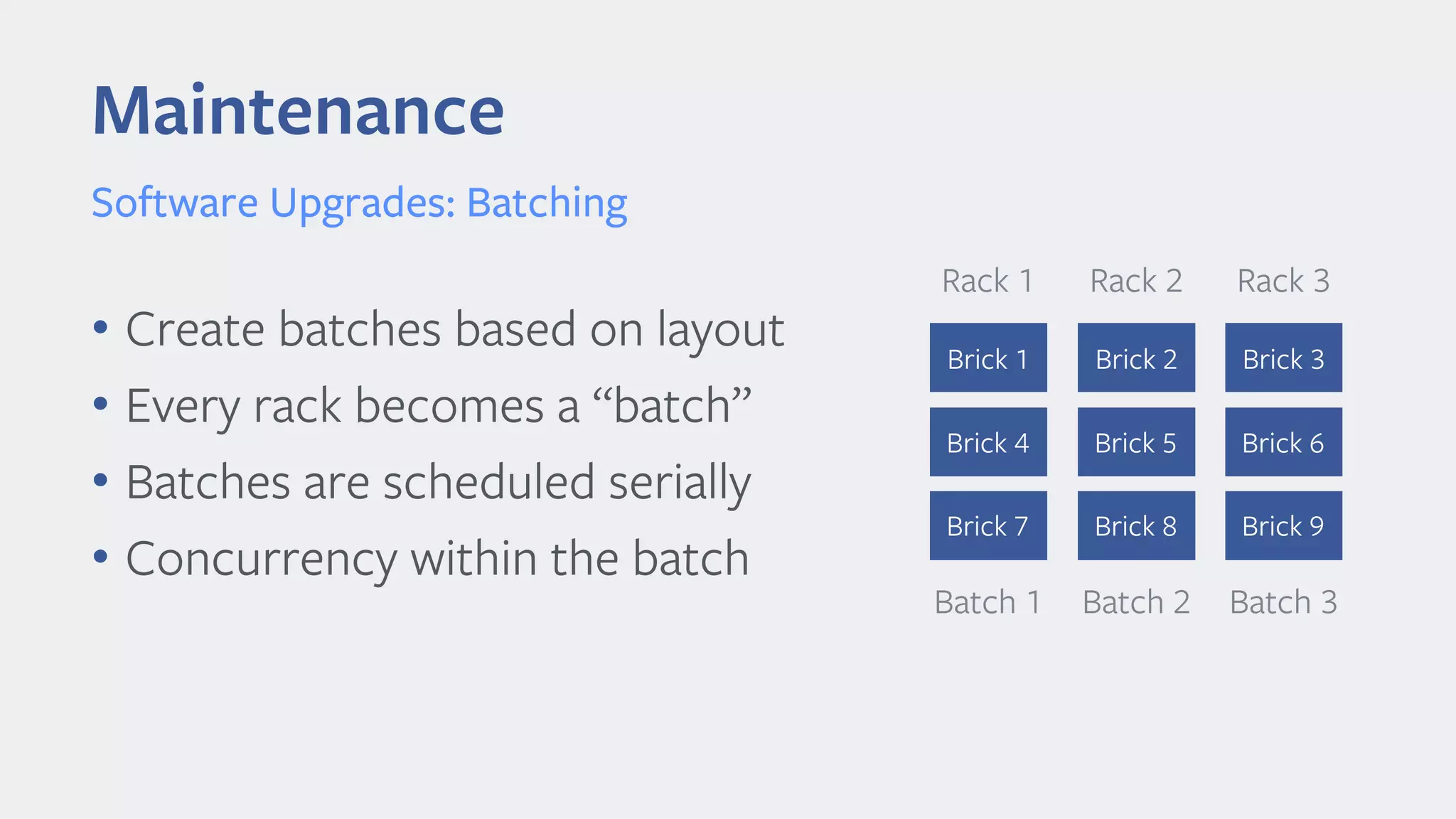
• Create batches based on layout
• Every rack becomes a “batch”
• Batches are scheduled serially
• Concurrency within the batch
Batch 1
Rack 1
Brick 1
Brick 4
Brick 7
Batch 2
Rack 2
Brick 2
Brick 5
Brick 8
Batch 3
Rack 3
Brick 3
Brick 6
Brick 9
Maintenance
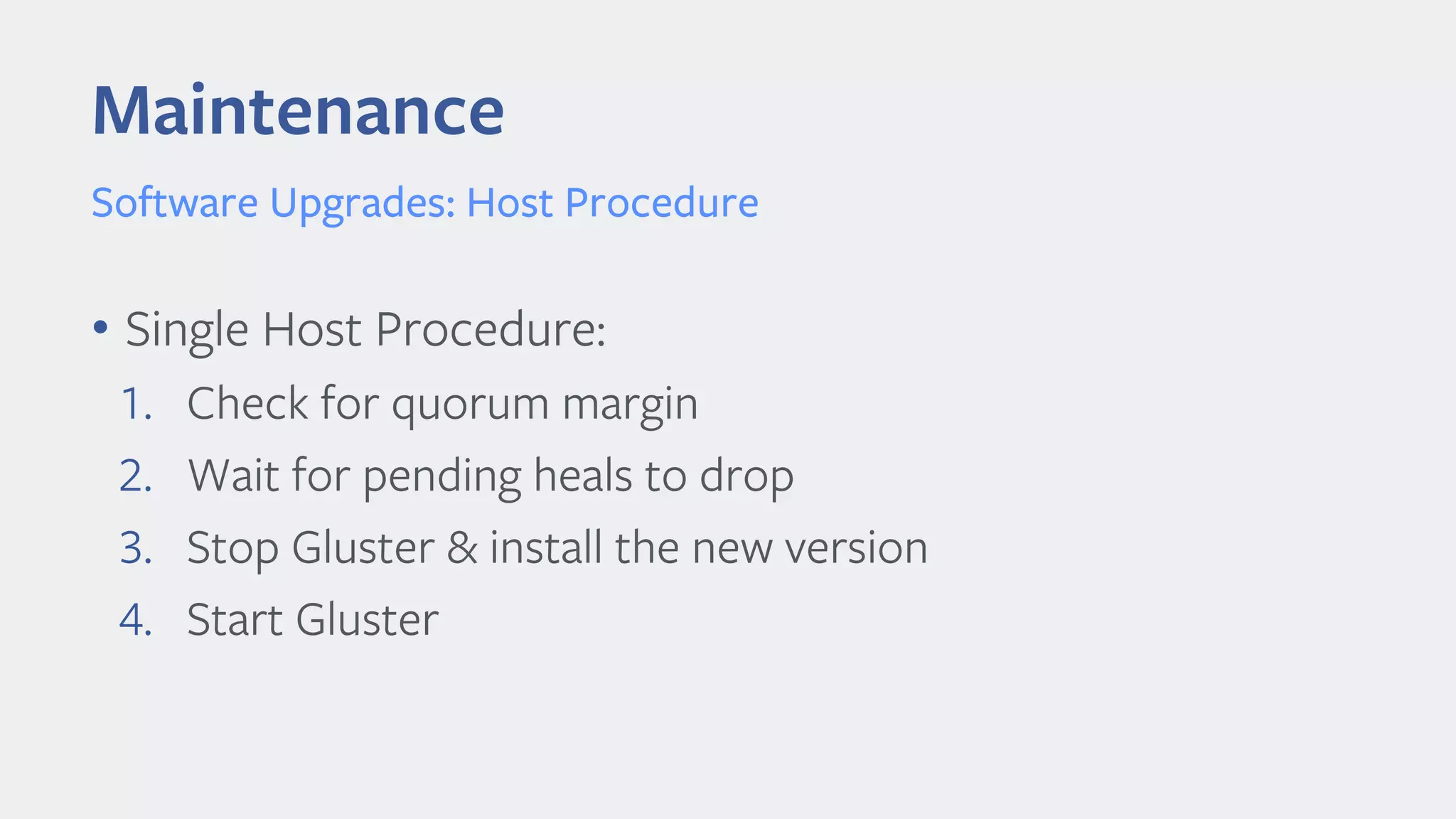
Software Upgrades: Host Procedure
• Single Host Procedure:
1. Check for quorum margin
2. Wait for pending heals to drop
3. Stop Gluster & install the new version
4. Start Gluster
Maintenance
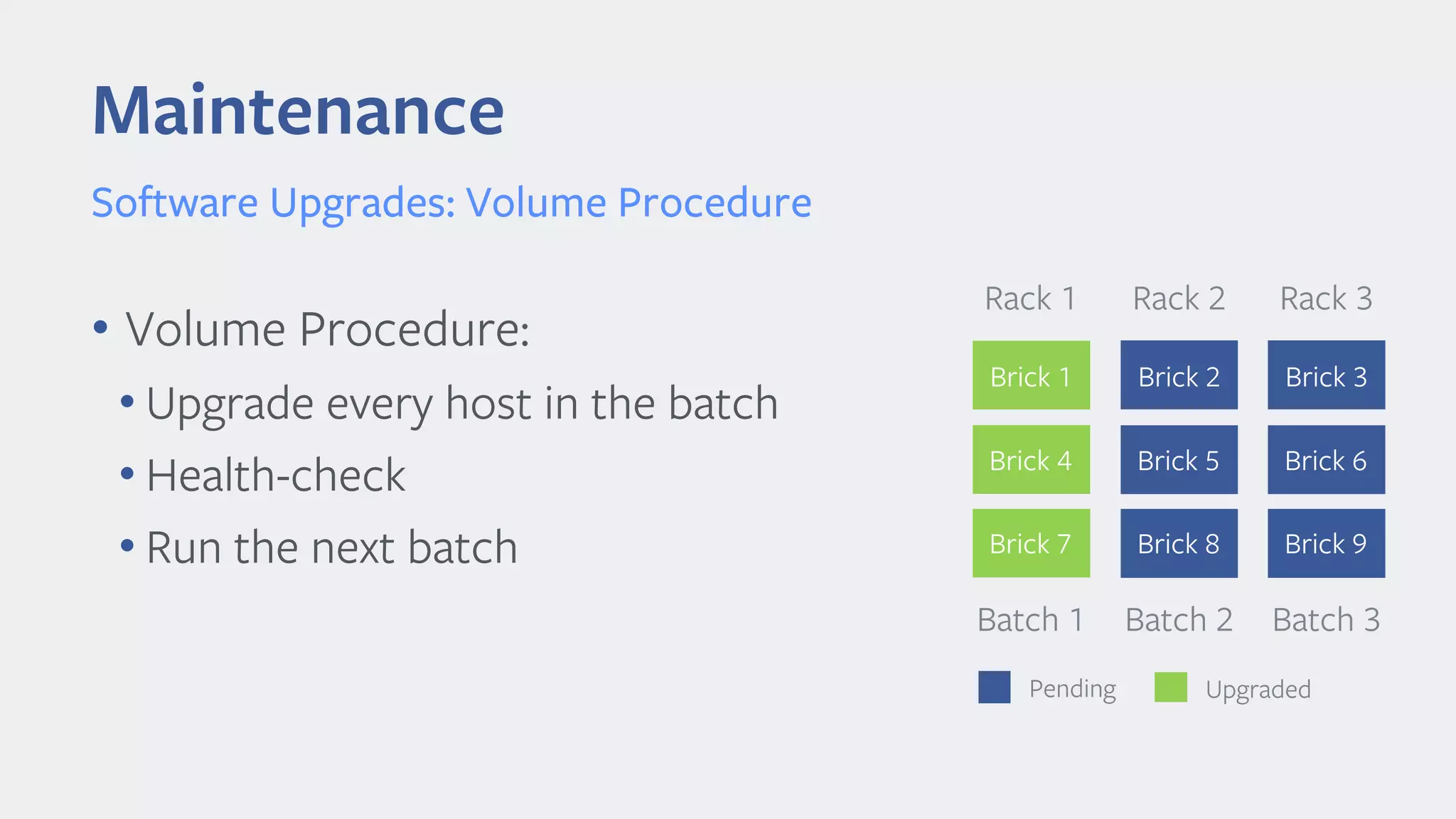
Software Upgrades: Volume Procedure
• Volume Procedure:
• Upgrade every host in the batch
• Health-check
• Run the next batch
Batch 1
Rack 1
Brick 1
Brick 4
Brick 7
Batch 2
Rack 2
Brick 2
Brick 5
Brick 8
Batch 3
Rack 3
Brick 3
Brick 6
Brick 9
Pending Upgraded
Maintenance
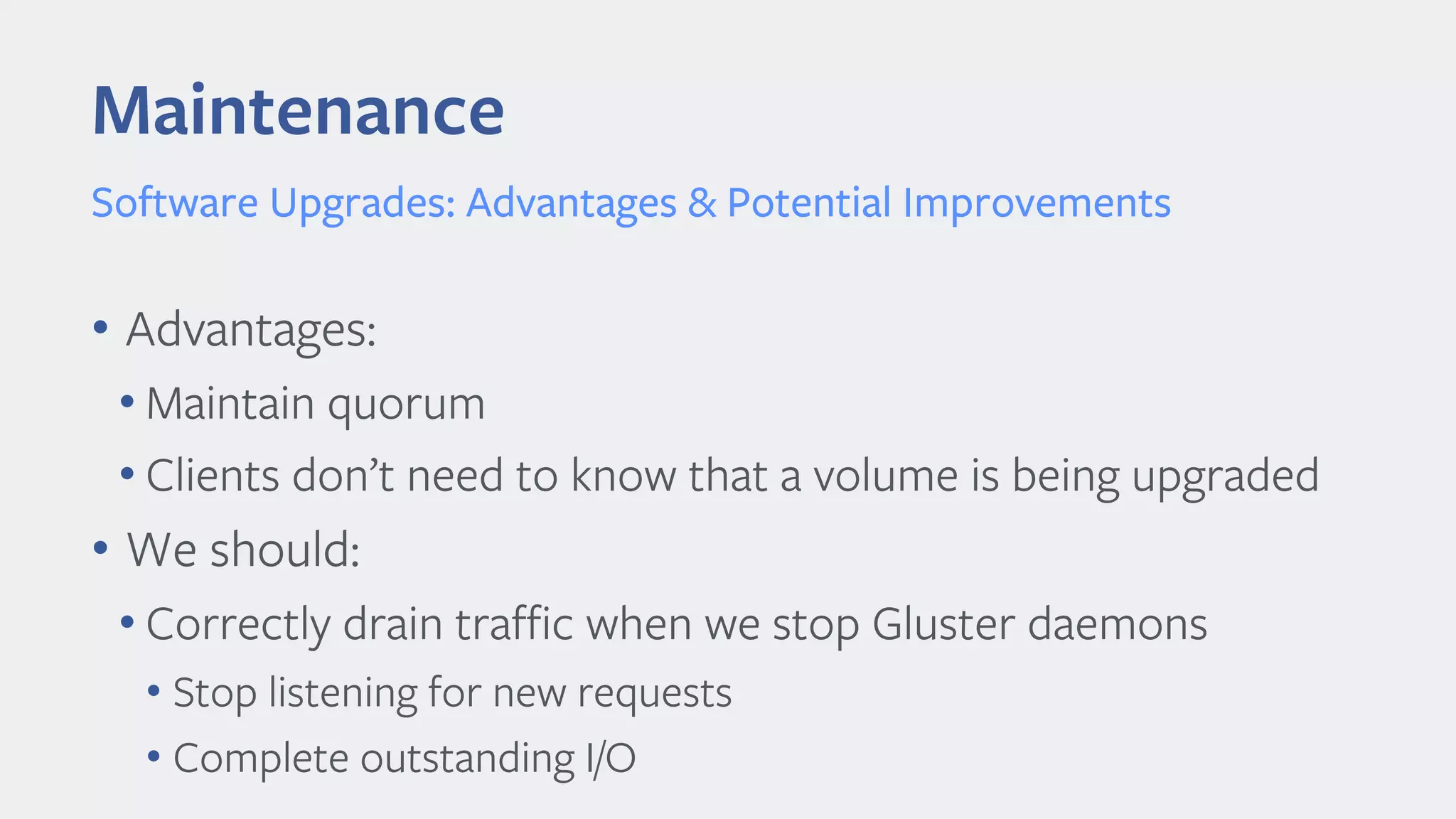
Software Upgrades: Advantages & Potential Improvements
• Advantages:
• Maintain quorum
• Clients don’t need to know that a volume is being upgraded
• We should:
• Correctly drain traffic when we stop Gluster daemons
• Stop listening for new requests
• Complete outstanding I/O
Decommission
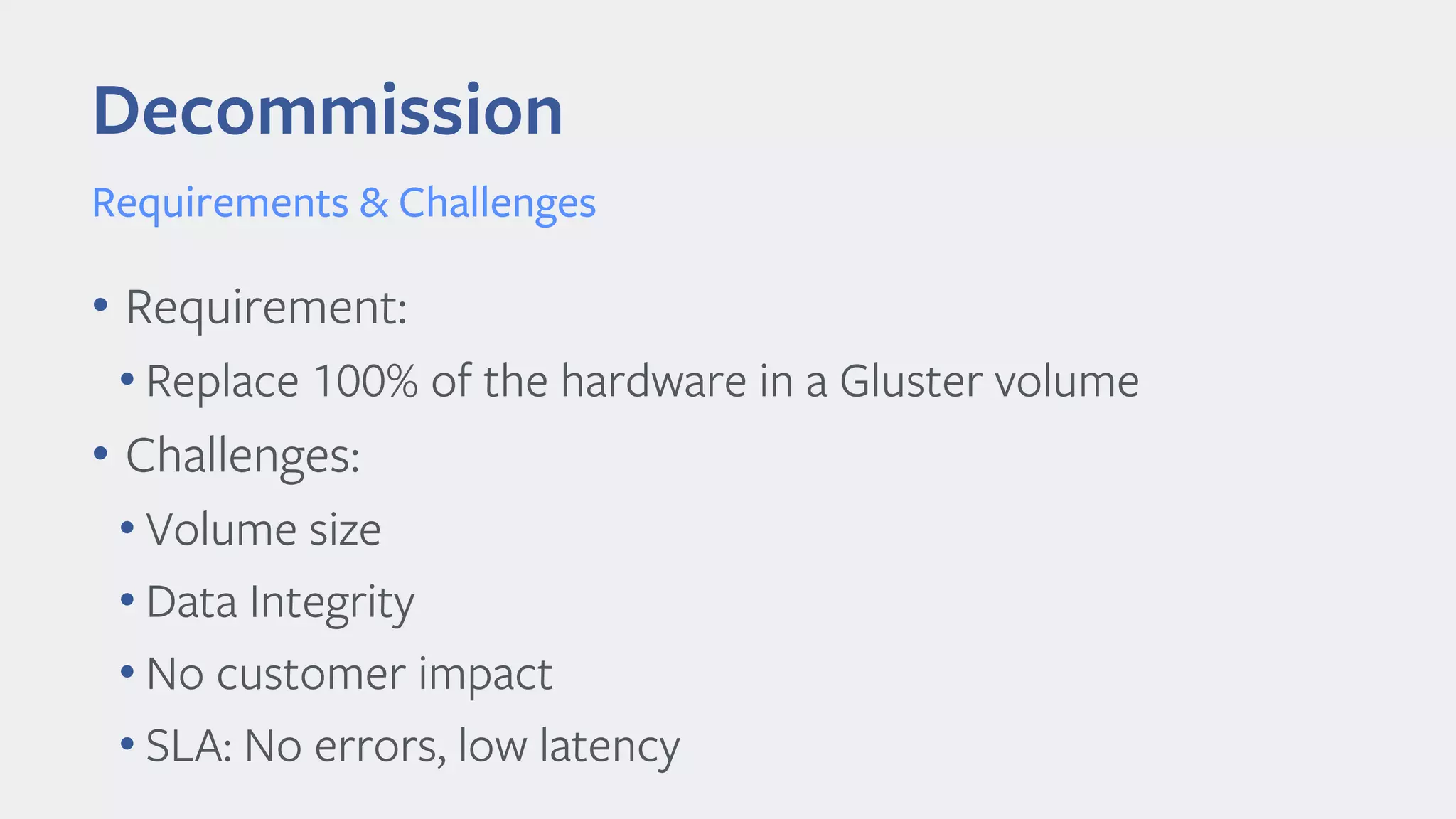
Requirements & Challenges
• Requirement:
• Replace 100% of the hardware in a Gluster volume
• Challenges:
• Volume size
• Data Integrity
• No customer impact
• SLA: No errors, low latency
Decommission
Simple Strategy: Replace-brick
• Replace bricks one-replica at a time, wait for rebuilds
• Use gluster volume replace-brick
• Good for smaller volumes, with low numbers of files
• Scales poorly with 10s of millions of files per brick
• Self-heal daemon is not yet fast enough
• Even with multi-threaded SHD
Decommission
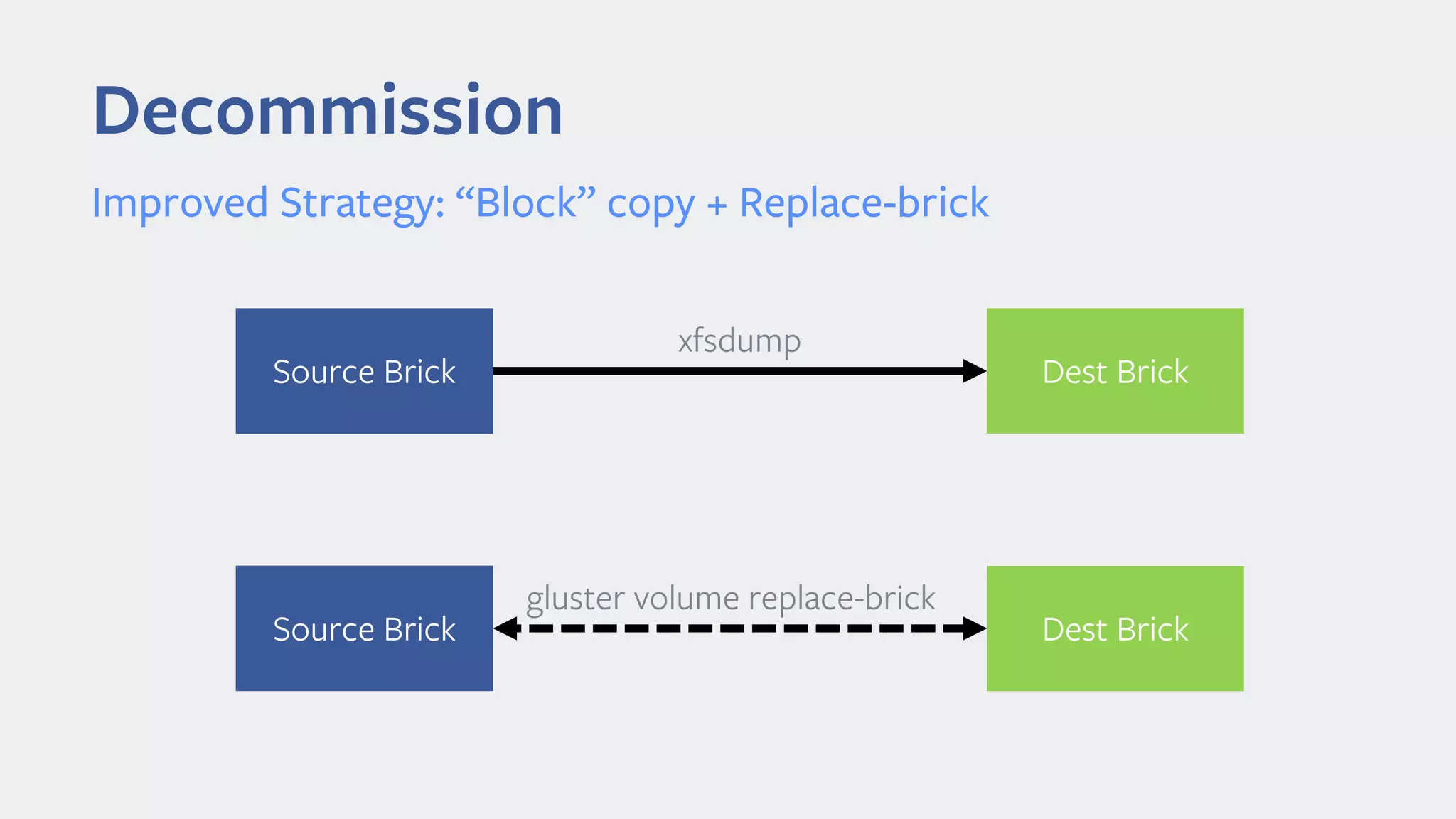
Improved Strategy: “Block” copy + Replace-brick
xfsdump
Source Brick Dest Brick
gluster volume replace-brick
Source Brick Dest Brick
Decommission
Improved Strategy: “Block” copy + Replace-brick
• Advantages:
• 100s of MB/s to run the first copy
• Self-heal daemon just has to “top-up” the node
• Heals only the data that changed while the node was offline
• Easy to automate
• Predictable, fixed procedure
Final Thoughts
• Layout is important
• Data unavailability can be avoided
• Decompose into host-level & volume-level procedures
• Keep the procedures simple & predictable
• Avoid overly-complex automation with many edge-cases
Automating Gluster @ Facebook - Shreyas Siravara

Automating Gluster @ Facebook - Shreyas Siravara

  • 2.
    Lifecycle of aGluster Volume Shreyas Siravara Production Engineer Automating GlusterFS @ Facebook
  • 3.
    Stages of aGluster Volume 1. Creation 2. Maintenance • Software Upgrades • Hardware Repairs 3. Decommission
  • 4.
    Creation • Homogenous hardware •Bricksare the same size •Exact same CPU, memory configuration • Easy to debug problems Validate Hardware
  • 5.
    Creation Layout Management • Rackfailure resilient layout • Spread replicas across racks • Automate entire process to avoid human error • Layout of replicas supports large-scale maintenance • Avoid data unavailability
  • 6.
    Maintenance Hardware Repair • Whathappens if a brick needs repair? • Some manual effort for physical repairs • This is done with the local gluster daemons not running • What happens if a brick comes back empty? • Multiple replaced drives in a RAID • SHD automatically “discovers” that the brick is empty & heals it
  • 7.
    Maintenance Hardware Repair • Whathappens if the root drive is replaced? • Fresh OS install • Automated “restore” flow • Facebook automation installs the OS • Install Gluster • Restore the nodes prior UUID & restore the peer list • SHD cleans up the pending heals
  • 8.
    Maintenance Software Upgrades: Goals •Goals: • Push quickly and safely • Avoid quorum loss & split-brains • The customer should not know we’re doing a push • Halt the push if we find something critical • Code changes should not result in incompatibility between servers & clients
  • 9.
    Maintenance Software Upgrades: Batching •Create batches based on layout • Every rack becomes a “batch” • Batches are scheduled serially • Concurrency within the batch Batch 1 Rack 1 Brick 1 Brick 4 Brick 7 Batch 2 Rack 2 Brick 2 Brick 5 Brick 8 Batch 3 Rack 3 Brick 3 Brick 6 Brick 9
  • 10.
    Maintenance Software Upgrades: HostProcedure • Single Host Procedure: 1. Check for quorum margin 2. Wait for pending heals to drop 3. Stop Gluster & install the new version 4. Start Gluster
  • 11.
    Maintenance Software Upgrades: VolumeProcedure • Volume Procedure: • Upgrade every host in the batch • Health-check • Run the next batch Batch 1 Rack 1 Brick 1 Brick 4 Brick 7 Batch 2 Rack 2 Brick 2 Brick 5 Brick 8 Batch 3 Rack 3 Brick 3 Brick 6 Brick 9 Pending Upgraded
  • 12.
    Maintenance Software Upgrades: Advantages& Potential Improvements • Advantages: • Maintain quorum • Clients don’t need to know that a volume is being upgraded • We should: • Correctly drain traffic when we stop Gluster daemons • Stop listening for new requests • Complete outstanding I/O
  • 13.
    Decommission Requirements & Challenges •Requirement: • Replace 100% of the hardware in a Gluster volume • Challenges: • Volume size • Data Integrity • No customer impact • SLA: No errors, low latency
  • 14.
    Decommission Simple Strategy: Replace-brick •Replace bricks one-replica at a time, wait for rebuilds • Use gluster volume replace-brick • Good for smaller volumes, with low numbers of files • Scales poorly with 10s of millions of files per brick • Self-heal daemon is not yet fast enough • Even with multi-threaded SHD
  • 15.
    Decommission Improved Strategy: “Block”copy + Replace-brick xfsdump Source Brick Dest Brick gluster volume replace-brick Source Brick Dest Brick
  • 16.
    Decommission Improved Strategy: “Block”copy + Replace-brick • Advantages: • 100s of MB/s to run the first copy • Self-heal daemon just has to “top-up” the node • Heals only the data that changed while the node was offline • Easy to automate • Predictable, fixed procedure
  • 17.
    Final Thoughts • Layoutis important • Data unavailability can be avoided • Decompose into host-level & volume-level procedures • Keep the procedures simple & predictable • Avoid overly-complex automation with many edge-cases