Download to read offline
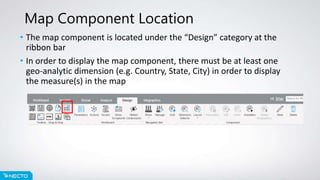
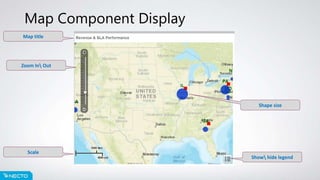
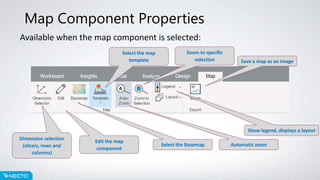
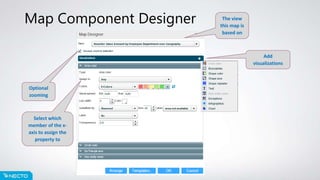

This document provides an overview of the Map component in Necto 16, including how to access and use the Map component, its key properties and functions, and the Map Designer tool. The Map component allows geospatial and hierarchical data to be visualized on base maps and templates for analysis. It is accessed from the Design ribbon and requires at least one geographic dimension. Properties include selecting dimensions, the basemap, template, and zooming functionality. The optional Map Designer further customizes maps.


