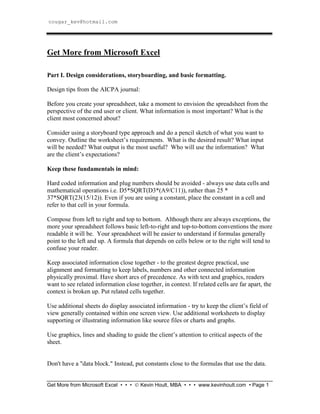
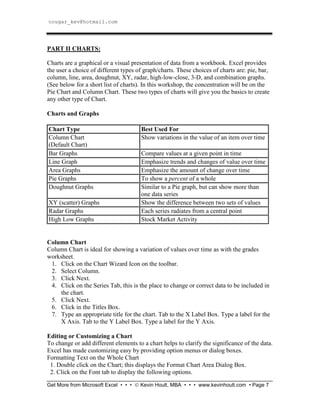
The document provides instructions for formatting and designing spreadsheets in Microsoft Excel. It discusses considerations like storyboarding, keeping related information close together, and using additional sheets for supporting information. It then provides step-by-step instructions for basic formatting techniques like adjusting cell sizes, inserting rows and columns, applying borders and shading, and freezing panes. The document also covers entering formulas, functions, linking worksheets, and creating different types of charts like column and pie charts.