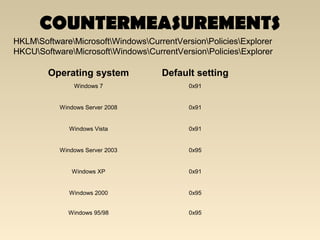
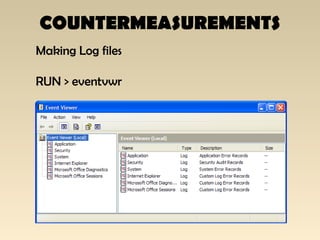


The document discusses the importance of Local Area Network (LAN) security, outlining its definition, functionalities like file sharing and messaging, and the necessity for security measures to combat various threats including man-in-the-middle attacks and denial-of-service attacks. It emphasizes countermeasures such as denying unusable services, monitoring connected devices, and modifying operating system defaults to minimize risks. Additionally, it suggests performance evaluation practices like customizing Windows services and registry settings to enhance overall system security and efficiency.
INTRODUCTION TO LAN
Anynetwork that is connected on a same subnets lies
under the category of LAN
LAN Share resources of computer which includes:
1) File Sharing
2) Voice chatting
3) Message Sending
4) Desktop Sharing
4.
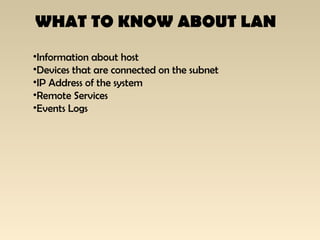
WHAT TO KNOWABOUT LAN
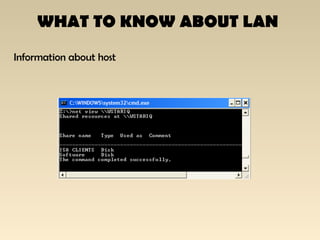
•Information about host
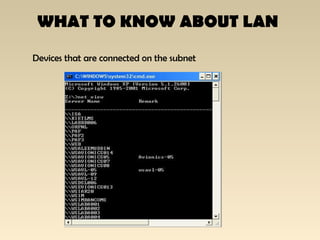
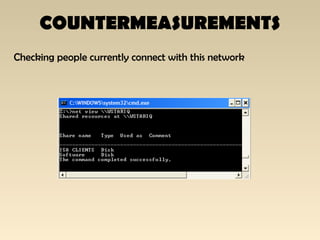
•Devices that are connected on the subnet
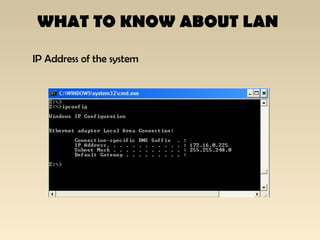
•IP Address of the system
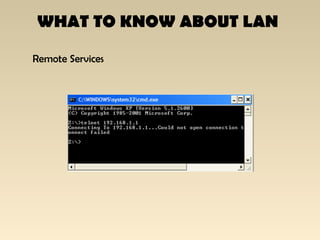
•Remote Services
•Events Logs
WHY SECURITY
Any mediumwhether it is wired or wireless must have
some strong security consideration.
Using LAN, security can be helpful for the user who
have a large network connected on a LAN, they must
go through the process of analysis that interacts with
LAN
10.
THREATS
Following are thelist of threats that a
LAN Network faces:
•MAN IN THE MIDDLE ATTACK
•SMURF ATTACK
•IP SPOOFING
•DENIAL OF SERVICES
•ARP POISONING
11.
THREATS
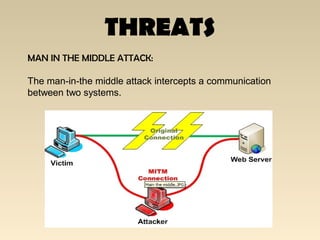
MAN IN THEMIDDLE ATTACK:
The man-in-the middle attack intercepts a communication
between two systems.
THREATS
IP SPOOFING
IP addressspoofing or IP spoofing refers to the creation of
Internet Protocol (IP) packets with a forged source IP address,
called spoofing.
14.
THREATS
DENIAL OF SERVICES
Adenial-of-service attack (DoS attack) or distributed
denial-of-service attack (DDoS attack) is an attempt to make
a computer or network resource unavailable to its intended users
15.
THREATS
ARP POISONING
ARP spoofingmay allow an attacker to intercept data frames
on a LAN, modify the traffic, or stop the traffic altogether
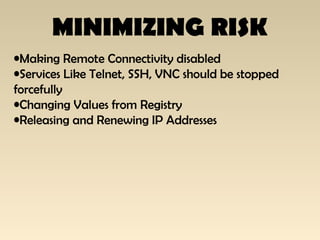
MINIMIZING RISK
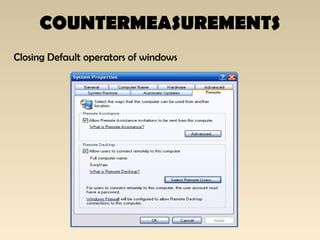
•Making RemoteConnectivity disabled
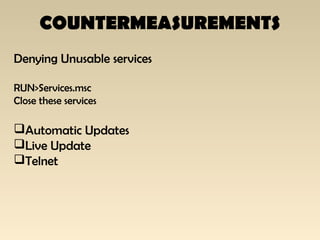
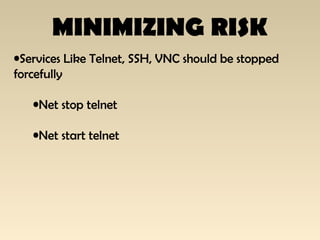
•Services Like Telnet, SSH, VNC should be stopped
forcefully
•Changing Values from Registry
•Releasing and Renewing IP Addresses
EVALUATE PERFORMANCE
By DefaultWindows Xp, 7 , Vista enble the services that are not
used under he scope of a home user
Operating system performance can be cutomized from
1) Windows Services.
2) Windows Registry
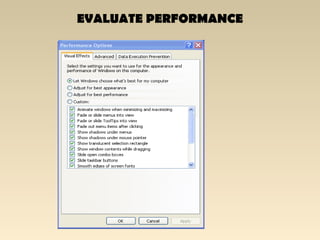
3) Windows Effects
4) Monitoring Services