In brief
  Making Moodle courses interactive


Go to View > Header & Footer to edit
www.rsc-em.ac.uk                                                  November 6, 2012 | slide 1
                                       RSCs – Stimulating and supporting innovation in learning
Interactivity in Moodle
Moodle is very often used to make documents available to learners. Word documents, pdfs and
Powerpoint documents are put up on the page associated with the course. Learners can check back
for sessions they have missed and remind themselves about what was done in the past. This is a
valuable and powerful facility for both learners and tutors.

But there is more to moodle than a document repository – learners can be given tasks and can
collaborate and interact with each other and the tutor. Tutors may not be aware of these activities, or
may find them daunting. Many of them are not difficult to set up and use, and repay use by getting
better engagement from the learner and improved feedback to the tutor.

This in-brief session will introduce some of these activities and show how they can be incorporated into
a teaching programme.


                                                                                        November 6, 2012 | slide 2
Types of interactivity

 Asking questions – getting answers
   – Choice - Survey
   – Quizzes
 Discussions
   – Forums
   – Chat
 Collaborative activities
   – Wiki
   – Glossary
 Structured session
   – The lesson module

                                                  November 6, 2012 | slide 3
Choice


Select Choice from
“Add an Activity”

Fill in title, question and
choices

Final result for learner


                  November 6, 2012 | slide 4
The Quiz

 Easy solution – use Hot Potatoes (1.9)
  – Hot Potatoes is a free download
  – The Hot Potatoes file is uploaded as an activity
  – Learners’ answers are tracked by the system


 Long term solution – Quiz module in Moodle
  – Allows tutor to build up a bank of re-usable questions
  – Saves time in the long term
  – More complicated in use


                                                  November 6, 2012 | slide 5
How to ask questions….

 Consider scenario based questions.
   – E.g. The marketing team at Cookers Travel Agency wishes to
     target the 18-25 age range for their new holidays in Xanthe. Which
     of the following techniques would be best for this age group?
 Different Question types
   – Multiple Choice
   – Short Answer
   – Numerical – answers are allowed to have an accepted error
   – True False
   – Embedded Answers – Cloze. Passage of text with embedded m/c
     short answer and numerical answer.
   – Calculated
   – Essay
                                                           November 6, 2012 | slide 6
Quiz Resources

 Article on creating quizzes in 1.9
   – http://www.packtpub.com/article/moodle-19-testing-
     assessment-multiple-choice-quizzes
   – Advanced options – include pictures in your questions
     http://www.packtpub.com/article/moodle-19-testing-
     assessment-advanced-options-in-quiz
 You Tube videos
   – Lots – Moodlerooms are good
   – http://www.youtube.com/watch?v=EP1f-TQBK8Y


                                                 November 6, 2012 | slide 7
Forums and Chat

 Forums can be set up for particular purposes
  – Could be used for simulation as well as discussion
  – Encourage usage by making them part of the learning
    process

 Chat is immediate text discussion with members of
  the course
  – Could be used as follows: “I will be online in the chat
    room at xx o’ clock if you have any questions”


                                                   November 6, 2012 | slide 8
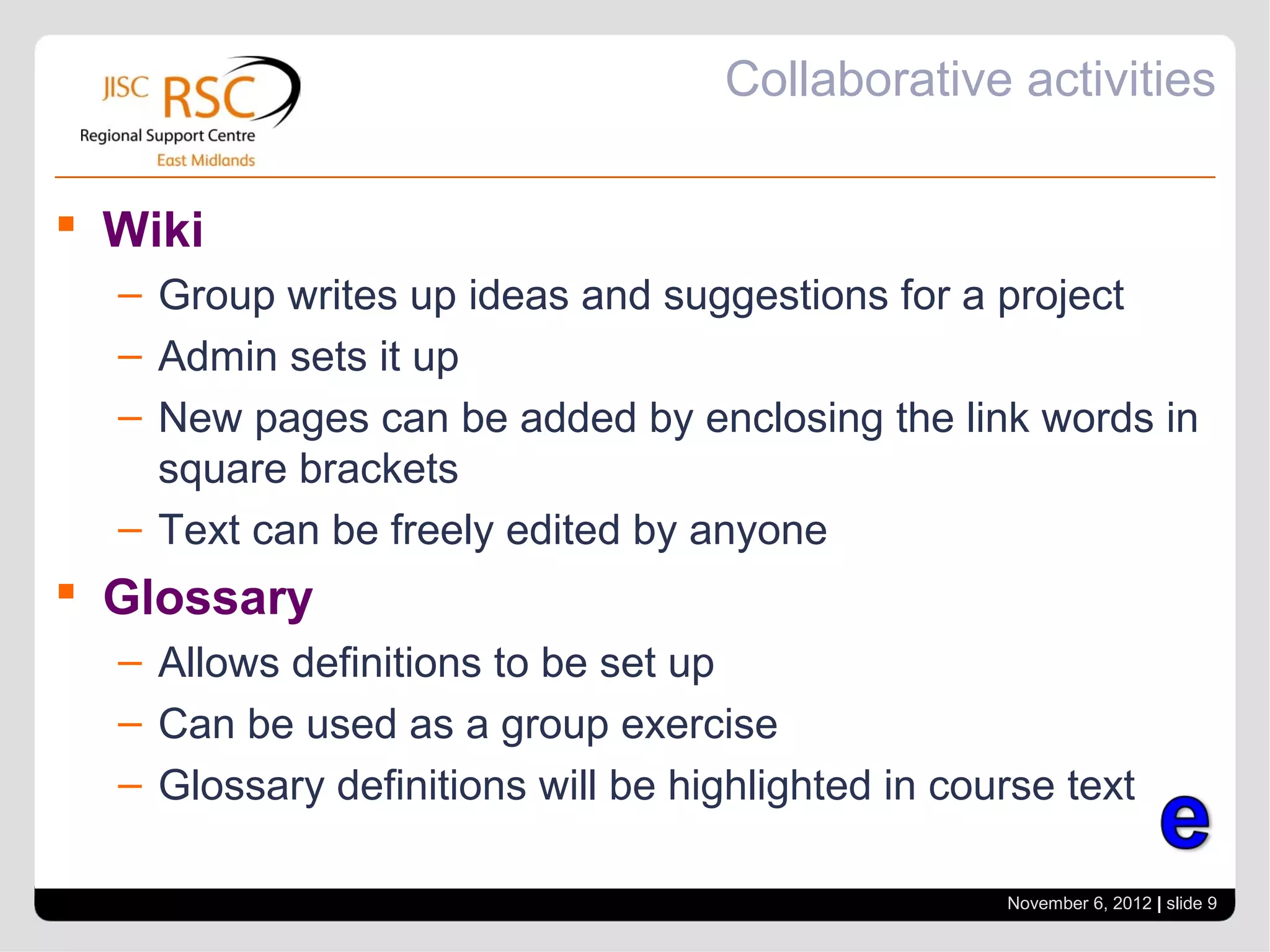
Collaborative activities

 Wiki
  – Group writes up ideas and suggestions for a project
  – Admin sets it up
  – New pages can be added by enclosing the link words in
    square brackets
  – Text can be freely edited by anyone
 Glossary
  – Allows definitions to be set up
  – Can be used as a group exercise
  – Glossary definitions will be highlighted in course text

                                                   November 6, 2012 | slide 9
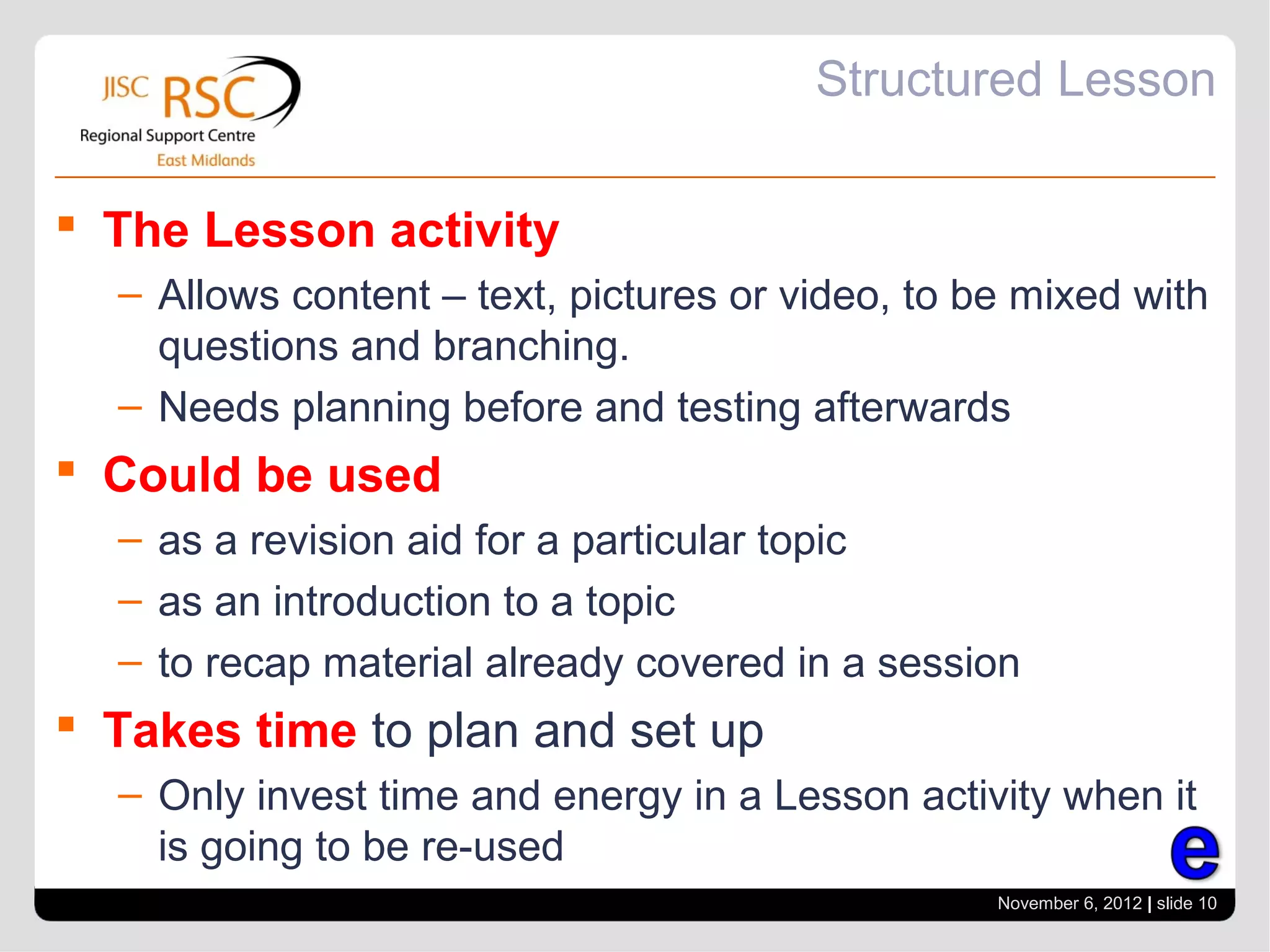
Structured Lesson

 The Lesson activity
  – Allows content – text, pictures or video, to be mixed with
    questions and branching.
  – Needs planning before and testing afterwards
 Could be used
  – as a revision aid for a particular topic
  – as an introduction to a topic
  – to recap material already covered in a session
 Takes time to plan and set up
  – Only invest time and energy in a Lesson activity when it
    is going to be re-used
                                                  November 6, 2012 | slide 10
Training and contacts

 RSC Advisors are happy to run training sessions
  in the activities covered in this session. If you
  would like to discuss this please contact:

 Phil Hardcastle
  – RSC East Midlands
  – phil.hardcastle@rsc-em.ac.uk


                                              November 6, 2012 | slide 11

Interactive moodle

  • 1.
    In brief Making Moodle courses interactive Go to View > Header & Footer to edit www.rsc-em.ac.uk November 6, 2012 | slide 1 RSCs – Stimulating and supporting innovation in learning
  • 2.
    Interactivity in Moodle Moodleis very often used to make documents available to learners. Word documents, pdfs and Powerpoint documents are put up on the page associated with the course. Learners can check back for sessions they have missed and remind themselves about what was done in the past. This is a valuable and powerful facility for both learners and tutors. But there is more to moodle than a document repository – learners can be given tasks and can collaborate and interact with each other and the tutor. Tutors may not be aware of these activities, or may find them daunting. Many of them are not difficult to set up and use, and repay use by getting better engagement from the learner and improved feedback to the tutor. This in-brief session will introduce some of these activities and show how they can be incorporated into a teaching programme. November 6, 2012 | slide 2
  • 3.
    Types of interactivity Asking questions – getting answers – Choice - Survey – Quizzes  Discussions – Forums – Chat  Collaborative activities – Wiki – Glossary  Structured session – The lesson module November 6, 2012 | slide 3
  • 4.
    Choice Select Choice from “Addan Activity” Fill in title, question and choices Final result for learner November 6, 2012 | slide 4
  • 5.
    The Quiz  Easysolution – use Hot Potatoes (1.9) – Hot Potatoes is a free download – The Hot Potatoes file is uploaded as an activity – Learners’ answers are tracked by the system  Long term solution – Quiz module in Moodle – Allows tutor to build up a bank of re-usable questions – Saves time in the long term – More complicated in use November 6, 2012 | slide 5
  • 6.
    How to askquestions….  Consider scenario based questions. – E.g. The marketing team at Cookers Travel Agency wishes to target the 18-25 age range for their new holidays in Xanthe. Which of the following techniques would be best for this age group?  Different Question types – Multiple Choice – Short Answer – Numerical – answers are allowed to have an accepted error – True False – Embedded Answers – Cloze. Passage of text with embedded m/c short answer and numerical answer. – Calculated – Essay November 6, 2012 | slide 6
  • 7.
    Quiz Resources  Articleon creating quizzes in 1.9 – http://www.packtpub.com/article/moodle-19-testing- assessment-multiple-choice-quizzes – Advanced options – include pictures in your questions http://www.packtpub.com/article/moodle-19-testing- assessment-advanced-options-in-quiz  You Tube videos – Lots – Moodlerooms are good – http://www.youtube.com/watch?v=EP1f-TQBK8Y November 6, 2012 | slide 7
  • 8.
    Forums and Chat Forums can be set up for particular purposes – Could be used for simulation as well as discussion – Encourage usage by making them part of the learning process  Chat is immediate text discussion with members of the course – Could be used as follows: “I will be online in the chat room at xx o’ clock if you have any questions” November 6, 2012 | slide 8
  • 9.
    Collaborative activities  Wiki – Group writes up ideas and suggestions for a project – Admin sets it up – New pages can be added by enclosing the link words in square brackets – Text can be freely edited by anyone  Glossary – Allows definitions to be set up – Can be used as a group exercise – Glossary definitions will be highlighted in course text November 6, 2012 | slide 9
  • 10.
    Structured Lesson  TheLesson activity – Allows content – text, pictures or video, to be mixed with questions and branching. – Needs planning before and testing afterwards  Could be used – as a revision aid for a particular topic – as an introduction to a topic – to recap material already covered in a session  Takes time to plan and set up – Only invest time and energy in a Lesson activity when it is going to be re-used November 6, 2012 | slide 10
  • 11.
    Training and contacts RSC Advisors are happy to run training sessions in the activities covered in this session. If you would like to discuss this please contact:  Phil Hardcastle – RSC East Midlands – phil.hardcastle@rsc-em.ac.uk November 6, 2012 | slide 11