IBM SPSS Interface
Dr. K.THIYAGU
Assistant Professor
Department of Education
Central University of Kerala
Kasaragod
Open - IBM SPSS
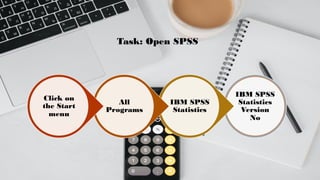
Task: Open SPSS
IBM SPSS
Statistics
Version
No
IBM SPSS
Statistics
All
Programs
Click on
the Start
menu
Navigating the SPSS Interface
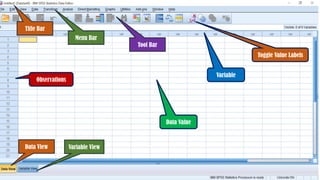
Data Editor Window (.sav files)
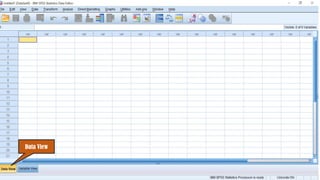
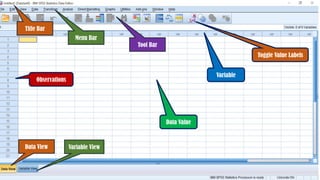
Data View
We can see the actual data in
our dataset for each record and
each variable;
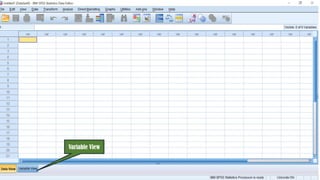
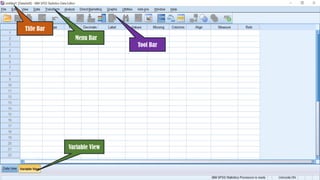
Variable View
This gives a summary of each
variable in our dataset,
including the variable name,
type, various properties of the
way in which the data are
stored, any label(s) for the
variable itself and variable
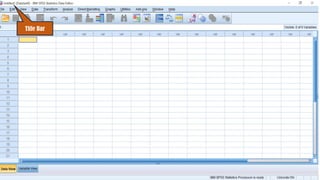
Title Bar
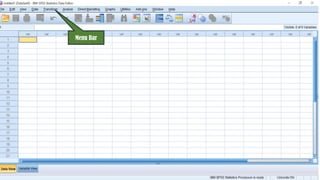
Menu Bar
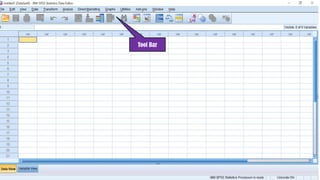
Tool Bar
Data View Variable View
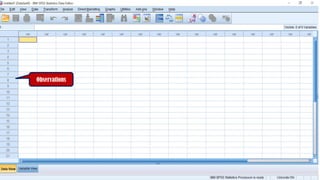
Observations
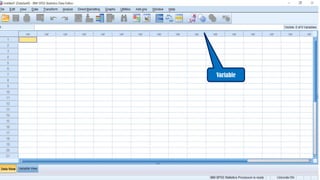
Variable
Data Value
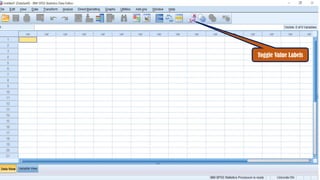
Toggle Value Labels
Title Bar
Menu Bar
Tool Bar
Data View
Variable View
Observations
Variable
Toggle Value Labels
Title Bar
Menu Bar
Tool Bar
Data View Variable View
Observations
Variable
Data Value
Toggle Value Labels
Title Bar
Menu Bar
Tool Bar
Variable View
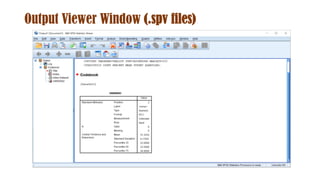
Output Viewer Window (.spv files)
Thank
You

IBM SPSS Statistics Interface - Navigation