HUMBER 2014

Students as Teachers: Screencasting
for Learning Foundational Mathematics
Carol Carruthers
February 4, 2014
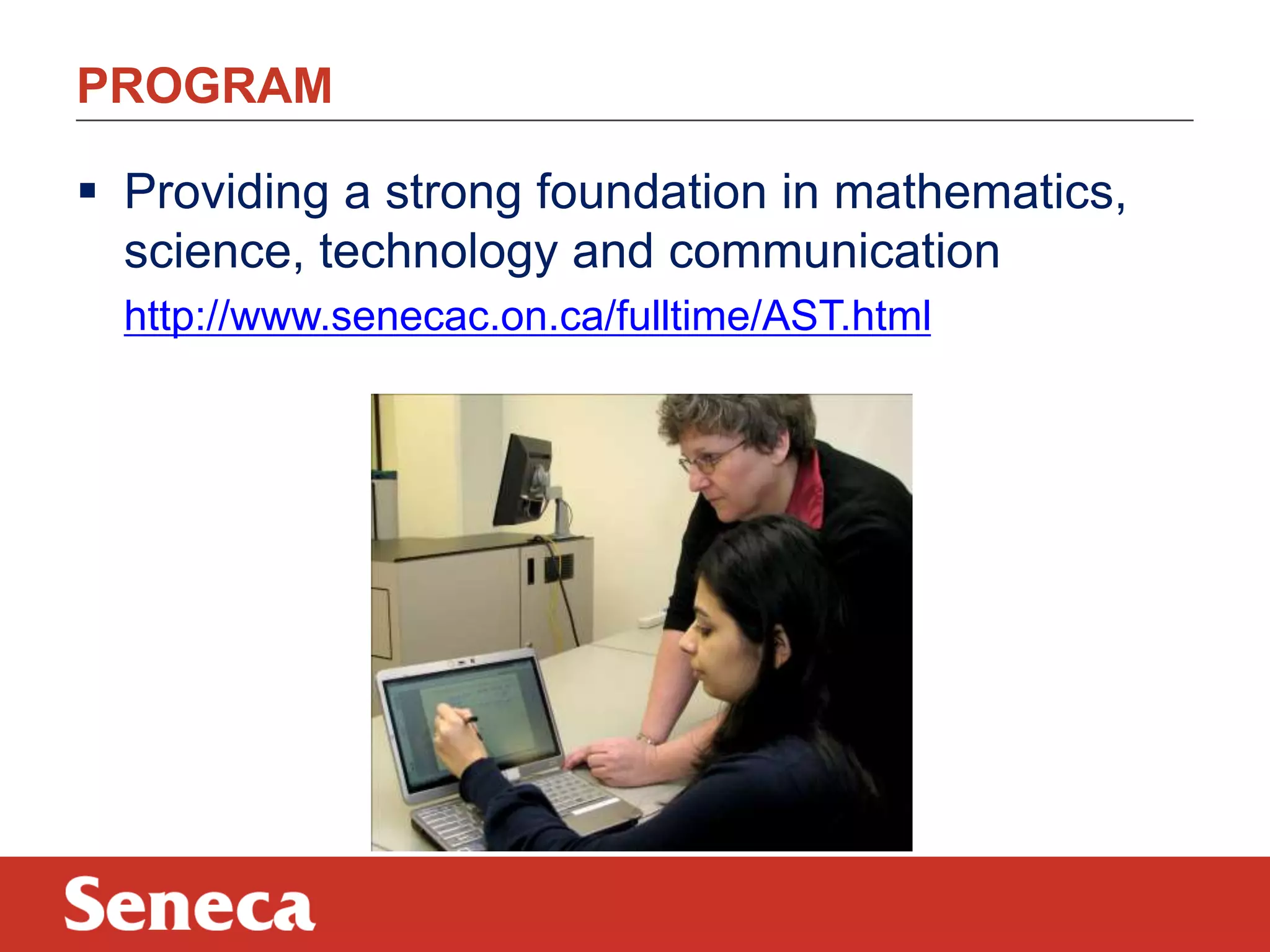
PROGRAM
 Providing a strong foundation in mathematics,
science, technology and communication
http://www.senecac.on.ca/fulltime/AST.html
PROBLEM/POTENTIAL SOLUTION
Problem:
Some students do not like to learn mathematics.
Solution:
Collaborative/interactive/learner-directed use
of technology can re-engage students.
HOW TO WRITE ON A WINDOWS BASED TABLET
 Windows Journal http://windows.microsoft.com/enca/windows7/create-and-personalize-handwritten-notes-using-windowsjournal

 Microsoft Word>Review>Start inking
https://www.eng.vt.edu/sites/default/files/pageattachments/Inking+in+Office.
pdf

 OneNote http://office.microsoft.com/en-us/onenote/
 Tablet PC Input Panel http://windows.microsoft.com/enus/windows7/using-the-writing-pad-and-touch-keyboard-in-tablet-pc-inputpanel

 Math Input Panel

http://windows.microsoft.com/enus/windows7/use-math-input-panel-to-write-and-correct-math-equations
HANDWRITTEN /SHARED/ SOCIAL POSTING:

 draw.to - Draw something and share it
http://draw.to/new

 Scribblar – Collaborate instantly
http://www.scribblar.com/

 DyKnow Vision – Interactive learning software
http://www.dyknow.com/educational-software-products/interactivelearning-software/
WHAT IS SCREENCASTING?
Two reviews:
http://net.educause.edu/ir/library/pdf/ELI7012.pdf
http://www.oreillynet.com/pub/a/oreilly/digitalmedia/2005/
11/16/what-is-screencasting.html?page=1
WHY USE INSTRUCTOR SCREENCASTING?
In classroom mode:
 Student-directed learning
In flipped/mixed mode:
 Content is covered outside of class time
 Connection to instructor
The solution is to screencast!!
http://www.youtube.com/watch?v=yvKu2T9Kovo
INSTRUCTOR DEVELOPED SCREENCASTS:
PROS
 Students choose
when/where/how
often learning occurs
 Capitalize on ‘out of
class time’ learning
 Provides review for
exams/tests/quizzes

CONS
 Time required to
produce
 Teaching style the
same (videos are
copies of lessons)
 Passive (not active)
learning

BIG IDEA - STUDENT DEVELOPED MATHCASTS!!
CONNECTING COLLEGE TO CAREER (C^5):

Project Goal:
3

 To develop a categorized library of mathematics
and application videos (AODA compliant)
produced by and for students

“This initiative has received funding through the Seneca
Pillar Sponsorship program”
C^3 FEATURES:
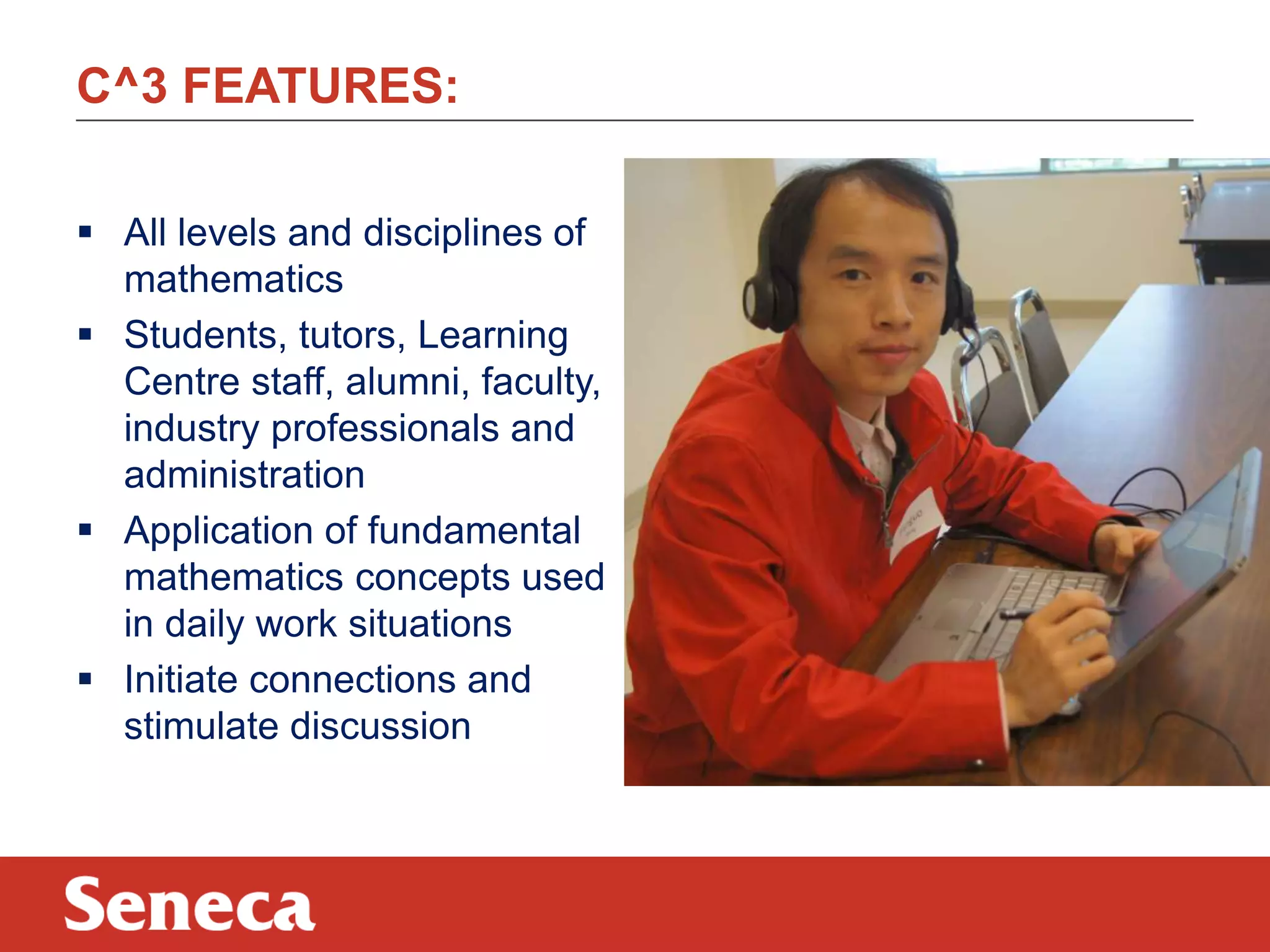
 All levels and disciplines of
mathematics
 Students, tutors, Learning
Centre staff, alumni, faculty,
industry professionals and
administration
 Application of fundamental
mathematics concepts used
in daily work situations
 Initiate connections and
stimulate discussion
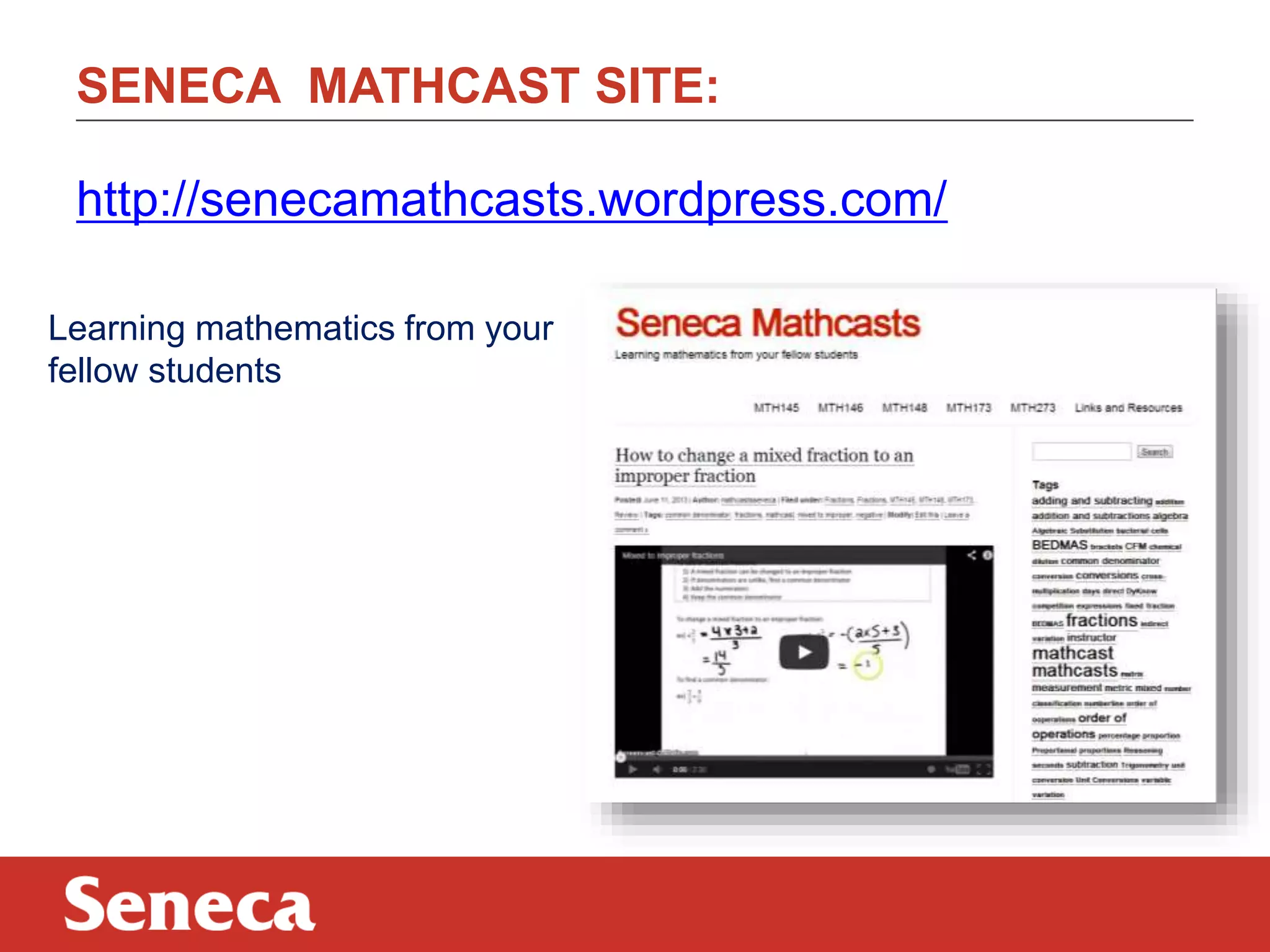
SENECA MATHCAST SITE:
http://senecamathcasts.wordpress.com/
Learning mathematics from your
fellow students
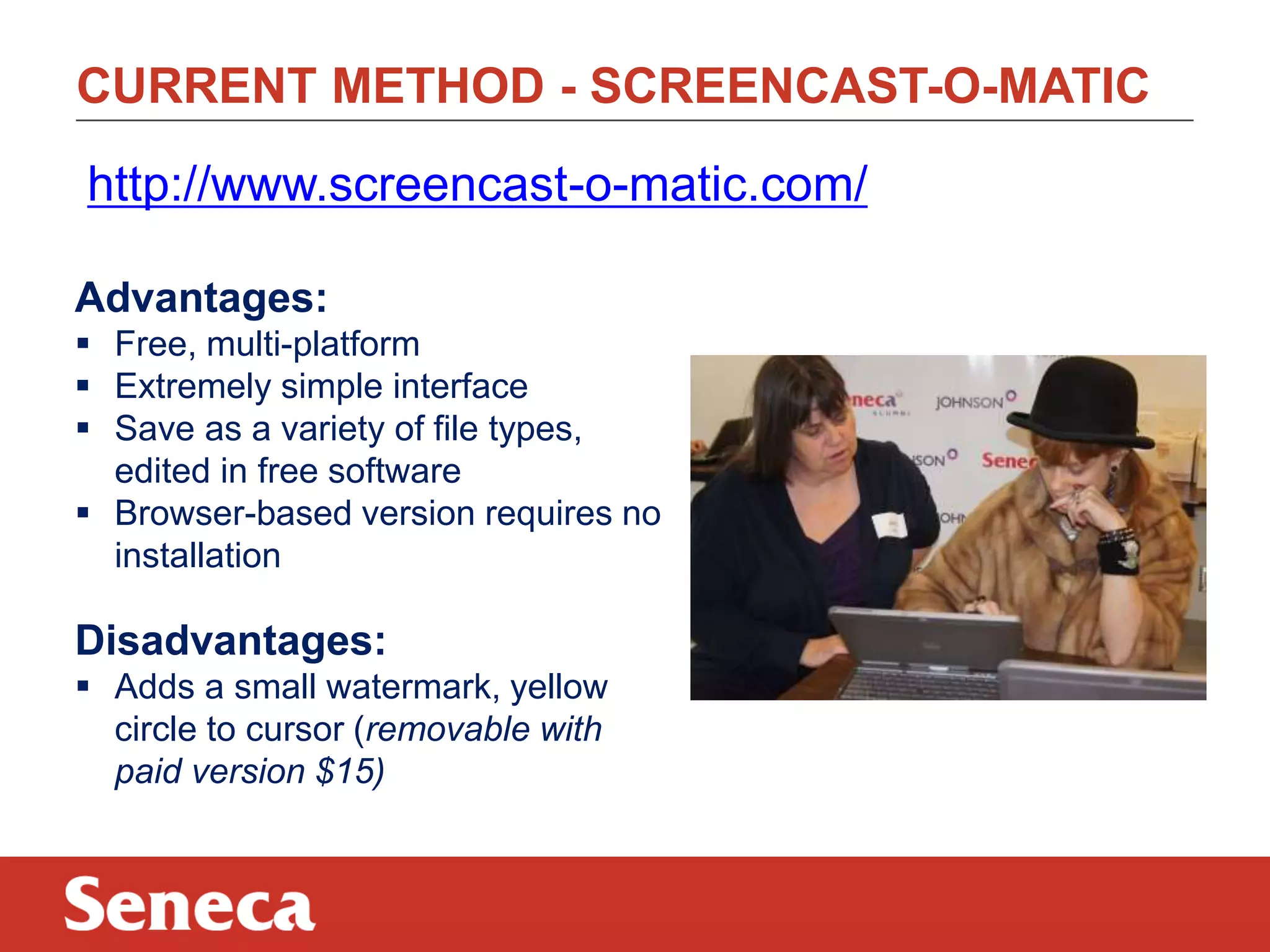
CURRENT METHOD - SCREENCAST-O-MATIC
http://www.screencast-o-matic.com/
Advantages:
 Free, multi-platform
 Extremely simple interface
 Save as a variety of file types,
edited in free software
 Browser-based version requires no
installation

Disadvantages:
 Adds a small watermark, yellow
circle to cursor (removable with
paid version $15)
IOS AND ANDROID DEVICES:
 A video describing use of non-windows based
devices:
http://www.youtube.com/watch?v=gtnFnIbQG9g&feature=youtu.be
SOFTWARE IN VIDEO
AirServer
http://www.airserver.com/
 Allows iOS devices (iPads, etc.) to share their screen
wirelessly to a PC or Mac

Droid@Screen
http://droid-at-screen.ribomation.com/
 Allows Android devices to share their screen with a
PC or Mac via USB

QuickTime Player
 Preinstalled on all Macs since 2008
INK APPS IN VIDEO
iOS
http://appadvice.com/appguides/show/handwriting-apps-for-ipad




Paper
Inkflow

http://ipadapps4school.com/2013/01/17/inkflow-a-great-ipad-appfor-visual-thinkers/

Android
https://play.google.com/store/search?q=pen+input+apps&c=apps

 SketchbookX
https://play.google.com/store/apps/details?id=com.adsk.sketchbookhdexpress&hl=en

 Big Fat Canvas
https://play.google.com/store/apps/details?id=com.justinholmgren.sketchpad&hl=en
MOZILLA/SENECA POPCORN MAKER:
https://popcorn.webmaker.org/
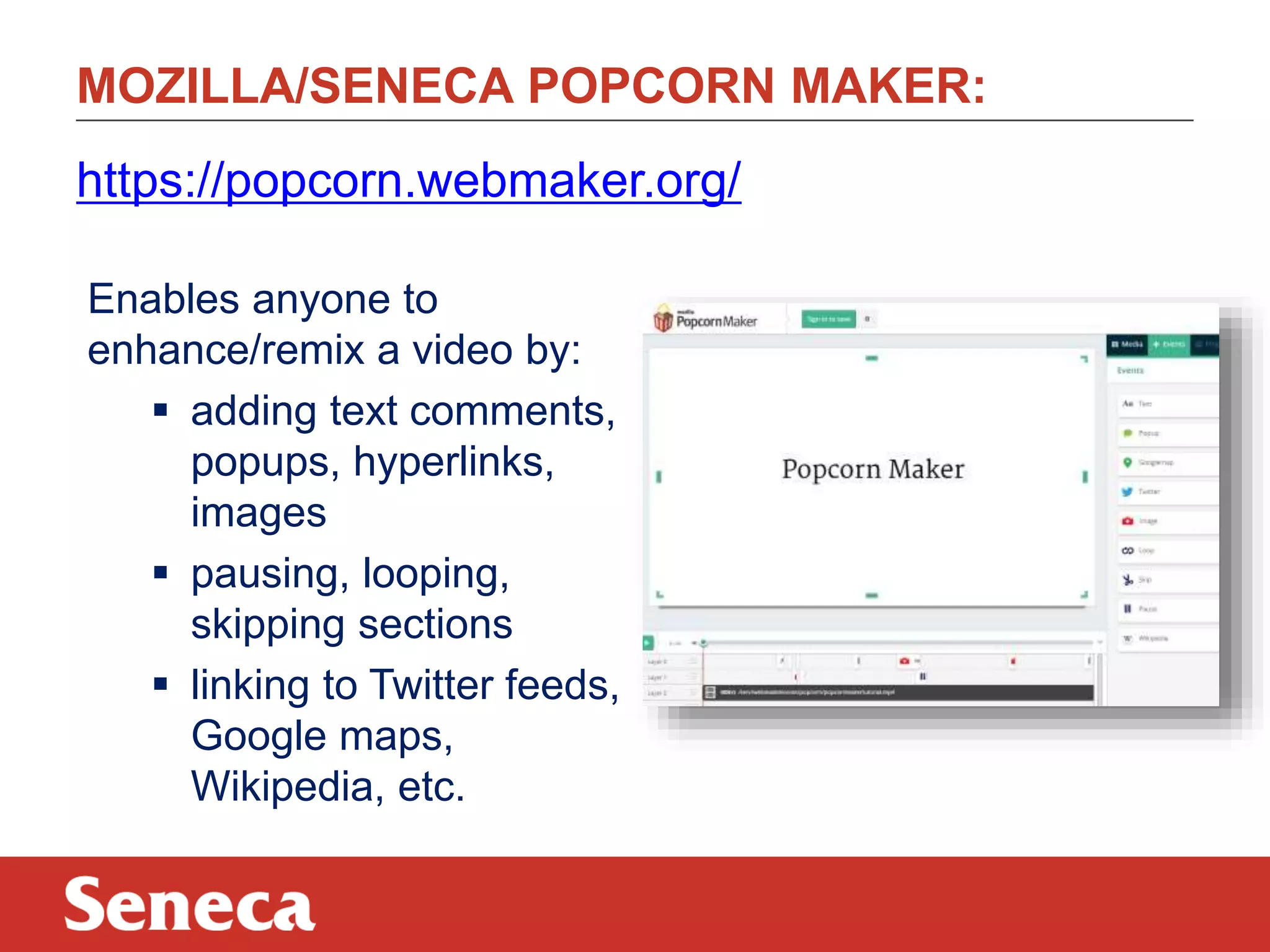
Enables anyone to
enhance/remix a video by:
 adding text comments,
popups, hyperlinks,
images
 pausing, looping,
skipping sections
 linking to Twitter feeds,
Google maps,
Wikipedia, etc.
STUDENT VIDEO:
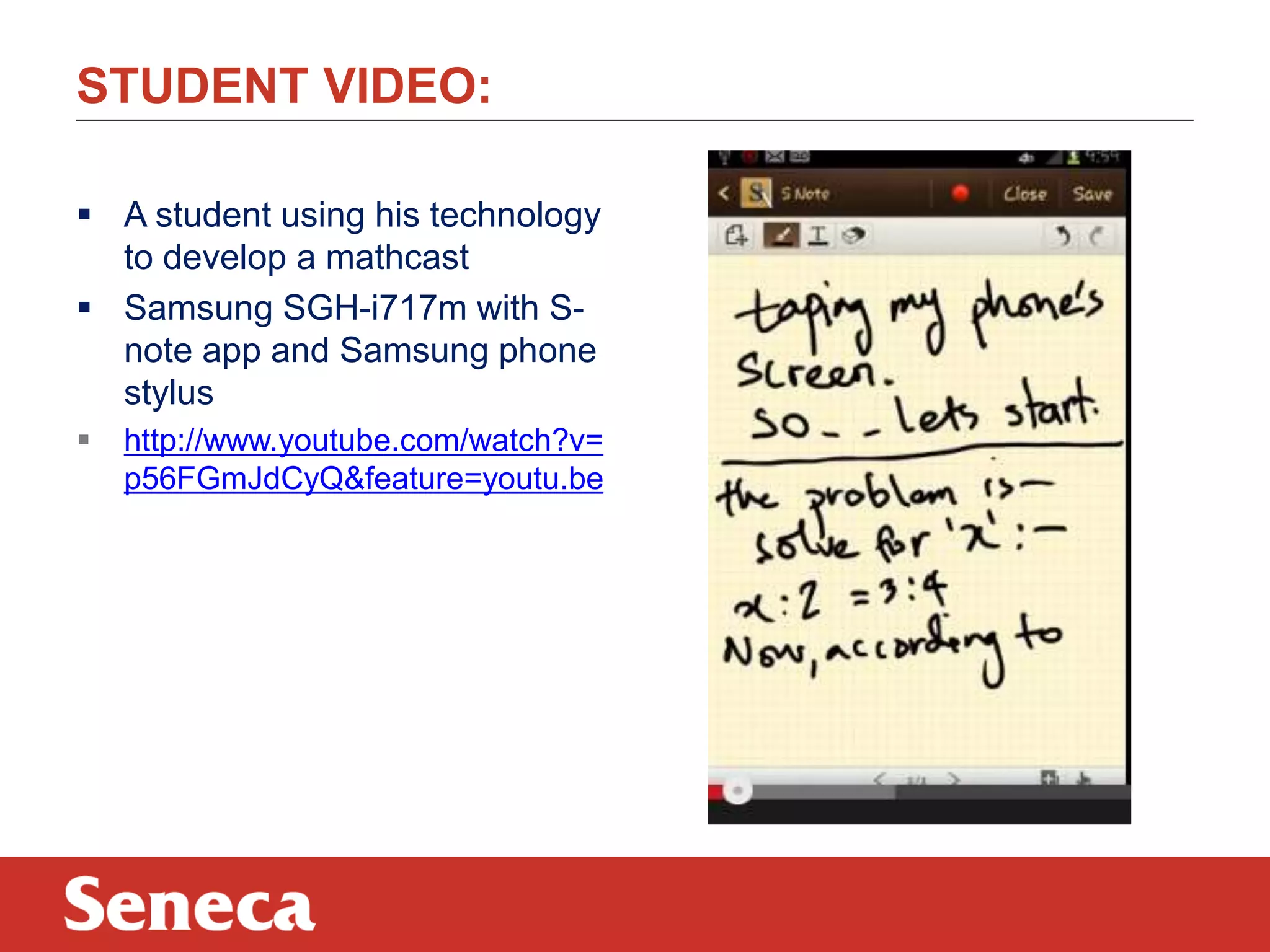
 A student using his technology
to develop a mathcast
 Samsung SGH-i717m with Snote app and Samsung phone
stylus


http://www.youtube.com/watch?v=
p56FGmJdCyQ&feature=youtu.be
THANK YOU AND MORE INFORMATION:

 Email: carol.carruthers@senecacollege.ca
@mathtech (twitter)

ewan.gibson@senecacollege.ca
@ewan_gibson (twitter)

 Seneca Mathcasts
http://senecamathcasts.wordpress.com/

Humber feb 2014

  • 1.
    HUMBER 2014 Students asTeachers: Screencasting for Learning Foundational Mathematics Carol Carruthers February 4, 2014
  • 2.
    PROGRAM  Providing astrong foundation in mathematics, science, technology and communication http://www.senecac.on.ca/fulltime/AST.html
  • 3.
    PROBLEM/POTENTIAL SOLUTION Problem: Some studentsdo not like to learn mathematics. Solution: Collaborative/interactive/learner-directed use of technology can re-engage students.
  • 4.
    HOW TO WRITEON A WINDOWS BASED TABLET  Windows Journal http://windows.microsoft.com/enca/windows7/create-and-personalize-handwritten-notes-using-windowsjournal  Microsoft Word>Review>Start inking https://www.eng.vt.edu/sites/default/files/pageattachments/Inking+in+Office. pdf  OneNote http://office.microsoft.com/en-us/onenote/  Tablet PC Input Panel http://windows.microsoft.com/enus/windows7/using-the-writing-pad-and-touch-keyboard-in-tablet-pc-inputpanel  Math Input Panel http://windows.microsoft.com/enus/windows7/use-math-input-panel-to-write-and-correct-math-equations
  • 5.
    HANDWRITTEN /SHARED/ SOCIALPOSTING:  draw.to - Draw something and share it http://draw.to/new  Scribblar – Collaborate instantly http://www.scribblar.com/  DyKnow Vision – Interactive learning software http://www.dyknow.com/educational-software-products/interactivelearning-software/
  • 6.
    WHAT IS SCREENCASTING? Tworeviews: http://net.educause.edu/ir/library/pdf/ELI7012.pdf http://www.oreillynet.com/pub/a/oreilly/digitalmedia/2005/ 11/16/what-is-screencasting.html?page=1
  • 7.
    WHY USE INSTRUCTORSCREENCASTING? In classroom mode:  Student-directed learning In flipped/mixed mode:  Content is covered outside of class time  Connection to instructor The solution is to screencast!! http://www.youtube.com/watch?v=yvKu2T9Kovo
  • 8.
    INSTRUCTOR DEVELOPED SCREENCASTS: PROS Students choose when/where/how often learning occurs  Capitalize on ‘out of class time’ learning  Provides review for exams/tests/quizzes CONS  Time required to produce  Teaching style the same (videos are copies of lessons)  Passive (not active) learning BIG IDEA - STUDENT DEVELOPED MATHCASTS!!
  • 9.
    CONNECTING COLLEGE TOCAREER (C^5): Project Goal: 3  To develop a categorized library of mathematics and application videos (AODA compliant) produced by and for students “This initiative has received funding through the Seneca Pillar Sponsorship program”
  • 10.
    C^3 FEATURES:  Alllevels and disciplines of mathematics  Students, tutors, Learning Centre staff, alumni, faculty, industry professionals and administration  Application of fundamental mathematics concepts used in daily work situations  Initiate connections and stimulate discussion
  • 11.
  • 12.
    CURRENT METHOD -SCREENCAST-O-MATIC http://www.screencast-o-matic.com/ Advantages:  Free, multi-platform  Extremely simple interface  Save as a variety of file types, edited in free software  Browser-based version requires no installation Disadvantages:  Adds a small watermark, yellow circle to cursor (removable with paid version $15)
  • 13.
    IOS AND ANDROIDDEVICES:  A video describing use of non-windows based devices: http://www.youtube.com/watch?v=gtnFnIbQG9g&feature=youtu.be
  • 14.
    SOFTWARE IN VIDEO AirServer http://www.airserver.com/ Allows iOS devices (iPads, etc.) to share their screen wirelessly to a PC or Mac Droid@Screen http://droid-at-screen.ribomation.com/  Allows Android devices to share their screen with a PC or Mac via USB QuickTime Player  Preinstalled on all Macs since 2008
  • 15.
    INK APPS INVIDEO iOS http://appadvice.com/appguides/show/handwriting-apps-for-ipad   Paper Inkflow http://ipadapps4school.com/2013/01/17/inkflow-a-great-ipad-appfor-visual-thinkers/ Android https://play.google.com/store/search?q=pen+input+apps&c=apps  SketchbookX https://play.google.com/store/apps/details?id=com.adsk.sketchbookhdexpress&hl=en  Big Fat Canvas https://play.google.com/store/apps/details?id=com.justinholmgren.sketchpad&hl=en
  • 16.
    MOZILLA/SENECA POPCORN MAKER: https://popcorn.webmaker.org/ Enablesanyone to enhance/remix a video by:  adding text comments, popups, hyperlinks, images  pausing, looping, skipping sections  linking to Twitter feeds, Google maps, Wikipedia, etc.
  • 17.
    STUDENT VIDEO:  Astudent using his technology to develop a mathcast  Samsung SGH-i717m with Snote app and Samsung phone stylus  http://www.youtube.com/watch?v= p56FGmJdCyQ&feature=youtu.be
  • 18.
    THANK YOU ANDMORE INFORMATION:  Email: carol.carruthers@senecacollege.ca @mathtech (twitter) ewan.gibson@senecacollege.ca @ewan_gibson (twitter)  Seneca Mathcasts http://senecamathcasts.wordpress.com/