Tools for Education
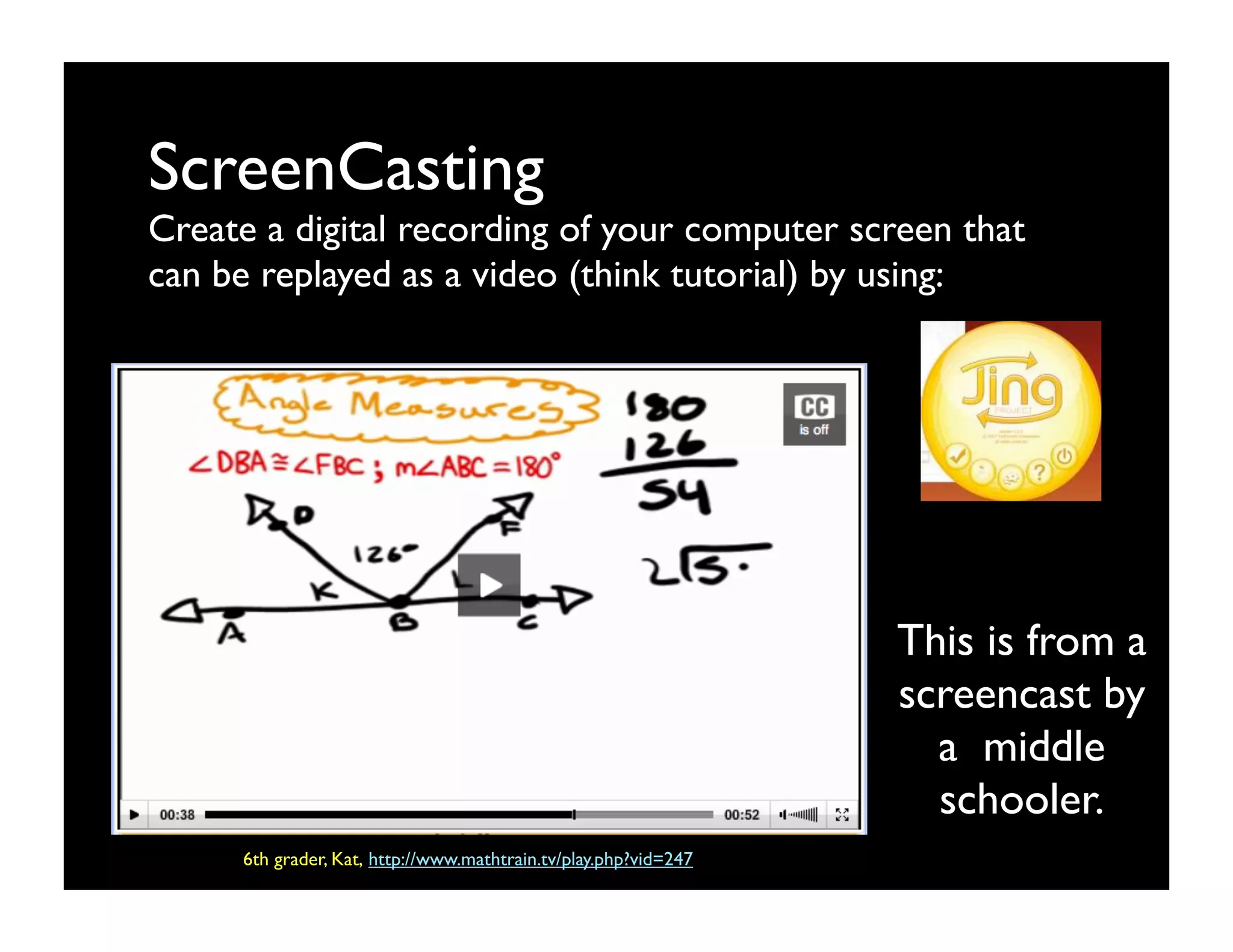
ScreenCasting
Create a digital recording of your computer screen that
can be replayed as a video (think tutorial) by using:at
can be shared as a video.


                                                                 This is from a
                                                                 screencast by
                                                                   a middle
                                                                   schooler.
     6th grader, Kat, http://www.mathtrain.tv/play.php?vid=247
Blogs & Wikis
Author or edit a shared online journal/log that can
include links, photos, videos, etc. by using:
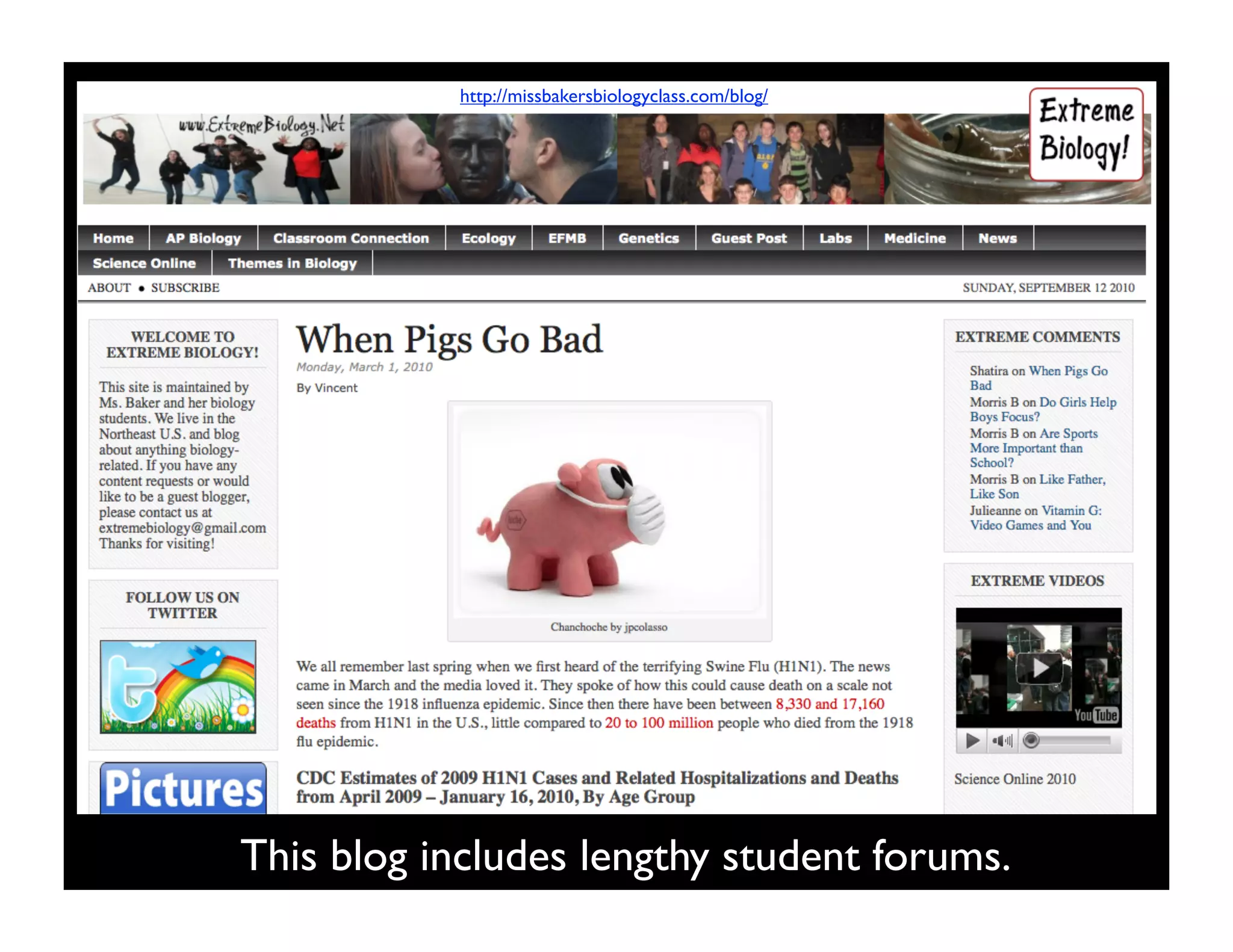
http://missbakersbiologyclass.com/blog/


This blog includes lengthy student forums.
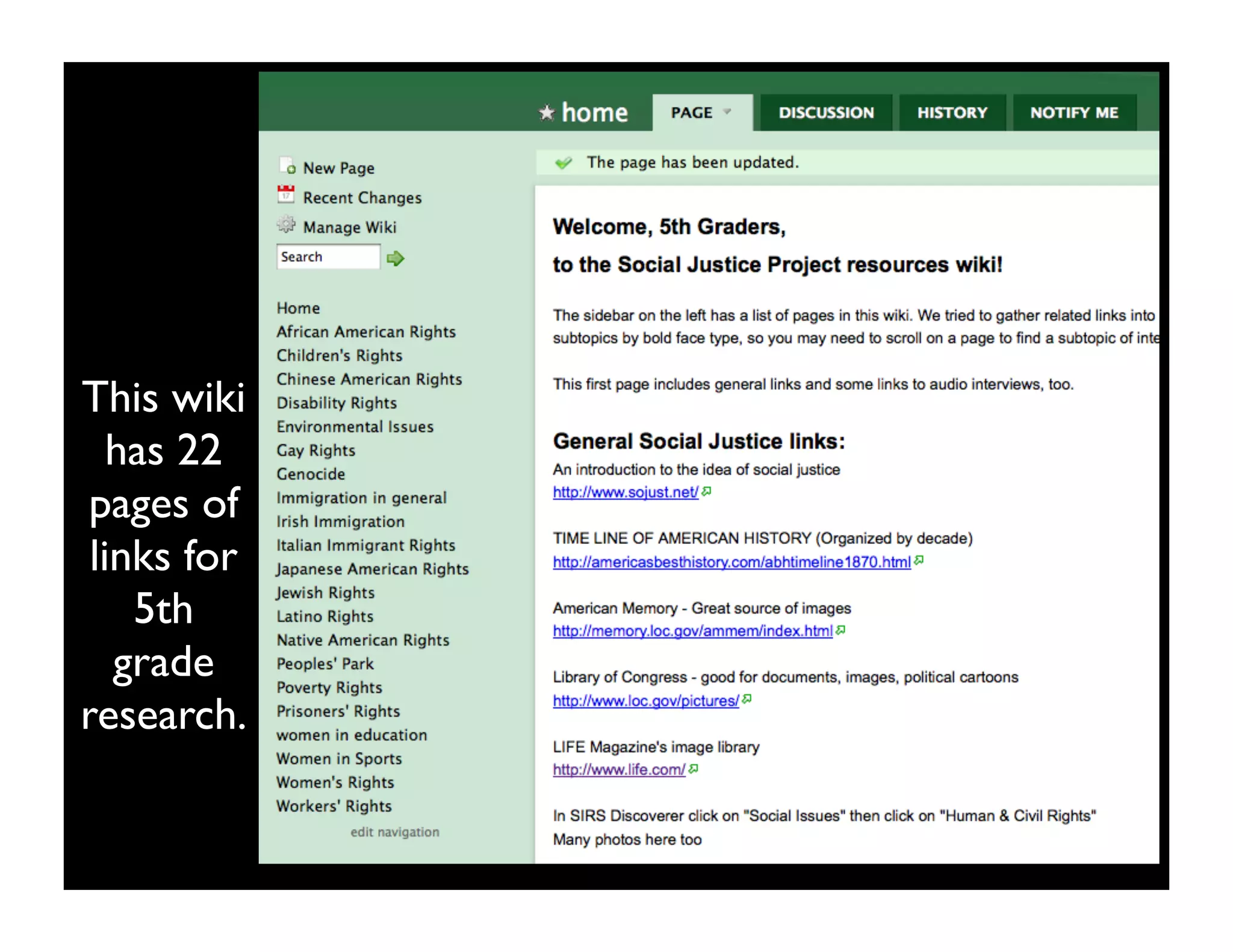
This wiki
   has 22
 pages of
 links for
    5th
   grade
research.
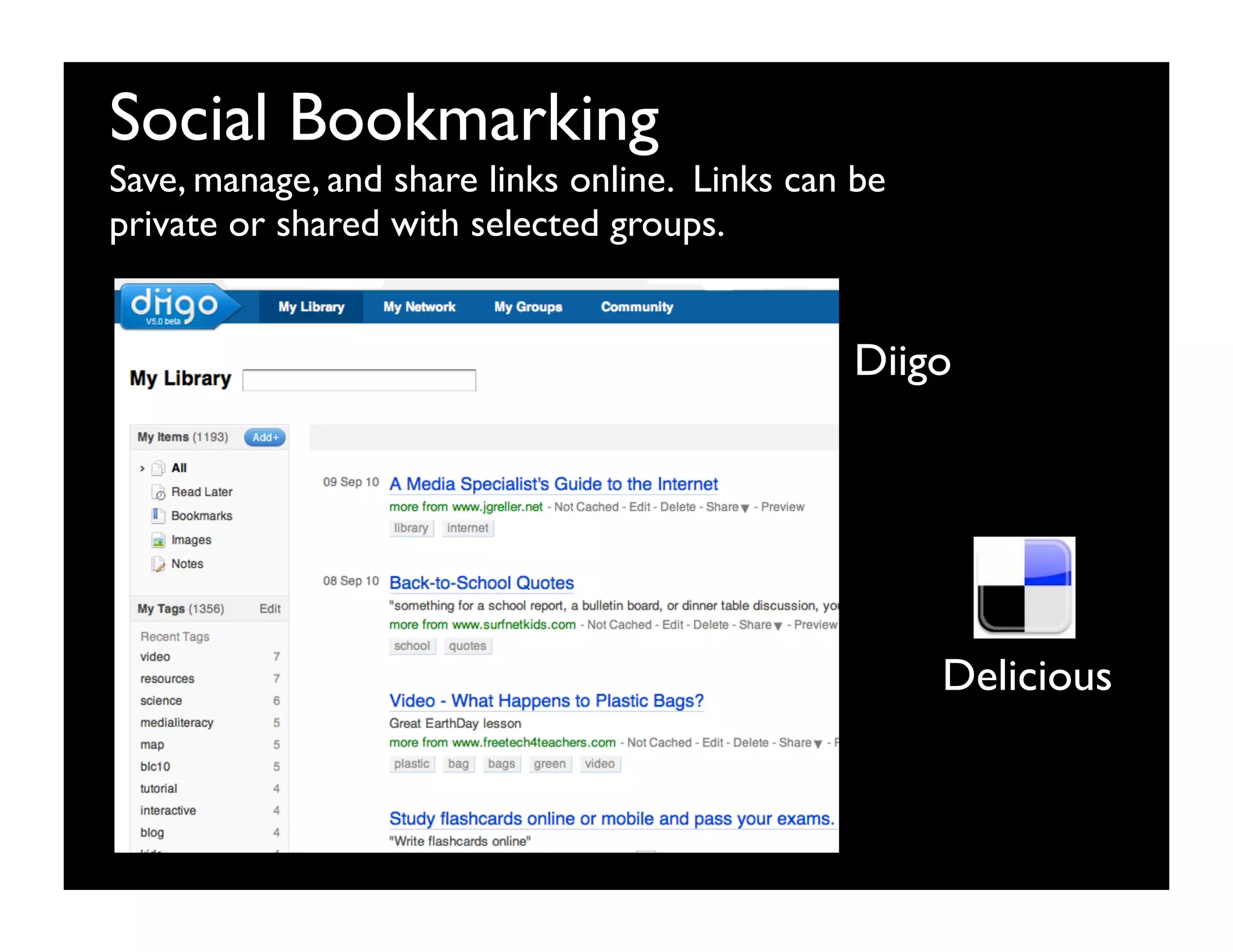
Social Bookmarking
Save, manage, and share links online. Links can be
private or shared with selected groups.


                                               Diigo


                                                     Delicious
Online Document Sharing
Users can share, create, and edit documents
simultaneously by using:


                    Google Docs


                                   Zoho
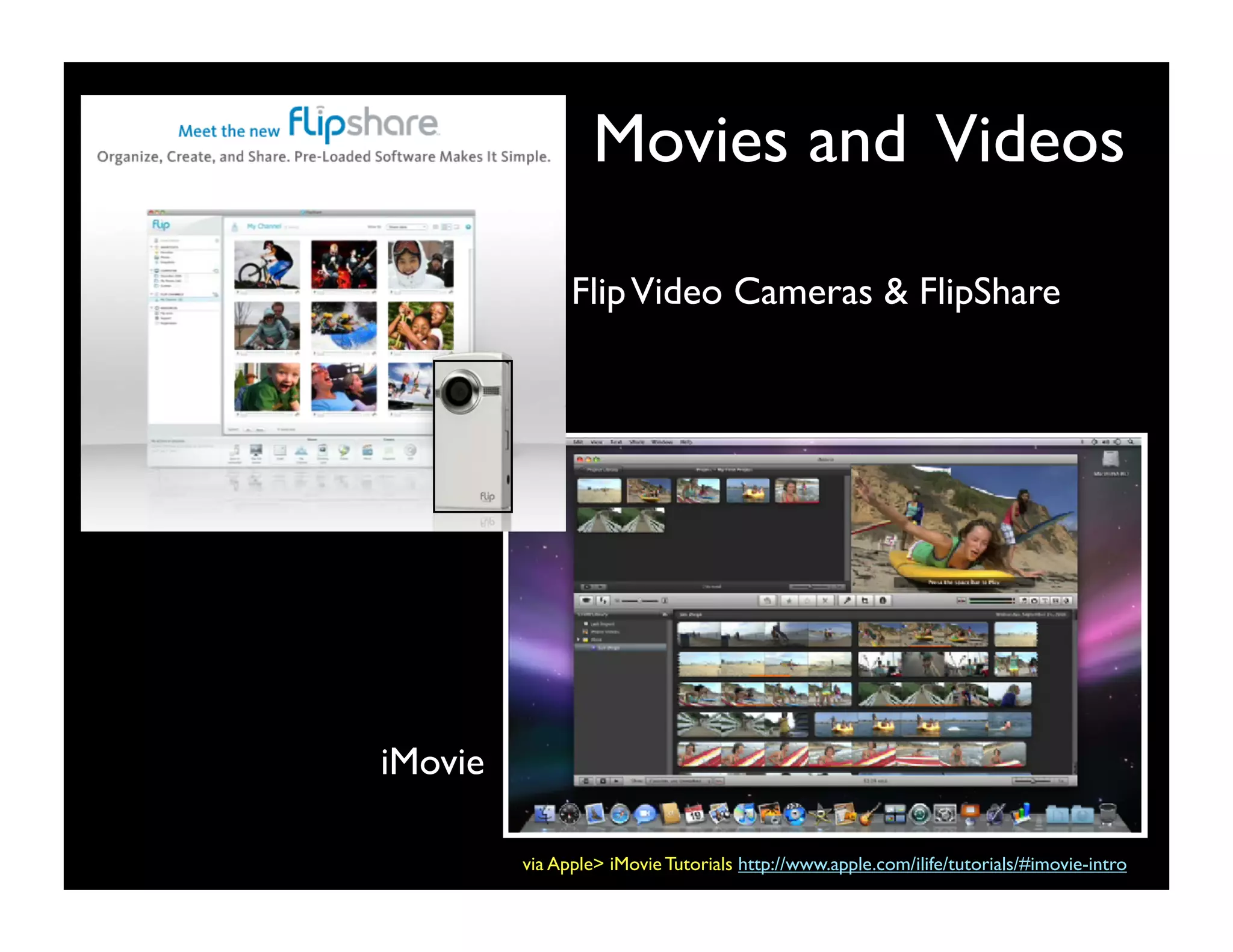
Movies and Videos

               Flip Video Cameras & FlipShare


iMovie

         via Apple> iMovie Tutorials http://www.apple.com/ilife/tutorials/#imovie-intro
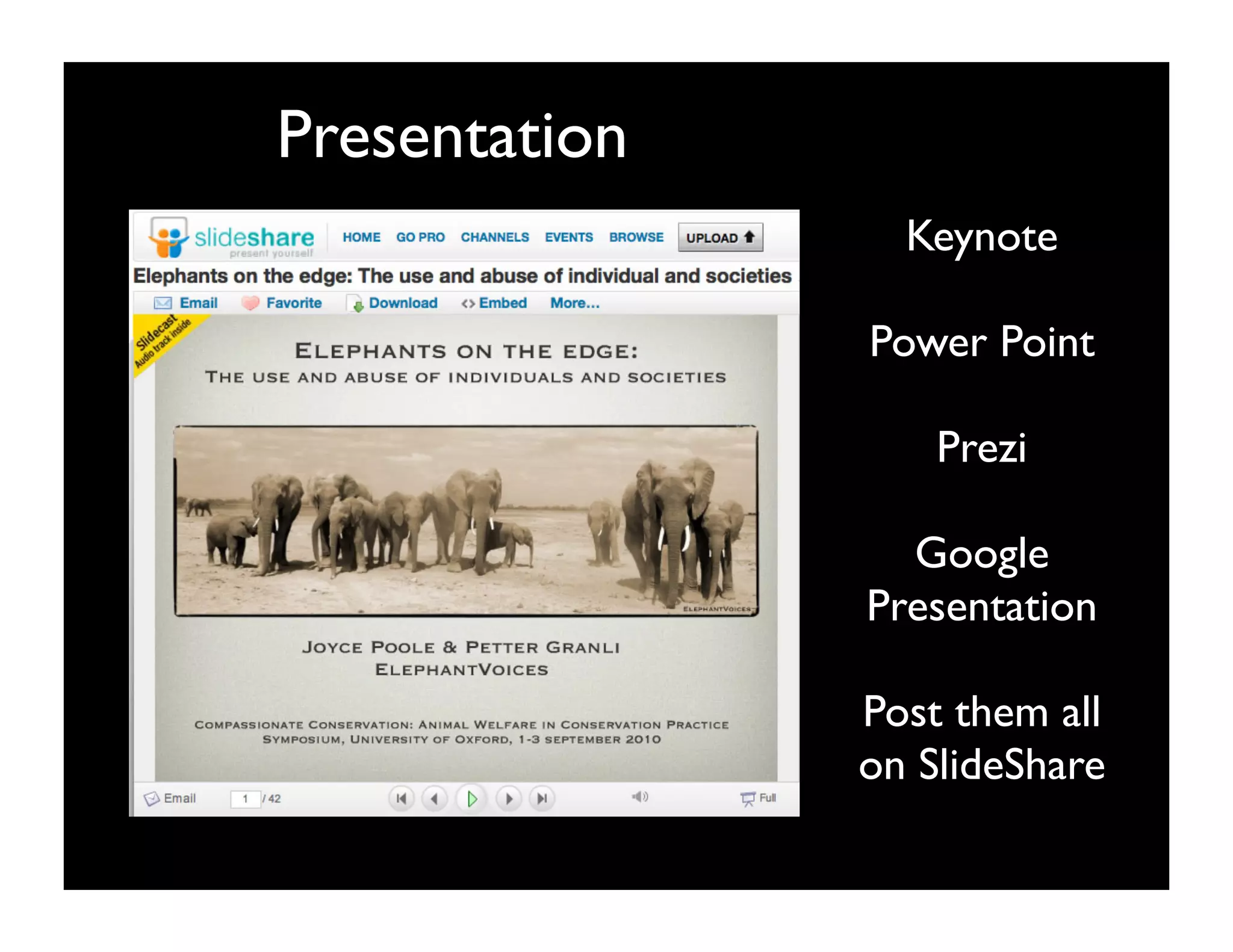
Presentation
                 Keynote

               Power Point

                   Prezi

                 Google
               Presentation

               Post them all
               on SlideShare
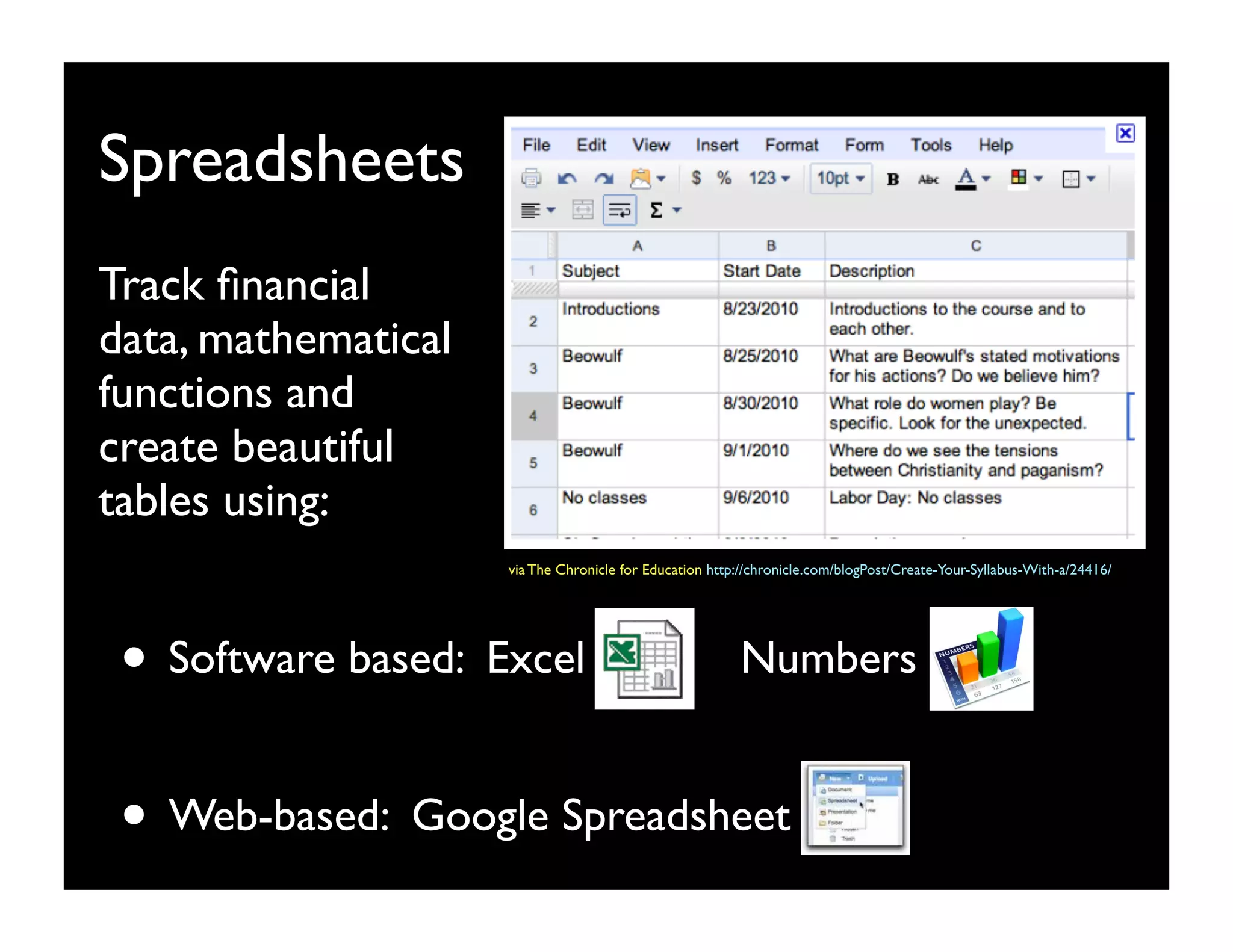
Spreadsheets
Track financial
data, mathematical
functions and
create beautiful
tables using:
                     via The Chronicle for Education http://chronicle.com/blogPost/Create-Your-Syllabus-With-a/24416/


 • Software based: Excel                                 Numbers


 • Web-based: Google Spreadsheet
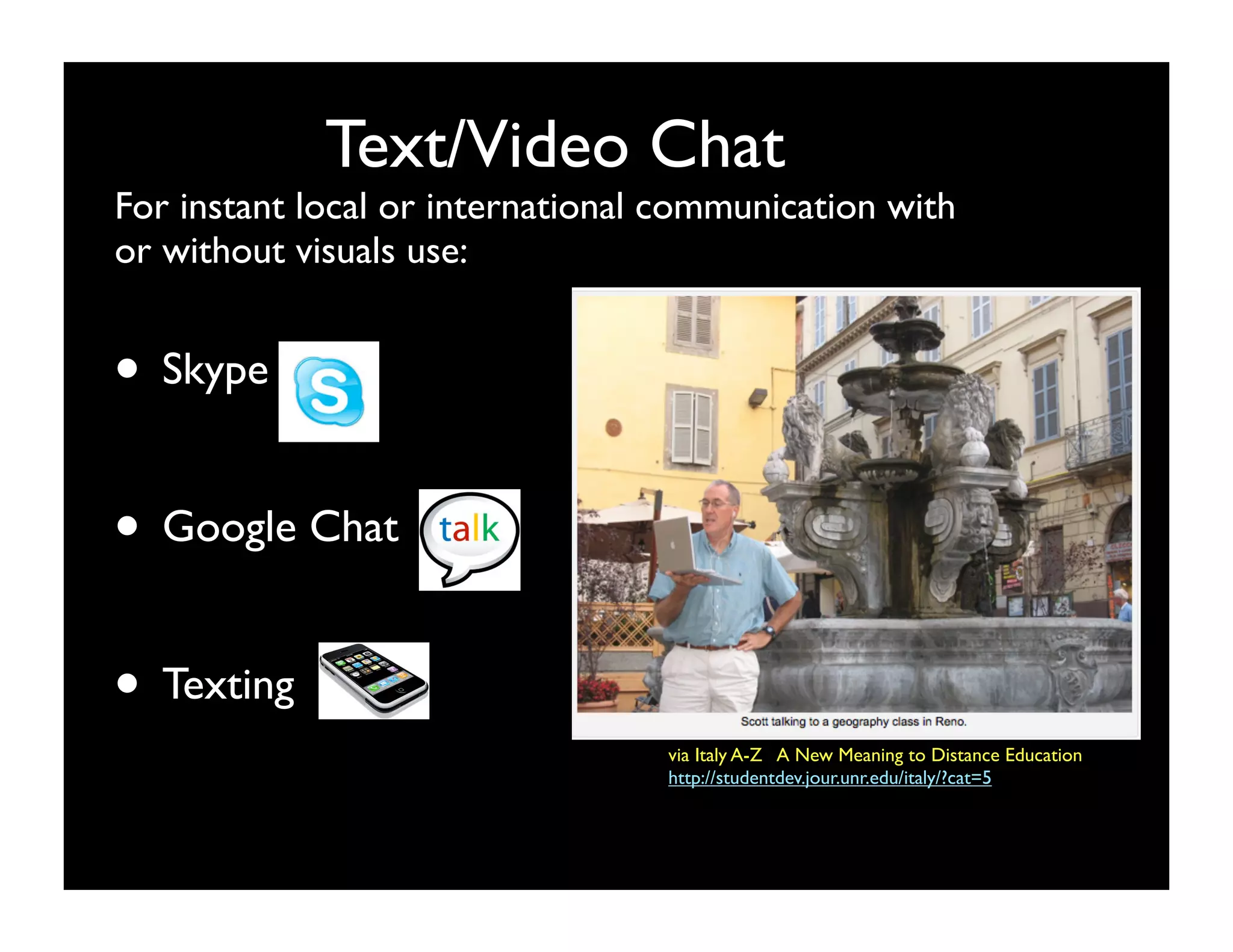
Text/Video Chat
For instant local or international communication with
or without visuals use:


• Skype

• Google Chat

• Texting
                                  via Italy A-Z   A New Meaning to Distance Education
                                  http://studentdev.jour.unr.edu/italy/?cat=5
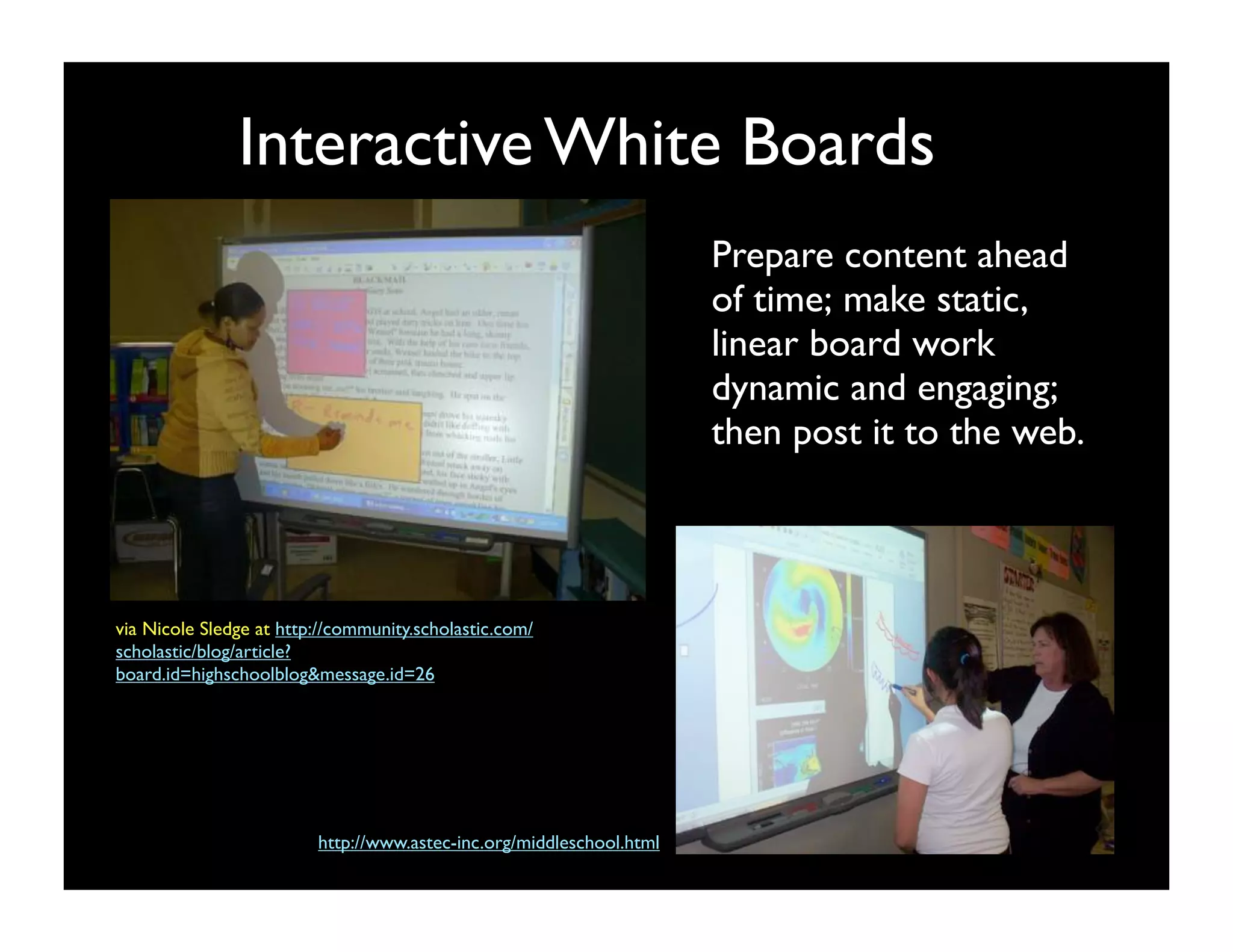
Interactive White Boards
                                                                      Prepare content ahead
                                                                      of time; make static,
                                                                      linear board work
                                                                      dynamic and engaging; 
                                                                      then post it to the web.


via Nicole Sledge at http://community.scholastic.com/
scholastic/blog/article?
board.id=highschoolblog&message.id=26


                         http://www.astec-inc.org/middleschool.html
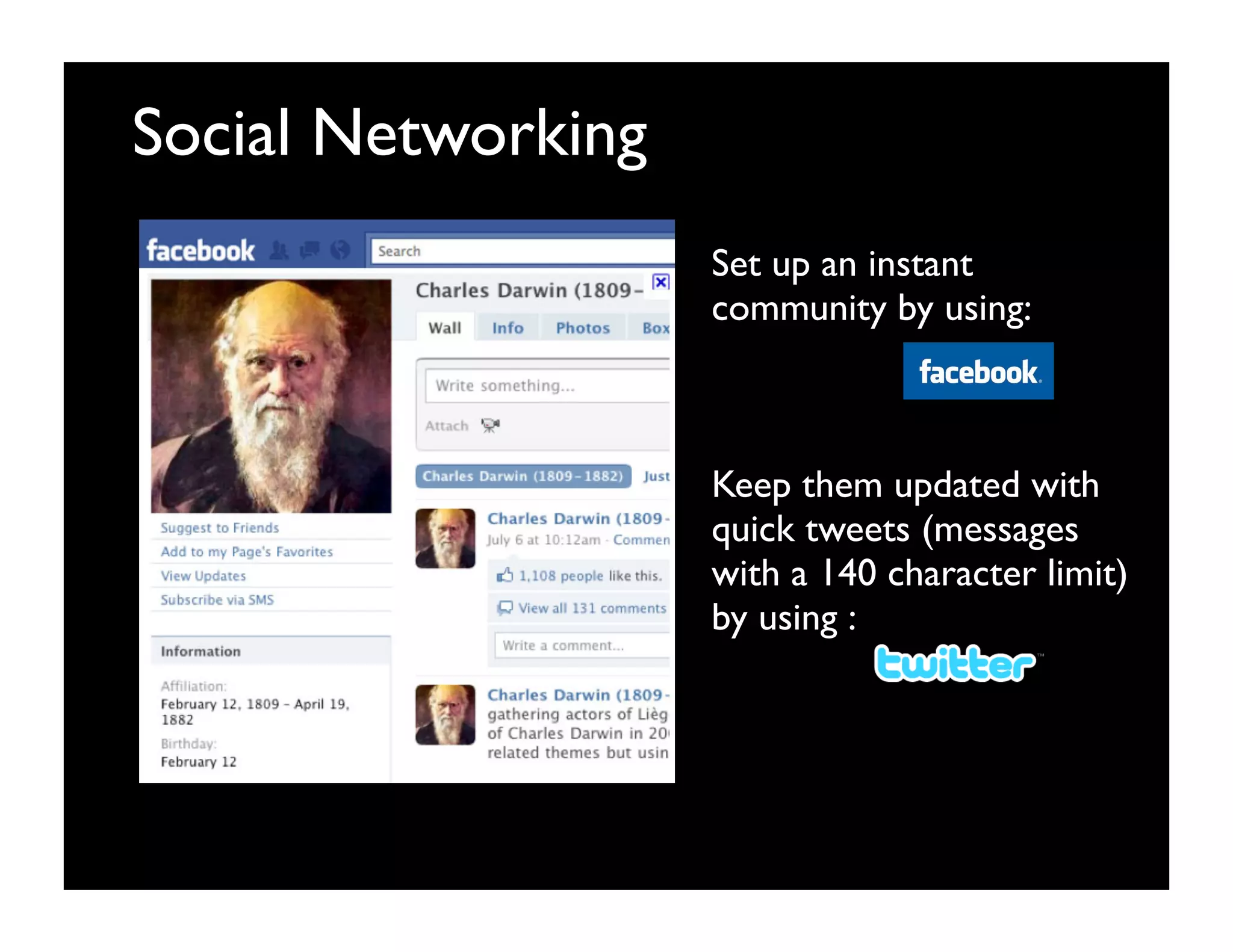
Social Networking
                    Set up an instant
                    community by using:


                    Keep them updated with
                    quick tweets (messages
                    with a 140 character limit)
                    by using :
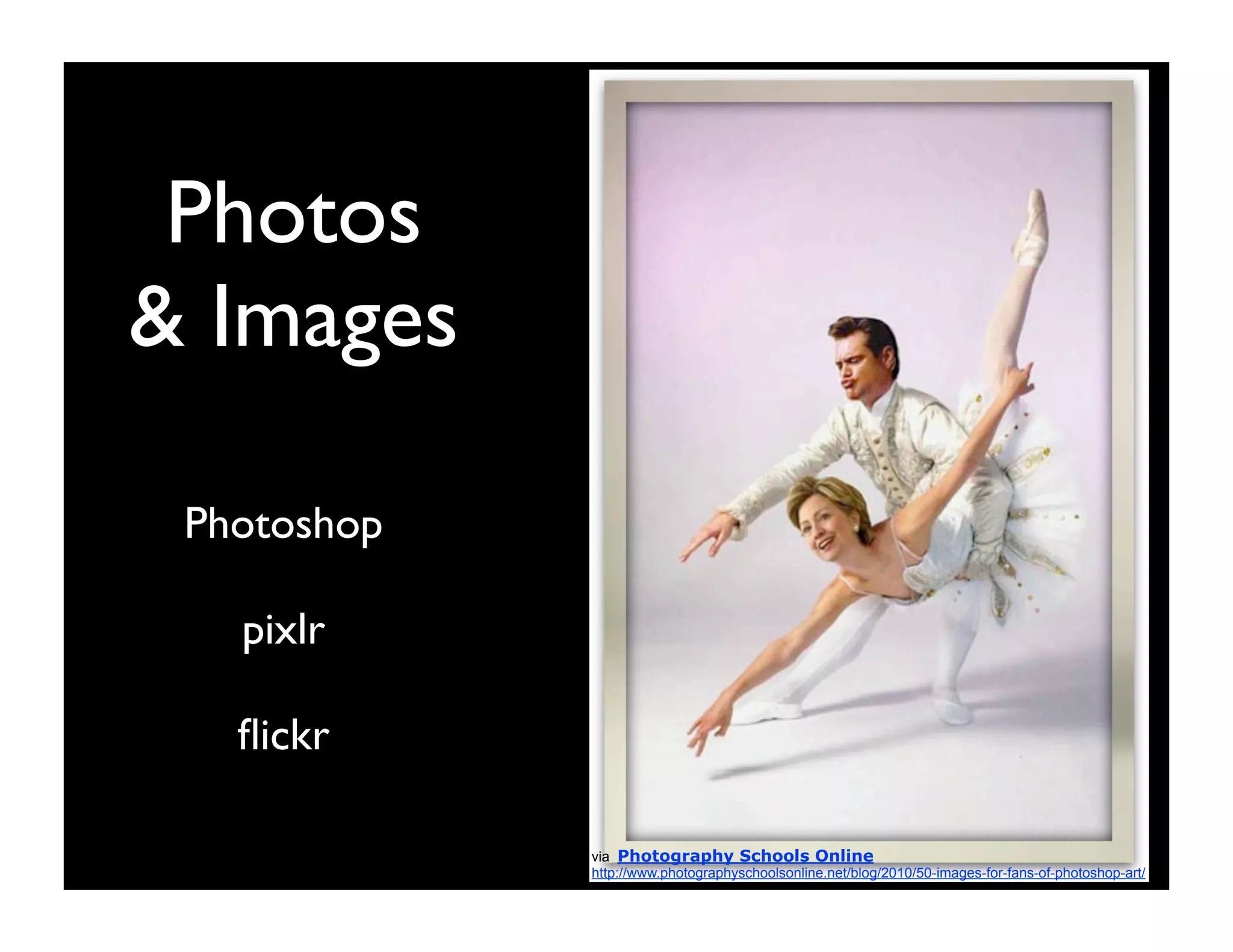
Photos
& Images

 Photoshop

   pixlr

   flickr

             via Photography Schools Online
             http://www.photographyschoolsonline.net/blog/2010/50-images-for-fans-of-photoshop-art/
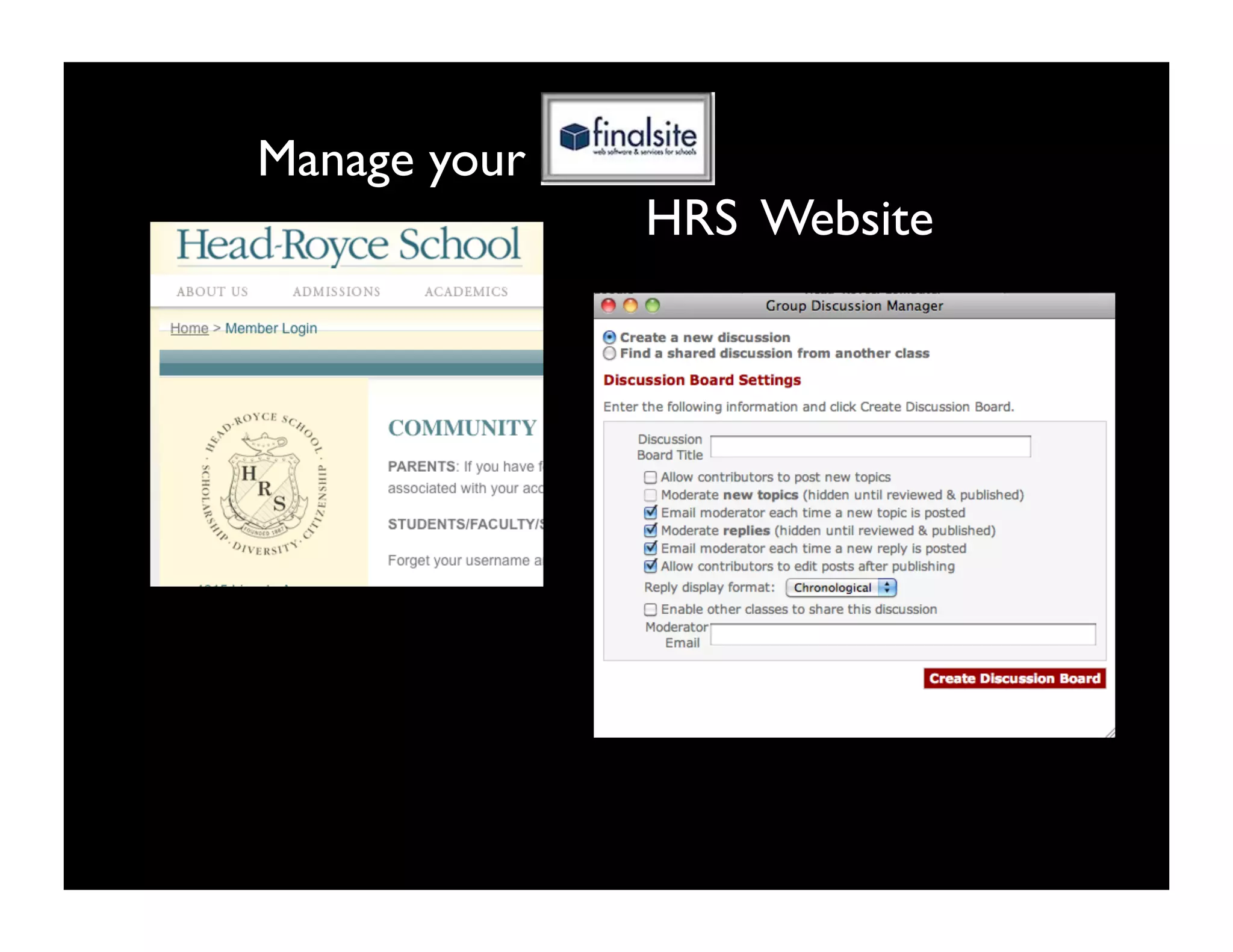
Manage your
              HRS Website

DigitalAppsPres Key

  • 1.
  • 2.
    ScreenCasting Create a digitalrecording of your computer screen that can be replayed as a video (think tutorial) by using:at can be shared as a video. This is from a screencast by a middle schooler. 6th grader, Kat, http://www.mathtrain.tv/play.php?vid=247
  • 3.
    Blogs & Wikis Authoror edit a shared online journal/log that can include links, photos, videos, etc. by using:
  • 4.
  • 5.
    This wiki has 22 pages of links for 5th grade research.
  • 6.
    Social Bookmarking Save, manage,and share links online. Links can be private or shared with selected groups. Diigo Delicious
  • 7.
    Online Document Sharing Userscan share, create, and edit documents simultaneously by using: Google Docs Zoho
  • 8.
    Movies and Videos Flip Video Cameras & FlipShare iMovie via Apple> iMovie Tutorials http://www.apple.com/ilife/tutorials/#imovie-intro
  • 9.
    Presentation Keynote Power Point Prezi Google Presentation Post them all on SlideShare
  • 10.
    Spreadsheets Track financial data, mathematical functionsand create beautiful tables using: via The Chronicle for Education http://chronicle.com/blogPost/Create-Your-Syllabus-With-a/24416/ • Software based: Excel Numbers • Web-based: Google Spreadsheet
  • 11.
    Text/Video Chat For instantlocal or international communication with or without visuals use: • Skype • Google Chat • Texting via Italy A-Z   A New Meaning to Distance Education http://studentdev.jour.unr.edu/italy/?cat=5
  • 12.
    Interactive White Boards Prepare content ahead of time; make static, linear board work dynamic and engaging;  then post it to the web. via Nicole Sledge at http://community.scholastic.com/ scholastic/blog/article? board.id=highschoolblog&message.id=26 http://www.astec-inc.org/middleschool.html
  • 13.
    Social Networking Set up an instant community by using: Keep them updated with quick tweets (messages with a 140 character limit) by using :
  • 14.
    Photos & Images Photoshop pixlr flickr via Photography Schools Online http://www.photographyschoolsonline.net/blog/2010/50-images-for-fans-of-photoshop-art/
  • 15.
    Manage your HRS Website