Technology in Mathematics and ScienceCreated and Presented by:Kari Busard		Dana SaralloKelli SpeckanTenikaFowers
Top ConceptsSpreadsheetsThis helps students carryout the what if problem solving.Graphing calculatorsThis gives students hands-on practice in solving mathematical problems.Interactive Geometry Software.This particular software makes abstracts thoughts clearer and easier to understand.Reasoning and skill-building softwareThis software helps to increase student's sub-skills while developing logic and comprehension. 
Top Scientific ConceptsThe Globe ProgramThis web based program offers opportunities for doing authentic science activities.Digital imaging tools and simulationsThis technology allows simulation to slow down or speed up processes for easier observation when deals with scientific experiments.
Computer AccessoriesScan different pictures of anything to do with math or science and project them onto the screen for students to see and/or identifyVideo tape different animals and have the students watch what was recordedTake pictures of certain items to show students scale, measurements and demonstrating perspectiveHave students take their own pictures on a certain topic that has to do with science and then put together a poster on the topic
Communication & Problem SolvingStudents can use the Internet when researching a specific topicA teacher can communicate with parents through e-mail if neededInteractive white boards could help students solve problems as a class Class websites can help students to know what is going on, expected of them, and on assignments
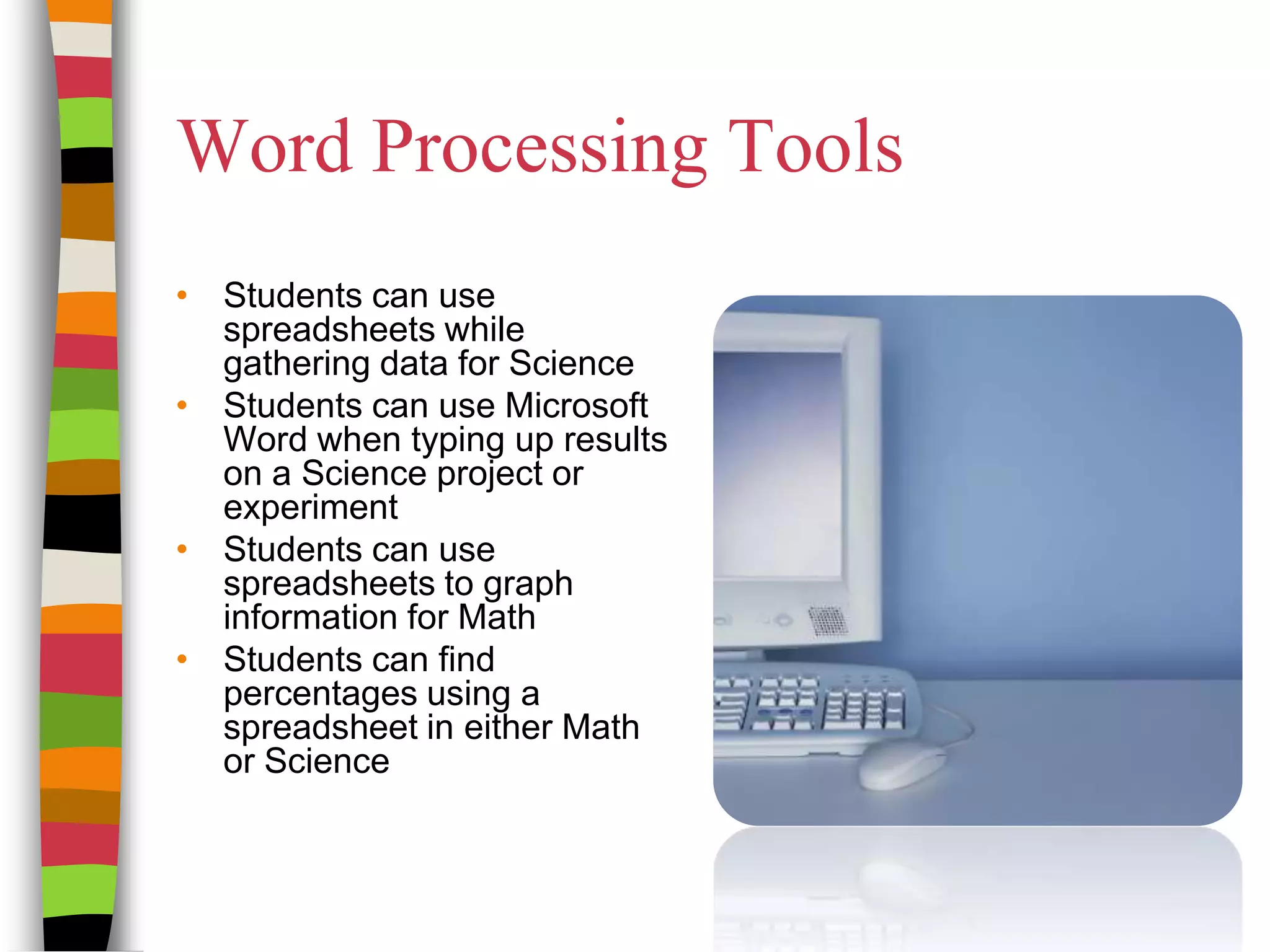
Word Processing ToolsStudents can use spreadsheets while gathering data for ScienceStudents can use Microsoft Word when typing up results on a Science project or experimentStudents can use spreadsheets to graph information for MathStudents can find percentages using a spreadsheet in either Math or Science
Multimedia ToolsMyMathLab:provides video lectures, animations, links to other sites, and interactive practice. Math World: Comprehensive, interactive encyclopedia of mathematics. Definitions, diagrams and explanations of ideas, concepts and terms.The Planetary Society:Ableto make data collections and easy to collect information   Digital Library for Earth System Education (DLSE) helps students visualize and understand earth
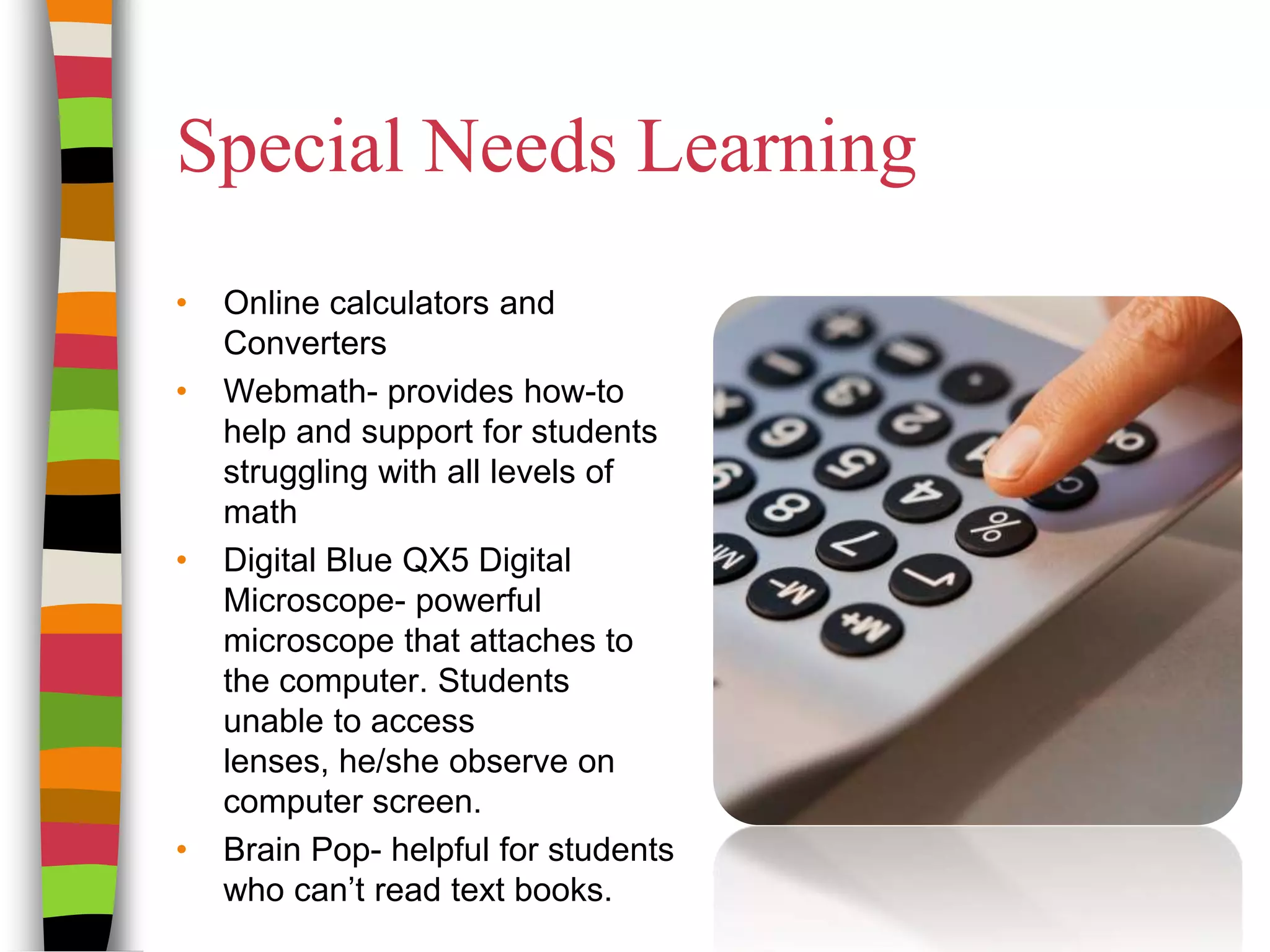
Special Needs LearningOnline calculators and ConvertersWebmath- provides how-to help and support for students struggling with all levels of math Digital Blue QX5 Digital Microscope- powerful microscope that attaches to the computer. Students unable to access lenses, he/she observe on computer screen.Brain Pop- helpful for students who can’t read text books.
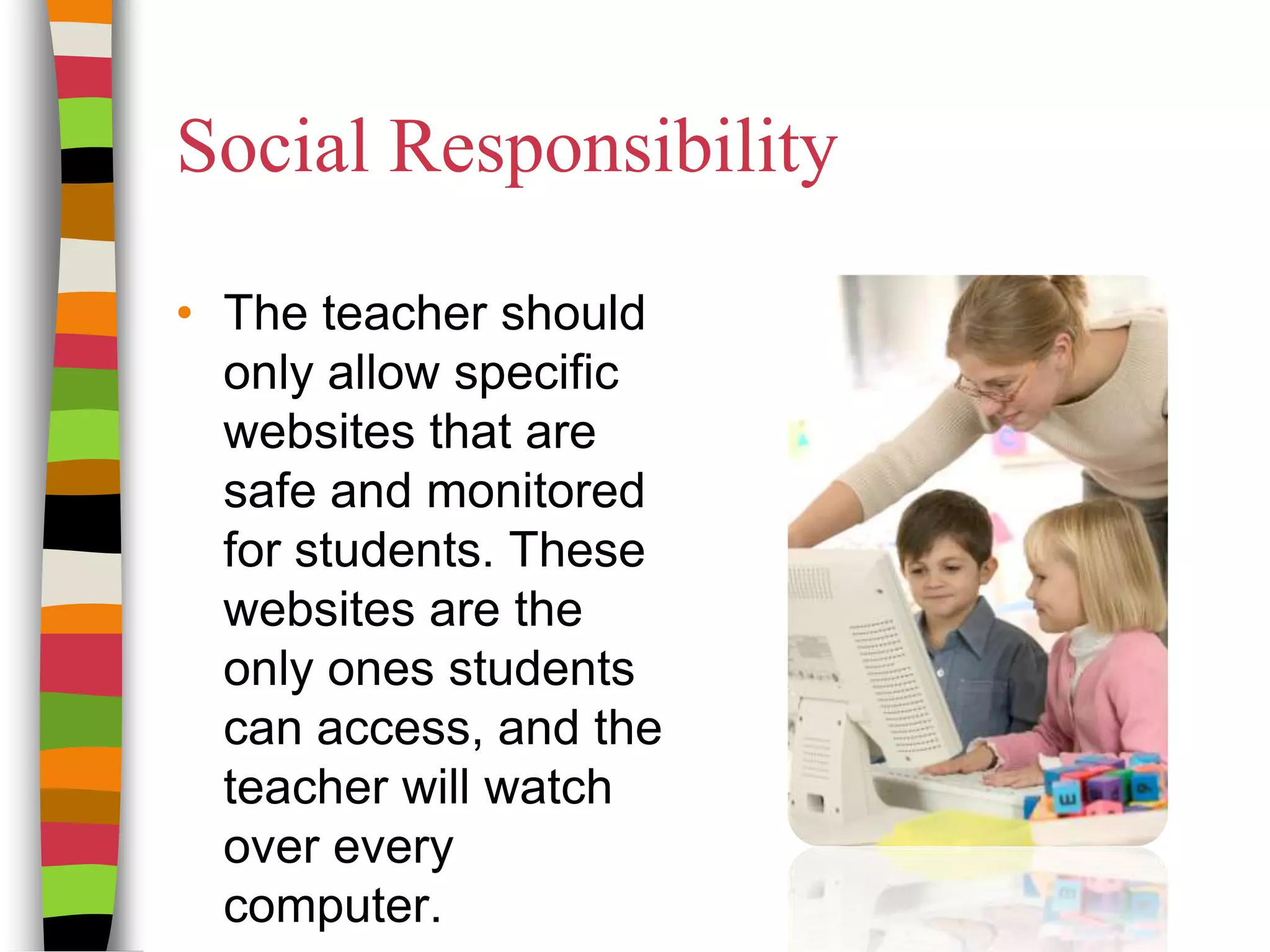
Social ResponsibilityThe teacher should only allow specific websites that are safe and monitored for students. These websites are the only ones students can access, and the teacher will watch over every computer. 
Copyright ©Research the information and technology first before using information.Search for free copyright information onlyIf teacher or student wants to use information, they must get permission by owner before useDouble check for information accuracy and copyright information.
Online Learning for ScienceThe Genetic Engineering MiniQuestThis Webquestis a short project that allows students to research cell information on different websites. This will familiarize them with the genetic engineering website. Overall, I think this is a fun short projectURL
Online Learning for SciencePlant MicropropagationThis Webquest project is a long term project with many observations to see a conclusion. This is a great project that will allow for students to make many observations as everyone will have a different perception of the organism.URL
Online Learning for MathUnderstanding money and current currency exchangeIn this WebQuest, students explore the nature of money, how monetary systems evolve, and how different cultures value money. They also use an online currency converter to learn how foreign exchange rates work.URL
Online Learning for MathTrack your family's water usage  Allowing students to calculate how much water is being used by their family. A different and good project to get students involved with technology and guessing those numbers. The directions are easy to follow.URL
Instructional SoftwareMS Excel can be used to teach management processes and enhance problem solving skills in mathematics.Drill and practice software can be used to help students receive feed back on examples given by the instructor.Instructional games designed to motivate learning.Simulations (real or imagined) system designs to teach students how to create their own sequence for using information.
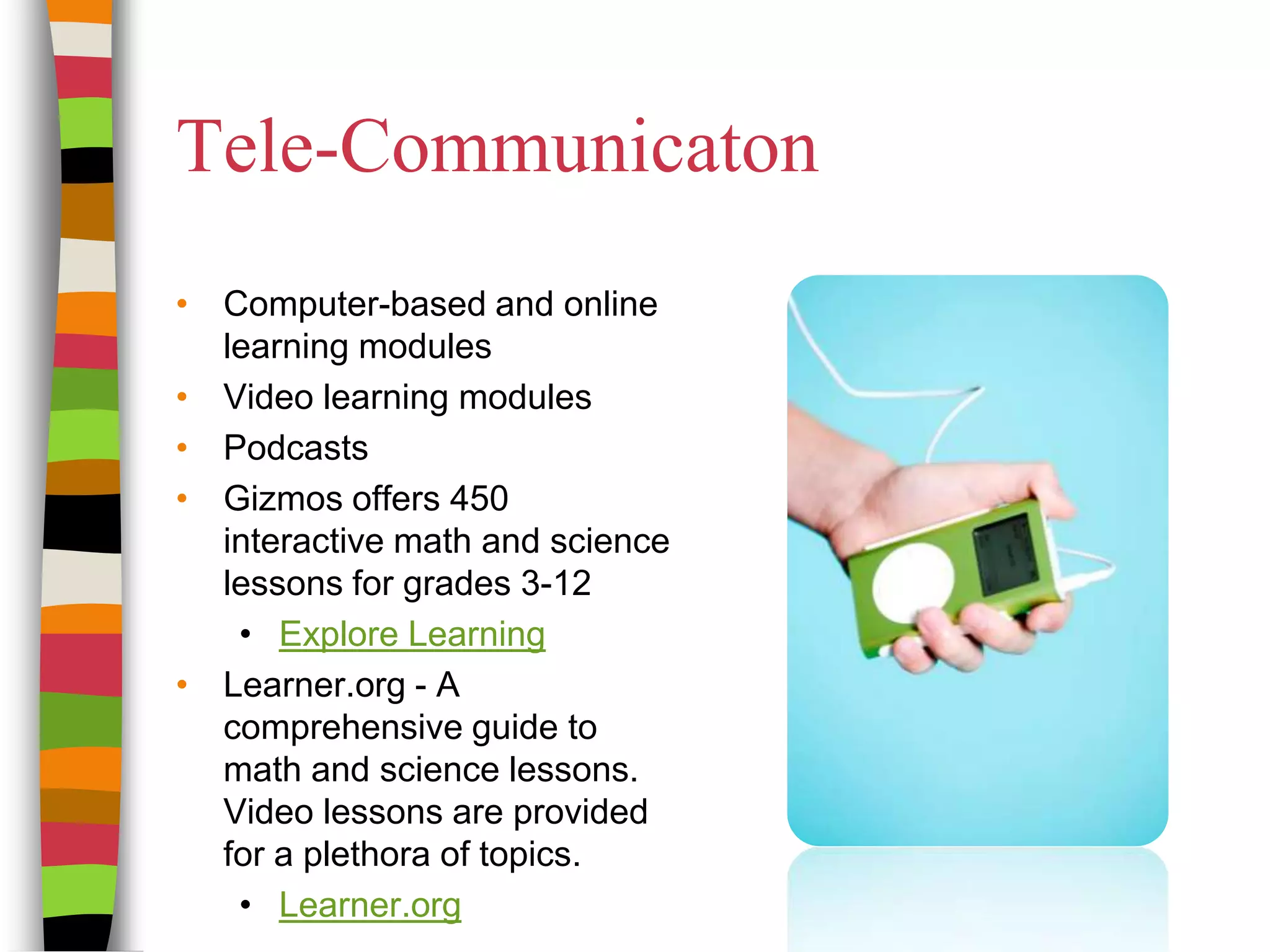
Tele-CommunicatonComputer-based and online learning modules Video learning modulesPodcastsGizmos offers 450 interactive math and science lessons for grades 3-12Explore LearningLearner.org - A comprehensive guide to math and science lessons. Video lessons are provided for a plethora of topics.Learner.org 
RubricsRubrics for Teachers  - This is a great resource for rubrics and rubric design. Pre-design rubrics allow teachers a solid foundation and starting point, of not the entire lesson rubric.teAchnolgoy - For a small fee, teachers have access to pre-made rubrics and a rubric maker.Rubistar - A comprehensive rubric maker that is easy to use. The best in my opinion.iRubric - made rubrics and a rubric maker.
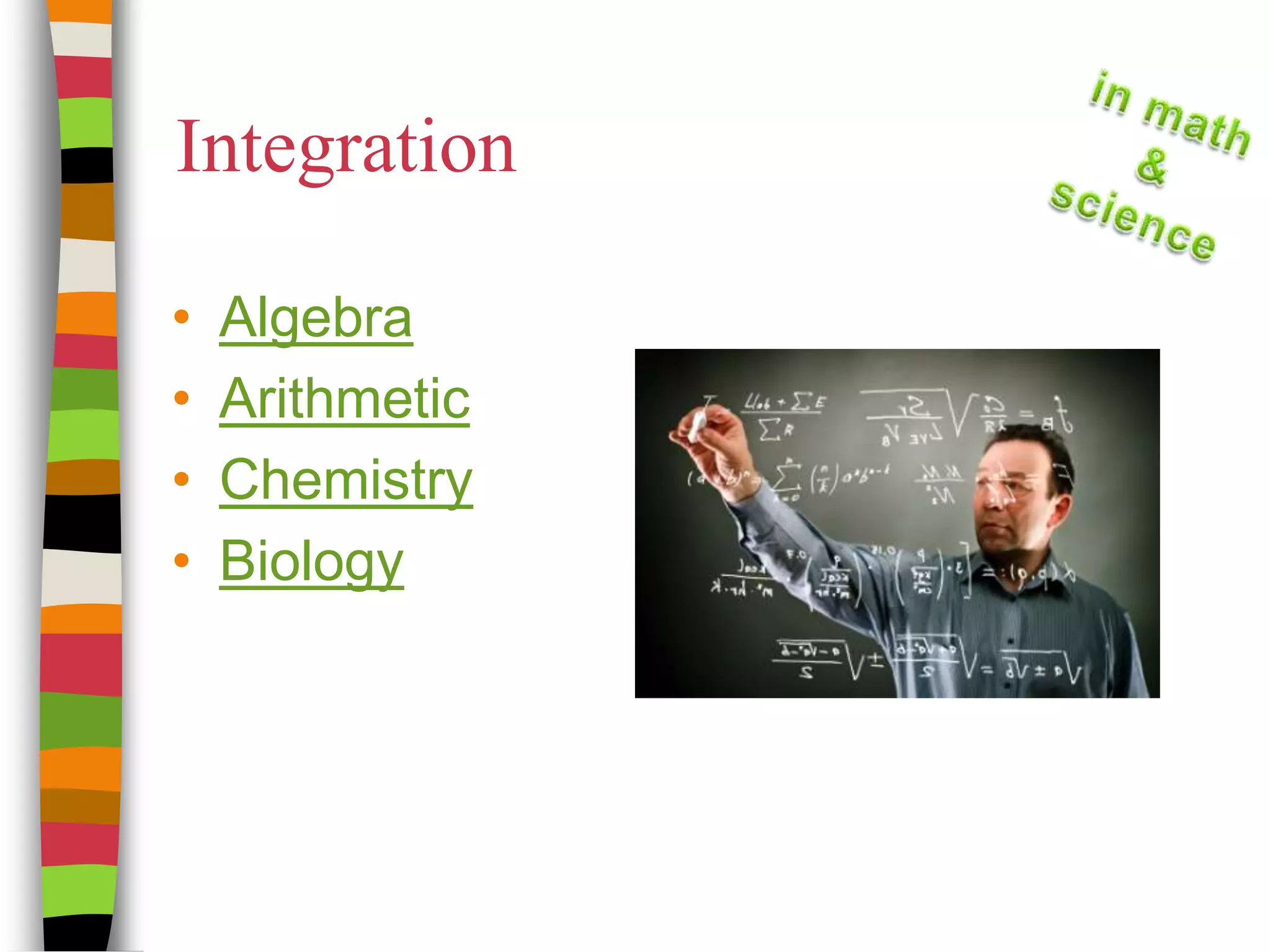
IntegrationAlgebraArithmeticChemistryBiology
Technology SummaryTechnology is a valuable resource for learning and teaching technologyTools such as computers, calculators, Word-processing, spreadsheets, microscopes, and multimedia enhance the learning process
AssessmentWhat is a computer based program that can be used to teach Math and/or Science?What social responsibilities do teachers and students have to ensure safe usage of the internet?What tools can assist those with special learning needs navigate technology?How does technology in the fields of Math and Science help communication between students and teachers?
ReferencesAll photos are from Microsoft Clipart Online.Please see the photo to link to the websitehttp://office.microsoft.com/en-us/images/results.aspx?qu=test#ai:MP900439390|http://office.microsoft.com/en-us/images/results.aspx?qu=algebra#ai:MP900443099|http://office.microsoft.com/en-us/images/results.aspx?qu=mp3#ai:MP900430549|http://office.microsoft.com/en-us/images/results.aspx?qu=teacher#ai:MP900409101|mt:2|http://office.microsoft.com/en-us/images/results.aspx?qu=calculator#ai:MP900411753|mt:2|http://office.microsoft.com/en-us/images/results.aspx?qu=keyboard#ai:MP900408826|mt:2|

Technology in Mathematics and Science IDT285

  • 1.
    Technology in Mathematicsand ScienceCreated and Presented by:Kari Busard Dana SaralloKelli SpeckanTenikaFowers
  • 2.
    Top ConceptsSpreadsheetsThis helpsstudents carryout the what if problem solving.Graphing calculatorsThis gives students hands-on practice in solving mathematical problems.Interactive Geometry Software.This particular software makes abstracts thoughts clearer and easier to understand.Reasoning and skill-building softwareThis software helps to increase student's sub-skills while developing logic and comprehension. 
  • 3.
    Top Scientific ConceptsTheGlobe ProgramThis web based program offers opportunities for doing authentic science activities.Digital imaging tools and simulationsThis technology allows simulation to slow down or speed up processes for easier observation when deals with scientific experiments.
  • 4.
    Computer AccessoriesScan differentpictures of anything to do with math or science and project them onto the screen for students to see and/or identifyVideo tape different animals and have the students watch what was recordedTake pictures of certain items to show students scale, measurements and demonstrating perspectiveHave students take their own pictures on a certain topic that has to do with science and then put together a poster on the topic
  • 5.
    Communication & ProblemSolvingStudents can use the Internet when researching a specific topicA teacher can communicate with parents through e-mail if neededInteractive white boards could help students solve problems as a class Class websites can help students to know what is going on, expected of them, and on assignments
  • 6.
    Word Processing ToolsStudentscan use spreadsheets while gathering data for ScienceStudents can use Microsoft Word when typing up results on a Science project or experimentStudents can use spreadsheets to graph information for MathStudents can find percentages using a spreadsheet in either Math or Science
  • 7.
    Multimedia ToolsMyMathLab:provides videolectures, animations, links to other sites, and interactive practice. Math World: Comprehensive, interactive encyclopedia of mathematics. Definitions, diagrams and explanations of ideas, concepts and terms.The Planetary Society:Ableto make data collections and easy to collect information   Digital Library for Earth System Education (DLSE) helps students visualize and understand earth
  • 8.
    Special Needs LearningOnlinecalculators and ConvertersWebmath- provides how-to help and support for students struggling with all levels of math Digital Blue QX5 Digital Microscope- powerful microscope that attaches to the computer. Students unable to access lenses, he/she observe on computer screen.Brain Pop- helpful for students who can’t read text books.
  • 9.
    Social ResponsibilityThe teachershould only allow specific websites that are safe and monitored for students. These websites are the only ones students can access, and the teacher will watch over every computer. 
  • 10.
    Copyright ©Research theinformation and technology first before using information.Search for free copyright information onlyIf teacher or student wants to use information, they must get permission by owner before useDouble check for information accuracy and copyright information.
  • 11.
    Online Learning forScienceThe Genetic Engineering MiniQuestThis Webquestis a short project that allows students to research cell information on different websites. This will familiarize them with the genetic engineering website. Overall, I think this is a fun short projectURL
  • 12.
    Online Learning forSciencePlant MicropropagationThis Webquest project is a long term project with many observations to see a conclusion. This is a great project that will allow for students to make many observations as everyone will have a different perception of the organism.URL
  • 13.
    Online Learning forMathUnderstanding money and current currency exchangeIn this WebQuest, students explore the nature of money, how monetary systems evolve, and how different cultures value money. They also use an online currency converter to learn how foreign exchange rates work.URL
  • 14.
    Online Learning forMathTrack your family's water usage  Allowing students to calculate how much water is being used by their family. A different and good project to get students involved with technology and guessing those numbers. The directions are easy to follow.URL
  • 15.
    Instructional SoftwareMS Excelcan be used to teach management processes and enhance problem solving skills in mathematics.Drill and practice software can be used to help students receive feed back on examples given by the instructor.Instructional games designed to motivate learning.Simulations (real or imagined) system designs to teach students how to create their own sequence for using information.
  • 16.
    Tele-CommunicatonComputer-based and onlinelearning modules Video learning modulesPodcastsGizmos offers 450 interactive math and science lessons for grades 3-12Explore LearningLearner.org - A comprehensive guide to math and science lessons. Video lessons are provided for a plethora of topics.Learner.org 
  • 17.
    RubricsRubrics for Teachers - This is a great resource for rubrics and rubric design. Pre-design rubrics allow teachers a solid foundation and starting point, of not the entire lesson rubric.teAchnolgoy - For a small fee, teachers have access to pre-made rubrics and a rubric maker.Rubistar - A comprehensive rubric maker that is easy to use. The best in my opinion.iRubric - made rubrics and a rubric maker.
  • 18.
  • 19.
    Technology SummaryTechnology isa valuable resource for learning and teaching technologyTools such as computers, calculators, Word-processing, spreadsheets, microscopes, and multimedia enhance the learning process
  • 20.
    AssessmentWhat is acomputer based program that can be used to teach Math and/or Science?What social responsibilities do teachers and students have to ensure safe usage of the internet?What tools can assist those with special learning needs navigate technology?How does technology in the fields of Math and Science help communication between students and teachers?
  • 21.
    ReferencesAll photos arefrom Microsoft Clipart Online.Please see the photo to link to the websitehttp://office.microsoft.com/en-us/images/results.aspx?qu=test#ai:MP900439390|http://office.microsoft.com/en-us/images/results.aspx?qu=algebra#ai:MP900443099|http://office.microsoft.com/en-us/images/results.aspx?qu=mp3#ai:MP900430549|http://office.microsoft.com/en-us/images/results.aspx?qu=teacher#ai:MP900409101|mt:2|http://office.microsoft.com/en-us/images/results.aspx?qu=calculator#ai:MP900411753|mt:2|http://office.microsoft.com/en-us/images/results.aspx?qu=keyboard#ai:MP900408826|mt:2|